How do I use the Anime Game Cinematic Animation template?
Edit the prompt in the box under the preview — the template's model and format are already selected — and press Generate. Your version appears right on this page.
A professional anime-style game splash screen animation prompt using a storyboard and an end-frame image as references, featuring dynamic camera zooms and hair physics.
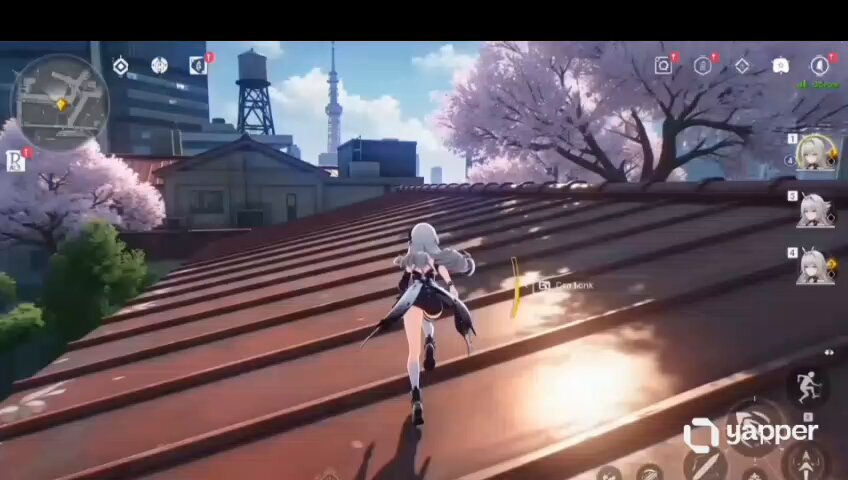
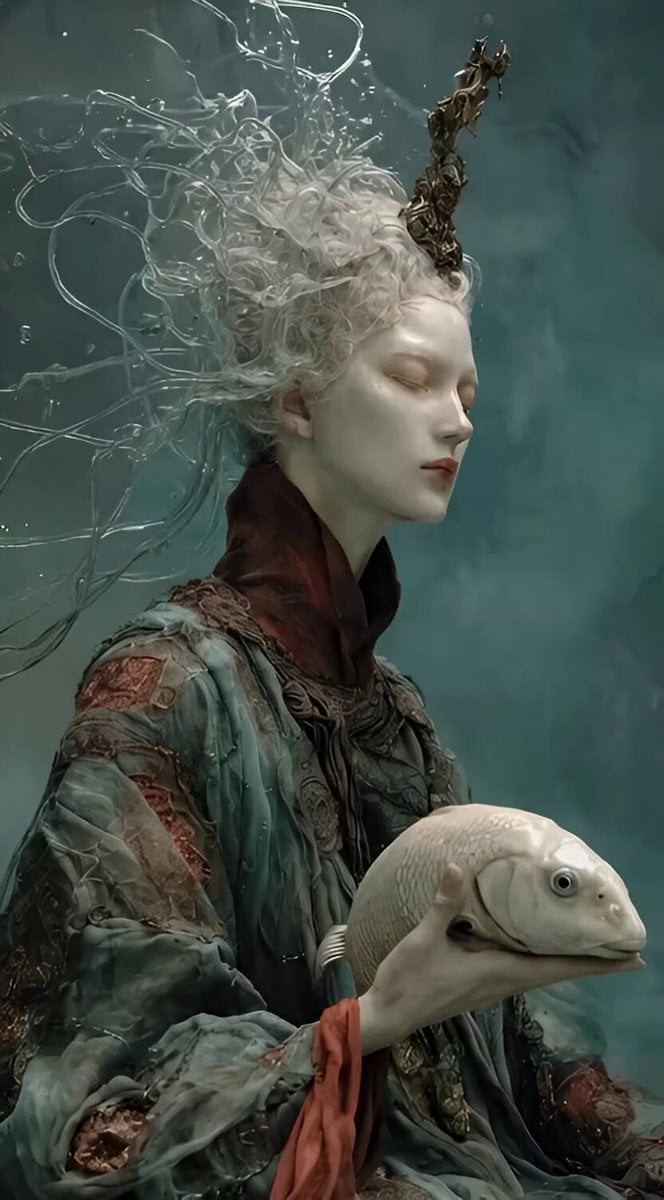
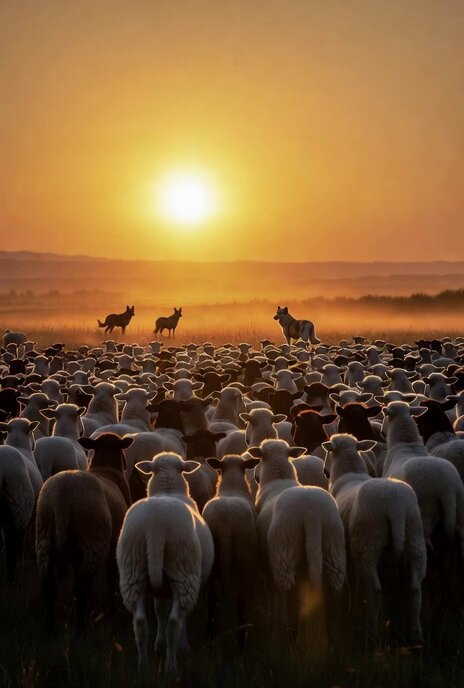
Create an anime styled game cinematic animation. @image1 is the storyboard reference. @image2 is the last frame, follow the consistent character and artstyle as @image2 0:00-0:01: Close up shot: Empty surface of the roofttop, the girl’s foot enter frame and leave the frame. 0:01 -0:03: Half body shot back view, camera following the girl as she sprinting on the rooftop, her ponytail hair flowing towards camera 0:03-0:06: Extreme long shot, in between two buildings, Silhouette of the girl and the wolf leap from one building to another, there’s a huge bright billboard of herself in the background. Slow mo when the girl is in between two buildings 0:06-0:10: Camera fast zoom out to the @image2 attached as the last scene. The animation in this scene is a looping idle animated game splash screen. Similar to those we can see in Honor of King, Overwatch or League of Legends. Long flowy hair animation, flickering billboards in the background, highly detailed. Consistent artstyle, background and characters. Cinematic, professional and dynamic camera angle.
Create an anime styled game cinematic animation. @image1 is the storyboard reference. @image2 is the last frame, follow the consistent character and artstyle as @image2 0:00-0:01: Close up shot: Empty surface of the roofttop, the girl’s foot enter frame and leave the frame. 0:01 -0:03: Half body shot back view, camera following the girl as she sprinting on the rooftop, her ponytail hair flowing towards camera 0:03-0:06: Extreme long shot, in between two buildings, Silhouette of the girl and the wolf leap from one building to another, there’s a huge bright billboard of herself in the background. Slow mo when the girl is in between two buildings 0:06-0:10: Camera fast zoom out to the @image2 attached as the last scene. The animation in this scene is a looping idle animated game splash screen. Similar to those we can see in Honor of King, Overwatch or League of Legends. Long flowy hair animation, flickering billboards in the background, highly detailed. Consistent artstyle, background and characters. Cinematic, professional and dynamic camera angle.
Edit the prompt in the box under the preview — the template's model and format are already selected — and press Generate. Your version appears right on this page.
Yes. You can change the subject, setting, lighting, mood, format, and available model controls before creating your video.
Opening and editing this template is free. Generating uses credits, shown on the Generate button when you are signed in.
Start with Seedance 2.0, which is the model associated with this template. You can compare another compatible model for a different finish.
Follow a topic to a crawlable collection of related PicX Studio templates.