How do I use the Cinematic Rolex Watch Assembly Ad Concept template?
Edit the prompt in the box under the preview — the template's model and format are already selected — and press Generate. Your version appears right on this page.
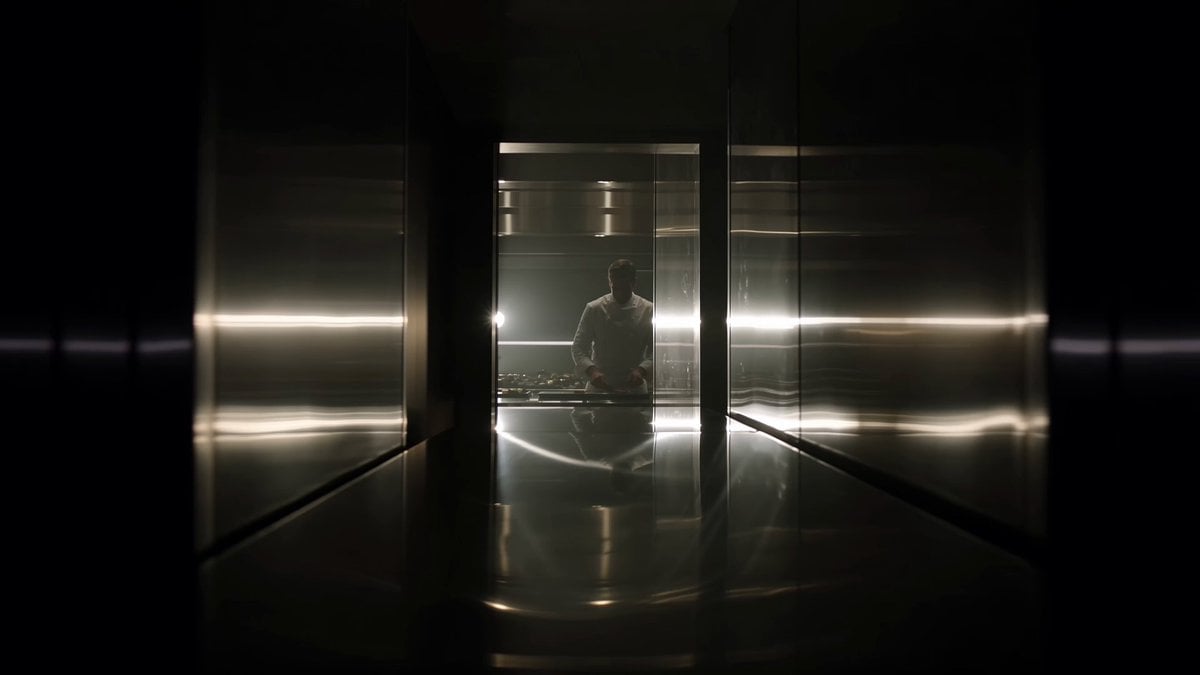
A highly detailed prompt for generating a hyper-realistic, cinematic luxury watch commercial, specifically for a Rolex assembly concept.
{ "description": "A cinematic macro shot opens inside a dark luxury workshop with soft golden lighting. Tiny mechanical watch parts float slowly in the air as if in zero gravity. Gears, screws, springs, and polished metal components rotate gently while moving toward the center. One by one, the parts assemble themselves in perfect slow motion, forming the inner mechanism of a luxury watch. The camera moves closer as the movement begins ticking smoothly with precise detail. The watch case appears and closes around the mechanism with perfect alignment. The bracelet links slide together one after another with clean metallic reflections. Finally, the finished Rolex watch rotates slowly in the air and stops perfectly front-facing. The dial is crystal clear, with the Rolex crown logo sharp, centered, and fully readable on the watch face. The glass shows clean reflections without distortion, and the branding remains perfectly visible as soft golden particles fade in the background. The camera pushes in for a clean hero shot focused on the dial and logo. No text.", "style": "cinematic, hyper-realistic luxury watch commercial, premium Rolex style ad", "camera": "macro close-up start, slow floating assembly shots, smooth push-in hero shot focused on dial", "lighting": "dark studio with warm gold highlights, controlled reflections on metal and glass, logo kept clear and readable", "environment": "high-end watch workshop, dark background, floating mechanical parts, soft dust particles, luxury atmosphere", "motion": "slow precise assembly motion, floating parts, smooth rotation, stable hero shot for branding clarity", "ending": "hero product shot with Rolex watch centered, front-facing, crown logo sharp, dial text readable, clean reflections, luxury premium look", "tone": "luxury, precise, elegant, sophisticated, premium craftsmanship", "color_palette": "gold, silver, black, dark green, warm highlights, polished metal tones", "duration": "10 seconds", "aspect_ratio": "16:9", "text": "none", "keywords": [ "rolex watch", "rolex branding", "logo clarity", "luxury watch commercial", "hero product shot", "cinematic ad", "hyper-realistic", "premium brand", "no text" ] }
Edit the prompt in the box under the preview — the template's model and format are already selected — and press Generate. Your version appears right on this page.
Yes. You can change the subject, setting, lighting, mood, format, and available model controls before creating your video.
Opening and editing this template is free. Generating uses credits, shown on the Generate button when you are signed in.
Start with Grok Imagine, which is the model associated with this template. You can compare another compatible model for a different finish.
Follow a topic to a crawlable collection of related PicX Studio templates.