How do I use the Seedance 2.0 Dharma Transformation Video Prompt template?
Edit the prompt in the box under the preview — the template's model and format are already selected — and press Generate. Your version appears right on this page.
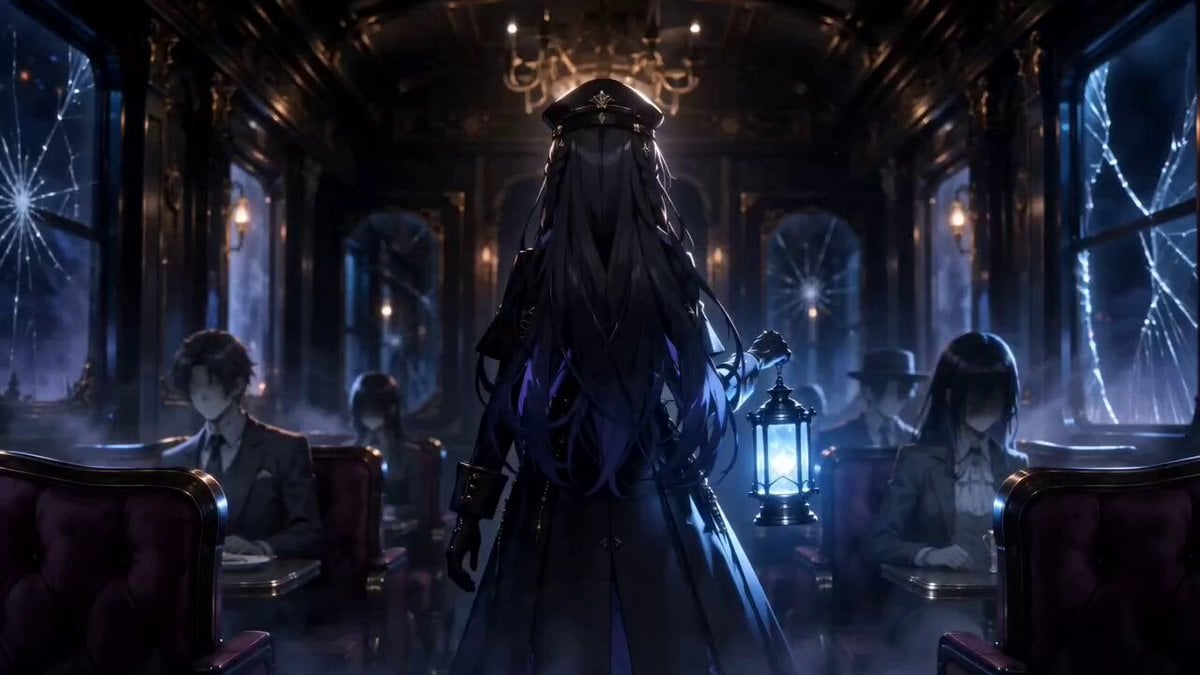
A Seedance 2.0 prompt for generating a video of a female protagonist performing a 'Dharma Transformation' (Fa Tian Xiang Di).
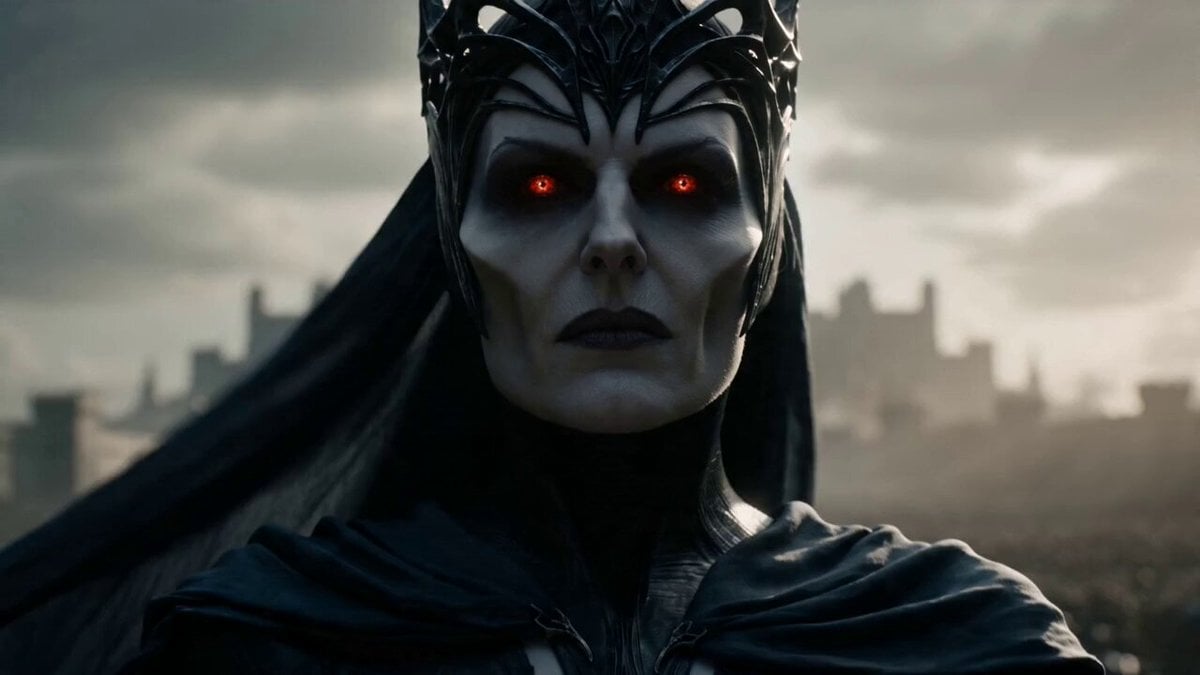
A cinematic shot with strong visual impact, centered composition + low-angle upward shot; the female lead is the character from @Image 1; a close-up of the female lead, her expression cold and composed, her hands flying through hand seals at extreme speed, a flowing blue-black light effect swirling at her fingertips, richly layered and shimmering with color, the entire sequence of moves completed at blinding, ultra-high speed; as she completes the seal, the camera rapidly pulls back, quickly cutting to a grand wide-angle panorama — behind the character, a towering, sky-scraping crimson-red Asura avatar rises from the ground (a colossal version of the character from @Image 1), the character's own form now tiny by comparison, the avatar filling the entire background, striking a fierce, commanding pose in an instant, its presence overwhelming everything in sight; the Asura avatar has eight arms, each wielding a different weapon, its towering crown and flowing skirts billowing; the final frame freezes on the full form of the avatar, a mysterious wheel of runes spinning behind it, particles of light swirling across the sky, creating an intensely oppressive visual weight and an epic battle atmosphere, the whole scene rendered with meticulous light and shadow.
A cinematic shot with strong visual impact, centered composition + low-angle upward shot; the female lead is the character from @Image 1; a close-up of the female lead, her expression cold and composed, her hands flying through hand seals at extreme speed, a flowing blue-black light effect swirling at her fingertips, richly layered and shimmering with color, the entire sequence of moves completed at blinding, ultra-high speed; as she completes the seal, the camera rapidly pulls back, quickly cutting to a grand wide-angle panorama — behind the character, a towering, sky-scraping crimson-red Asura avatar rises from the ground (a colossal version of the character from @Image 1), the character's own form now tiny by comparison, the avatar filling the entire background, striking a fierce, commanding pose in an instant, its presence overwhelming everything in sight; the Asura avatar has eight arms, each wielding a different weapon, its towering crown and flowing skirts billowing; the final frame freezes on the full form of the avatar, a mysterious wheel of runes spinning behind it, particles of light swirling across the sky, creating an intensely oppressive visual weight and an epic battle atmosphere, the whole scene rendered with meticulous light and shadow.
Edit the prompt in the box under the preview — the template's model and format are already selected — and press Generate. Your version appears right on this page.
Yes. You can change the subject, setting, lighting, mood, format, and available model controls before creating your video.
Opening and editing this template is free. Generating uses credits, shown on the Generate button when you are signed in.
Start with Seedance 2.0, which is the model associated with this template. You can compare another compatible model for a different finish.
Follow a topic to a crawlable collection of related PicX Studio templates.