
Colossal Creatures City Invasion
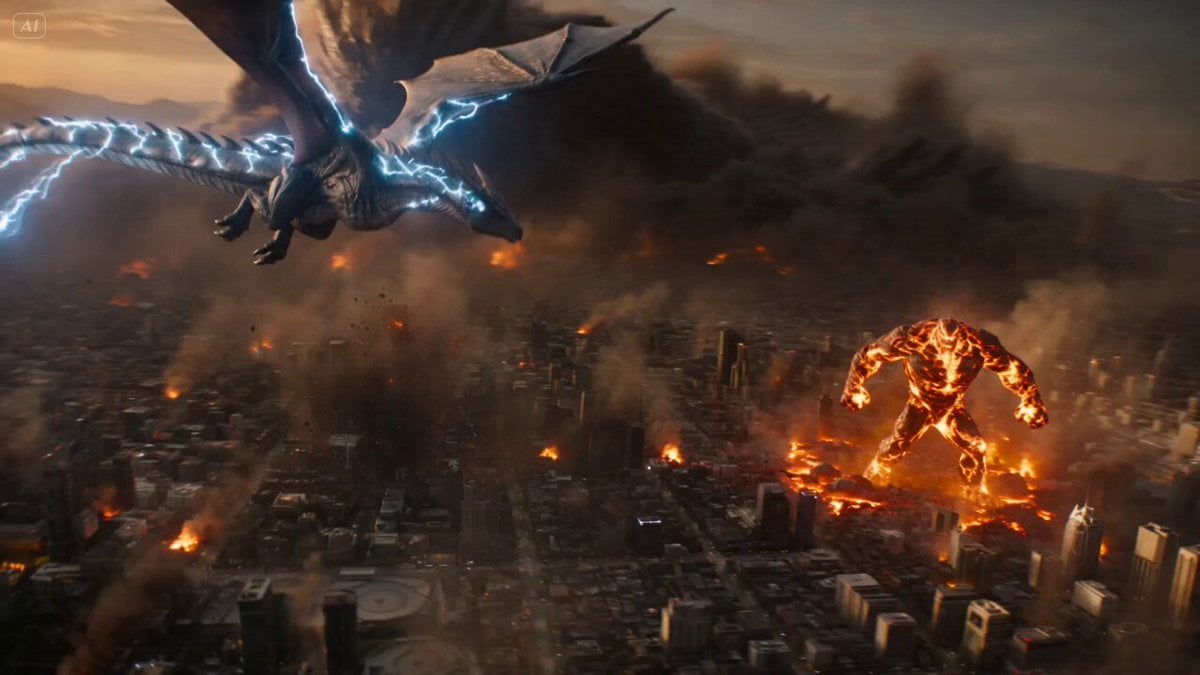
An epic-scale video prompt featuring multiple giant monsters attacking a mega-city simultaneously with dynamic drone movements and heavy VFX.
- Prompt included
- Model and format preset
- Premium template
The prompt behind this video
Copy the exact prompt behind Colossal Creatures City Invasion, or open it in the studio and make it yours.
Multiple colossal creatures invading simultaneously: a winged dragon with lightning veins tearing through the sky, a massive lava titan crushing everything on the ground, and a shadow leviathan spreading like a living void across the city, each dominating a different layer of destruction with overwhelming presence All attack at once, the city collapsing from every direction—lightning strikes obliterating skyscrapers, the ground rupturing under the titan’s steps, entire districts swallowed by moving darkness, creating unstoppable large-scale chaos Mega city completely overwhelmed, buildings falling in waves, firestorms rising, thunder splitting the sky, shadows consuming light, total environmental collapse + Starts with extreme wide aerial revealing all threats at once, rapid multi-directional drone movements switching focus between sky, ground and shadow, whip pans linking each destructive event, FPV dives through collapsing streets and explosions, aggressive orbit shots around each creature, constant camera motion blending chaos with layered VFX (fire, lightning, smoke, shadows), debris flooding the frame, ending with all creatures standing dominant over a fully destroyed city—dragon hovering above crackling with lightning, titan planted in molten ruins, shadow leviathan covering entire districts—while the camera slowly pulls back into a massive wide shot revealing total annihilation, silence briefly falling before a final synchronized roar echoes across the wasteland
How to use Colossal Creatures City Invasion in 3 steps
- 1
Open
The prompt is already in the box next to the preview, with the template's model and format selected.
- 2…a portrait of your subject in softgolden-hour light, 85mm…
Personalize
Edit the subject and creative details for your destination.
- 3Generate
Generate
Press Generate — your video is created in PicX Studio, so you can compare it with the original and refine one variable at a time.
More like this
Templates with the same subject, style or setup. Open one to see its prompt.

Realistic City Street Story Cinematic Video - Seedance

Luxury Lifestyle Day Vlog

NYC Wingsuit Hot Dog Landing

Luxury Airport Travel Vlog

Iced Coffee Dog Good-News Montage

Italian Old-Town Time-Freeze Walk
Nano Banana Seedance Environment Render Walk
City Timelapse Growth — Seedance 2.0
Colossal Sea Creature — Stormy Shore Charge (Seedance)
Whale in the Sky — City Shadows (Kling AI)
Porsche 911 GT3 RS Night Racing — Neon City Streets
Stone Colossus Desert Riders — Golden Fire Reveal
Make it yours
Colossal Creatures City Invasion works as-is. These are the safest ways to change it without losing the look.
Change one field
Copy a single group, rewrite it, and generate again so you can see what that field is doing.
Keep the frame, change the subject
Hold the composition and light of Colossal Creatures City Invasion, then swap wardrobe, props or the person for a new take.
| If the result… | Why | Fix |
|---|---|---|
| The result drifts from the preview | Too many fields changed at once. | Reuse Colossal Creatures City Invasion as-is first, then change one group — subject, light, or setting. |
| The model over-stylizes the scene | The prose prompt leaves finish and camera underspecified. | Add one camera or lighting sentence and stay on Seedance 2.0. |
More Seedance 2.0 templates
Other prompts made for Seedance 2.0.

Comical Martial Arts Punch Scene

Maglev Train Action Sequence

Martial Arts Fight Sequence

Wuxia Protection and Trust Script

Vintage Korean Arcade MiniDV Vlog

Mercedes 190 SL Luxury Ad

Rainy Night Supernatural Reverse Comedy Video Script

Amazon Civilization Discovery

Futuristic South Asian City Transformation

Cozy Luxury Cafe Commercial
More video prompts
Fresh picks from across the catalog.
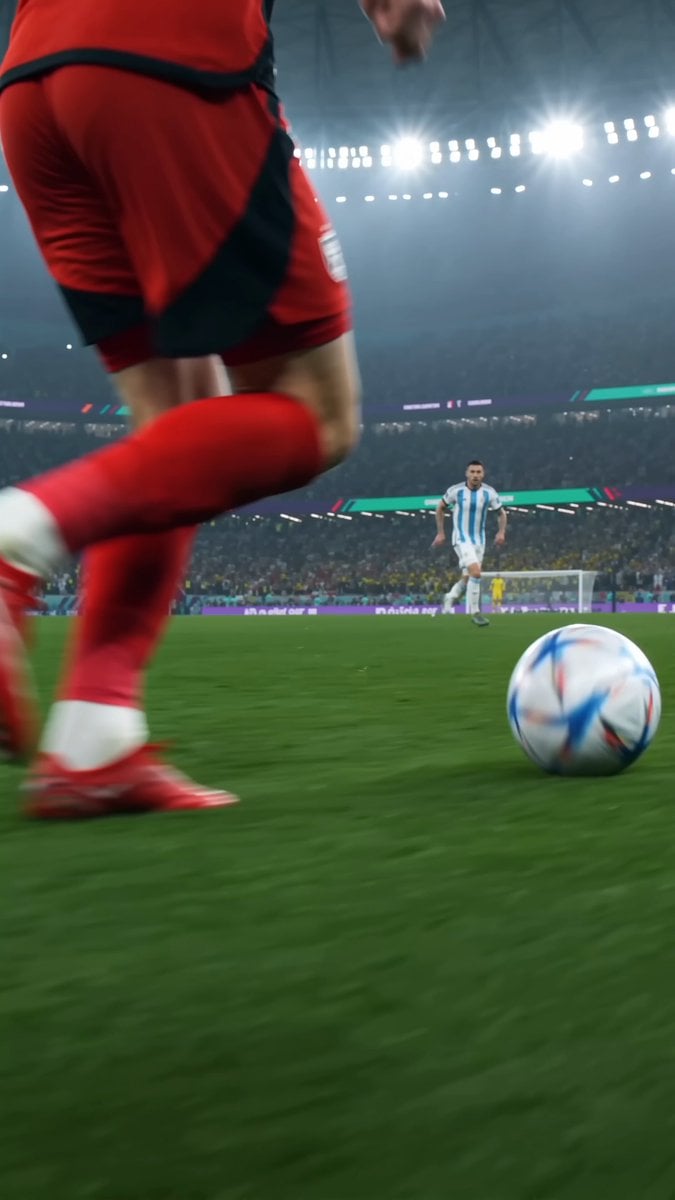
Realistic Soccer Match 4K Highlight
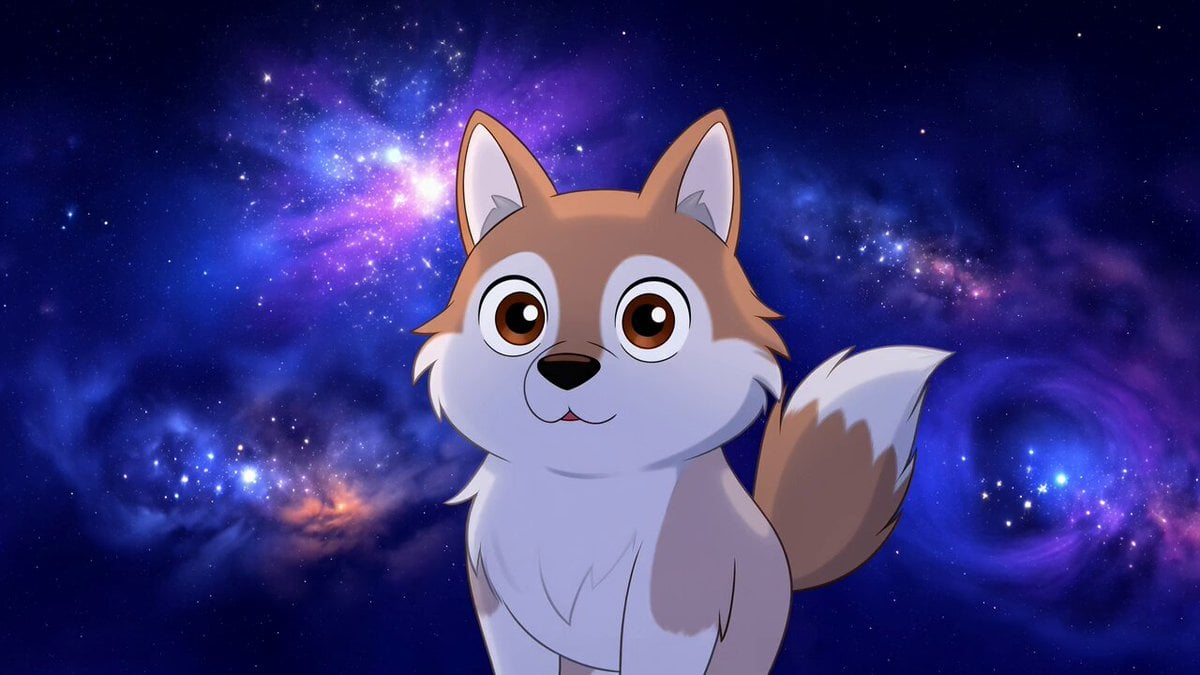
Hachiko as a Cosmic Weaver of Loyalty

Automobile Assembly Timelapse Video Prompt
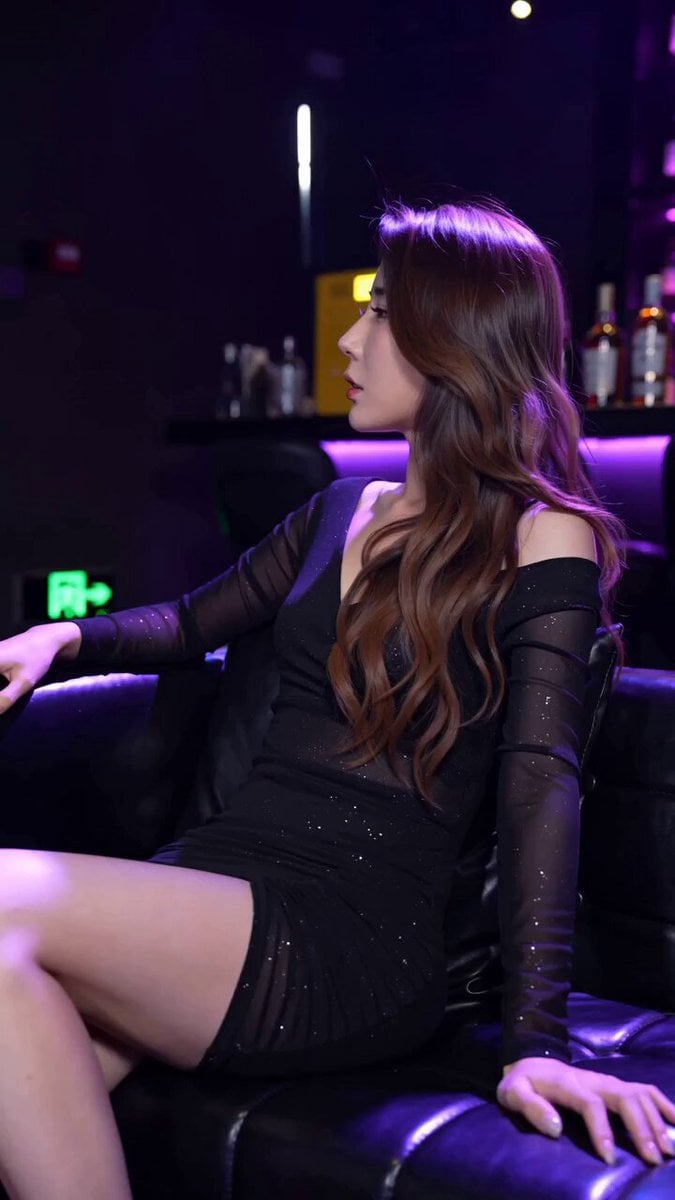
Realistic Nightclub Short Video with Face Consistency
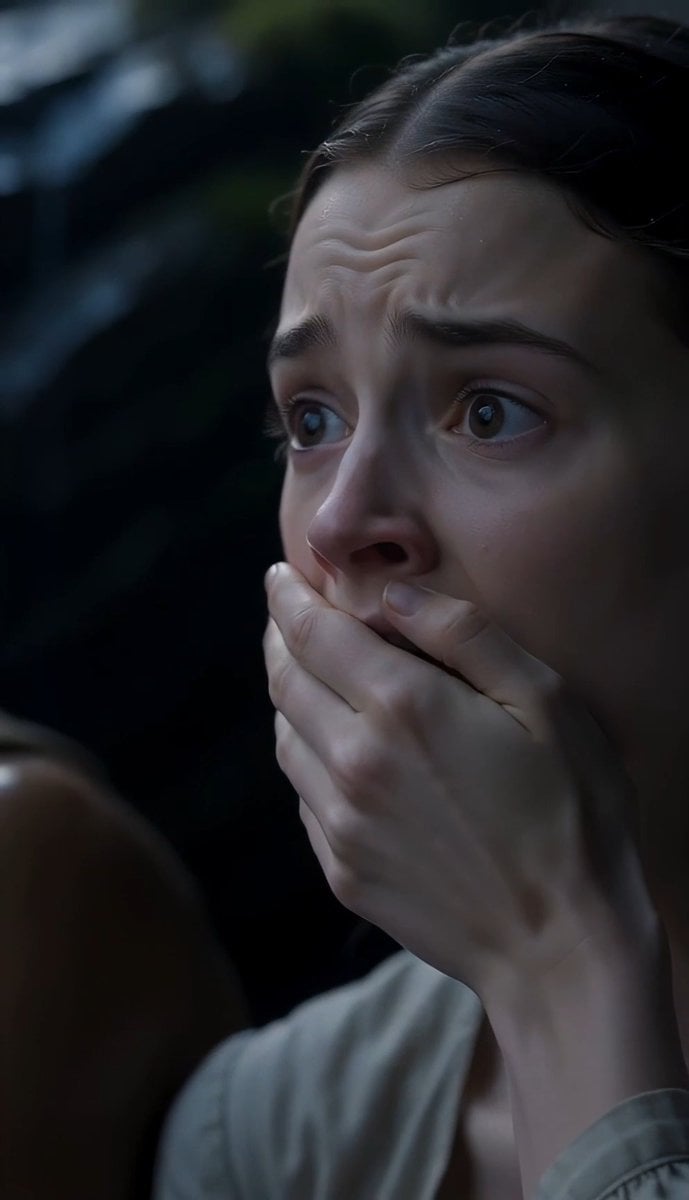
The Last of the Mohicans Waterfall Scene
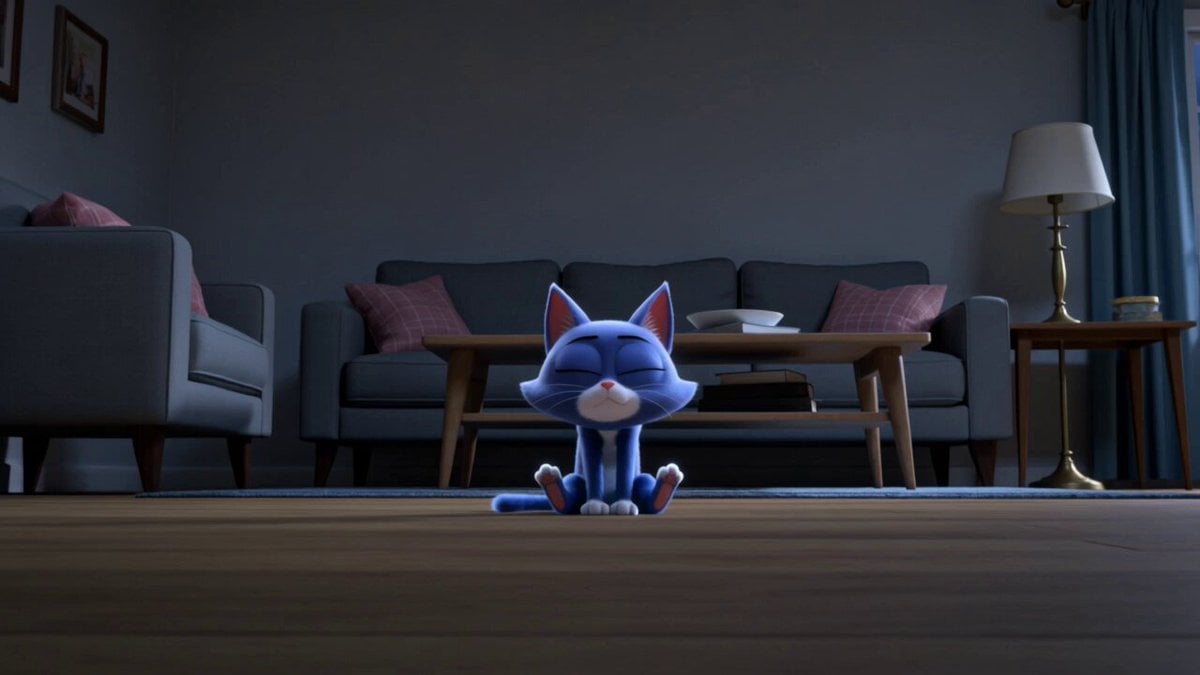
Second Continuous 3D Cartoon Sequence Prompt
Avengers: Origami Transformation
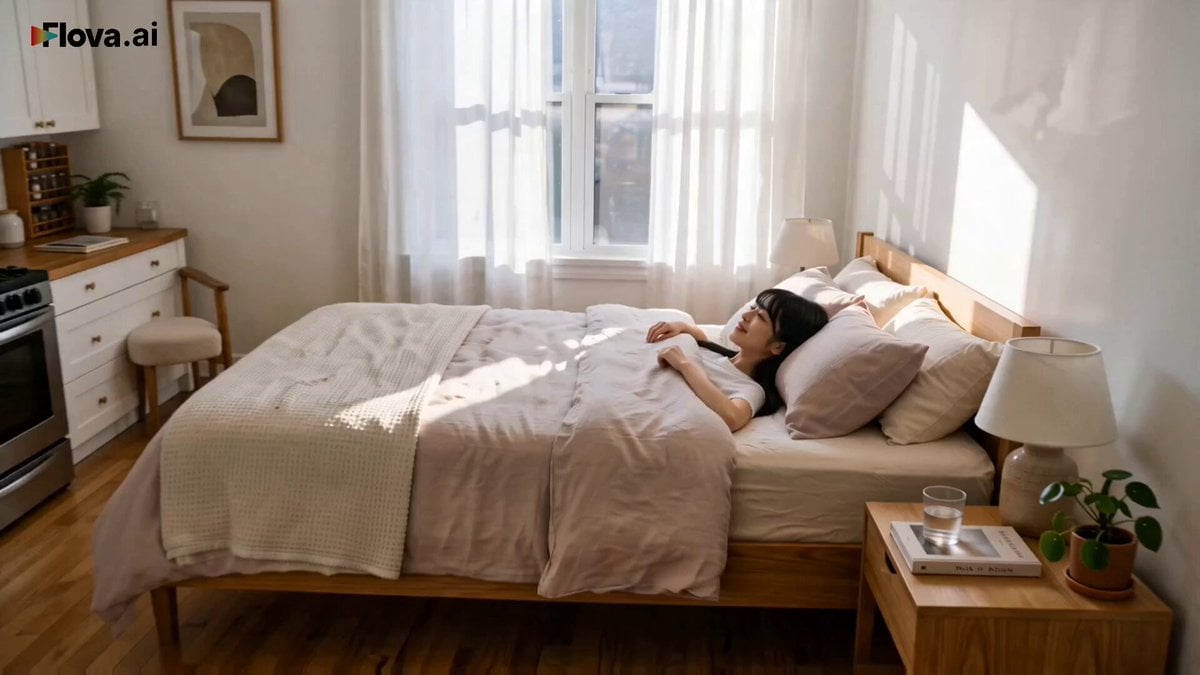
World Cup Final Travel Vlog
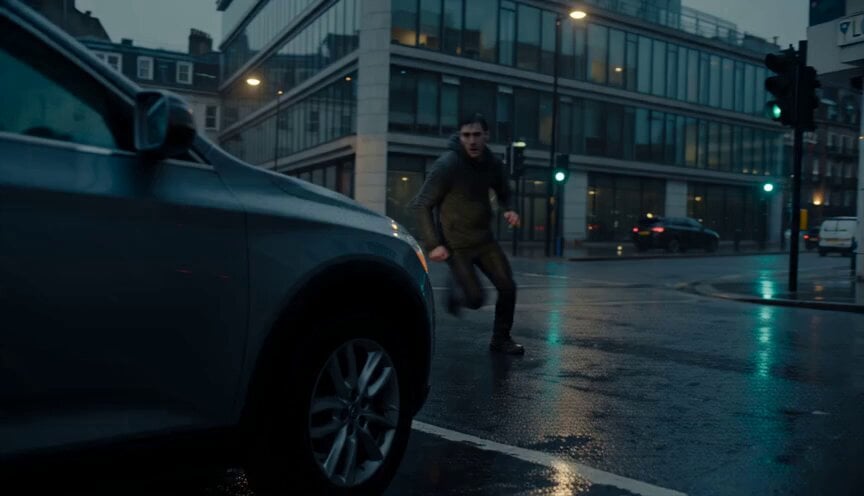
Urban Action Pursuit Sequence
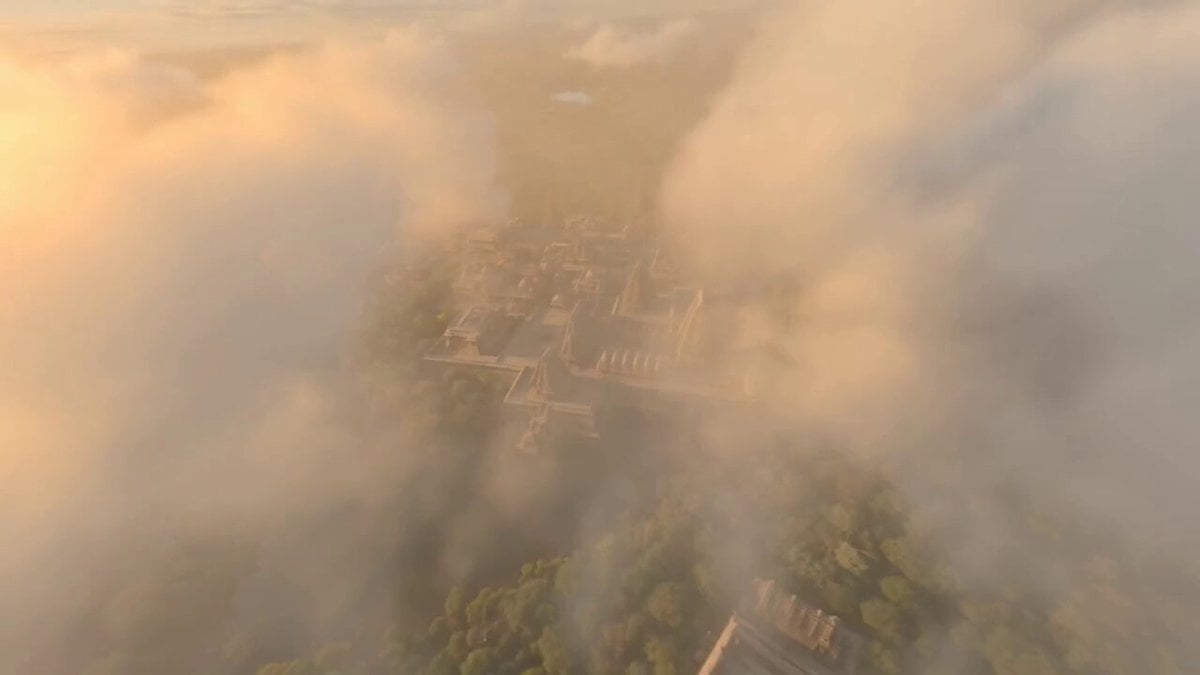
Ancient Indian Kingdom FPV
Browse template categories
Colossal Creatures City Invasion questions
How do I use the Colossal Creatures City Invasion template?
Add your photo if the template asks for one, edit the prompt if you like — the template's model and format are already selected — and press Generate. Your version opens in PicX Studio.
Can I customize the Colossal Creatures City Invasion template?
Yes. You can change the subject, setting, lighting, mood, format, and available model controls before creating your video.
Is the Colossal Creatures City Invasion template free?
Opening and editing this template is free. Generating uses credits, shown on the Generate button when you are signed in.
Which AI model should I use?
Start with Seedance 2.0, which is the model associated with this template. You can compare another compatible model for a different finish.
Looking for something else? Browse all templates.

Your photo, any look
Thousands of ready templates for every top image and video model, from one credit balance.