How do I use the Chinese Shan Shui Ink Wash Animation template?
Edit the prompt in the box under the preview — the template's model and format are already selected — and press Generate. Your version appears right on this page.
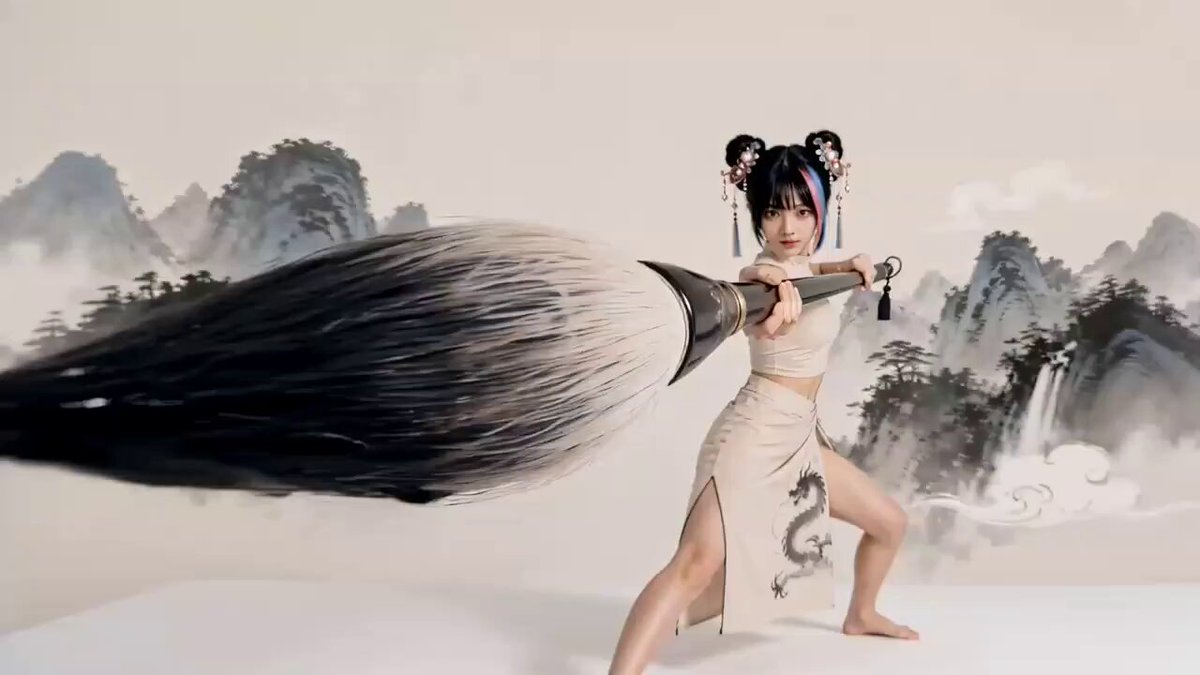
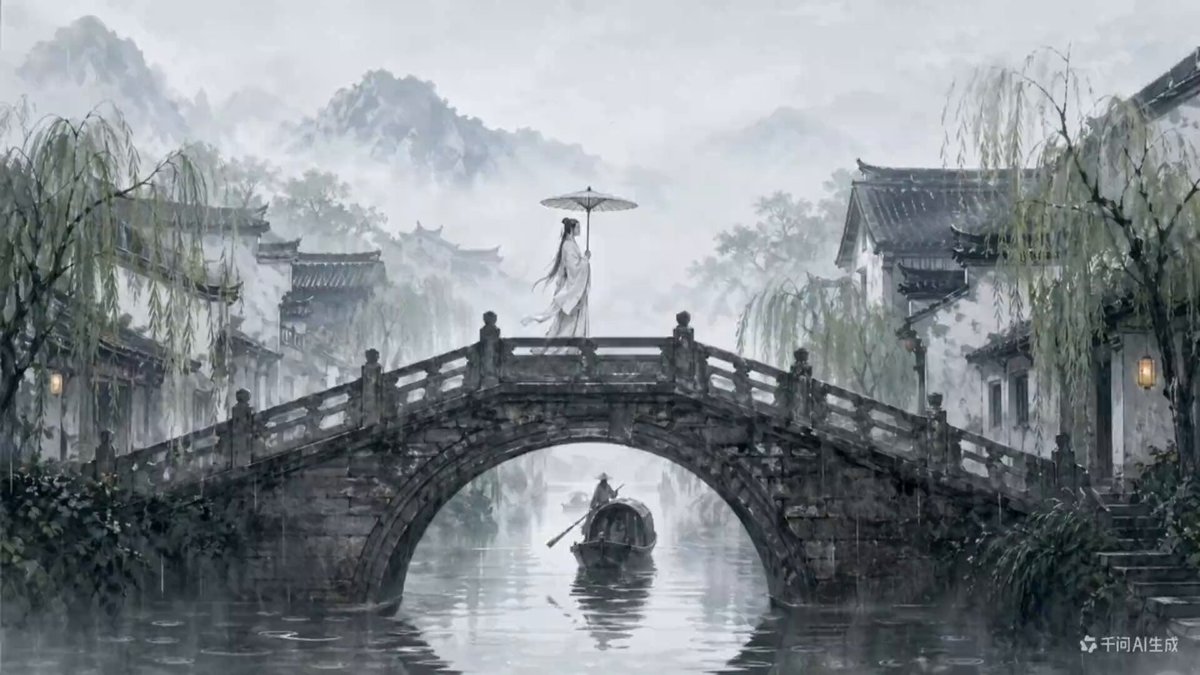
A cinematic animation prompt that transitions from a vibrant mythical landscape to a traditional black ink brushstroke style on rice paper.
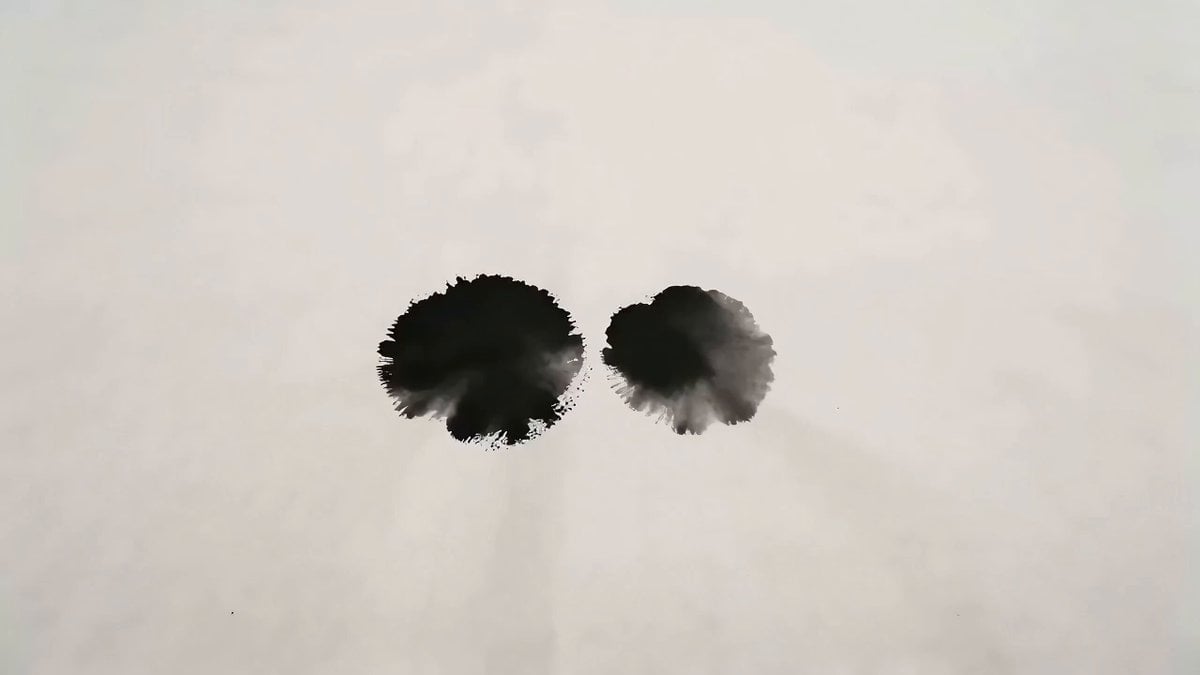
Create a 19-second cinematic animation in the style of a traditional Chinese Shan Shui ink wash painting with vibrant digital watercolor. Begin with a fully colored mythical landscape of towering karst mountains, waterfalls, mist, a circular lake, and an ancient pagoda. A single black ink drop falls, expanding into a dramatic splash that covers the scene before receding to reveal a blank rice-paper canvas. The landscape redraws itself with flowing black ink brushstrokes, then vivid watercolor gradually fills the mountains, architecture, and blooming cherry blossom trees. The camera slowly pulls back to reveal the complete paradise with drifting clouds, cascading waterfalls, and a perfectly circular ring of water surrounding the pagoda, ending on a serene, majestic wide shot with smooth cinematic motion, painterly textures, and high-detail lighting.
Create a 19-second cinematic animation in the style of a traditional Chinese Shan Shui ink wash painting with vibrant digital watercolor. Begin with a fully colored mythical landscape of towering karst mountains, waterfalls, mist, a circular lake, and an ancient pagoda. A single black ink drop falls, expanding into a dramatic splash that covers the scene before receding to reveal a blank rice-paper canvas. The landscape redraws itself with flowing black ink brushstrokes, then vivid watercolor gradually fills the mountains, architecture, and blooming cherry blossom trees. The camera slowly pulls back to reveal the complete paradise with drifting clouds, cascading waterfalls, and a perfectly circular ring of water surrounding the pagoda, ending on a serene, majestic wide shot with smooth cinematic motion, painterly textures, and high-detail lighting.
Edit the prompt in the box under the preview — the template's model and format are already selected — and press Generate. Your version appears right on this page.
Yes. You can change the subject, setting, lighting, mood, format, and available model controls before creating your video.
Opening and editing this template is free. Generating uses credits, shown on the Generate button when you are signed in.
Start with Seedance 2.0, which is the model associated with this template. You can compare another compatible model for a different finish.
Follow a topic to a crawlable collection of related PicX Studio templates.