
Tekken 3 Retro to Real Transformation
A creative prompt that generates a Tekken 3 fight in PS1 graphics which then transforms into a hyper-realistic cinematic human victory.
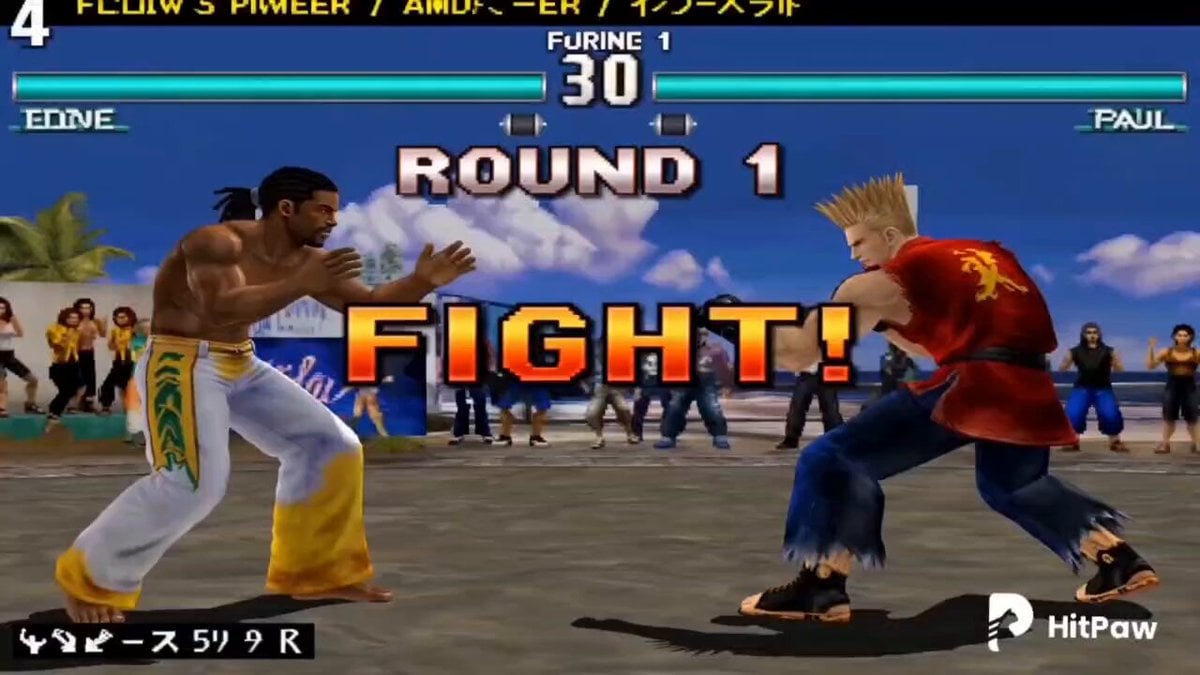
- Prompt included
- Model and format preset
- Premium template
The prompt behind this video
Copy the exact prompt behind Tekken 3 Retro to Real Transformation, or open it in the studio and make it yours.
Cinematic 15-second continuous video of a Tekken 3 styled fight between Eddie Gordo and Paul Phoenix rendered in authentic PS1 era polygon graphics throughout. Follow the storyboard sequence strictly from panel 1 to panel 16 in exact order — round start with full health bars, capoeira ginga stance vs brawler stance, Paul's deathfist dodge, Eddie's leg sweep, Paul's rising knee counter, Eddie's handstand flurry kick combo, Paul staggering with stars, Paul's heavy gut punch comeback, Eddie's capoeira sidestep dodge, full 8 hit capoeira combo, Paul's health bar flashing critical red, Paul's desperate final deathfist attempt, Eddie's decisive spinning heel kick finisher, classic KO with Paul hitting the polygon floor and EDDIE WINS text flashing, then dramatic pixel dissolve transformation rippling upward turning Eddie from retro polygon model into hyper-realistic cinematic human, ending on fully photorealistic Eddie performing triumphant capoeira victory spin with golden light on real skin and fabric while classic Tekken 3 pixel arena remains visible in background. Classic Tekken hit sparks, combo counters, and health bar HUD throughout panels 1 to 14 fading as transformation begins. 60fps.
How to use Tekken 3 Retro to Real Transformation in 3 steps
- 1
Open
The prompt is already in the box next to the preview, with the template's model and format selected.
- 2…a portrait of your subject in softgolden-hour light, 85mm…
Personalize
Edit the subject and creative details for your destination.
- 3Generate
Generate
Press Generate — your video is created in PicX Studio, so you can compare it with the original and refine one variable at a time.
More like this
Templates with the same subject, style or setup. Open one to see its prompt.

Magical Room Transformation - Seedance 2.5

Dark Tokusatsu Transformation - Seedance 2.5

RX-7 to Mech Transformation Cyberpunk
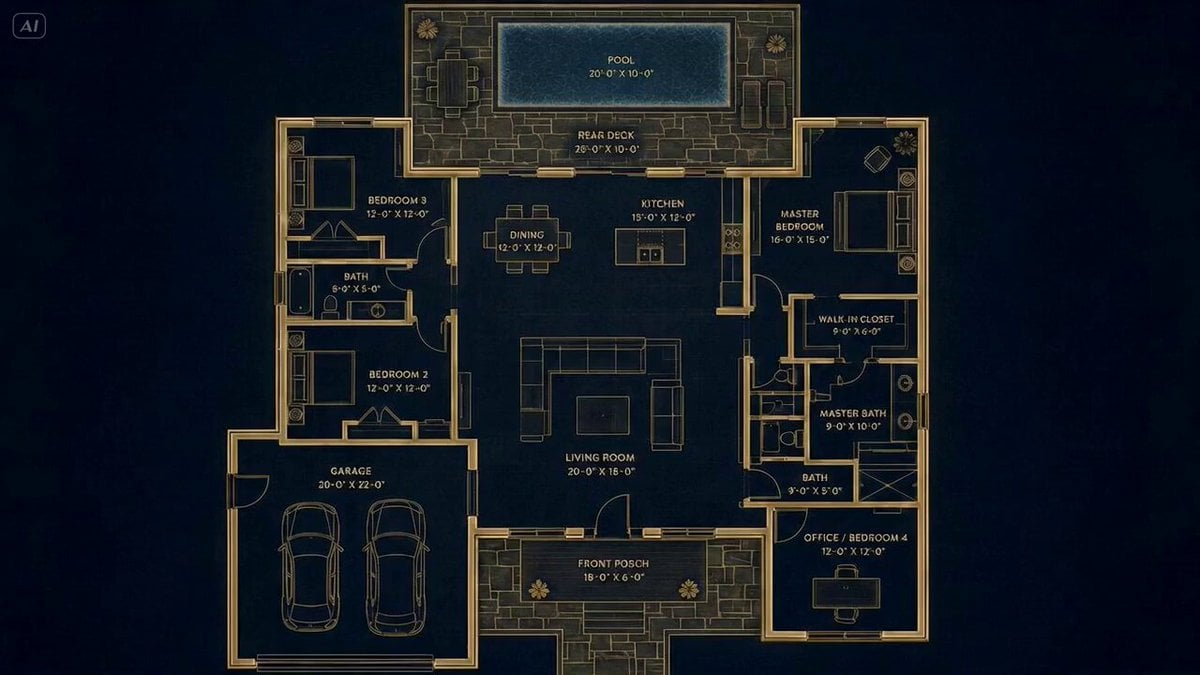
Architectural Blueprint to Reality Transformation

Retro Reality TV Kids Obstacle Course
Anime Style Transformation with Retro 80s Aesthetic
Civilization Timelapse — Centuries in One Shot
Mecha Transformation vs Kaiju — 4-Scene Epic
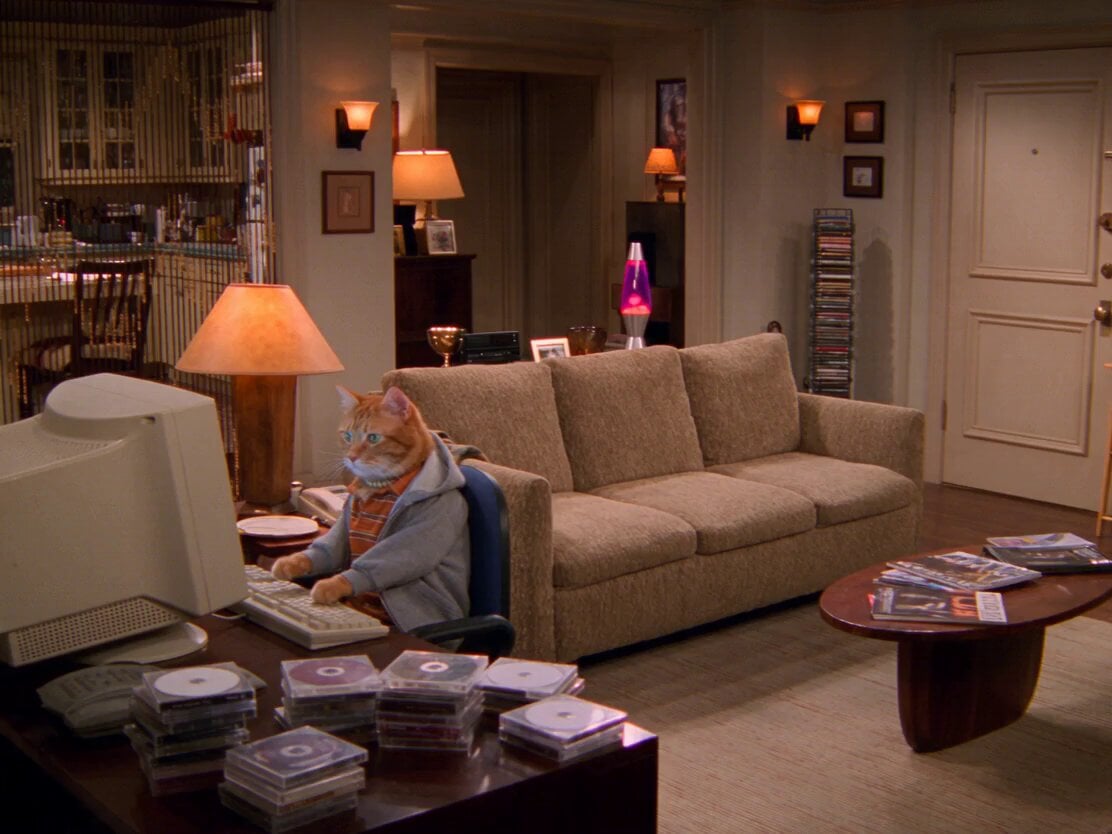
2000s Retro Cat Sitcom
Retro Seoul Moving Day Video
1980s Retro Sci-Fi Comedy Scene
Retro Japanese Family Home Scene
Make it yours
Tekken 3 Retro to Real Transformation works as-is. These are the safest ways to change it without losing the look.
Change one field
Copy a single group, rewrite it, and generate again so you can see what that field is doing.
Keep the frame, change the subject
Hold the composition and light of Tekken 3 Retro to Real Transformation, then swap wardrobe, props or the person for a new take.
| If the result… | Why | Fix |
|---|---|---|
| The result drifts from the preview | Too many fields changed at once. | Reuse Tekken 3 Retro to Real Transformation as-is first, then change one group — subject, light, or setting. |
| The model over-stylizes the scene | The prose prompt leaves finish and camera underspecified. | Add one camera or lighting sentence and stay on Seedance 2.0. |
More Seedance 2.0 templates
Other prompts made for Seedance 2.0.

Comical Martial Arts Punch Scene

Maglev Train Action Sequence

Martial Arts Fight Sequence

Wuxia Protection and Trust Script

Vintage Korean Arcade MiniDV Vlog

Mercedes 190 SL Luxury Ad

Rainy Night Supernatural Reverse Comedy Video Script

Amazon Civilization Discovery

Futuristic South Asian City Transformation

Cozy Luxury Cafe Commercial
More video prompts
Fresh picks from across the catalog.
Cinematic black and white portrait of a young woman with a tear
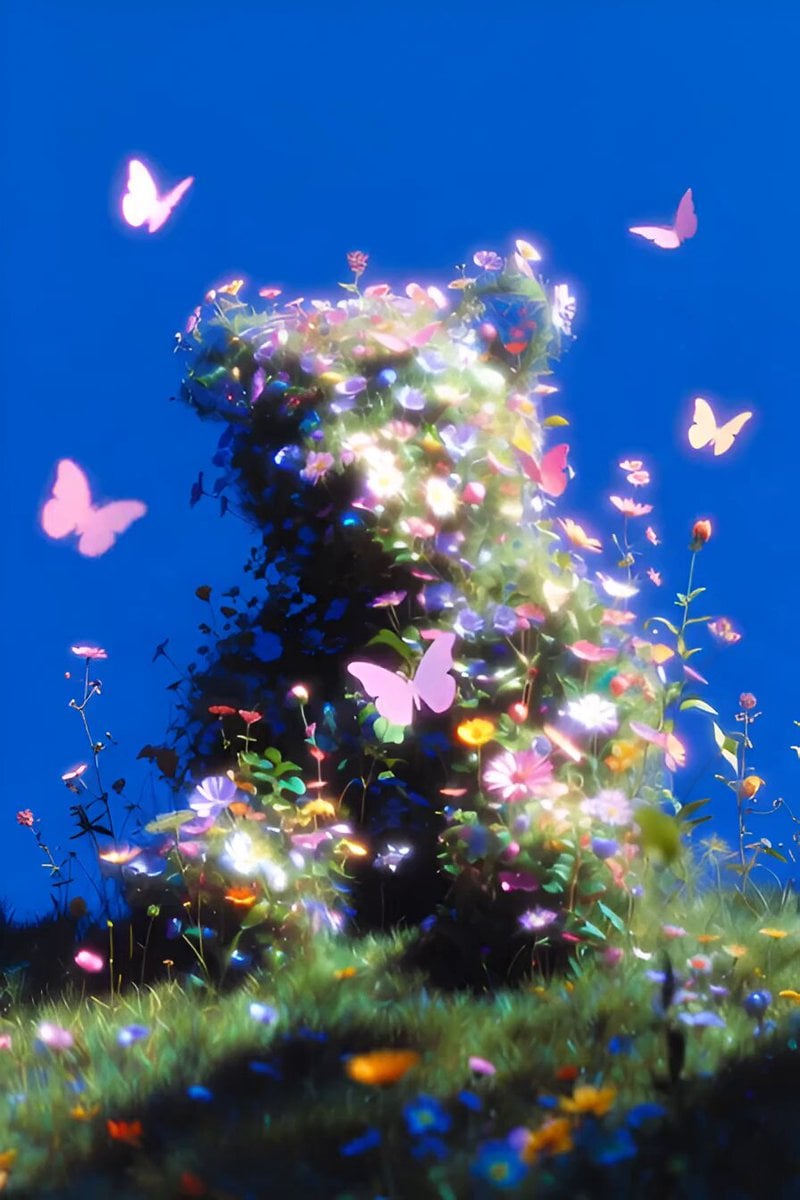
Surreal Flower Bear Macro

Giant Crocodile Houseboat Attack

Grok Imagine Cyber-Egyptian Figure in Snow
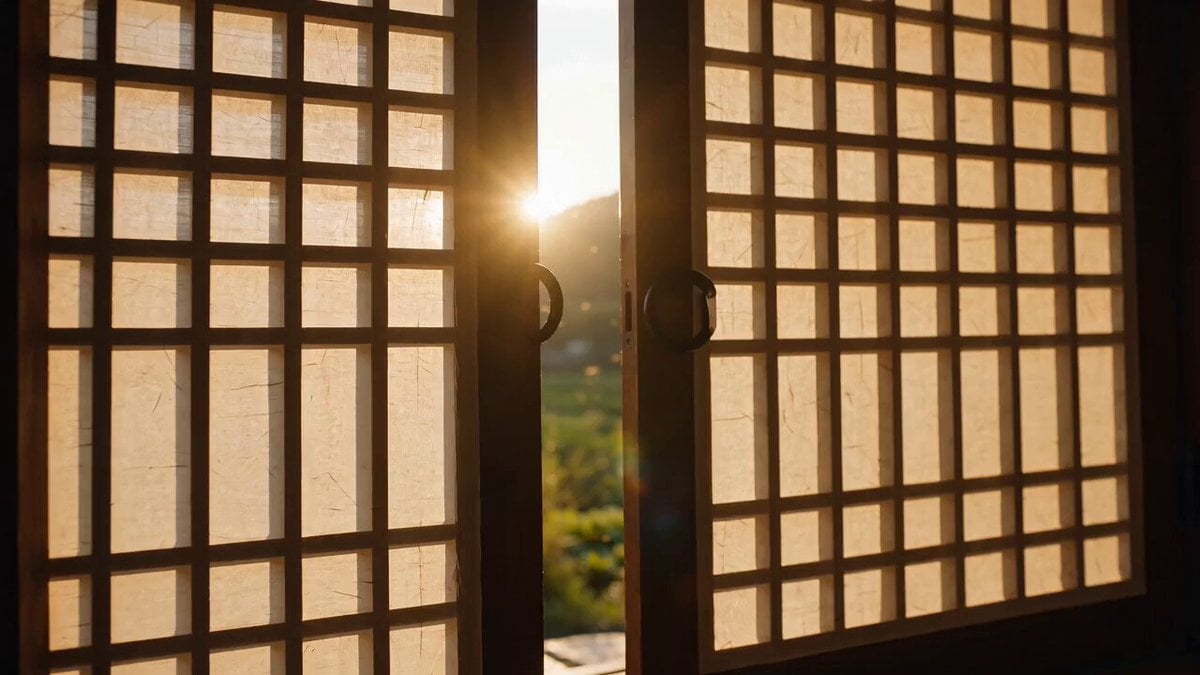
Korean Countryside Slow Living Film
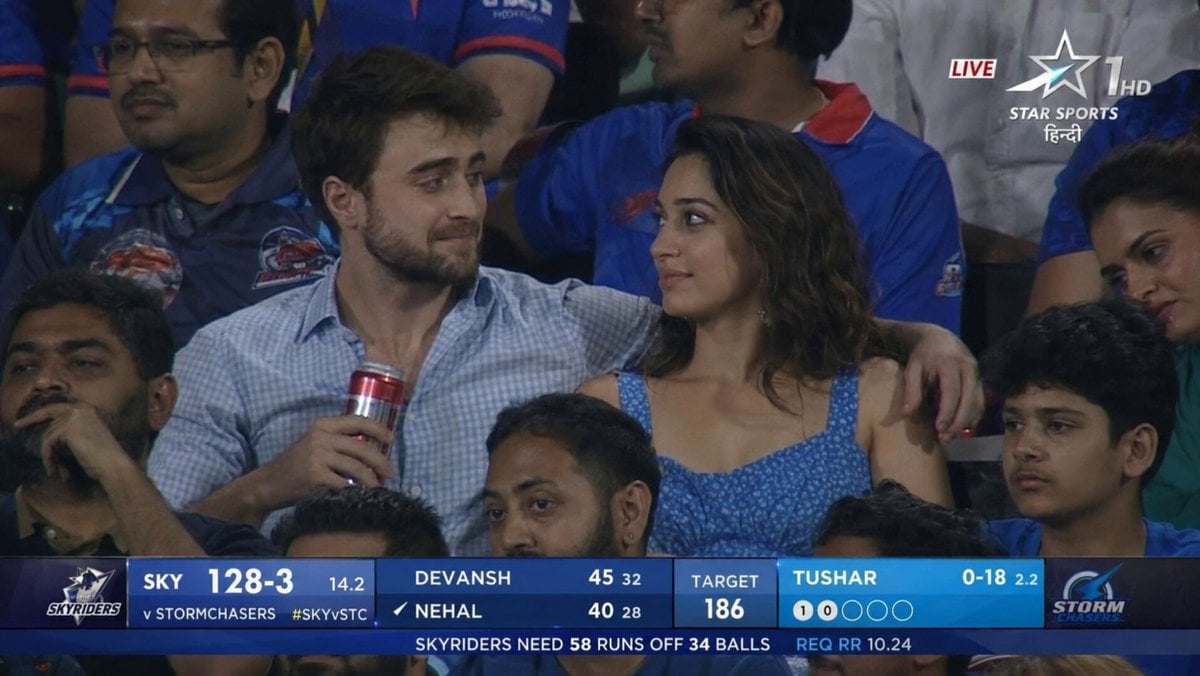
IPL Style Couple Broadcast Photo

Luxury Beauty Skincare ASMR

Hyper-Realistic Cinematic Horror Sequence
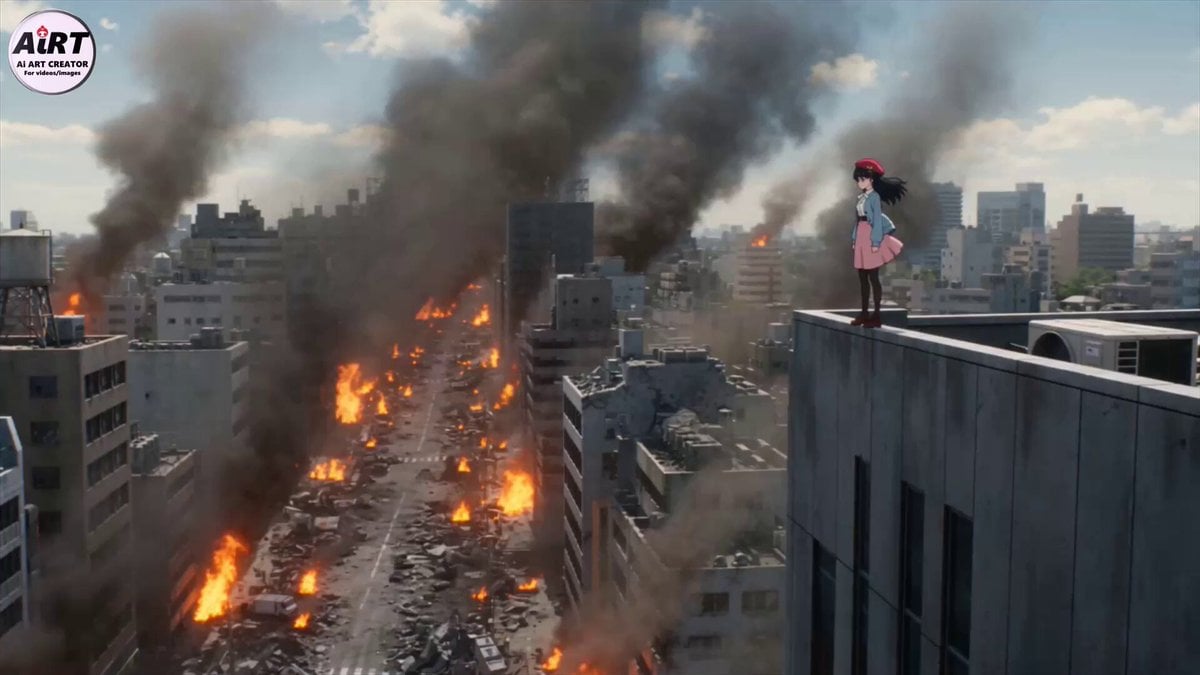
Cinematic Mecha Transformation Scene

Woman in a Geodesic Time Machine
Browse template categories
Tekken 3 Retro to Real Transformation questions
How do I use the Tekken 3 Retro to Real Transformation template?
Add your photo if the template asks for one, edit the prompt if you like — the template's model and format are already selected — and press Generate. Your version opens in PicX Studio.
Can I customize the Tekken 3 Retro to Real Transformation template?
Yes. You can change the subject, setting, lighting, mood, format, and available model controls before creating your video.
Is the Tekken 3 Retro to Real Transformation template free?
Opening and editing this template is free. Generating uses credits, shown on the Generate button when you are signed in.
Which AI model should I use?
Start with Seedance 2.0, which is the model associated with this template. You can compare another compatible model for a different finish.
Looking for something else? Browse all templates.

Your photo, any look
Thousands of ready templates for every top image and video model, from one credit balance.