
Cyber-City Skateboard Dog Animation
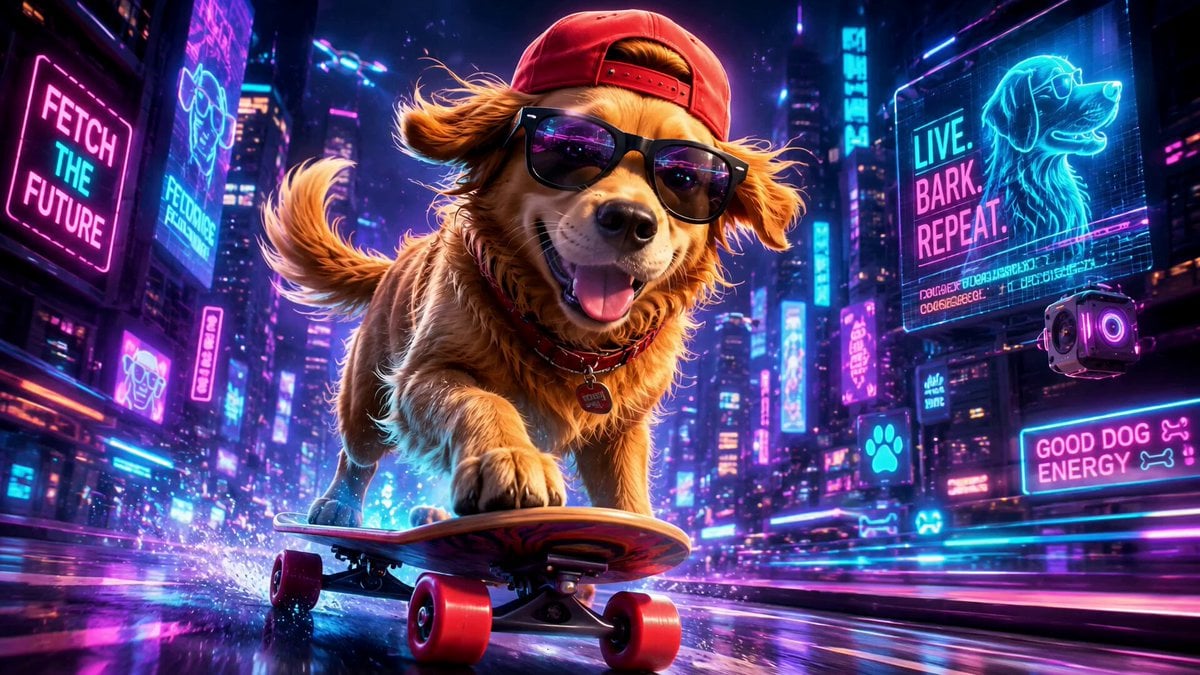
A high-energy cartoon video prompt of a cool dog skating through a neon cyber-city, featuring speed ramps, chase shots, and vibrant digital elements.
- Prompt included
- Model and format preset
- Free template
The prompt behind this video
Copy the exact prompt behind Cyber-City Skateboard Dog Animation, or open it in the studio and make it yours.
A fast, energetic cartoon action sequence of a super cool cartoon dog with sunglasses and backwards cap, zooming through a vibrant neon cyber-city street on a glowing skateboard. Bright neon signs, flying drones, holographic billboards, futuristic buildings, and colorful digital elements everywhere. Use fast camera movement, quick cuts, motion blur, speed ramps, whip pans, low-angle chase shots, and dynamic tracking. 0-3s: Start with a low tracking shot right in front of the skateboard, the cool dog leaning forward with tongue out and wind in his fur, neon lights flashing on his sunglasses as he speeds down the glowing street. Camera rushes backward ahead of him. 3-6s: Whip pan to floating holographic obstacles and digital barriers; the dog does a smooth ollie flip over them, sparks flying from the skateboard wheels. 6-9s: Crash zoom and side tracking as glowing drone lights and neon pets join him, forming a fun chase parade behind the dog. Speed ramp shows slow-motion mid-air tricks then blasts back to full speed. 9-12s: Fast overhead drone-style shot as the dog carves sharp turns between towering neon buildings, colorful light trails streaking behind him. 12-15s: Climax POV from beside the dog as neon signs, petals, and digital sparks fly past; he barks happily, does a final big jump with a cartoon spin landing, and the sparks explode into the words ‘COOL DOG’ in bright glowing letters while everything cheers.
How to use Cyber-City Skateboard Dog Animation in 3 steps
- 1
Open
The prompt is already in the box next to the preview, with the template's model and format selected.
- 2…a portrait of your subject in softgolden-hour light, 85mm…
Personalize
Edit the subject and creative details for your destination.
- 3Generate
Generate
Press Generate — your video is created in PicX Studio, so you can compare it with the original and refine one variable at a time.
More like this
Templates with the same subject, style or setup. Open one to see its prompt.

NYC Wingsuit Hot Dog Landing

Iced Coffee Dog Good-News Montage
Chaotic City Skateboarding Action

3D Glossy Fairy Animation - Seedance 2.5

Realistic City Street Story Cinematic Video - Seedance
Magic City Fantasy Battle Animation
3D Animation Talking Dog

Silk Road Pomegranate Folk Animation

Multilingual Creative Typography Loop

Luxury Lifestyle Day Vlog

Luxury Airport Travel Vlog

Italian Old-Town Time-Freeze Walk
Make it yours
Cyber-City Skateboard Dog Animation works as-is. These are the safest ways to change it without losing the look.
Change one field
Copy a single group, rewrite it, and generate again so you can see what that field is doing.
Keep the frame, change the subject
Hold the composition and light of Cyber-City Skateboard Dog Animation, then swap wardrobe, props or the person for a new take.
| If the result… | Why | Fix |
|---|---|---|
| The result drifts from the preview | Too many fields changed at once. | Reuse Cyber-City Skateboard Dog Animation as-is first, then change one group — subject, light, or setting. |
| The model over-stylizes the scene | The prose prompt leaves finish and camera underspecified. | Add one camera or lighting sentence and stay on Seedance 2.0. |
More Seedance 2.0 templates
Other prompts made for Seedance 2.0.

Comical Martial Arts Punch Scene

Maglev Train Action Sequence

Martial Arts Fight Sequence

Wuxia Protection and Trust Script

Vintage Korean Arcade MiniDV Vlog

Mercedes 190 SL Luxury Ad

Rainy Night Supernatural Reverse Comedy Video Script

Amazon Civilization Discovery

Futuristic South Asian City Transformation

Cozy Luxury Cafe Commercial
More video prompts
Fresh picks from across the catalog.
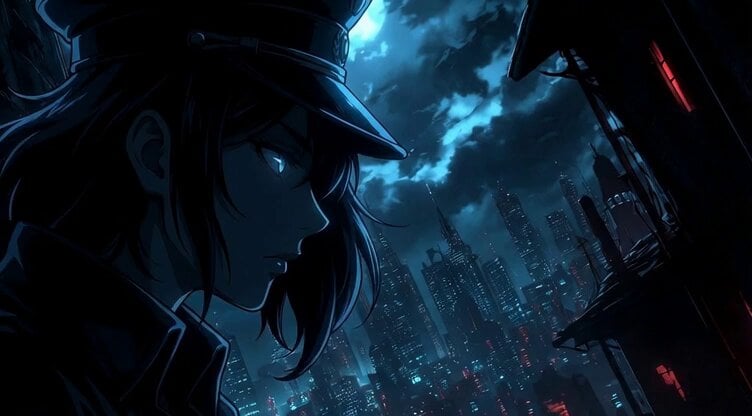
Static Camera Shot of Psyopqeen Silhouetted by the Moon
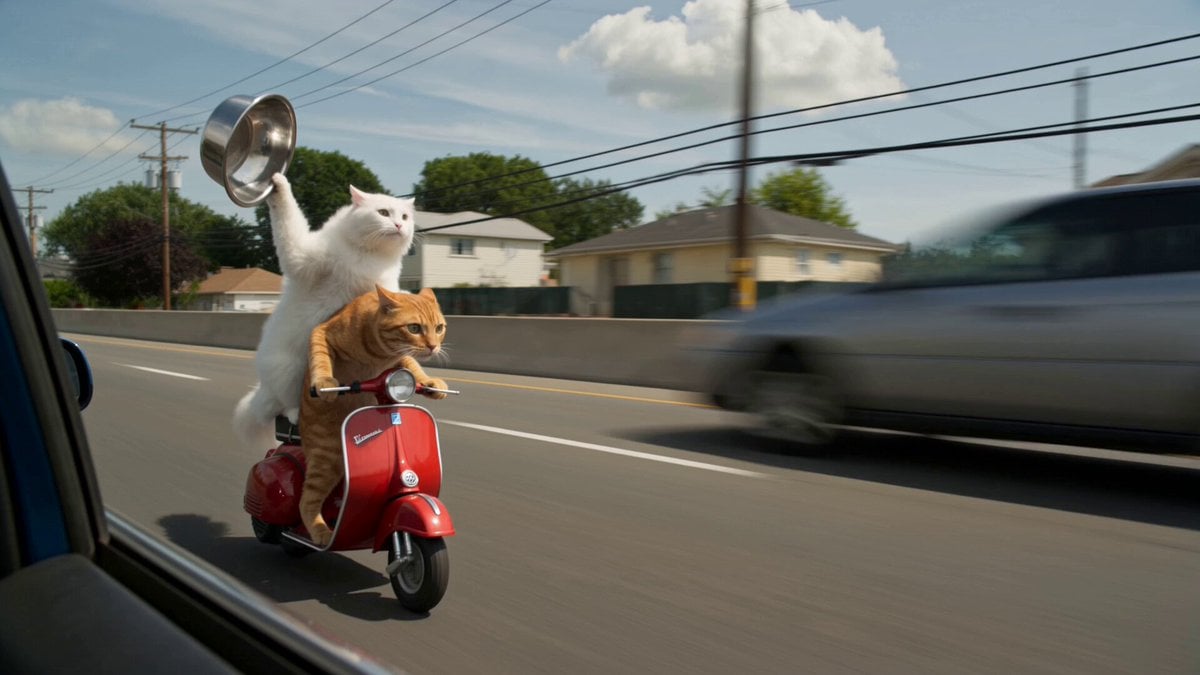
Cats Chasing via Red Mini Motorcycle
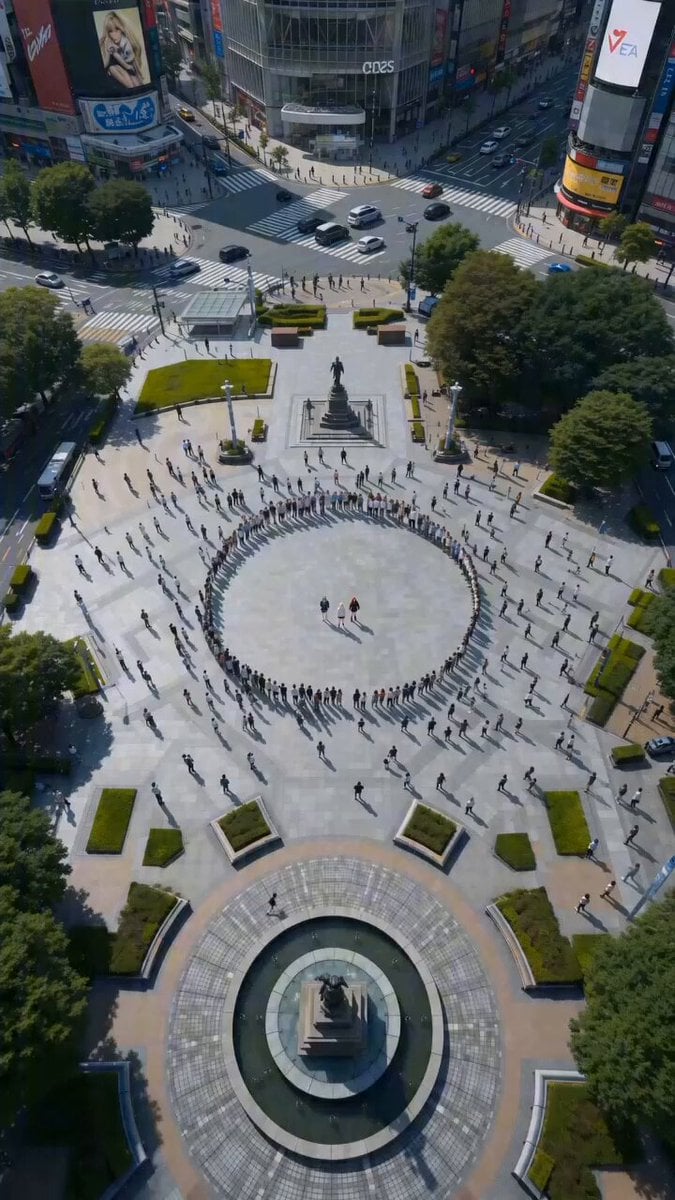
Seedance 2.0 High-Energy Street Dance Video Prompt
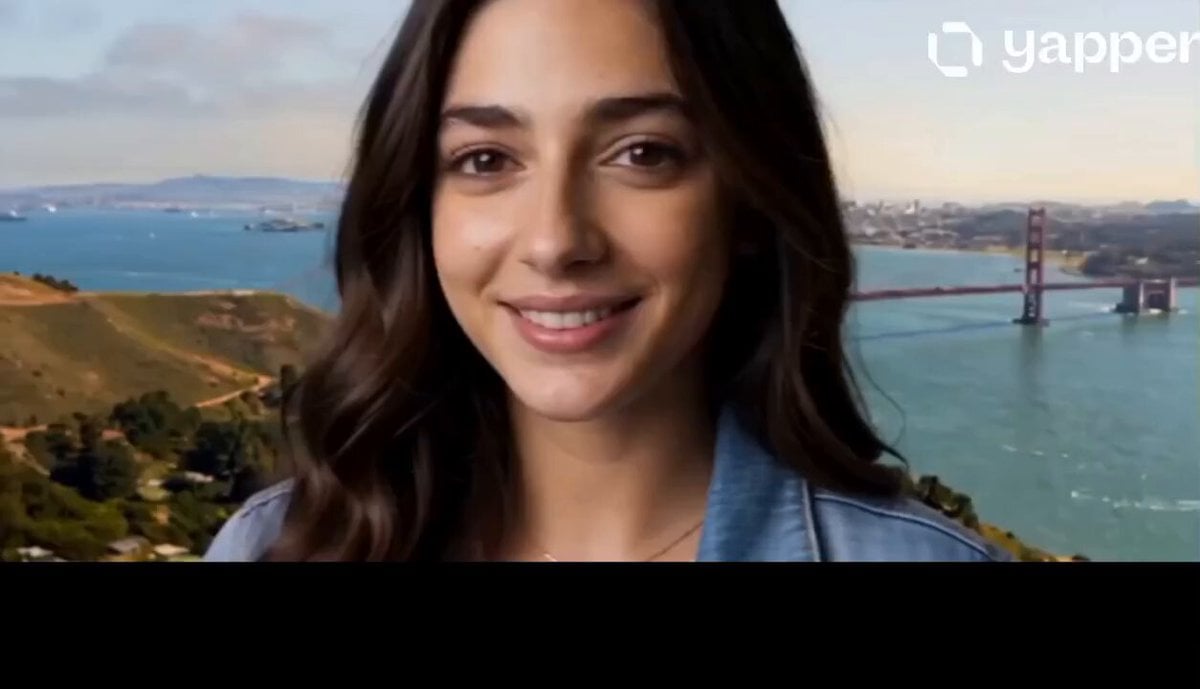
Cinematic Drone Orbit Pull-Back

Structured Caricature Animation Stack
Volcanic Lava Creatures Video
Minimalist Skincare Video Commercial

Childhood Toys Conversation Prompt
One-Shot Continuous Fall Through Four Layers of Reality
Speeder Chase Across a Cliff City
Browse template categories
Cyber-City Skateboard Dog Animation questions
How do I use the Cyber-City Skateboard Dog Animation template?
Add your photo if the template asks for one, edit the prompt if you like — the template's model and format are already selected — and press Generate. Your version opens in PicX Studio.
Can I customize the Cyber-City Skateboard Dog Animation template?
Yes. You can change the subject, setting, lighting, mood, format, and available model controls before creating your video.
Is the Cyber-City Skateboard Dog Animation template free?
Opening and editing this template is free. Generating uses credits, shown on the Generate button when you are signed in.
Which AI model should I use?
Start with Seedance 2.0, which is the model associated with this template. You can compare another compatible model for a different finish.
Looking for something else? Browse all templates.

Your photo, any look
Thousands of ready templates for every top image and video model, from one credit balance.