How do I use the Wireless Earbuds Product Review template?
Edit the prompt in the box under the preview — the template's model and format are already selected — and press Generate. Your version appears right on this page.
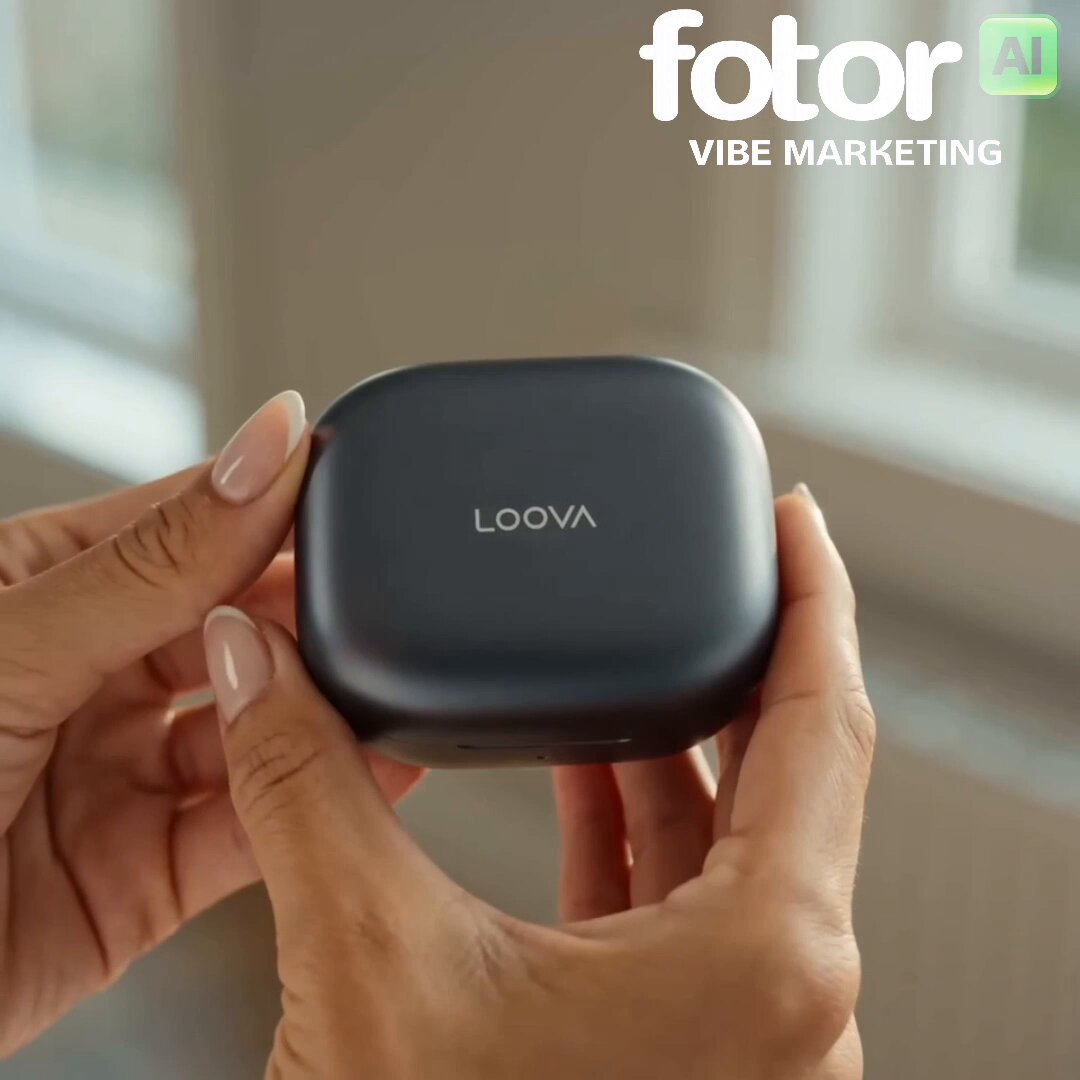
A commercial-style video prompt for a young creator reviewing wireless earbuds, combining natural interaction with sleek product hero shots.
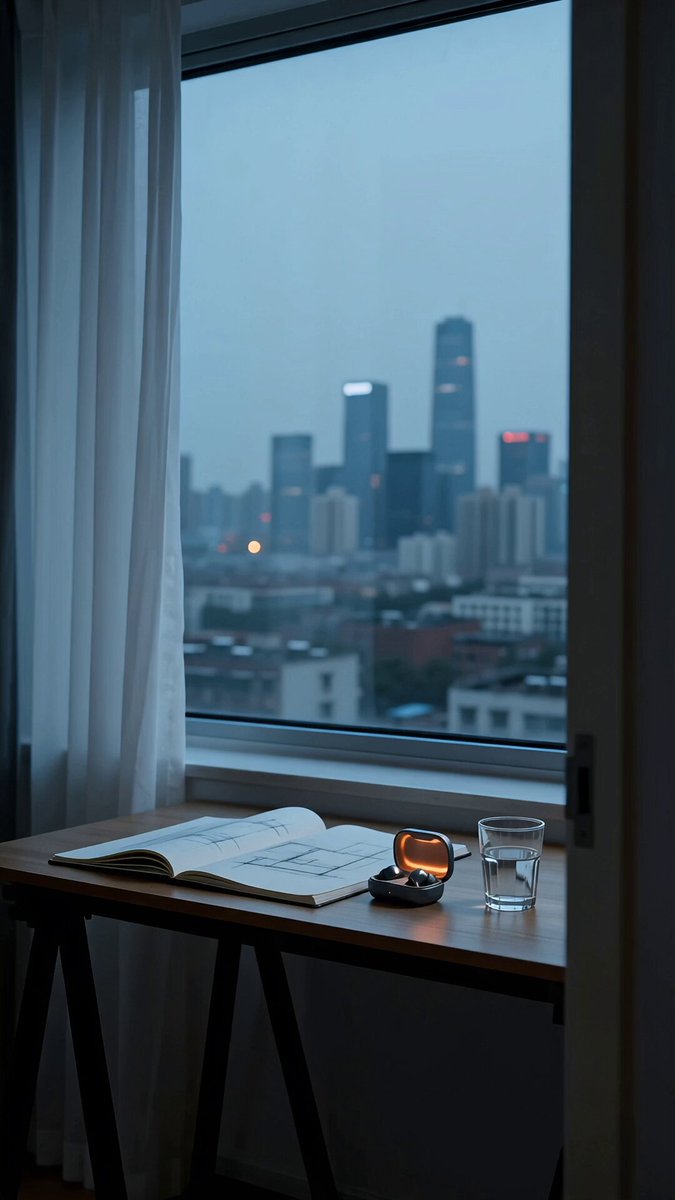
A young creator walks into a bright living room holding a pair of sleek wireless earbuds still inside their charging case. Looking directly into the camera, they smile and say, 'These have honestly become my everyday essential.' They open the case, put the earbuds in, and instantly transition into a quick montage of working on a laptop, making coffee, and taking a short walk outside while music plays. Close-up shots highlight the earbuds' premium design and secure fit. The creator finishes by holding the charging case toward the camera and says, 'Great sound, all-day comfort, and I barely need to recharge them.' End with a clean product hero shot on a table and on-screen text: 'Upgrade your everyday audio.' Natural facial expressions, smooth handheld camera movement, cinematic depth of field, authentic UGC feel, high-quality audio, realistic lighting, premium commercial quality.
A young creator walks into a bright living room holding a pair of sleek wireless earbuds still inside their charging case. Looking directly into the camera, they smile and say, 'These have honestly become my everyday essential.' They open the case, put the earbuds in, and instantly transition into a quick montage of working on a laptop, making coffee, and taking a short walk outside while music plays. Close-up shots highlight the earbuds' premium design and secure fit. The creator finishes by holding the charging case toward the camera and says, 'Great sound, all-day comfort, and I barely need to recharge them.' End with a clean product hero shot on a table and on-screen text: 'Upgrade your everyday audio.' Natural facial expressions, smooth handheld camera movement, cinematic depth of field, authentic UGC feel, high-quality audio, realistic lighting, premium commercial quality.
Edit the prompt in the box under the preview — the template's model and format are already selected — and press Generate. Your version appears right on this page.
Yes. You can change the subject, setting, lighting, mood, format, and available model controls before creating your video.
Opening and editing this template is free. Generating uses credits, shown on the Generate button when you are signed in.
Start with Seedance 2.0, which is the model associated with this template. You can compare another compatible model for a different finish.
Follow a topic to a crawlable collection of related PicX Studio templates.