
Medieval Werewolf Rooftop Chase
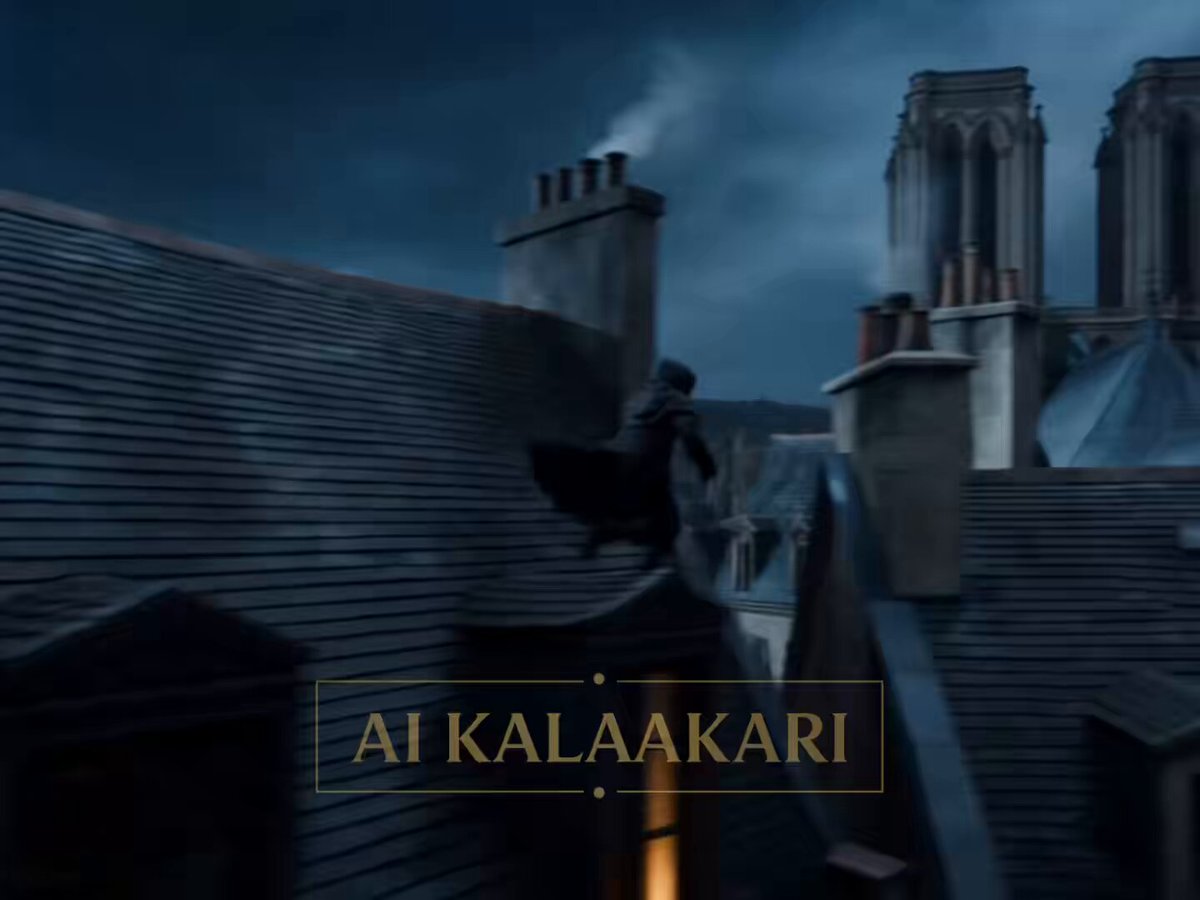
An intense, multi-stage action prompt for a werewolf pursuit across European stone rooftops featuring speed ramps and bullet time.
- Prompt included
- Model and format preset
- Premium template
The prompt behind this video
Copy the exact prompt behind Medieval Werewolf Rooftop Chase, or open it in the studio and make it yours.
High-action medieval fantasy chase beneath a massive full moon. Ancient European city of stone towers, narrow streets, cathedral spires, smoking chimneys, fluttering banners. Silver moonlight reflects off wet rooftops from recent rain. Fast-paced, chaotic cinematography with aggressive tracking shots, speed ramps, handheld energy, and dramatic moonlit silhouettes. Sound: distant church bells, heavy breathing, tile cracking, werewolf roars, rushing wind. 0–3s — HOOK A rogue thief in a dark leather cloak sprints across steep medieval rooftops. He leaps a gap between buildings. The instant he lands— A gigantic werewolf crashes onto the roof behind him. Eight feet tall. Jet-black fur. Yellow eyes glowing in the moonlight. The roof caves beneath its weight. Tiles explode everywhere. ⸻ 3–6s — ESCALATION The thief races along the rooftops, vaulting chimneys and sliding over wet tiles. Behind him, the werewolf ignores every obstacle. It smashes through chimneys instead of avoiding them. Bricks and debris rain into the streets below. The creature gains ground rapidly. ⸻ 6–9s — BUILD Ahead, the thief reaches a steep roof overlooking a massive cathedral square. He slides uncontrollably down slick tiles. The werewolf launches after him. The gap between them shrinks to almost nothing. The beast’s claws scrape sparks from the stone. ⸻ 9–12s — THE ESCAPE At the edge of the roof hangs a giant ceremonial banner suspended above the square. The thief leaps and grabs it. The banner tears loose from its mountings. He swings across the moonlit square. The werewolf follows without hesitation. Bullet time. Both suspended over open air. ⸻ 12–15s — PAYOFF The thief draws a knife and slices the banner rope. He swings clear. The werewolf loses its trajectory. It crashes directly through the cathedral’s enormous stained-glass rose window. Colored glass explodes outward. The beast disappears into darkness inside the cathedral. The thief lands on the opposite rooftop and turns back. A massive crash echoes from within the cathedral.
How to use Medieval Werewolf Rooftop Chase in 3 steps
- 1
Open
The prompt is already in the box next to the preview, with the template's model and format selected.
- 2…a portrait of your subject in softgolden-hour light, 85mm…
Personalize
Edit the subject and creative details for your destination.
- 3Generate
Generate
Press Generate — your video is created in PicX Studio, so you can compare it with the original and refine one variable at a time.
More like this
Templates with the same subject, style or setup. Open one to see its prompt.
Rooftop Chase Motion Phrases
Rooftop Parkour Motion Control
Medieval Duel Style Transfer

Luxury Lifestyle Day Vlog

Cartoon Donut Heist Bakery Chase
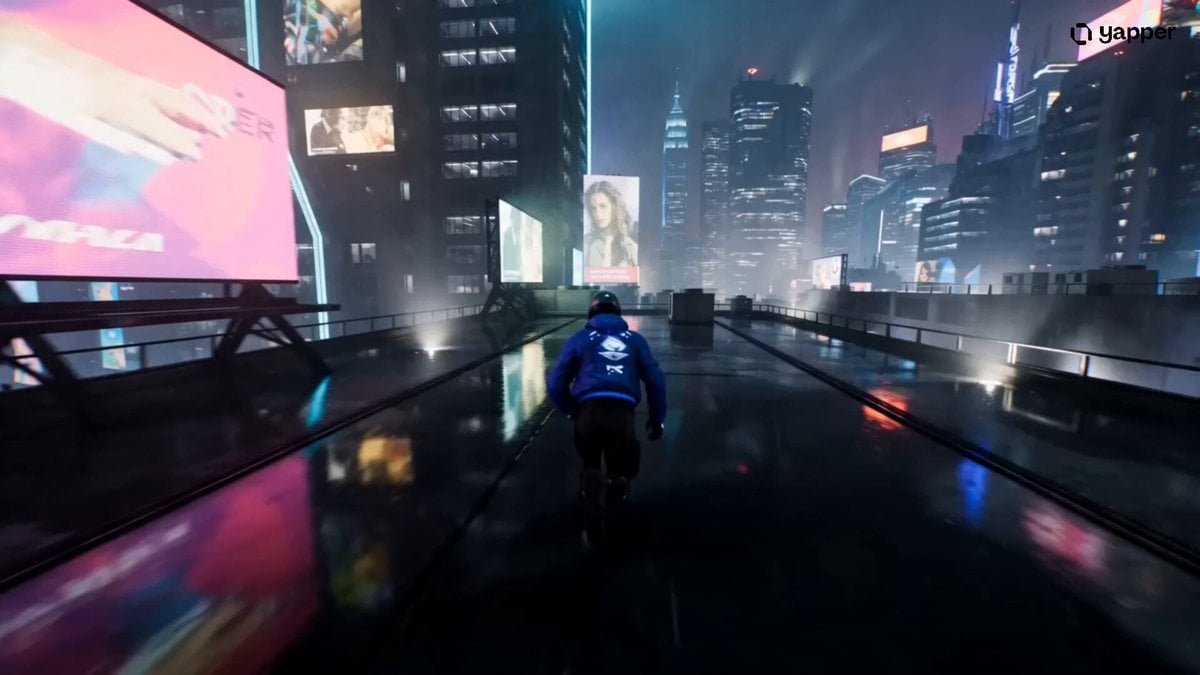
Cyberpunk Rooftop Chase Cinematic Prompt
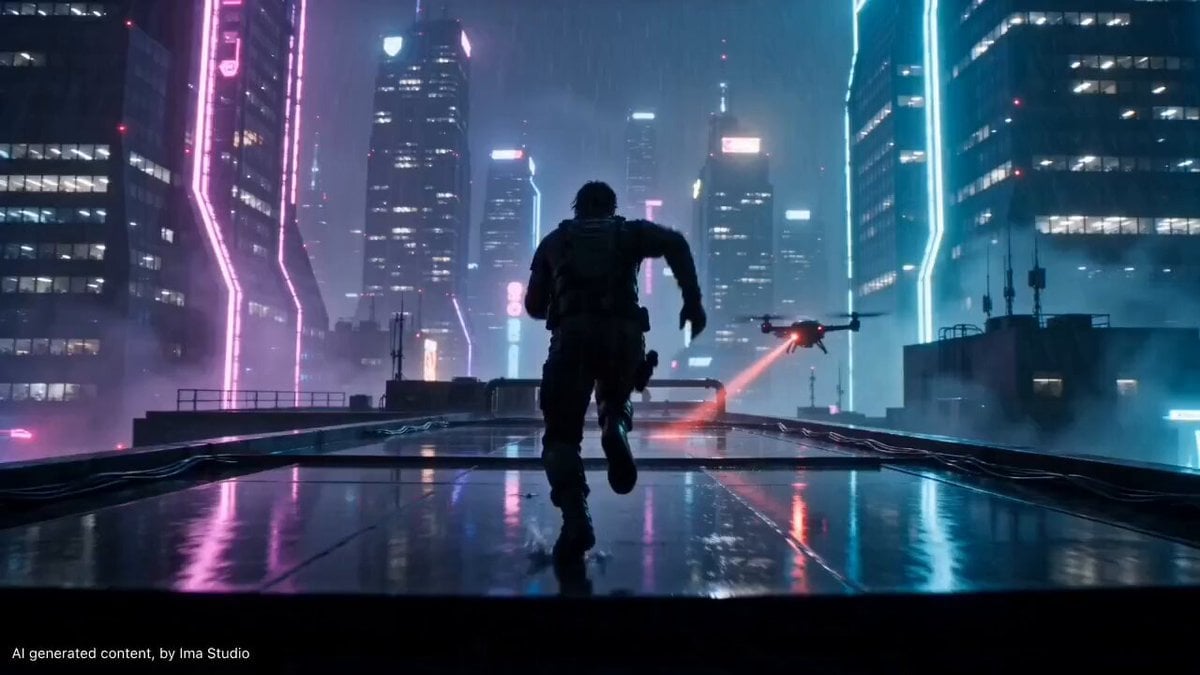
Cyberpunk Rooftop Parkour Chase
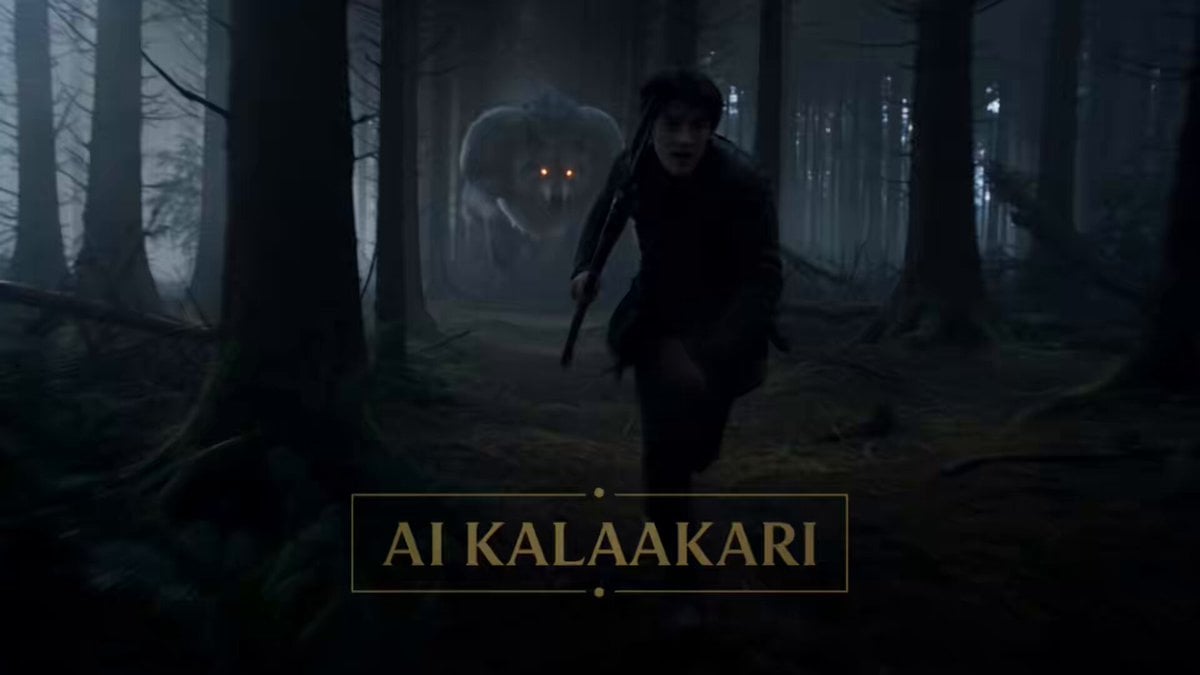
Moonlit Werewolf Forest Chase Prompt

Walking Factory with Rebel on Hoverbike - Wasteland
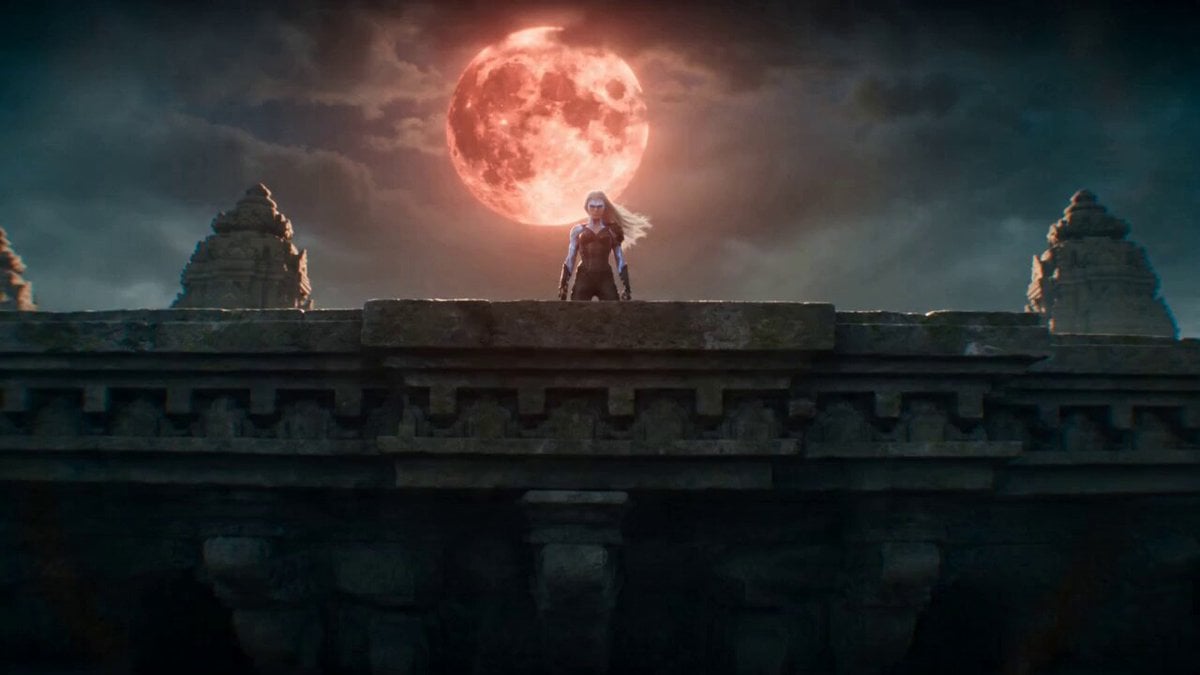
Temple Rooftop Chase Animation
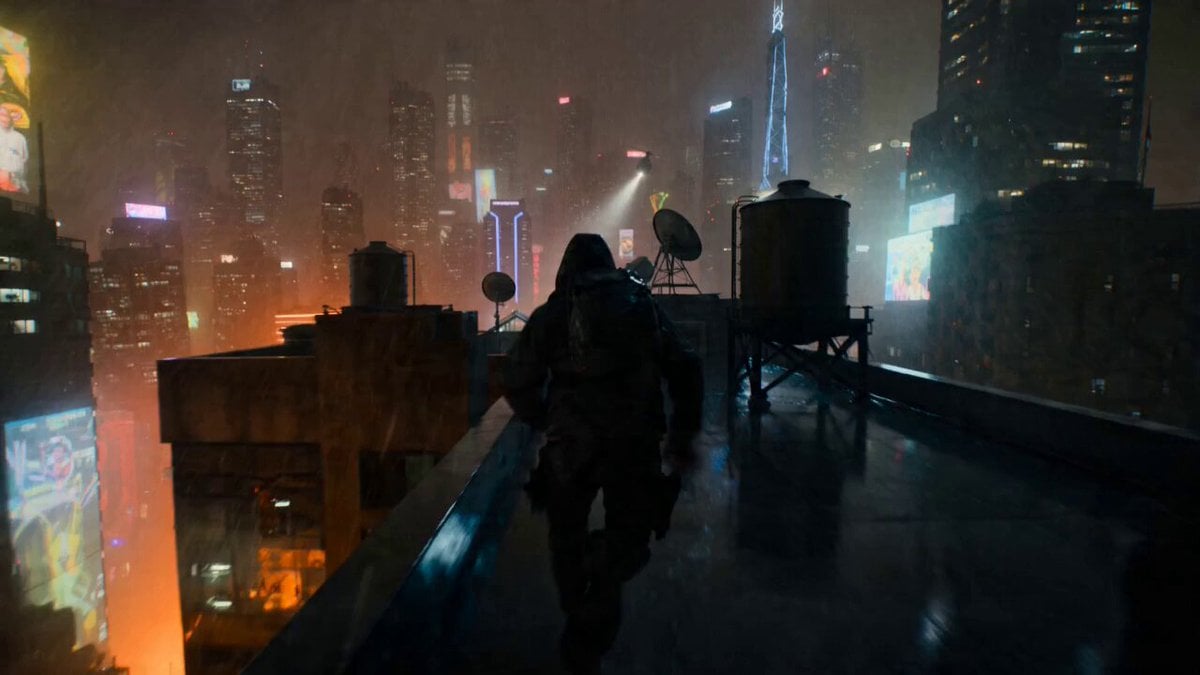
POV Rooftop Chase Prompt

Taekwondo Cat Rooftop Chase
Make it yours
Medieval Werewolf Rooftop Chase works as-is. These are the safest ways to change it without losing the look.
Change one field
Copy a single group, rewrite it, and generate again so you can see what that field is doing.
Keep the frame, change the subject
Hold the composition and light of Medieval Werewolf Rooftop Chase, then swap wardrobe, props or the person for a new take.
| If the result… | Why | Fix |
|---|---|---|
| The result drifts from the preview | Too many fields changed at once. | Reuse Medieval Werewolf Rooftop Chase as-is first, then change one group — subject, light, or setting. |
| The model over-stylizes the scene | The prose prompt leaves finish and camera underspecified. | Add one camera or lighting sentence and stay on Seedance 2.0. |
More Seedance 2.0 templates
Other prompts made for Seedance 2.0.

Comical Martial Arts Punch Scene

Maglev Train Action Sequence

Martial Arts Fight Sequence

Wuxia Protection and Trust Script

Vintage Korean Arcade MiniDV Vlog

Mercedes 190 SL Luxury Ad

Rainy Night Supernatural Reverse Comedy Video Script

Amazon Civilization Discovery

Futuristic South Asian City Transformation

Cozy Luxury Cafe Commercial
More video prompts
Fresh picks from across the catalog.

K-Pop Male Idol Backstage Vlog

Cinematic Kitten Motion
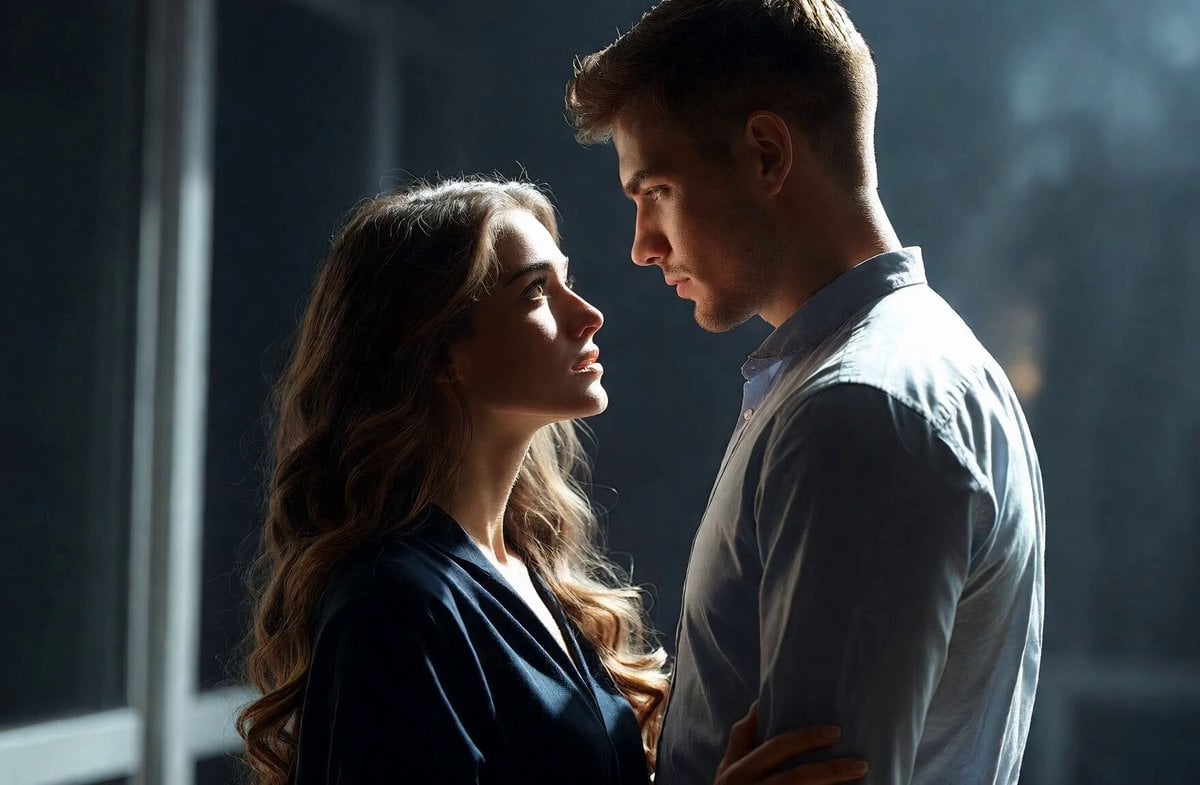
Intimate Future Conversation Couple

Cinematic Entrance Prompt for a Boss Character
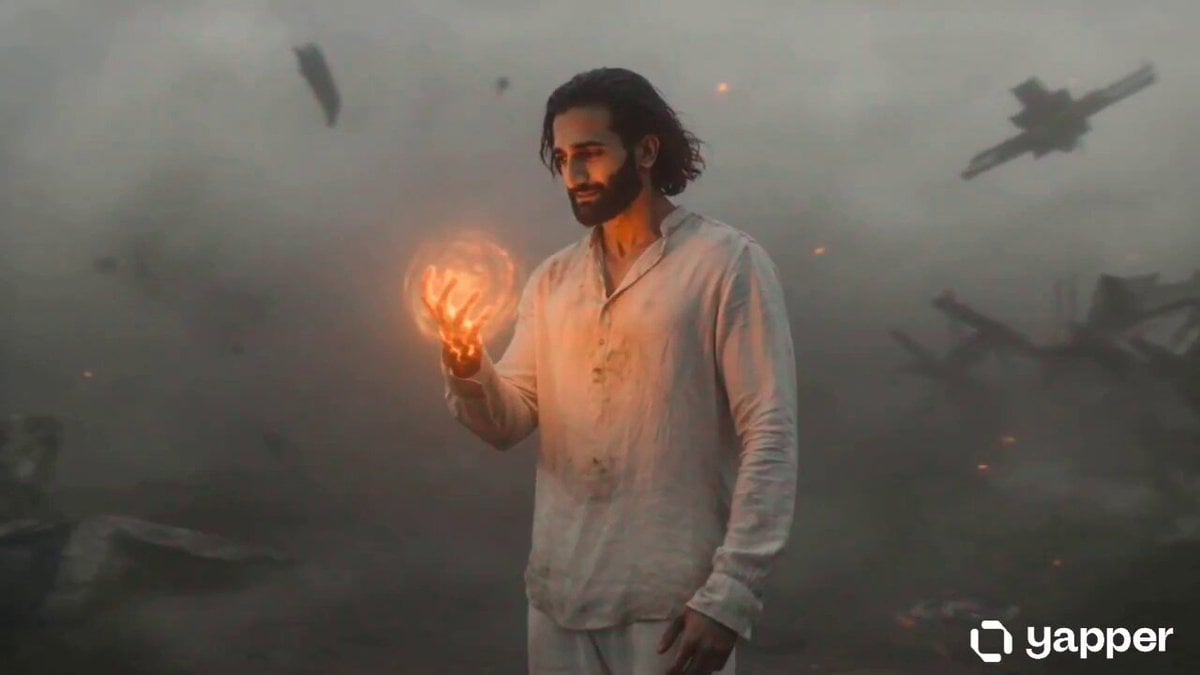
Sci-Fi Transformation Scene
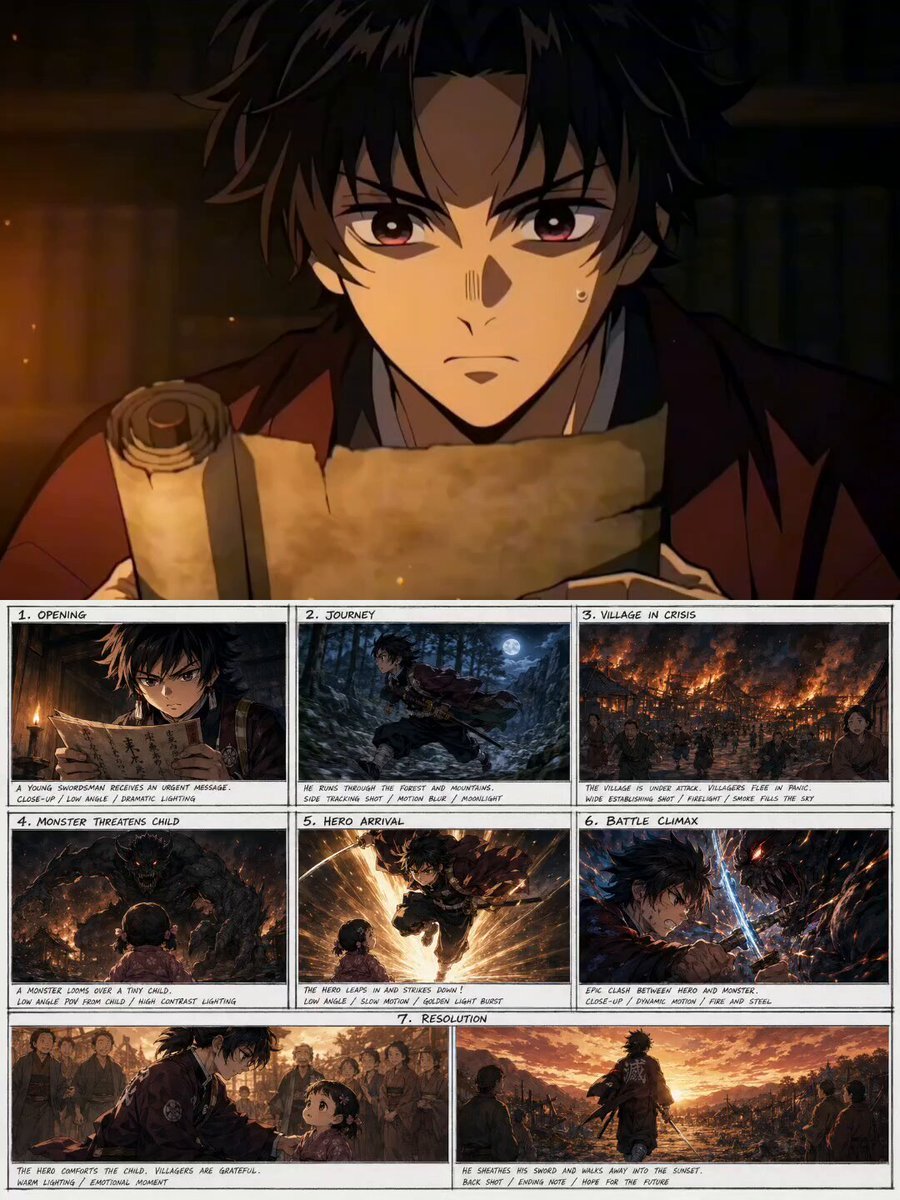
Demon Slayer Style Anime Storyboard
Golden Hour Road Trip Cinematic Scene

Cinematic Macro Latte Art Formation
Shinjuku Kabukicho Cinematic Portrait

Luxury Watch Mechanical Explosion
Browse template categories
Medieval Werewolf Rooftop Chase questions
How do I use the Medieval Werewolf Rooftop Chase template?
Add your photo if the template asks for one, edit the prompt if you like — the template's model and format are already selected — and press Generate. Your version opens in PicX Studio.
Can I customize the Medieval Werewolf Rooftop Chase template?
Yes. You can change the subject, setting, lighting, mood, format, and available model controls before creating your video.
Is the Medieval Werewolf Rooftop Chase template free?
Opening and editing this template is free. Generating uses credits, shown on the Generate button when you are signed in.
Which AI model should I use?
Start with Seedance 2.0, which is the model associated with this template. You can compare another compatible model for a different finish.
Looking for something else? Browse all templates.

Your photo, any look
Thousands of ready templates for every top image and video model, from one credit balance.