
Moonlit Werewolf Forest Chase Prompt
A fast-paced dark fantasy action sequence featuring a warrior being chased by a colossal werewolf through a dense forest.
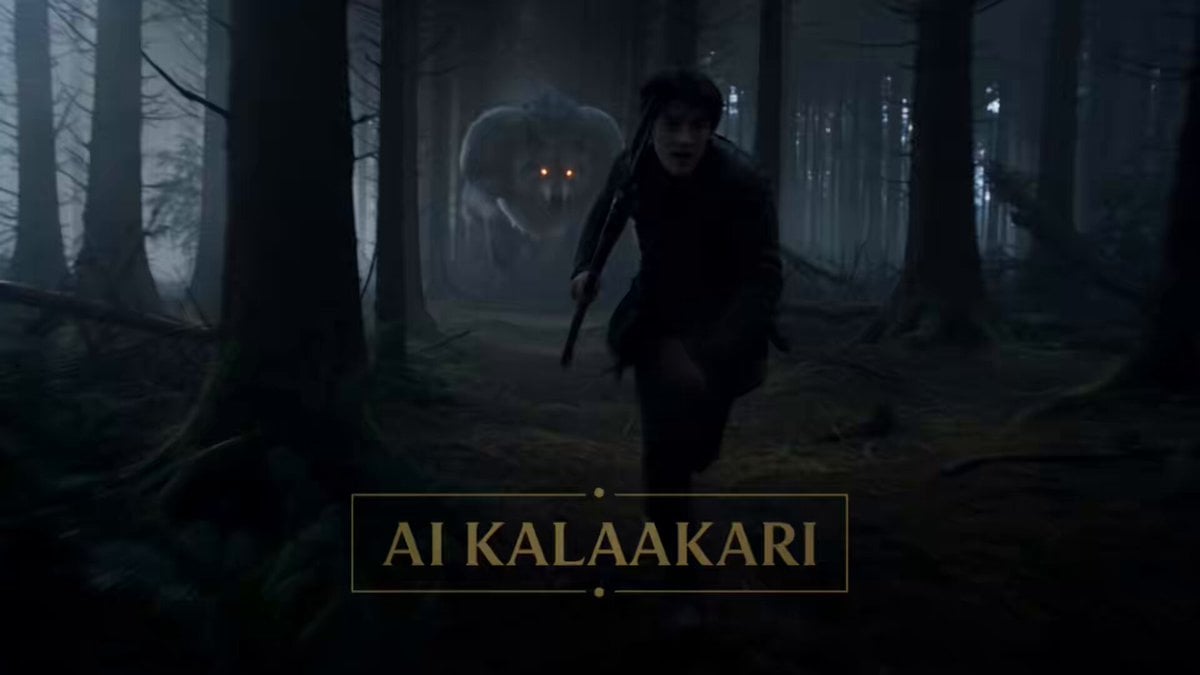
- Prompt included
- Model and format preset
- Free template
The prompt behind this video
Copy the exact prompt behind Moonlit Werewolf Forest Chase Prompt, or open it in the studio and make it yours.
Dark fantasy action sequence. Dense moonlit forest at night. Thick fog. Silver moonlight cutting through trees. Fast handheld tracking shots. Chaotic action. Sound: heavy breathing, snapping branches, pounding hooves, werewolf growls. 0–3s — HOOK A young warrior sprints through dense forest carrying a spear. Branches whip past his face. Behind him— A colossal werewolf crashes through trees. Massive shoulders. Silver-gray fur. Glowing amber eyes. Every step sends dirt flying. The creature is gaining fast. 3–6s — ESCALATION The warrior vaults fallen logs and dodges tree trunks. The werewolf tears straight through obstacles instead of avoiding them. Entire trees snap and fall. The forest explodes around them. The warrior glances back. The werewolf is only meters away. 6–9s — BUILD The warrior bursts into a giant moonlit clearing. Ahead— A herd of enormous elk-like creatures stampedes across the field. Towering antlers. Dozens of them. The ground shakes beneath their charge. 9–12s — CHAOS The warrior dives into the middle of the stampede. Bodies thunder past on both sides. The werewolf charges directly after him. Antlers slam into the beast. Hooves strike. Dirt and debris fill the air. The clearing becomes complete chaos. 12–15s — PAYOFF The warrior reaches a cliff edge hidden beyond the clearing. He leaps. The werewolf bursts through the stampede behind him and jumps too. The warrior catches a tree growing from the cliff face. The werewolf misses. It sails past him and disappears into the darkness below. The warrior hangs from the tree, breathing hard. Cut.
How to use Moonlit Werewolf Forest Chase Prompt in 3 steps
- 1
Open
The prompt is already in the box next to the preview, with the template's model and format selected.
- 2…a portrait of your subject in softgolden-hour light, 85mm…
Personalize
Edit the subject and creative details for your destination.
- 3Generate
Generate
Press Generate — your video is created in PicX Studio, so you can compare it with the original and refine one variable at a time.
More like this
Templates with the same subject, style or setup. Open one to see its prompt.

Forest Fantasy Girl Short Film

Fearless Warrior Cursed Forest Chase
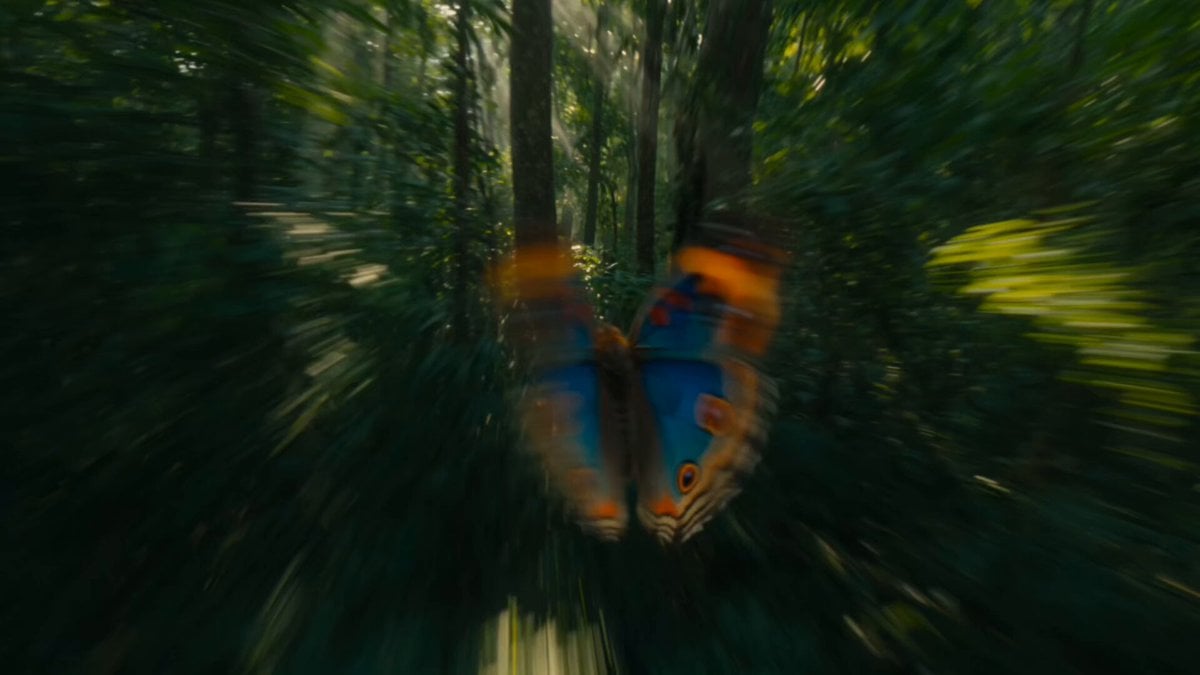
Continuous Butterfly and Parrot Forest Chase

Cartoon Donut Heist Bakery Chase

Whimsical Forest Creature Berry Chase
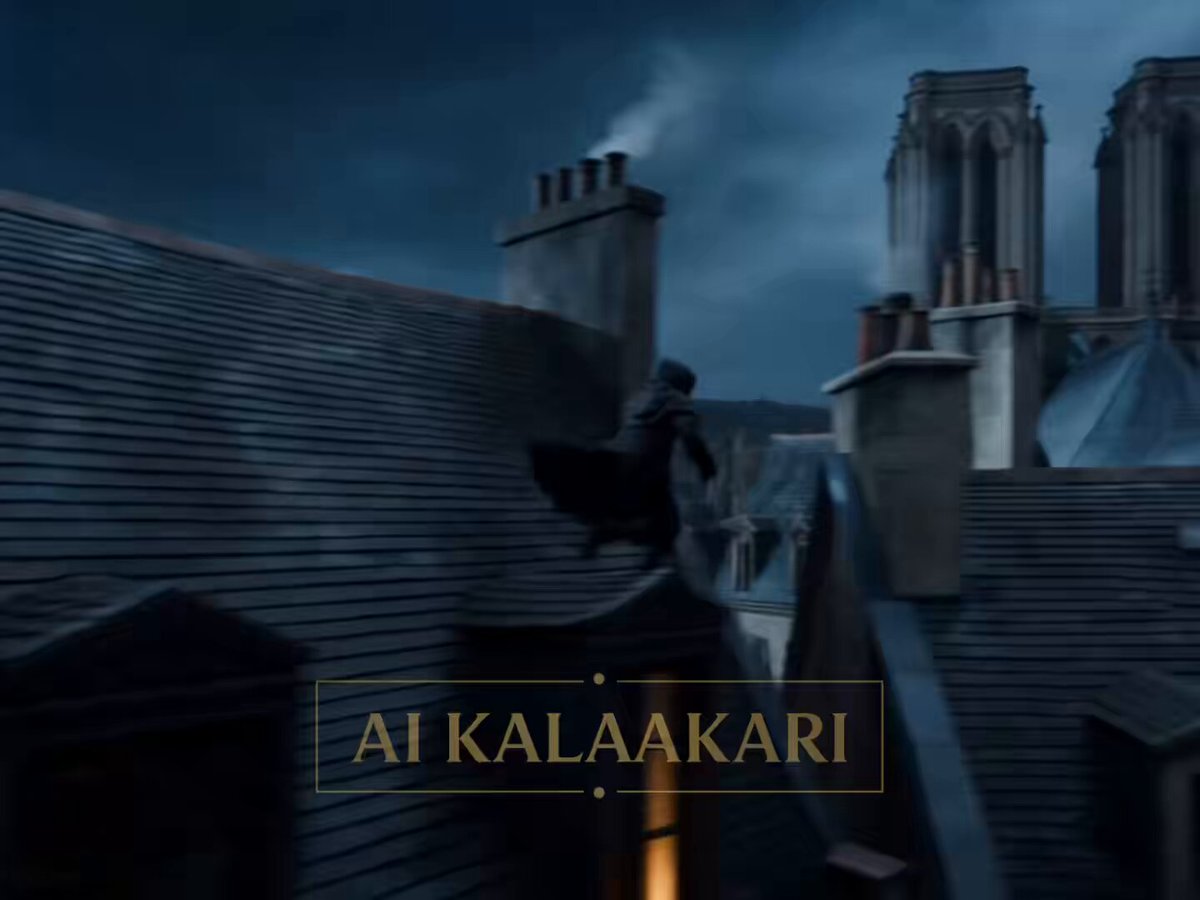
Medieval Werewolf Rooftop Chase
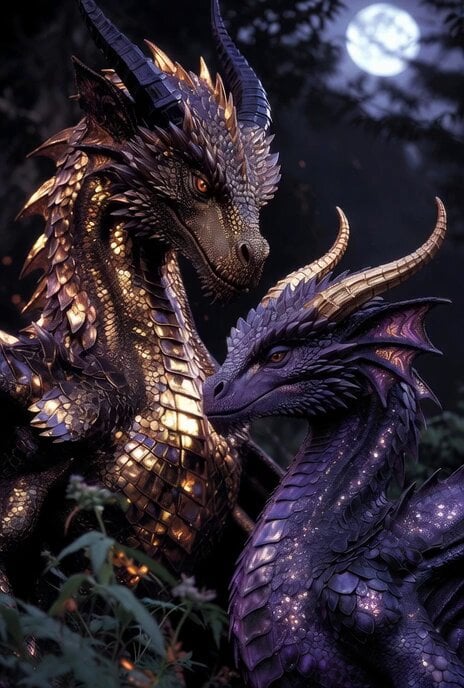
Golden and Purple Dragons in Moonlit Forest
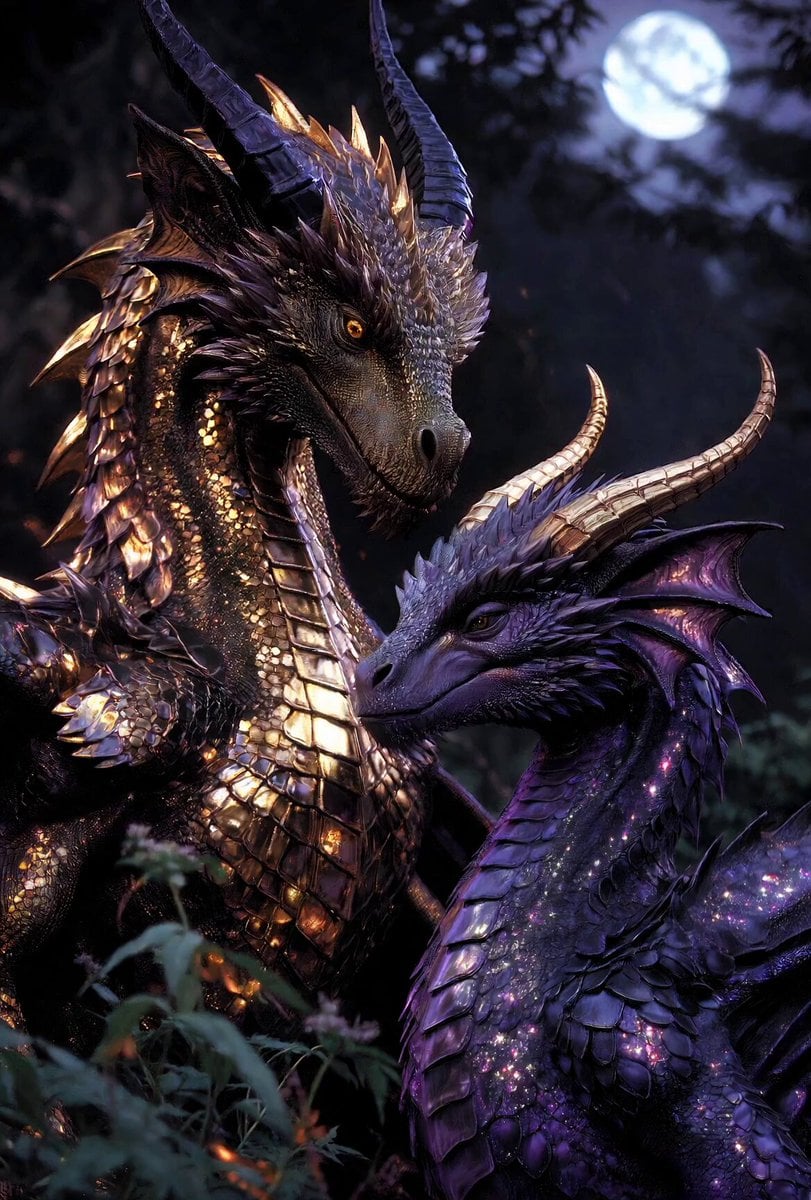
Dragons in Moonlit Forest
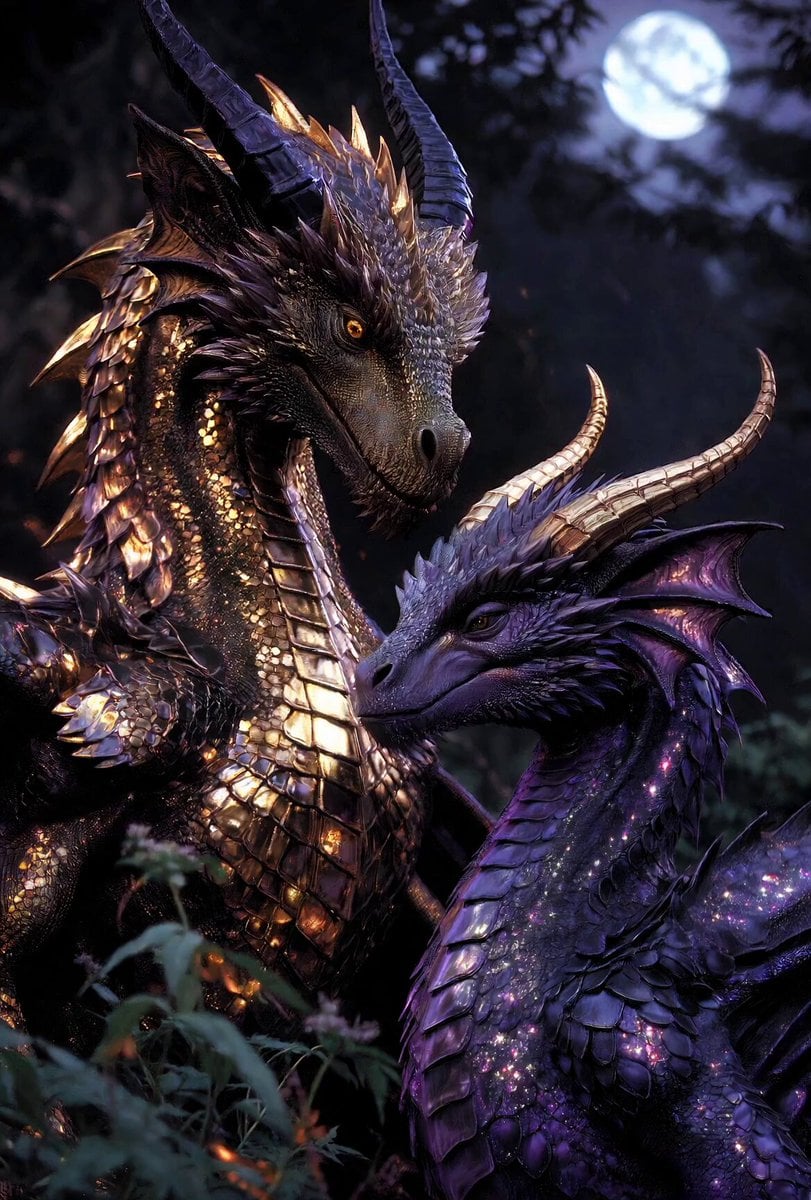
Cinematic Dragons in Moonlit Forest

Walking Factory with Rebel on Hoverbike - Wasteland
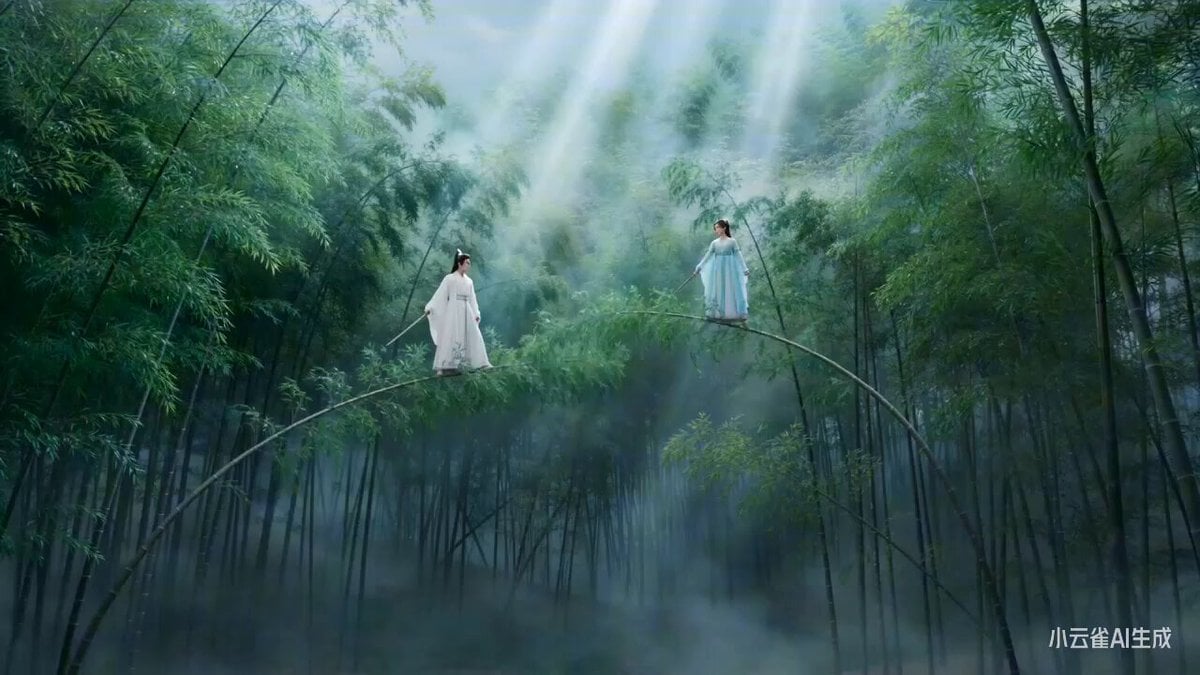
Moonlit Bamboo Forest Swordsman Scene
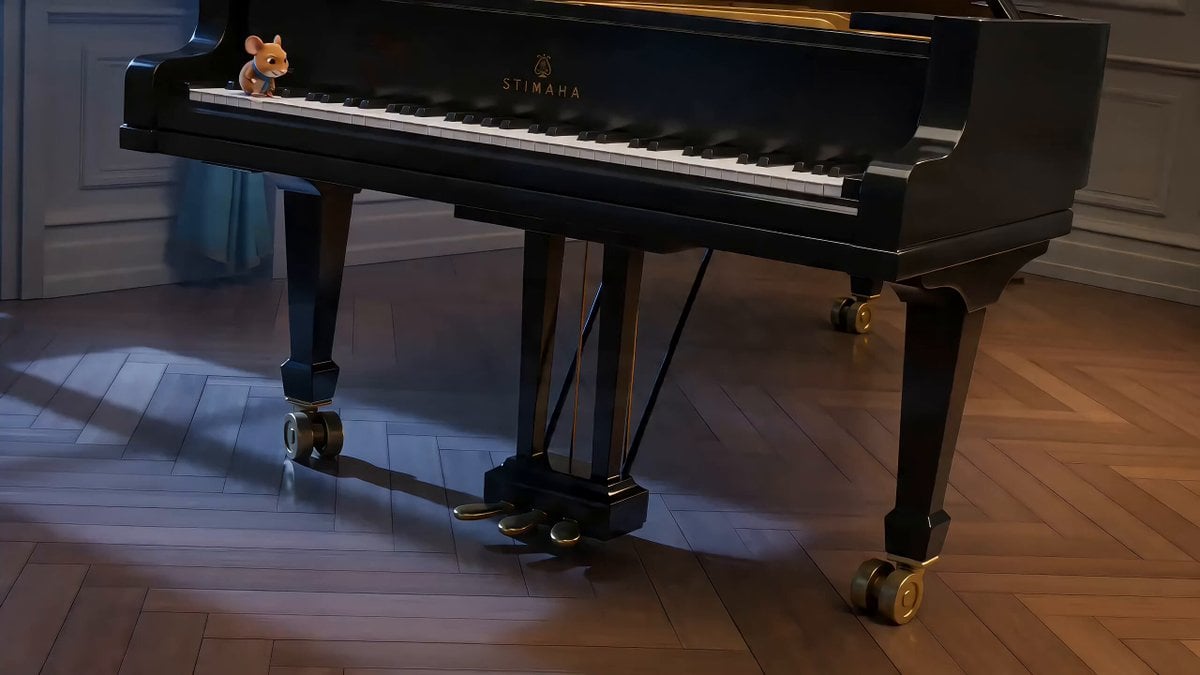
Moonlit Piano Chase Animation
Make it yours
Moonlit Werewolf Forest Chase Prompt works as-is. These are the safest ways to change it without losing the look.
Change one field
Copy a single group, rewrite it, and generate again so you can see what that field is doing.
Keep the frame, change the subject
Hold the composition and light of Moonlit Werewolf Forest Chase Prompt, then swap wardrobe, props or the person for a new take.
| If the result… | Why | Fix |
|---|---|---|
| The result drifts from the preview | Too many fields changed at once. | Reuse Moonlit Werewolf Forest Chase Prompt as-is first, then change one group — subject, light, or setting. |
| The model over-stylizes the scene | The prose prompt leaves finish and camera underspecified. | Add one camera or lighting sentence and stay on Seedance 2.0. |
More Seedance 2.0 templates
Other prompts made for Seedance 2.0.

Comical Martial Arts Punch Scene

Maglev Train Action Sequence

Martial Arts Fight Sequence

Wuxia Protection and Trust Script

Vintage Korean Arcade MiniDV Vlog

Mercedes 190 SL Luxury Ad

Rainy Night Supernatural Reverse Comedy Video Script

Amazon Civilization Discovery

Futuristic South Asian City Transformation

Cozy Luxury Cafe Commercial
More video prompts
Fresh picks from across the catalog.
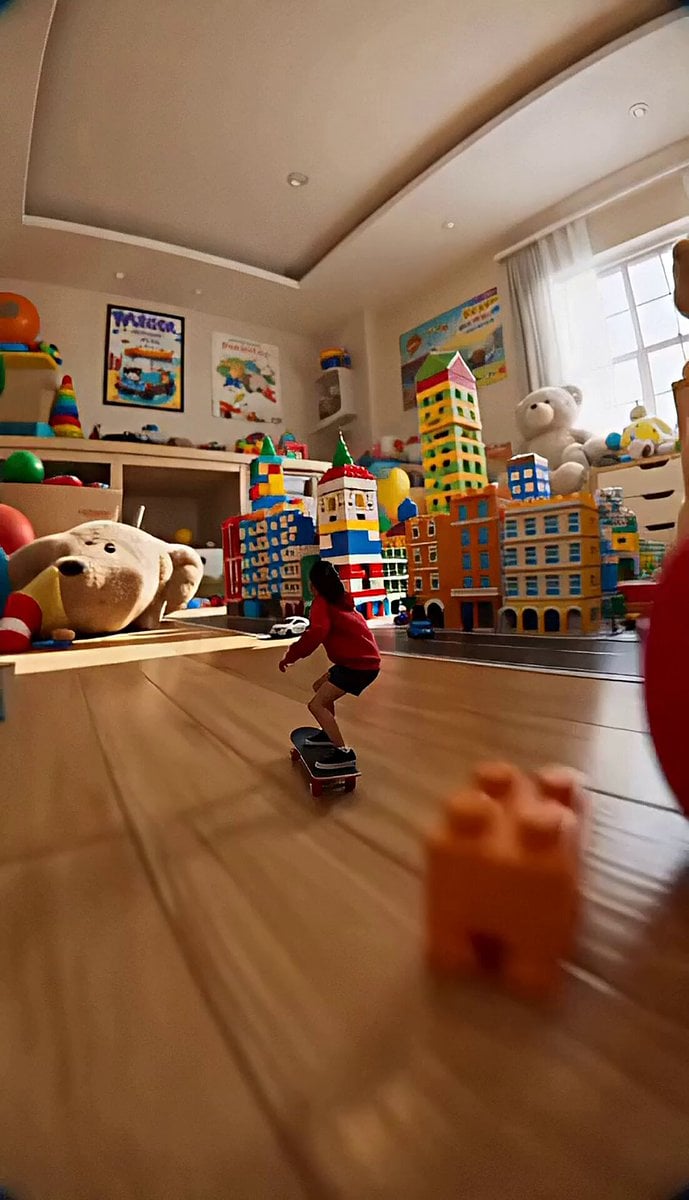
Miniature Skateboard Chase Scene
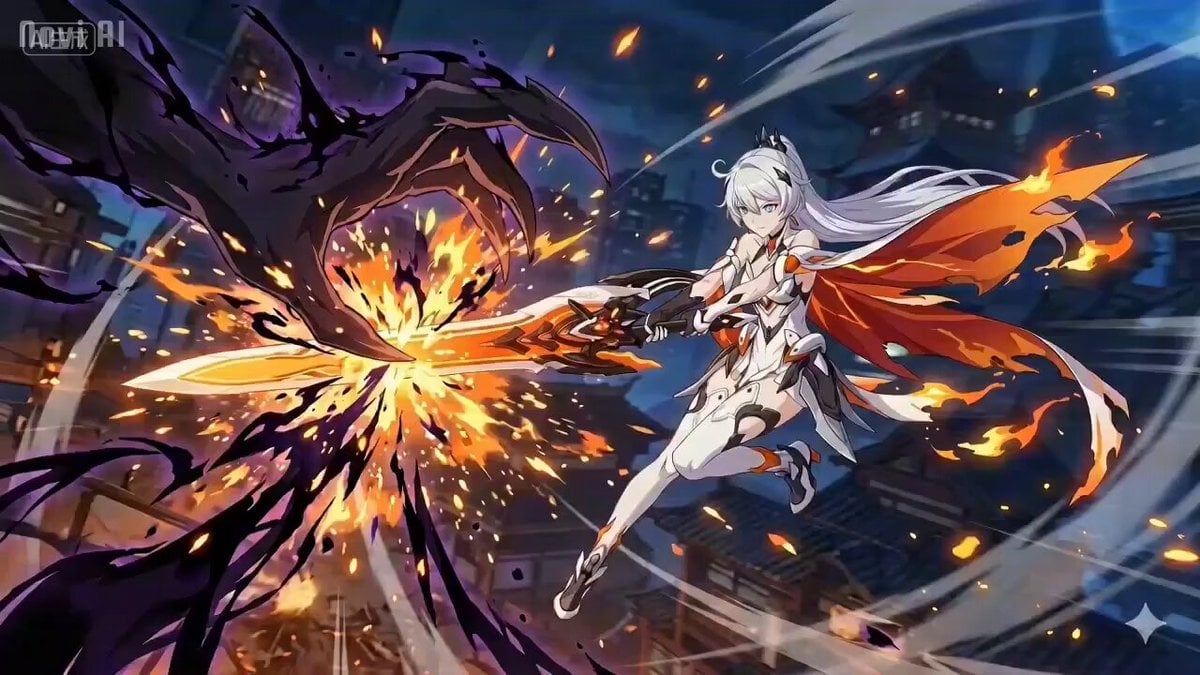
Anime Combat Scene: Knight vs. Shadow Monster
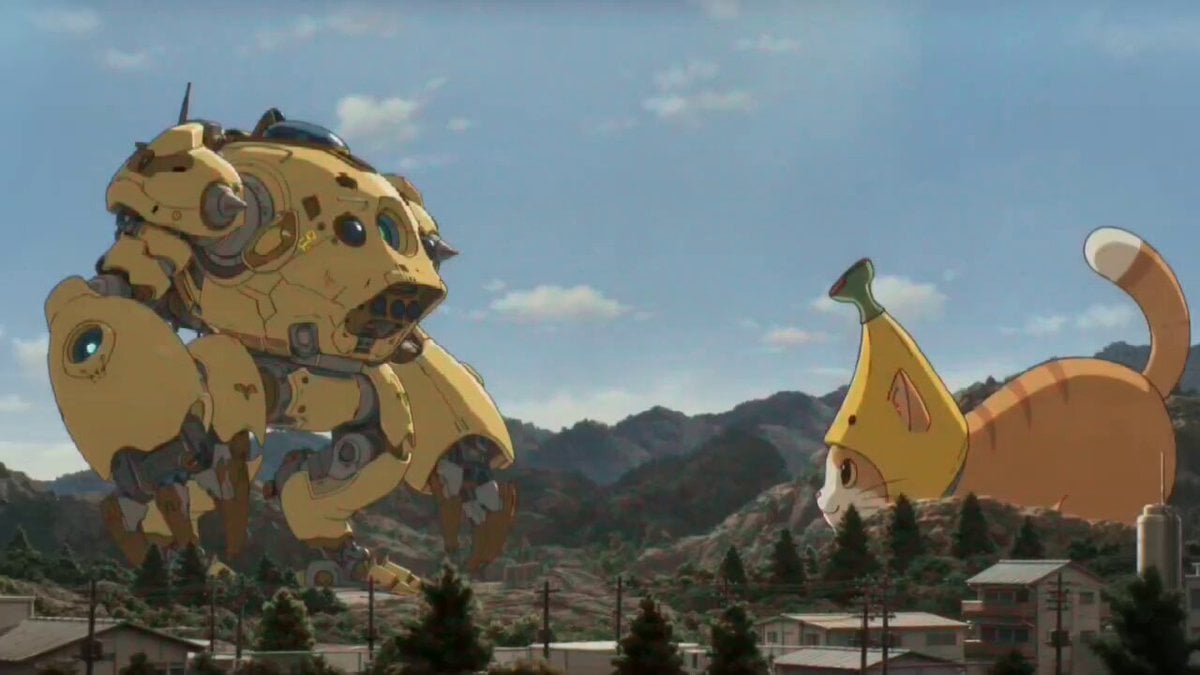
Kaiju Battle Video Generation Prompt for Seedance 2

Whimsical Fairy Sleeping in a Log
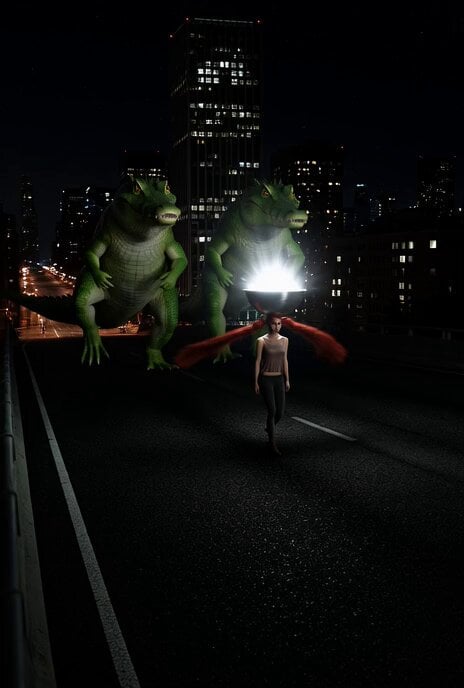
Surreal Sci-Fi Video Prompt: Giant Alligators Chasing a Silver Bowl
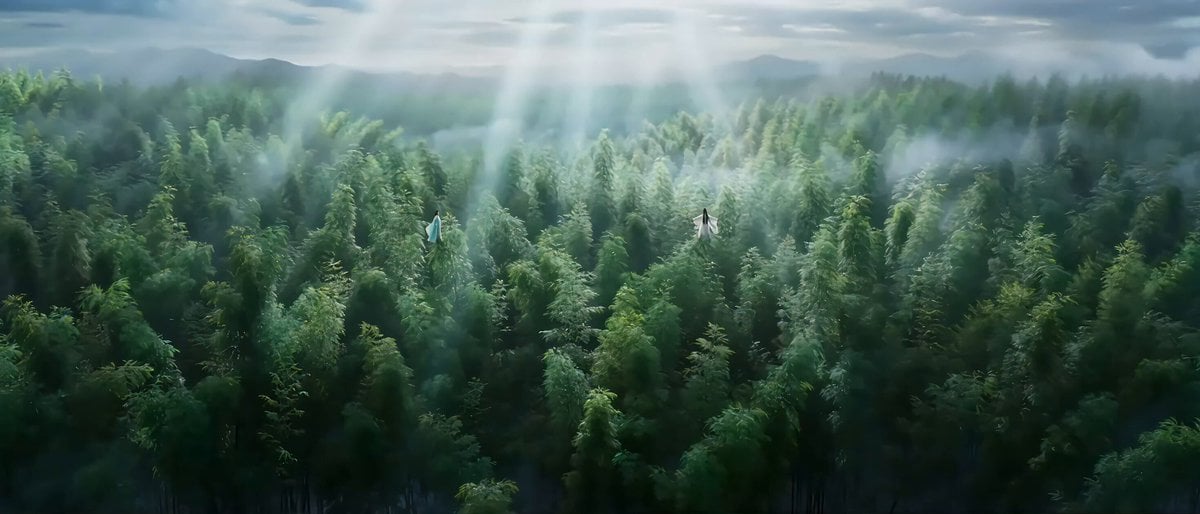
Classical Wuxia Duel in Bamboo Forest
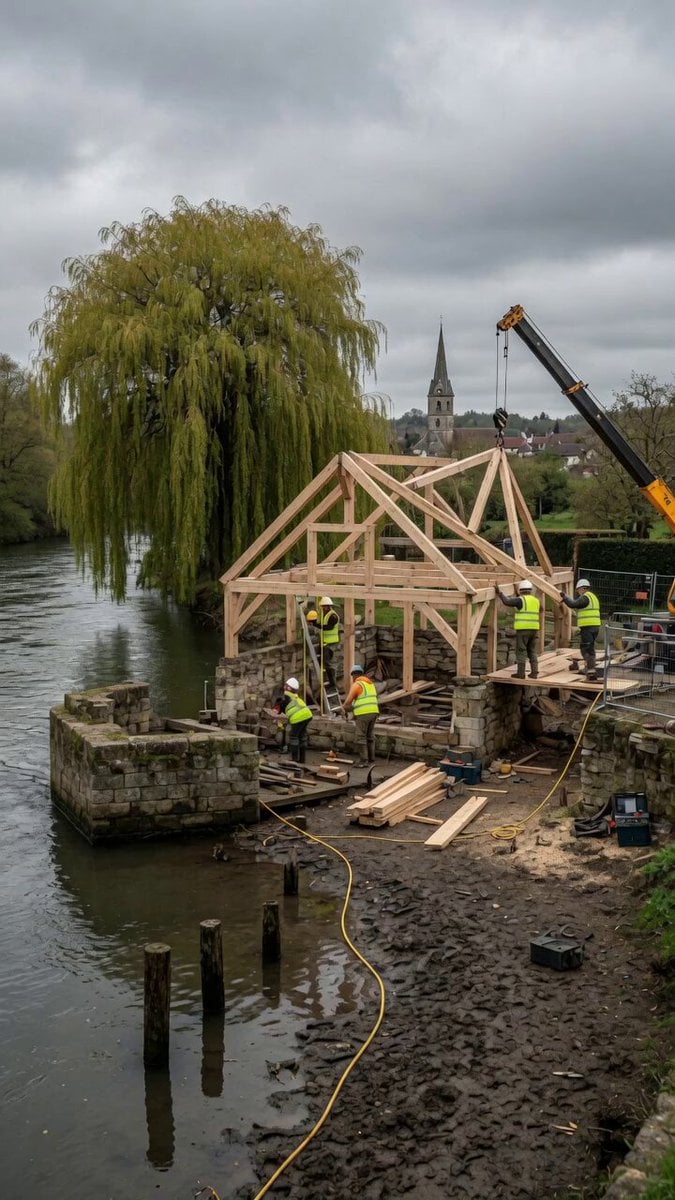
Construction Timelapse with Scene Lock
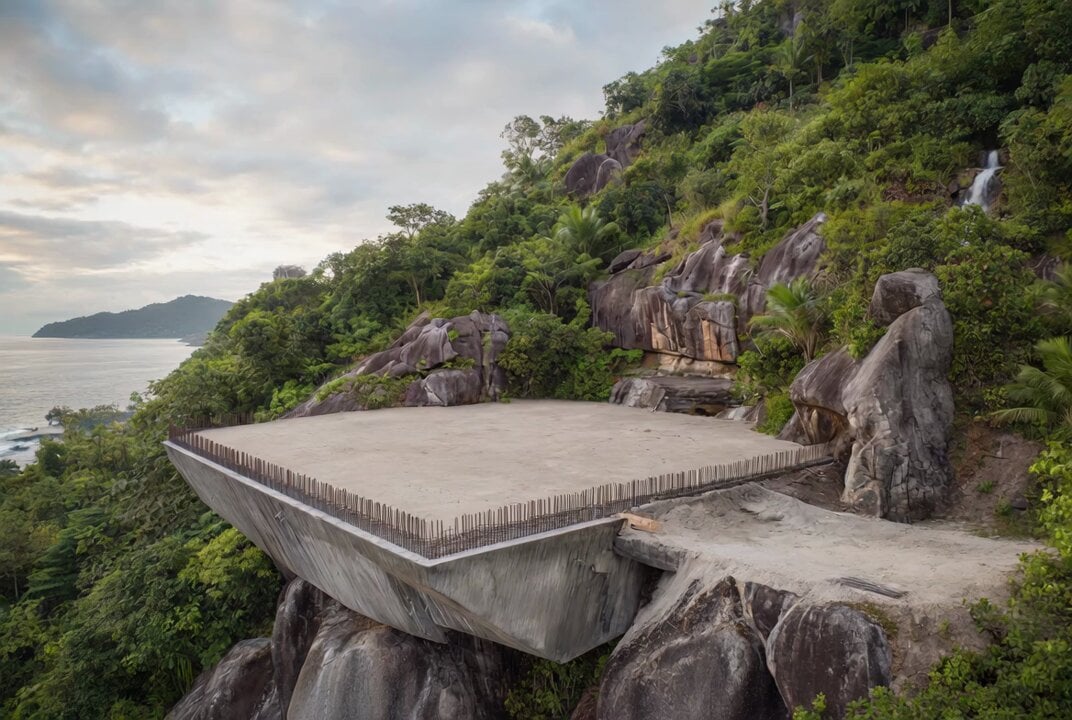
Construction Time-Lapse and Deconstruction Prompt Comparison (Seedance 2.0 vs. Grok)
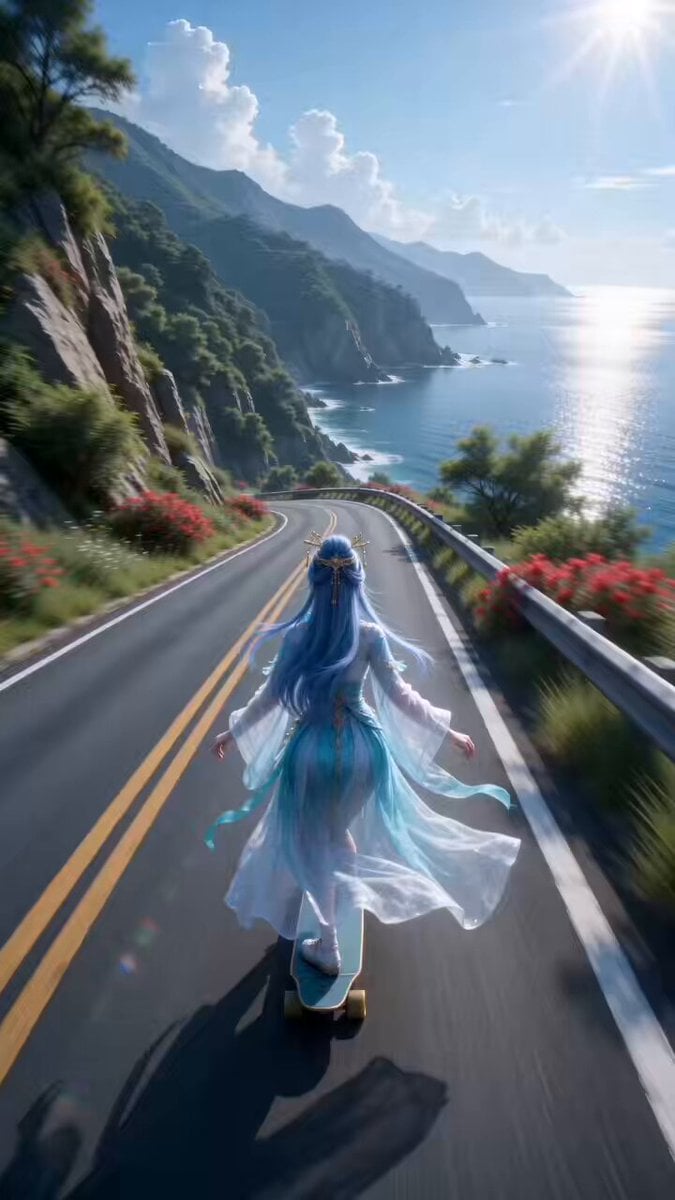
Guoman Goddess Skateboard Video Generation (Seedance 2.0)
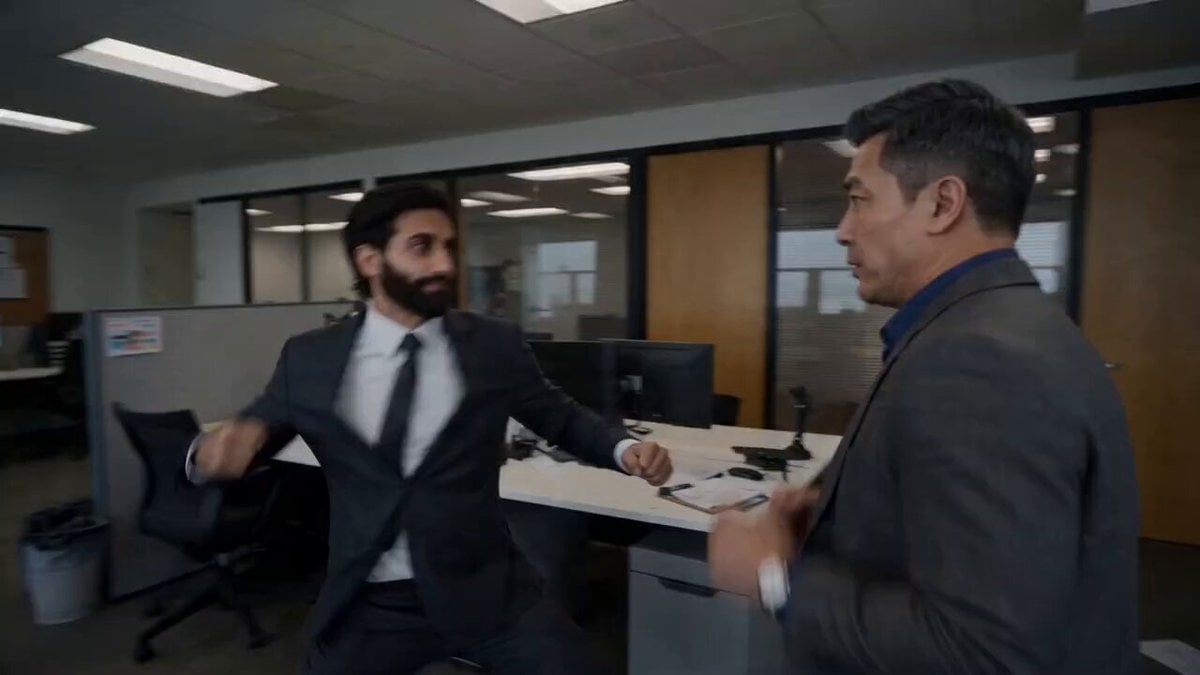
Immersive High-Speed Office Melee
Browse template categories
Moonlit Werewolf Forest Chase Prompt questions
How do I use the Moonlit Werewolf Forest Chase Prompt template?
Add your photo if the template asks for one, edit the prompt if you like — the template's model and format are already selected — and press Generate. Your version opens in PicX Studio.
Can I customize the Moonlit Werewolf Forest Chase Prompt template?
Yes. You can change the subject, setting, lighting, mood, format, and available model controls before creating your video.
Is the Moonlit Werewolf Forest Chase Prompt template free?
Opening and editing this template is free. Generating uses credits, shown on the Generate button when you are signed in.
Which AI model should I use?
Start with Seedance 2.0, which is the model associated with this template. You can compare another compatible model for a different finish.
Looking for something else? Browse all templates.

Your photo, any look
Thousands of ready templates for every top image and video model, from one credit balance.