
Immersive High-Speed Office Melee
A comprehensive action sequence prompt for a 15-second brutal fight scene in an office setting, utilizing character references and dynamic camera work.
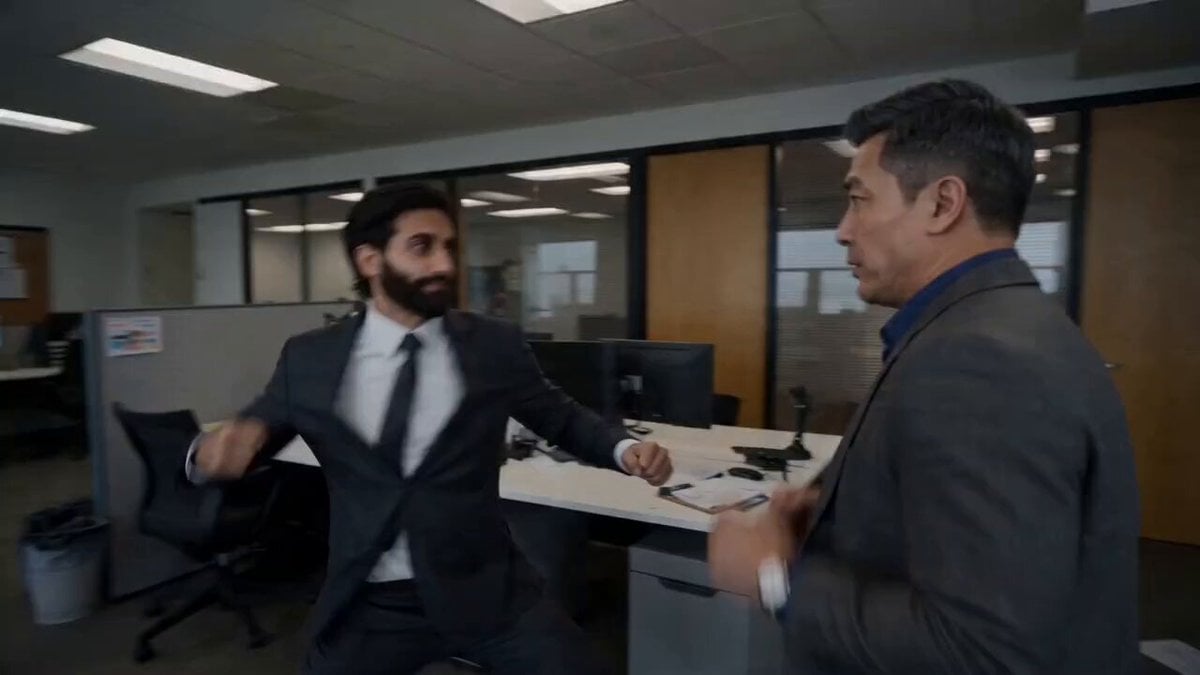
- Prompt included
- Model and format preset
- Free template
The prompt behind this video
Copy the exact prompt behind Immersive High-Speed Office Melee, or open it in the studio and make it yours.
15-second, no-dialogue, fully immersive high-speed brutal fight short film. Two characters @ image1 and @ image2 . Live-action realistic style. Close-quarters, high-speed chaotic melee combat with no rules, fully out-of-control brawling. No flashy choreography—pure raw. Continuous exchange of punches, kicks, blocks, body checks, throws, and grappling entanglements. Ultra-realistic impact. Exaggerated yet physically grounded motion speed. Entire sequence in 120 FPS with no slow motion. Rapid dashes, evasions, and high-speed limb swings. Extreme motion blur and speed trails amplify intensity while preserving realistic weight and physics. Master-level cinematic camera movement: A professional film camera stays tightly locked to the action, flying dynamically with the fighters—high-speed dives, sudden stops, whip pans, and full 360° orbital tracking. The camera moves in sync with punches, kicks, and evasions, with responsive shake and displacement. One continuous take, no cuts. Sharp push-pull tracking, sudden directional shifts, fully integrated into the fight for a face-to-face immersive combat perspective. Smooth, zero-latency motion. Master-level precision editing: 0–3 seconds: ultra-fast cuts to enter combat. 3–10 seconds: seamless action continuity with zero stutter or breaks. 10–15 seconds: dense, violent rapid-cut climax. Editing rhythm escalates with combat intensity. Fast intercutting enhances chaos. Precise beat timing, no redundant shots. Constant suffocating high-speed pacing. Environment Setting Modern open-plan office with desks, computers, cabinets, printers, and swivel chairs; realistic layout with cool overhead lighting and side backlight for strong contrast. Slightly cramped space for added tension; no glass-breaking. Environmental Interaction & Constraints: Combat affects the space only through natural, physically justified collisions—papers scatter from air movement (not attacks), chairs slide or topple on impact, desks shift slightly without deliberate damage, and screens remain intact with minor vibration. No unnecessary or intentional destruction of equipment. Body-driven combat: grappling, pinning, counter-throws, and realistic slams with subtle impact cracks/vibrations. Natural airflow—light paper/dust movement only, no exaggeration. Final Action Design Final 2–3s: both throw simultaneous close-range punches, freezing inches before impact—fully tensed, heavy breathing, locked in perfect deadlock.
How to use Immersive High-Speed Office Melee in 3 steps
- 1
Open
The prompt is already in the box next to the preview, with the template's model and format selected.
- 2…a portrait of your subject in softgolden-hour light, 85mm…
Personalize
Edit the subject and creative details for your destination.
- 3Generate
Generate
Press Generate — your video is created in PicX Studio, so you can compare it with the original and refine one variable at a time.
More like this
Templates with the same subject, style or setup. Open one to see its prompt.
Highway Biker — Aggressive Lane Split (PixVerse C1)
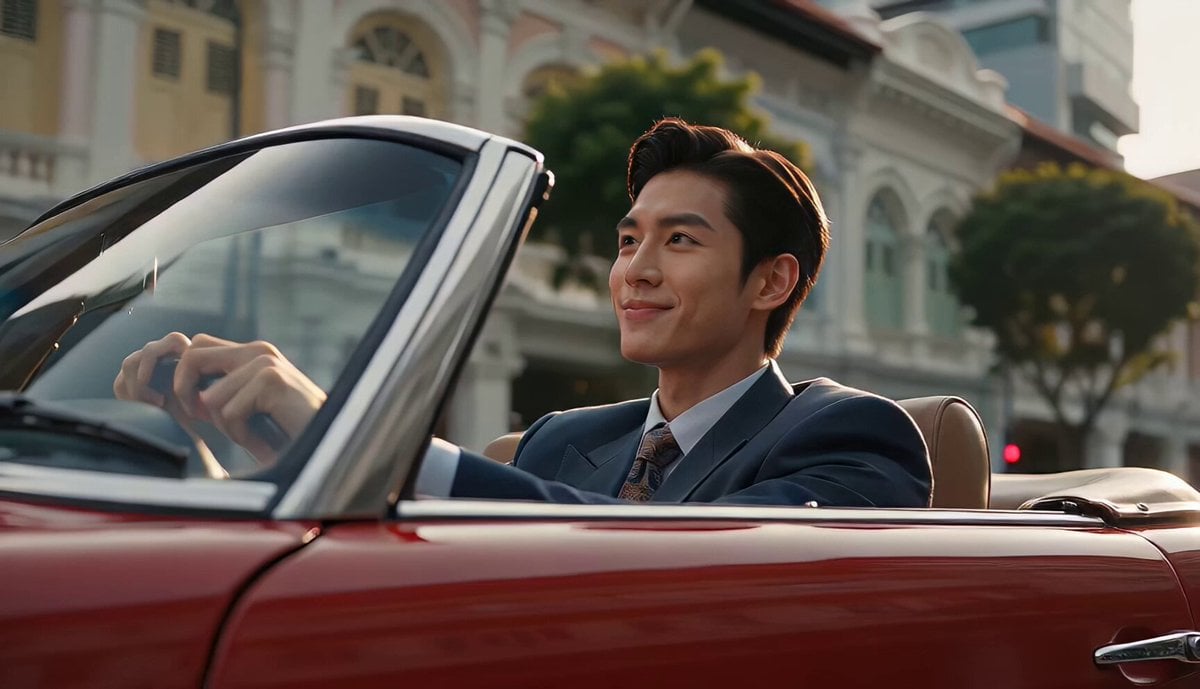
80s Singapore Office Yuppie Montage
Fashion Outfit Transformation Office Vlog
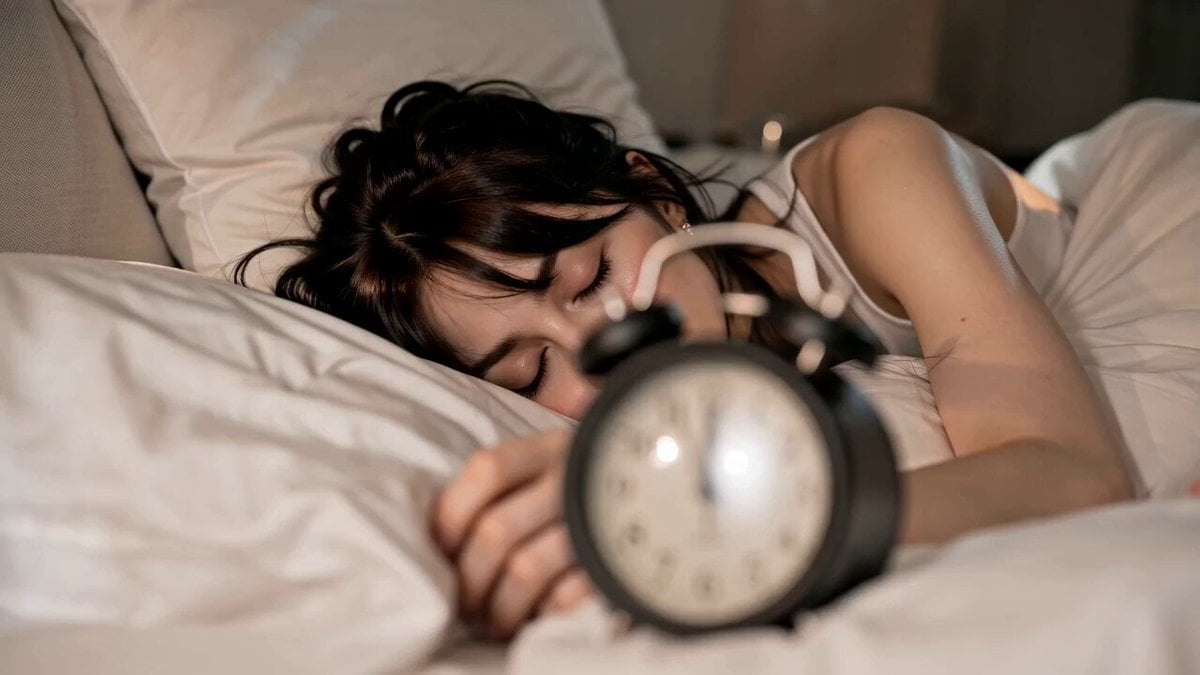
Cinematic GRWM Office Routine
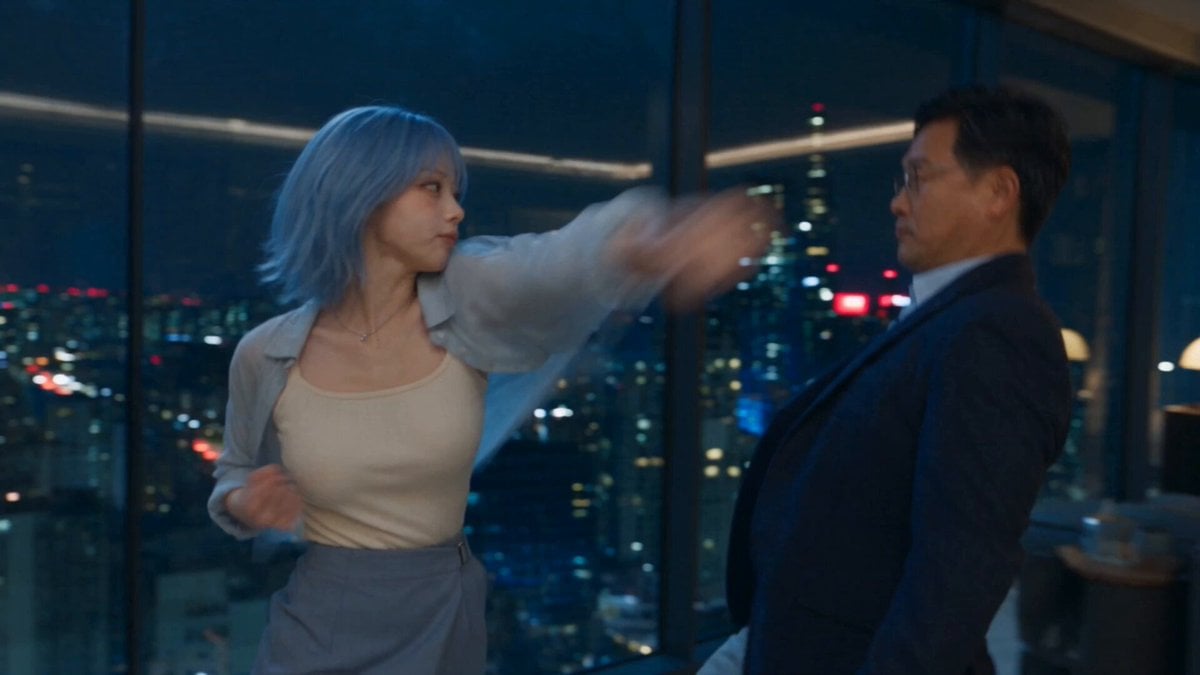
Romantic Action Comedy Office Scene
Hyper-Speed Galactic Flight

Lightspeed Cinematic Time Freeze
Office Executive Cinematic Narrative
Office Absurdity Mockumentary Comedy Video

High-Speed Magic Battle Animation
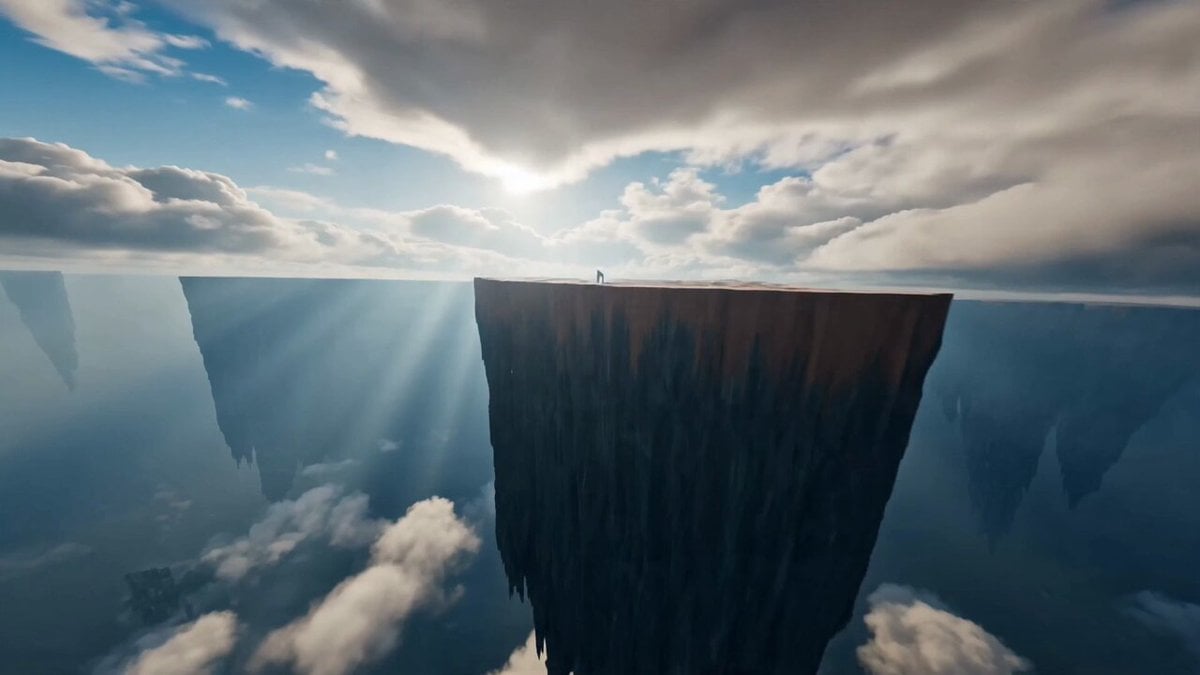
Immersive FPV Surreal Flying Perspective
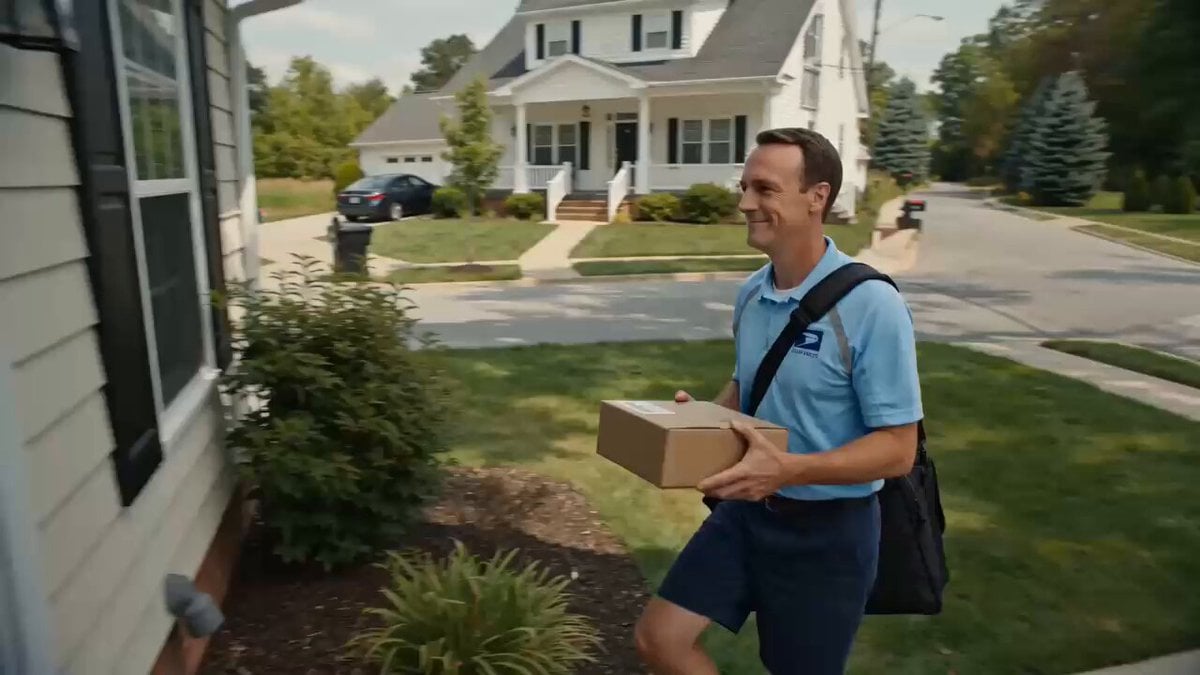
Superhuman Speed Delivery Man Cinematic Sequence
Make it yours
Immersive High-Speed Office Melee works as-is. These are the safest ways to change it without losing the look.
Change one field
Copy a single group, rewrite it, and generate again so you can see what that field is doing.
Keep the frame, change the subject
Hold the composition and light of Immersive High-Speed Office Melee, then swap wardrobe, props or the person for a new take.
| If the result… | Why | Fix |
|---|---|---|
| The result drifts from the preview | Too many fields changed at once. | Reuse Immersive High-Speed Office Melee as-is first, then change one group — subject, light, or setting. |
| The model over-stylizes the scene | The prose prompt leaves finish and camera underspecified. | Add one camera or lighting sentence and stay on Seedance 2.0. |
More Seedance 2.0 templates
Other prompts made for Seedance 2.0.

Comical Martial Arts Punch Scene

Maglev Train Action Sequence

Martial Arts Fight Sequence

Wuxia Protection and Trust Script

Vintage Korean Arcade MiniDV Vlog

Mercedes 190 SL Luxury Ad

Rainy Night Supernatural Reverse Comedy Video Script

Amazon Civilization Discovery

Futuristic South Asian City Transformation

Cozy Luxury Cafe Commercial
More video prompts
Fresh picks from across the catalog.
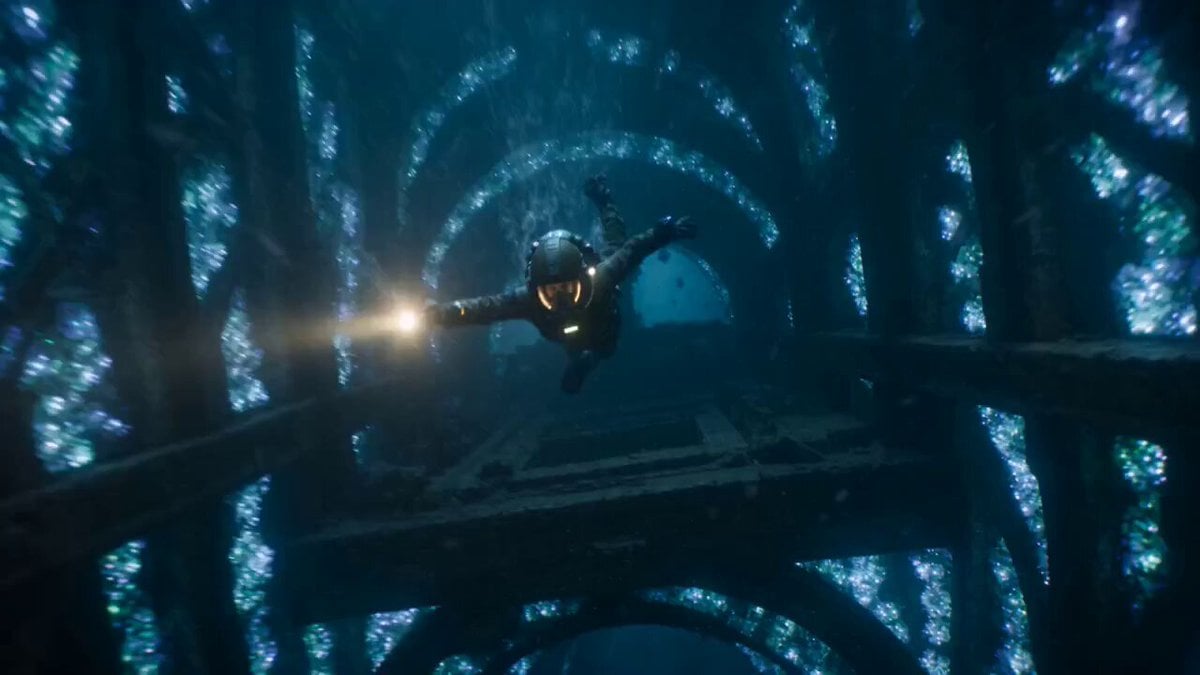
The Leviathan's Throat: Underwater Megastructure Descent

Photorealistic 2.5D Anime Scene Prompt

Cyberpunk Demonic Cyborg Warlord
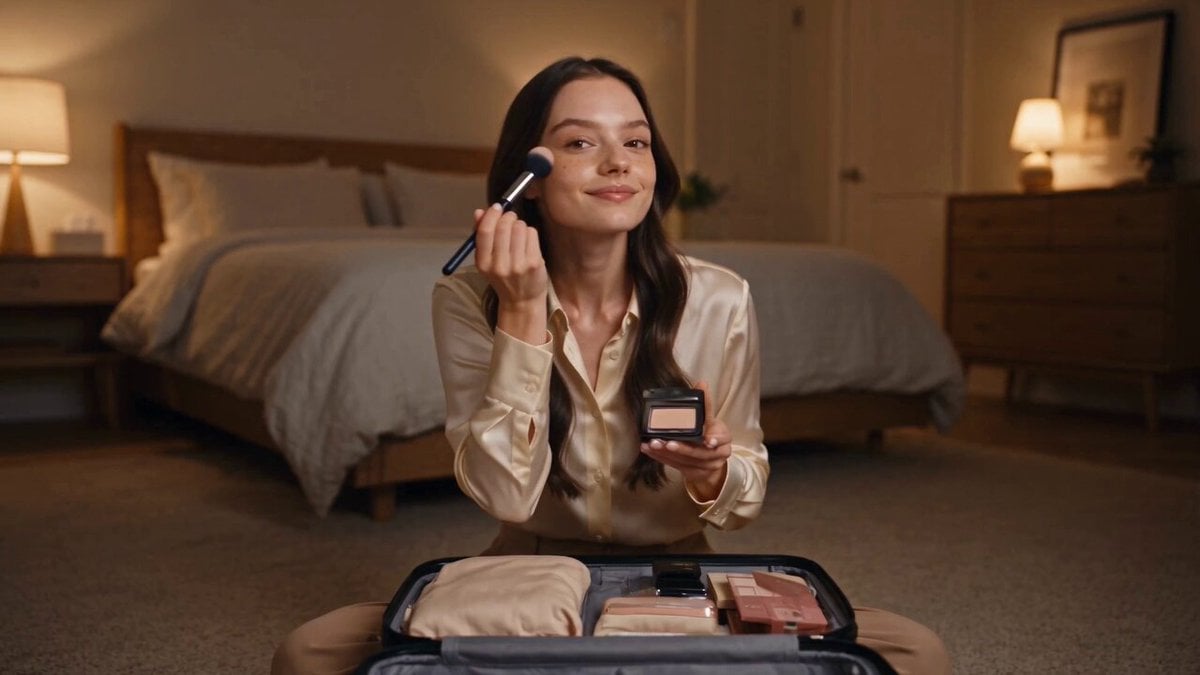
Seedance 2.5 - @AIwithSynthia - 662980
Musical City Transformation Sequence
Dark Underground Forge-Cavern Video Prompt
Cinematic Hero vs Dragon Combat
Deep Space Zero-G Warrior Combat
Year-Old Girl Summer Vlog

Misty Watercolor Mountain Sword Dance
Browse template categories
Immersive High-Speed Office Melee questions
How do I use the Immersive High-Speed Office Melee template?
Add your photo if the template asks for one, edit the prompt if you like — the template's model and format are already selected — and press Generate. Your version opens in PicX Studio.
Can I customize the Immersive High-Speed Office Melee template?
Yes. You can change the subject, setting, lighting, mood, format, and available model controls before creating your video.
Is the Immersive High-Speed Office Melee template free?
Opening and editing this template is free. Generating uses credits, shown on the Generate button when you are signed in.
Which AI model should I use?
Start with Seedance 2.0, which is the model associated with this template. You can compare another compatible model for a different finish.
Looking for something else? Browse all templates.

Your photo, any look
Thousands of ready templates for every top image and video model, from one credit balance.