How do I use the Sci-Fi Transformation Scene template?
Edit the prompt in the box under the preview — the template's model and format are already selected — and press Generate. Your version appears right on this page.
A detailed, single-take 15-second prompt for Seedance 2.0 describing a man in a wasteland undergoing a violent, glowing transformation into an armored, horned figure with electrical arcs and a miniature black hole…
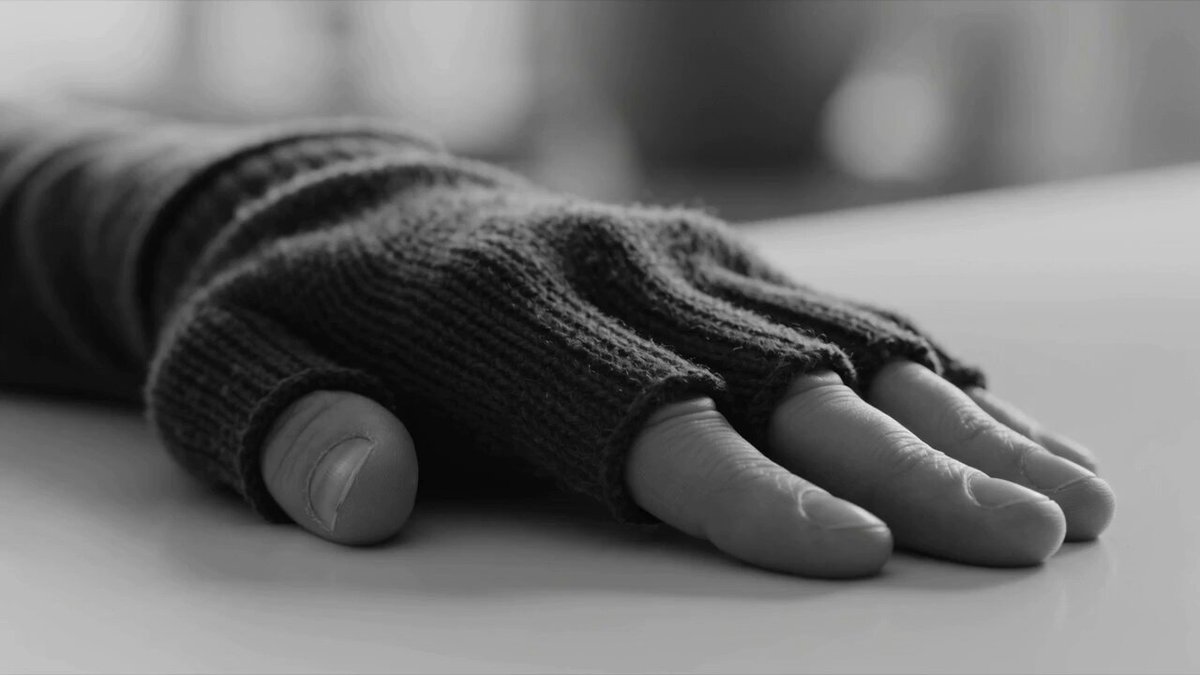
65mm IMAX, ultra-wide anamorphic lens, heavy film grain, strong lens flares. Eclipse-like atmosphere with dense gray fog. Only light source is an internal orange-red glow from the character, like a dying star. Single-take 15s: A dust-covered man stands alone in a wasteland. Handheld camera circles him in a 360° orbit with slight shake from heat. He slowly raises his hand—fingertips turn semi-transparent, air distorts. His body convulses under pressure. Glowing golden cracks spread beneath his skin, bones crack. Purple-black smoke with blue electrical arcs bursts from his spine. Deep fractures leak liquid gold. Floating metal debris is pulled toward him. Rusted black armor plates slam into his body with sparks, forming uneven armor—cracked shoulders and a chest plate revealing a molten core. Red metal spreads across his face, forming a mask. His eyes collapse, then ignite with blue electric light, one flickering. Two large black horns emerge with faint purple flames. Final: he raises his hand, forming a blue flame like a miniature black hole. He slams the ground—spiraling gravity shockwave destroys nearby ruins. Silence. Broken black wings extend. He lifts his head, blue eyes glowing through the fog.
65mm IMAX, ultra-wide anamorphic lens, heavy film grain, strong lens flares. Eclipse-like atmosphere with dense gray fog. Only light source is an internal orange-red glow from the character, like a dying star. Single-take 15s: A dust-covered man stands alone in a wasteland. Handheld camera circles him in a 360° orbit with slight shake from heat. He slowly raises his hand—fingertips turn semi-transparent, air distorts. His body convulses under pressure. Glowing golden cracks spread beneath his skin, bones crack. Purple-black smoke with blue electrical arcs bursts from his spine. Deep fractures leak liquid gold. Floating metal debris is pulled toward him. Rusted black armor plates slam into his body with sparks, forming uneven armor—cracked shoulders and a chest plate revealing a molten core. Red metal spreads across his face, forming a mask. His eyes collapse, then ignite with blue electric light, one flickering. Two large black horns emerge with faint purple flames. Final: he raises his hand, forming a blue flame like a miniature black hole. He slams the ground—spiraling gravity shockwave destroys nearby ruins. Silence. Broken black wings extend. He lifts his head, blue eyes glowing through the fog.
Edit the prompt in the box under the preview — the template's model and format are already selected — and press Generate. Your version appears right on this page.
Yes. You can change the subject, setting, lighting, mood, format, and available model controls before creating your video.
Opening and editing this template is free. Generating uses credits, shown on the Generate button when you are signed in.
Start with Seedance 2.0, which is the model associated with this template. You can compare another compatible model for a different finish.
Follow a topic to a crawlable collection of related PicX Studio templates.