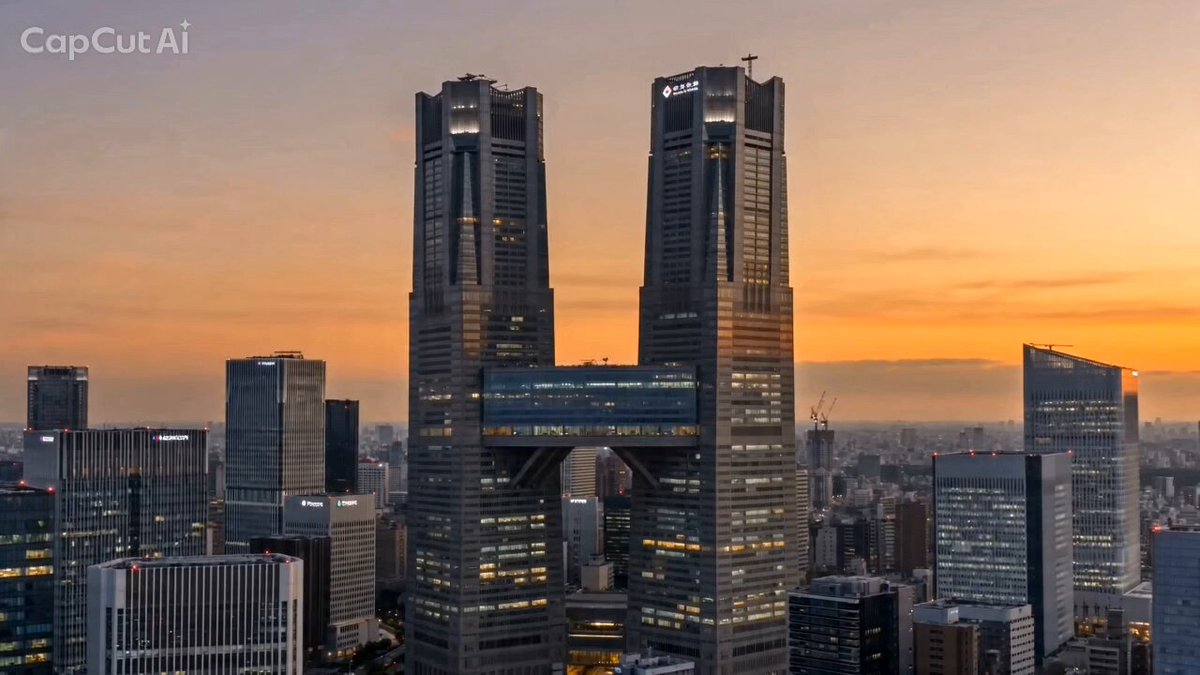
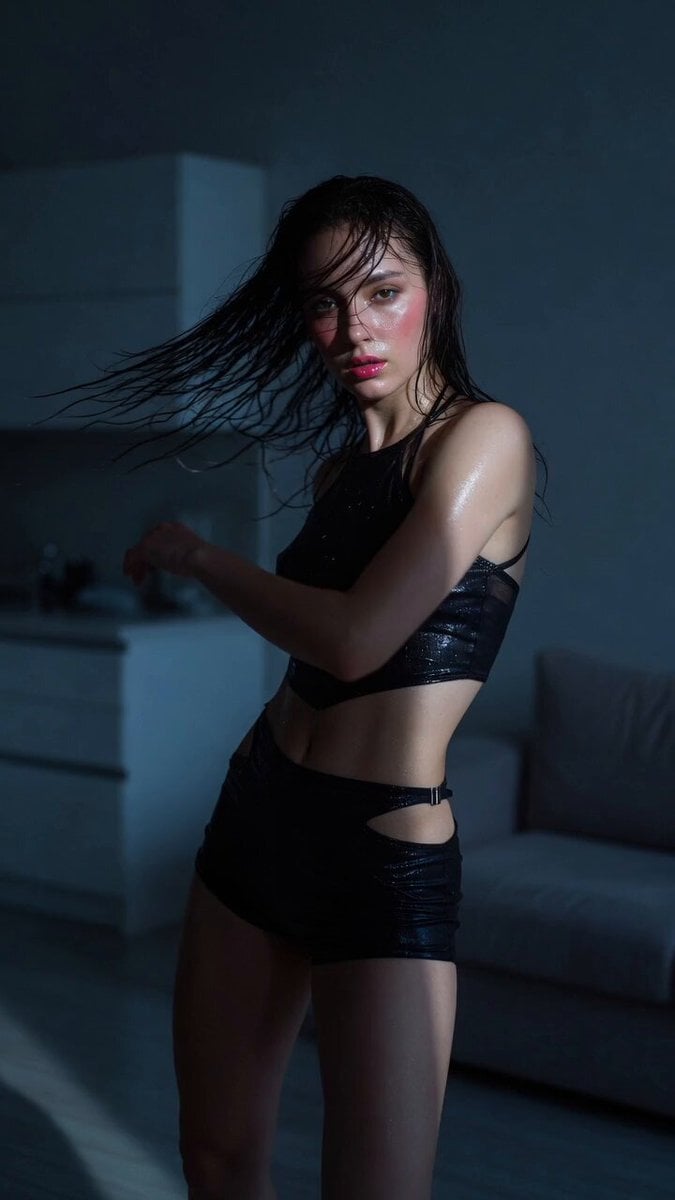
How do I use the Shinjuku Kabukicho Cinematic Portrait template?
Edit the prompt in the box under the preview — the template's model and format are already selected — and press Generate. Your version appears right on this page.
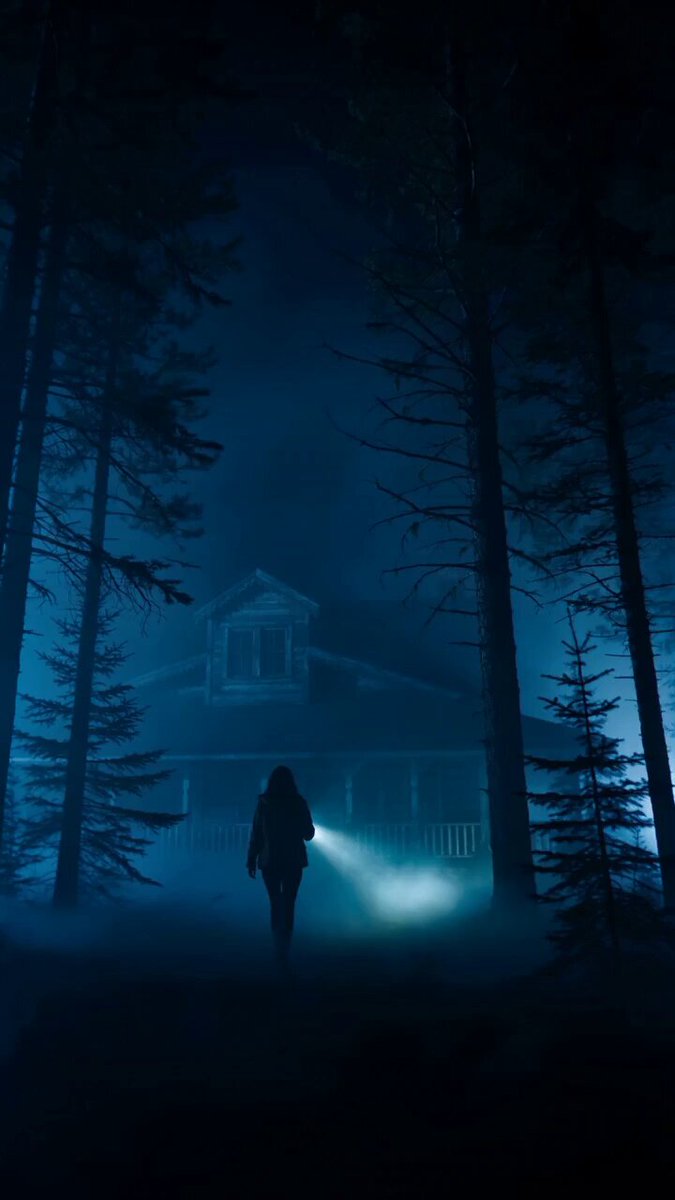
A moody, cinematic video prompt for a scene in Shinjuku Kabukicho at dusk, featuring a woman turning around under neon lights on a rainy street.
夕暮れの新宿歌舞伎町、ネオンに照らされた女性がふり返る。雨上がりの路面が光を反射し、湯気の立つ屋台の湯気が画面を横切る。 【カメラ】ローアングルのゆっくりドリーイン、浅い被写界深度、35mmフィルム質感。 【照明】ネオンの赤と青のリムライト、映画的コントラスト。
夕暮れの新宿歌舞伎町、ネオンに照らされた女性がふり返る。雨上がりの路面が光を反射し、湯気の立つ屋台の湯気が画面を横切る。 【カメラ】ローアングルのゆっくりドリーイン、浅い被写界深度、35mmフィルム質感。 【照明】ネオンの赤と青のリムライト、映画的コントラスト。
Edit the prompt in the box under the preview — the template's model and format are already selected — and press Generate. Your version appears right on this page.
Yes. You can change the subject, setting, lighting, mood, format, and available model controls before creating your video.
Opening and editing this template is free. Generating uses credits, shown on the Generate button when you are signed in.
Start with Seedance 2.0, which is the model associated with this template. You can compare another compatible model for a different finish.
Follow a topic to a crawlable collection of related PicX Studio templates.