How do I use the Action Scene Video Generation for Grok Imagine template?
Edit the prompt in the box under the preview — the template's model and format are already selected — and press Generate. Your version appears right on this page.
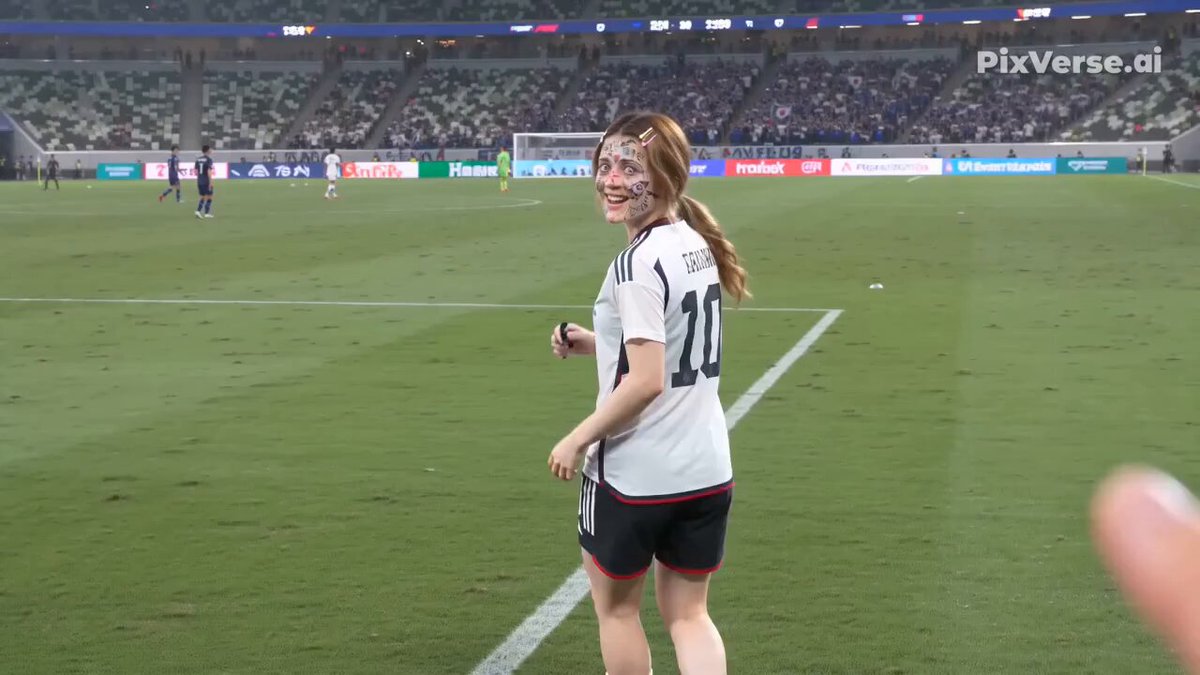
A prompt designed for Grok Imagine to generate a dynamic, high-speed action sequence featuring a character named Borgan Su performing a high kick, filmed with specific cinematic instructions like 6x speed, low angle…
ボーガン枢のとっておきの一発を10秒で表現して!! 滝の近くから水しぶきを上げて走ってきて、カメラの前でパフォーマンス(ハイキック)をきめて下さい。6倍速、ローアングルで撮影して下さい。最後は、カメラのレンズに水滴がかかって画面が滲んで終了。
ボーガン枢のとっておきの一発を10秒で表現して!! 滝の近くから水しぶきを上げて走ってきて、カメラの前でパフォーマンス(ハイキック)をきめて下さい。6倍速、ローアングルで撮影して下さい。最後は、カメラのレンズに水滴がかかって画面が滲んで終了。
Edit the prompt in the box under the preview — the template's model and format are already selected — and press Generate. Your version appears right on this page.
Yes. You can change the subject, setting, lighting, mood, format, and available model controls before creating your video.
Opening and editing this template is free. Generating uses credits, shown on the Generate button when you are signed in.
Start with Grok Imagine, which is the model associated with this template. You can compare another compatible model for a different finish.
Follow a topic to a crawlable collection of related PicX Studio templates.