
Cinematic Commercial Video Generation Prompt for Seedance 2.0
A detailed, multi-scene prompt for Seedance 2.0 designed to generate a high-end commercial video featuring a woman and a luxury car, utilizing advanced cinematic techniques like Whip Pan, Rapid Zoom In, and Handheld…
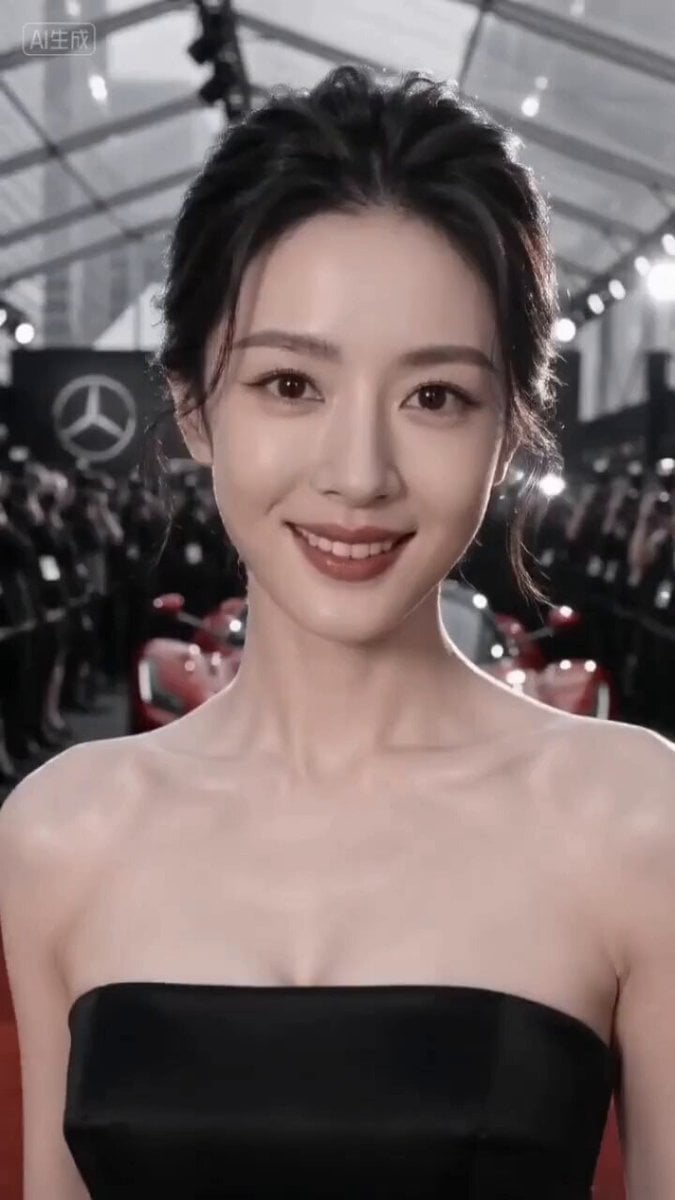
- Prompt included
- Model and format preset
- Free template
The prompt behind this video
Copy the exact prompt behind Cinematic Commercial Video Generation Prompt for Seedance 2.0, or open it in the studio and make it yours.
主体: @图1中的女生, 保持人脸特征高度一致, 面部稳定不扭曲, 眼神自信锐利.: 1. (0-2s) 特写: 纤细手指划过化妆台上的珠宝; 快速切至涂抹复古红唇, 动作干脆. 2. (2-4s) 特写: 后背礼裙拉链快速拉上的动态; 切换至穿上黑色细高跟鞋的侧影. 3. (4-6s) 场景定义: 女生身着【高端黑色真丝抹胸拖尾裙, 全裙身手工重工金丝刺绣, 缀满细密施华洛世奇水钻, 奢华流光质感】, 拿起手包走出大门. 4. (6-9s) 场景切换: 红色超跑引擎点火, 仪表盘指针弹起; 快速切至车轮在黑夜城市隧道中疾驰, 画面带轻微手持抖动感 (Handheld Shake). 5. (9-12s) 场景切换: 车门开启, 细长腿迈向红毯; 镜头快速拉远 (Rapid Pull Out) 展示星光熠熠的会场. 6. (12-15s) 高潮: 面对密集的媒体闪光灯, 女生优雅转身, 裙摆如流水般摆动, 露出巨星微笑.: 使用 Whip Pan (快速甩镜) 连接场景, 配合 Rapid Zoom In (快速推进) 突出细节, 画面稳定无重影.: 4K超高清, 电影级黑金色调, 锐度清晰, 胶片质感.: 人体结构正常, @图1 人脸不走样, 画面动作严丝合缝对齐音频的快速节奏.
How to use Cinematic Commercial Video Generation Prompt for Seedance 2.0 in 3 steps
- 1
Open
The prompt is already in the box next to the preview, with the template's model and format selected.
- 2…a portrait of your subject in softgolden-hour light, 85mm…
Personalize
Edit the subject and creative details for your destination.
- 3Generate
Generate
Press Generate — your video is created in PicX Studio, so you can compare it with the original and refine one variable at a time.
More like this
Templates with the same subject, style or setup. Open one to see its prompt.
Sneaker Product Commercial
Skincare Product Commercial 3

Cinematic Portrait Study 3
Luxury Handbag Commercial — Hollywood VFX Ad

Wholesome Puppy and Kitten Story - Seedance 2.5

Mysterious Home Exploration Vlog - Seedance 2.5
Dark Tokusatsu Transformation - Seedance 2.5

Cinematic Xinjiang Drone Landscapes - Seedance 2.5
Late Night Kitchen Phone Recording - Seedance 2.5

3D Animated Cat and Old Man - Seedance
Realistic City Street Story Cinematic Video - Seedance
Seedance 2.0 First Test — Dynamic Motion Showcase
Make it yours
Cinematic Commercial Video Generation Prompt for Seedance 2.0 works as-is. These are the safest ways to change it without losing the look.
Change one field
Copy a single group, rewrite it, and generate again so you can see what that field is doing.
Keep the frame, change the subject
Hold the composition and light of Cinematic Commercial Video Generation Prompt for Seedance 2.0, then swap wardrobe, props or the person for a new take.
| If the result… | Why | Fix |
|---|---|---|
| The result drifts from the preview | Too many fields changed at once. | Reuse Cinematic Commercial Video Generation Prompt for Seedance 2.0 as-is first, then change one group — subject, light, or setting. |
| The model over-stylizes the scene | The prose prompt leaves finish and camera underspecified. | Add one camera or lighting sentence and stay on Seedance 2.0. |
More Seedance 2.0 templates
Other prompts made for Seedance 2.0.

Comical Martial Arts Punch Scene

Maglev Train Action Sequence

Martial Arts Fight Sequence

Wuxia Protection and Trust Script

Vintage Korean Arcade MiniDV Vlog

Mercedes 190 SL Luxury Ad

Rainy Night Supernatural Reverse Comedy Video Script

Amazon Civilization Discovery

Futuristic South Asian City Transformation

Cozy Luxury Cafe Commercial
More video prompts
Fresh picks from across the catalog.

Cinematic Green Tea Commercial
1980s Gritty Film Noir Mafia Scene
Cinematic Wormhole POV Fly Scene Prompt
Nikita Boar and the Eggplant Child Video

Battle Mage Lightning Spear Fantasy
The Piece of Bread: Anime Short Film

Miniature Kittens Breakfast Table Dance
Cinematic ARPG Boss Battle Scene
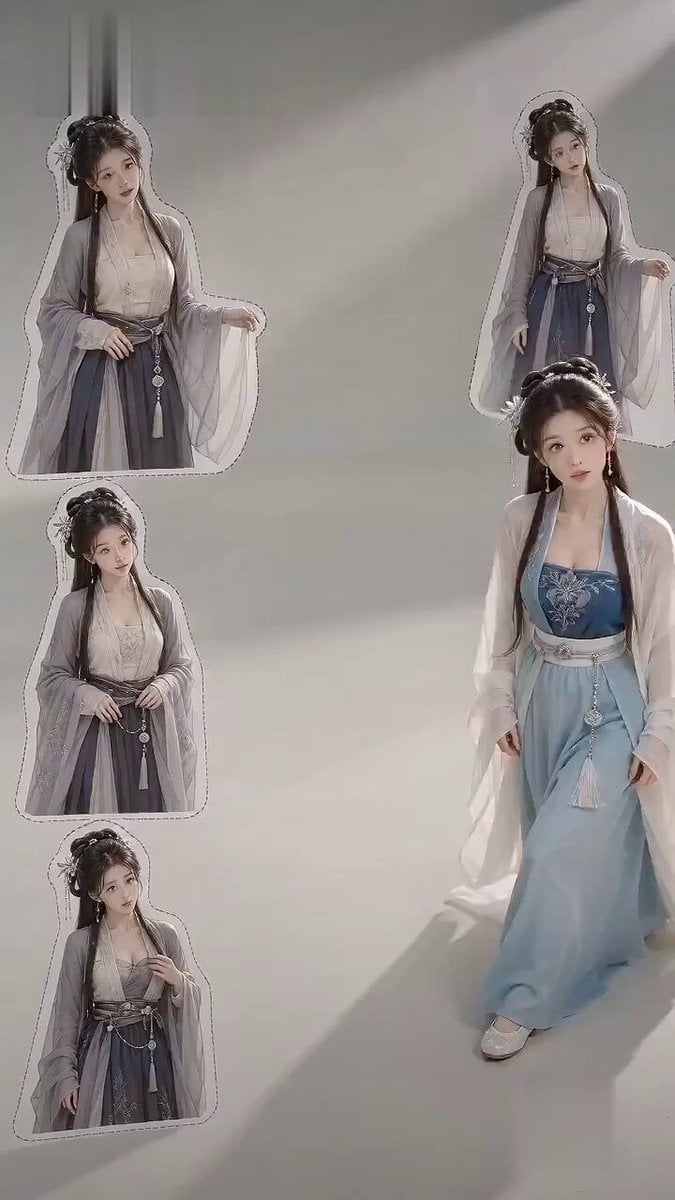
Ancient Style Fashion Outfit Swap

Comedic ADHD Cat Teacher Short Film
Browse template categories
Cinematic Commercial Video Generation Prompt for Seedance 2.0 questions
How do I use the Cinematic Commercial Video Generation Prompt for Seedance 2.0 template?
Add your photo if the template asks for one, edit the prompt if you like — the template's model and format are already selected — and press Generate. Your version opens in PicX Studio.
Can I customize the Cinematic Commercial Video Generation Prompt for Seedance 2.0 template?
Yes. You can change the subject, setting, lighting, mood, format, and available model controls before creating your video.
Is the Cinematic Commercial Video Generation Prompt for Seedance 2.0 template free?
Opening and editing this template is free. Generating uses credits, shown on the Generate button when you are signed in.
Which AI model should I use?
Start with Seedance 2.0, which is the model associated with this template. You can compare another compatible model for a different finish.
Looking for something else? Browse all templates.

Your photo, any look
Thousands of ready templates for every top image and video model, from one credit balance.