
Epic Widescreen Combat Transformation
An intricate, multi-stage prompt for a cinematic transformation and fight scene, requiring an input image for character facial reference.
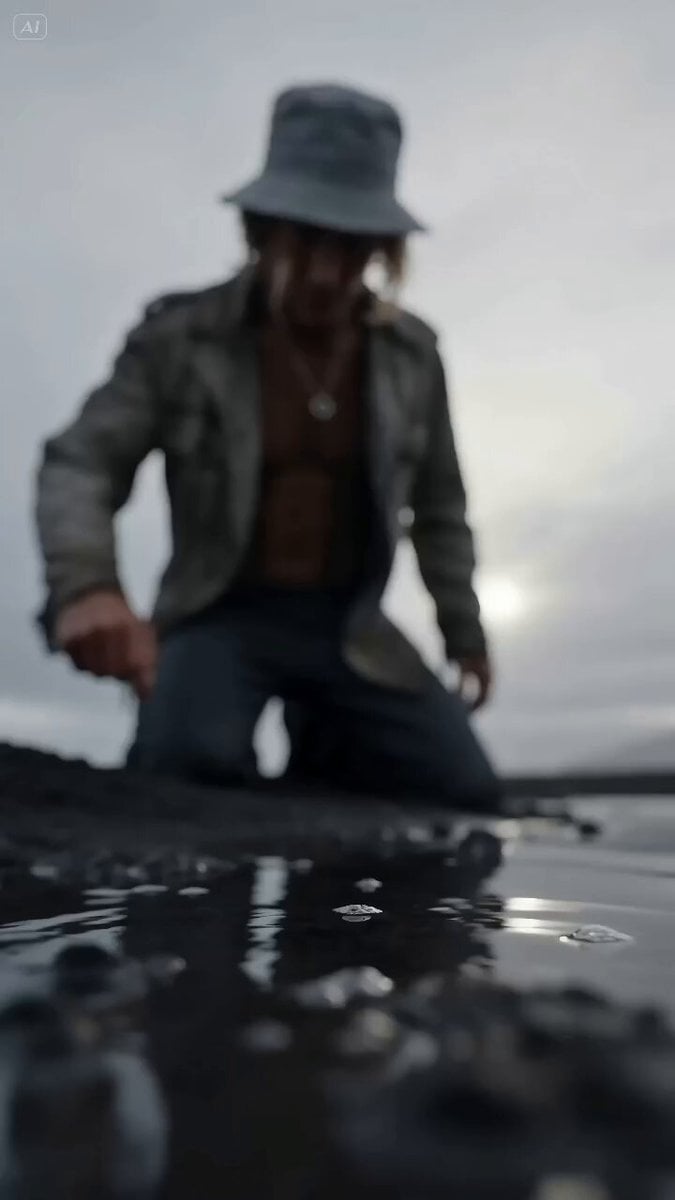
- Prompt included
- Model and format preset
- Premium template
The prompt behind this video
Copy the exact prompt behind Epic Widescreen Combat Transformation, or open it in the studio and make it yours.
Character & Basic Setup Face: Refer to the uploaded &image1. Facial features and face shape must match exactly, without beautification. Clothing: Worn, weathered jacket. Environment: Black soil ground near a lake, under a dull grey sky. Atmosphere & Visual Style Visual tone: Cinematic widescreen transformation style. Simulate an IMAX film camera with a Panavision C-series lens (35mm focal length, f/4). Color grading: Low-saturation grey palette. Shadows are compressed but still keep visible detail. Camera Rule Single continuous shot. No cuts. The scene begins underwater with a low upward angle toward the character. The camera bursts out of the water in a first-person rush, moving along the fingers, arm, and torso, then slightly pulls back and rotates to reveal an alien insect attacking from behind. The camera circles closely during combat, slowly pulling back and rising from a low angle. 0-1s - Stare Underwater upward view. The water surface ripples and distorts the image. The protagonist kneels on one knee by the lake, blurred through the water. Light scatters, shallow depth of field, humid lens effect. Action: The protagonist lowers their head and slowly touches the water with a slightly bent index finger. Camera: Very slow forward push. 1-4.5s - Activation Sound: Whisper “Transform!” The instant the finger touches the water, a circular electromagnetic pulse erupts outward. Purple particles surge and the air trembles. Camera shoots out of the water in first person, moving upward along the body while glowing pulse patterns climb layer by layer. Eyes suddenly glow white-purple. Violet smoke leaks from the eye sockets. Mechanical systems awaken beneath cracking skin. The air distorts inward, forming rippling shockwaves. 4.5-9.5s - Tearing Camera pulls slightly back and reveals the alien insect lunging from behind. Dark red cracks spread across the body. Purple liquid energy seeps out. Black mist bursts outward with fine electric arcs. Clothing tears and burns from within. 9.5-13s - Transformation & Fight Transformation continues while combat begins. Armor pieces slam onto the body with bursts of purple light and shockwaves. Action: The protagonist blocks a blade, then delivers a sweeping kick that tears through the enemy. Green fluid and black mist scatter. The helmet forms, revealing glowing compound eyes with flickering faulty units. Combat is brutal and fast: bone-breaking strikes, grappling, and finally crushing the enemy’s throat until it collapses into black mist. 13-15s - Final Shot The camera circles to the front. The protagonist breathes heavily while the camera slowly pulls away, revealing the bleak environment. Ending: Freeze for three seconds. No dialogue, no explosion, no shouting.
How to use Epic Widescreen Combat Transformation in 3 steps
- 1Upload ImagePNG, JPG or paste
Add your photo
Upload the photo the template builds on. The prompt, model and format are already set.
- 2…a portrait of your subject in softgolden-hour light, 85mm…
Personalize
Edit the subject and creative details for your destination.
- 3Generate
Generate
Press Generate — your video is created in PicX Studio, so you can compare it with the original and refine one variable at a time.
More like this
Templates with the same subject, style or setup. Open one to see its prompt.
Mecha Transformation vs Kaiju — 4-Scene Epic

Magical Room Transformation - Seedance 2.5

Dark Tokusatsu Transformation - Seedance 2.5

RX-7 to Mech Transformation Cyberpunk

Oceanic Civilization Epic Sci-Fi Film

Neon Armor Epic Transformation Sequence
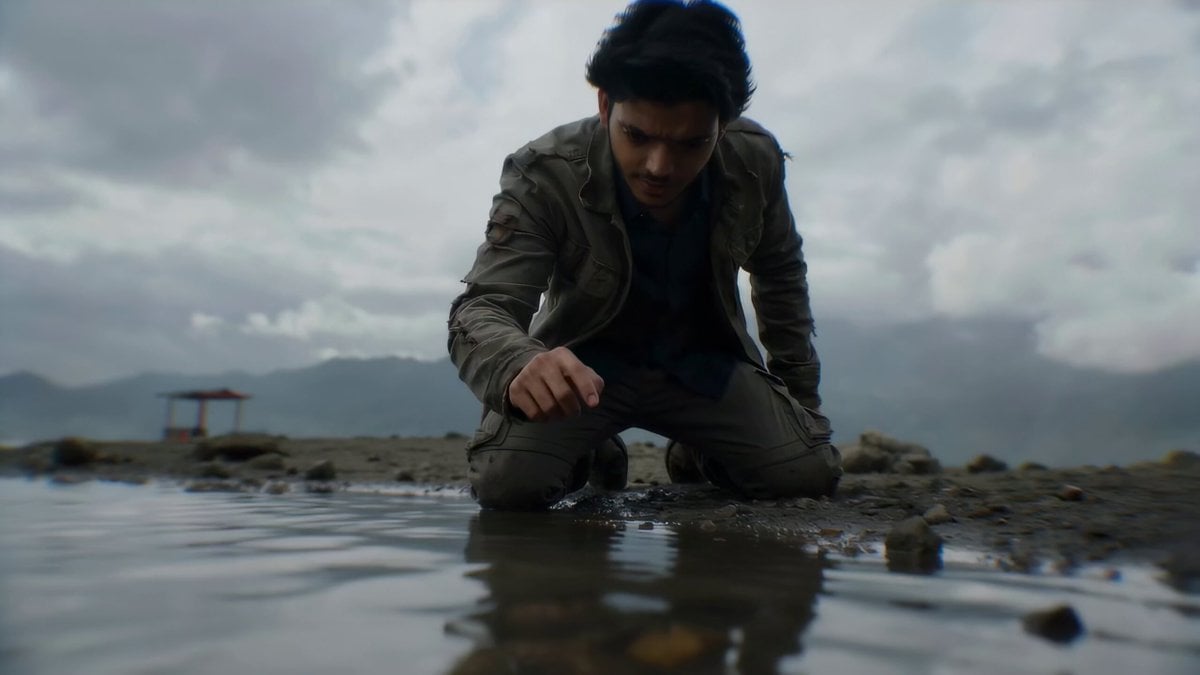
Cinematic Widescreen Transformation Scene with Reference Image
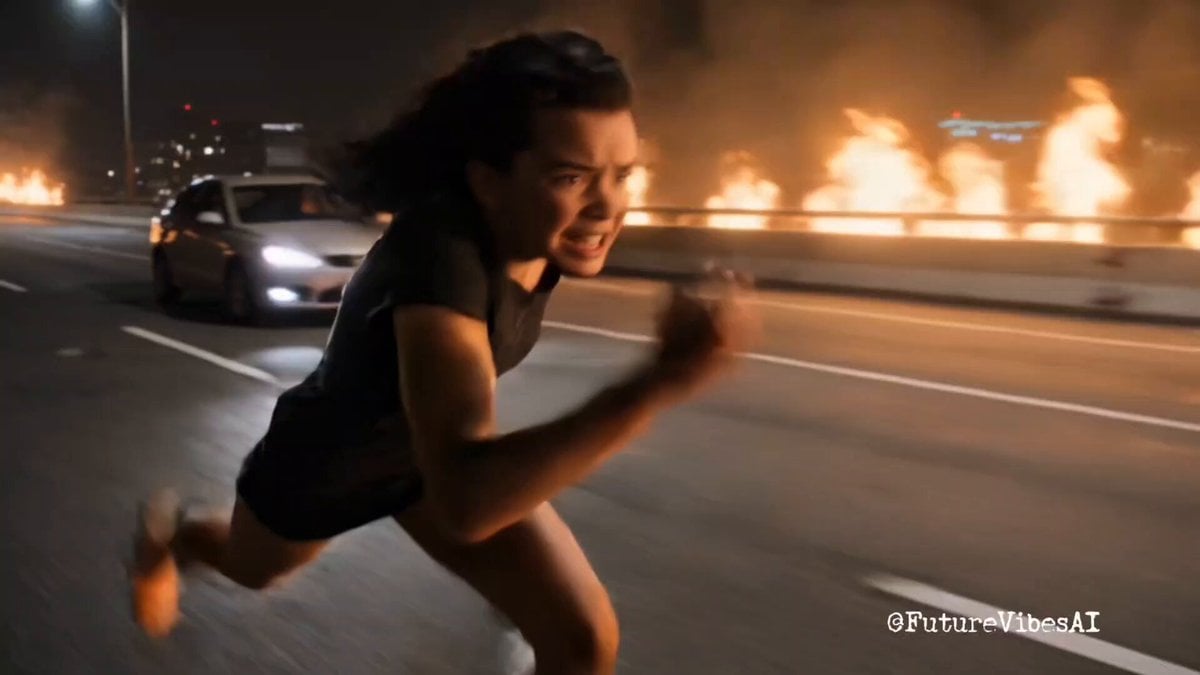
Epic Superhero Transformation and Dragon Fight Video Prompt
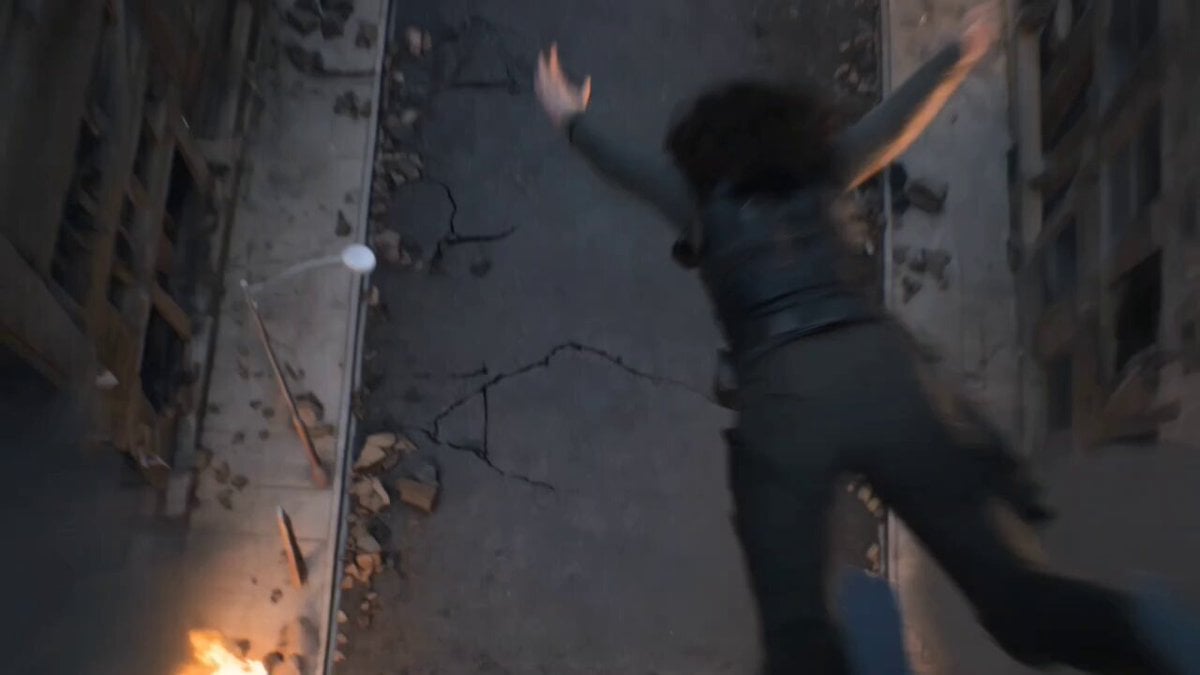
Epic Post-Apocalyptic Warrior Transformation Video Prompt
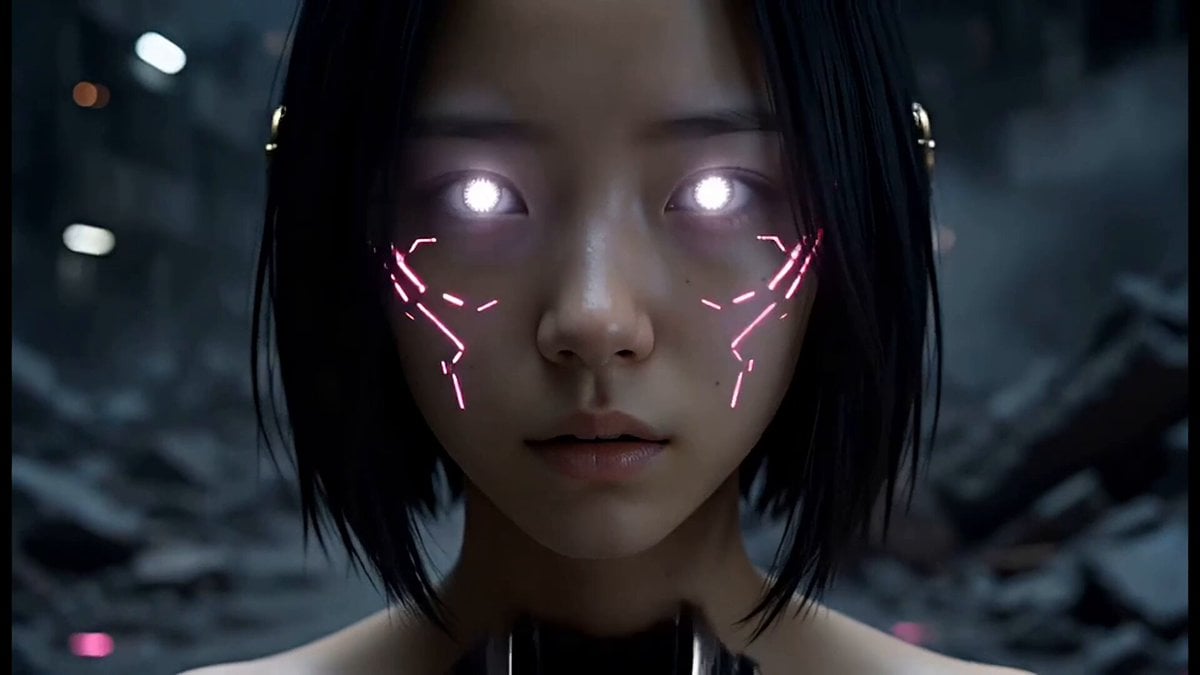
Epic Cyberpunk Aerial Combat Sequence

Female warrior transformation combat
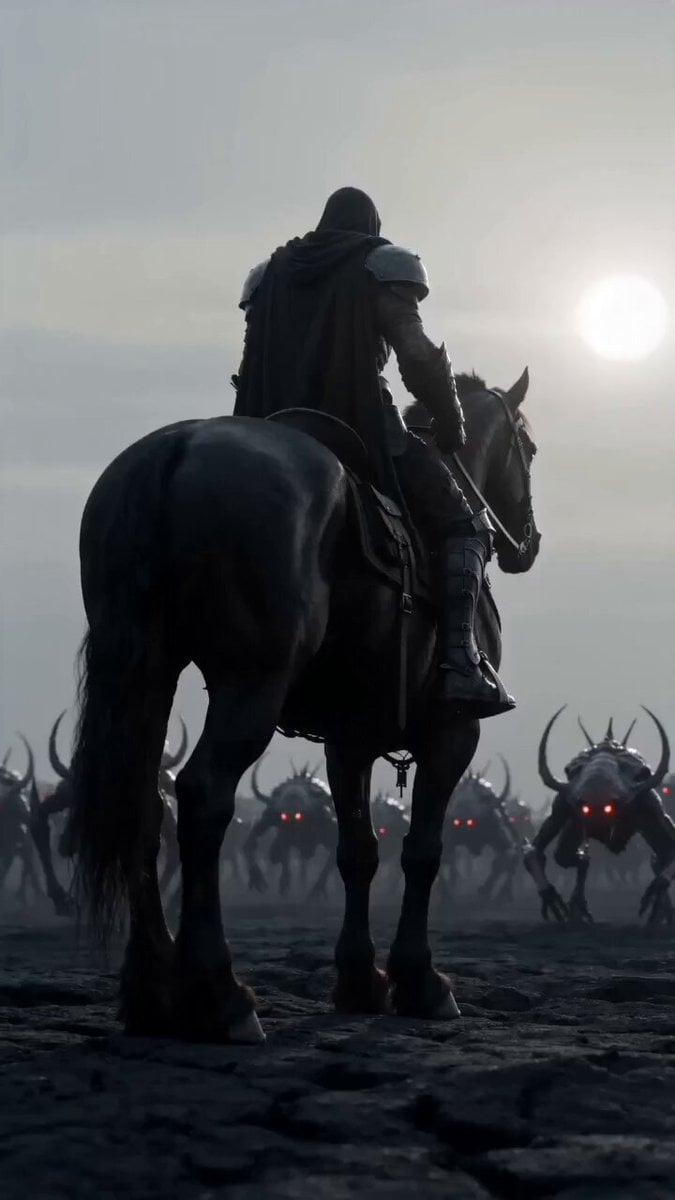
Dark warrior transformation combat
Make it yours
Epic Widescreen Combat Transformation works as-is. These are the safest ways to change it without losing the look.
Change one field
Copy a single group, rewrite it, and generate again so you can see what that field is doing.
Keep the frame, change the subject
Hold the composition and light of Epic Widescreen Combat Transformation, then swap wardrobe, props or the person for a new take.
| If the result… | Why | Fix |
|---|---|---|
| The result drifts from the preview | Too many fields changed at once. | Reuse Epic Widescreen Combat Transformation as-is first, then change one group — subject, light, or setting. |
| The model over-stylizes the scene | The prose prompt leaves finish and camera underspecified. | Add one camera or lighting sentence and stay on Seedance 2.0. |
More Seedance 2.0 templates
Other prompts made for Seedance 2.0.

Comical Martial Arts Punch Scene

Maglev Train Action Sequence

Martial Arts Fight Sequence

Wuxia Protection and Trust Script

Vintage Korean Arcade MiniDV Vlog

Mercedes 190 SL Luxury Ad

Rainy Night Supernatural Reverse Comedy Video Script

Amazon Civilization Discovery

Futuristic South Asian City Transformation

Cozy Luxury Cafe Commercial
More video prompts
Fresh picks from across the catalog.

Cats on Money Stacks
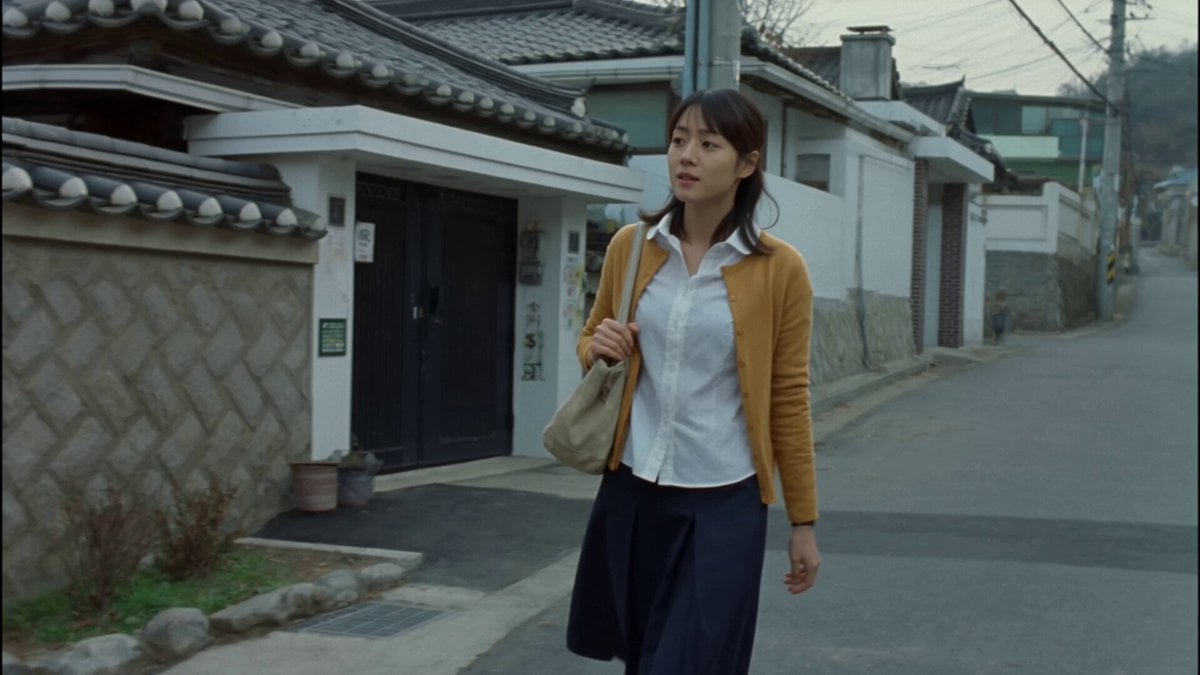
Nostalgic MiniDV Korean Bakery
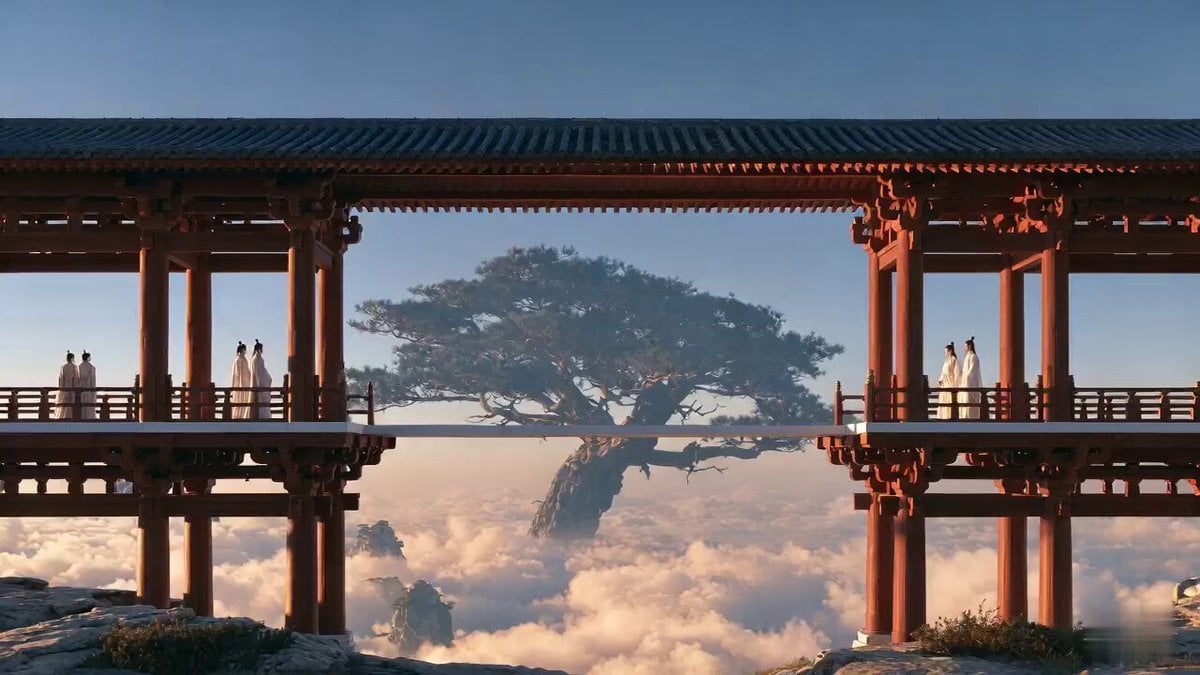
Chinese Xianxia Heaven Cinematic Short

Pleiadian Light Ship Craft in Ultra HD
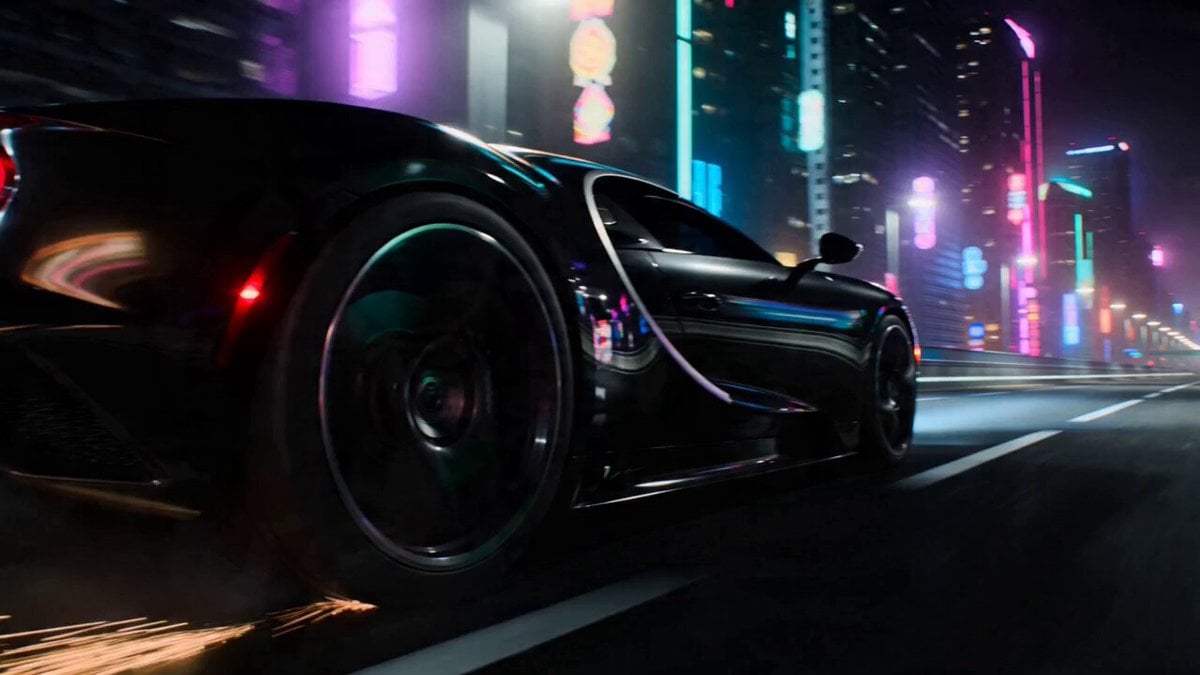
Car Transformation Sequence Prompt
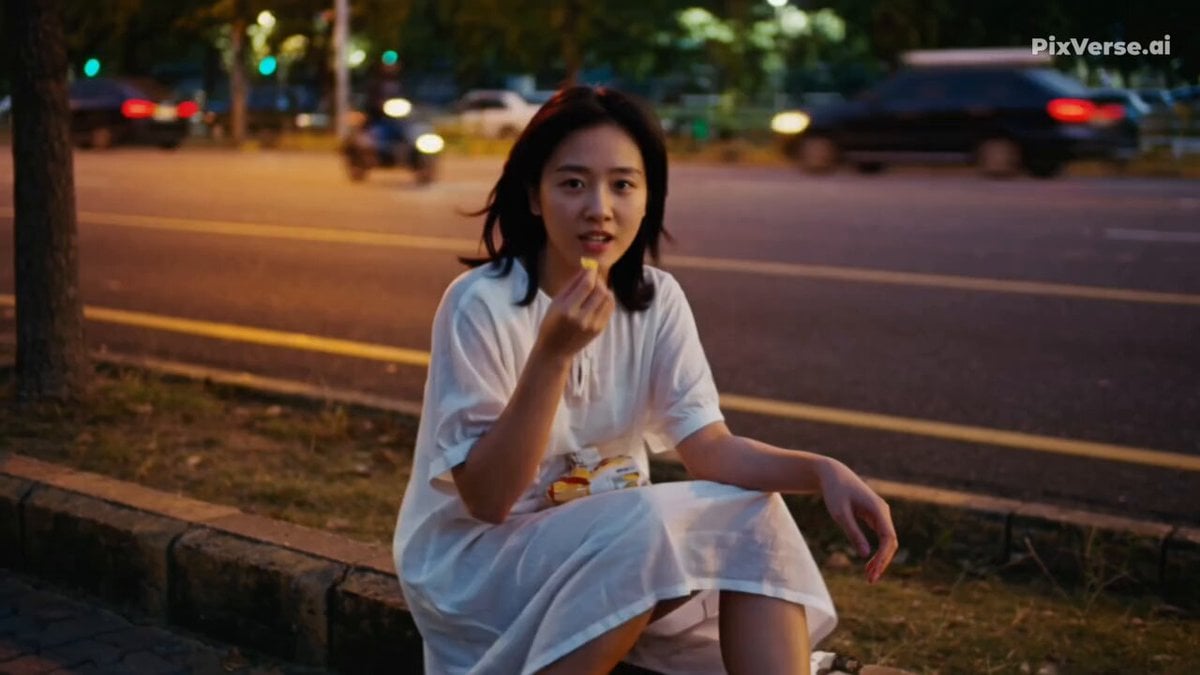
Realistic 2000s Home Video Snack Fail

Ancient Sauvira Kingdom FPV

Outdoor Campfire Burger Cooking

Cadillac Formula One Car 2026
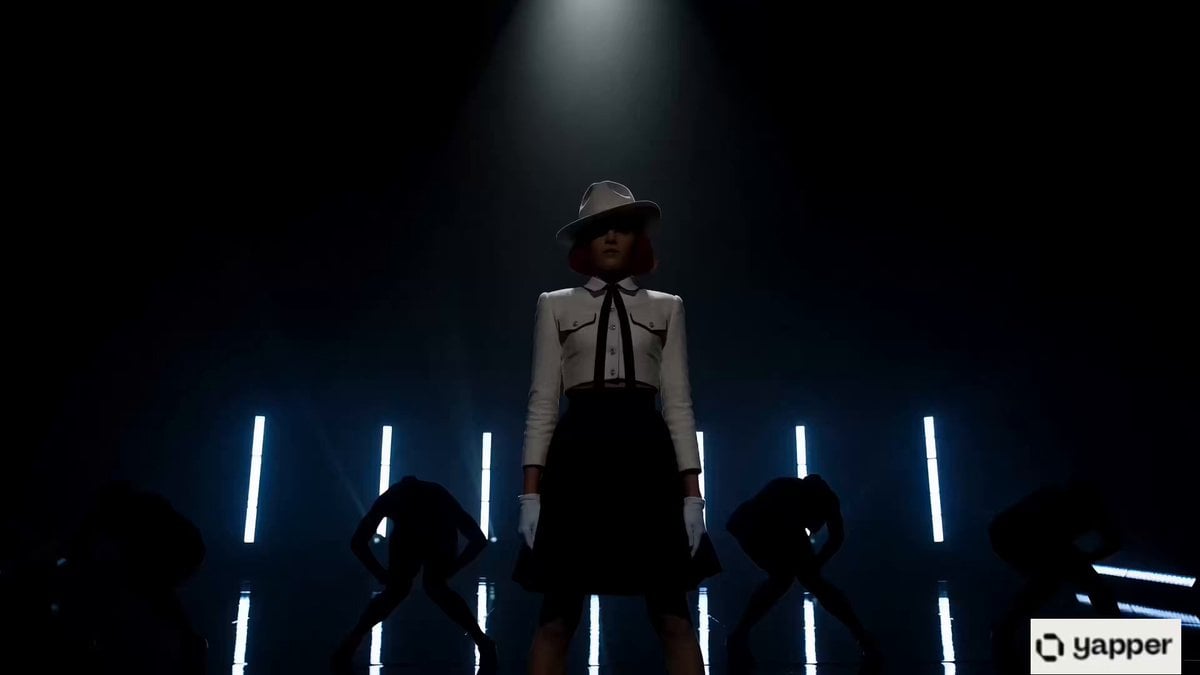
Michael Jackson Style Stage Performance Video
Browse template categories
Epic Widescreen Combat Transformation questions
How do I use the Epic Widescreen Combat Transformation template?
Add your photo if the template asks for one, edit the prompt if you like — the template's model and format are already selected — and press Generate. Your version opens in PicX Studio.
Can I customize the Epic Widescreen Combat Transformation template?
Yes. You can change the subject, setting, lighting, mood, format, and available model controls before creating your video.
Is the Epic Widescreen Combat Transformation template free?
Opening and editing this template is free. Generating uses credits, shown on the Generate button when you are signed in.
Which AI model should I use?
Start with Seedance 2.0, which is the model associated with this template. You can compare another compatible model for a different finish.
Looking for something else? Browse all templates.

Your photo, any look
Thousands of ready templates for every top image and video model, from one credit balance.