How do I use the Cinematic Viking Warrior Duel template?
Edit the prompt in the box under the preview — the template's model and format are already selected — and press Generate. Your version appears right on this page.
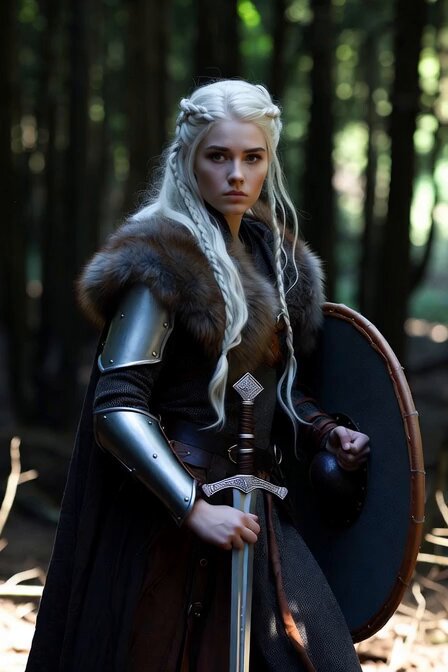
A detailed 10-second cinematic sequence showing an anime-style Viking warrior being challenged in a feast hall, featuring complex camera work and lighting.
10-second vertical video. a young anime semi-realistic Viking warrior, short unbraided red beard, leather vest, sits at edge of crowded feast hall firelight. 0-5s medium shot, a hulking veteran warrior mocks him across the flames, pointing and laughing, others join, Torvald grips his plain iron axe, knuckles white, glacier-blue eyes locked on the challenger but body still seated. 5-10s close-up slow push-in, Torvald stands without a word, axe in hand, firelight dancing across his jaw, the jarl at the high table raises a hand giving silent permission to duel. Warm fire-orange and charcoal palette, heavy smoke, ink-line shadows, Castlevania meets Vinland Saga aesthetic. Final beat: Torvald steps into the center circle, axe ready.
10-second vertical video. a young anime semi-realistic Viking warrior, short unbraided red beard, leather vest, sits at edge of crowded feast hall firelight. 0-5s medium shot, a hulking veteran warrior mocks him across the flames, pointing and laughing, others join, Torvald grips his plain iron axe, knuckles white, glacier-blue eyes locked on the challenger but body still seated. 5-10s close-up slow push-in, Torvald stands without a word, axe in hand, firelight dancing across his jaw, the jarl at the high table raises a hand giving silent permission to duel. Warm fire-orange and charcoal palette, heavy smoke, ink-line shadows, Castlevania meets Vinland Saga aesthetic. Final beat: Torvald steps into the center circle, axe ready.
Edit the prompt in the box under the preview — the template's model and format are already selected — and press Generate. Your version appears right on this page.
Yes. You can change the subject, setting, lighting, mood, format, and available model controls before creating your video.
Opening and editing this template is free. Generating uses credits, shown on the Generate button when you are signed in.
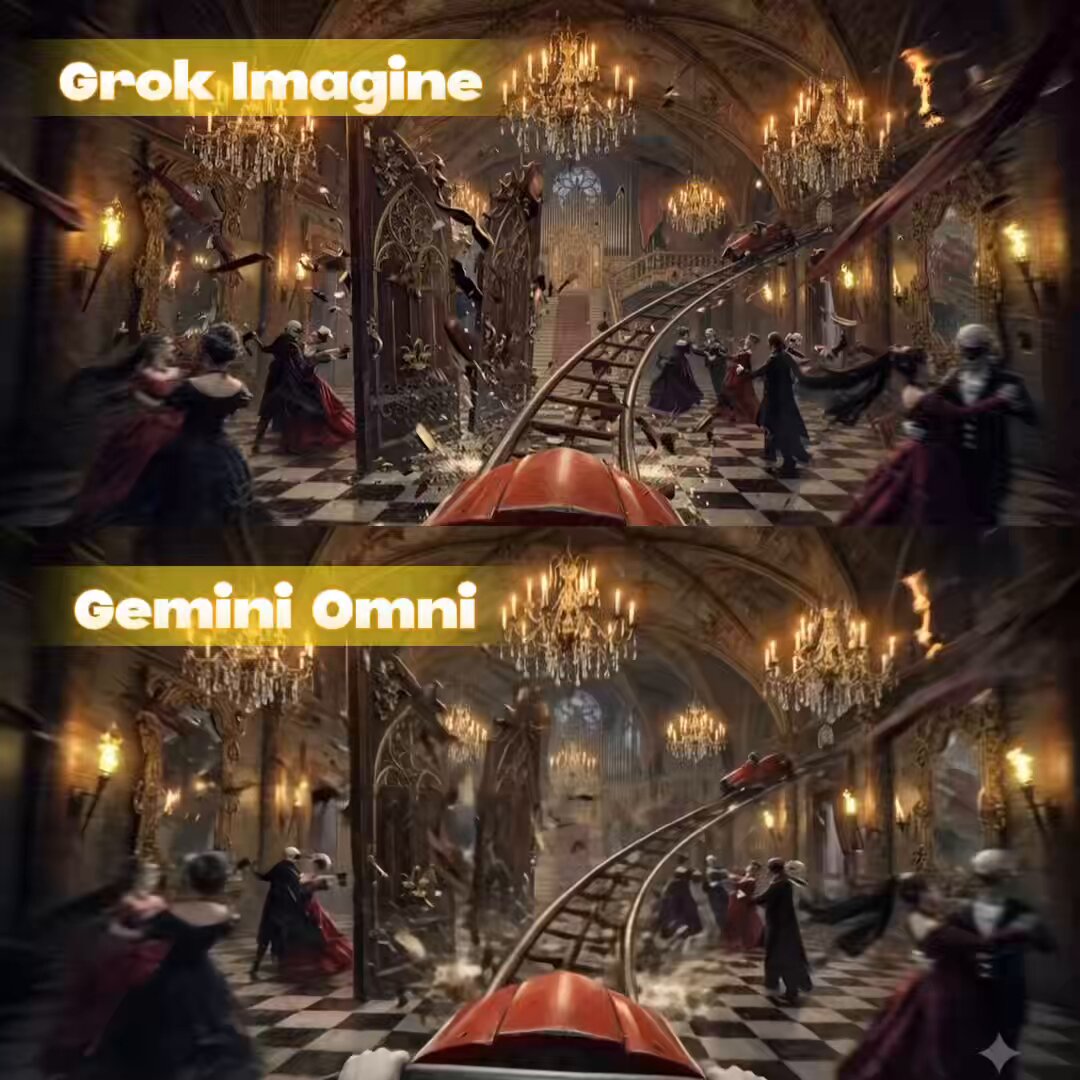
Start with Grok Imagine, which is the model associated with this template. You can compare another compatible model for a different finish.
Follow a topic to a crawlable collection of related PicX Studio templates.