
Magical Cinema Hall Deer Rescue
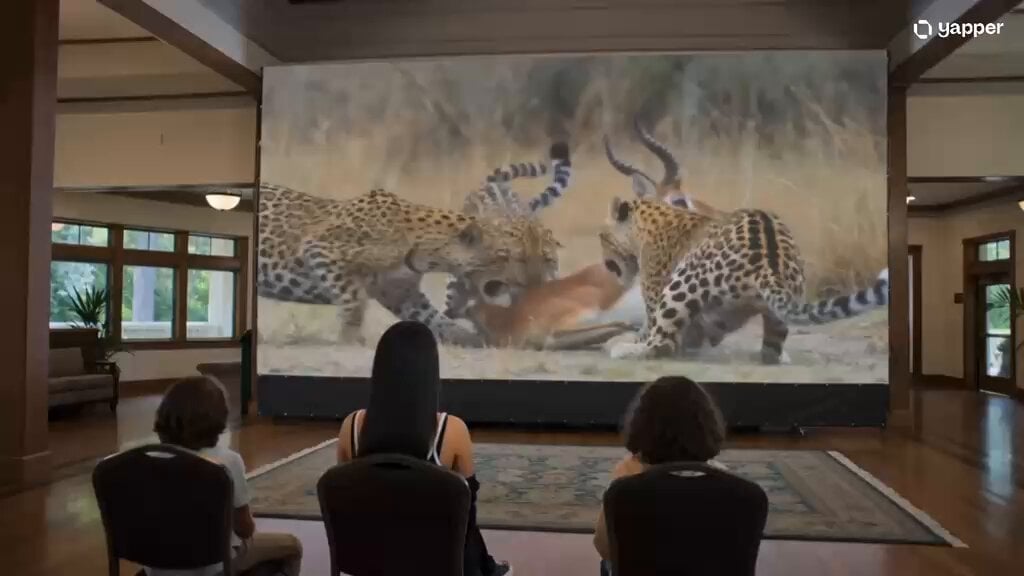
A cinematic video prompt where a girl stands up in a theater and pulls a live deer out of the screen, blending high-stakes wildlife action with magical realism.
- Prompt included
- Model and format preset
- Free template
The prompt behind this video
Copy the exact prompt behind Magical Cinema Hall Deer Rescue, or open it in the studio and make it yours.
A luxurious auditorium hall with elegant architecture, high ceilings, and soft ambient lighting. The hall is filled with rows of comfortable seats. At the front, there is a massive ultra-HD screen spanning almost the entire wall. In the front rows, a group of young boys are sitting on the floor, watching the screen with full attention. Behind them, a mix of women and a few adults are seated on chairs, also focused on the screen. On the giant screen, a dramatic wildlife scene is playing: a group of fast, powerful cheetahs chasing a deer across an open savannah. The chase is intense, filled with dust, speed, and tension. After a long pursuit, the cheetahs finally catch the deer and begin to attack it. Suddenly, something magical and unexpected happens. A beautiful young girl sitting in the audience stands up with determination. She runs toward the giant screen. As if the screen is a portal, she reaches into it and pulls the frightened deer out from the scene into the real auditorium. The cheetahs inside the screen stop and stare in shock, one of them roaring angrily toward the audience, confused and furious that its prey has disappeared. Meanwhile, inside the hall, the rescued deer appears alive and safe. The young children sitting in front become excited and gather around it, gently petting it with love and curiosity. The deer, now calm and grateful, wags its tail softly and responds affectionately to the children. The entire scene blends realism with fantasy — cinematic lighting, emotional expressions, high detail, magical realism, 4K, ultra-detailed, immersive atmosphere.
How to use Magical Cinema Hall Deer Rescue in 3 steps
- 1
Open
The prompt is already in the box next to the preview, with the template's model and format selected.
- 2…a portrait of your subject in softgolden-hour light, 85mm…
Personalize
Edit the subject and creative details for your destination.
- 3Generate
Generate
Press Generate — your video is created in PicX Studio, so you can compare it with the original and refine one variable at a time.
More like this
Templates with the same subject, style or setup. Open one to see its prompt.

Magical Room Transformation - Seedance 2.5

Live-Action Firefighter Rescue Night Scene
Orbital Rescue Pilot Sci-Fi Cinematic
AI Animal Rescue Cinematic Montage
Prestige Horror Hallway Cinematic Video
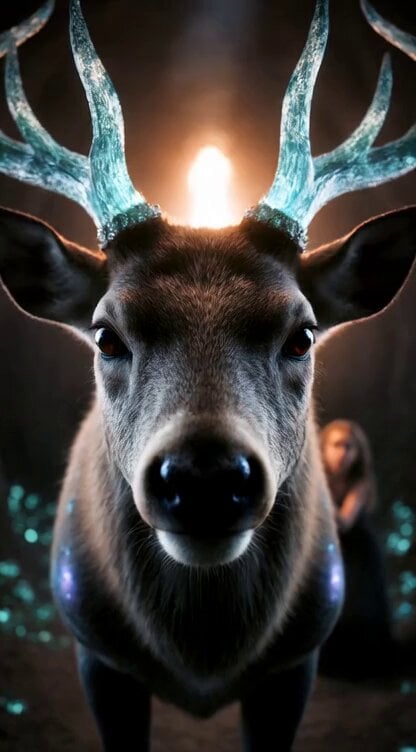
Second Cinematic Fantasy Epic: Deer Transformation and Camera Work
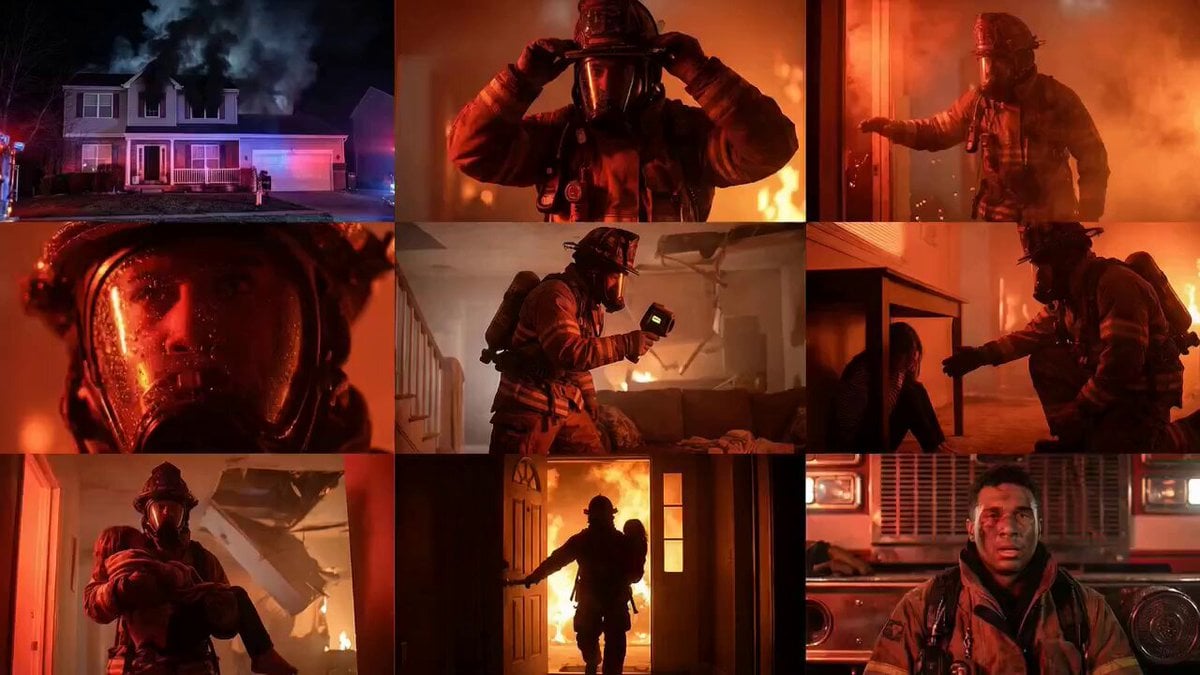
Cinematic Rescue Montage Storyboard Prompt

Firefighter Rescue Cinematic Sequence
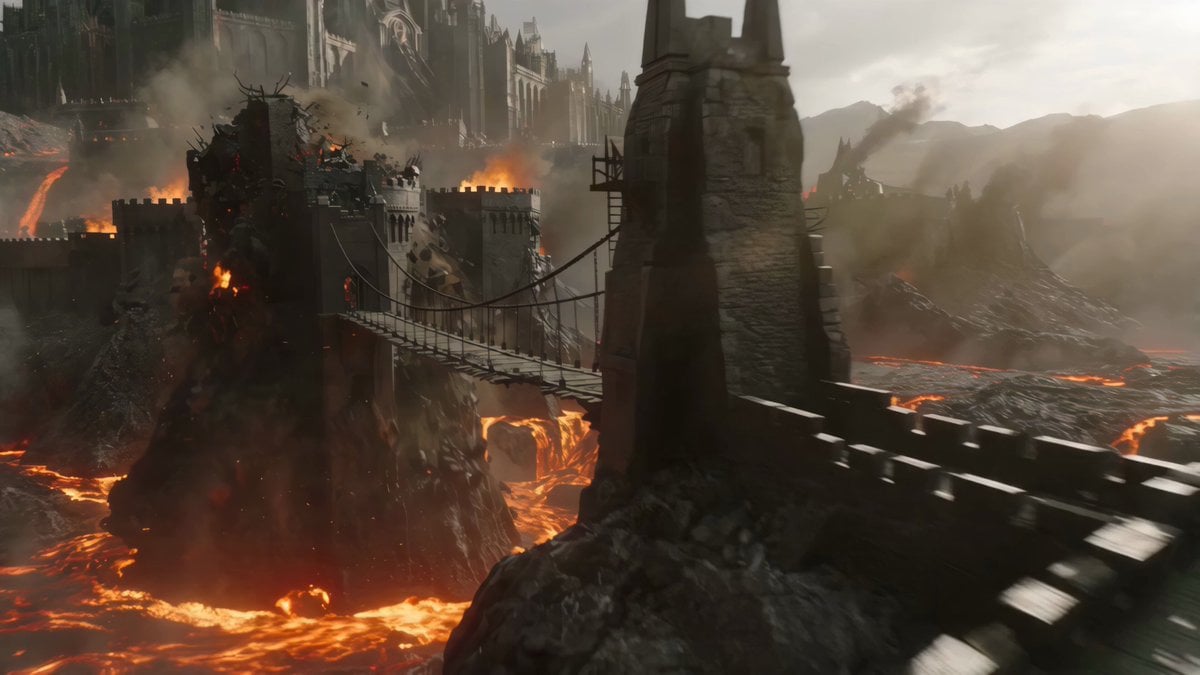
Cinematic Volcanic Dragon Rescue
Skybridge Rescue — Supertall Tower Collapse (Seedance)
Dragon Rescue — Volcanic Kingdom Collapse (Seedance)
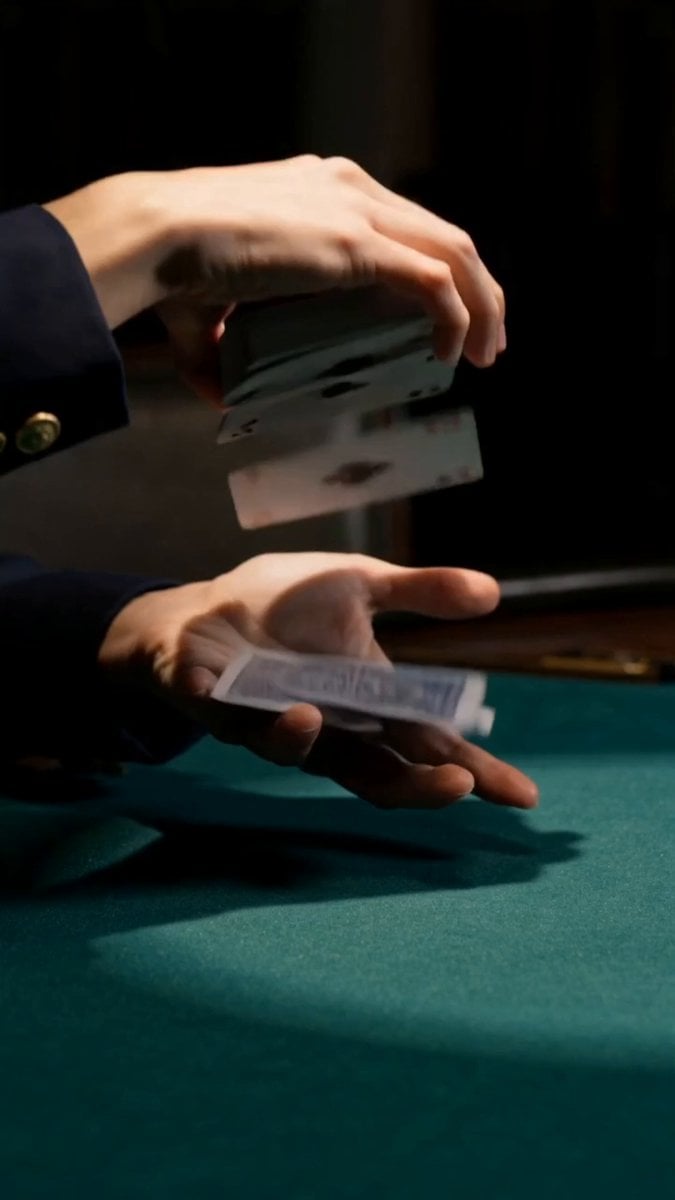
Cinematic Casino Card Handling
Make it yours
Magical Cinema Hall Deer Rescue works as-is. These are the safest ways to change it without losing the look.
Change one field
Copy a single group, rewrite it, and generate again so you can see what that field is doing.
Keep the frame, change the subject
Hold the composition and light of Magical Cinema Hall Deer Rescue, then swap wardrobe, props or the person for a new take.
| If the result… | Why | Fix |
|---|---|---|
| The result drifts from the preview | Too many fields changed at once. | Reuse Magical Cinema Hall Deer Rescue as-is first, then change one group — subject, light, or setting. |
| The model over-stylizes the scene | The prose prompt leaves finish and camera underspecified. | Add one camera or lighting sentence and stay on Seedance 2.0. |
More Seedance 2.0 templates
Other prompts made for Seedance 2.0.

Comical Martial Arts Punch Scene

Maglev Train Action Sequence

Martial Arts Fight Sequence

Wuxia Protection and Trust Script

Vintage Korean Arcade MiniDV Vlog

Mercedes 190 SL Luxury Ad

Rainy Night Supernatural Reverse Comedy Video Script

Amazon Civilization Discovery

Futuristic South Asian City Transformation

Cozy Luxury Cafe Commercial
More video prompts
Fresh picks from across the catalog.
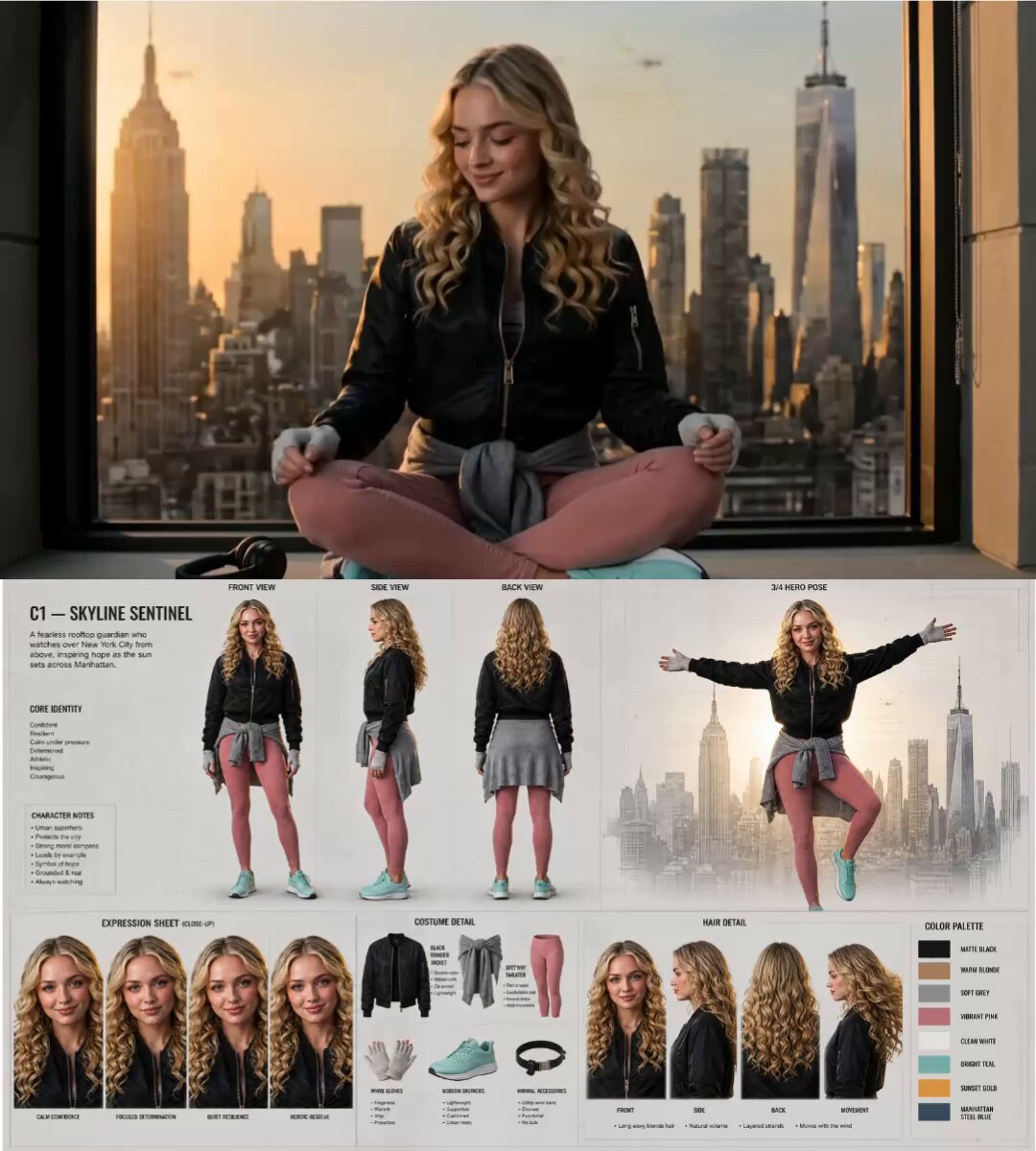
Modern Street-Style Spider-Woman Transformation
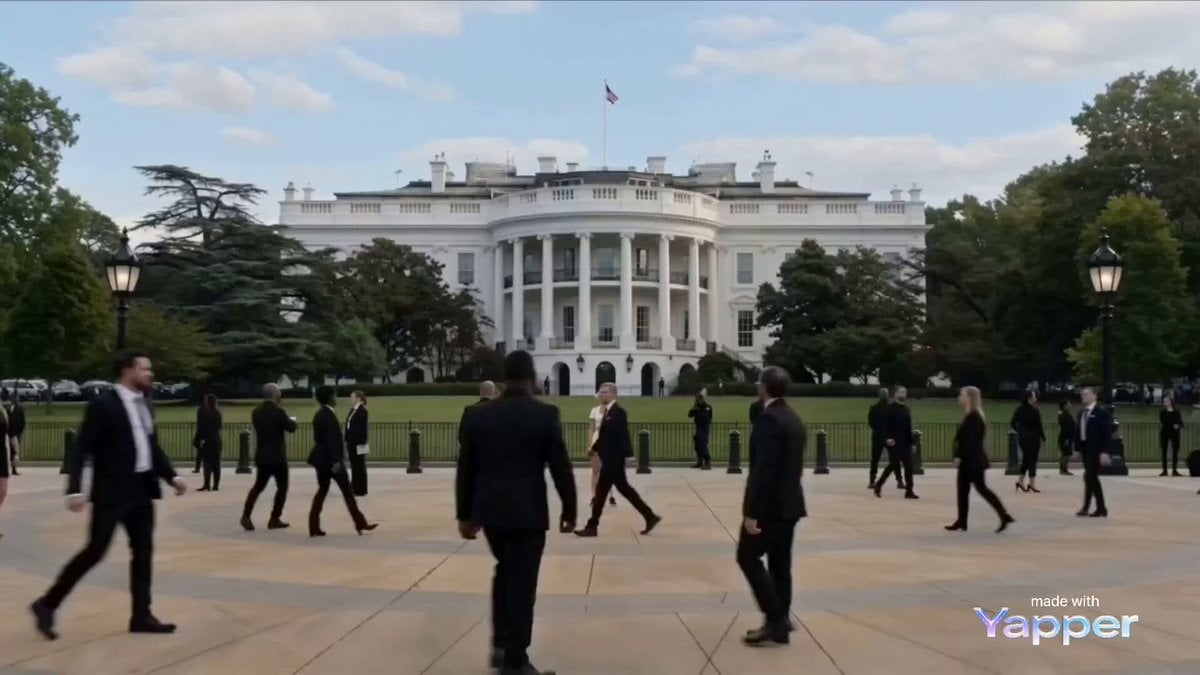
Celestial Goddess Manifestation at the White House Video Prompt
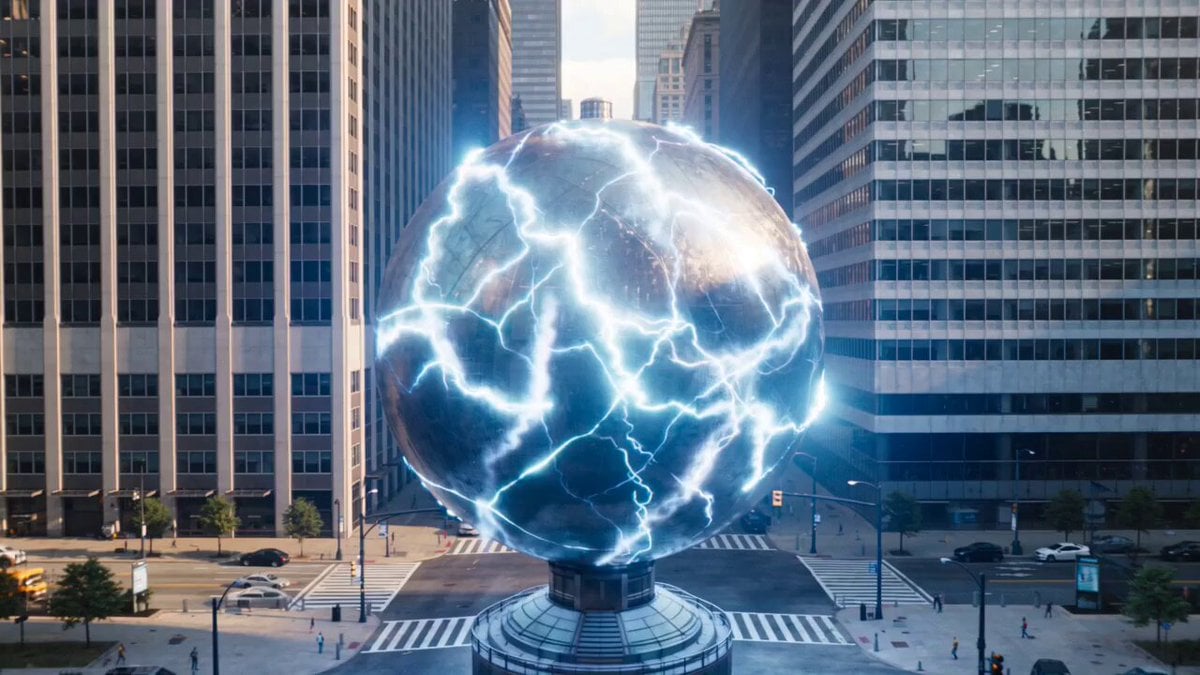
Urban destruction energy core detonation

Photorealistic Arena Boxing Fight
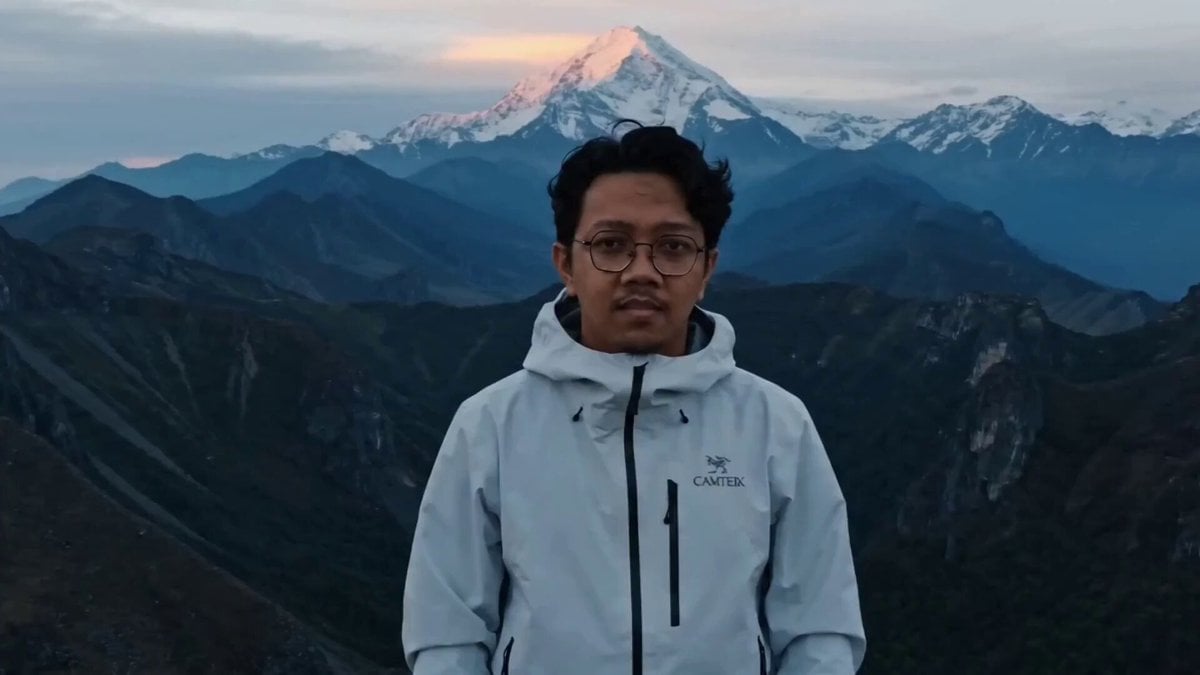
Epic Mountain Dragon Summoning
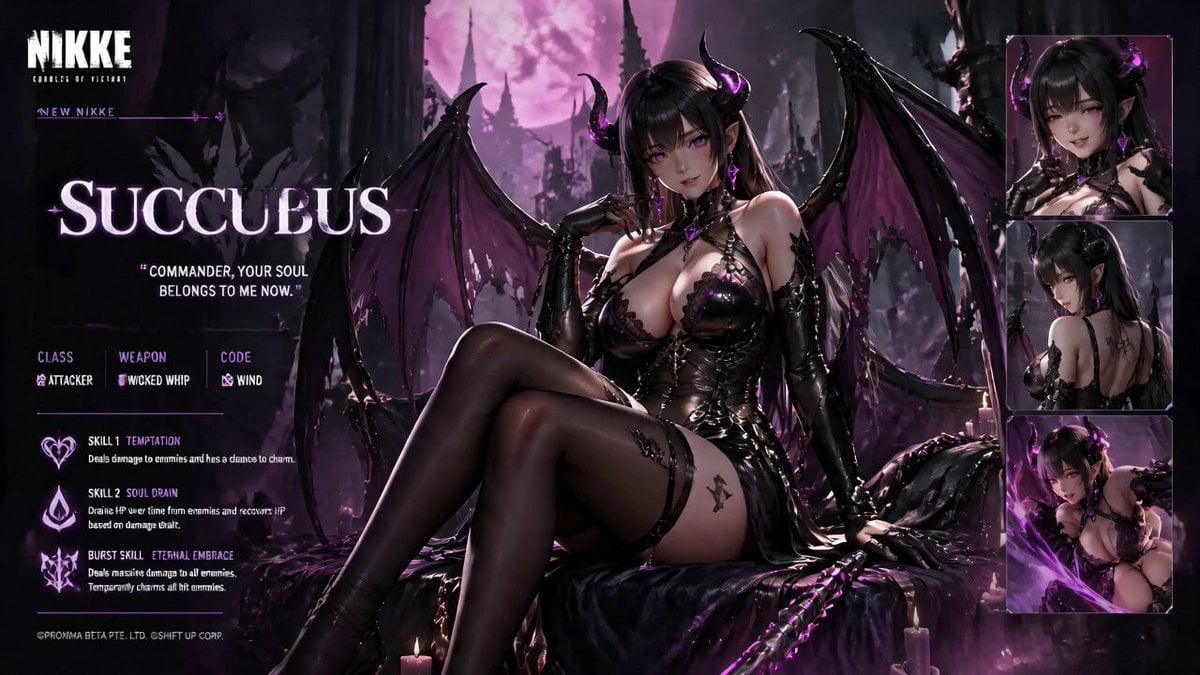
Live Character Animation Workflow

1980s Sitcom Nostalgia Scene

Seedance 2.0 KTV Scene Prompt

Cinematic 15-Second Rally Film Storyboard
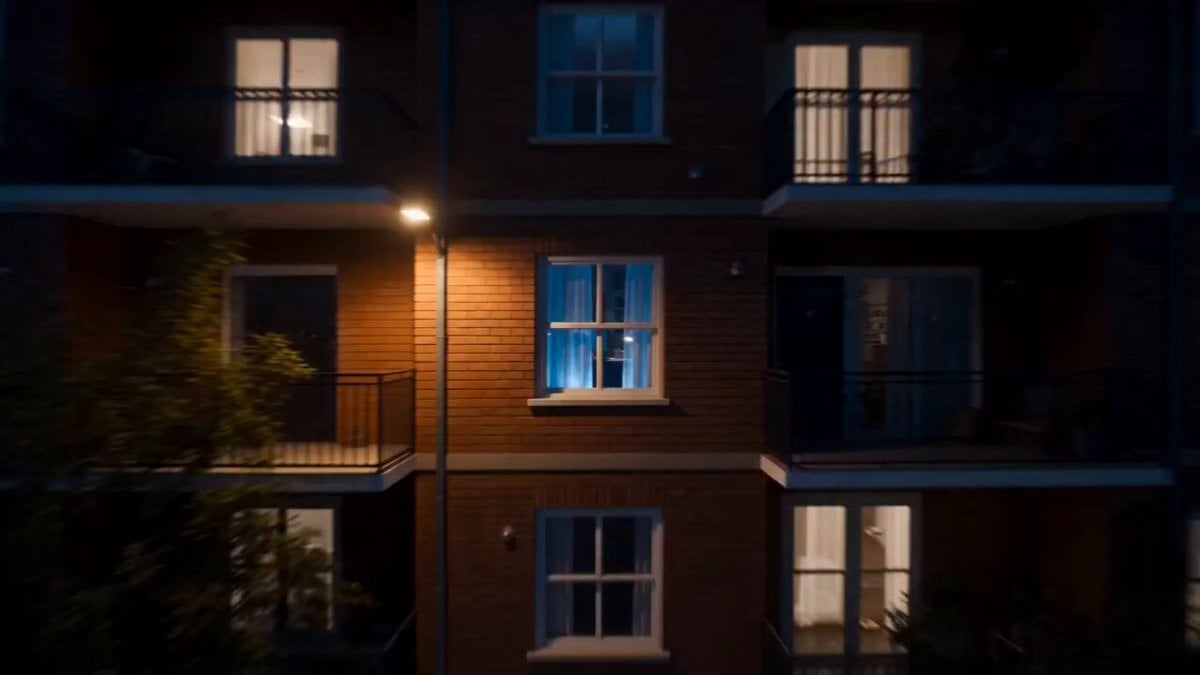
Futuristic Gladiator Arena Battle
Browse template categories
Magical Cinema Hall Deer Rescue questions
How do I use the Magical Cinema Hall Deer Rescue template?
Add your photo if the template asks for one, edit the prompt if you like — the template's model and format are already selected — and press Generate. Your version opens in PicX Studio.
Can I customize the Magical Cinema Hall Deer Rescue template?
Yes. You can change the subject, setting, lighting, mood, format, and available model controls before creating your video.
Is the Magical Cinema Hall Deer Rescue template free?
Opening and editing this template is free. Generating uses credits, shown on the Generate button when you are signed in.
Which AI model should I use?
Start with Seedance 2.0, which is the model associated with this template. You can compare another compatible model for a different finish.
Looking for something else? Browse all templates.

Your photo, any look
Thousands of ready templates for every top image and video model, from one credit balance.