How do I use the Futuristic K-pop concert spectacle template?
Edit the prompt in the box under the preview — the template's model and format are already selected — and press Generate. Your version appears right on this page.
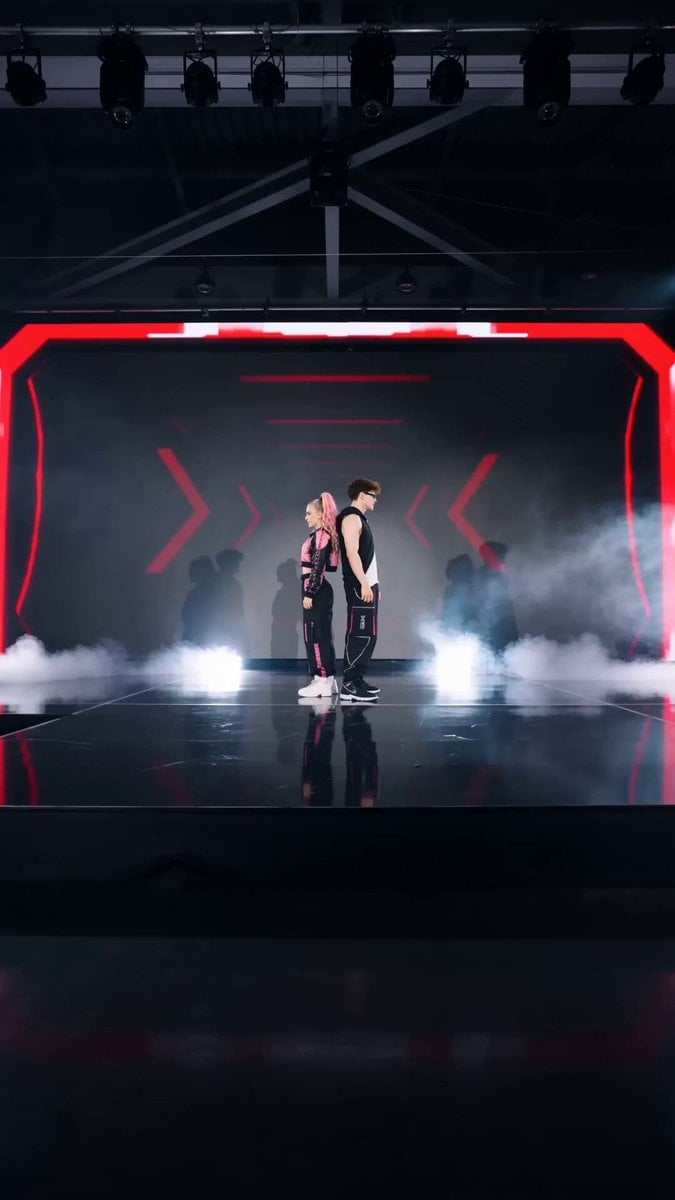
A comprehensive multi-shot storyboard for a K-pop concert featuring advanced holographic effects and dynamic camera work.
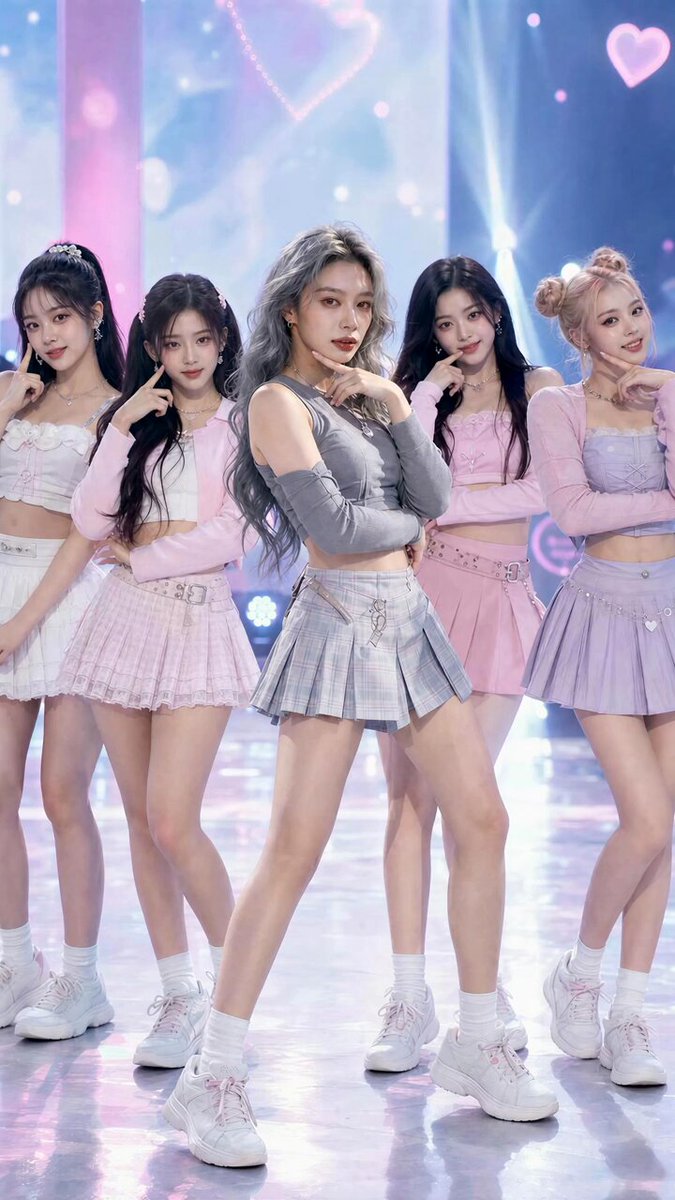
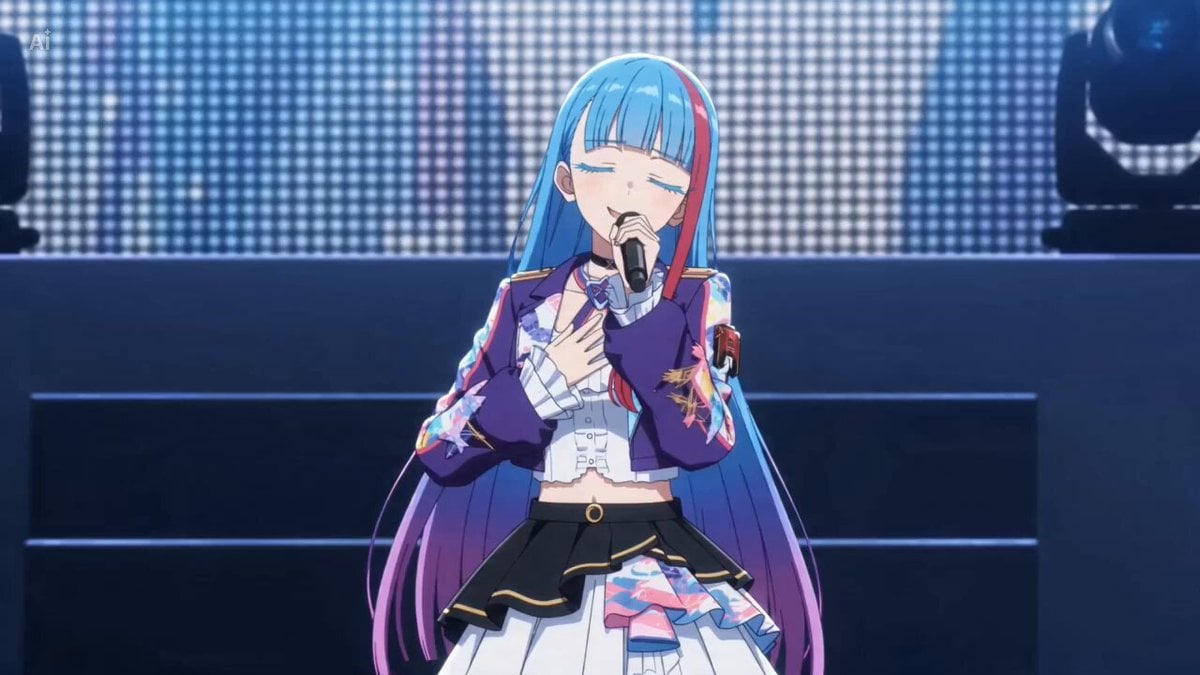
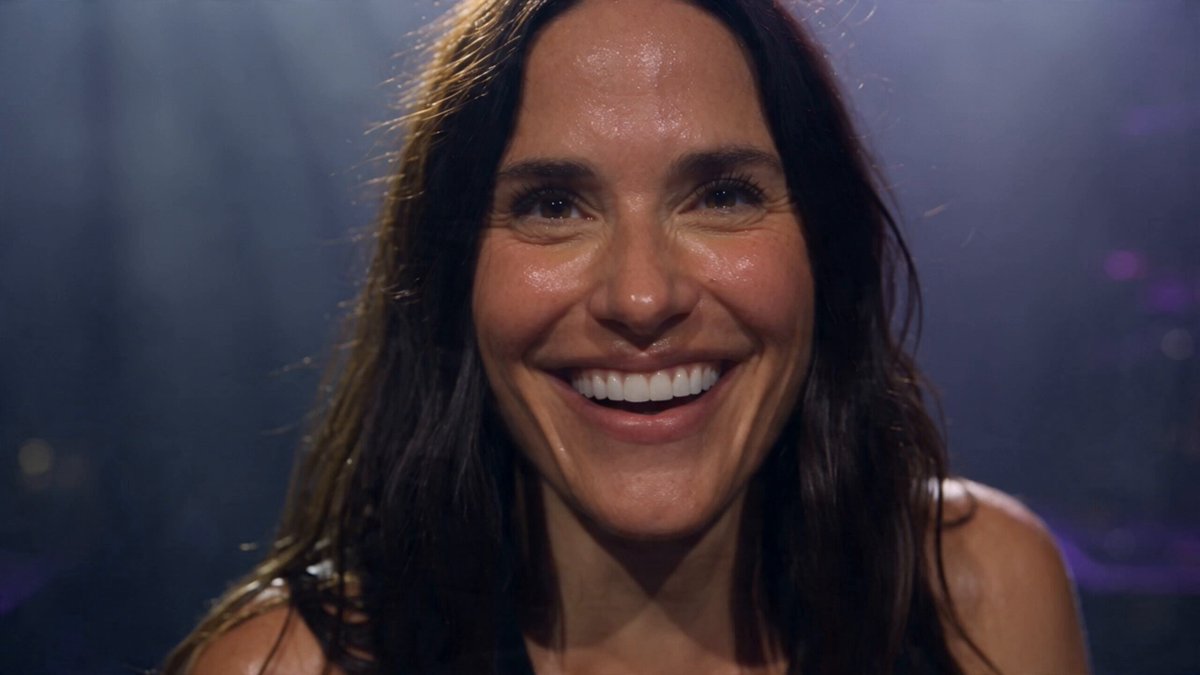
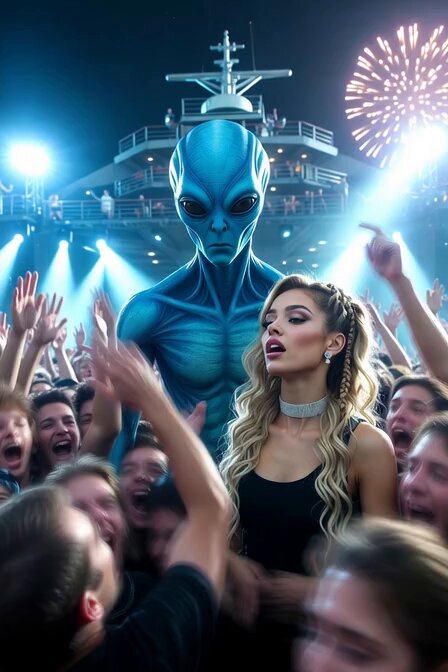
15-second cinematic K-pop concert video featuring @image. 0.0-2.5s: ultra-wide shot of a massive K-pop stage packed with LED screens and moving lights. A huge crowd watches from outside the stage area, waving glowing LED light sticks and enjoying the music. 2.5-5.5s: camera pushes in to @image at center stage performing sharp, elegant, mesmerizing K-pop choreography. She looks charismatic, glamorous, and powerful. 5.5-8.5s: on the music climax, futuristic light distortion forms behind @image. A surreal giant 3D hologram of @image begins to appear. 8.5-12.0s: full reveal of the hologram: an enormous semi-transparent holographic @image wearing a large shimmering sparkling gown with luminous wings. The hologram walks slowly and gracefully, then stops dramatically behind the real performer. 12.0-15.0s: cut between audience reaction and a final epic wide shot. The audience looks amazed and stunned, holding glowing light sticks. End with a breathtaking hero frame showing @image dancing in front of the giant winged hologram. Style: premium K-pop concert spectacle, surreal futuristic hologram show, polished cinematic visuals, dramatic lighting, pink purple blue neon tones, silver sparkles, stage haze, glossy reflections, crowd cheering, awe-inspiring and unforgettable.
15-second cinematic K-pop concert video featuring @image. 0.0-2.5s: ultra-wide shot of a massive K-pop stage packed with LED screens and moving lights. A huge crowd watches from outside the stage area, waving glowing LED light sticks and enjoying the music. 2.5-5.5s: camera pushes in to @image at center stage performing sharp, elegant, mesmerizing K-pop choreography. She looks charismatic, glamorous, and powerful. 5.5-8.5s: on the music climax, futuristic light distortion forms behind @image. A surreal giant 3D hologram of @image begins to appear. 8.5-12.0s: full reveal of the hologram: an enormous semi-transparent holographic @image wearing a large shimmering sparkling gown with luminous wings. The hologram walks slowly and gracefully, then stops dramatically behind the real performer. 12.0-15.0s: cut between audience reaction and a final epic wide shot. The audience looks amazed and stunned, holding glowing light sticks. End with a breathtaking hero frame showing @image dancing in front of the giant winged hologram. Style: premium K-pop concert spectacle, surreal futuristic hologram show, polished cinematic visuals, dramatic lighting, pink purple blue neon tones, silver sparkles, stage haze, glossy reflections, crowd cheering, awe-inspiring and unforgettable.
Edit the prompt in the box under the preview — the template's model and format are already selected — and press Generate. Your version appears right on this page.
Yes. You can change the subject, setting, lighting, mood, format, and available model controls before creating your video.
Opening and editing this template is free. Generating uses credits, shown on the Generate button when you are signed in.
Start with Seedance 2.0, which is the model associated with this template. You can compare another compatible model for a different finish.
Follow a topic to a crawlable collection of related PicX Studio templates.