
Hero Entrance Effect Multi-Shot Prompt
A high-quality multi-shot video prompt for Seedance 2.0 designed to create a dramatic hero entrance sequence in a ruined ancient temple.
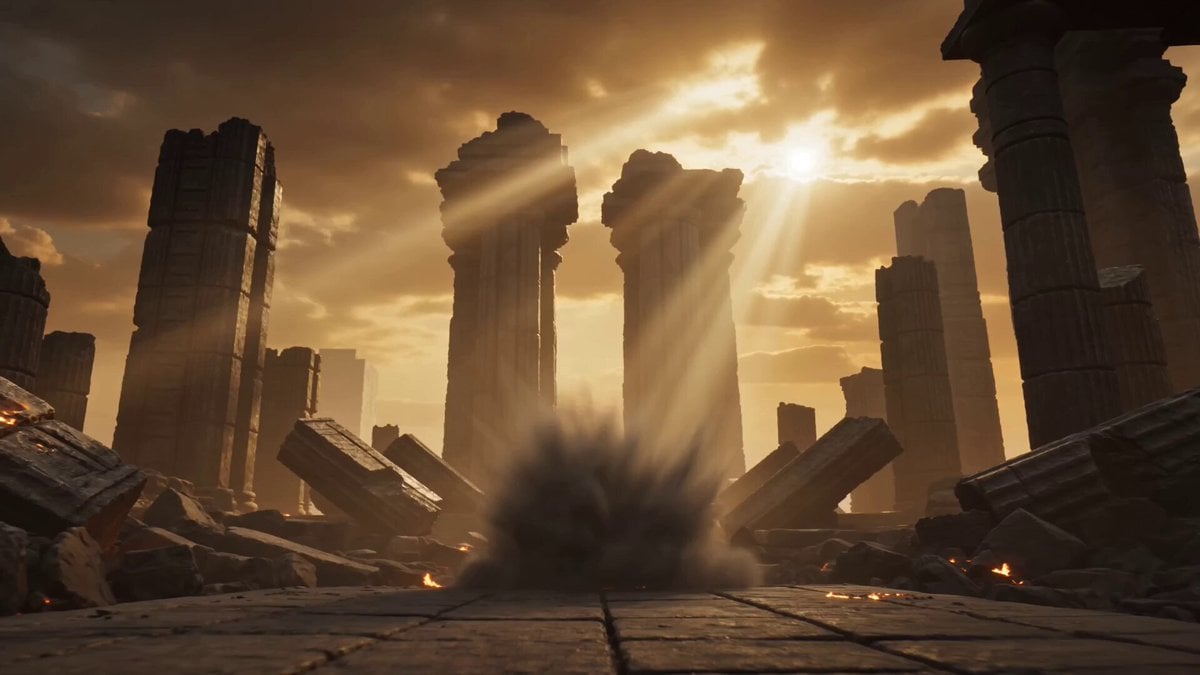
- Prompt included
- Model and format preset
- Premium template
The prompt behind this video
Copy the exact prompt behind Hero Entrance Effect Multi-Shot Prompt, or open it in the studio and make it yours.
SFX & ENVIRONMENT: Dramatic ruined ancient temple at golden-hour sunset, massive stone pillars cracked and collapsing, fierce wind howling, thick glowing golden mist + flying embers and debris actively reacting, powerful volumetric god rays piercing through dust, living ancient power atmosphere. Smell of ancient stone & ozone, rough cracked marble texture, distant echoing rumbles. SHOT 1: Extreme Wide Low Angle — HOOK @image1 explodes out from thick smoke wall and flying debris in mid-action with unstoppable force. Aggressive slow dolly in from low angle with subtle handheld shake. Heavy slow-motion (approx. 20% speed). Perfect cloth & hair physics. SFX: Explosive sub-bass rumble, heavy debris impacts, intense wind roar & fabric snaps. Music: Cinematic orchestral swell with deep bass hit. SHOT 2: Medium Wide Tracking Shot @image1 strides forward with overwhelming presence through the rubble straight toward camera. Smooth slow dolly in + tracking shot. Medium slow speed (30%). Hair & clothing dramatically flowing in the strong wind. SFX: Crunching rubble under boots, continuous howling wind, heavy cloth movement. Music: Rising tension strings. SHOT 3: Slow Orbit Medium Close-Up Camera slow orbits around @image1 as they stop in powerful heroic stance, golden energy particles gathering around their body, dramatically lit by god rays. Speed ramping: real-time → heavy slow-motion at peak pose. Shallow depth of field. SFX: Rising energy hum + particle crackle, wind intensifies. Music: Heroic orchestral peak. SHOT 4: Close-Up on Face Extreme close-up on @image1’s intense face, eyes locked to camera with subtle glowing aura. Very slow dolly in. Tight shallow DoF with cinematic bokeh on floating embers. SFX: Focused heavy breathing, soft wind. Music: Brief dramatic pause. SHOT 5: Slow Crane Up & Pull Back — MEANING-SHIFT Slow crane up + pull back reveals the massive scale of the destroyed temple, @image1 standing as an unshakeable beacon of power. Wind and debris suddenly calm as if nature itself bows — reframing the entire chaos into their awakening. SFX: Wind subsides into silence, final powerful breath. Music: Triumphant orchestral resolution fading out.
How to use Hero Entrance Effect Multi-Shot Prompt in 3 steps
- 1
Open
The prompt is already in the box next to the preview, with the template's model and format selected.
- 2…a portrait of your subject in softgolden-hour light, 85mm…
Personalize
Edit the subject and creative details for your destination.
- 3Generate
Generate
Press Generate — your video is created in PicX Studio, so you can compare it with the original and refine one variable at a time.
More like this
Templates with the same subject, style or setup. Open one to see its prompt.
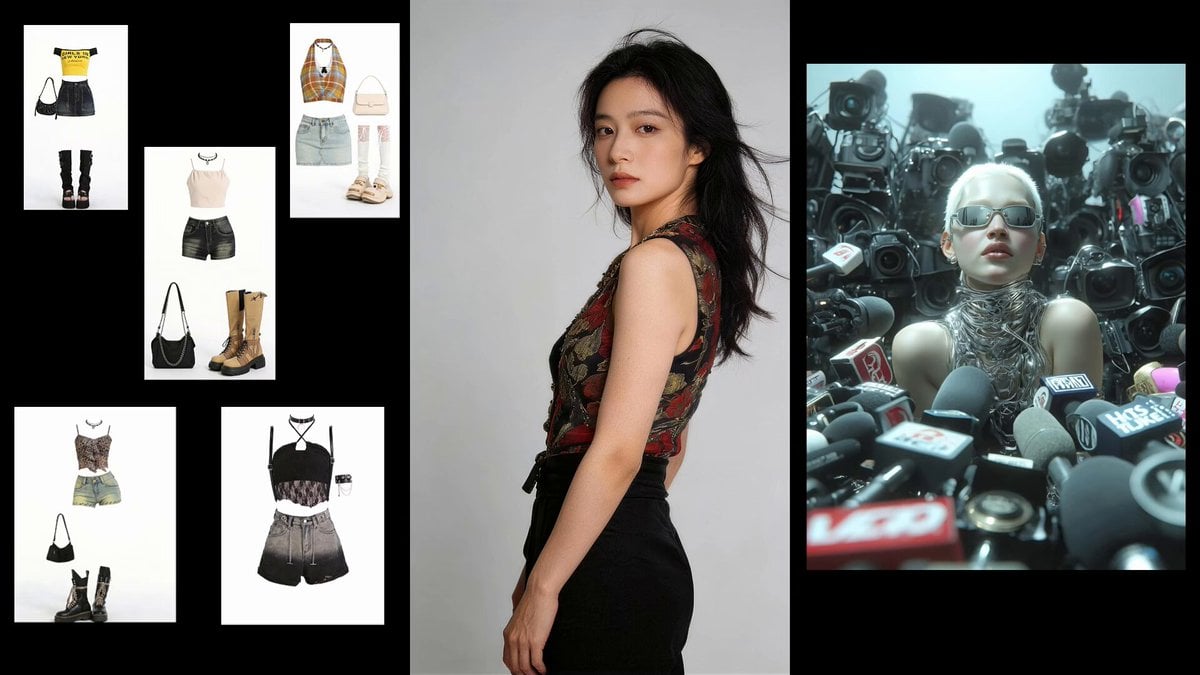
Fashion Sequence with Multiple Outfits and Effects
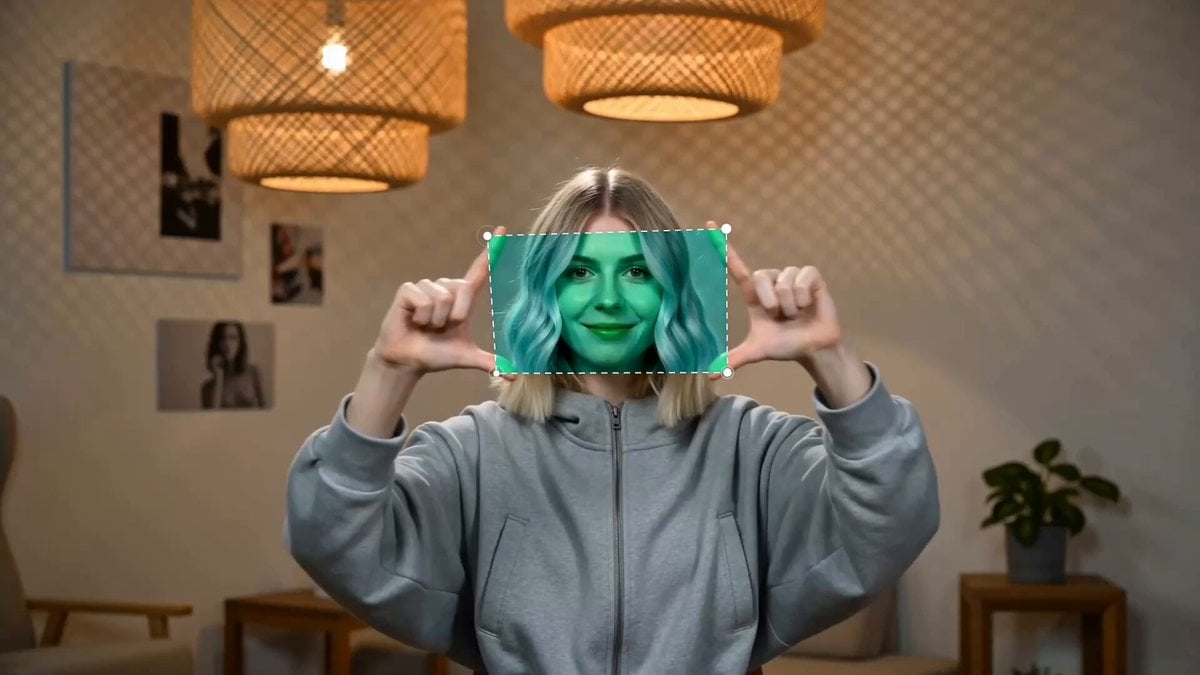
Finger Frame Video Effect Prompt
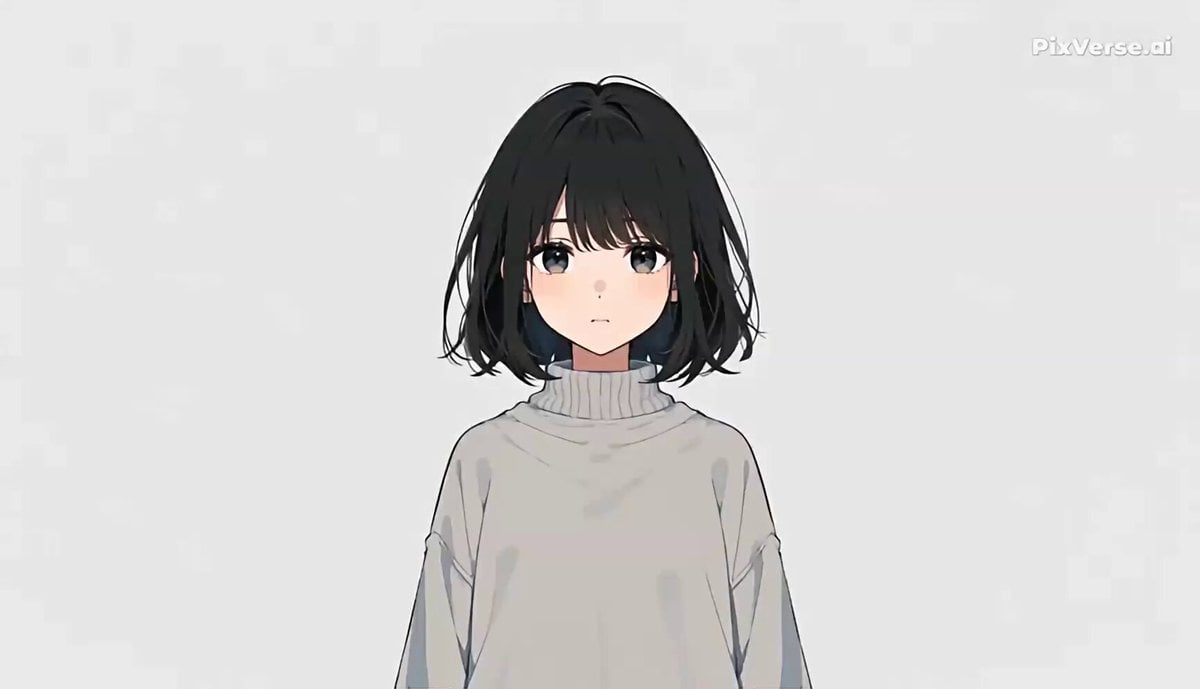
Anime Music Video Motion Effects
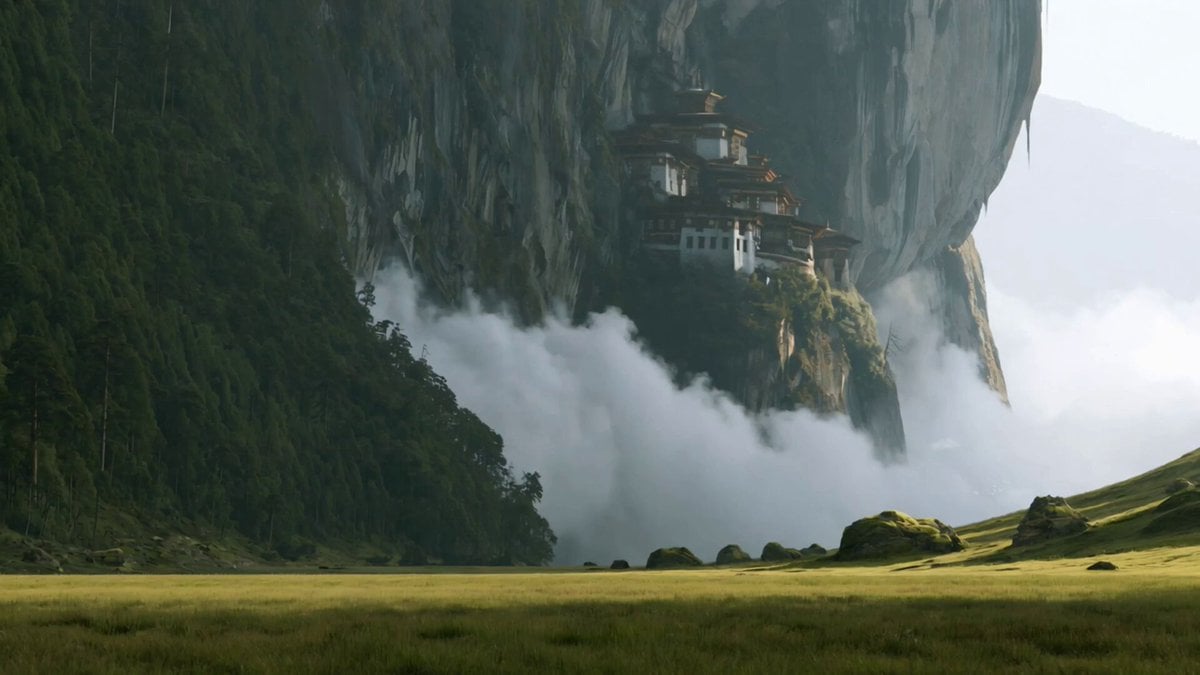
Wuxia Sword Maiden Visual Effects Prompt
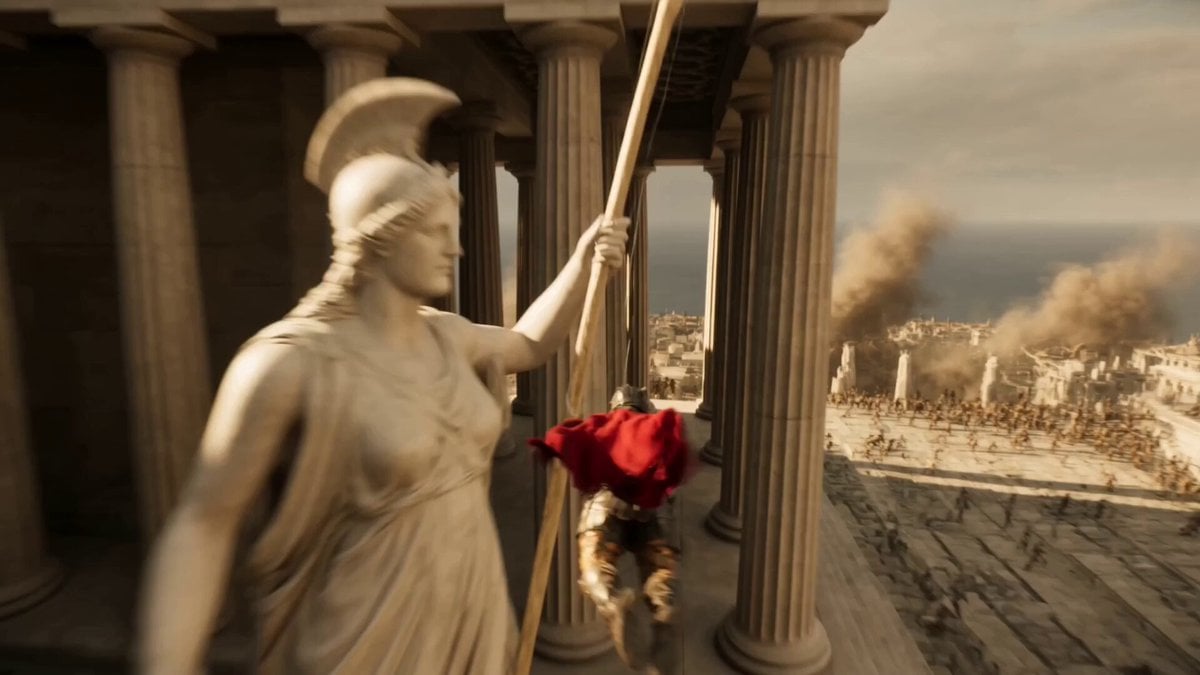
Epic Hero Greek City Ascent
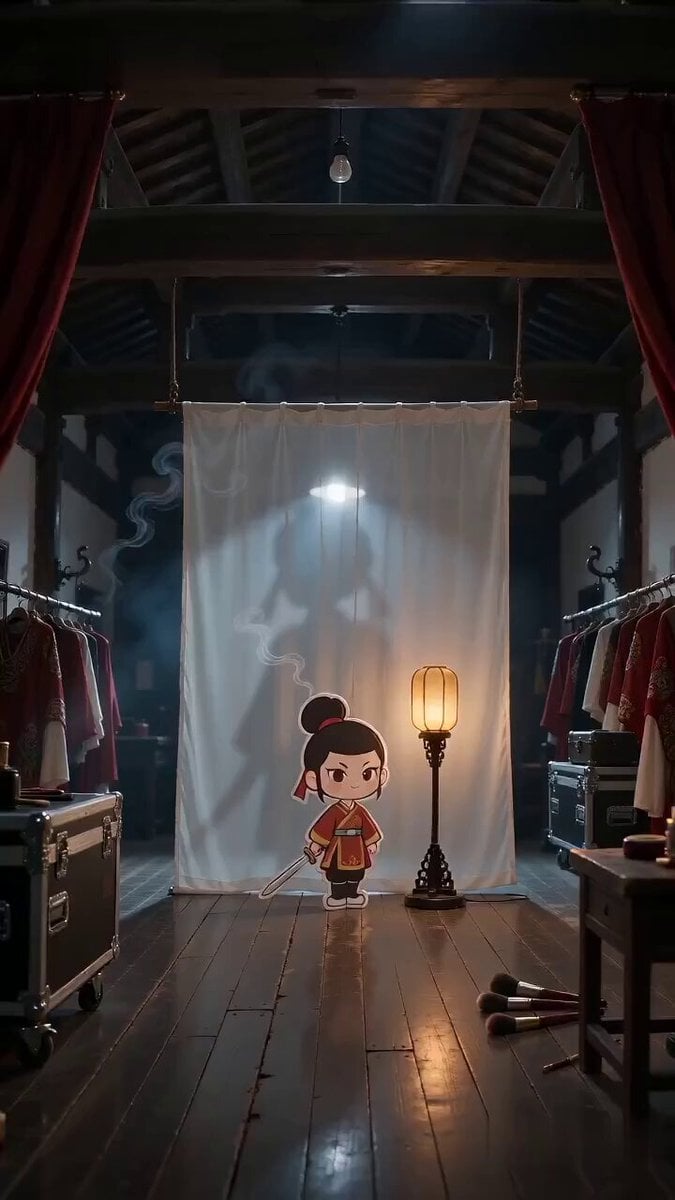
Paper Cutout Hero Shadow Comedy
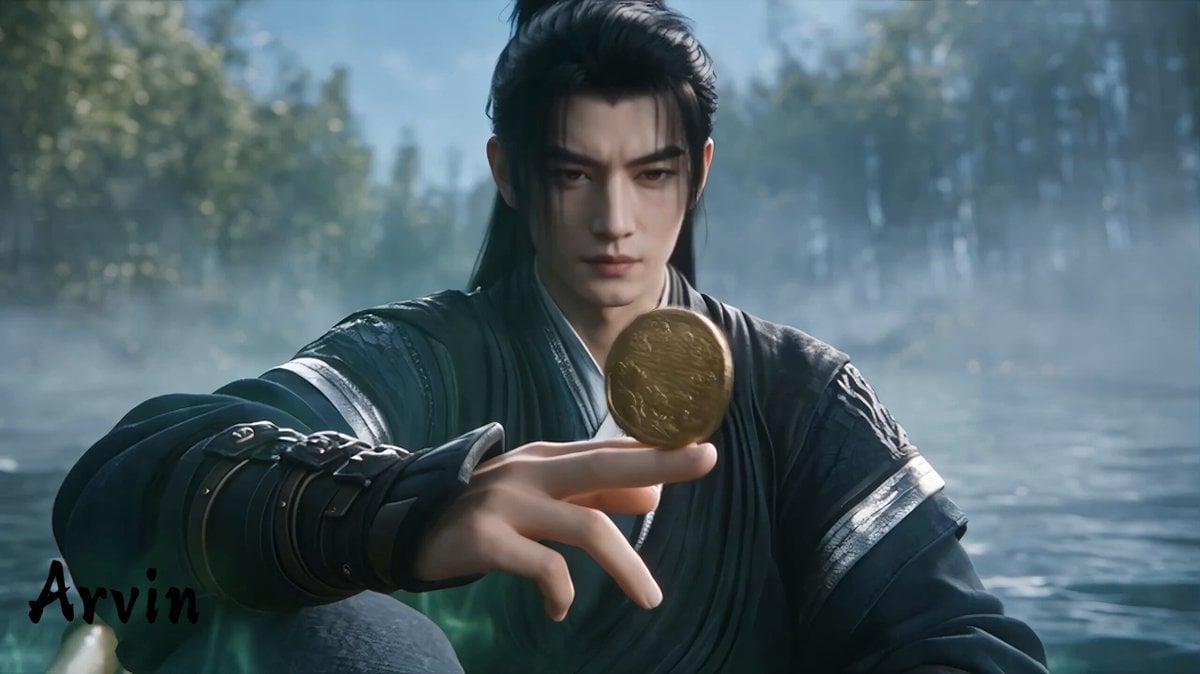
Extended Multi-Shot Xianxia Battle Sequence
Shaolin Hero Martial Arts Short
80s Sci-Fi Practical Effects Scene Prompt
Multi-Character Parkour Action Sequence
Multidimensional Glitch Morphing Animation
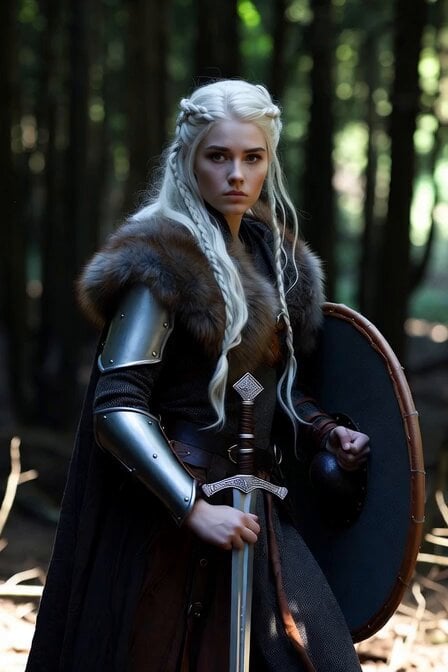
Viking Shield Maiden Forest Entrance
Make it yours
Hero Entrance Effect Multi-Shot Prompt works as-is. These are the safest ways to change it without losing the look.
Change one field
Copy a single group, rewrite it, and generate again so you can see what that field is doing.
Keep the frame, change the subject
Hold the composition and light of Hero Entrance Effect Multi-Shot Prompt, then swap wardrobe, props or the person for a new take.
| If the result… | Why | Fix |
|---|---|---|
| The result drifts from the preview | Too many fields changed at once. | Reuse Hero Entrance Effect Multi-Shot Prompt as-is first, then change one group — subject, light, or setting. |
| The model over-stylizes the scene | The prose prompt leaves finish and camera underspecified. | Add one camera or lighting sentence and stay on Seedance 2.0. |
More Seedance 2.0 templates
Other prompts made for Seedance 2.0.

Comical Martial Arts Punch Scene

Maglev Train Action Sequence

Martial Arts Fight Sequence

Wuxia Protection and Trust Script

Vintage Korean Arcade MiniDV Vlog

Mercedes 190 SL Luxury Ad

Rainy Night Supernatural Reverse Comedy Video Script

Amazon Civilization Discovery

Futuristic South Asian City Transformation

Cozy Luxury Cafe Commercial
More video prompts
Fresh picks from across the catalog.
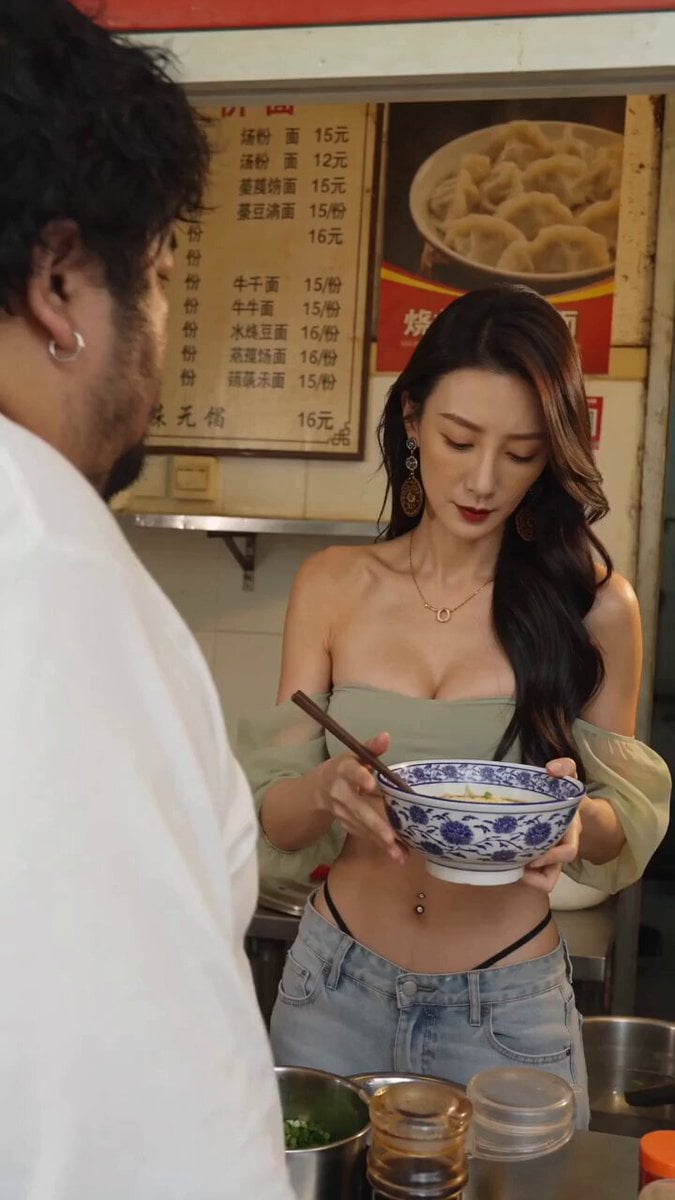
Noodle Shop Comedy Skit iPhone POV

Chess Scene Video Generation
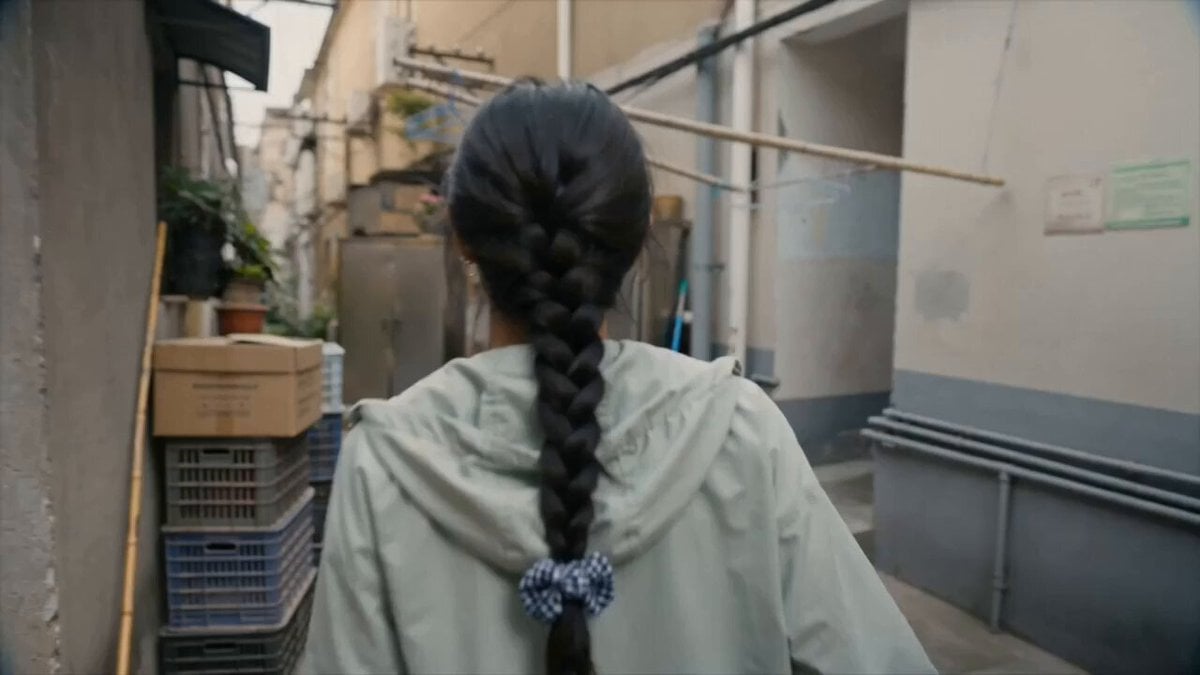
Kitten Rescue in Residential Alley
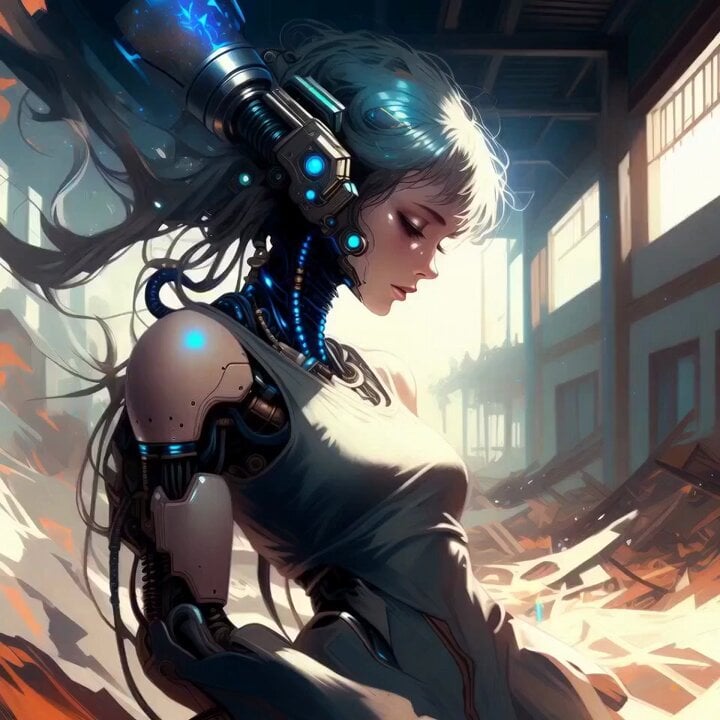
Glossy Cyborg Woman in Abandoned Warehouse
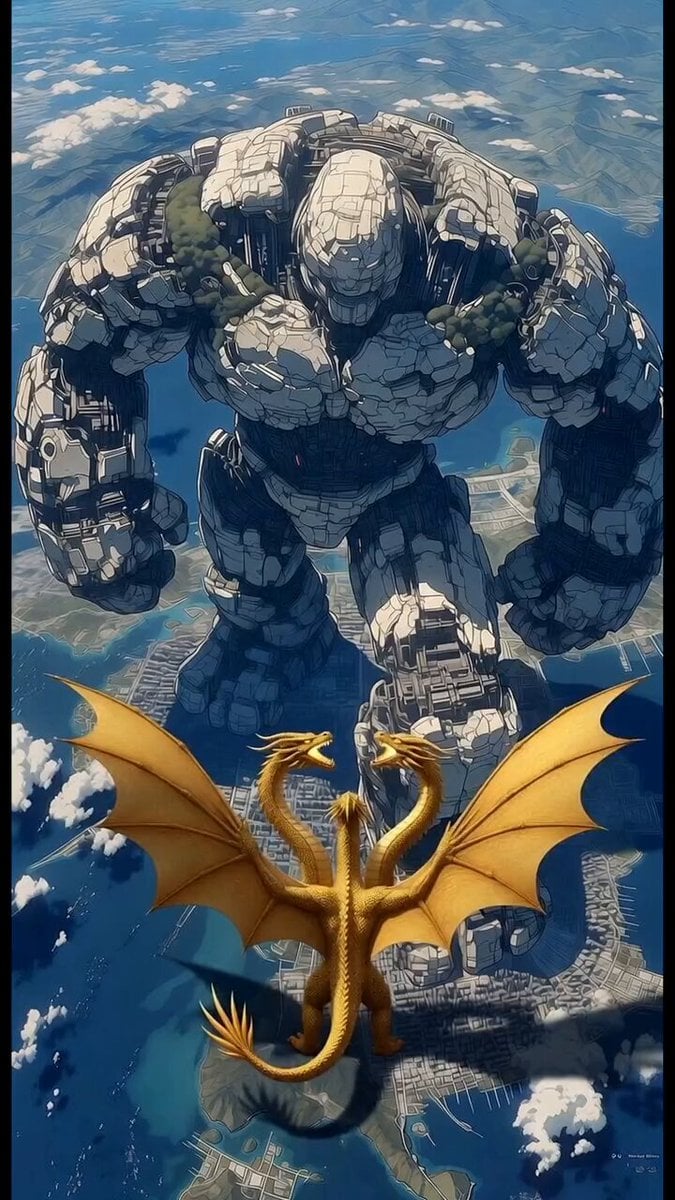
Robot vs Golden Dragon Epic Battle
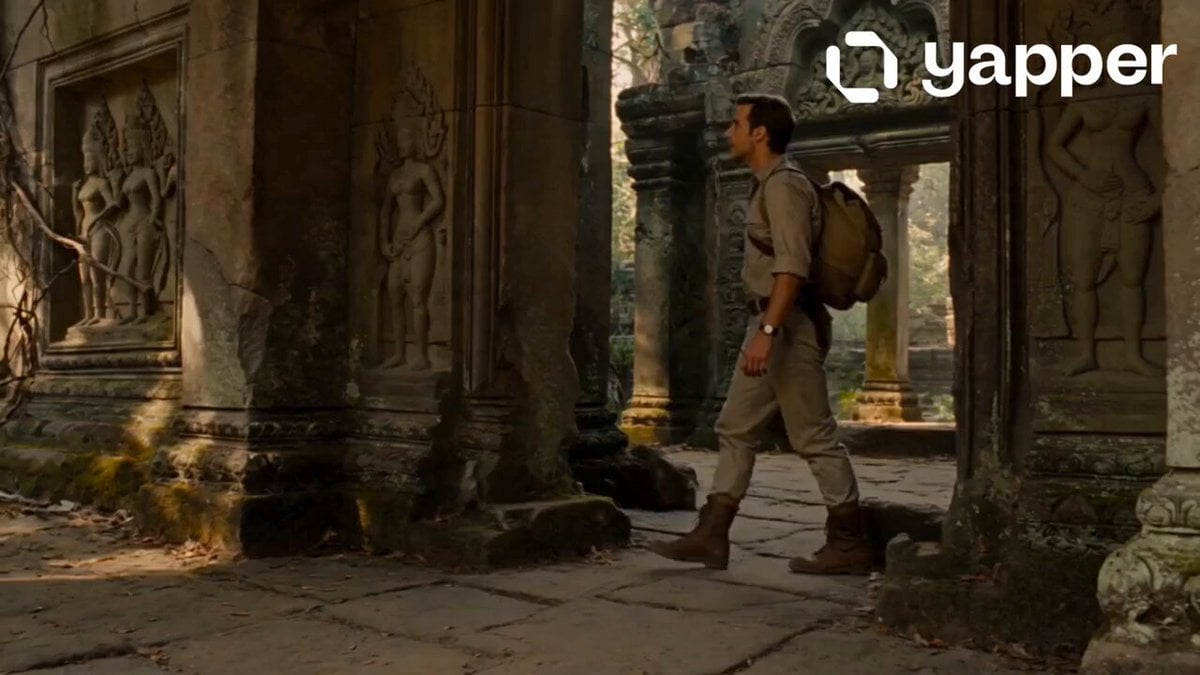
Jungle Temple Explorer Cinematic Video
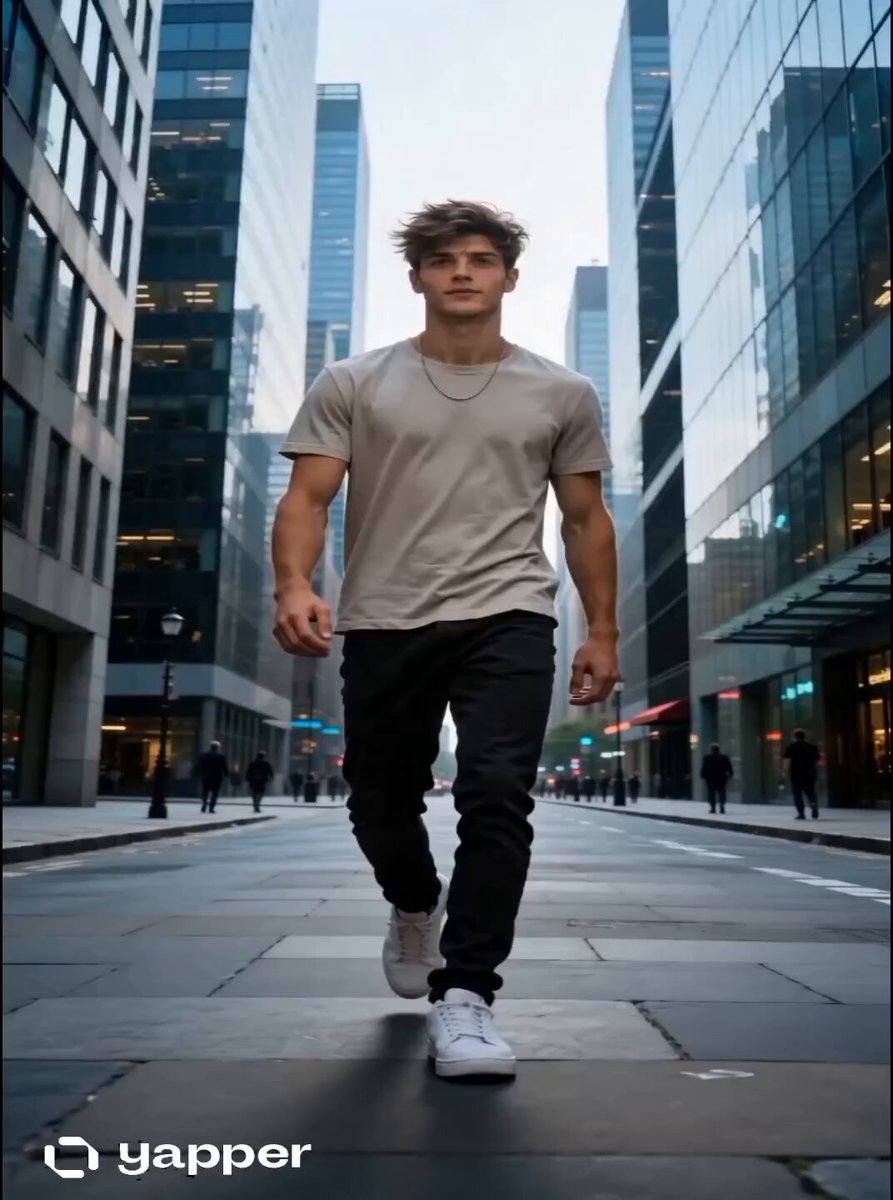
Time Glitch City Walk
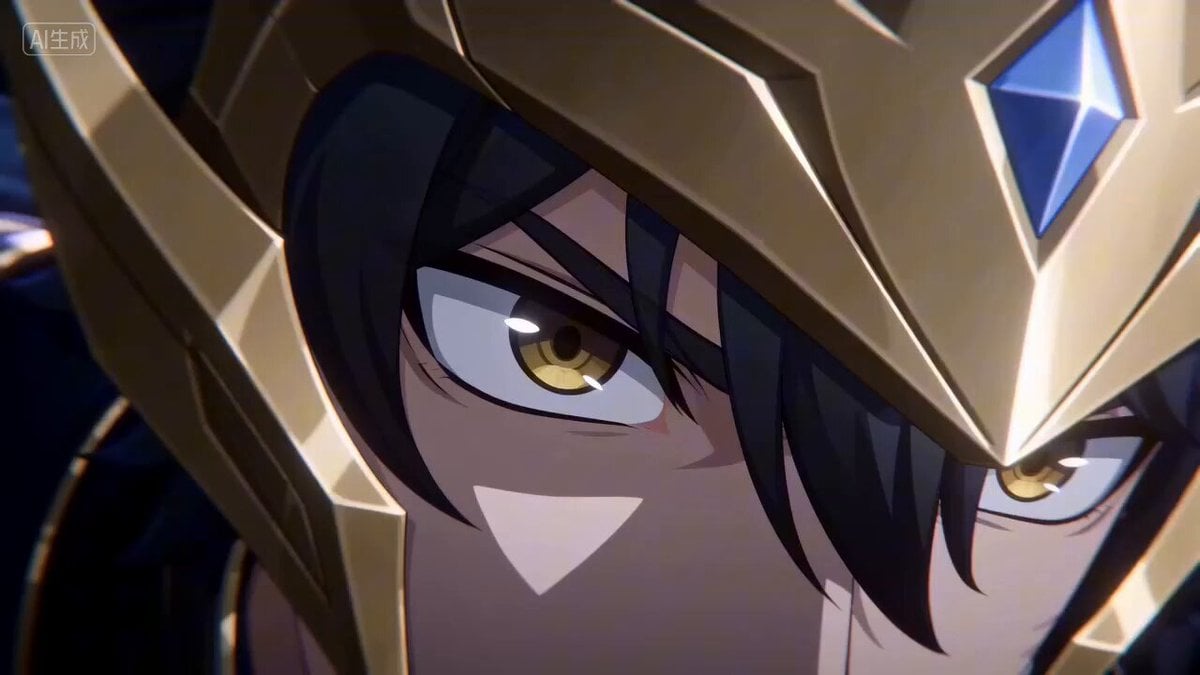
Anime Energy Clash Fight Sequence
Electric Bike Urban Commercial
Chubby Golden Shorthair Cat Eating Chinese Food
Browse template categories
Hero Entrance Effect Multi-Shot Prompt questions
How do I use the Hero Entrance Effect Multi-Shot Prompt template?
Add your photo if the template asks for one, edit the prompt if you like — the template's model and format are already selected — and press Generate. Your version opens in PicX Studio.
Can I customize the Hero Entrance Effect Multi-Shot Prompt template?
Yes. You can change the subject, setting, lighting, mood, format, and available model controls before creating your video.
Is the Hero Entrance Effect Multi-Shot Prompt template free?
Opening and editing this template is free. Generating uses credits, shown on the Generate button when you are signed in.
Which AI model should I use?
Start with Seedance 2.0, which is the model associated with this template. You can compare another compatible model for a different finish.
Looking for something else? Browse all templates.

Your photo, any look
Thousands of ready templates for every top image and video model, from one credit balance.