How do I use the Grok Imagine prompt for Dark Noir Cabaret Scene template?
Edit the prompt in the box under the preview — the template's model and format are already selected — and press Generate. Your version appears right on this page.
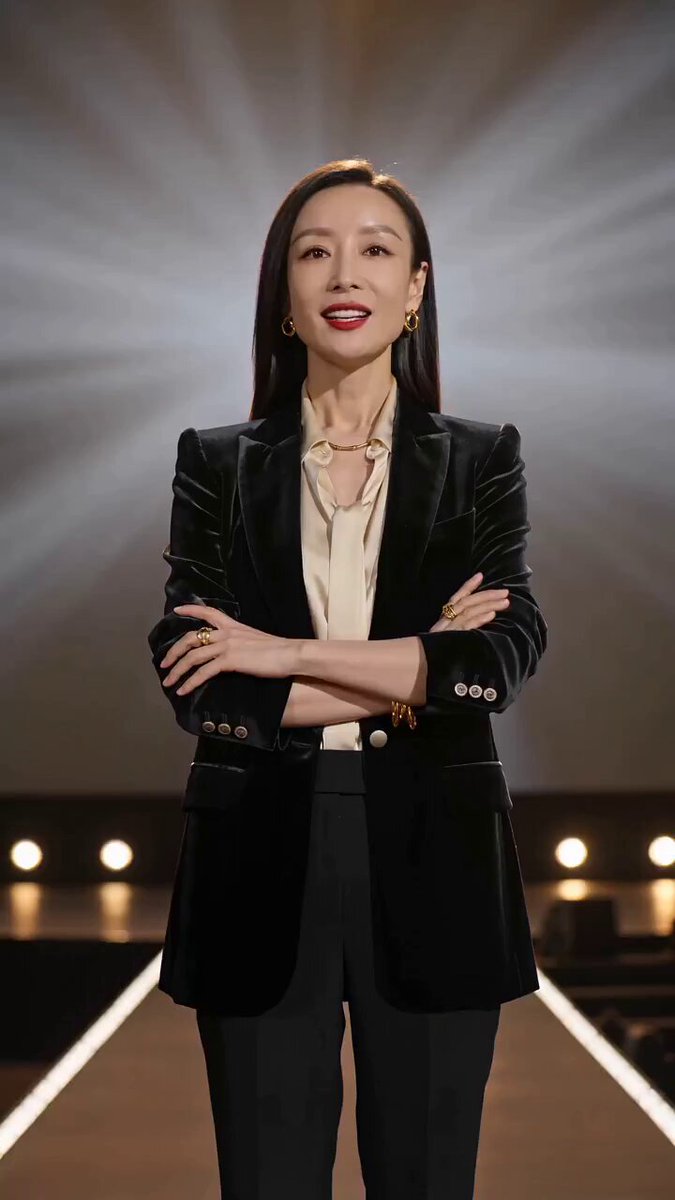
A detailed prompt for Grok Imagine to generate a cinematic scene set in a dark noir cabaret club, focusing on low-key lighting, smoke, and dramatic chiaroscuro contrast on a dancer in a black sequined dress.
Dark noir cabaret club, low-key lighting, deep shadows, smoke filled atmosphere, black velvet curtains, dim golden lamps, dancer wearing a black sequined dress with subtle red accents, long gloves, elegant posture her face partially hidden in shadow, strong chiaroscuro lighting creating dramatic contrast. Background blurred silhouettes of audience, vintage tables, cigarette smoke.
Dark noir cabaret club, low-key lighting, deep shadows, smoke filled atmosphere, black velvet curtains, dim golden lamps, dancer wearing a black sequined dress with subtle red accents, long gloves, elegant posture her face partially hidden in shadow, strong chiaroscuro lighting creating dramatic contrast. Background blurred silhouettes of audience, vintage tables, cigarette smoke.
Edit the prompt in the box under the preview — the template's model and format are already selected — and press Generate. Your version appears right on this page.
Yes. You can change the subject, setting, lighting, mood, format, and available model controls before creating your video.
Opening and editing this template is free. Generating uses credits, shown on the Generate button when you are signed in.
Start with Grok Imagine, which is the model associated with this template. You can compare another compatible model for a different finish.
Follow a topic to a crawlable collection of related PicX Studio templates.