
Samurai Sword Slash and Noto Ritual
A highly detailed cinematic video prompt for Seedance 2.0 that describes an explosive sword draw, magenta energy effects, and a slow, deliberate sheathing sequence with calligraphic kanji appearing in the finale.
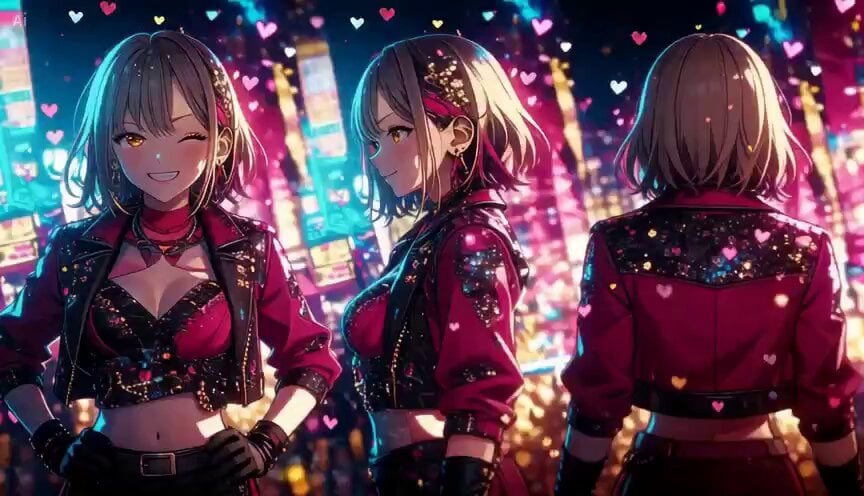
- Prompt included
- Model and format preset
- Free template
The prompt behind this video
Copy the exact prompt behind Samurai Sword Slash and Noto Ritual, or open it in the studio and make it yours.
Extreme close-up from low angle. The torso twists away from the draw side — the left shoulder drops forward, the right shoulder pulls back, weight loading into the rear hip. Magenta energy arcs swirl around the torso, building intensity. A bright flash ignites at the sword hilt.The body uncoils — explosive rush directly toward the camera with heavy motion blur and diagonal speed streaks. The face fills the frame for one instant, eyes locked forward — then the drawn blade sweeps past in a magenta flash and the figure is already behind the camera, shrinking to a distant silhouette against the dark horizon.The sky erupts with criss-crossing sword flash lines — each slash cuts diagonally across the full width of the sky, intersecting other slashes at random angles. Each line appears as a thick bright beam — white-blue core with magenta edges — then gradually thins and fades to a thin pink trace. New lines continuously appear while older ones dissipate. The layered effect builds to peak density before slowly subsiding.The camera rushes forward to catch up. A glowing blade trail sweeps across the lens. The figure stands in noto posture — right hand raised above the left shoulder holding the sword at a diagonal, left hand at waist level guiding the blade toward the scabbard opening.The blade gleams with a bright star-burst sparkle at its midpoint. Inch by inch over several seconds, the right hand lowers — the glowing sword descends in a slow, deliberate arc toward the waiting left hand. The gleam intensifies at the point where blade meets scabbard.The instant the blade seats — a massive magenta-white explosion of light detonates from behind. Radial beams shoot outward in every direction. The figure becomes a pure silhouette against the overwhelming brightness.Within the light burst, the kanji 斬 materializes in bold calligraphic brushstrokes — dark ink against the blinding glow. Ink-splash drip effects trail from the base of each stroke. A bright horizontal magenta beam slices through the center of the kanji, and the character fragments along the cut line — upper strokes drift upward, lower strokes drift downward, as if space itself has been bisected. The magenta glow gradually dims. The fractured kanji holds its split position as the light fades to a twilight afterglow.
How to use Samurai Sword Slash and Noto Ritual in 3 steps
- 1
Open
The prompt is already in the box next to the preview, with the template's model and format selected.
- 2…a portrait of your subject in softgolden-hour light, 85mm…
Personalize
Edit the subject and creative details for your destination.
- 3Generate
Generate
Press Generate — your video is created in PicX Studio, so you can compare it with the original and refine one variable at a time.
More like this
Templates with the same subject, style or setup. Open one to see its prompt.
Gothic Anime Sword Slash
Epic Samurai Multi-Slash Sequence
Chibi Cave Adventure — He Doesn't Know What's Coming
Cinematic Swordswoman Night Market Sequence
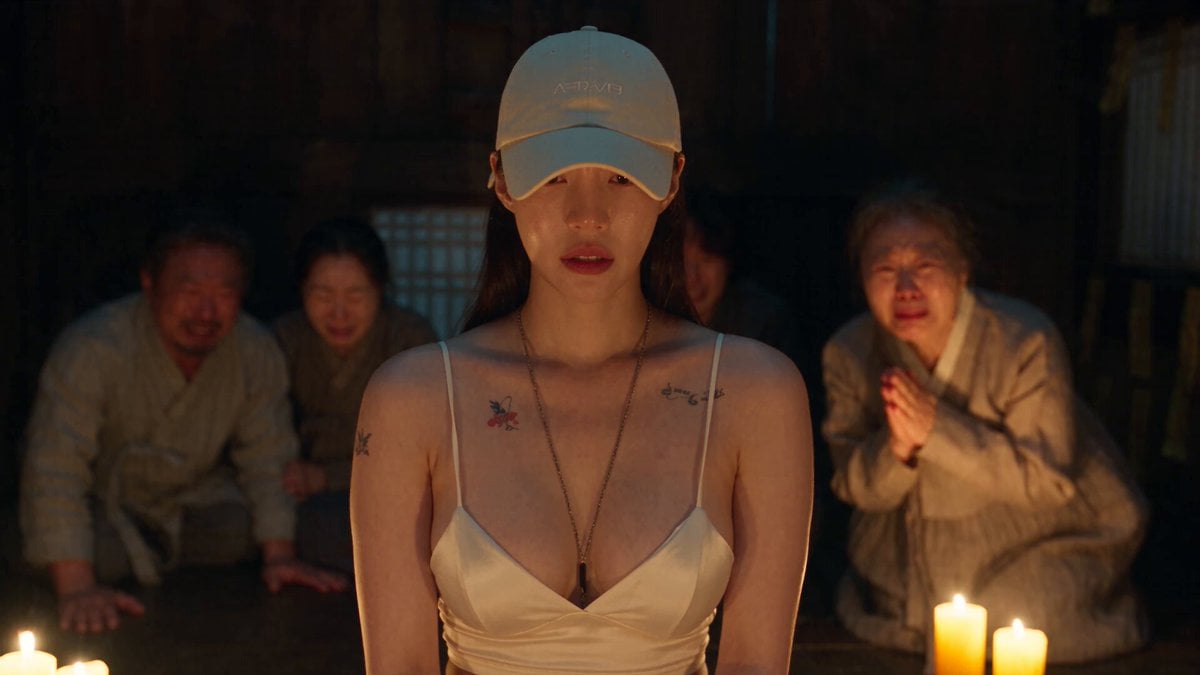
Korean Folk Horror Ritual
Cinematic Wuxia Flying Sword Scene
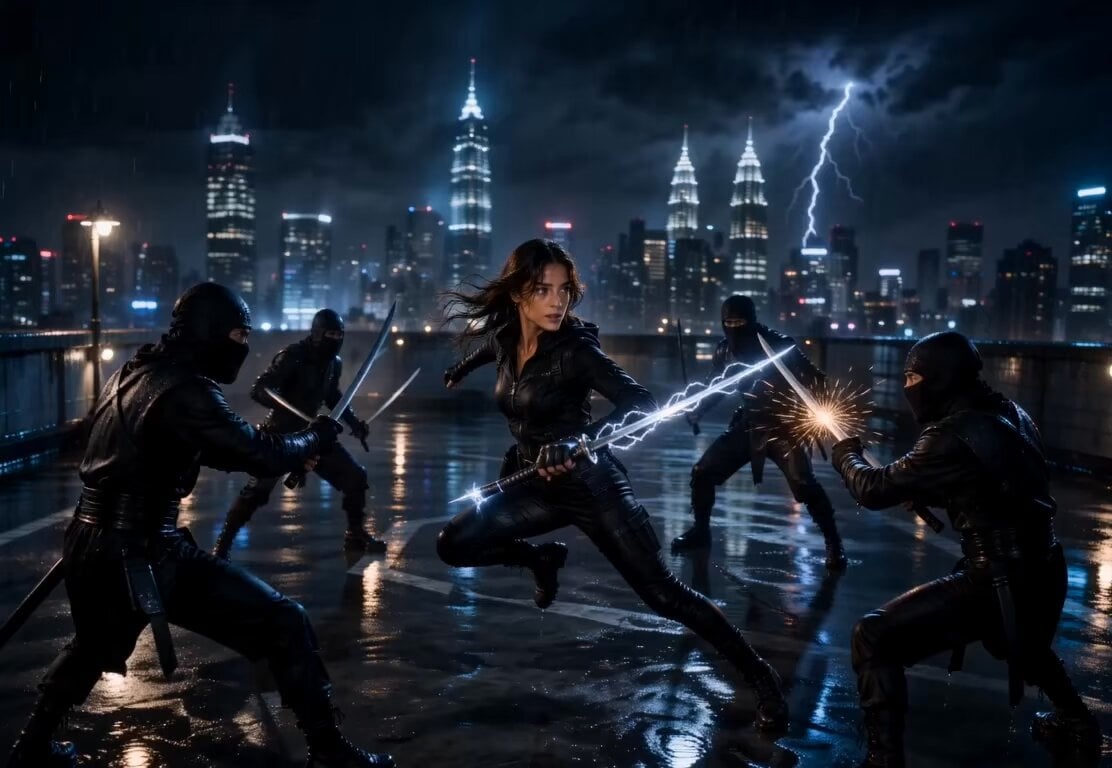
Lightning Sword Tactical Girl Animation
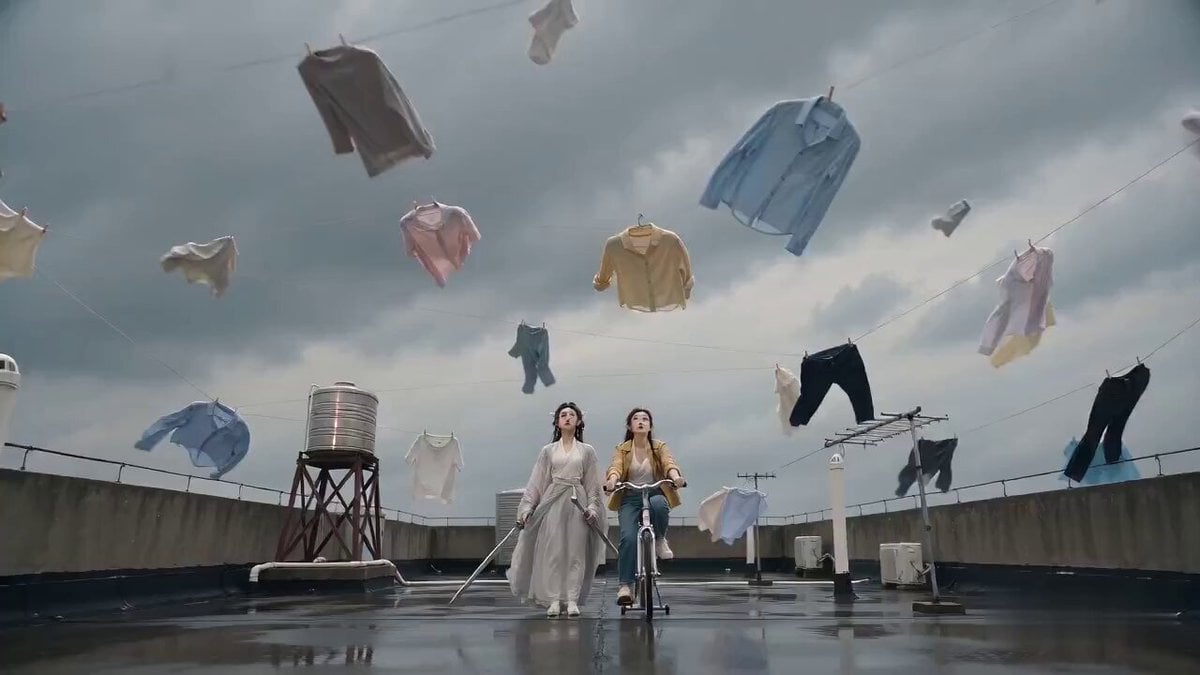
Seedance 2.0 Sword Formation Laundry Comedy Video Prompt
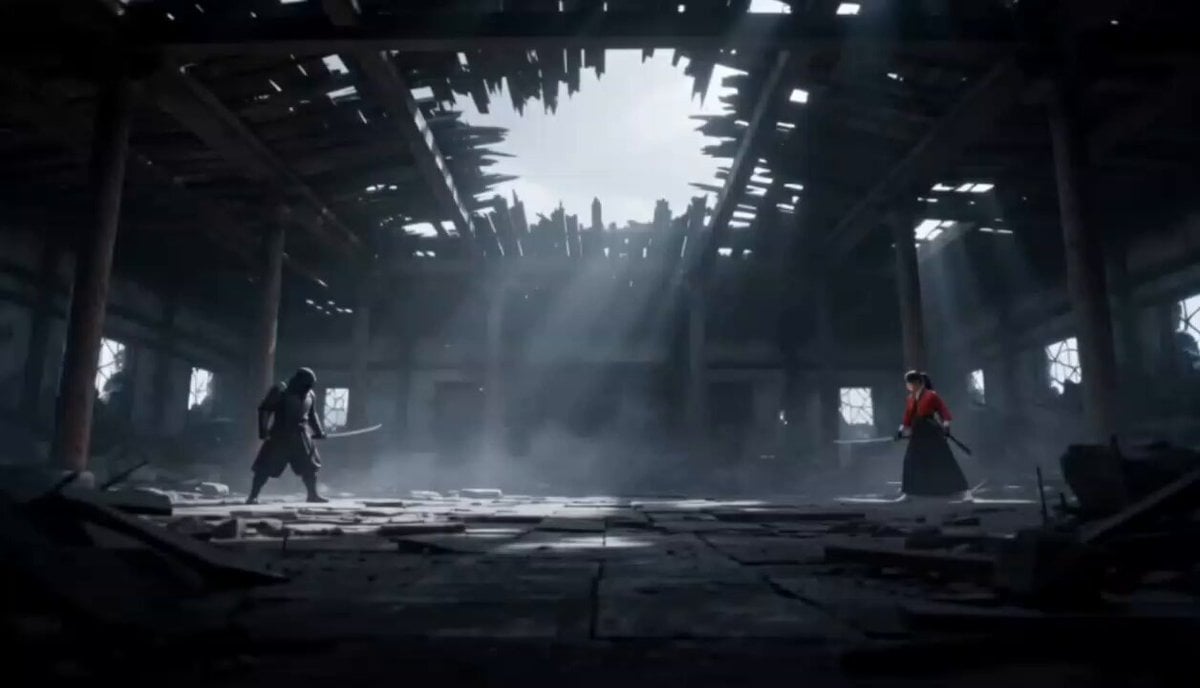
Cinematic Anime Samurai Duel
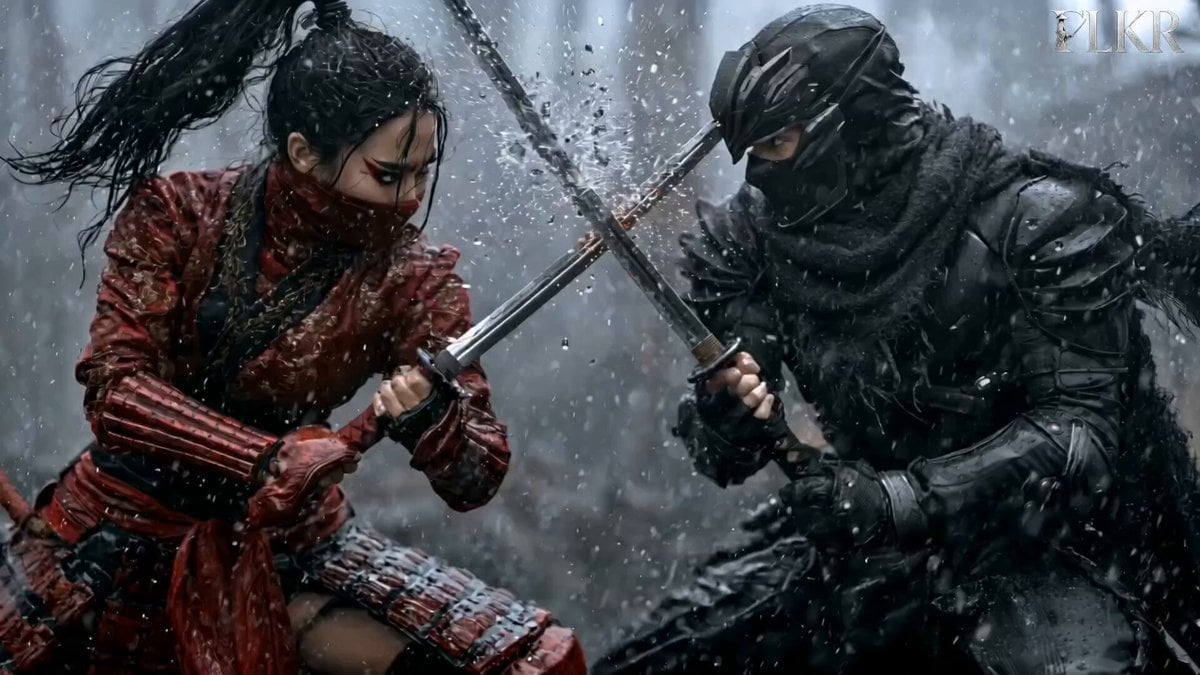
Samurai Duel in Stormy Rooftop
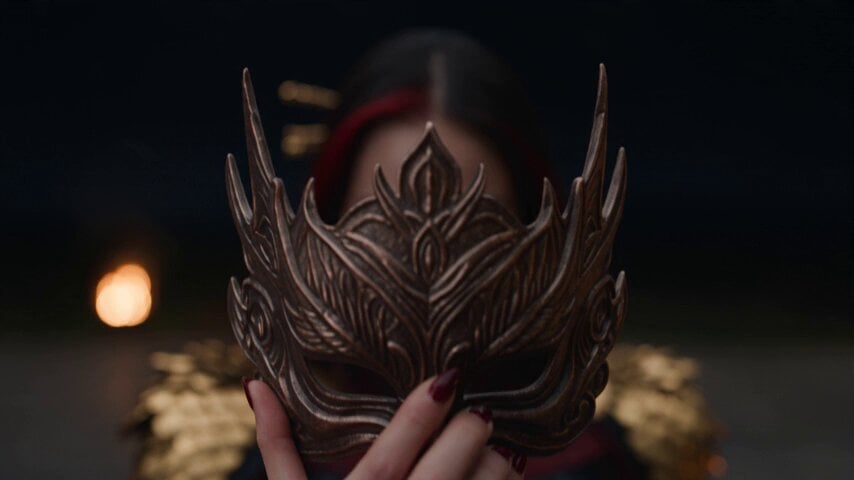
Dark Fantasy Fire Phoenix Ritual
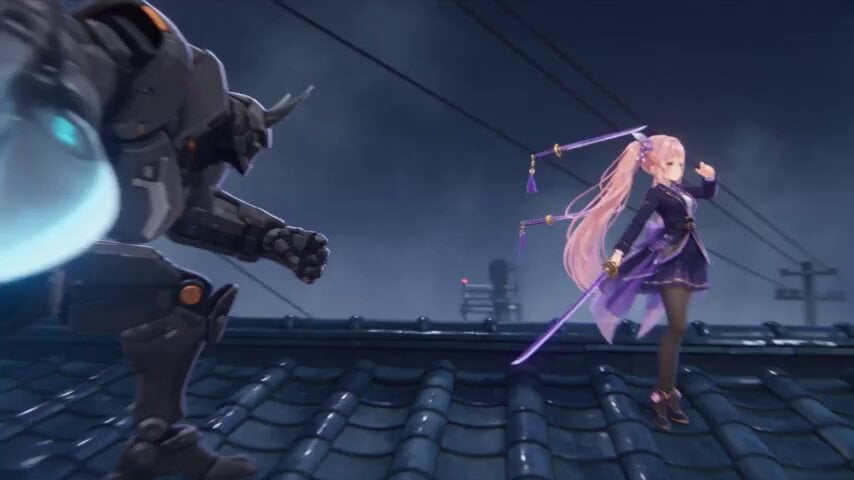
Cyber-Shrine Anime Sword Duel
Make it yours
Samurai Sword Slash and Noto Ritual works as-is. These are the safest ways to change it without losing the look.
Change one field
Copy a single group, rewrite it, and generate again so you can see what that field is doing.
Keep the frame, change the subject
Hold the composition and light of Samurai Sword Slash and Noto Ritual, then swap wardrobe, props or the person for a new take.
| If the result… | Why | Fix |
|---|---|---|
| The result drifts from the preview | Too many fields changed at once. | Reuse Samurai Sword Slash and Noto Ritual as-is first, then change one group — subject, light, or setting. |
| The model over-stylizes the scene | The prose prompt leaves finish and camera underspecified. | Add one camera or lighting sentence and stay on Seedance 2.0. |
More Seedance 2.0 templates
Other prompts made for Seedance 2.0.

Comical Martial Arts Punch Scene

Maglev Train Action Sequence

Martial Arts Fight Sequence

Wuxia Protection and Trust Script

Vintage Korean Arcade MiniDV Vlog

Mercedes 190 SL Luxury Ad

Rainy Night Supernatural Reverse Comedy Video Script

Amazon Civilization Discovery

Futuristic South Asian City Transformation

Cozy Luxury Cafe Commercial
More video prompts
Fresh picks from across the catalog.
Bullet time selfie video template
Automaton Post-Apocalyptic Jungle Run
18k Gold car customization video prompt

Desert Truck Racing Action Sequence
Sunflower spirit ballerina in a dreamy pastel garden video generation
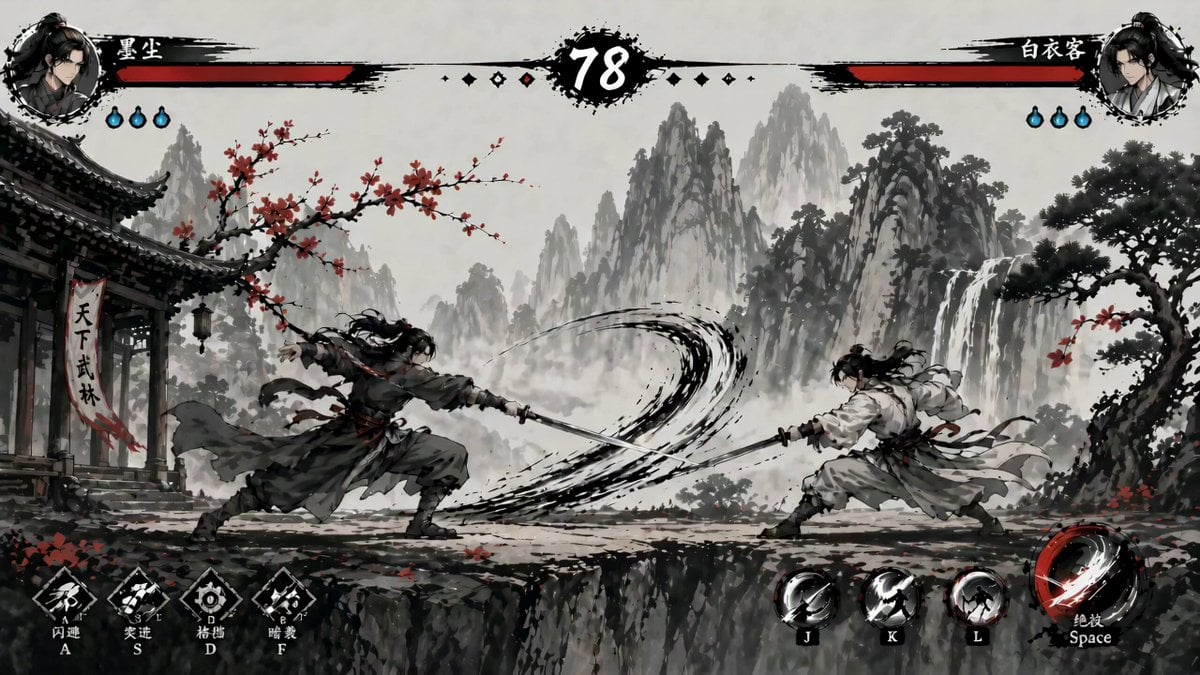
Ink-Wash Fighting Game 15-Second Cinematic
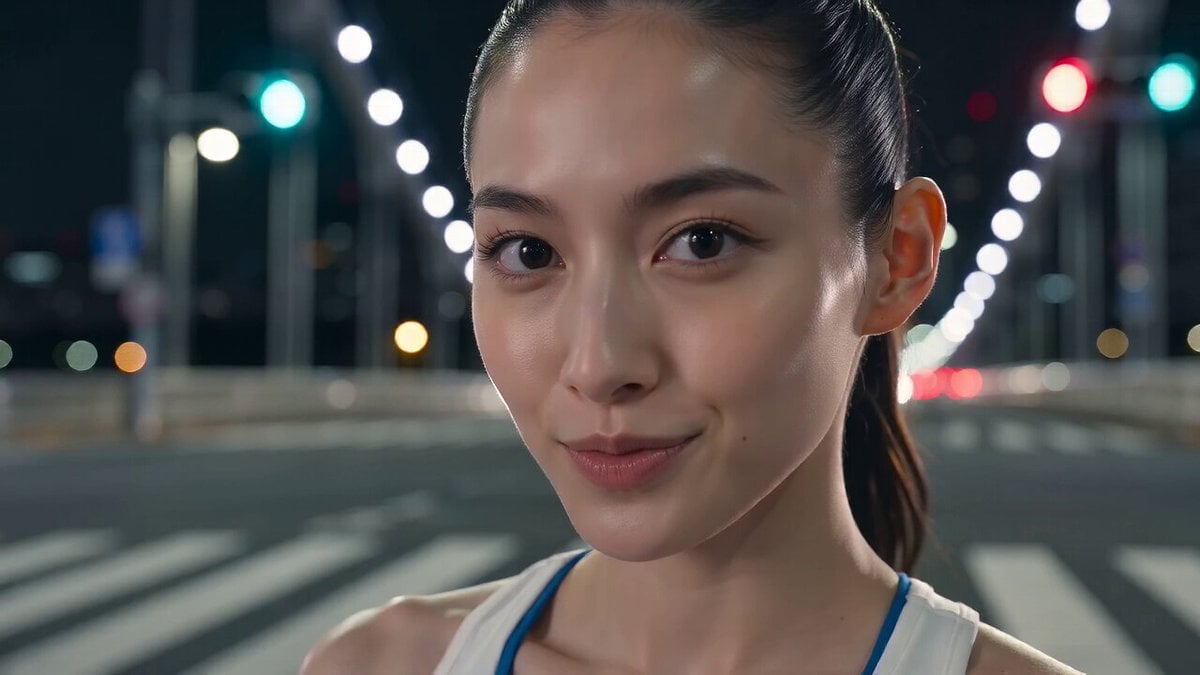
Tokyo Tower Parkour Leap
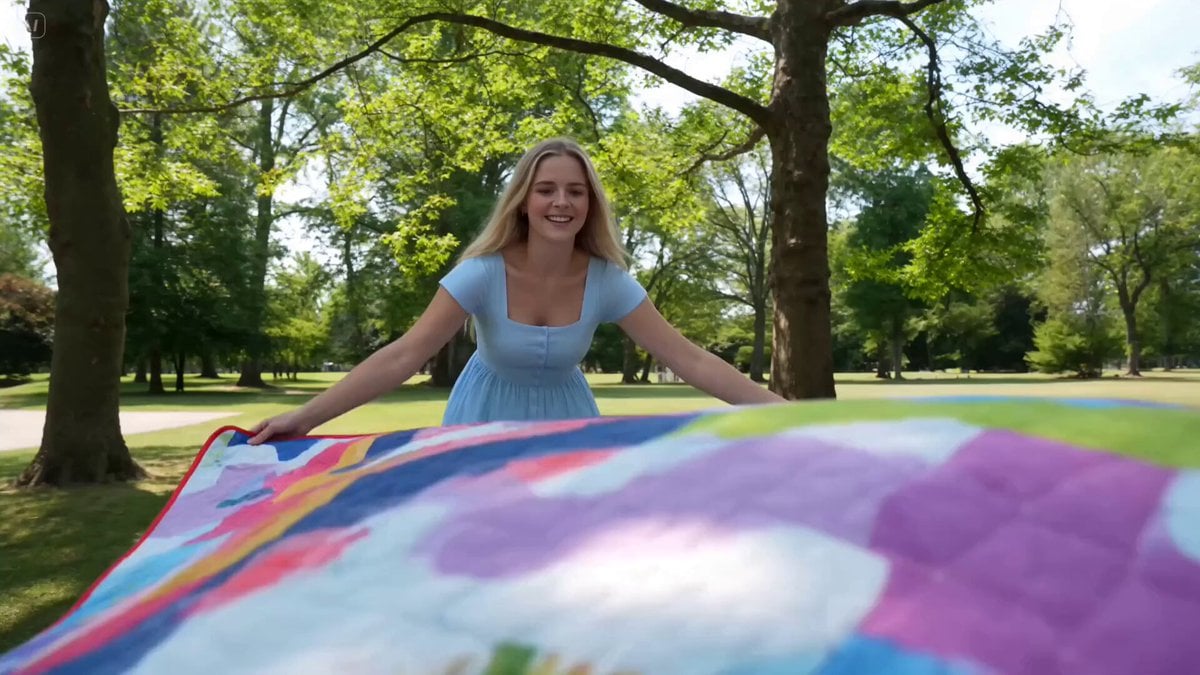
Family Picnic Home Video
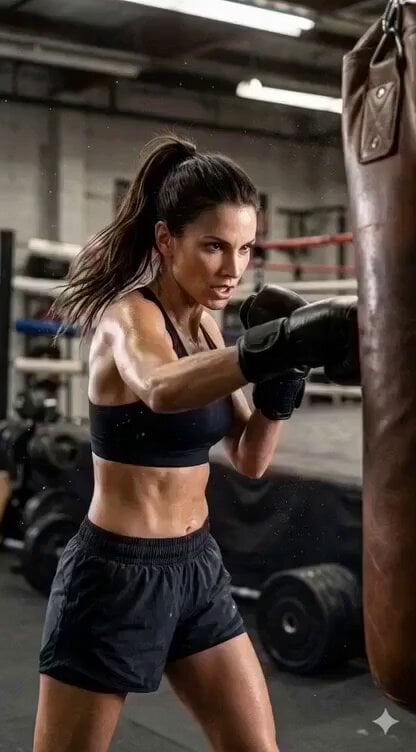
Image-to-Video Identity Lock for Athletic Expression
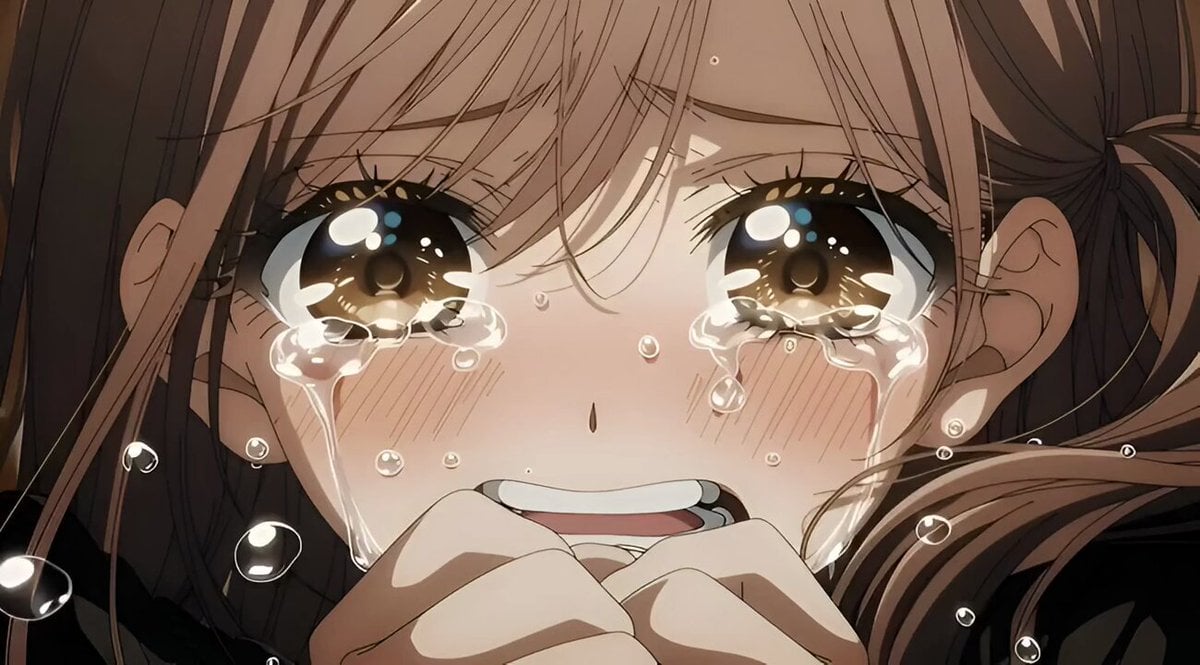
Grok Imagine video prompt for a crying anime girl
Browse template categories
Samurai Sword Slash and Noto Ritual questions
How do I use the Samurai Sword Slash and Noto Ritual template?
Add your photo if the template asks for one, edit the prompt if you like — the template's model and format are already selected — and press Generate. Your version opens in PicX Studio.
Can I customize the Samurai Sword Slash and Noto Ritual template?
Yes. You can change the subject, setting, lighting, mood, format, and available model controls before creating your video.
Is the Samurai Sword Slash and Noto Ritual template free?
Opening and editing this template is free. Generating uses credits, shown on the Generate button when you are signed in.
Which AI model should I use?
Start with Seedance 2.0, which is the model associated with this template. You can compare another compatible model for a different finish.
Looking for something else? Browse all templates.

Your photo, any look
Thousands of ready templates for every top image and video model, from one credit balance.