
Cinematic Skater Follow Cam Video Prompt
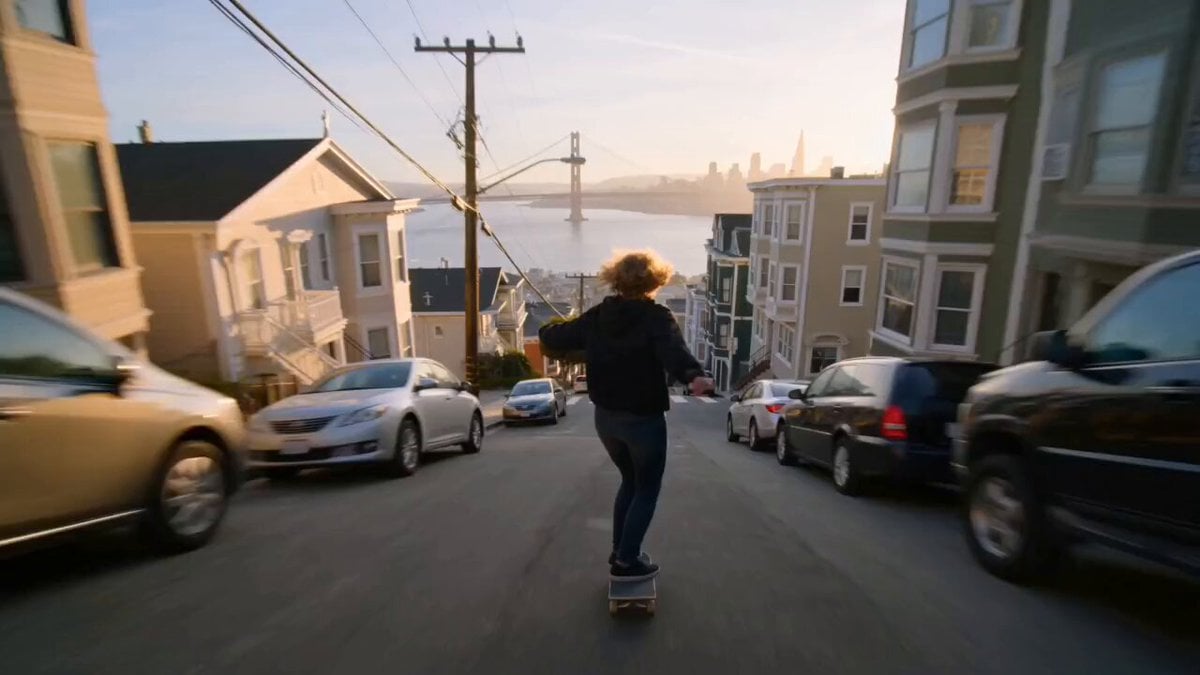
An ultra-realistic, continuous follow-cam video prompt for Seedance 2.0 featuring a skater speeding through the hills of San Francisco with professional cinematic lighting and sound design.
- Prompt included
- Model and format preset
- Free template
The prompt behind this video
Copy the exact prompt behind Cinematic Skater Follow Cam Video Prompt, or open it in the studio and make it yours.
One continuous take, no cuts. Single flowing follow-cam oner. Ultra-realistic cinematic style. Follow cam locked behind the skater as she drops into a steep San Francisco-style street, the city stretching downhill before her. Wind rushes past as she rapidly gains speed. The camera stays behind her, racing downhill. She ollies over a parked car, then grinds a long handrail down a steep staircase, sparks flying beneath the board. Cable-car tracks and colorful row houses blur past at high speed. The chase camera swoops lower as she launches off a cresting hill, soaring over an intersection with the bay visible in the distance. She lands smoothly and carves sharply through the street. The camera gradually pushes closer, still in a single uninterrupted shot, as she rides along a banked corner and accelerates toward the camera. The golden-hour sun creates warm lens flares and dramatic highlights behind her. Epic cinematic orchestral score with powerful percussion, realistic skateboard wheel sounds, rushing wind, subtle city ambience, and environmental audio. No spoken dialogue. Photorealistic visuals, cinematic action-film aesthetic, natural lighting, realistic shadows and reflections, high-detail textures, smooth camera motion, stable image, HDR, 2K resolution, sharp focus, no flicker, no ghosting.
How to use Cinematic Skater Follow Cam Video Prompt in 3 steps
- 1
Open
The prompt is already in the box next to the preview, with the template's model and format selected.
- 2…a portrait of your subject in softgolden-hour light, 85mm…
Personalize
Edit the subject and creative details for your destination.
- 3Generate
Generate
Press Generate — your video is created in PicX Studio, so you can compare it with the original and refine one variable at a time.
More like this
Templates with the same subject, style or setup. Open one to see its prompt.
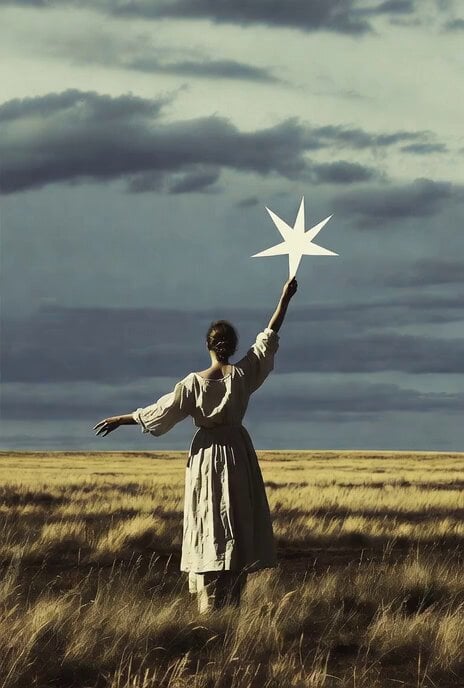
Wind Blows Paper, Camera Follows
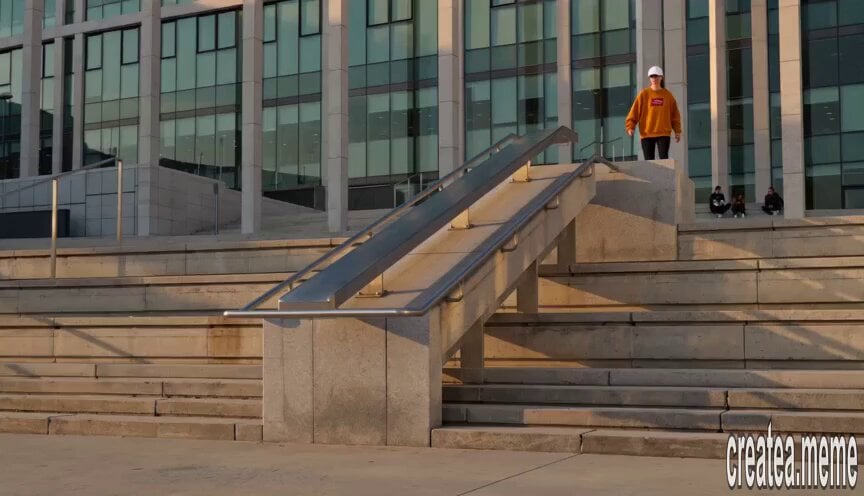
Roller Skater Handrail Stunt
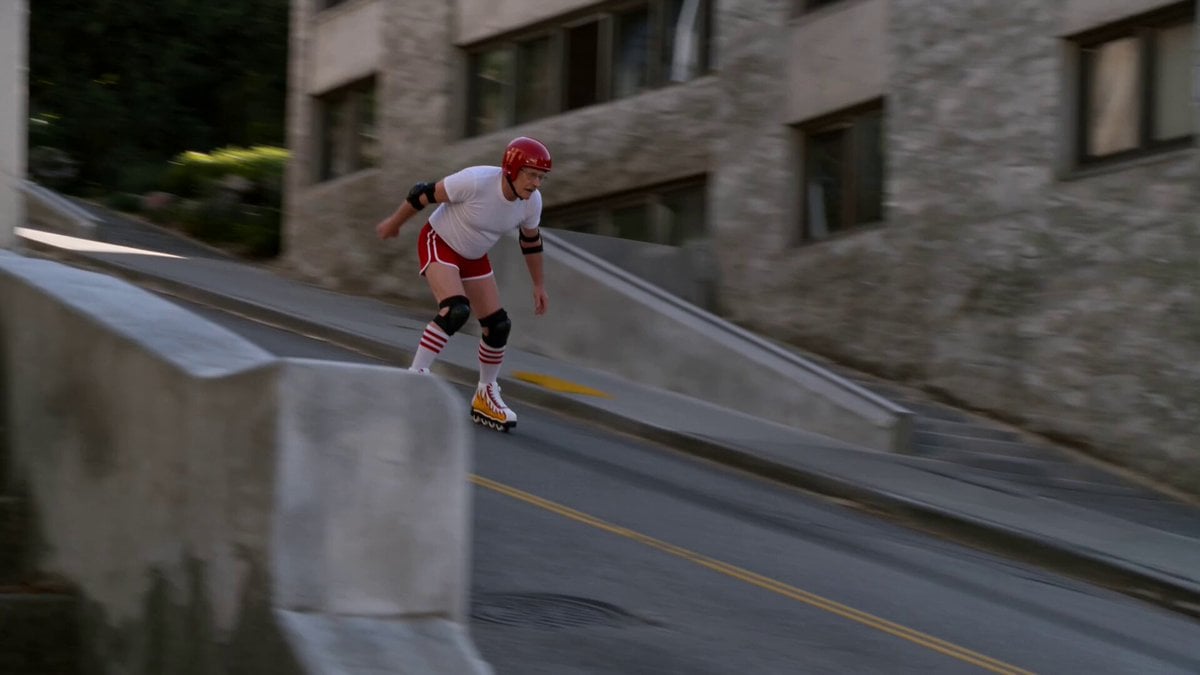
IMAX 8K Realistic Skater Fall
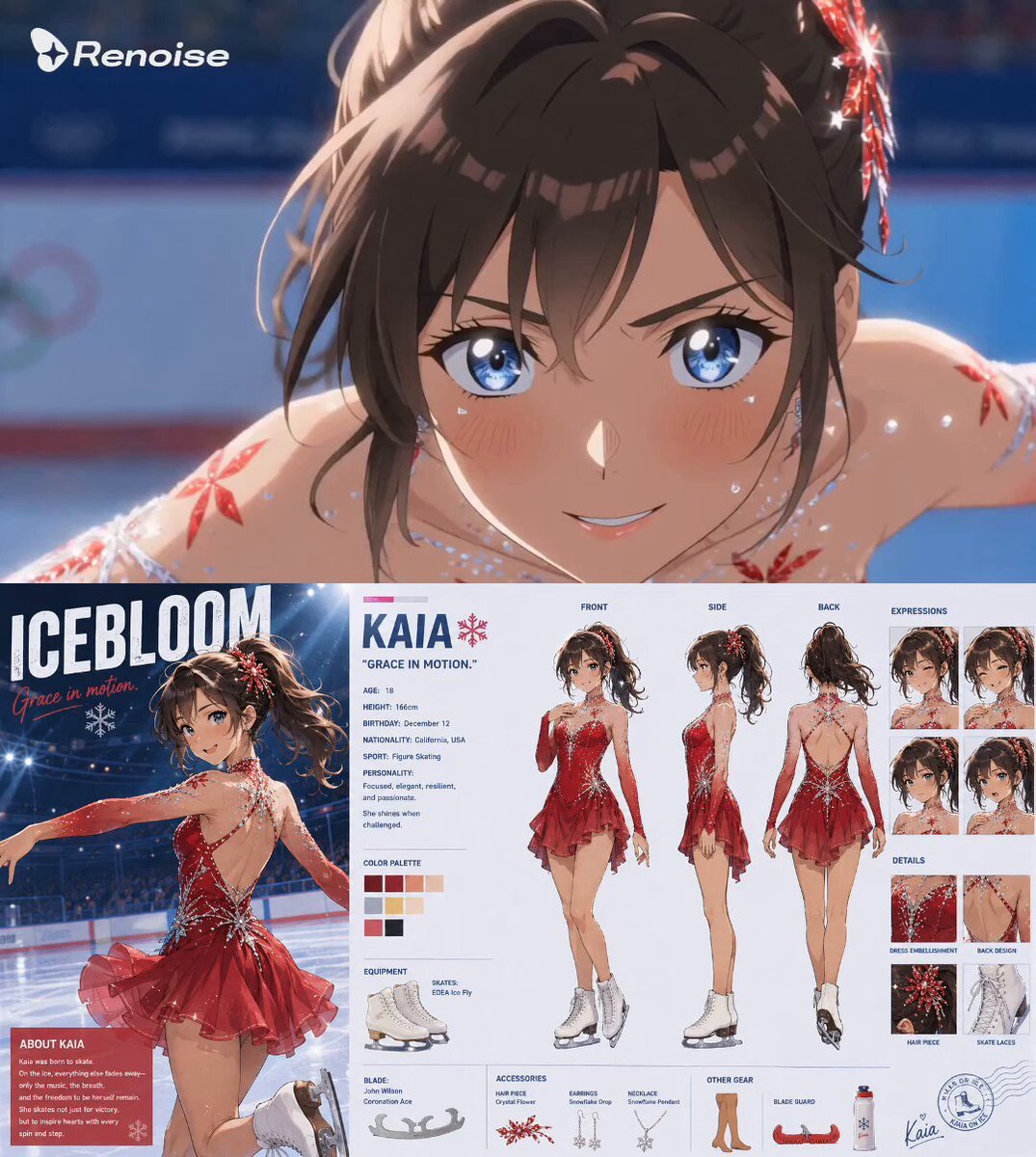
Anime Figure Skater Video Prompt
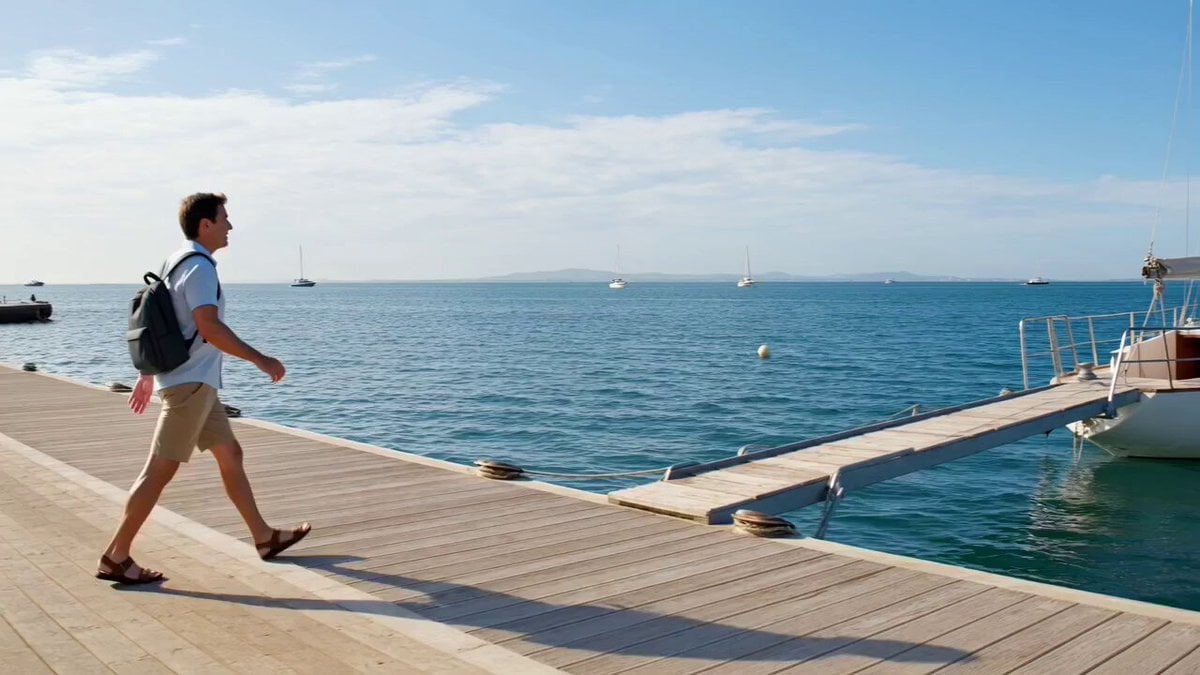
Grok Imagine Prompt: Wow! Logo Followed by Off-Screen Narration
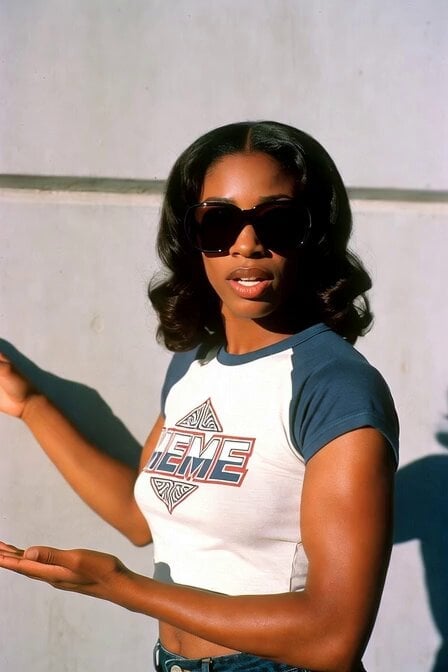
1970s Skater Woman
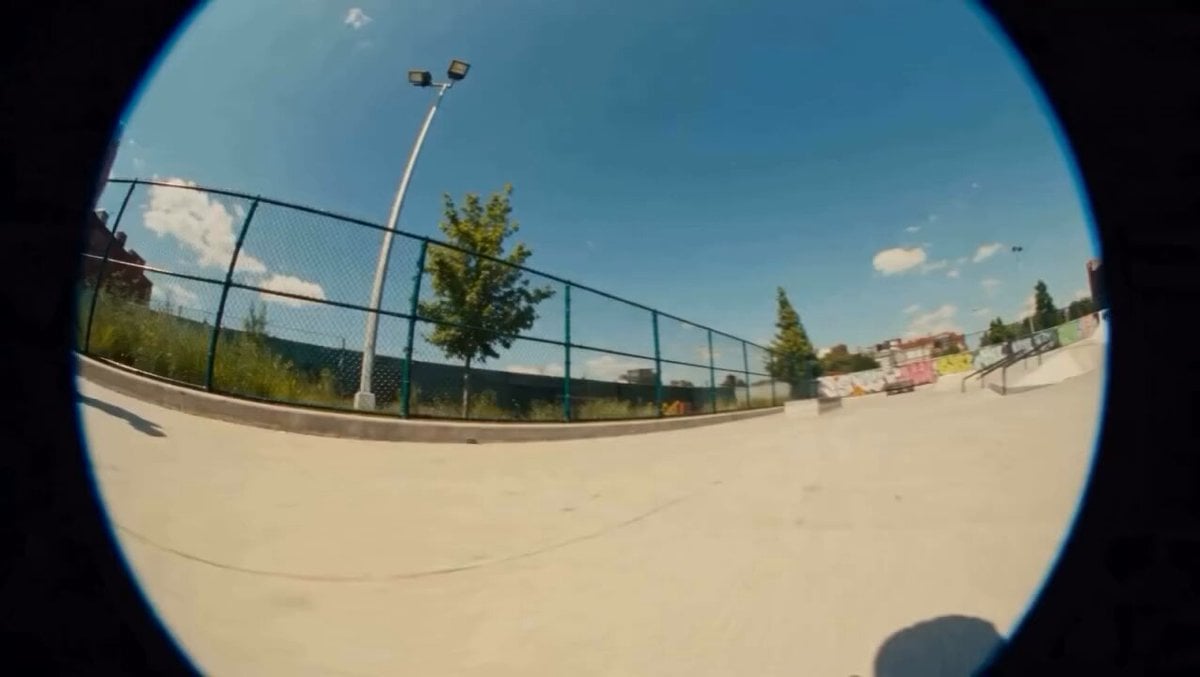
Surreal Skater Dachshund
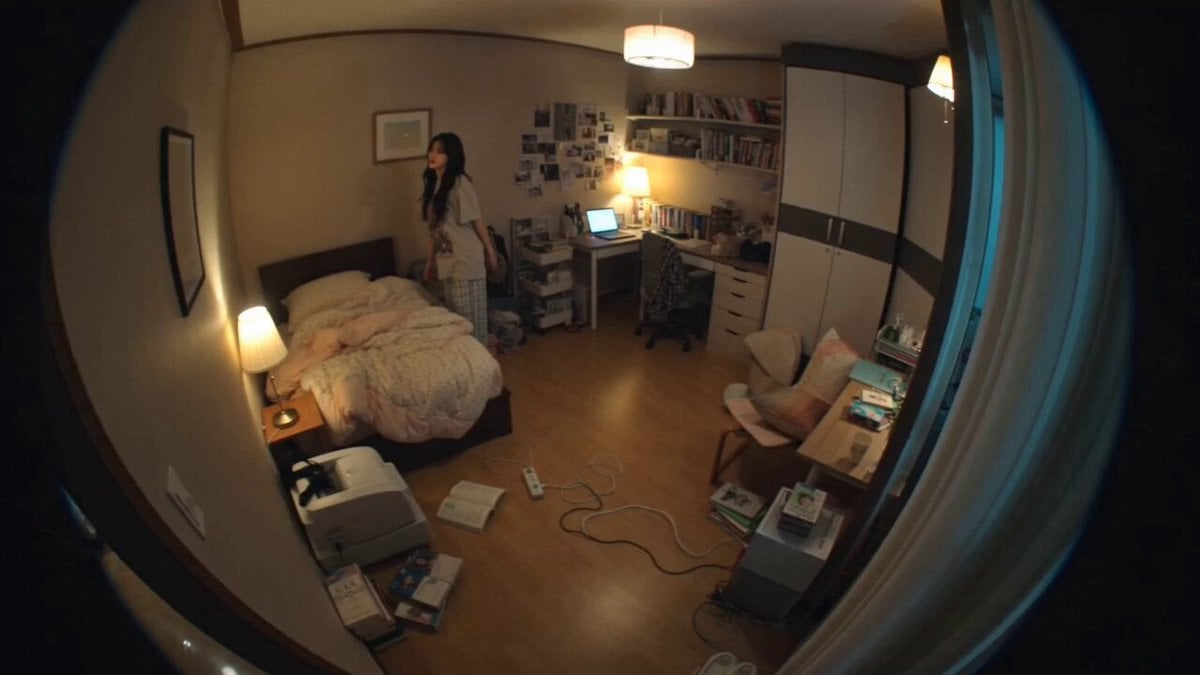
Hidden Cam Bedroom Dance
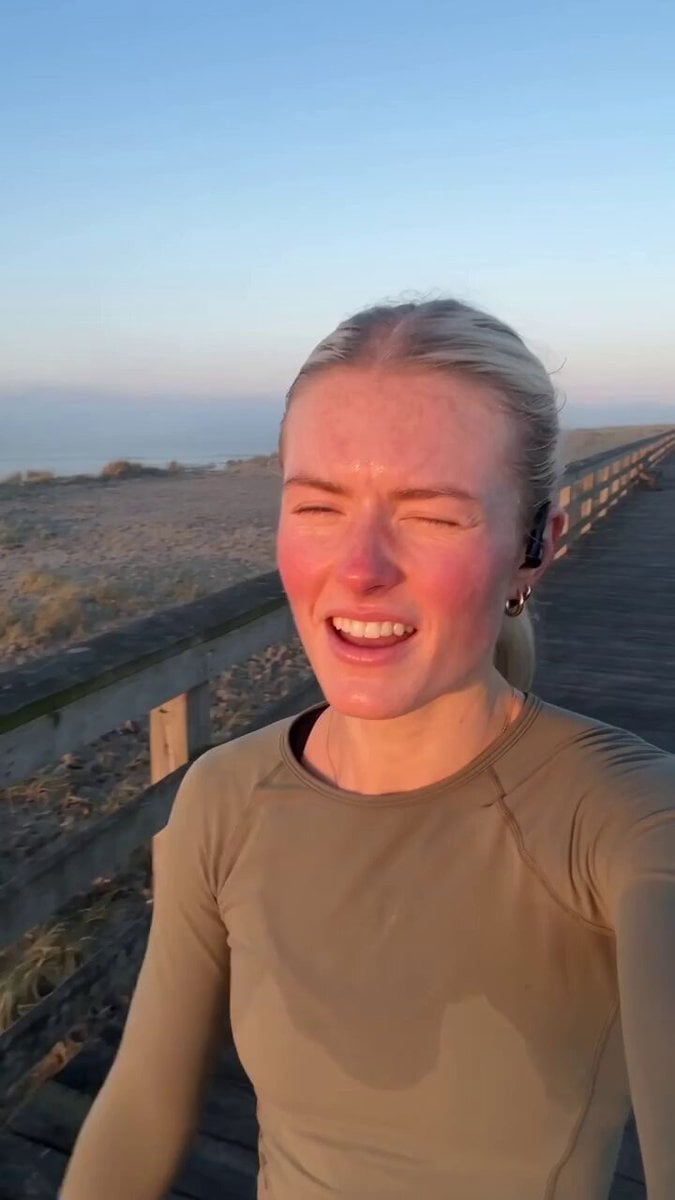
Vintage Camcorder Runner Vlog
90s Camcorder Japanese Seaside Village
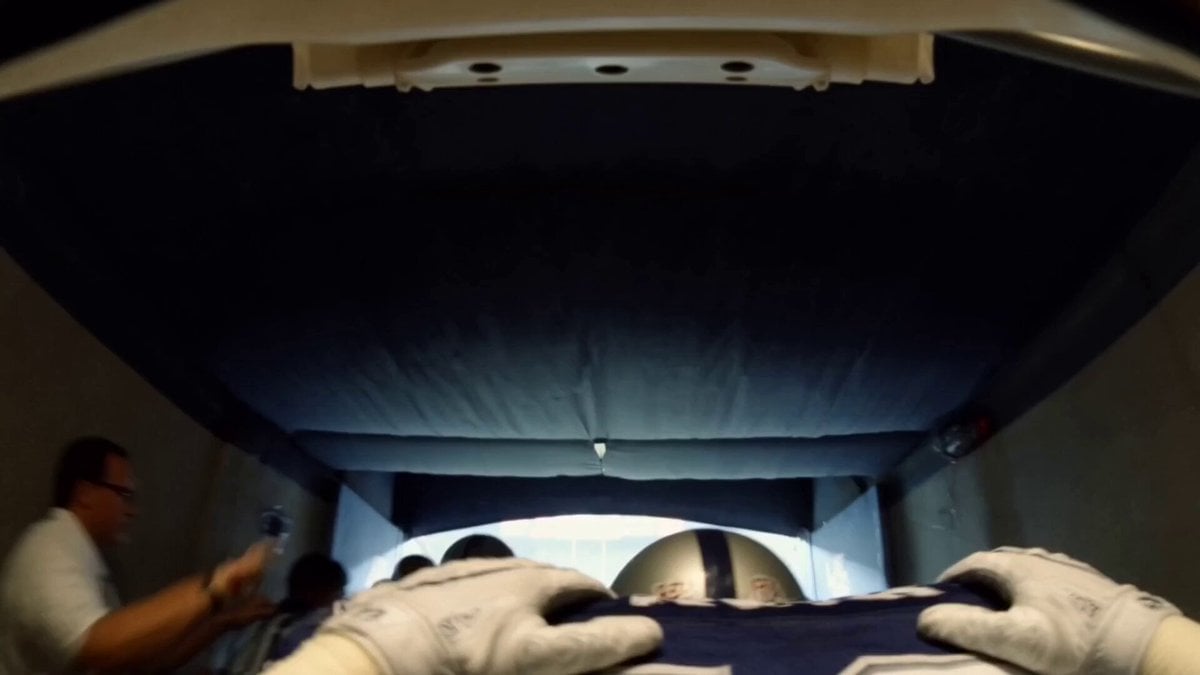
Super Bowl FPV Helmet Cam Realism
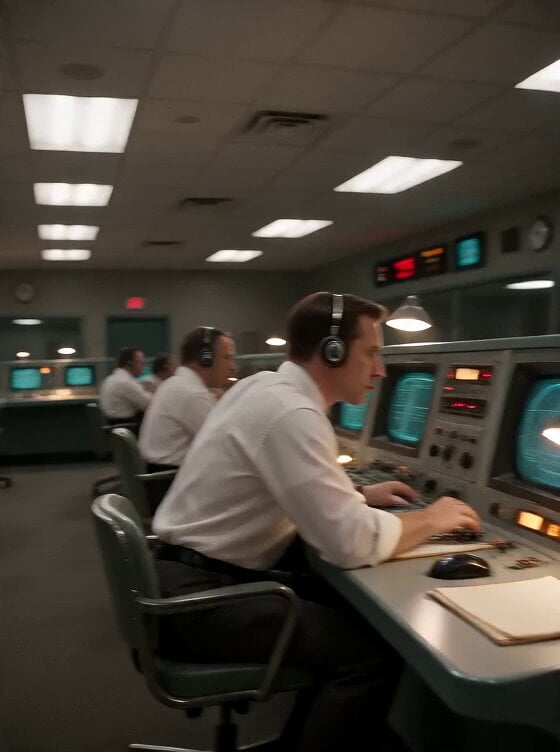
Apollo 11 Mission Control DV Camcorder Footage
Make it yours
Cinematic Skater Follow Cam Video Prompt works as-is. These are the safest ways to change it without losing the look.
Change one field
Copy a single group, rewrite it, and generate again so you can see what that field is doing.
Keep the frame, change the subject
Hold the composition and light of Cinematic Skater Follow Cam Video Prompt, then swap wardrobe, props or the person for a new take.
| If the result… | Why | Fix |
|---|---|---|
| The result drifts from the preview | Too many fields changed at once. | Reuse Cinematic Skater Follow Cam Video Prompt as-is first, then change one group — subject, light, or setting. |
| The model over-stylizes the scene | The prose prompt leaves finish and camera underspecified. | Add one camera or lighting sentence and stay on Seedance 2.0. |
More Seedance 2.0 templates
Other prompts made for Seedance 2.0.

Comical Martial Arts Punch Scene

Maglev Train Action Sequence

Wuxia Protection and Trust Script

Mercedes 190 SL Luxury Ad

Rainy Night Supernatural Reverse Comedy Video Script

Amazon Civilization Discovery

Futuristic South Asian City Transformation

Cozy Luxury Cafe Commercial

Cyber Ronin Nanotech Transformation Video

Desert Courier and Sandstorm Leviathan Chase
More video prompts
Fresh picks from across the catalog.
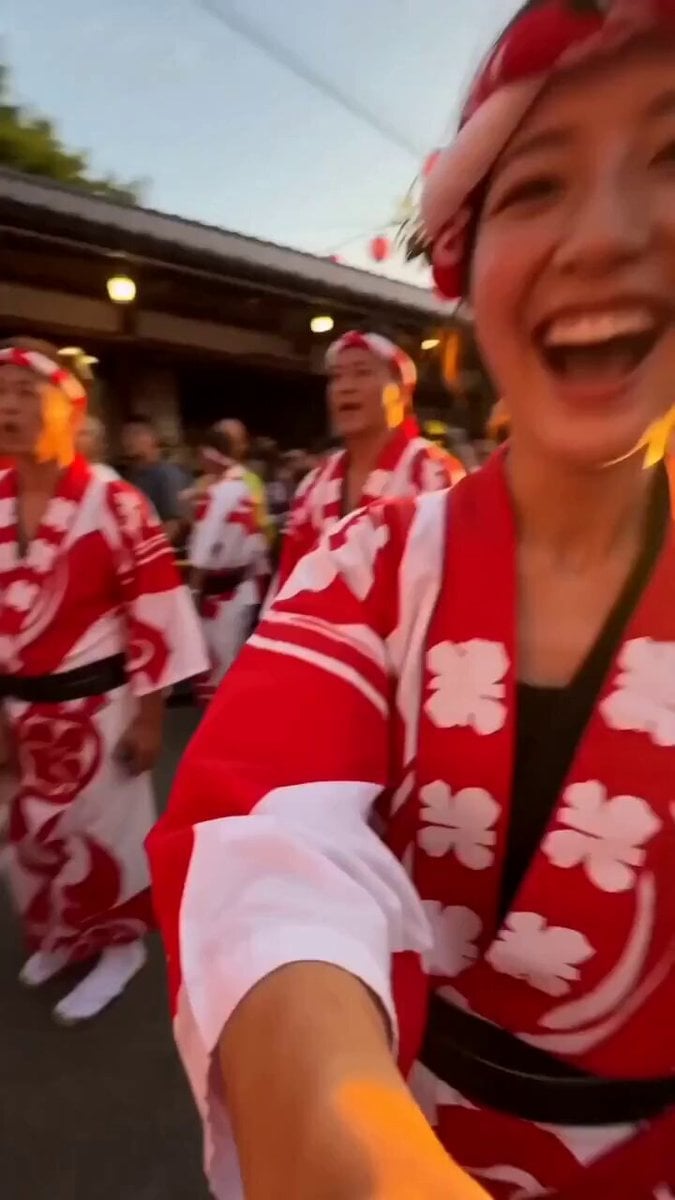
Japanese Summer Festival Selfie Vlog
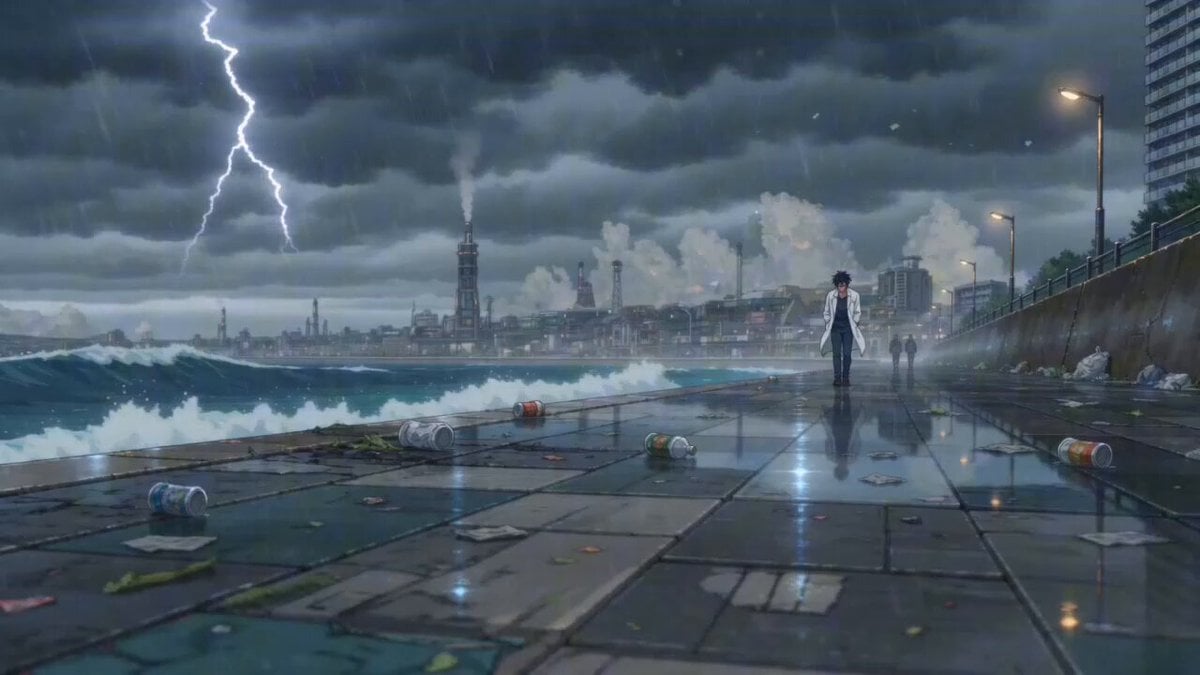
Cinematic Anime Scene: Stormy Seaside Promenade
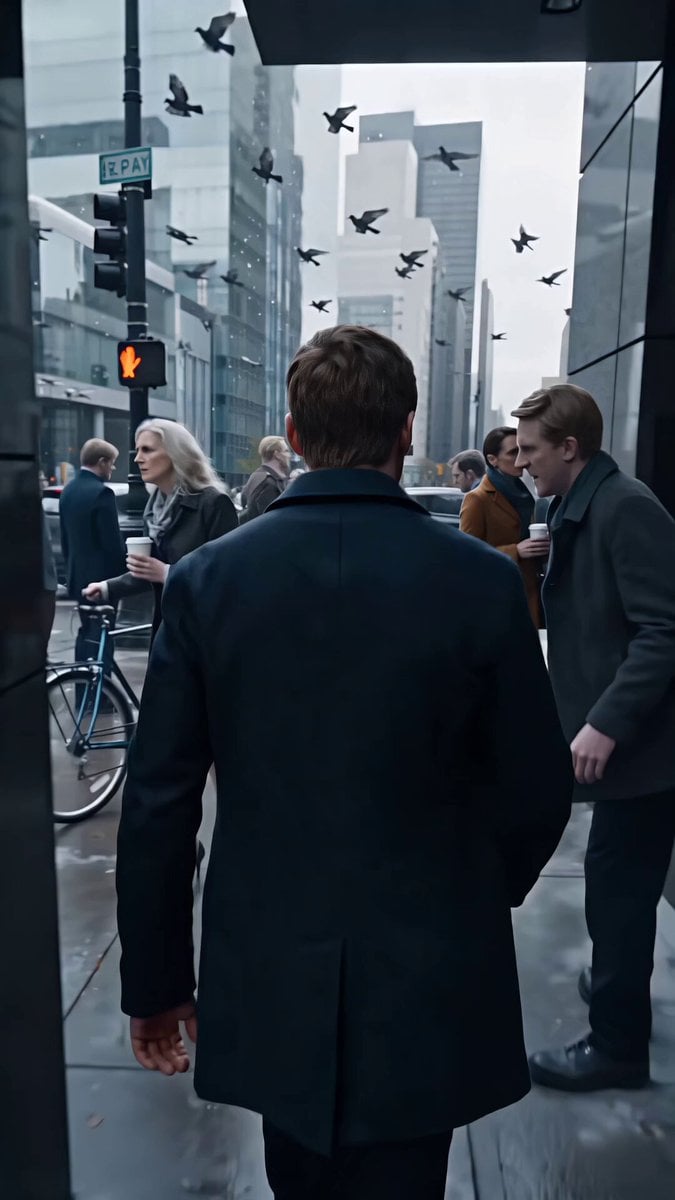
Frozen City Time-Stop Cinematic
90s Hong Kong Action Comedy Chase
90s Commercial Scene Video Prompt
Mujeeb Matrix Bullet Time
Video Prompt for FPV Drone Shot Through a Pipe
Epic Dragon Riding Knight Battlefield
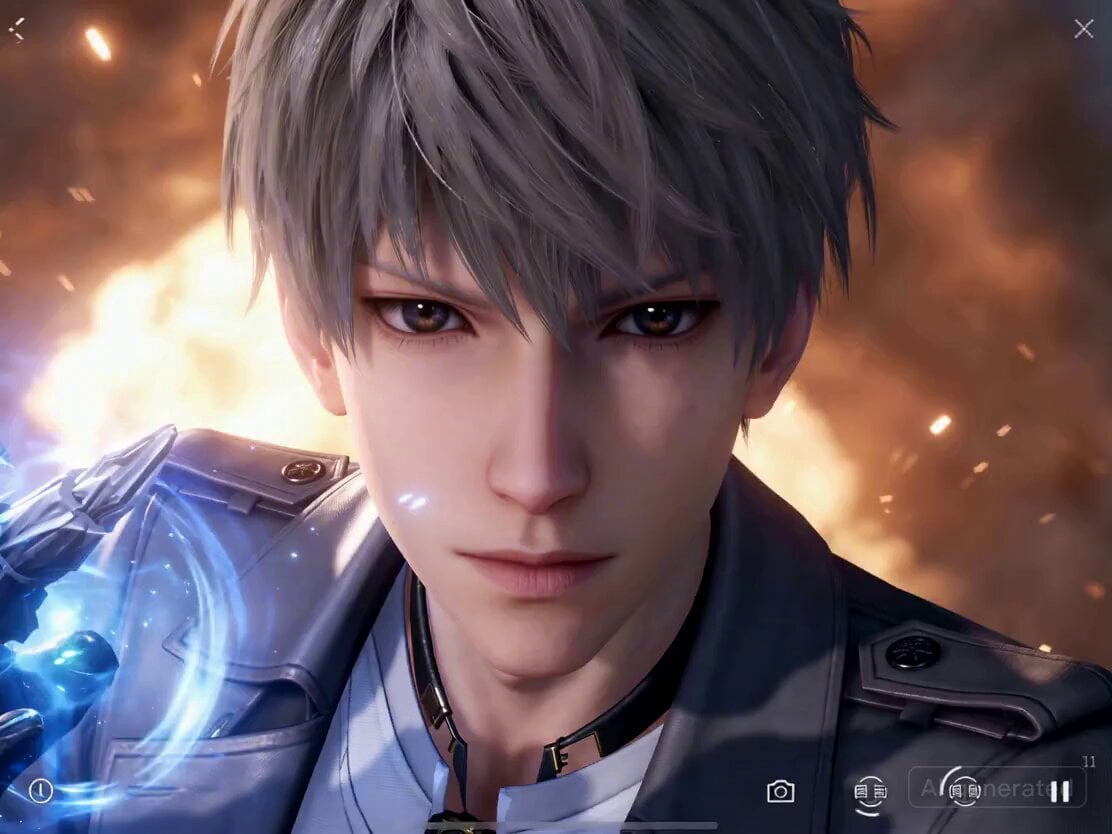
Parkour and Monster Fight Prompt
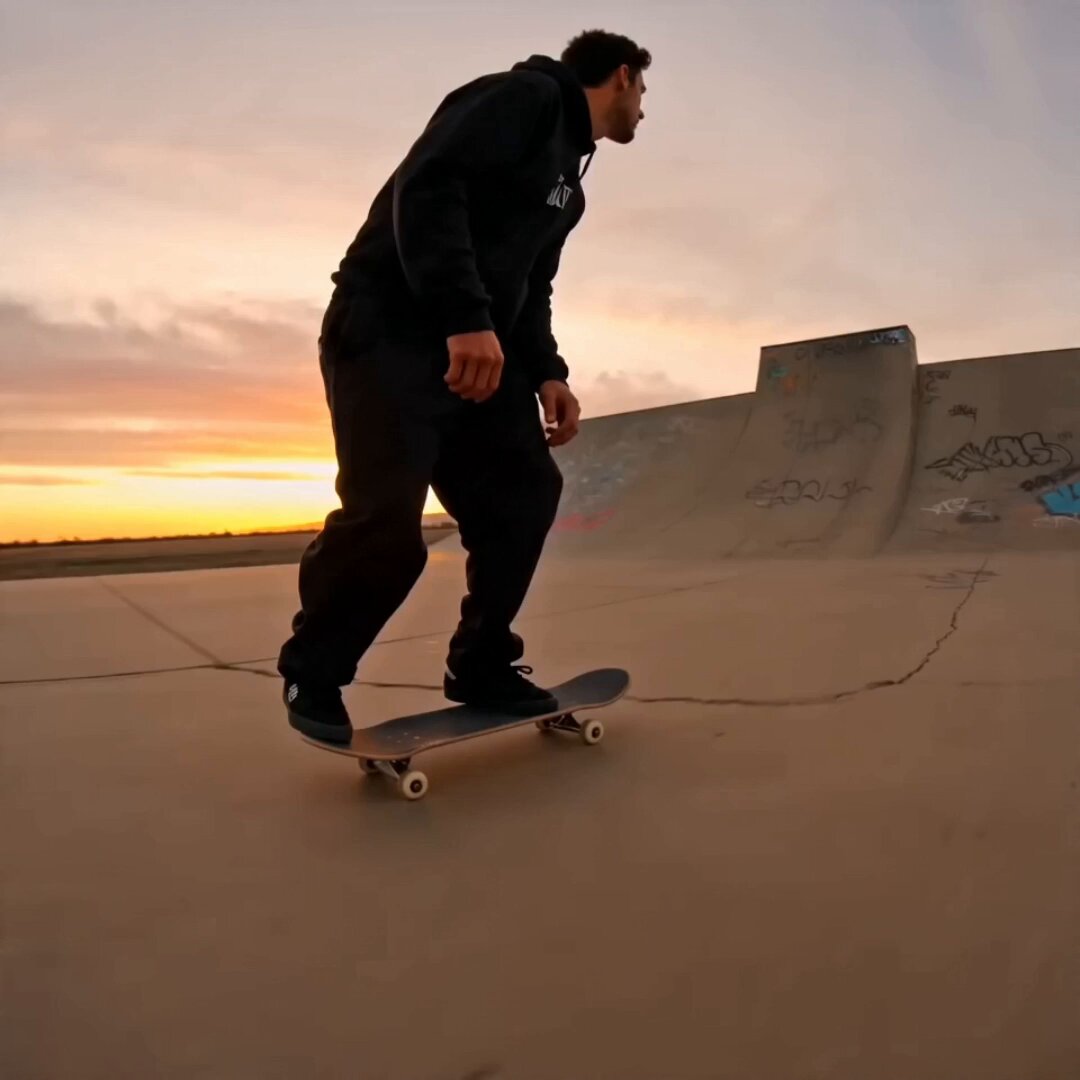
Skateboard Big Air Sunset Highlight
Browse template categories
Cinematic Skater Follow Cam Video Prompt questions
How do I use the Cinematic Skater Follow Cam Video Prompt template?
Add your photo if the template asks for one, edit the prompt if you like — the template's model and format are already selected — and press Generate. Your version opens in PicX Studio.
Can I customize the Cinematic Skater Follow Cam Video Prompt template?
Yes. You can change the subject, setting, lighting, mood, format, and available model controls before creating your video.
Is the Cinematic Skater Follow Cam Video Prompt template free?
Opening and editing this template is free. Generating uses credits, shown on the Generate button when you are signed in.
Which AI model should I use?
Start with Seedance 2.0, which is the model associated with this template. You can compare another compatible model for a different finish.
Looking for something else? Browse all templates.

Your photo, any look
Thousands of ready templates for every top image and video model, from one credit balance.