
Giant Panda Sightseeing in Chengdu
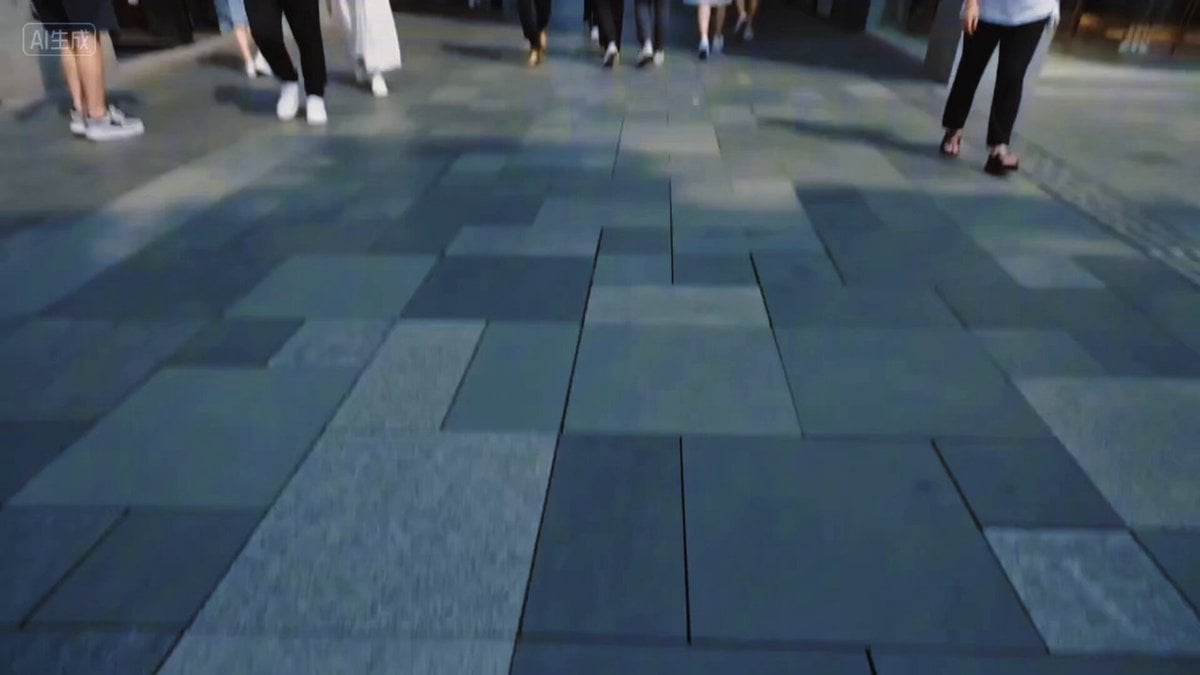
A detailed prompt for a 15-second vertical Vlog-style video, simulating a casual, handheld street shot.
- Prompt included
- Model and format preset
- Premium template
The prompt behind this video
Copy the exact prompt behind Giant Panda Sightseeing in Chengdu, or open it in the studio and make it yours.
Generate a 15-second short video shot in the style of a casual passerby's phone footage, horizontal phone-vlog POV, with a calm, documentary tone. Ultra-realistic CG blended with real footage, realistic fur physics simulation, the image looking like everyday magical realism caught on camera by chance. Setting: Chengdu Taikoo Li, where a modern commercial district coexists with low old buildings, pedestrians relaxed, the city's pace normal. Core premise: A giant panda, scaled up proportionally, taller than the surrounding buildings, quietly wedged between the old and new buildings. Its fur is thick, the black-and-white boundaries natural, the lighting forming realistic light-and-dark layers. Its movements are slow and have weight, its footsteps causing slight tremors, the air carrying a low-frequency reverberation. Its mood is calm, showing no reaction to the onlookers, as if this were an everyday state. Timeline: 0–5s Ordinary horizontal phone footage, pedestrians on the Taikoo Li street going about normally. The camera casually tilts up, discovering the giant panda wedged between two old buildings, lowering its head and blinking, its expression calm. 5–10s Wide shot from a bystander's POV, a crowd gathers to watch but without panic. The panda tries to adjust its position slightly, then gives up; a shop employee holds out a bamboo decoration. The panda leans in to sniff it, pauses briefly, then loses interest. Its breathing causes the nearby cloth banners to sway slightly. 10–15s The panda rests its chin on a rooftop eave, the roof sinking slightly before stabilizing. It closes its eyes and slowly chews on bamboo. Caption or narration: "现场秩序良好,它暂时不打算走。"
How to use Giant Panda Sightseeing in Chengdu in 3 steps
- 1
Open
The prompt is already in the box next to the preview, with the template's model and format selected.
- 2…a portrait of your subject in softgolden-hour light, 85mm…
Personalize
Edit the subject and creative details for your destination.
- 3Generate
Generate
Press Generate — your video is created in PicX Studio, so you can compare it with the original and refine one variable at a time.
More like this
Templates with the same subject, style or setup. Open one to see its prompt.
Tiny Figure Climbing a Giant — Low Angle Seedance
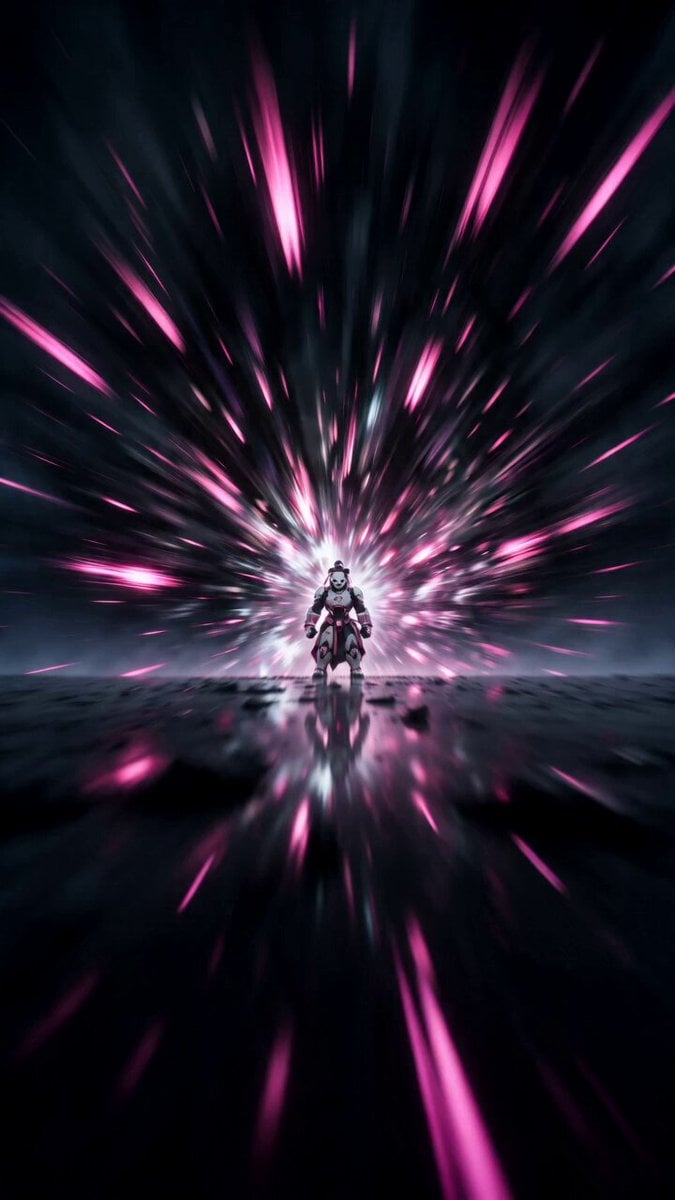
Cyber Panda Warrior 3D Artwork
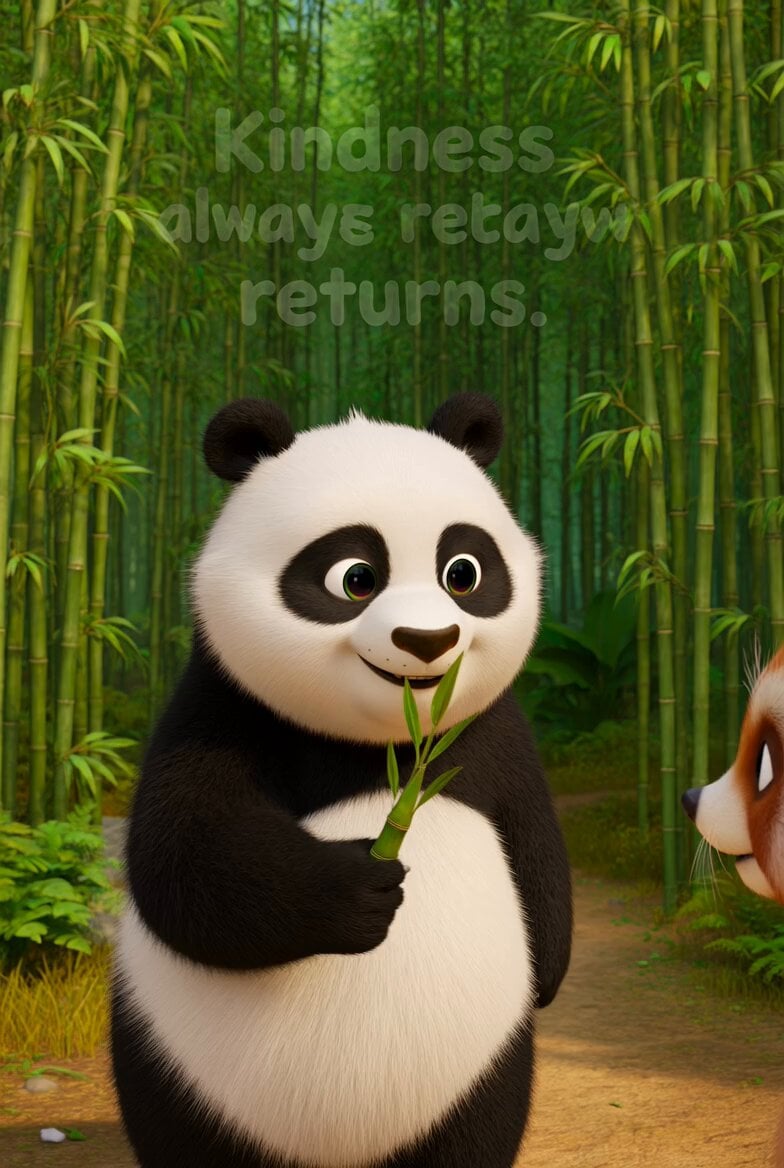
Panda Kindness Story Lesson
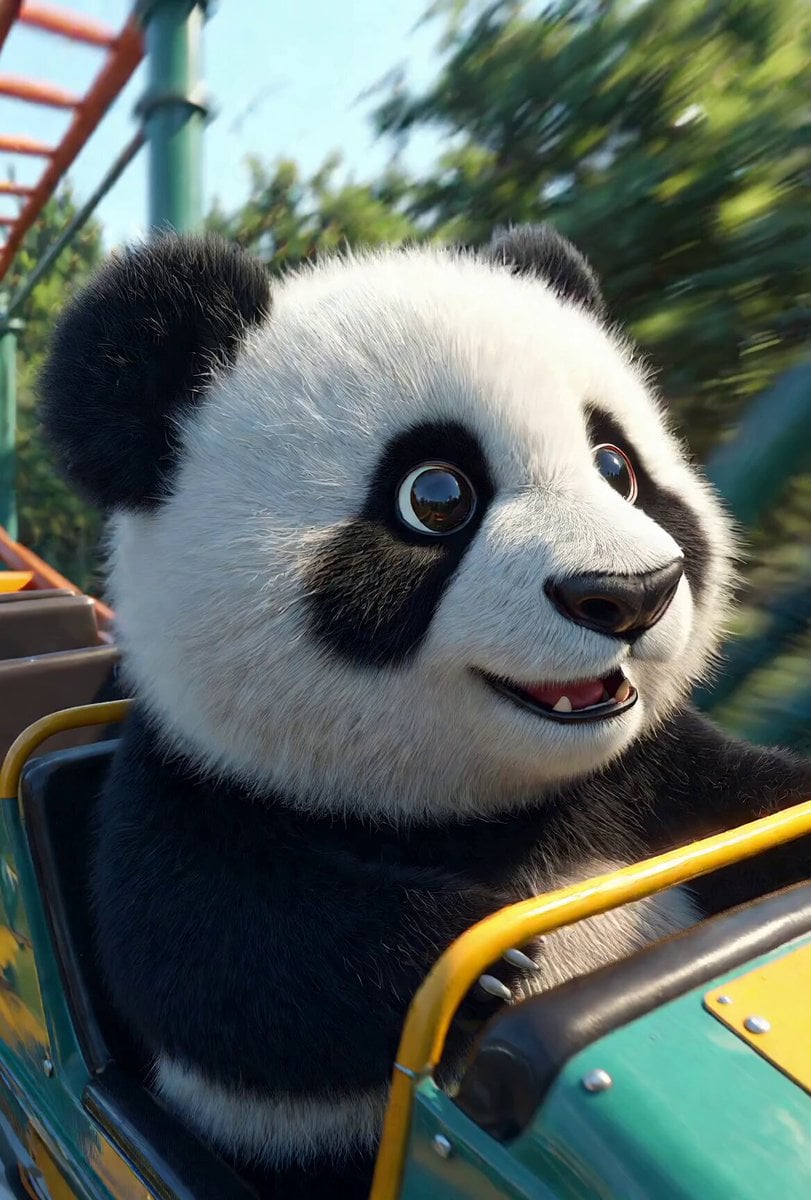
Panda Roller Coaster 3D Animation
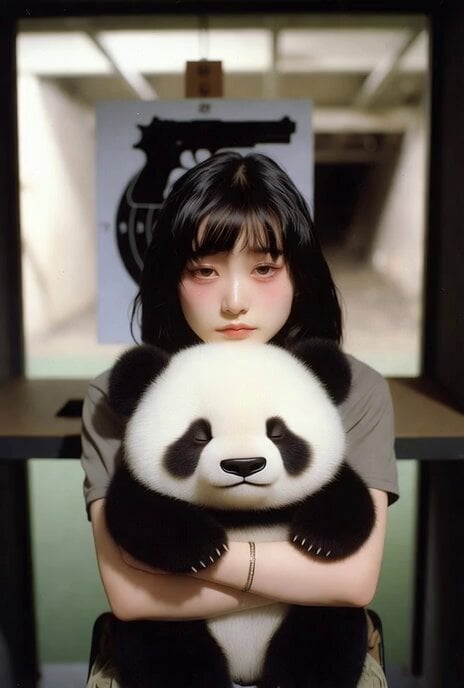
Panda with Guns Painting
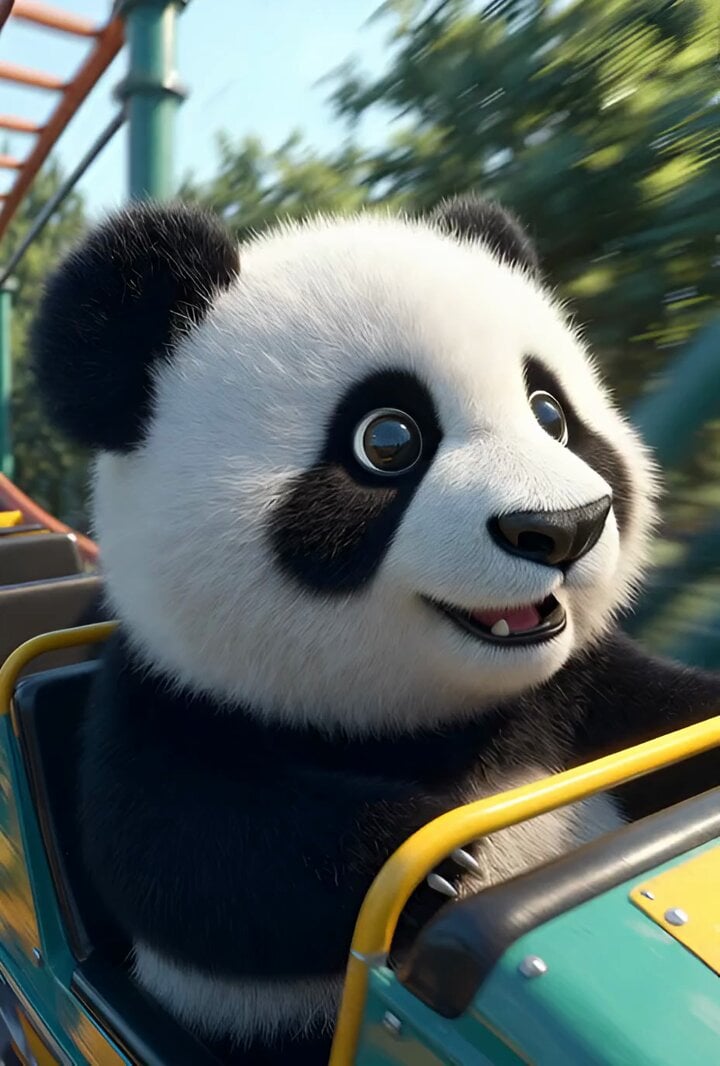
Cartoon panda on a roller coaster
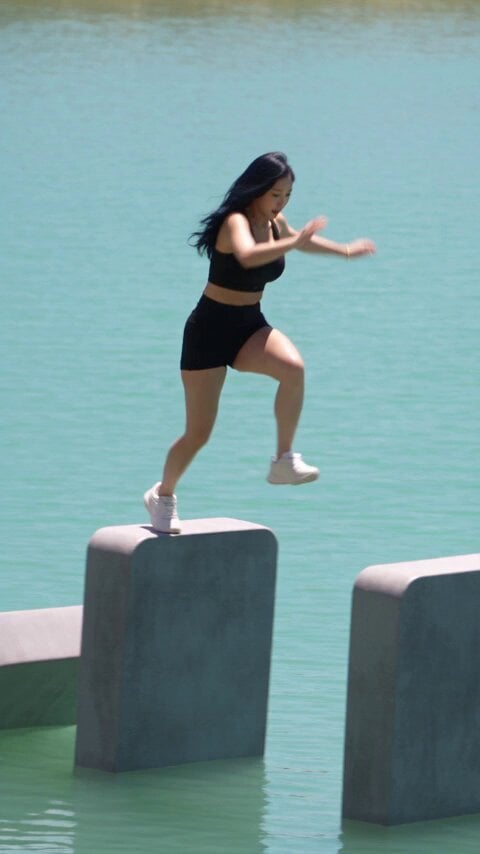
Giant Domino Water Parkour Challenge
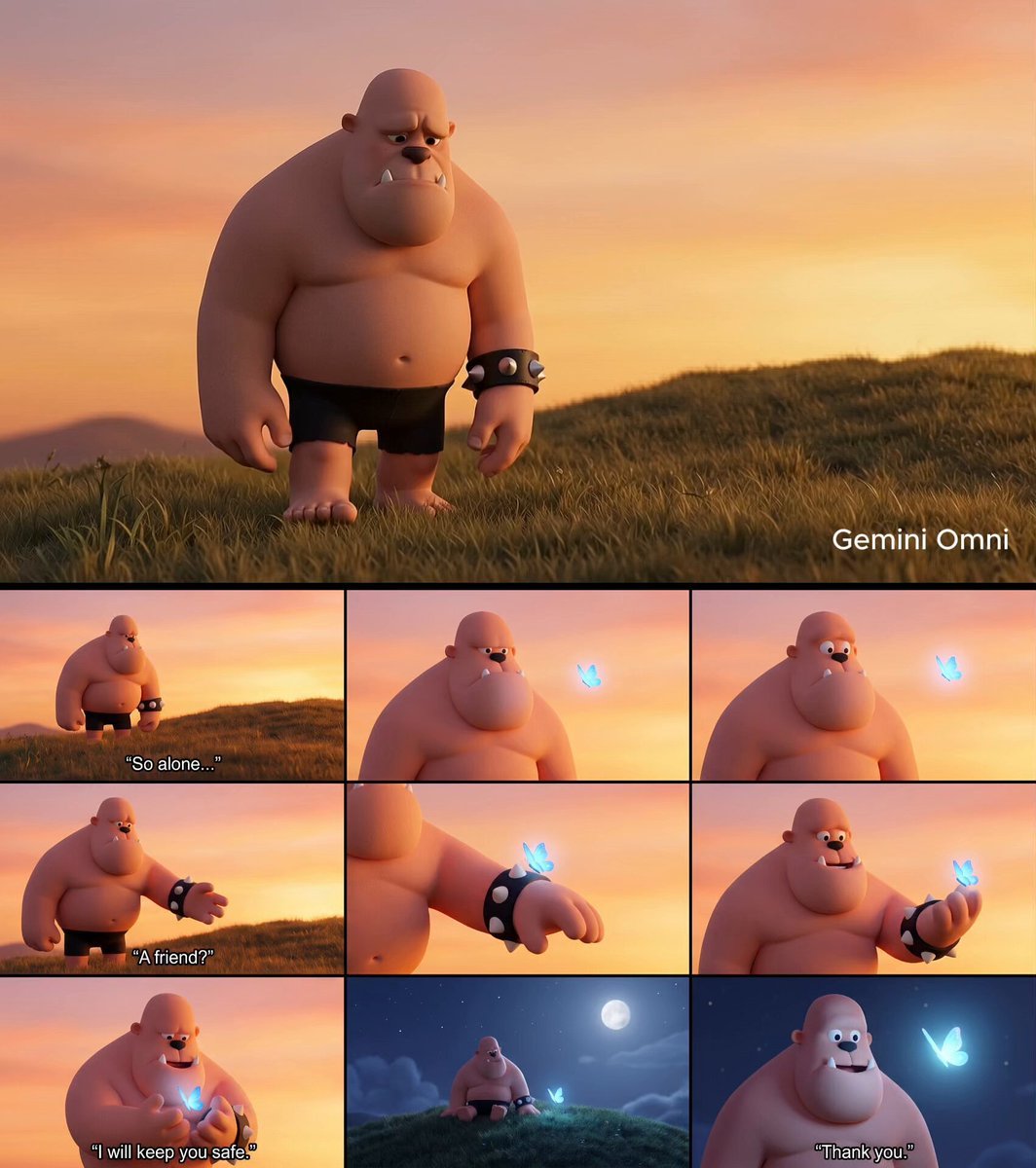
Giant and Glowing Butterfly Story
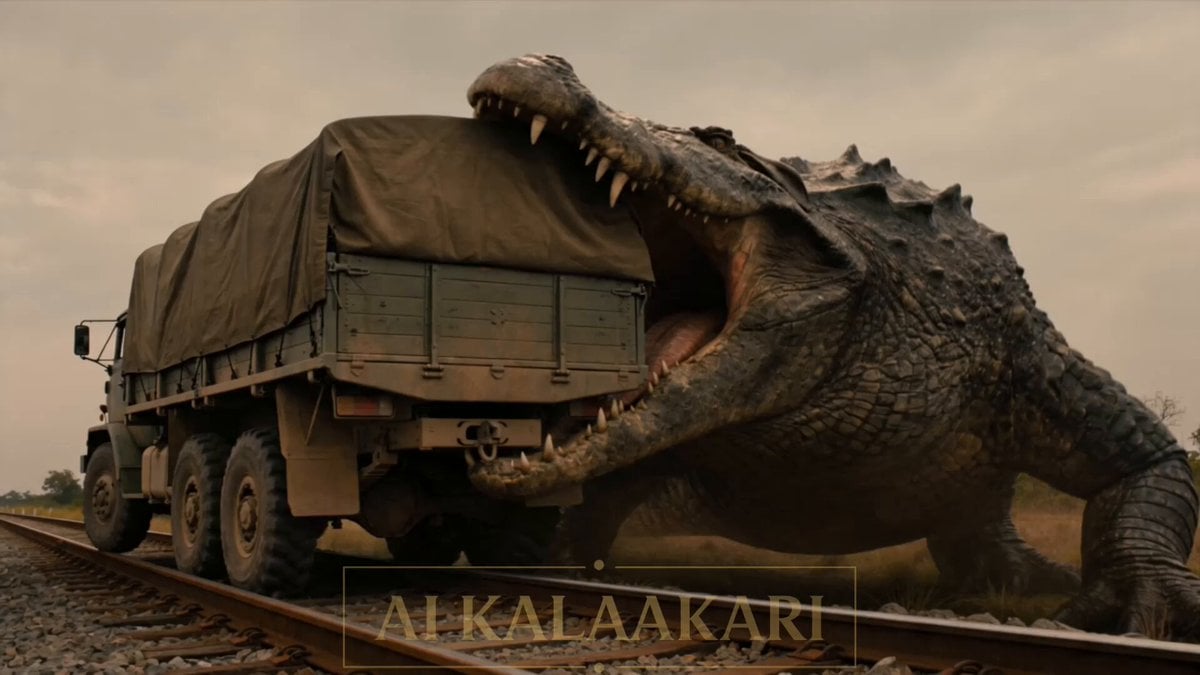
Cinematic Train and Giant Crocodile Collision
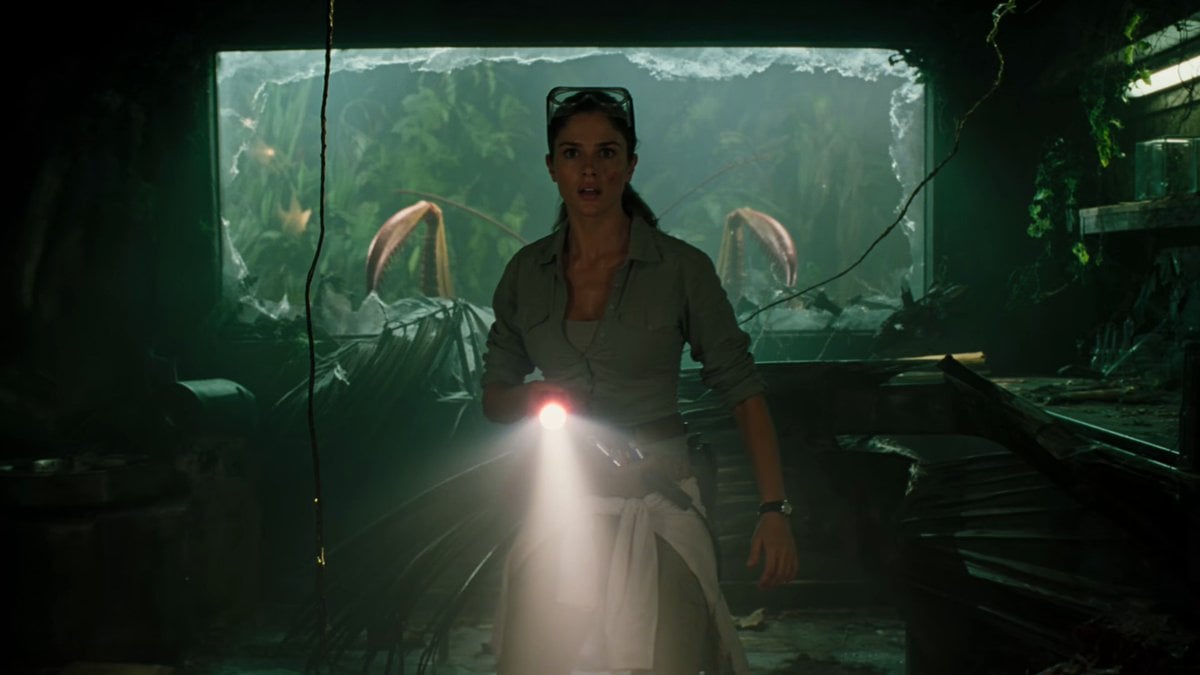
Jungle Lab Giant Mantis Thriller
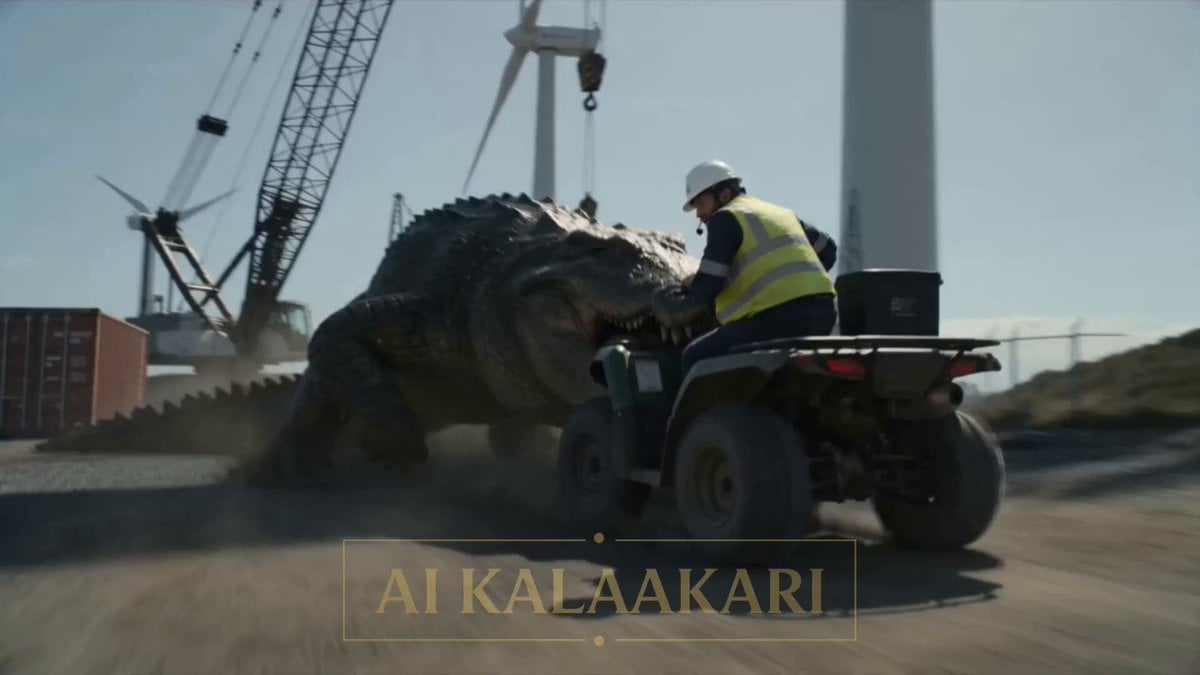
Mega Croc vs Giant Turbine Battle
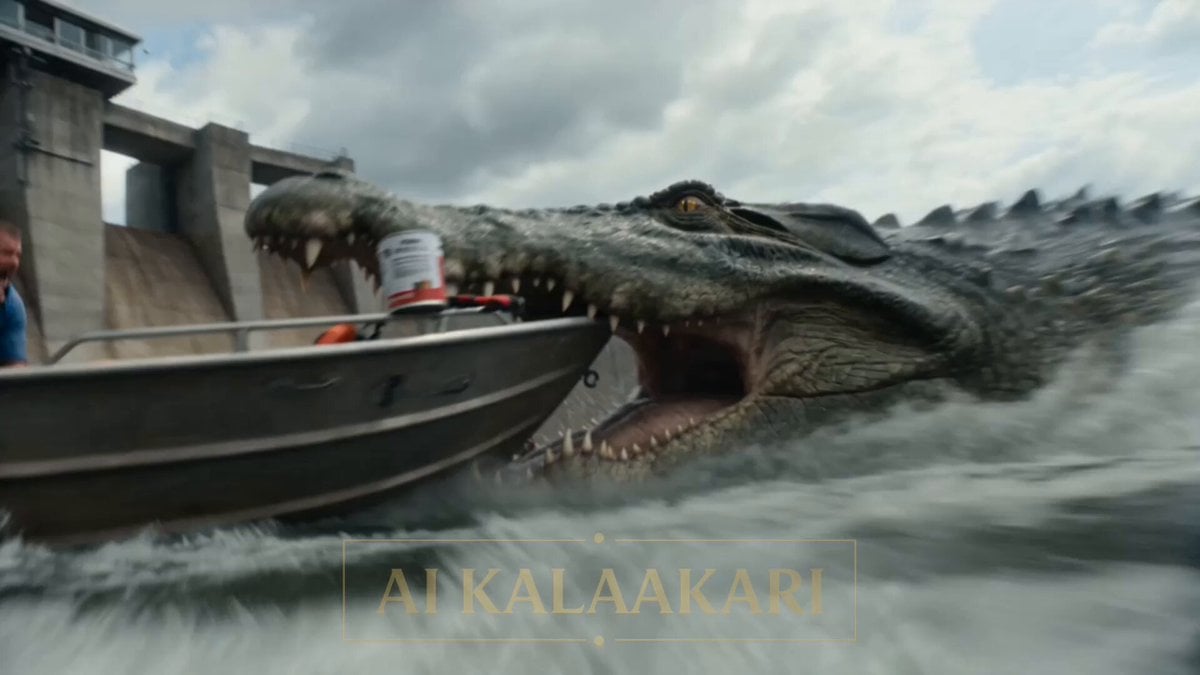
Giant Crocodile Dam Breach Sequence
Make it yours
Giant Panda Sightseeing in Chengdu works as-is. These are the safest ways to change it without losing the look.
Change one field
Copy a single group, rewrite it, and generate again so you can see what that field is doing.
Keep the frame, change the subject
Hold the composition and light of Giant Panda Sightseeing in Chengdu, then swap wardrobe, props or the person for a new take.
| If the result… | Why | Fix |
|---|---|---|
| The result drifts from the preview | Too many fields changed at once. | Reuse Giant Panda Sightseeing in Chengdu as-is first, then change one group — subject, light, or setting. |
| The model over-stylizes the scene | The prose prompt leaves finish and camera underspecified. | Add one camera or lighting sentence and stay on Seedance 2.0. |
More Seedance 2.0 templates
Other prompts made for Seedance 2.0.

Comical Martial Arts Punch Scene

Maglev Train Action Sequence

Martial Arts Fight Sequence

Wuxia Protection and Trust Script

Vintage Korean Arcade MiniDV Vlog

Mercedes 190 SL Luxury Ad

Rainy Night Supernatural Reverse Comedy Video Script

Amazon Civilization Discovery

Futuristic South Asian City Transformation

Cozy Luxury Cafe Commercial
More video prompts
Fresh picks from across the catalog.
Realistic Street Commercial Character Reveal
Cinematic War Footage Style Guide (Part 1)
Female Rapper Performance Music Video

Pickle Monologue and Walk

Quiet Healing Interior Scene
Luxury Skincare Influencer Vlog Prompt
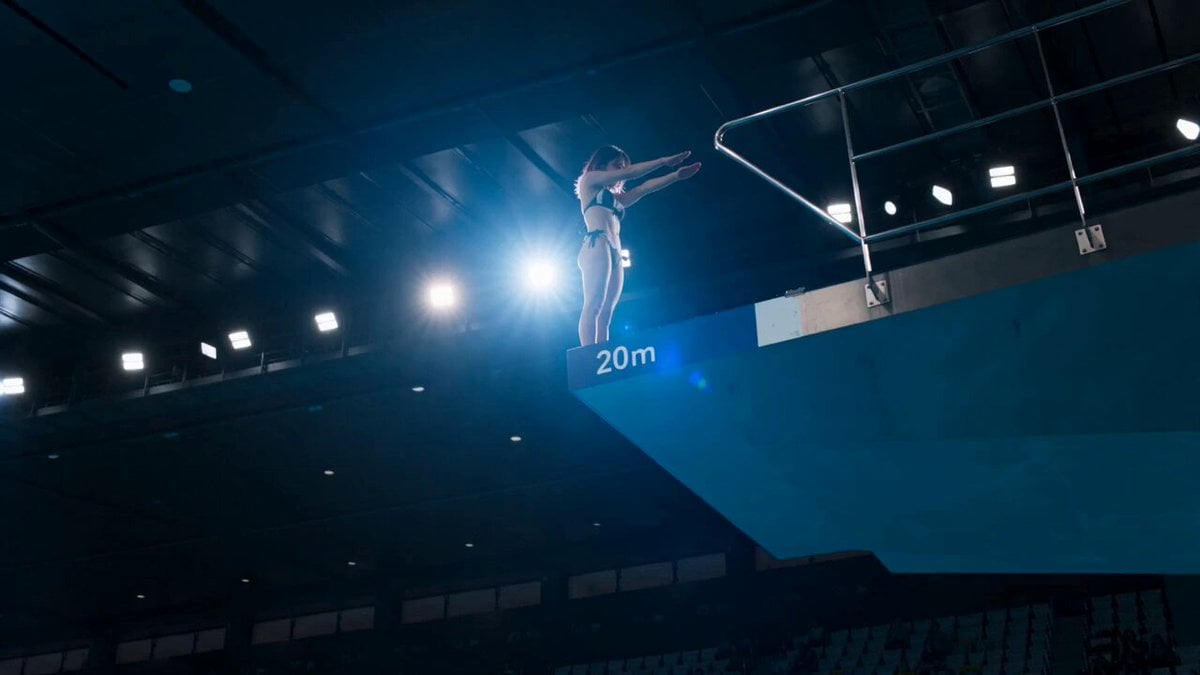
Olympic Platform Diving Cinematic Video
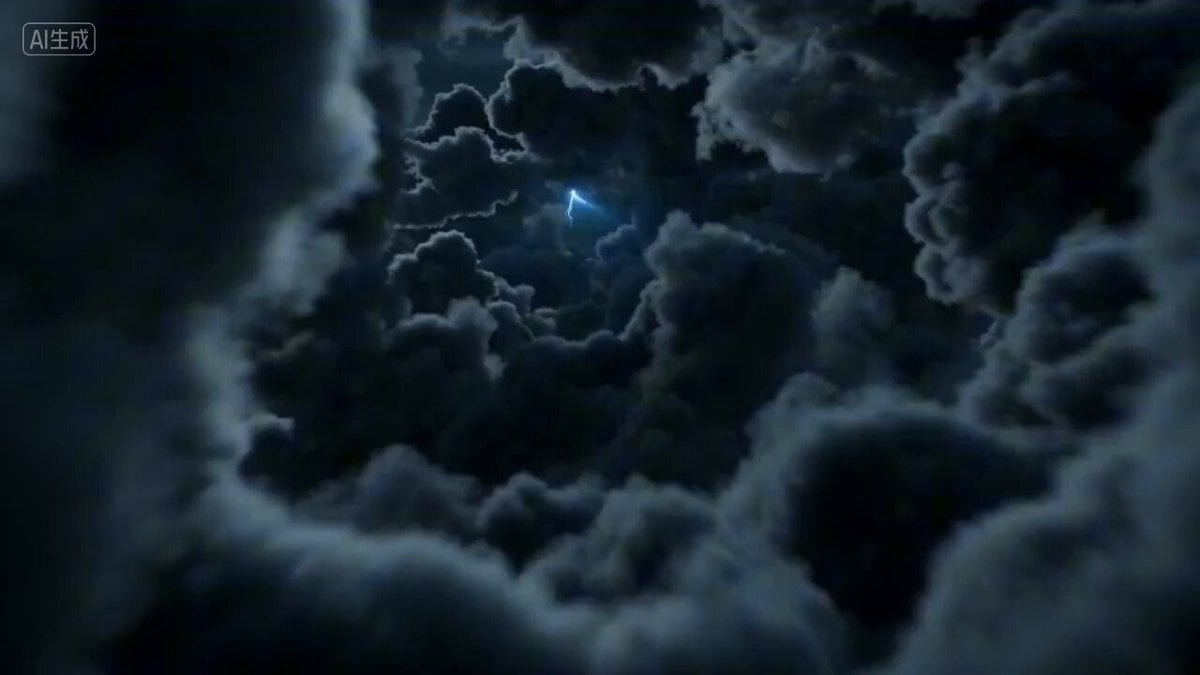
First-person POV of a lightning strike descent
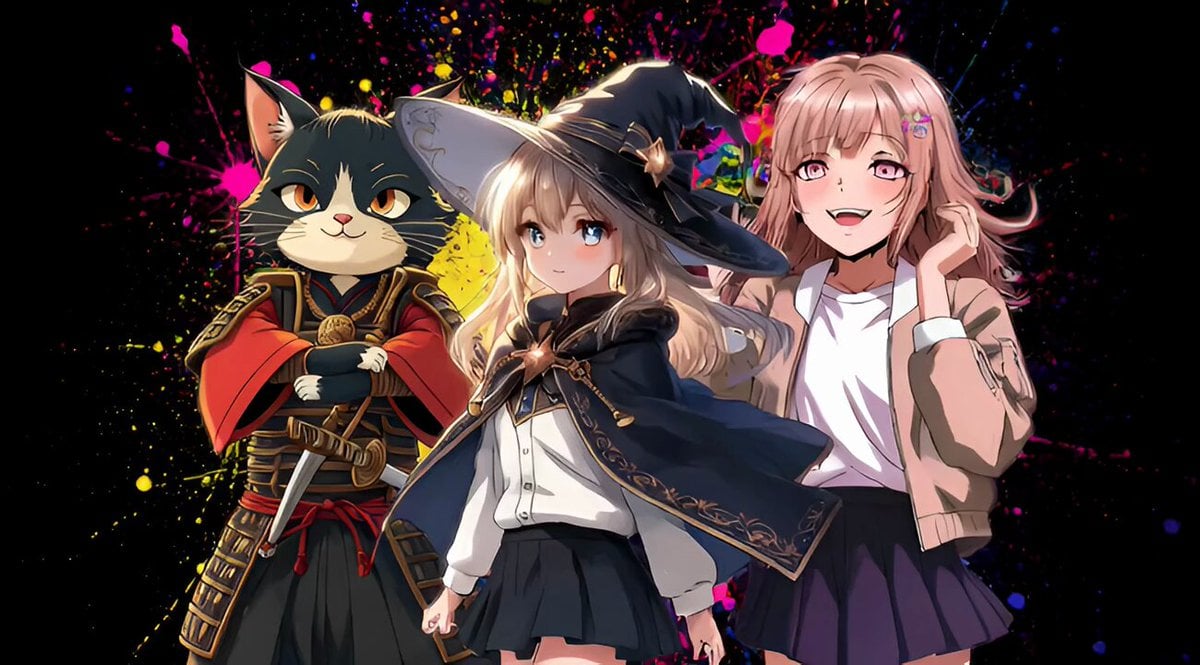
Cinematic freeze-frame snapshot video

Field Hospital Medic Breakdown
Browse template categories
Giant Panda Sightseeing in Chengdu questions
How do I use the Giant Panda Sightseeing in Chengdu template?
Add your photo if the template asks for one, edit the prompt if you like — the template's model and format are already selected — and press Generate. Your version opens in PicX Studio.
Can I customize the Giant Panda Sightseeing in Chengdu template?
Yes. You can change the subject, setting, lighting, mood, format, and available model controls before creating your video.
Is the Giant Panda Sightseeing in Chengdu template free?
Opening and editing this template is free. Generating uses credits, shown on the Generate button when you are signed in.
Which AI model should I use?
Start with Seedance 2.0, which is the model associated with this template. You can compare another compatible model for a different finish.
Looking for something else? Browse all templates.

Your photo, any look
Thousands of ready templates for every top image and video model, from one credit balance.