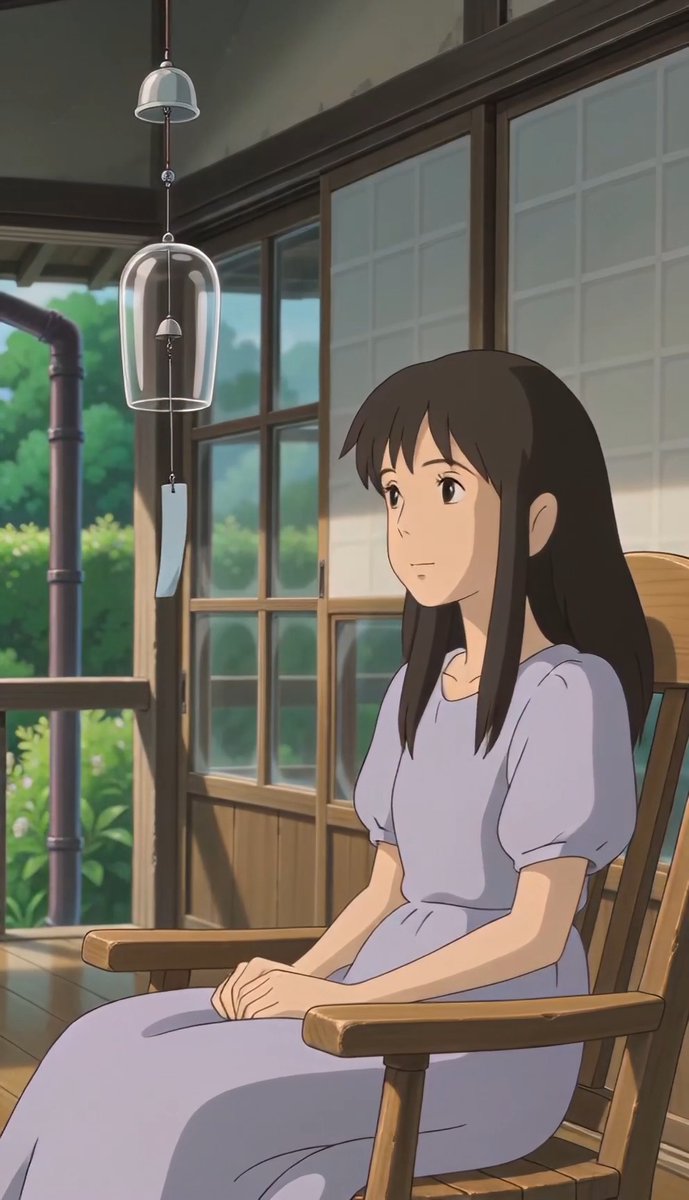
How do I use the Quiet Healing Interior Scene template?
Edit the prompt in the box under the preview — the template's model and format are already selected — and press Generate. Your version appears right on this page.
A calm, emotional video prompt of a young woman arranging photographs in a sunlit room, focusing on reconstruction and peace.
An indoor room with large windows and soft daylight. A young woman sits on the floor surrounded by scattered photographs and small personal objects. She looks at a photo → gently places it down → pauses. Sequence: She begins picking up pieces slowly, arranging them carefully. Each object placed brings subtle order to the space. Mid-scene: Overhead shot reveals the scattered items forming a meaningful pattern → brief slow-motion moment as her hand places the final piece. Final scene: She sits back, observing the arrangement. Her expression softens. She leans back against the wall, quietly at peace. Lighting: soft natural daylight, calm shadows, warm neutral tones. VFX: minimal, focus on physical interaction and composition. Tone: fragmentation → effort → reconstruction → quiet healing.
An indoor room with large windows and soft daylight. A young woman sits on the floor surrounded by scattered photographs and small personal objects. She looks at a photo → gently places it down → pauses. Sequence: She begins picking up pieces slowly, arranging them carefully. Each object placed brings subtle order to the space. Mid-scene: Overhead shot reveals the scattered items forming a meaningful pattern → brief slow-motion moment as her hand places the final piece. Final scene: She sits back, observing the arrangement. Her expression softens. She leans back against the wall, quietly at peace. Lighting: soft natural daylight, calm shadows, warm neutral tones. VFX: minimal, focus on physical interaction and composition. Tone: fragmentation → effort → reconstruction → quiet healing.
Edit the prompt in the box under the preview — the template's model and format are already selected — and press Generate. Your version appears right on this page.
Yes. You can change the subject, setting, lighting, mood, format, and available model controls before creating your video.
Opening and editing this template is free. Generating uses credits, shown on the Generate button when you are signed in.
Start with Seedance 2.0, which is the model associated with this template. You can compare another compatible model for a different finish.
Follow a topic to a crawlable collection of related PicX Studio templates.