
Origami Football Match Narrative
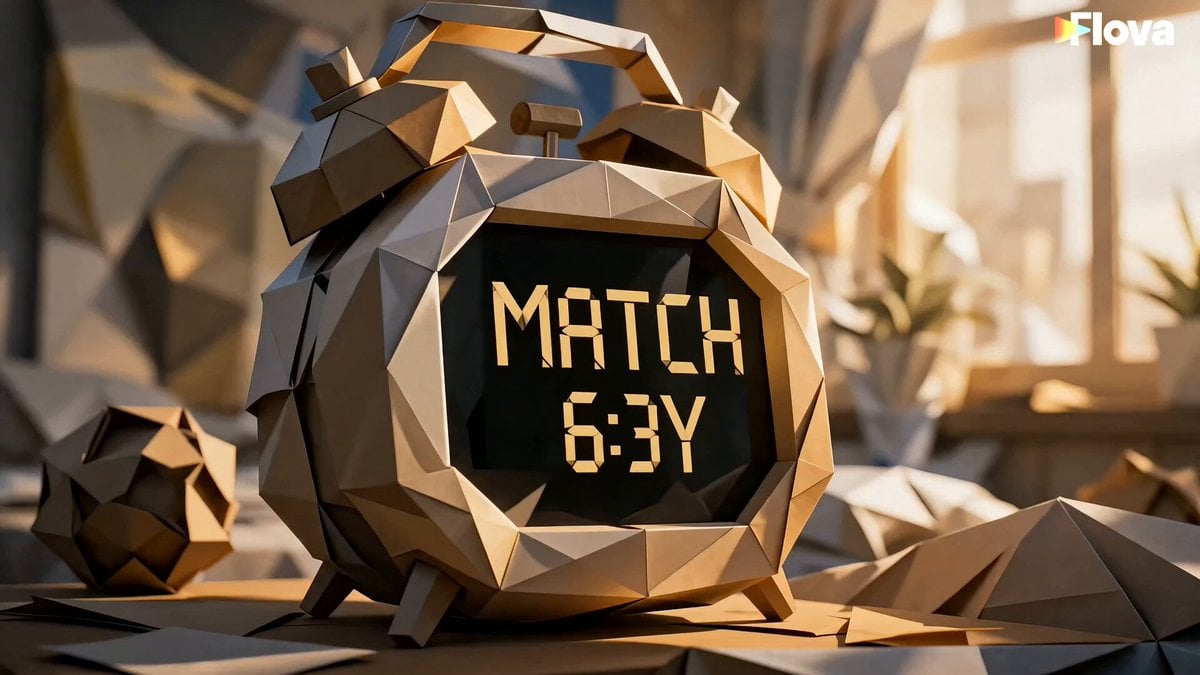
A multi-part cinematic prompt for a stylized origami world following a girl's journey to a football stadium.
- Prompt included
- Model and format preset
- Free template
The prompt behind this video
Copy the exact prompt behind Origami Football Match Narrative, or open it in the studio and make it yours.
PART 1 — “THE MORNING OF THE MATCH” Cut A (0–5s): Jessy wakes up in her origami-paper bedroom as the alarm shows “MATCH DAY,” sunlight glowing through folded curtains, she smiles and says, “Today’s the day!” Cut B (5–10s): Fast gear-up montage—she ties shoes, grabs her skateboard, wraps her scarf, and steps into the glowing paper city, saying, “Let’s go meet my hero!” Cut C (10–15s): She skates through origami streets with speed-line motion blur, rushes through the city, and reaches the train just in time, breathing, “Made it… just in time!” PART 2 — “INTO THE STADIUM” Cut D (0–5s): On the train, Jessy sees the glowing stadium in the distance, holding her skateboard tightly, whispering, “Almost there… I can’t believe it.” Cut E (5–10s): Outside stadium plaza, crowds flood in as she checks her watch, panics, and runs through the crowd, “Come on—kickoff’s in ten minutes!” Cut F (10–15s): At the security gate, a guard stops her, then softens and lets her through, saying, “Go on, kid—enjoy the match.” PART 3 — “THE GOAL & THE ADVICE” Cut G (0–5s): Stadium explodes with energy as Jessy watches her hero score a stunning goal; she jumps up screaming, “YES—that’s my player!!” Cut H (5–10s): After the match, the player walks to her, notices her skateboard, and says, “Dreams just need courage.” Jessy replies softly, “Then I’m chasing mine.” Cut I (5–10s continuation feel): Emotional moment—he signs her jersey on the chest, she freezes in shock, then smiles as stadium lights glow behind them.
How to use Origami Football Match Narrative in 3 steps
- 1
Open
The prompt is already in the box next to the preview, with the template's model and format selected.
- 2…a portrait of your subject in softgolden-hour light, 85mm…
Personalize
Edit the subject and creative details for your destination.
- 3Generate
Generate
Press Generate — your video is created in PicX Studio, so you can compare it with the original and refine one variable at a time.
More like this
Templates with the same subject, style or setup. Open one to see its prompt.
Three-Thousand-Year Football History
Viral Football Match Comedy Broadcast

Stadium Football Action Narrative
Football Match Fan Reaction
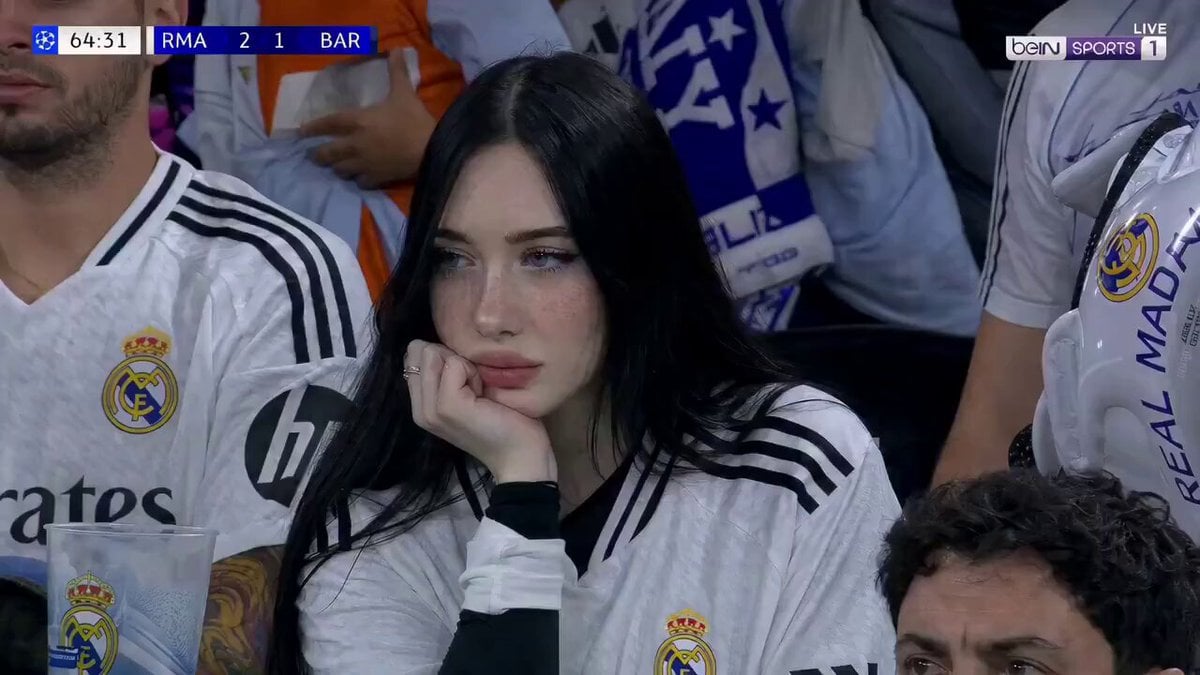
Football Match Female Fan Broadcast
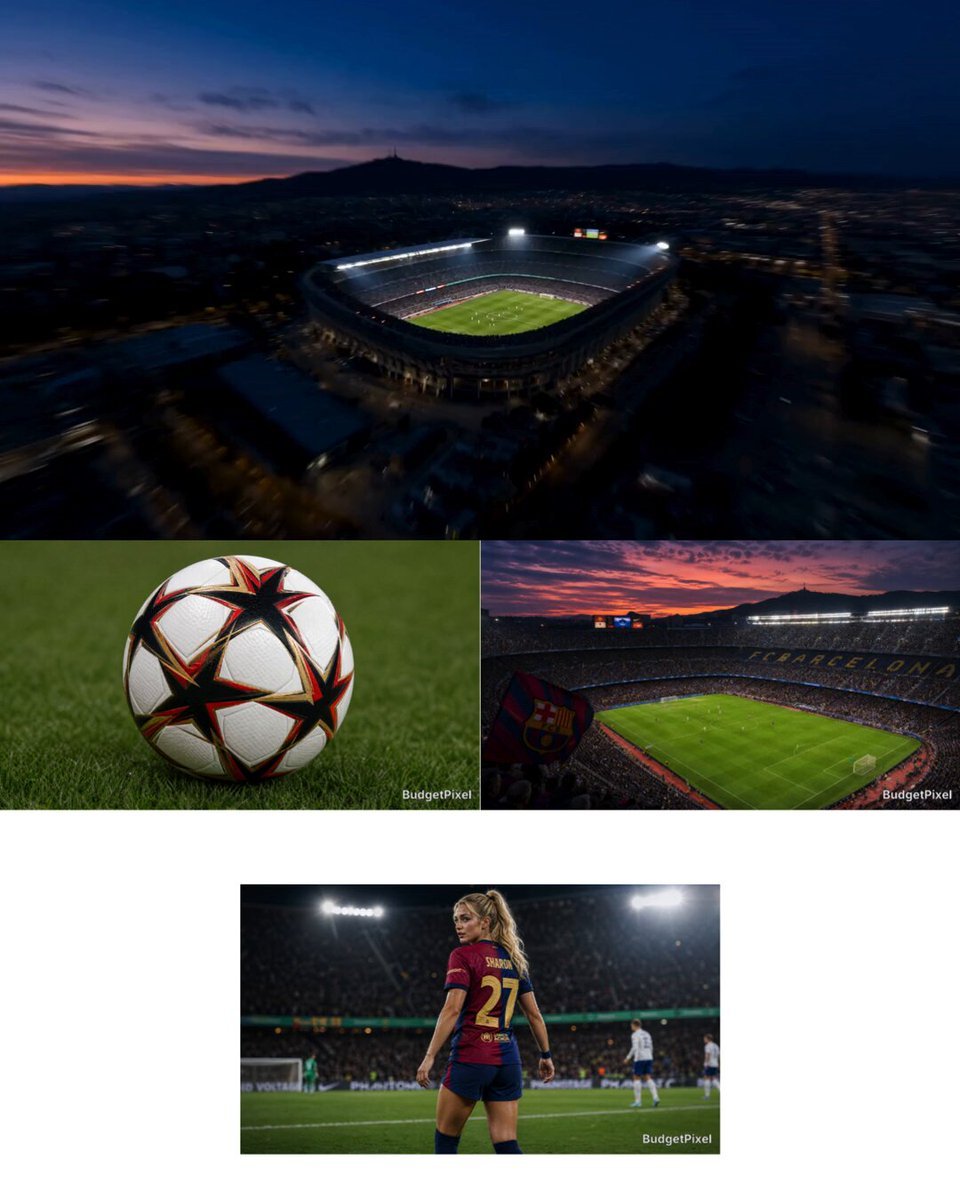
Intense Football Match Storyboard
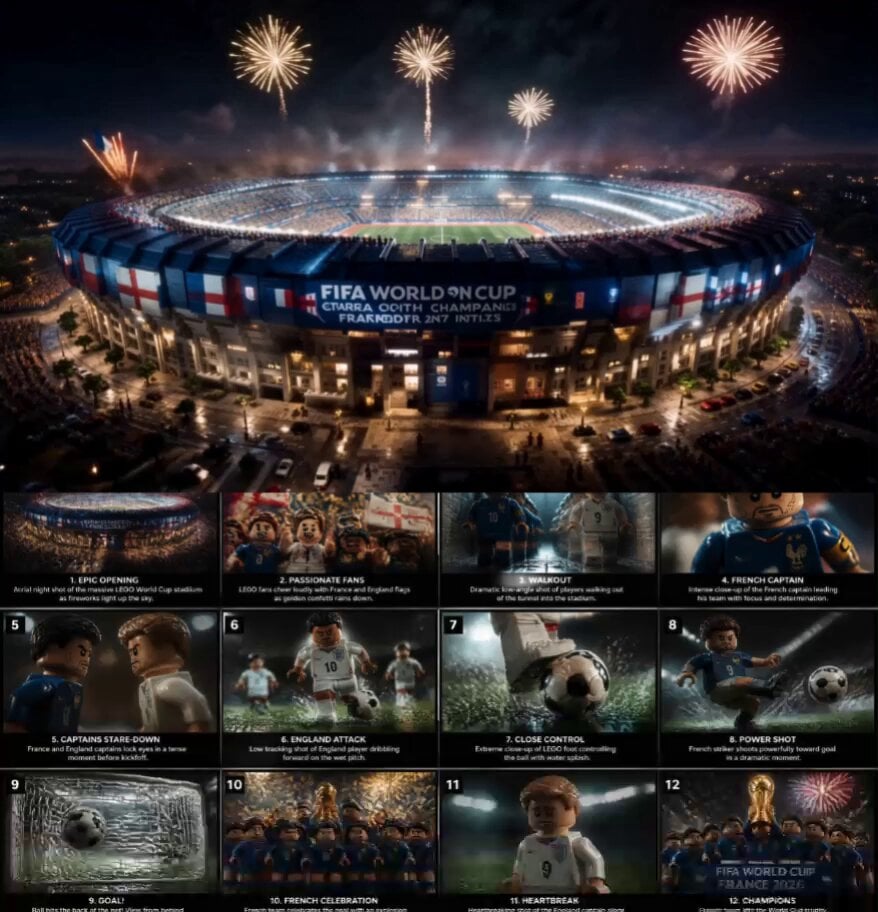
Cinematic LEGO Football Match Storyboard
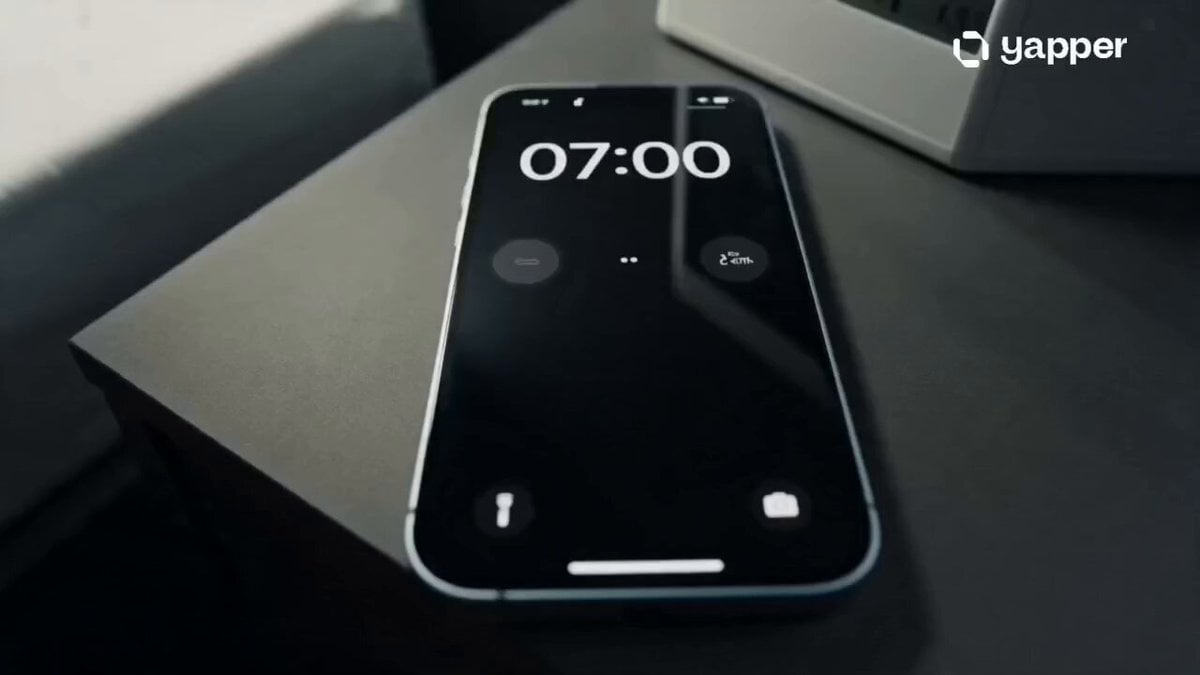
Football Match Day Cinematic POV Vlog
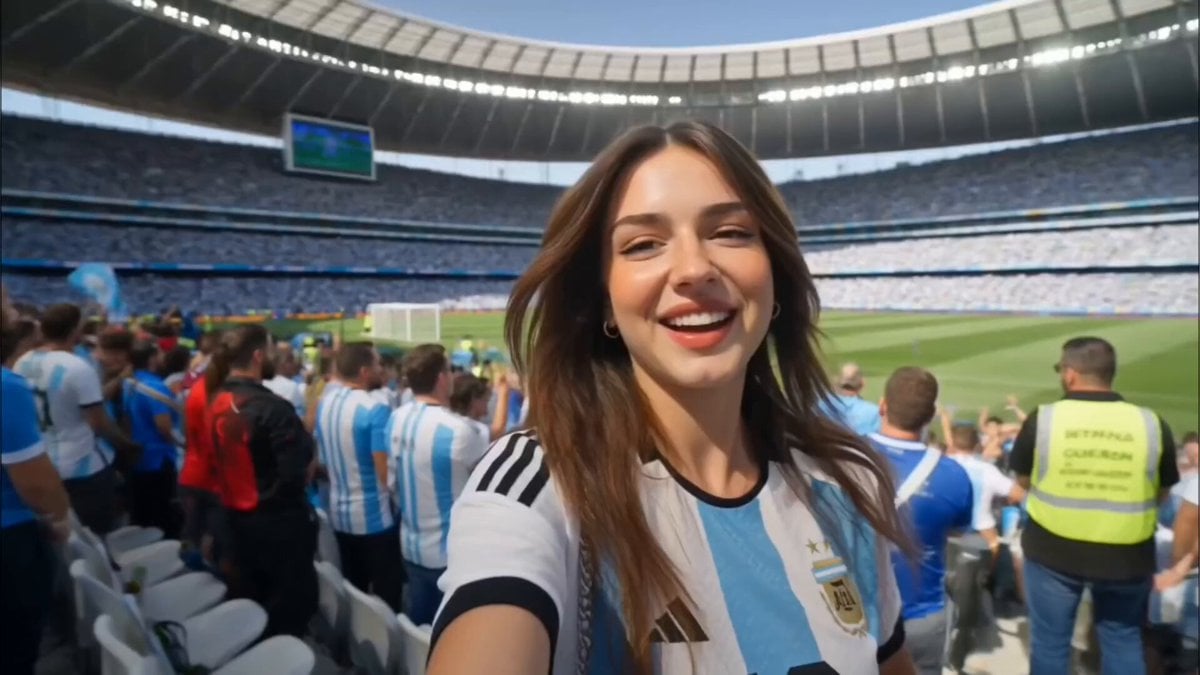
Argentina Football Fan Match Day Vlog
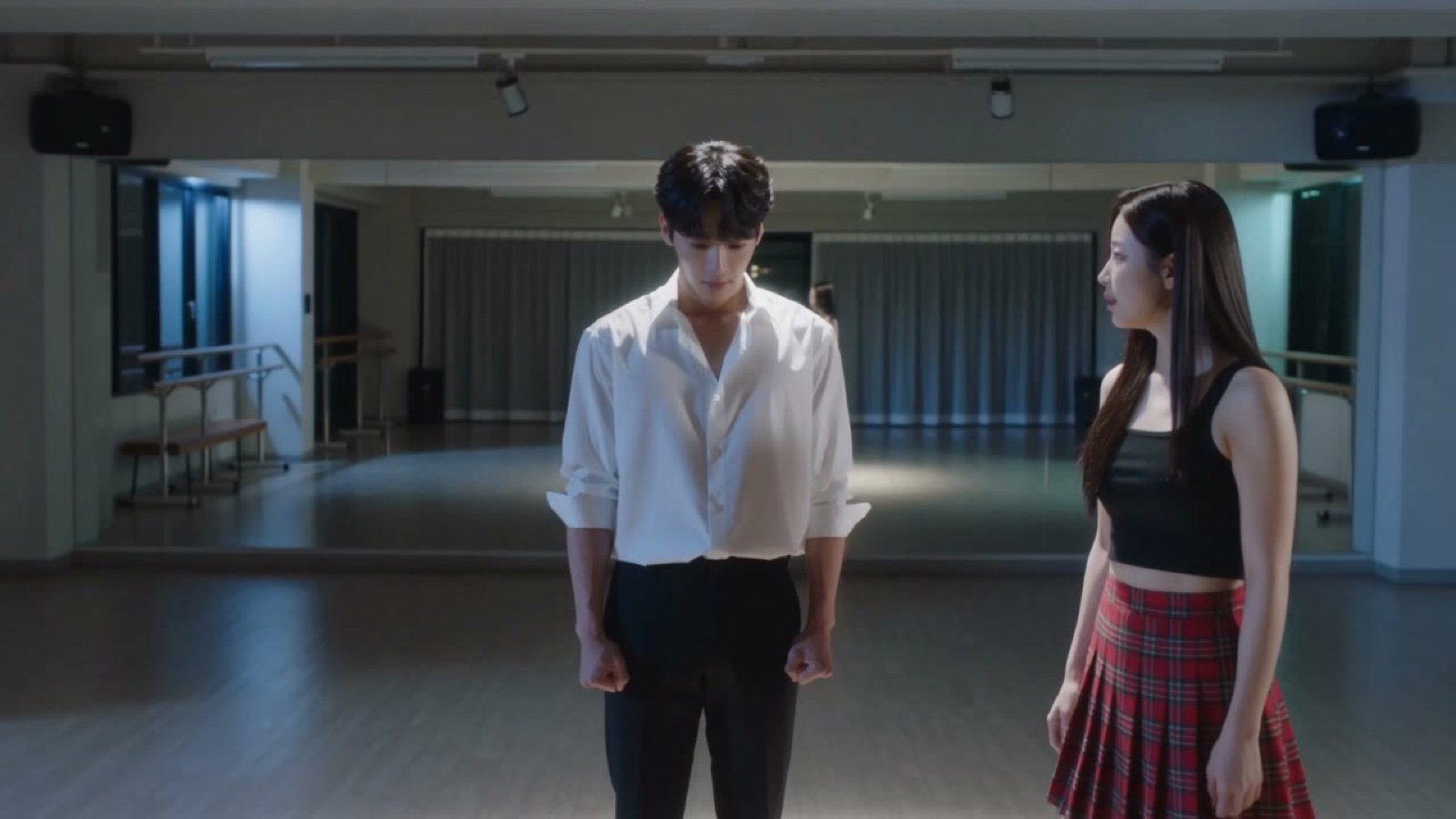
Seedance V2 One Minute K Drama Omni
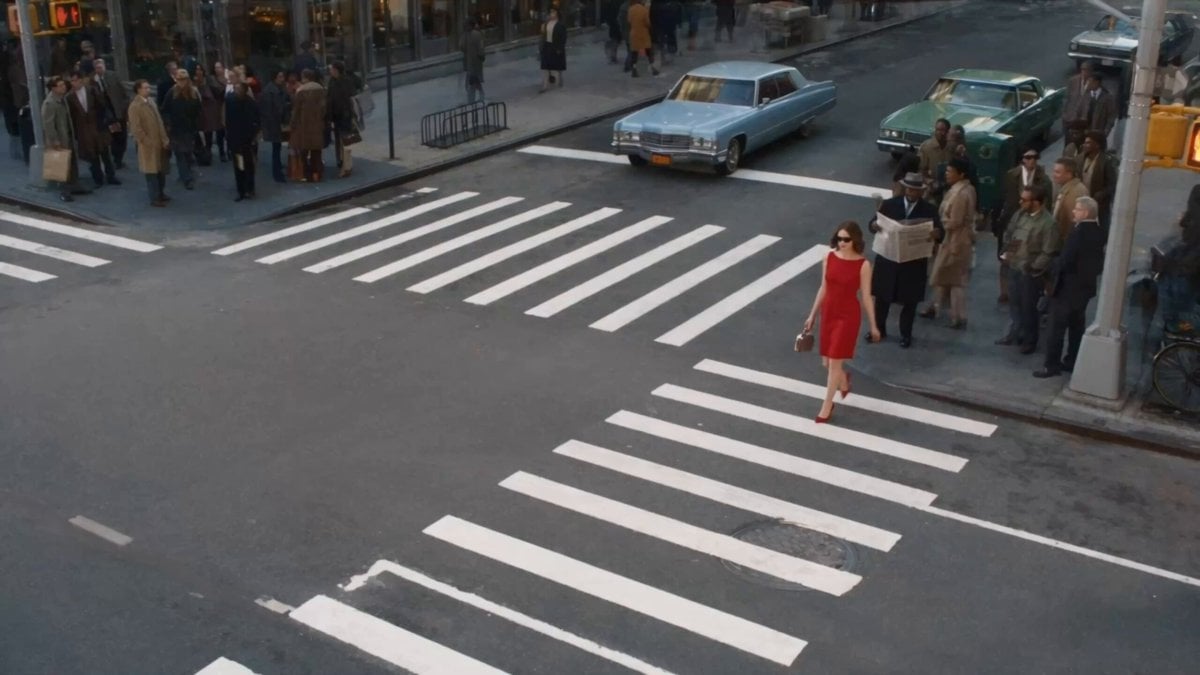
Surreal Lipstick Commercial Narrative
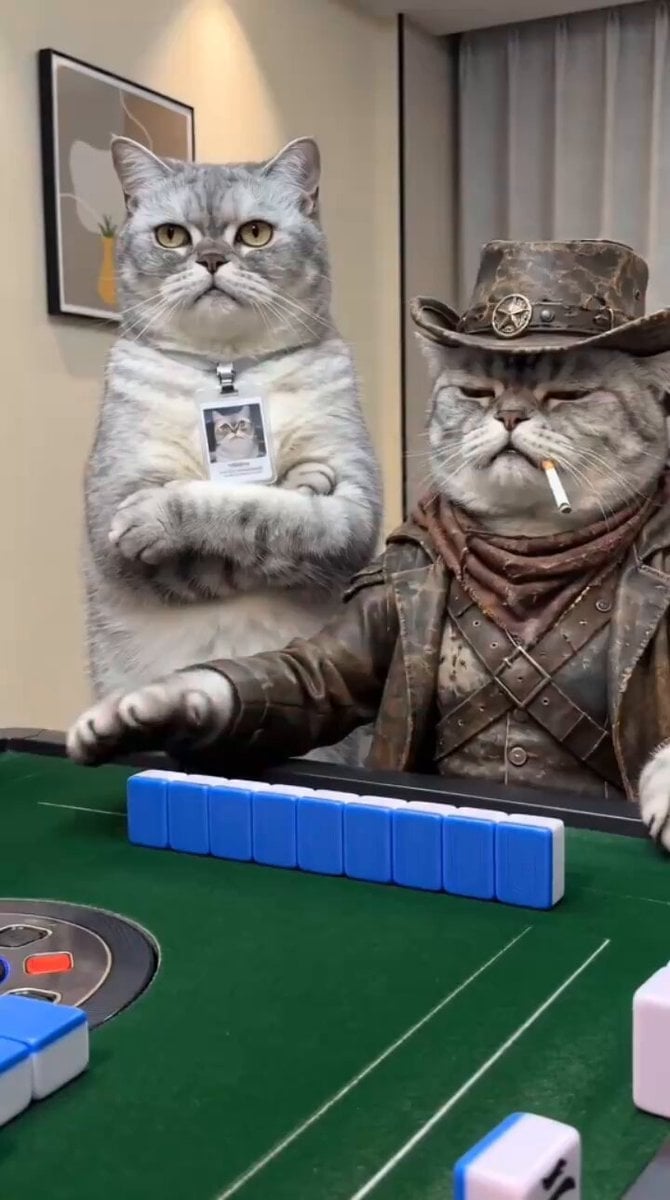
Anthropomorphic Cats Playing Mahjong Narrative Video
Make it yours
Origami Football Match Narrative works as-is. These are the safest ways to change it without losing the look.
Change one field
Copy a single group, rewrite it, and generate again so you can see what that field is doing.
Keep the frame, change the subject
Hold the composition and light of Origami Football Match Narrative, then swap wardrobe, props or the person for a new take.
| If the result… | Why | Fix |
|---|---|---|
| The result drifts from the preview | Too many fields changed at once. | Reuse Origami Football Match Narrative as-is first, then change one group — subject, light, or setting. |
| The model over-stylizes the scene | The prose prompt leaves finish and camera underspecified. | Add one camera or lighting sentence and stay on Seedance 2.0. |
More Seedance 2.0 templates
Other prompts made for Seedance 2.0.

Comical Martial Arts Punch Scene

Maglev Train Action Sequence

Martial Arts Fight Sequence

Wuxia Protection and Trust Script

Vintage Korean Arcade MiniDV Vlog

Mercedes 190 SL Luxury Ad

Rainy Night Supernatural Reverse Comedy Video Script

Amazon Civilization Discovery

Futuristic South Asian City Transformation

Cozy Luxury Cafe Commercial
More video prompts
Fresh picks from across the catalog.
First-Person Wingsuit VR Pilot

Semi-Truck Highway Collision

Cinematic Tokyo Travel Intro

Megalodon vs Seaplane Cinematic Chase

Serene Ethereal Angel Animation
Anime Superhero Battle Storyboard
Wuxia micro-expression comedy prompt
Japanese High School Cinematic Fight Scene

Tiny Agent Casino Heist Action

Executive Interaction with Painting
Browse template categories
Origami Football Match Narrative questions
How do I use the Origami Football Match Narrative template?
Add your photo if the template asks for one, edit the prompt if you like — the template's model and format are already selected — and press Generate. Your version opens in PicX Studio.
Can I customize the Origami Football Match Narrative template?
Yes. You can change the subject, setting, lighting, mood, format, and available model controls before creating your video.
Is the Origami Football Match Narrative template free?
Opening and editing this template is free. Generating uses credits, shown on the Generate button when you are signed in.
Which AI model should I use?
Start with Seedance 2.0, which is the model associated with this template. You can compare another compatible model for a different finish.
Looking for something else? Browse all templates.

Your photo, any look
Thousands of ready templates for every top image and video model, from one credit balance.