How do I use the Ultra-Realistic LEGO Santa Claus Photograph template?
Edit the prompt in the box under the preview — the template's model and format are already selected — and press Generate. Your version appears right on this page.
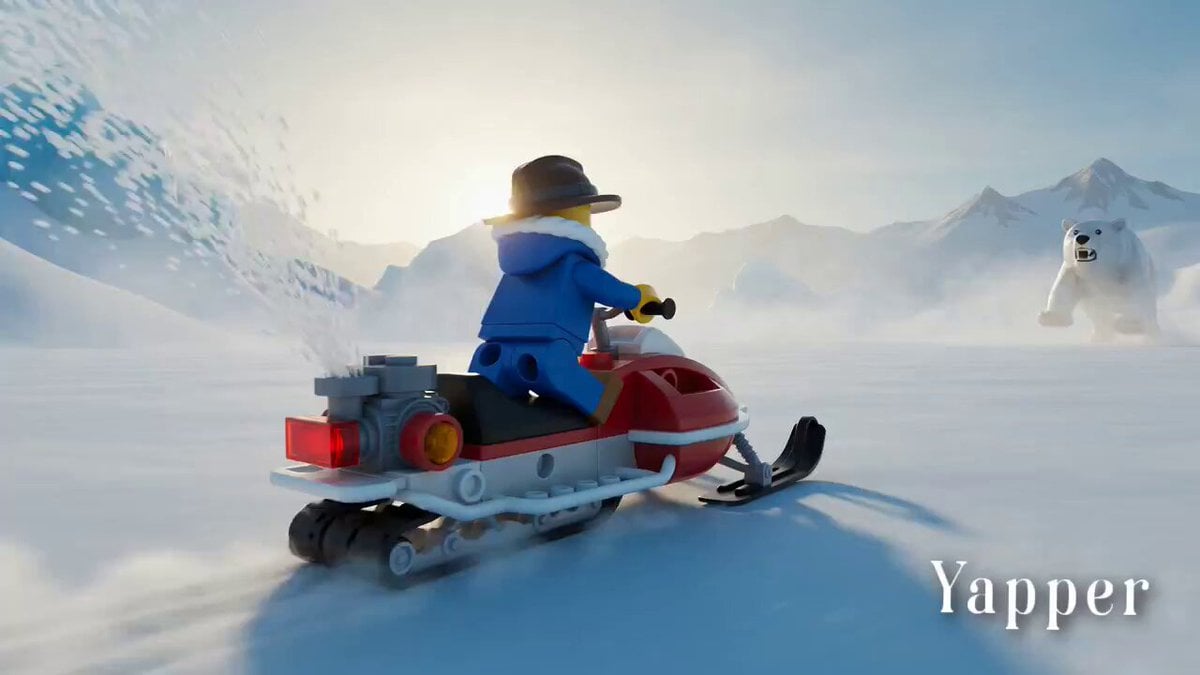
A prompt for Seedance 2.0 describing an ultra-realistic photograph of a LEGO Santa Claus minifigure driving a LEGO Unimog snow truck in the Swiss Alps, specifying photographic details like lens, lighting, and style.
Ultra-realistic photograph of a LEGO Santa Claus minifigure driving a rugged red LEGO Unimog snow truck across a snowy mountain pass in the Swiss Alps, deep snowbanks on both sides, pine trees dusted with frost, Santa wearing ski goggles and a fluffy red winter coat, gift boxes bouncing on the truck bed, dramatic mountain light, crisp atmosphere, DSLR realism, natural light reflections, 85mm lens, cinematic bokeh. --ar 3:4 --stylize 150
Ultra-realistic photograph of a LEGO Santa Claus minifigure driving a rugged red LEGO Unimog snow truck across a snowy mountain pass in the Swiss Alps, deep snowbanks on both sides, pine trees dusted with frost, Santa wearing ski goggles and a fluffy red winter coat, gift boxes bouncing on the truck bed, dramatic mountain light, crisp atmosphere, DSLR realism, natural light reflections, 85mm lens, cinematic bokeh. --ar 3:4 --stylize 150
Edit the prompt in the box under the preview — the template's model and format are already selected — and press Generate. Your version appears right on this page.
Yes. You can change the subject, setting, lighting, mood, format, and available model controls before creating your video.
Opening and editing this template is free. Generating uses credits, shown on the Generate button when you are signed in.
Start with Seedance 2.0, which is the model associated with this template. You can compare another compatible model for a different finish.
Follow a topic to a crawlable collection of related PicX Studio templates.