How do I use the Food Delivery Rush Cinematic Prompt template?
Edit the prompt in the box under the preview — the template's model and format are already selected — and press Generate. Your version appears right on this page.
A comprehensive multi-shot video prompt for Seedance 2.0 that depicts the urgent journey of a food delivery rider, synchronized to a specific BPM.
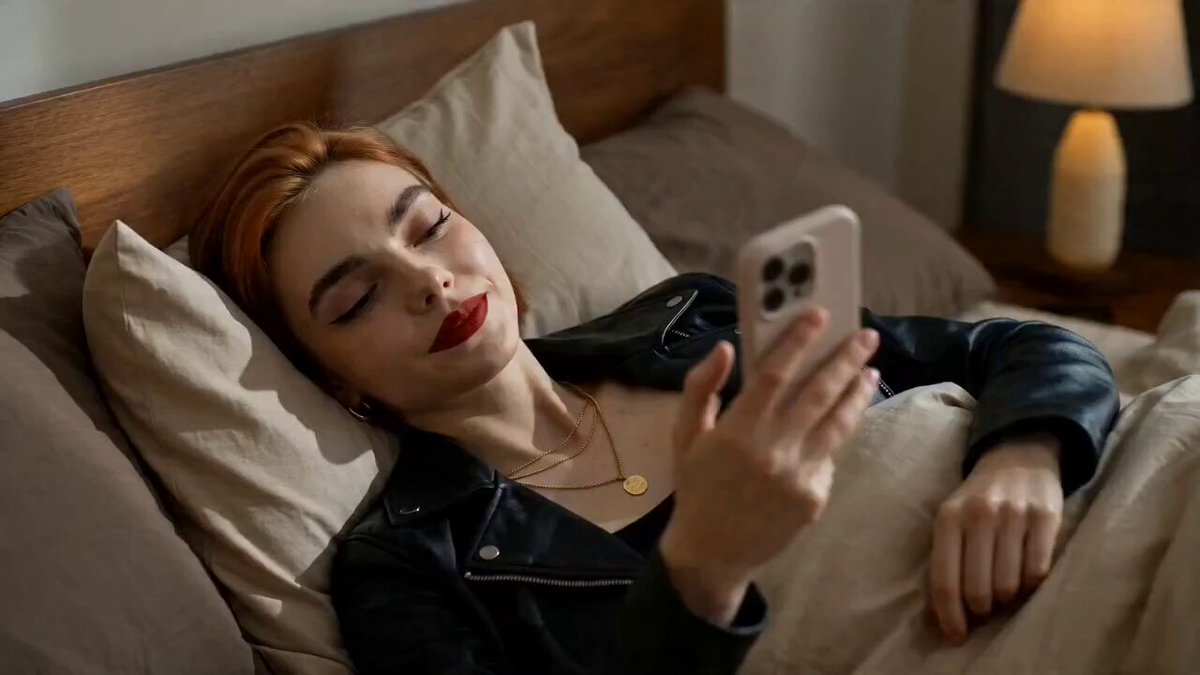
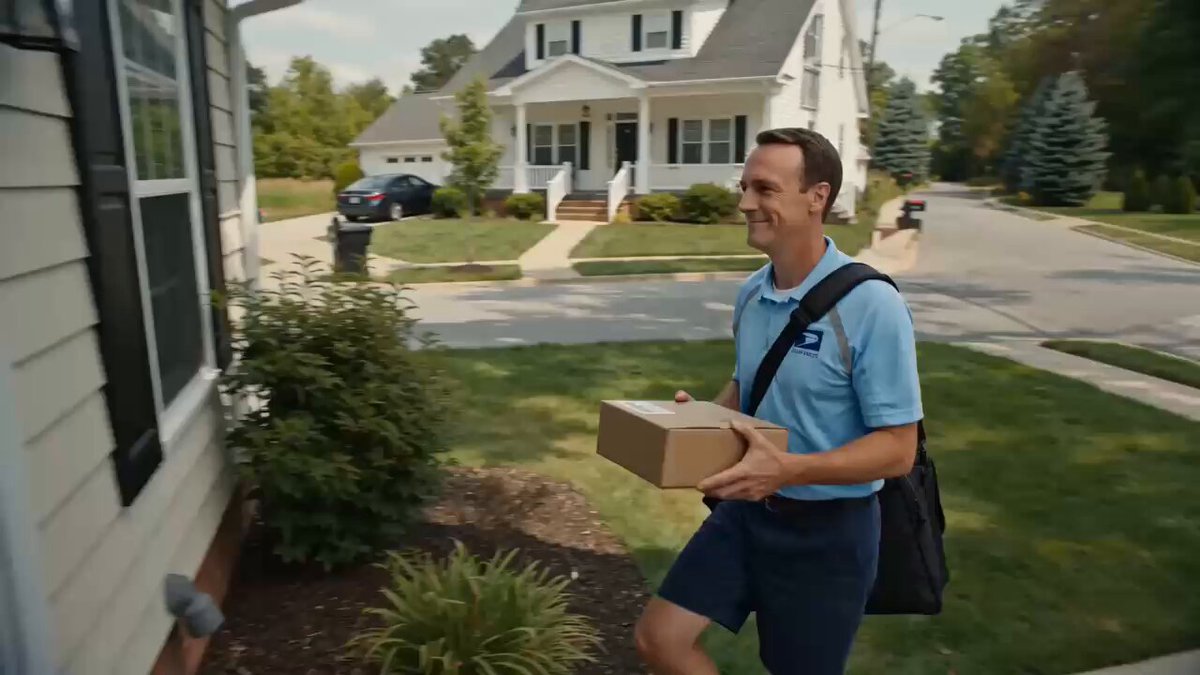
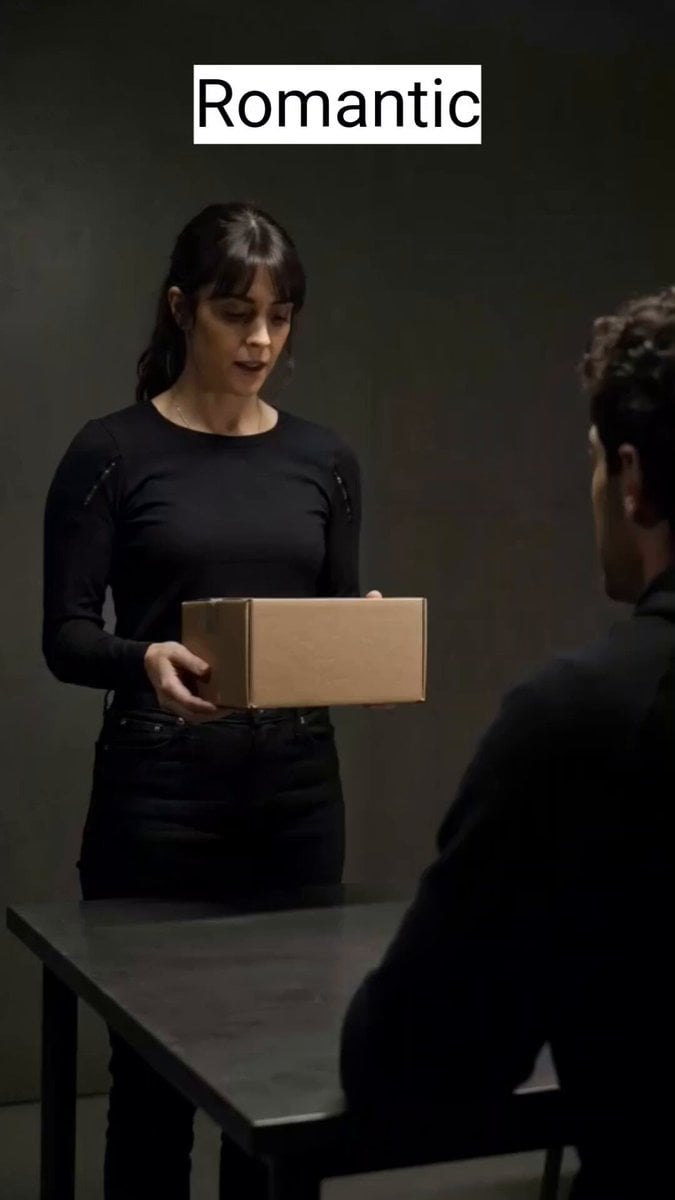
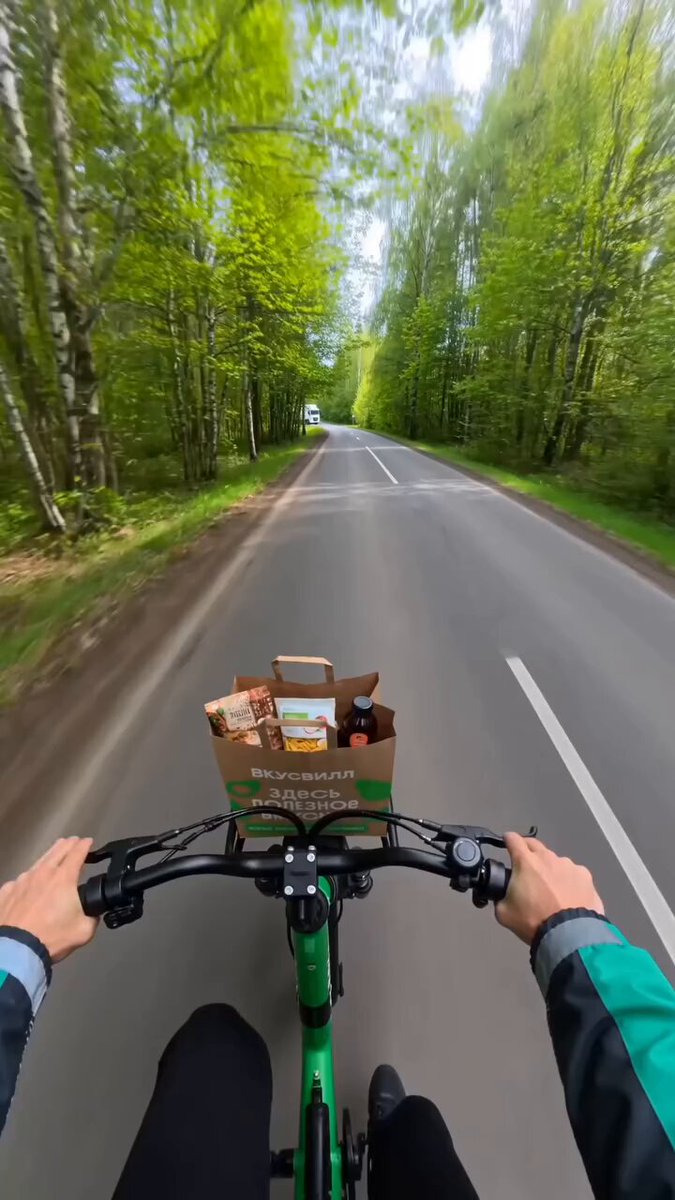
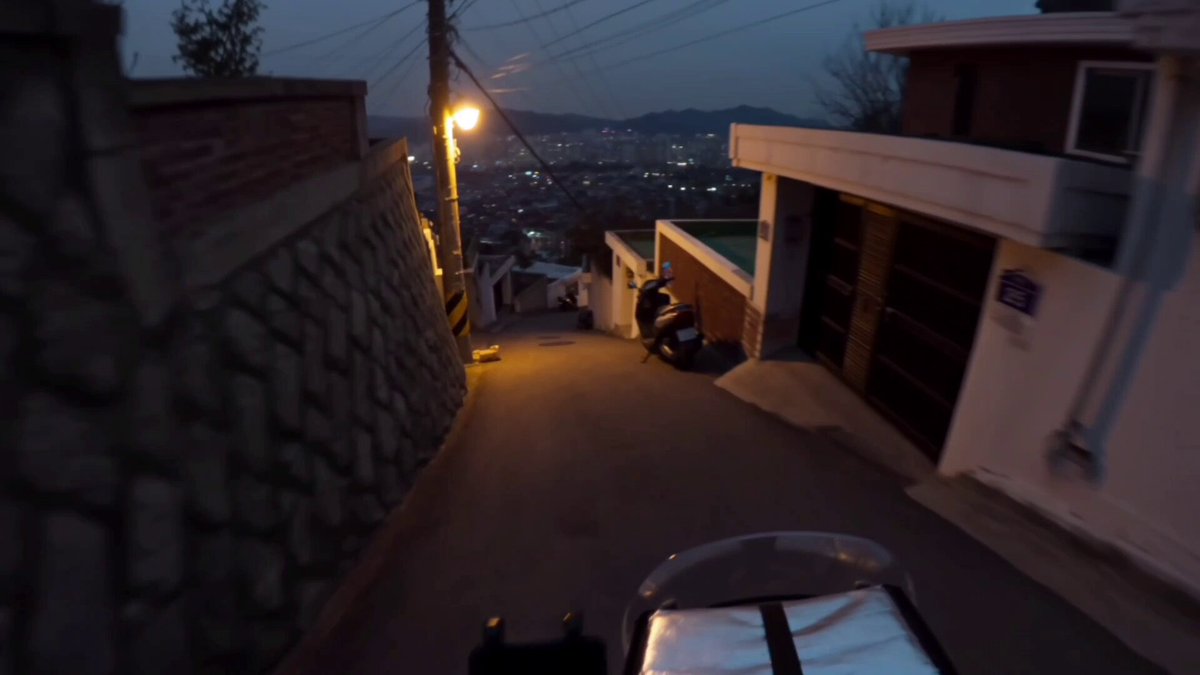
FOOD DELIVERY RUSH” VERSION FORMAT: 15 seconds / 145 BPM / 15 beat-synced shots SUBJECT: @[image1] ENVIRONMENT: Bedroom → street → traffic → restaurant → customer doorstep MOOD ARC: Chill → urgency → time pressure → fast execution → small relief SHOT LIST (Beat-synced) 1. Lying relaxed, scrolling phone 2. Order notification pops up (Uber Eats/Zomato style) 3. Instant focus shift 4. “Accept Order” tap 5. Grabs keys + helmet in one motion 6. Rushes out the door 7. Bike/car ignition start 8. Speeding into traffic 9. Weaving through vehicles (fast cuts) 10. Arrives at restaurant, slight wait frustration 11. Food handed over (quick exchange) 12. Checks navigation, timer running 13. Fast delivery ride (tight, dynamic shots) 14. Doorstep handoff to customer 15. Phone screen: “Delivery Complete” → small satisfied exhale
FOOD DELIVERY RUSH” VERSION FORMAT: 15 seconds / 145 BPM / 15 beat-synced shots SUBJECT: @[image1] ENVIRONMENT: Bedroom → street → traffic → restaurant → customer doorstep MOOD ARC: Chill → urgency → time pressure → fast execution → small relief SHOT LIST (Beat-synced) 1. Lying relaxed, scrolling phone 2. Order notification pops up (Uber Eats/Zomato style) 3. Instant focus shift 4. “Accept Order” tap 5. Grabs keys + helmet in one motion 6. Rushes out the door 7. Bike/car ignition start 8. Speeding into traffic 9. Weaving through vehicles (fast cuts) 10. Arrives at restaurant, slight wait frustration 11. Food handed over (quick exchange) 12. Checks navigation, timer running 13. Fast delivery ride (tight, dynamic shots) 14. Doorstep handoff to customer 15. Phone screen: “Delivery Complete” → small satisfied exhale
Edit the prompt in the box under the preview — the template's model and format are already selected — and press Generate. Your version appears right on this page.
Yes. You can change the subject, setting, lighting, mood, format, and available model controls before creating your video.
Opening and editing this template is free. Generating uses credits, shown on the Generate button when you are signed in.
Start with Seedance 2.0, which is the model associated with this template. You can compare another compatible model for a different finish.
Follow a topic to a crawlable collection of related PicX Studio templates.