How do I use the Supernatural Spirit Vision City Walk template?
Edit the prompt in the box under the preview — the template's model and format are already selected — and press Generate. Your version appears right on this page.
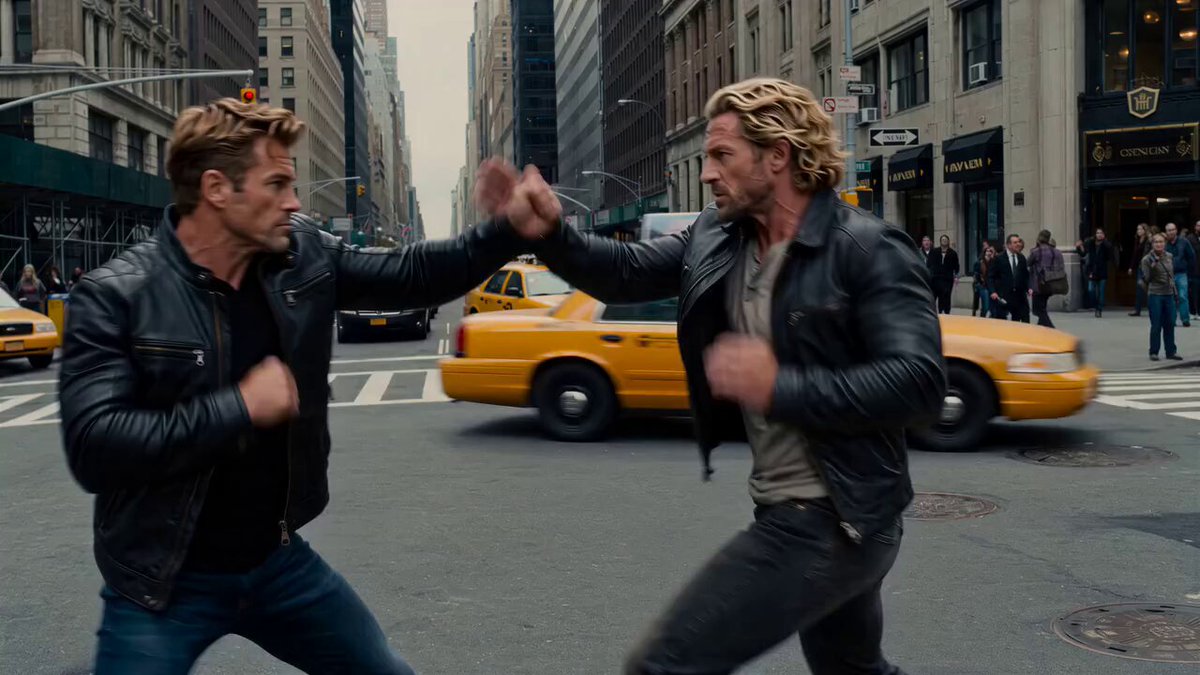
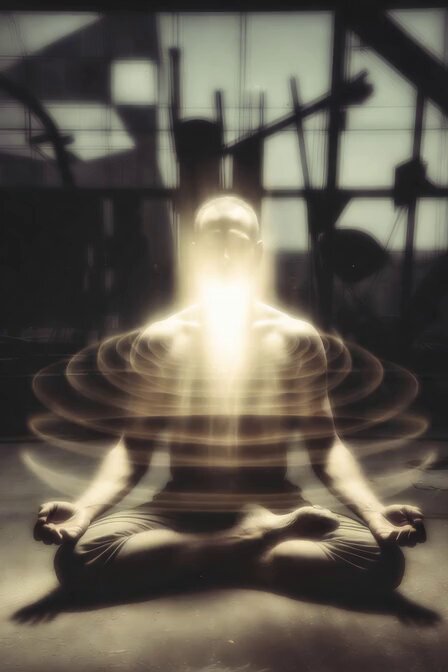
A cinematic video prompt for a supernatural mystery sequence featuring a POV shift between reality and a spirit world in a crowded modern city.
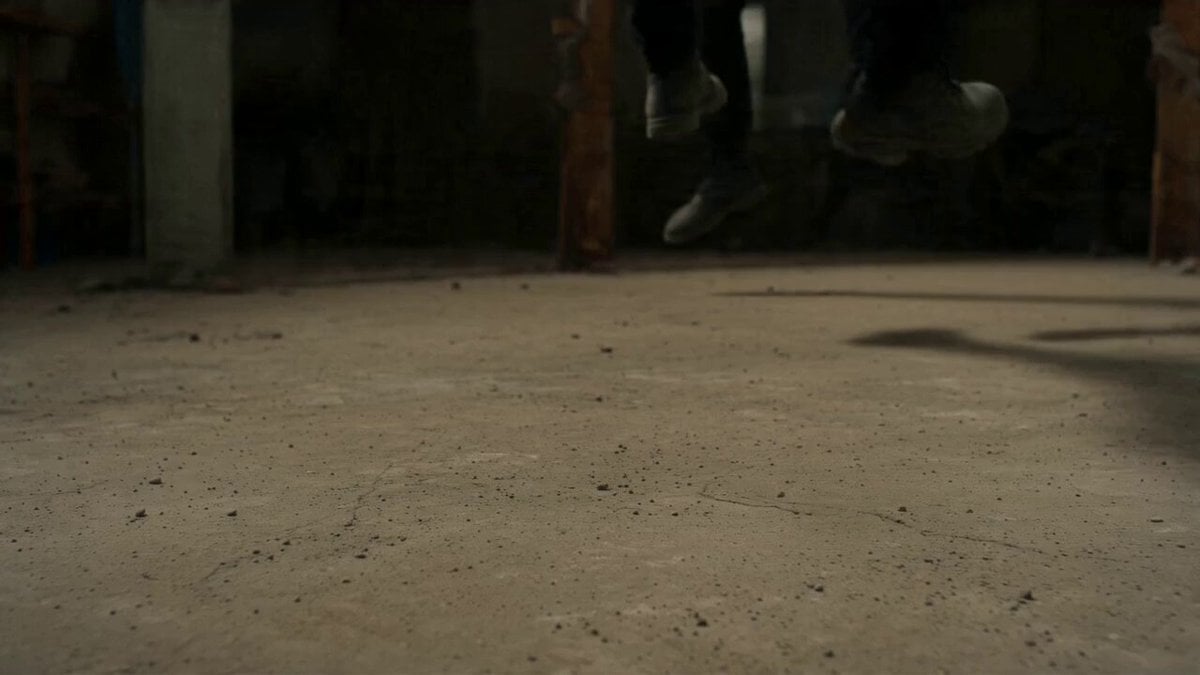
[0-3s] Modern city street, rush hour. Thousands of people moving. Rex walks through the crowd but we see what he sees. The city is layered. Behind every living person, a spirit echo. He navigates both worlds simultaneously. Camera his POV shifting between normal and spirit vision. [3-7s] He stops at a specific intersection. Something is wrong here. He crouches, places his copper wrapped hand on the asphalt. Closes his eyes. The world around him slows. He feels the city's memory what happened here. Visions pulse through the ground into him. [7-11s] He sees it a trapped spirit, unable to leave, bound to this intersection by unfinished grief. It appears to him as a distorted figure overlaid on the normal street. He speaks to it quietly in a language between ancient and invented. Slow motion on both their faces. [11-15s] He performs a small releasing ritual barely visible gestures, a whispered word, a pinch of something from his pocket. The spirit dissolves peacefully into the city air like smoke. The intersection feels lighter. He stands, adjusts his vest, and rejoins the crowd. No one noticed. They never do.
[0-3s] Modern city street, rush hour. Thousands of people moving. Rex walks through the crowd but we see what he sees. The city is layered. Behind every living person, a spirit echo. He navigates both worlds simultaneously. Camera his POV shifting between normal and spirit vision. [3-7s] He stops at a specific intersection. Something is wrong here. He crouches, places his copper wrapped hand on the asphalt. Closes his eyes. The world around him slows. He feels the city's memory what happened here. Visions pulse through the ground into him. [7-11s] He sees it a trapped spirit, unable to leave, bound to this intersection by unfinished grief. It appears to him as a distorted figure overlaid on the normal street. He speaks to it quietly in a language between ancient and invented. Slow motion on both their faces. [11-15s] He performs a small releasing ritual barely visible gestures, a whispered word, a pinch of something from his pocket. The spirit dissolves peacefully into the city air like smoke. The intersection feels lighter. He stands, adjusts his vest, and rejoins the crowd. No one noticed. They never do.
Edit the prompt in the box under the preview — the template's model and format are already selected — and press Generate. Your version appears right on this page.
Yes. You can change the subject, setting, lighting, mood, format, and available model controls before creating your video.
Opening and editing this template is free. Generating uses credits, shown on the Generate button when you are signed in.
Start with Seedance 2.0, which is the model associated with this template. You can compare another compatible model for a different finish.
Follow a topic to a crawlable collection of related PicX Studio templates.