How do I use the Paris Runway Transformation template?
Edit the prompt in the box under the preview — the template's model and format are already selected — and press Generate. Your version appears right on this page.
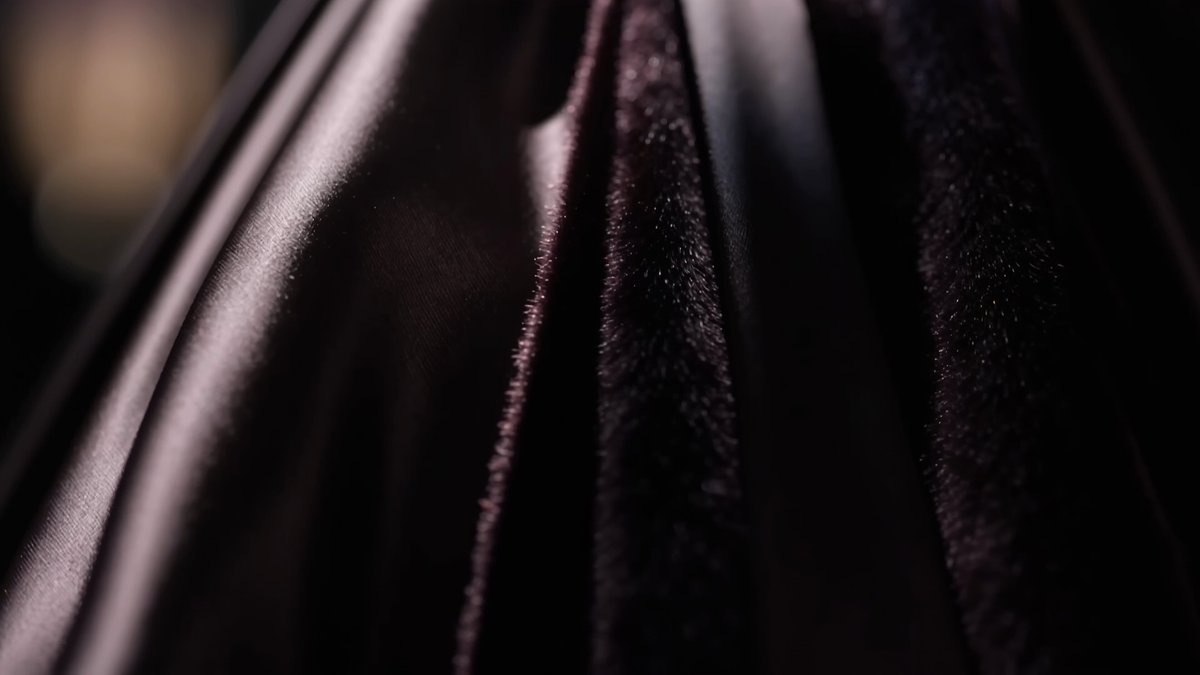
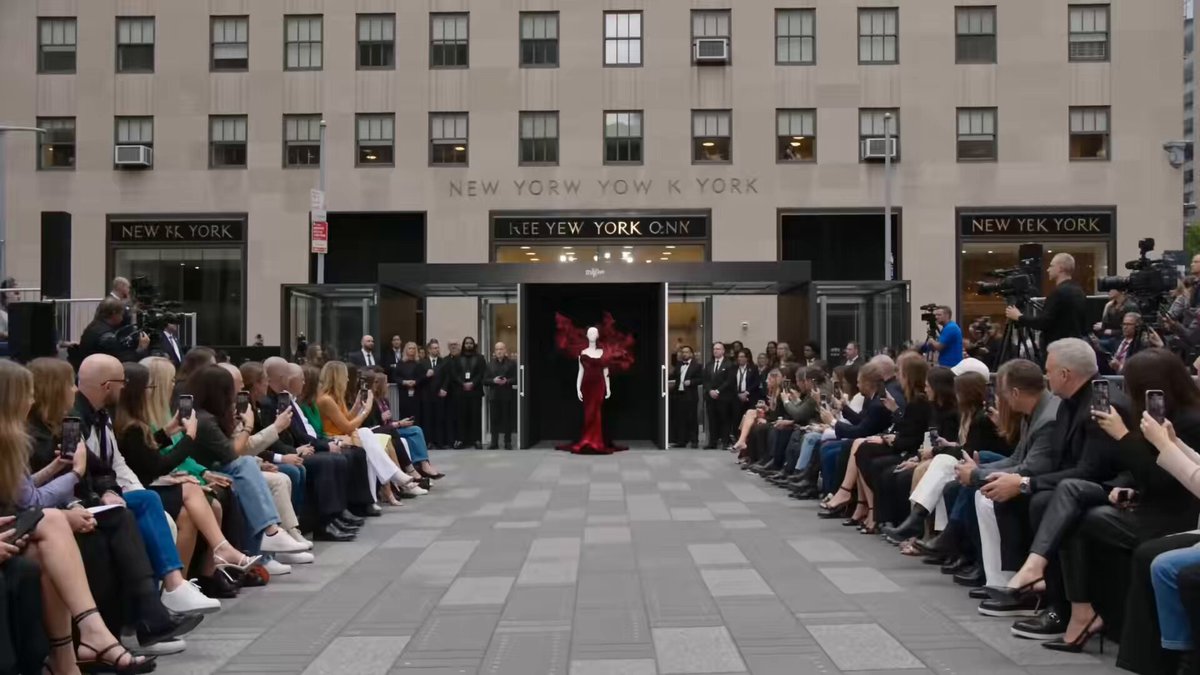
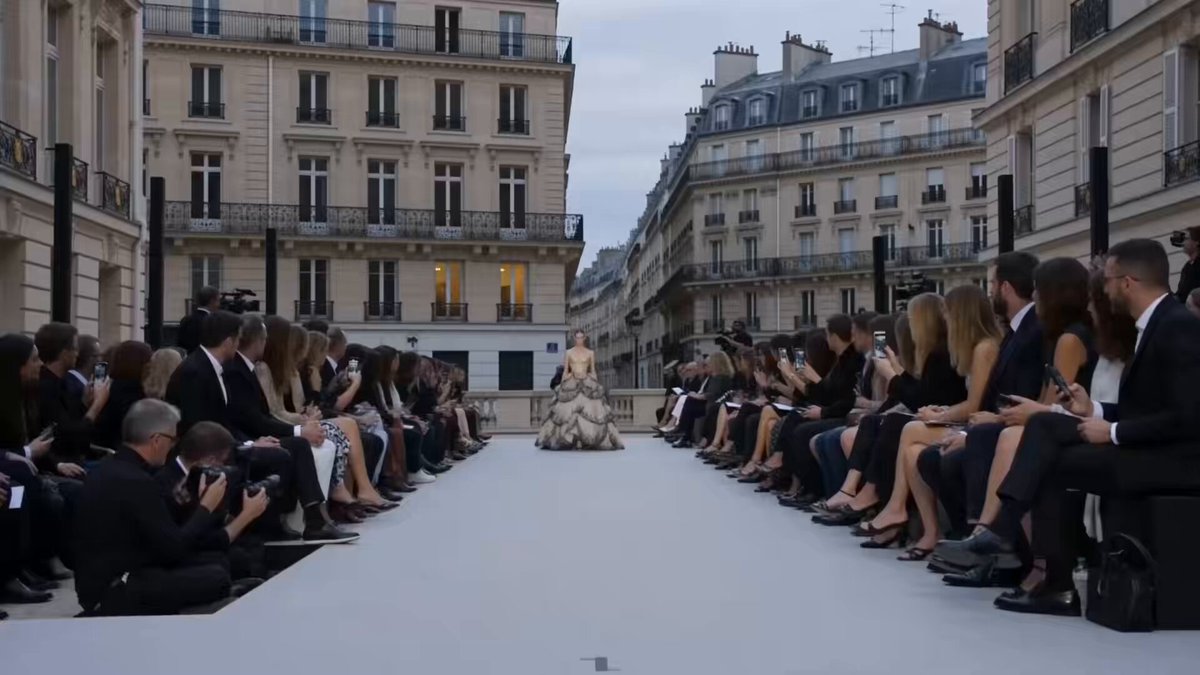
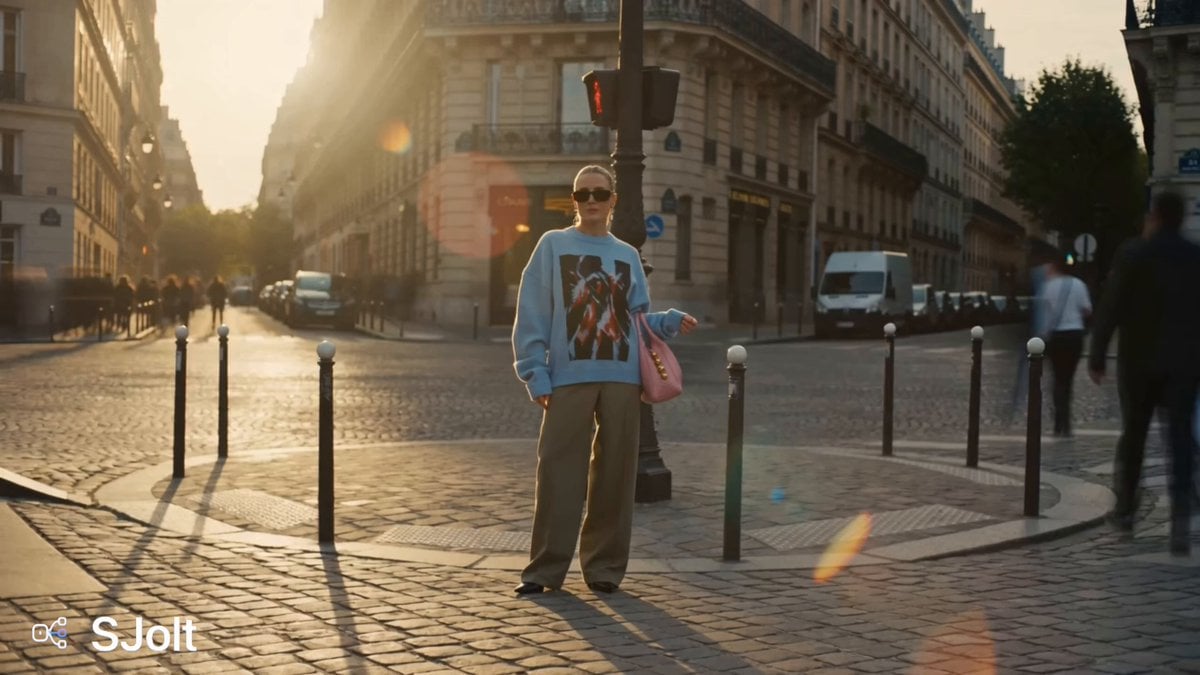
A creative fashion prompt for Seedance 2.0 featuring a model whose clothes smoothly transform from a mini-skirt to a long dress while walking the runway.
パリコレのBGM、実際のパリコレシーンをベースに作成 [00:00-00:8] パリコレのランウェイを歩く超絶美女モデル、最初はミニスカートだったものが、スムーズにロングスカートへと変化する。同時に上着もロングドレスにスムーズに変化する。 [00:08-00:15] 美女モデルはランウェイの先端でポーズを決めてから、華麗にターンして戻っていく。
パリコレのBGM、実際のパリコレシーンをベースに作成 [00:00-00:8] パリコレのランウェイを歩く超絶美女モデル、最初はミニスカートだったものが、スムーズにロングスカートへと変化する。同時に上着もロングドレスにスムーズに変化する。 [00:08-00:15] 美女モデルはランウェイの先端でポーズを決めてから、華麗にターンして戻っていく。
Edit the prompt in the box under the preview — the template's model and format are already selected — and press Generate. Your version appears right on this page.
Yes. You can change the subject, setting, lighting, mood, format, and available model controls before creating your video.
Opening and editing this template is free. Generating uses credits, shown on the Generate button when you are signed in.
Start with Seedance 2.0, which is the model associated with this template. You can compare another compatible model for a different finish.
Follow a topic to a crawlable collection of related PicX Studio templates.