
Seedance 2.0 Cinematic POV Delivery Prompt
A highly detailed cinematic video prompt for Seedance 2.0 that creates a realistic first-person interaction with a delivery person, featuring professional lighting, texture, and multi-shot continuity.
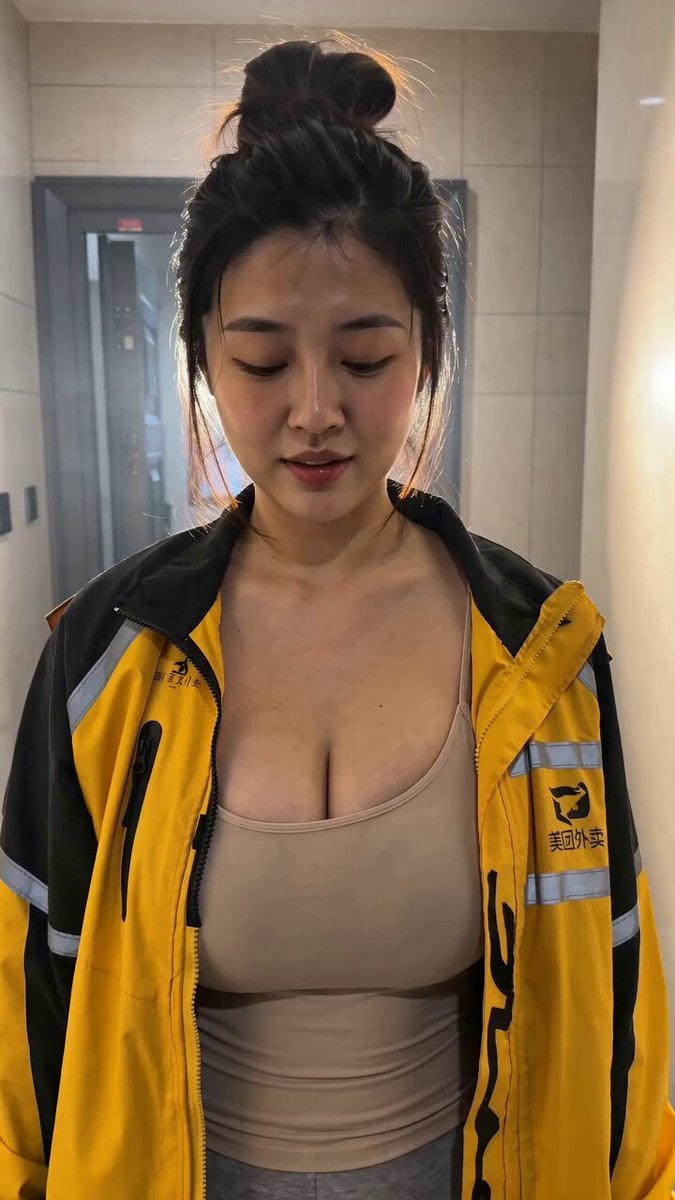
- Prompt included
- Model and format preset
- Premium template
The prompt behind this video
Copy the exact prompt behind Seedance 2.0 Cinematic POV Delivery Prompt, or open it in the studio and make it yours.
风格:8K电影质感。真实摄影——非3D渲染,非游戏引擎,无游戏过场动画感。 摄影:自然主义大师级摄影。 布光:仅自然光——逆光轮廓光,机位在阴影侧,空气中有薄雾。主光仅来自天光与窗光。 色彩:60:30:10——主色/辅色/点缀色。 镜头:物理电影镜头。180°快门运动模糊。 皮肤:毛孔级真实——汗毛、不对称痣点、毛细血管泛红、毛孔阴影与现场光匹配。 表演:顶级电影级——反应前的微停顿、精准视线、湿润有神的眼睛带眼神光、可见呼吸与胸口起伏。 物理:遵守重力与惯性——质量有真实重量,接触阴影正确,无悬浮道具。 构图:三分法+黄金比例。第一帧起每个人都在动。 连贯性:角色、道具、环境每个镜头完全一致,无身份漂移。 技术:24fps平滑运动。8K细节。无抖动。 音频:仅环境音效。无音乐。无字幕。 SUBJECT(主体)—— 配送员就是上传的首帧画面本人:高盘发髻,黄黑撞色冲锋衣内搭浅卡其背心与灰色运动裤,右手提黑色保温配送箱。视频从这张首帧直接往后延续动作,外形、服装、发型、保温箱始终与首帧一致。WB 5200K。MULTISHOT——在门口打招呼、走进屋、放下外卖、临走带着害羞俏皮的回眸。中文台词,口型同步。 LOCATION(场景)—— 现代公寓电梯口走廊,米色大理石与暖色廊灯,向内过渡到整洁玄关。视频从首帧的走廊空间自然向室内延展,配送员在真实空间中移动。 ACTION(动作)—— POV第一人称:镜头即"你"(顾客)开门并注视她进屋的视线。画面从首帧(她站在走廊抬眼看镜头)开始动起来。 SHOT 1 (0:00–0:05) —— 承接首帧:配送员抬眼直视镜头,温暖的浅笑,右手提箱。她说:"你好,你的外卖到了。" 画外男声(顾客/镜头)回应:"好的,帮我送进来吧。" 硬切。 SHOT 2 (0:05–0:10) —— 镜头随她进门轻微后退,她跨过门槛进入玄关,弯腰将保温箱放在玄关柜旁,取出餐盒并摆放整齐,直起身理了理冲锋衣下摆。画外音:"谢谢。" 她微微低头,脸颊泛红,一个害羞的停顿,然后说:"不用谢,祝您用餐愉快。" 硬切。 SHOT 3 (0:10–0:15) —— 她转身欲走,又停下,回头越过肩膀看向镜头,眼睛弯起,手指轻拨背包带。一个俏皮的微停顿,然后说:"要不要我留下来陪你一起吃呢?" 定格在她过肩回眸的微笑上,暖光柔化。 CAMERA(镜头)—— SHOT 1:POV平视,门口锁定机位,35mm质感,轻微手持呼吸感;动机——初次照面。 SHOT 2:POV胸高缓慢后拉跟随她进屋,28mm,细微手持晃动;动机——为她进门让出空间。 SHOT 3:POV推进到50mm中近景,落在她回头的脸上;动机——俏皮的钩子。 STYLE(风格)—— 主色 暖米色大理石与廊灯钨丝光 60% / 辅色 冷灰运动裤与黑色保温箱 30% / 点缀 黄色冲锋衣 10%。WB 5200K。主光来自走廊顶灯与画外室内灯,轻薄雾感。 CONSTRAINTS(约束)—— 9:16竖屏。无慢动作,全程自然24fps。视频严格从上传首帧延续,不改动首帧人物外形与构图。POV保持第一人称,镜头不展示顾客身体(最多隐含双手)。配送员身份、服装、发髻与保温箱三镜头完全一致。取景自然得体。三句中文台词干净口型同步。无眼睛发光,无烧录字幕。
How to use Seedance 2.0 Cinematic POV Delivery Prompt in 3 steps
- 1
Open
The prompt is already in the box next to the preview, with the template's model and format selected.
- 2…a portrait of your subject in softgolden-hour light, 85mm…
Personalize
Edit the subject and creative details for your destination.
- 3Generate
Generate
Press Generate — your video is created in PicX Studio, so you can compare it with the original and refine one variable at a time.
More like this
Templates with the same subject, style or setup. Open one to see its prompt.

3D Animated Newspaper Delivery Short - Seedance 2.5

DV Camcorder POV Gym Montage — Seedance 2.5
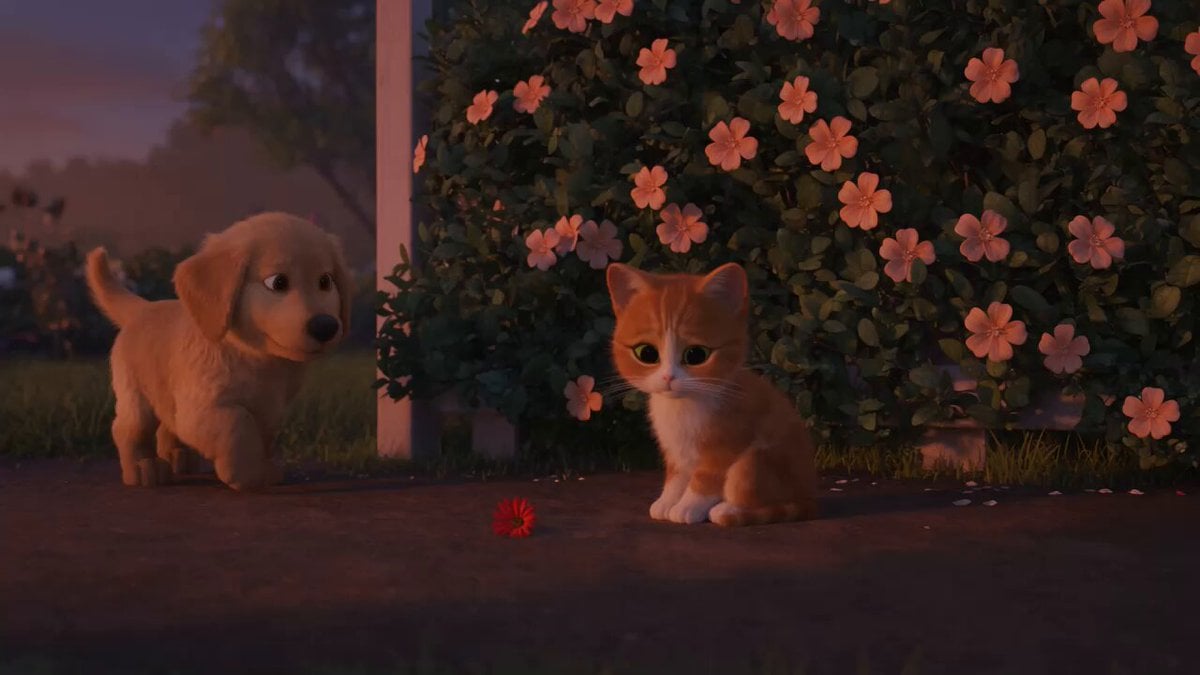
Wholesome Puppy and Kitten Story - Seedance 2.5

Sci-Fi Disaster Movie Scene - Seedance 2.5

Mysterious Home Exploration Vlog - Seedance 2.5

Dark Tokusatsu Transformation - Seedance 2.5

Cinematic Xinjiang Drone Landscapes - Seedance 2.5
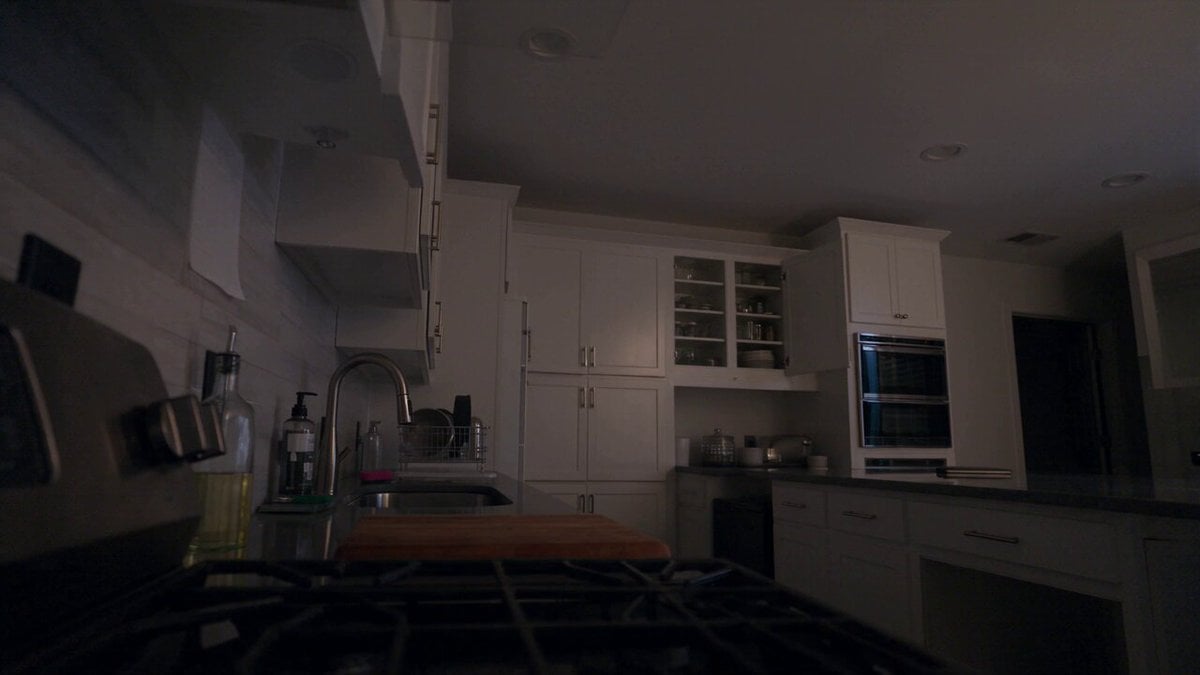
Late Night Kitchen Phone Recording - Seedance 2.5

3D Animated Cat and Old Man - Seedance

Realistic City Street Story Cinematic Video - Seedance
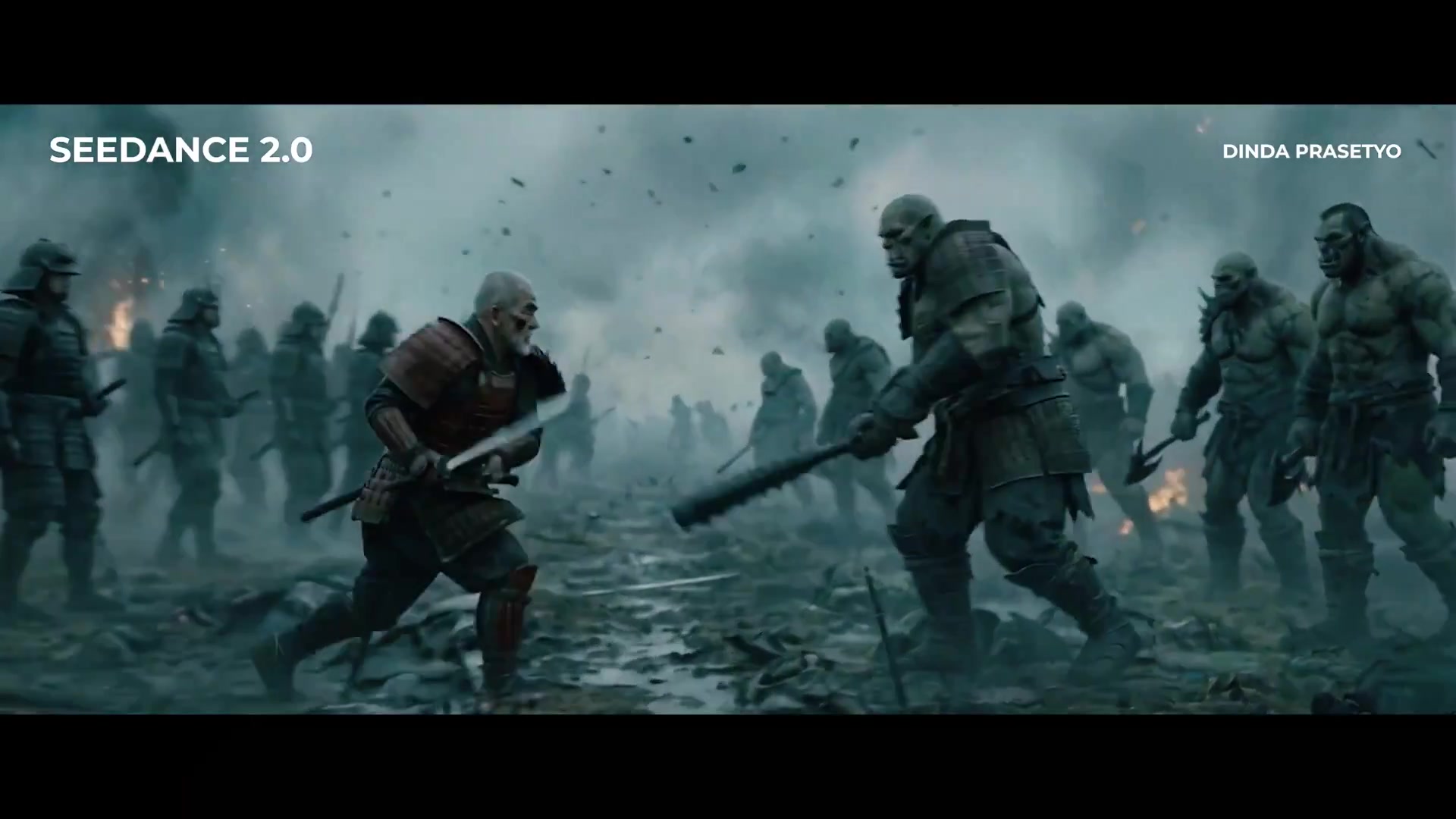
Seedance 2.0 First Test — Dynamic Motion Showcase
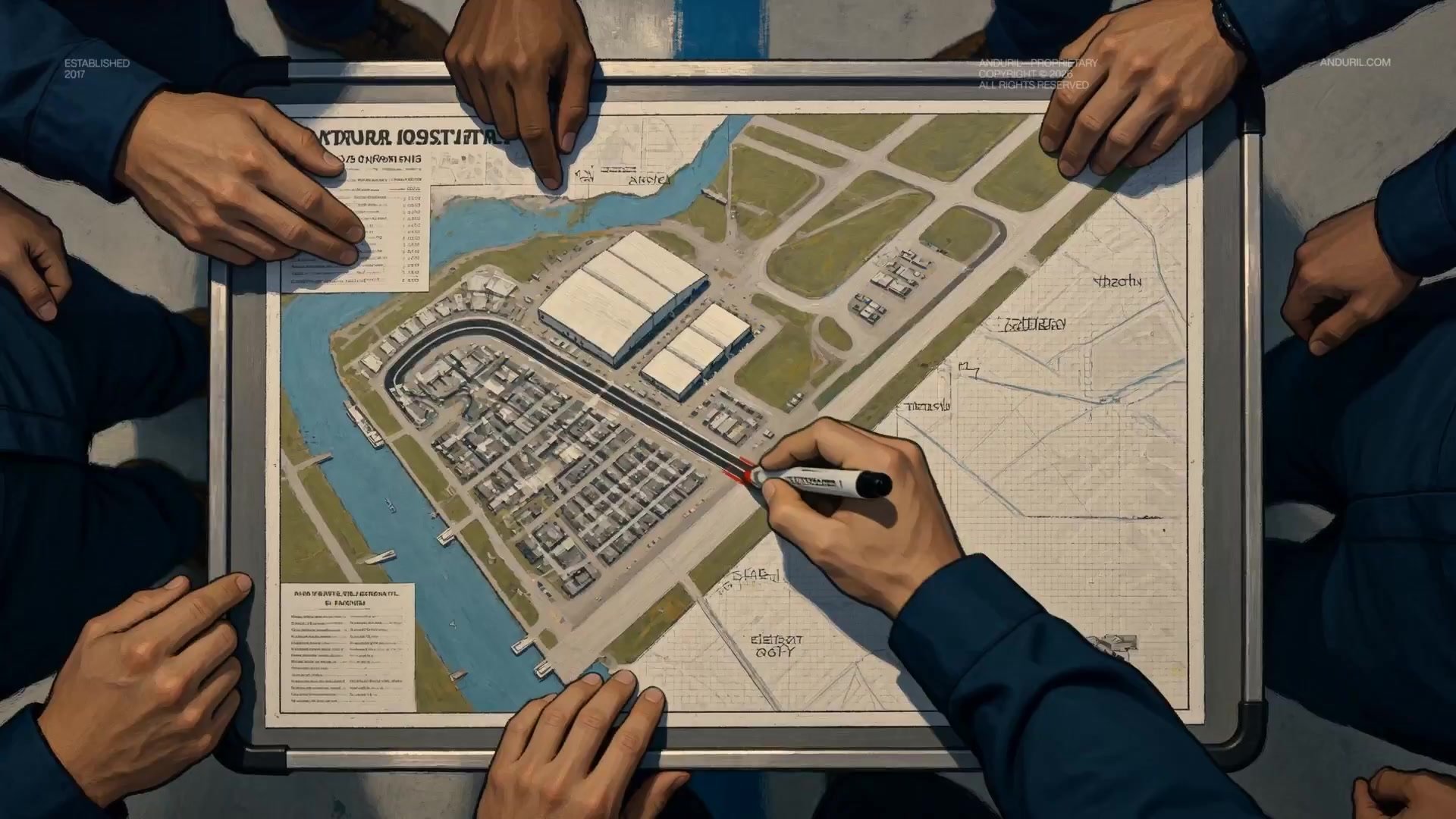
Fighter Jet Aerial Combat Montage — Seedance 2.5
Make it yours
Seedance 2.0 Cinematic POV Delivery Prompt works as-is. These are the safest ways to change it without losing the look.
Change one field
Copy a single group, rewrite it, and generate again so you can see what that field is doing.
Keep the frame, change the subject
Hold the composition and light of Seedance 2.0 Cinematic POV Delivery Prompt, then swap wardrobe, props or the person for a new take.
| If the result… | Why | Fix |
|---|---|---|
| The result drifts from the preview | Too many fields changed at once. | Reuse Seedance 2.0 Cinematic POV Delivery Prompt as-is first, then change one group — subject, light, or setting. |
| The model over-stylizes the scene | The prose prompt leaves finish and camera underspecified. | Add one camera or lighting sentence and stay on Seedance 2.0. |
More Seedance 2.0 templates
Other prompts made for Seedance 2.0.

Comical Martial Arts Punch Scene

Maglev Train Action Sequence

Martial Arts Fight Sequence

Wuxia Protection and Trust Script

Vintage Korean Arcade MiniDV Vlog

Mercedes 190 SL Luxury Ad

Rainy Night Supernatural Reverse Comedy Video Script

Amazon Civilization Discovery

Futuristic South Asian City Transformation

Cozy Luxury Cafe Commercial
More video prompts
Fresh picks from across the catalog.
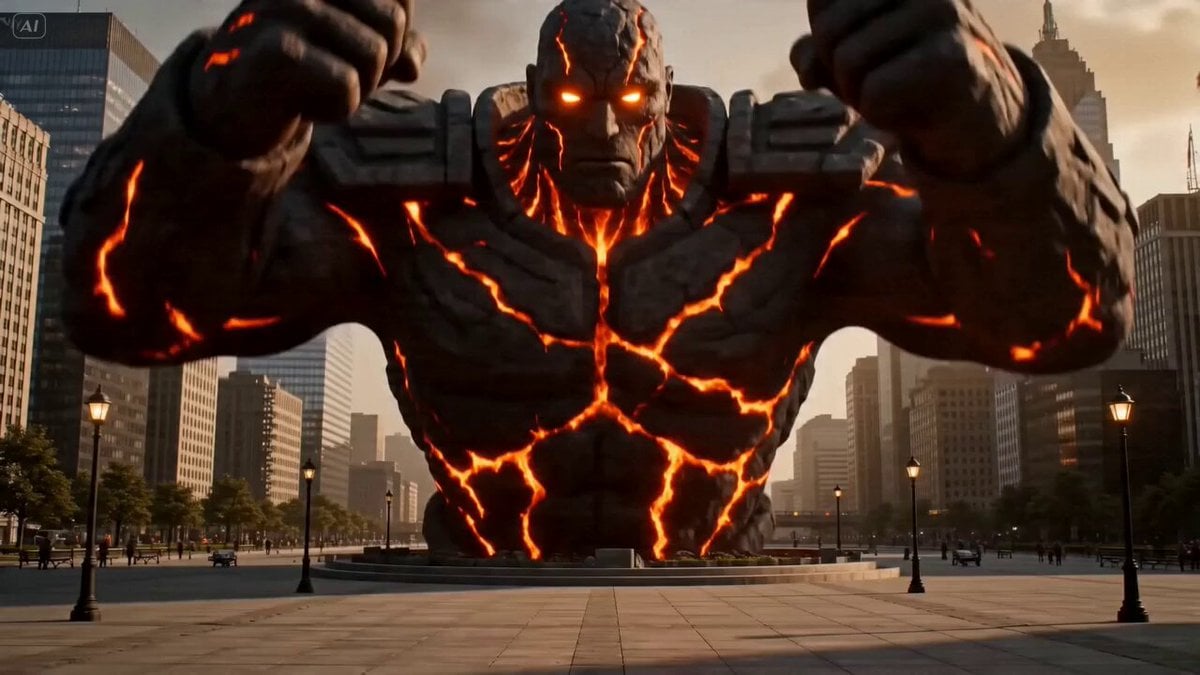
Volcanic Man City Destruction
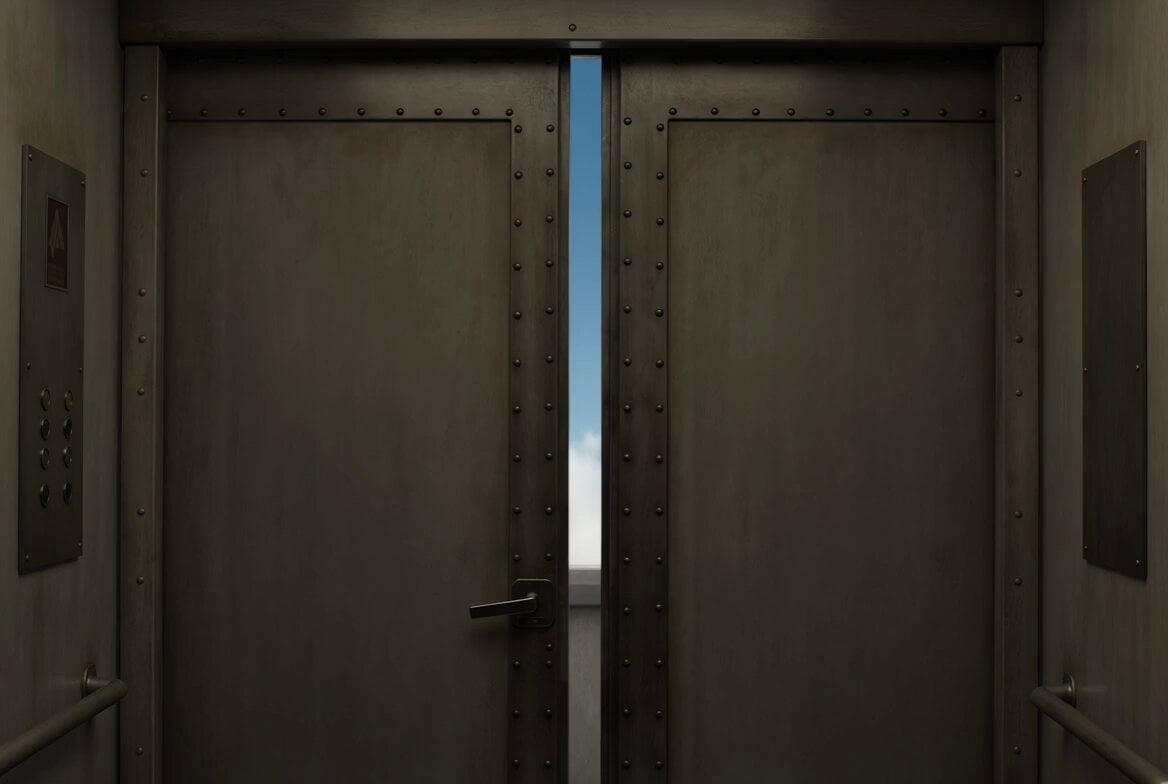
Dreamlike Sky Elevator Scene
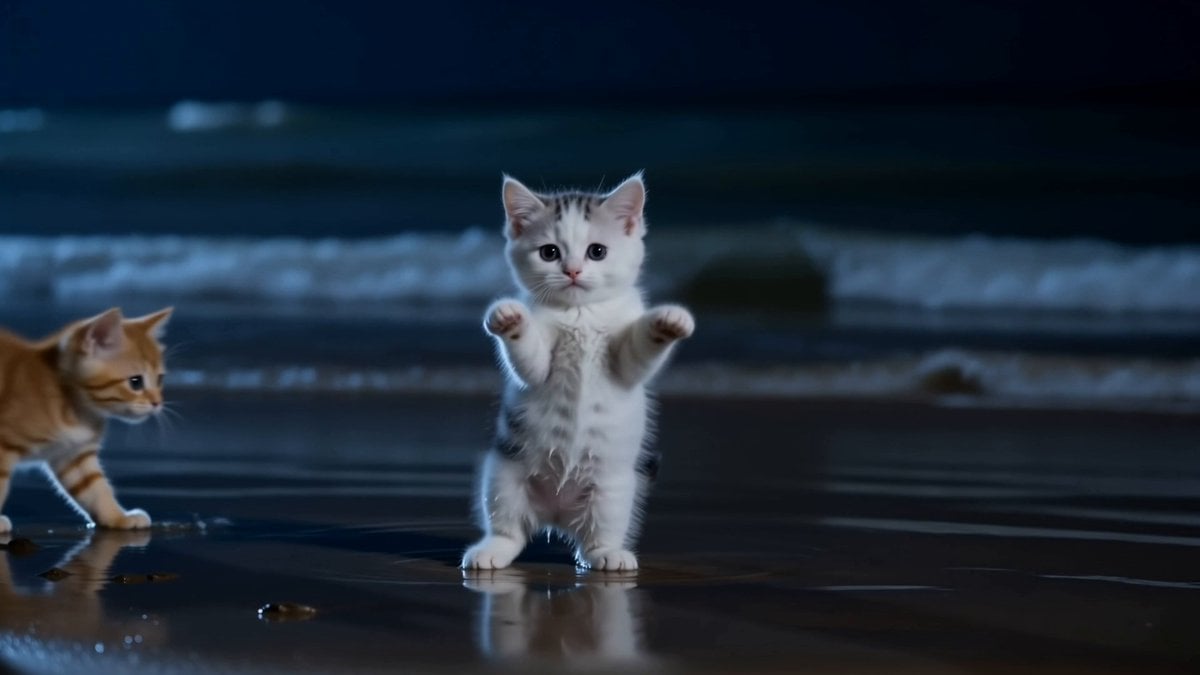
Adorable Dancing Kittens Night Beach
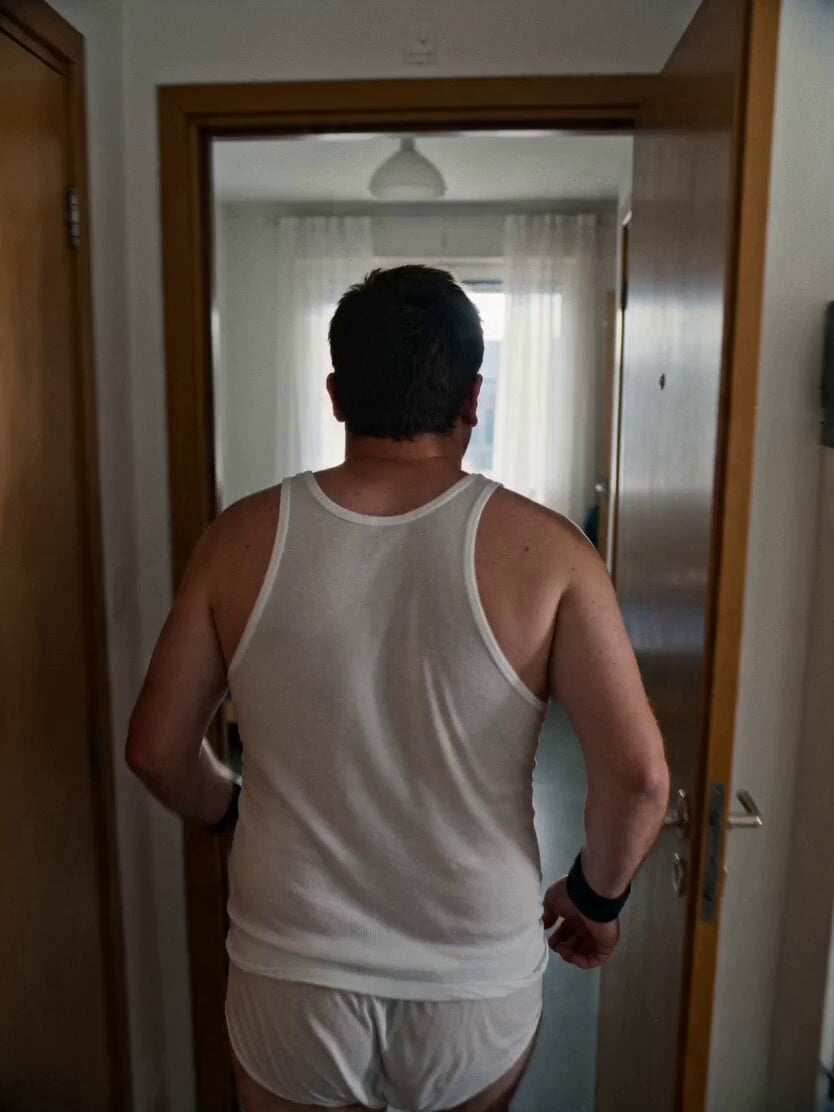
Gritty Handheld 35mm Film Aesthetic
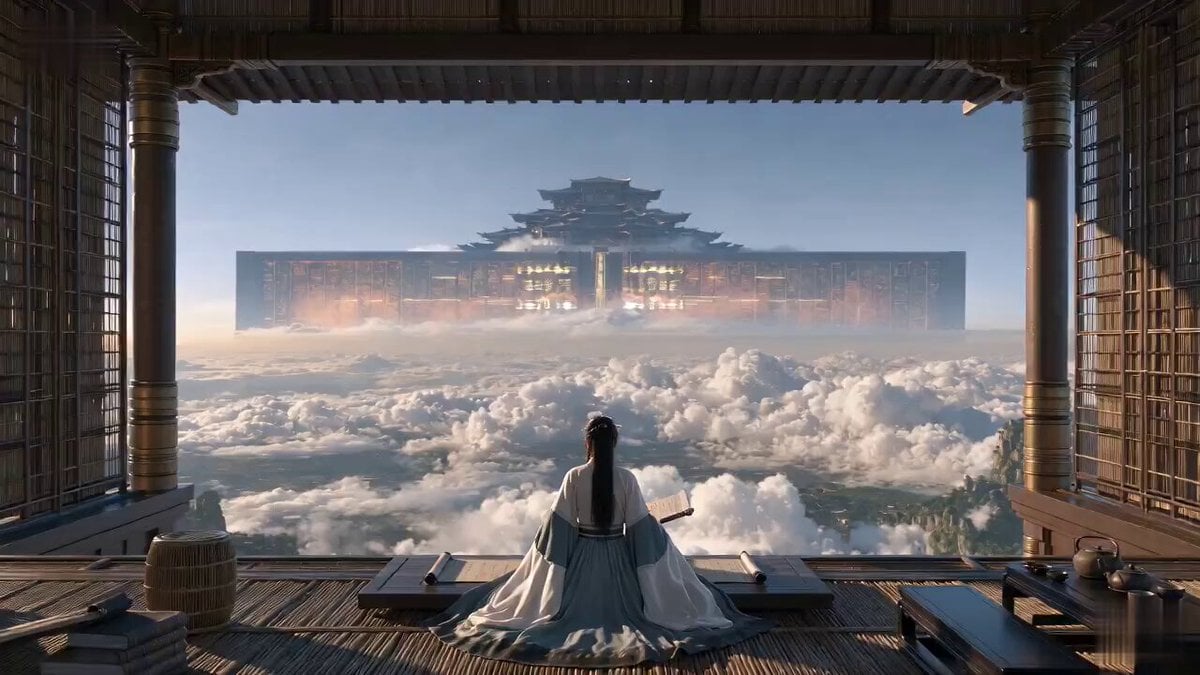
Cinematic Xianxia Power Dynamics Short Film
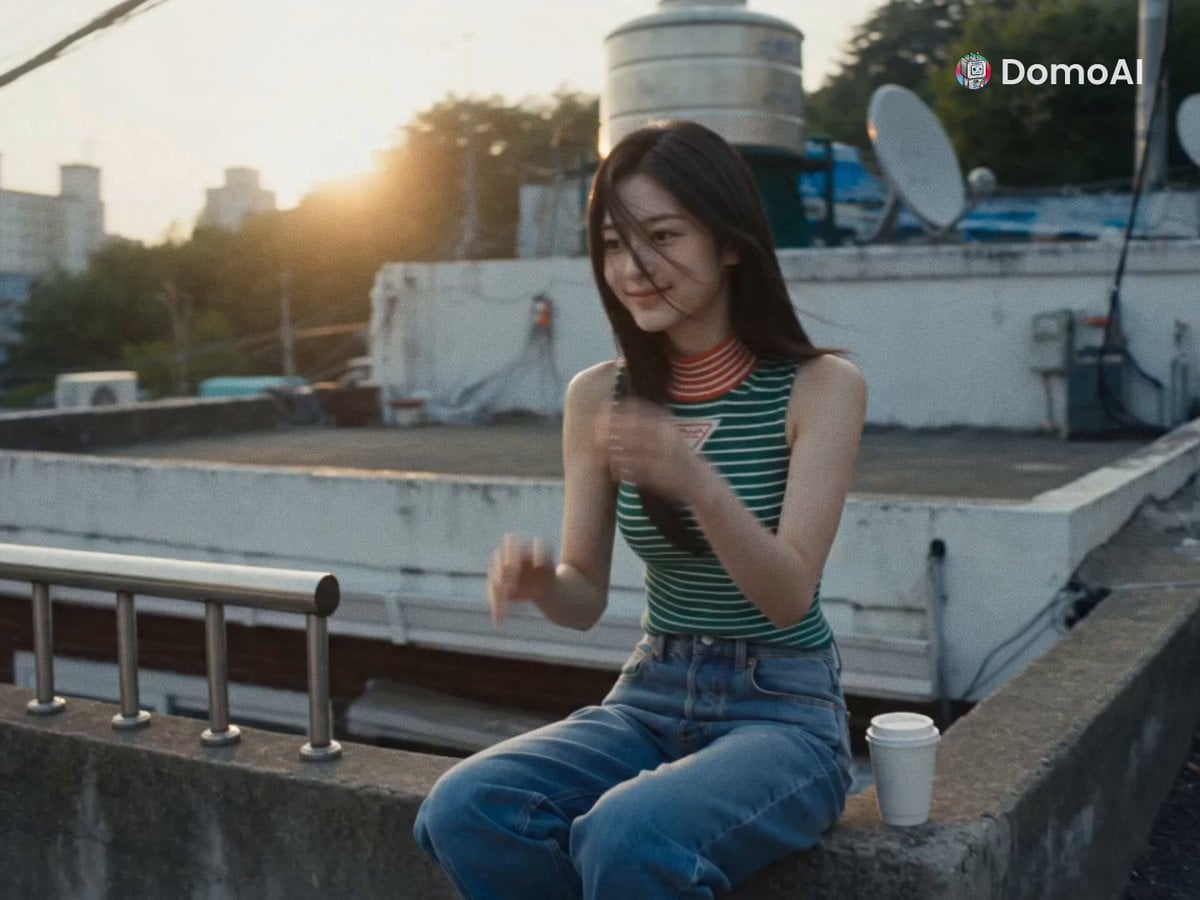
Smartphone Style K-Pop Residential Vlog
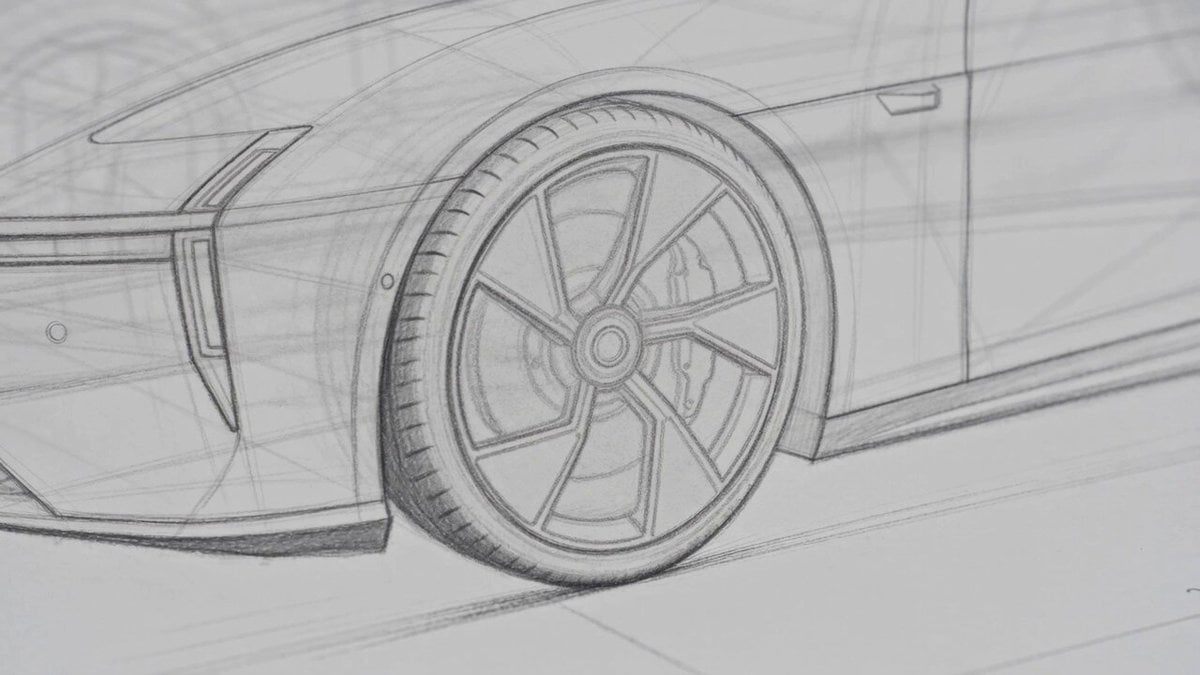
Photorealistic Automotive Video Commercial
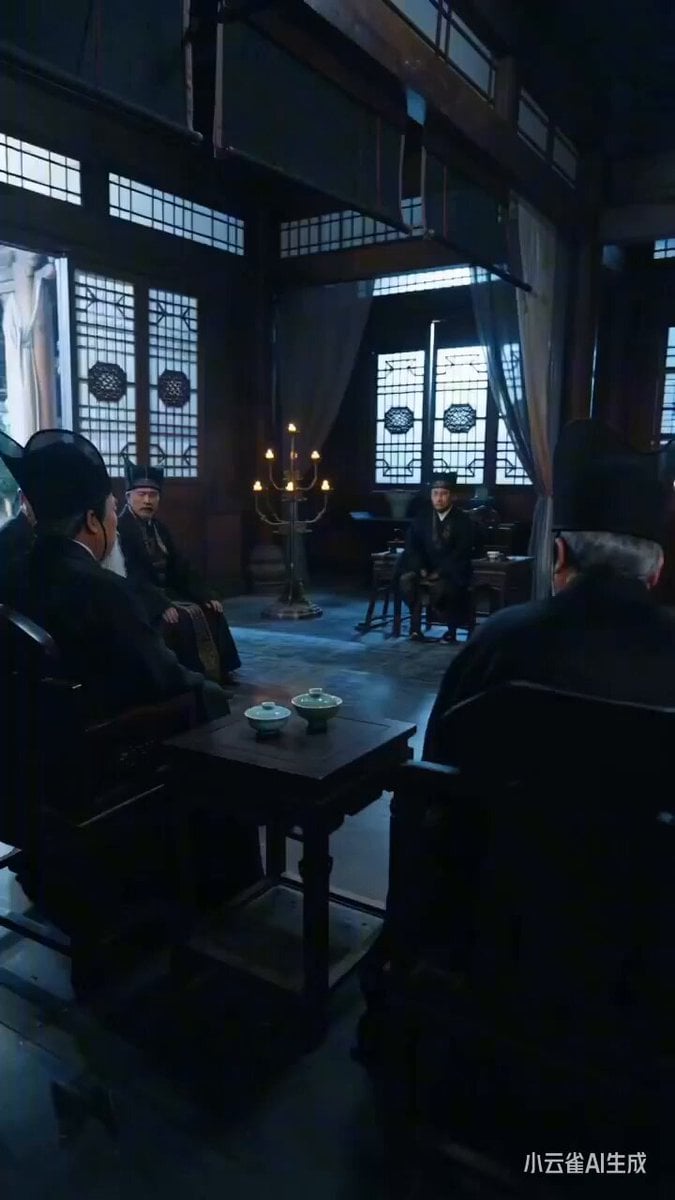
Ancient Costume Power Struggle Short Drama Prompt
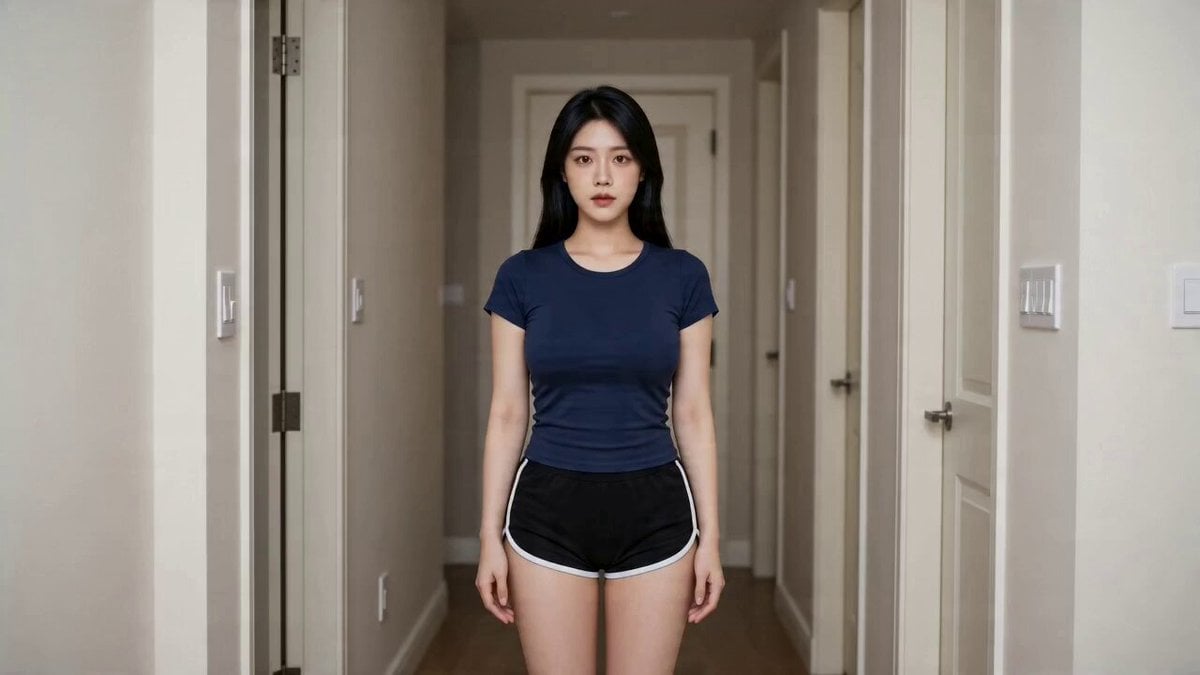
Seedance 2.0 Fox Beauty Transformation Effect Replication
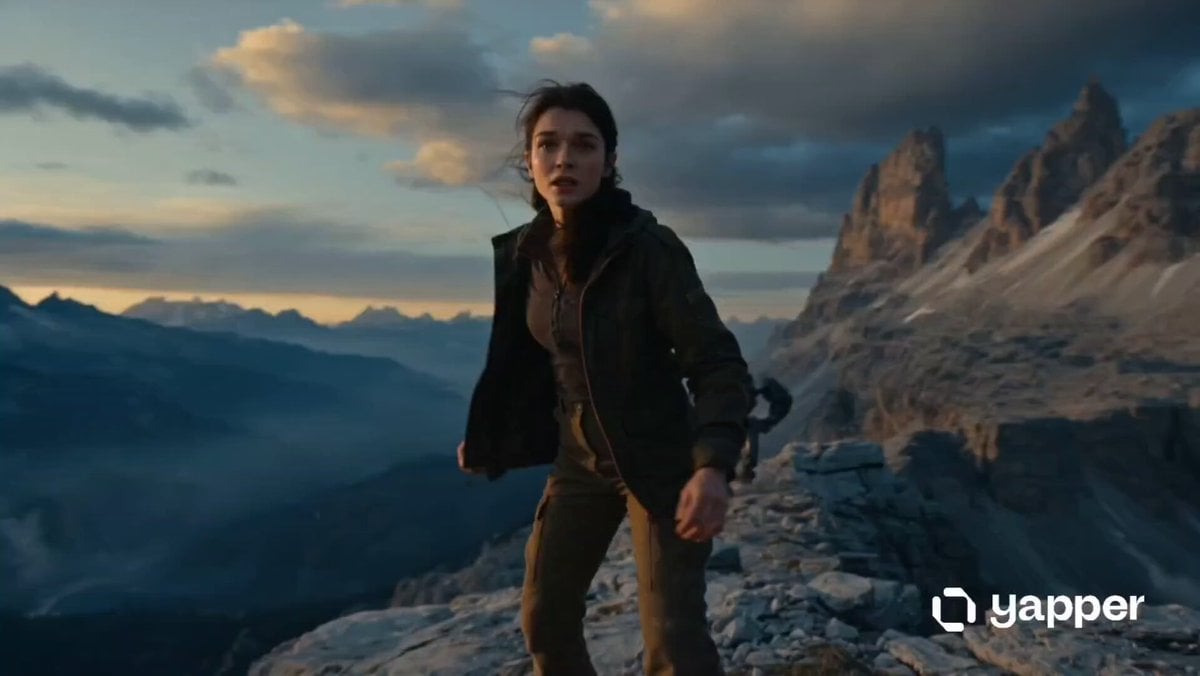
Woman vs Combat Robot Battle
Browse template categories
Seedance 2.0 Cinematic POV Delivery Prompt questions
How do I use the Seedance 2.0 Cinematic POV Delivery Prompt template?
Add your photo if the template asks for one, edit the prompt if you like — the template's model and format are already selected — and press Generate. Your version opens in PicX Studio.
Can I customize the Seedance 2.0 Cinematic POV Delivery Prompt template?
Yes. You can change the subject, setting, lighting, mood, format, and available model controls before creating your video.
Is the Seedance 2.0 Cinematic POV Delivery Prompt template free?
Opening and editing this template is free. Generating uses credits, shown on the Generate button when you are signed in.
Which AI model should I use?
Start with Seedance 2.0, which is the model associated with this template. You can compare another compatible model for a different finish.
Looking for something else? Browse all templates.

Your photo, any look
Thousands of ready templates for every top image and video model, from one credit balance.