
Indian Action Movie WiFi Password Scene
An absurdly over-the-top cinematic prompt for a 15-second sequence parodying Indian action movies, featuring extreme zooms and dramatic effects for a mundane situation.
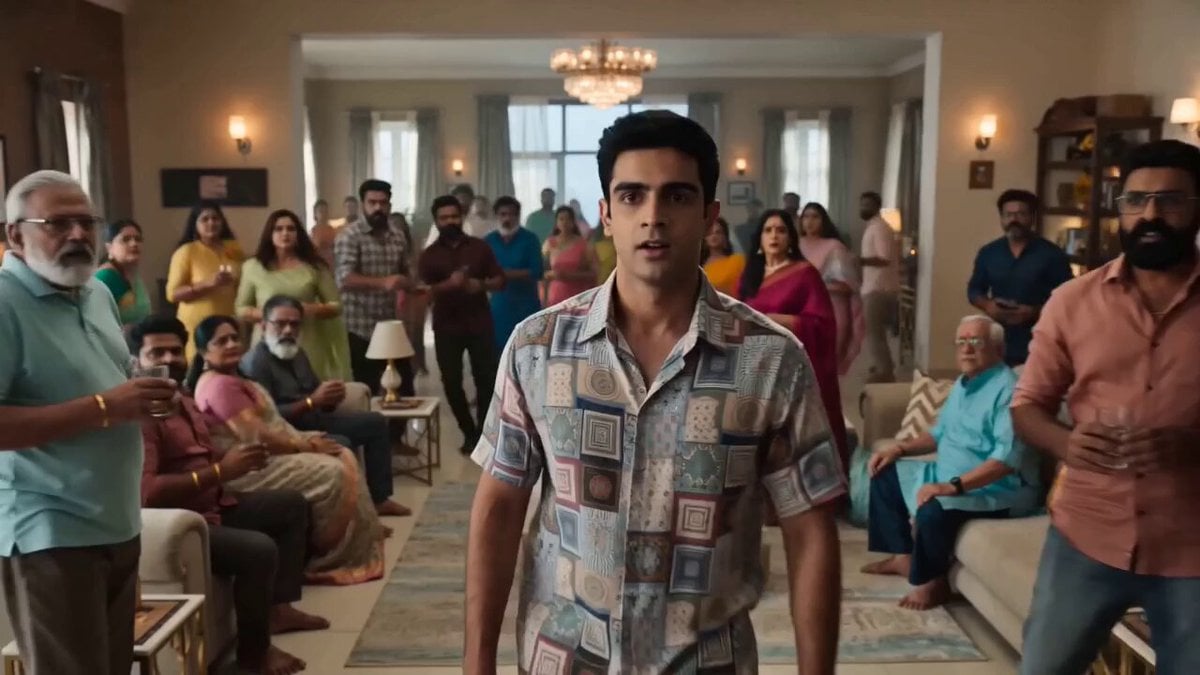
- Prompt included
- Model and format preset
- Premium template
The prompt behind this video
Copy the exact prompt behind Indian Action Movie WiFi Password Scene, or open it in the studio and make it yours.
15-second absurd over-the-top Indian action movie scene, ultra-realistic, photorealistic blockbuster footage, Telugu/Tamil mass cinema energy, ridiculous dramatic camera work, extreme zooms, impossible hero worship, epic soundtrack for a completely normal situation. 0:00 - 0:03 A young man enters a family gathering. Silence. He looks around the room. Slowly. Calmly. Then asks: "What's the Wi-Fi password?" Instantly, everyone's face freezes. SFX "DHOOOOOM!" "BWAAAAAAH!" Thunder strike. Glass rattles. 0:03 - 0:06 Extreme zoom into Grandma's eyes. Zoom into Uncle's eyes. Zoom into Dad's eyes. Zoom into the router. Zoom into the blinking internet light. Zoom back into Grandma's eyes. Each zoom gets a dramatic impact sound. SFX "SHING!" "TAK!" "BWAAAH!" 0:06 - 0:10 Grandma slowly stands up. The camera circles around her. Wind suddenly appears indoors. Curtains fly dramatically. Her saree moves like she's entering a battlefield. She whispers: "Only one man knows the password..." Massive bass drop. 0:10 - 0:13 Cut to Dad sitting silently in another room. The camera introduces him like the final boss. 50 rapid zooms. Slow-motion beard stroke. Lightning flashes outside. The router lights glow brighter. Music Epic Indian choir. Heavy drums. Electric guitar. 0:13 - 0:15 Dad slowly looks into camera. Adjusts his glasses. Whispers: "Password123" The entire house explodes into applause. Fireworks outside. Triumphant orchestral music. TITLE CARD "THE WIFI PASSWORD" COMING SOON Final SFX Lion roar + thunder + jet engine + crowd cheering.
How to use Indian Action Movie WiFi Password Scene in 3 steps
- 1
Open
The prompt is already in the box next to the preview, with the template's model and format selected.
- 2…a portrait of your subject in softgolden-hour light, 85mm…
Personalize
Edit the subject and creative details for your destination.
- 3Generate
Generate
Press Generate — your video is created in PicX Studio, so you can compare it with the original and refine one variable at a time.
More like this
Templates with the same subject, style or setup. Open one to see its prompt.

Sci-Fi Disaster Movie Scene - Seedance 2.5
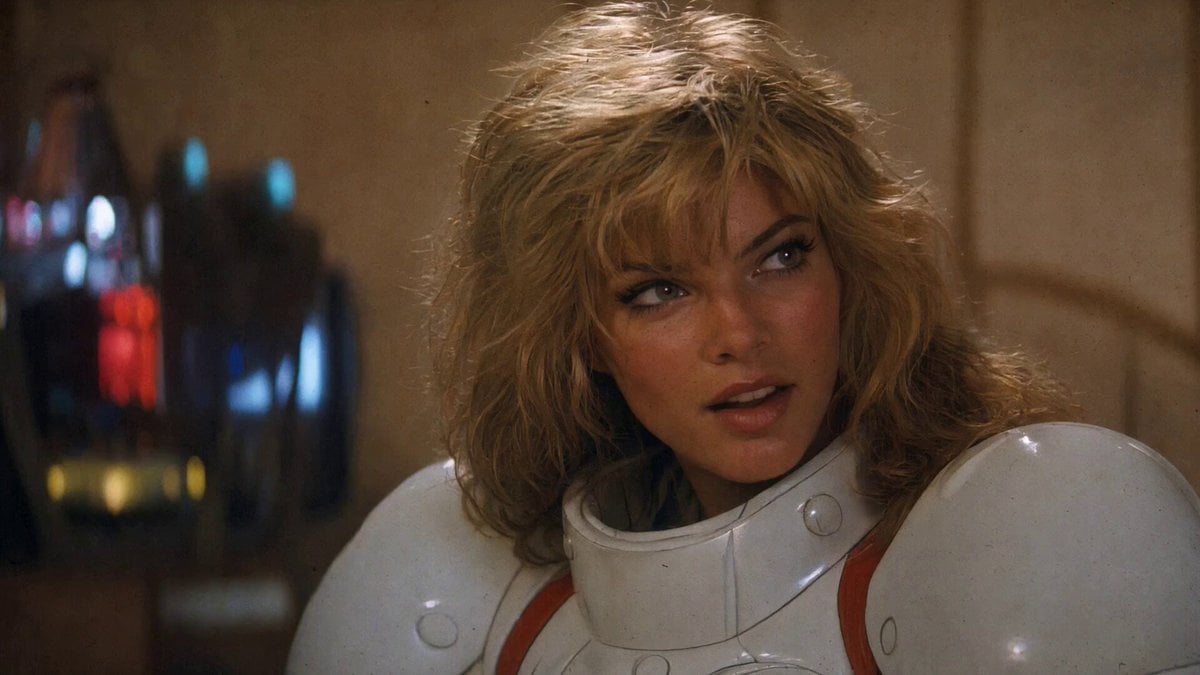
1980s Retro Action Movie Clip
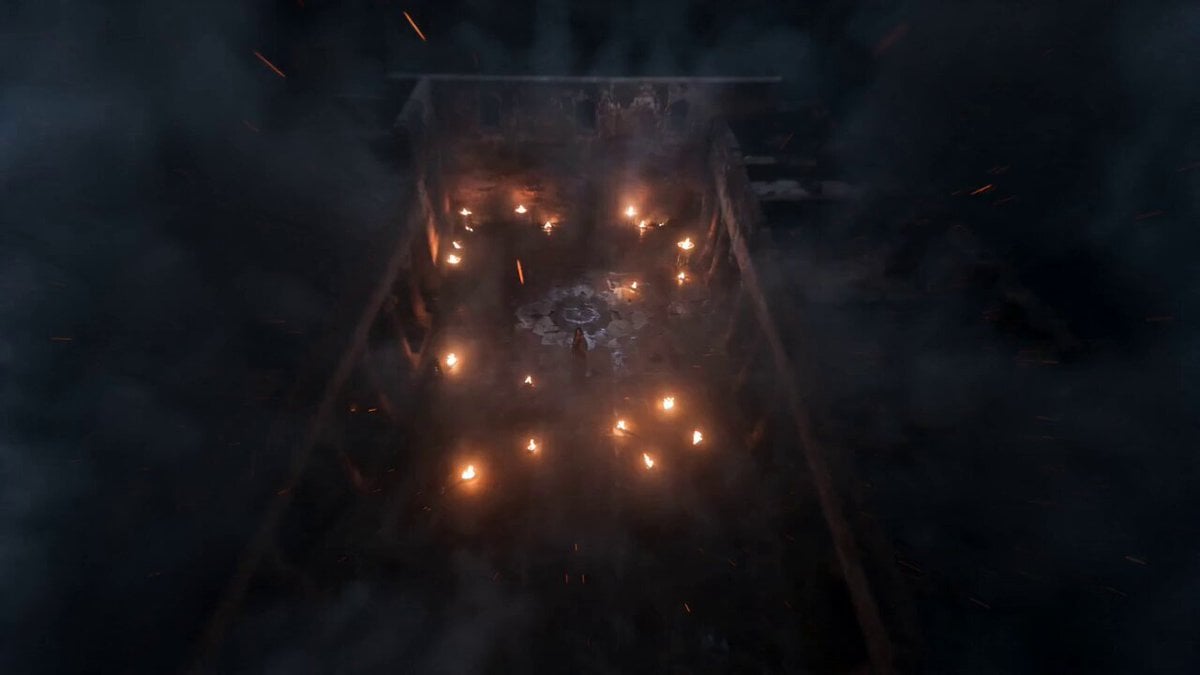
Indian Warrior Fort Action
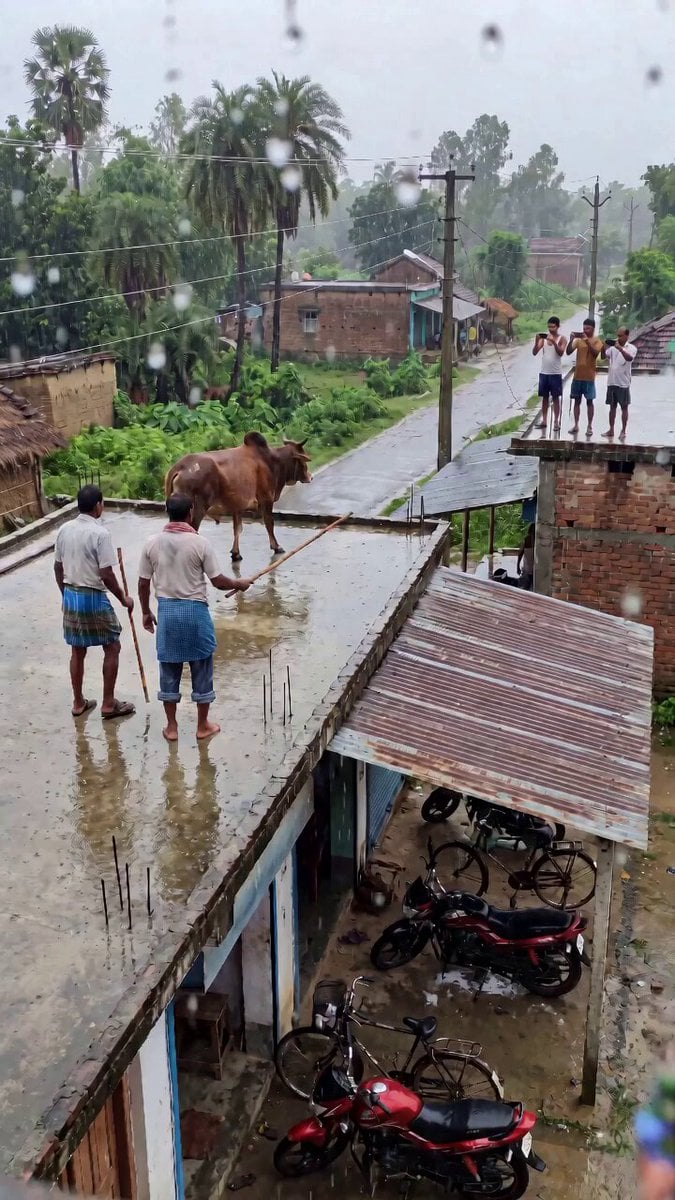
Indian Village Bull Jump Action Prompt
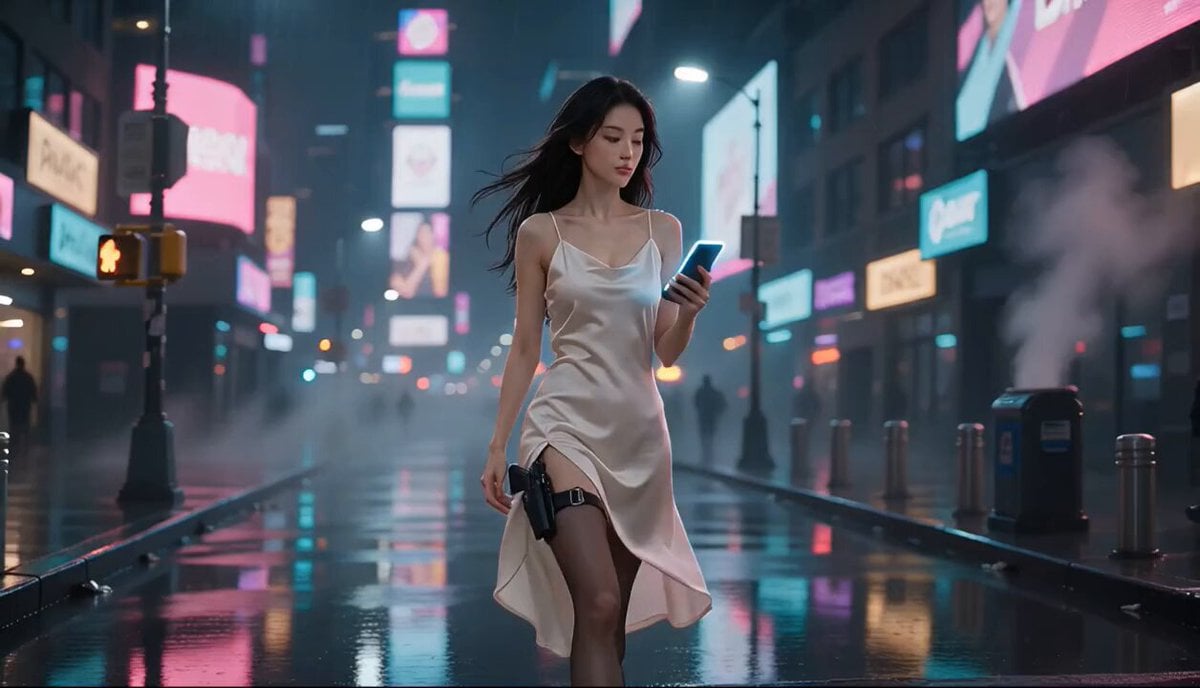
Cyberpunk Action Movie Short
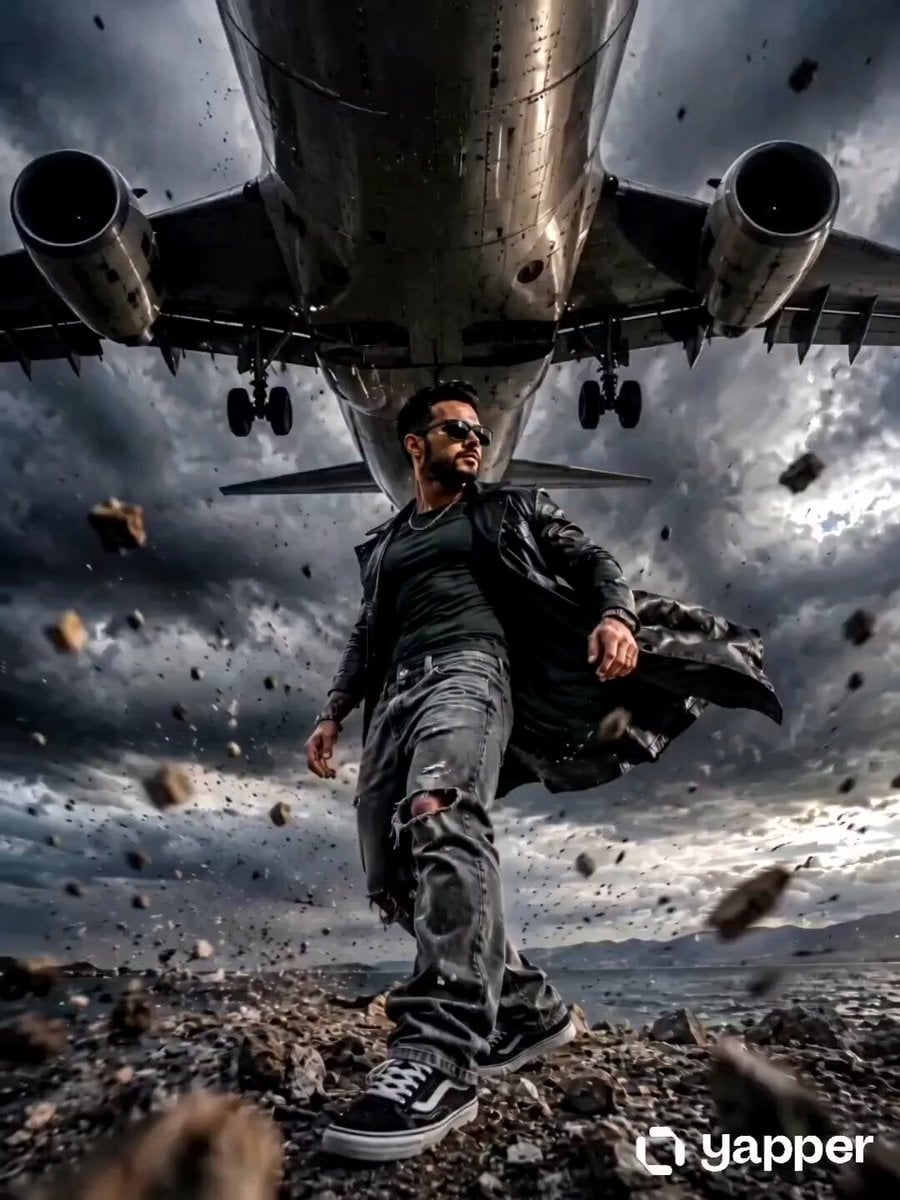
Action Movie Airplane Flyover
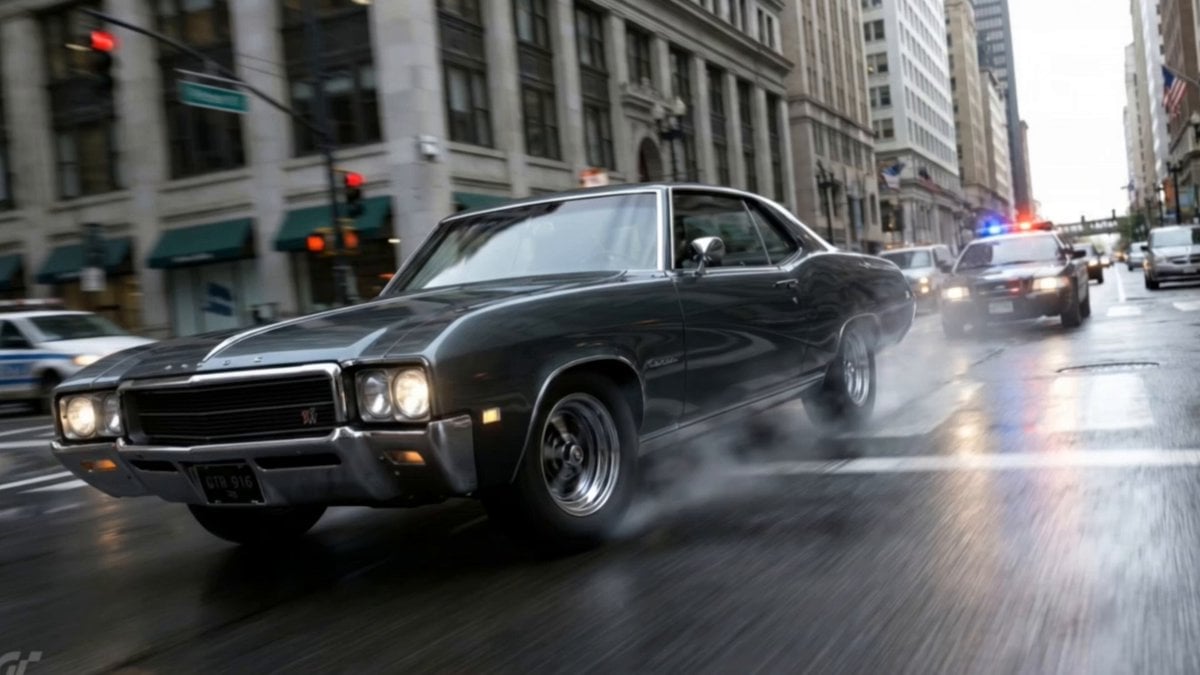
Action Movie Car Chase Sequence
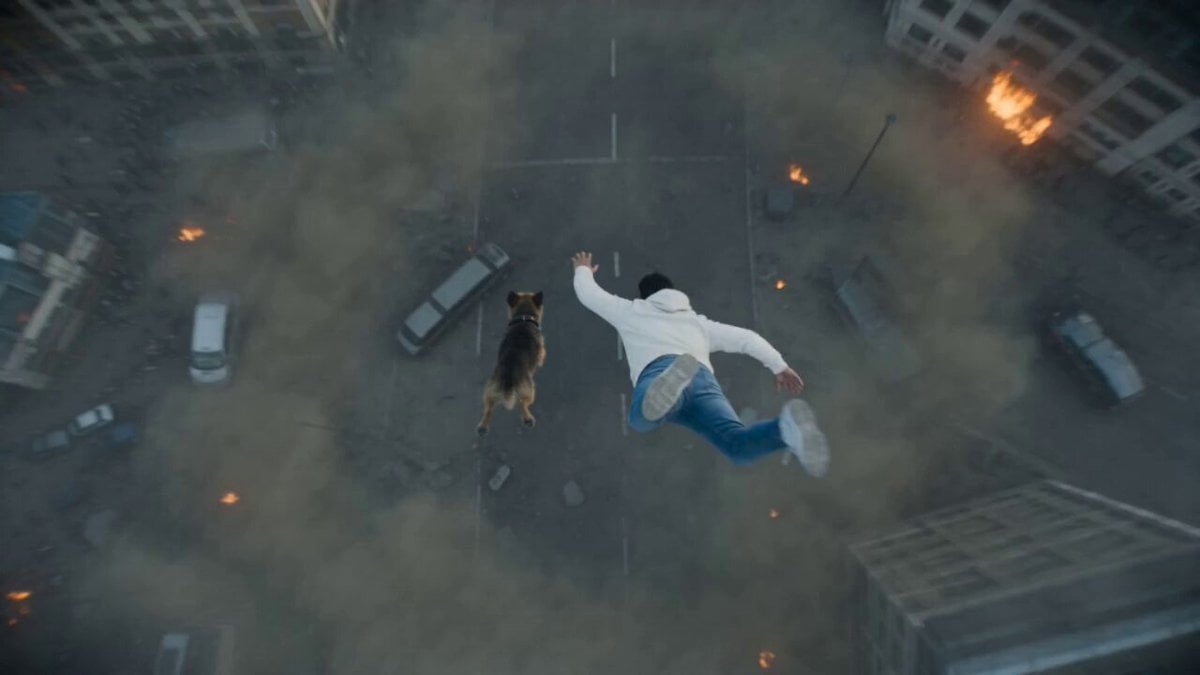
Photorealistic Anamorphic Action Movie

Walking Factory with Rebel on Hoverbike - Wasteland
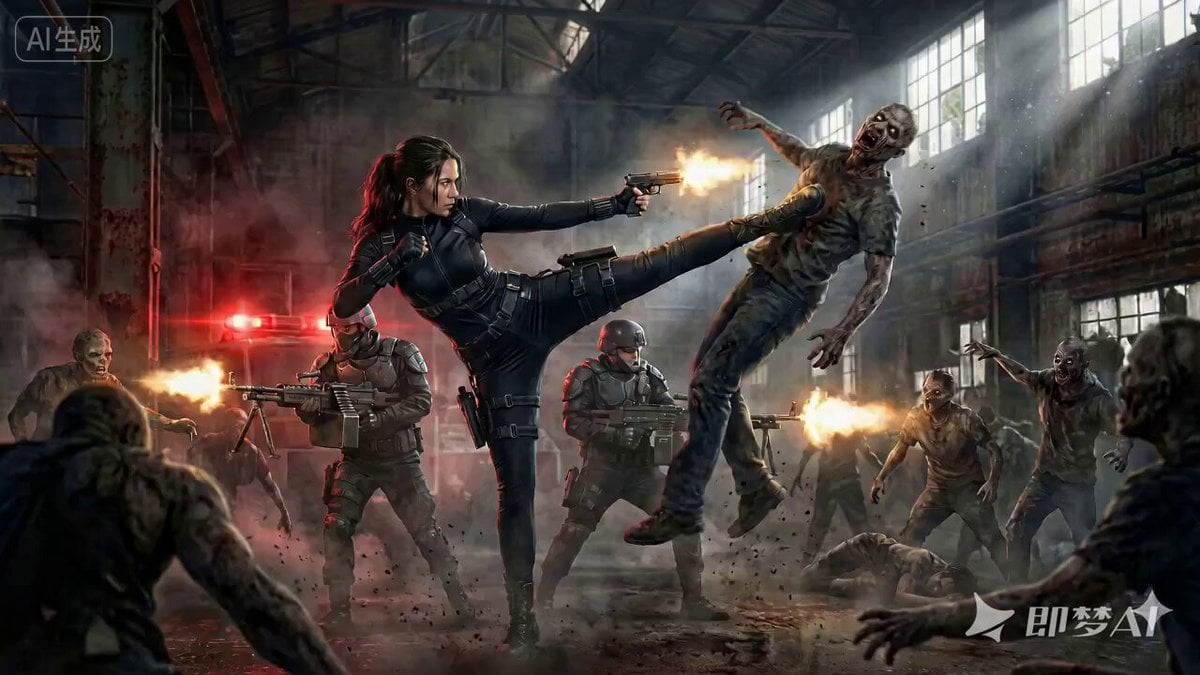
Cinematic Action Movie Scene Prompt

Action Movie Plane Scene
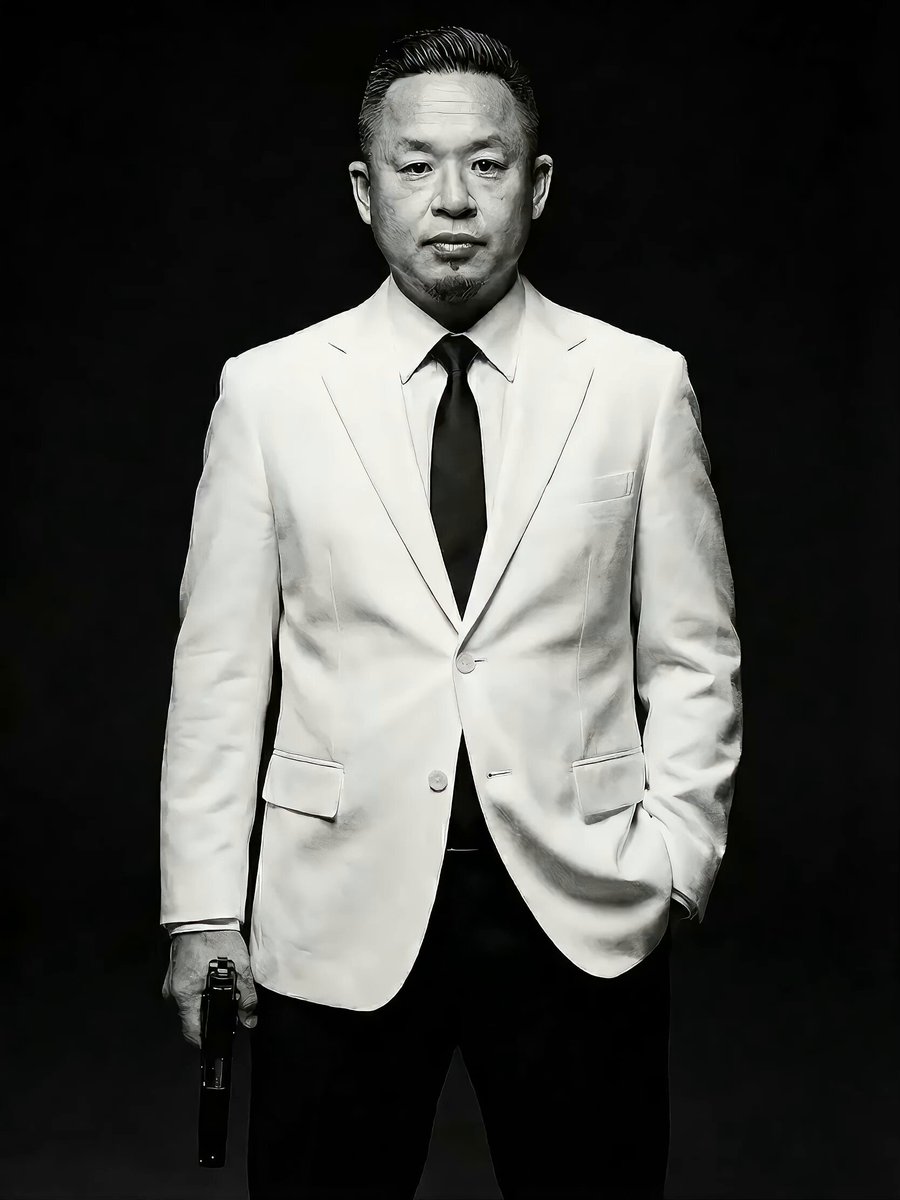
Action Movie Scene Prompt with Cinematic Style
Make it yours
Indian Action Movie WiFi Password Scene works as-is. These are the safest ways to change it without losing the look.
Change one field
Copy a single group, rewrite it, and generate again so you can see what that field is doing.
Keep the frame, change the subject
Hold the composition and light of Indian Action Movie WiFi Password Scene, then swap wardrobe, props or the person for a new take.
| If the result… | Why | Fix |
|---|---|---|
| The result drifts from the preview | Too many fields changed at once. | Reuse Indian Action Movie WiFi Password Scene as-is first, then change one group — subject, light, or setting. |
| The model over-stylizes the scene | The prose prompt leaves finish and camera underspecified. | Add one camera or lighting sentence and stay on Seedance 2.0. |
More Seedance 2.0 templates
Other prompts made for Seedance 2.0.

Comical Martial Arts Punch Scene

Maglev Train Action Sequence

Martial Arts Fight Sequence

Wuxia Protection and Trust Script

Vintage Korean Arcade MiniDV Vlog

Mercedes 190 SL Luxury Ad

Rainy Night Supernatural Reverse Comedy Video Script

Amazon Civilization Discovery

Futuristic South Asian City Transformation

Cozy Luxury Cafe Commercial
More video prompts
Fresh picks from across the catalog.
Visual Journey Project
Surreal Tokyo Dessert Animation
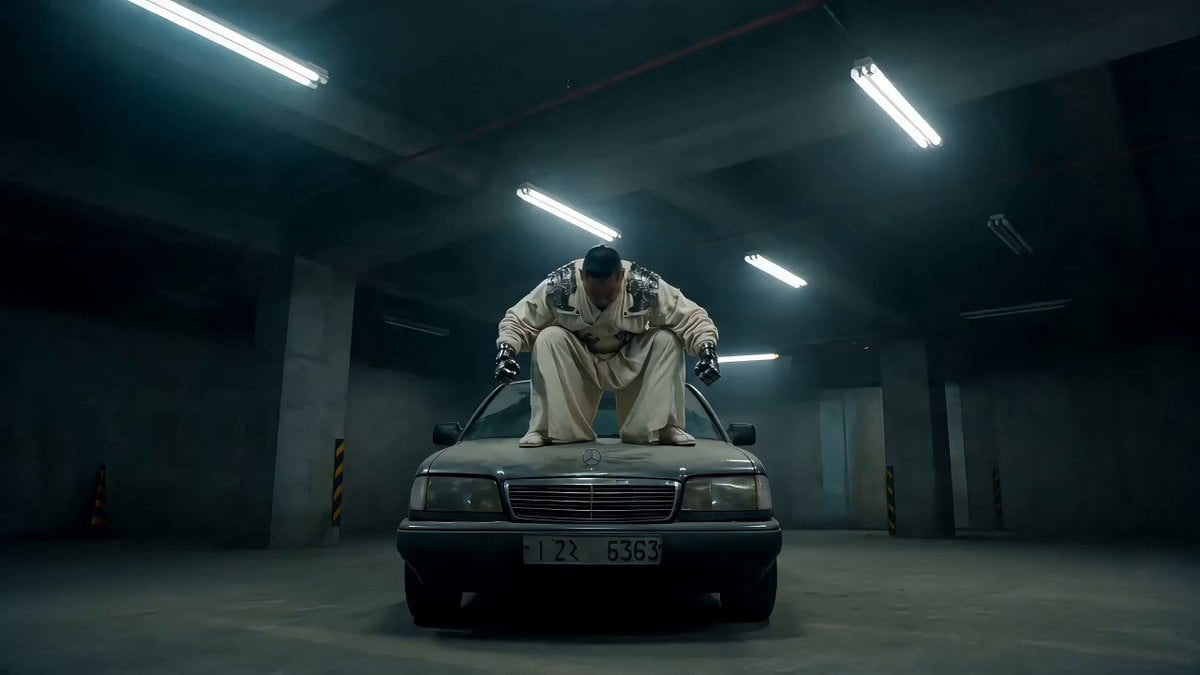
Street Fighter-Inspired Car Destruction Video Prompt for Seedance 2.0
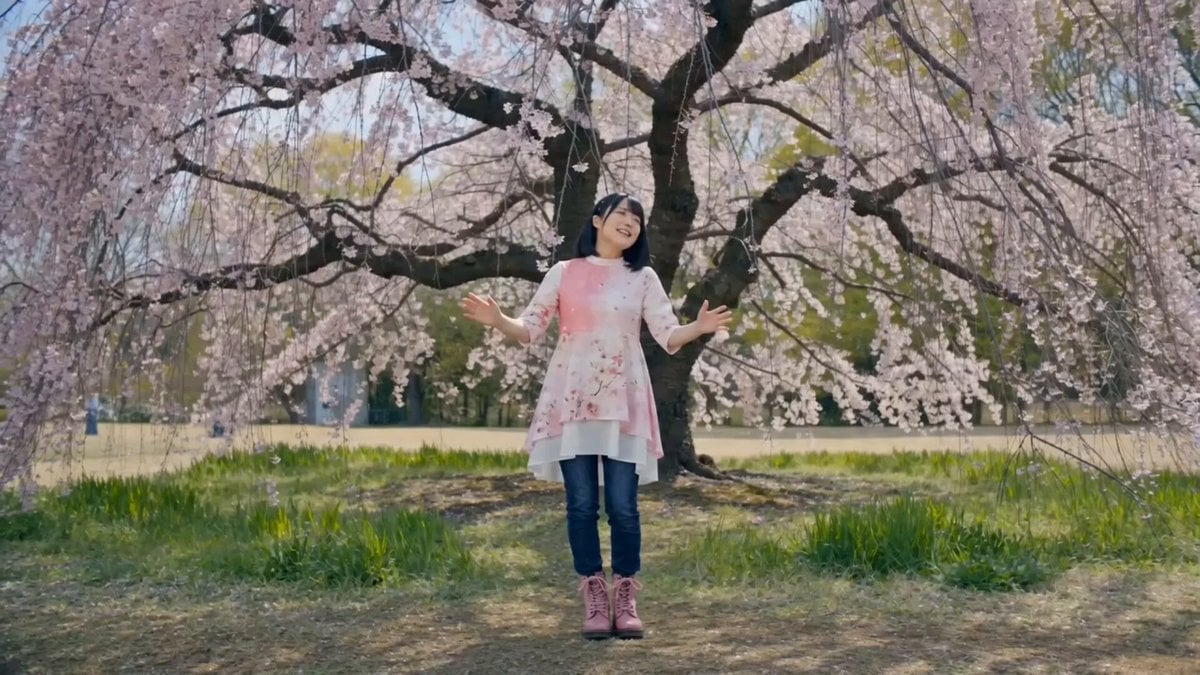
Singing Woman Character Reference Prompt
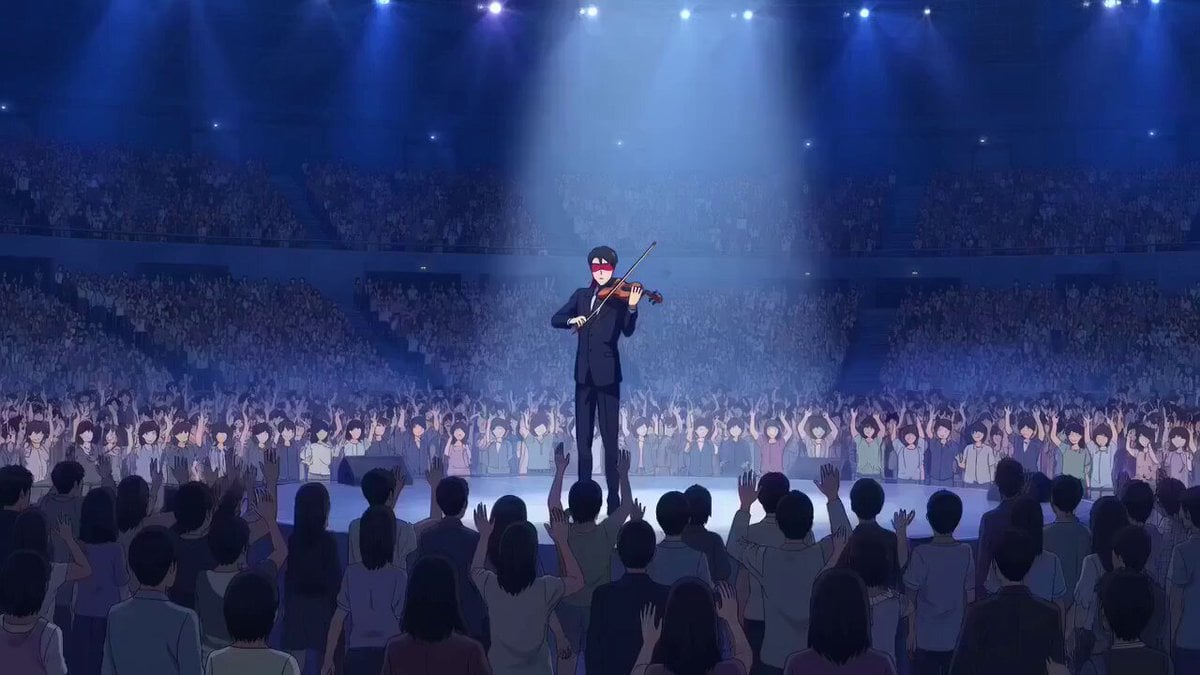
OVA anime style violinist with levitation and sinister observer

Library of Forgotten Dreams
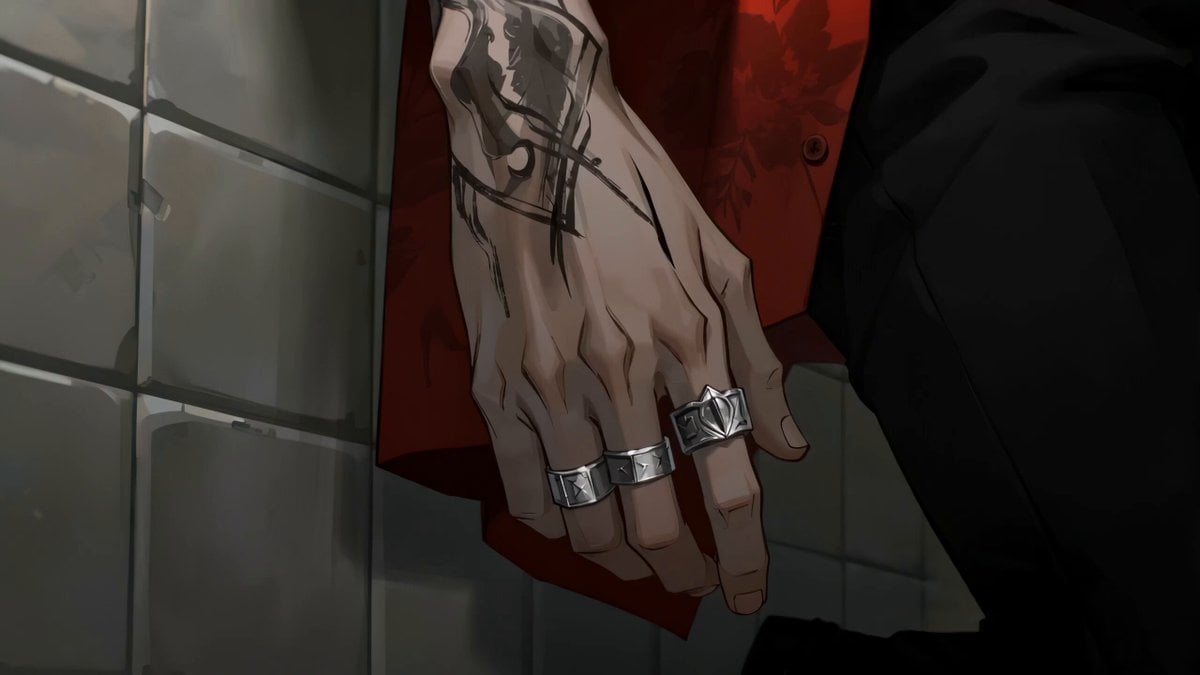
Gouache Concept Art Animation
Seedance 2.5 Pyona Water-Style Combat Scene

Musical Face Close-up Video Prompt
Emotional Breakdown and Fabric Interaction - Seedance 2.5
Browse template categories
Indian Action Movie WiFi Password Scene questions
How do I use the Indian Action Movie WiFi Password Scene template?
Add your photo if the template asks for one, edit the prompt if you like — the template's model and format are already selected — and press Generate. Your version opens in PicX Studio.
Can I customize the Indian Action Movie WiFi Password Scene template?
Yes. You can change the subject, setting, lighting, mood, format, and available model controls before creating your video.
Is the Indian Action Movie WiFi Password Scene template free?
Opening and editing this template is free. Generating uses credits, shown on the Generate button when you are signed in.
Which AI model should I use?
Start with Seedance 2.0, which is the model associated with this template. You can compare another compatible model for a different finish.
Looking for something else? Browse all templates.

Your photo, any look
Thousands of ready templates for every top image and video model, from one credit balance.