
Korean school revenge drama cinematic prompt
A detailed multi-shot prompt for a realistic Korean school drama scene featuring cinematic lighting, handheld camera movements, and intense character interactions.
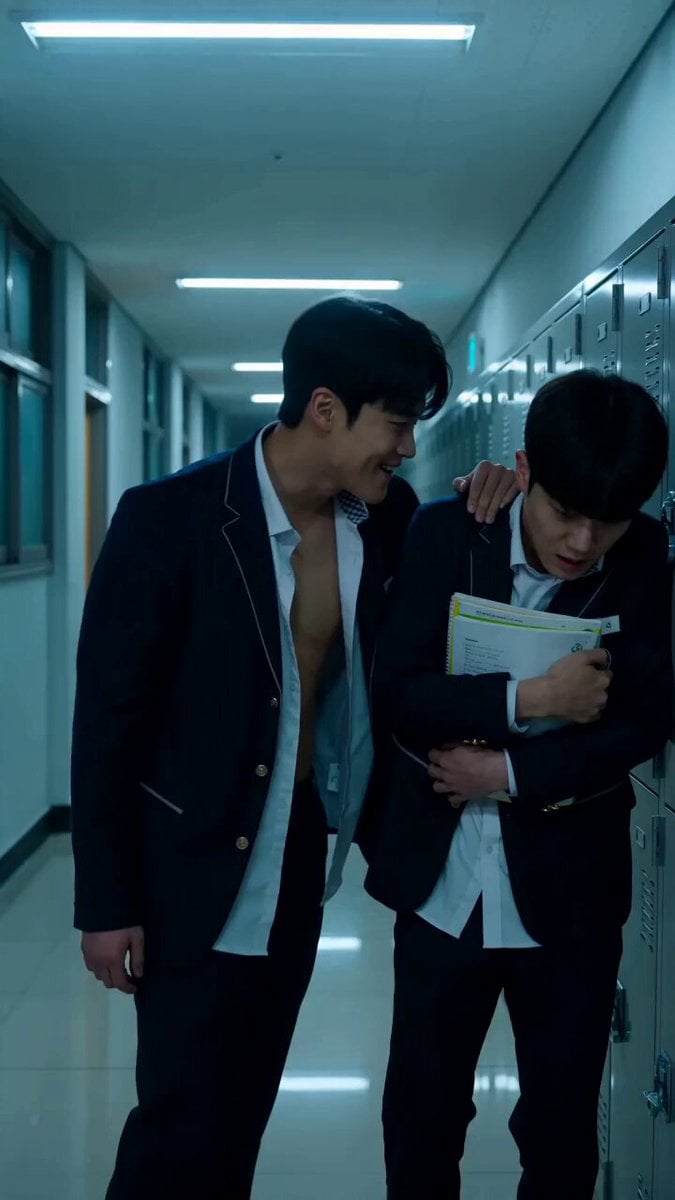
- Prompt included
- Model and format preset
- Free template
The prompt behind this video
Copy the exact prompt behind Korean school revenge drama cinematic prompt, or open it in the studio and make it yours.
【风格】韩剧校园反霸凌复仇短片(Korean School Revenge Drama),真实真人电影质感,冷白走廊灯光、冷色调(Teal & Cold Grade),手持摄影、浅景深(Shallow DOF),9:16竖屏,英文对白。所有角色均为成年演员扮演高中生,动作为电影化风格表现,无血腥无伤害结果 【时长】15秒 【场景】现代韩式高中走廊,一侧储物柜、教室门,冷白色顶灯,地砖反光 【角色】校霸(高大男性,校服外套敞开,神态傲慢)、被霸凌者(瘦弱男性,校服整齐,抱着课本)、复仇者(身穿整齐校服的男性,神情冷静,眼神坚定) [00:00-00:04] 镜头1:走廊霸凌铺垫(35mm Handheld Push-in) 本段只有推搡和言语威胁,无任何其他肢体冲突。 中景缓慢推进:校霸把被霸凌者逼到储物柜旁,单手推搡他的肩膀,课本散落一地,被霸凌者低头忍耐不敢对视。 轻微手持晃动,配储物柜金属撞击声。 【对白口型指导】校霸(英文,居高临下嘲笑):"Nobody is coming to save you." [00:04-00:08] 镜头2:第一记耳光(Whip Pan + Low Angle) 画面侧面突然甩入一只手,一记响亮耳光抽在校霸侧脸,快速甩镜(Whip Pan)跟随手的轨迹,清脆声响带走廊回音。 低角度:校霸旋转半圈踉跄倒地,捂着脸撑地爬起,眼眶通红抬头瞪向画面外。 【对白口型指导】校霸(英文,咬牙切齿):"Who the hell did that?" [00:08-00:11] 镜头3:对峙揭示(Counter Shot) 反打镜头:复仇者立于走廊冷光中,俯视校霸,语气平静。 【对白口型指导】复仇者(英文,低沉冷静):"Someone here to teach you a lesson." 校霸怒吼着从地上弹起,挥拳冲向复仇者。 [00:11-00:15] 镜头4:连环耳光+俯拍终结(Rapid Cuts → Top-down → Smash Cut) 复仇者侧身避开来拳,单手揪住校霸衣领。快速剪辑(Rapid Cuts):正反手连续扇打校霸的脸,校霸的头随之左右甩动、发丝飞舞。 最后2秒切换机位:摄像机移到两人正上方垂直向下俯拍(Top-down Overhead Shot),画面中校霸瘫坐在地面、脸朝上,复仇者揪着他的衣领。 复仇者另一只手向上高高扬起、靠近镜头(手背朝向镜头),停顿一瞬,随后这只手猛然向下扇落、远离镜头、直奔下方校霸的脸——在巴掌即将接触校霸脸部的瞬间硬切黑屏(Smash Cut to Black)并静音。 巴掌全程扇向地上的校霸,绝不朝向镜头方向挥打。 【音效设计】走廊环境声、耳光声清脆带回音、最后一掌强烈破风声后瞬间静音切黑. 无BGM或仅低沉弦乐铺底。
How to use Korean school revenge drama cinematic prompt in 3 steps
- 1
Open
The prompt is already in the box next to the preview, with the template's model and format selected.
- 2…a portrait of your subject in softgolden-hour light, 85mm…
Personalize
Edit the subject and creative details for your destination.
- 3Generate
Generate
Press Generate — your video is created in PicX Studio, so you can compare it with the original and refine one variable at a time.
More like this
Templates with the same subject, style or setup. Open one to see its prompt.
Dramatic School Bathroom Water Fight

Korean Night Market Bullet-Time Scene - Seedance 2.5

Iced Coffee Dog Good-News Montage
Sunny Morning Laundry Vlog
Korean Woman Laundry Folding DV Camcorder Morning
Korean Fantasy Romance Drama
High Society Drama: Real Heiress Revenge Prompt
Japanese High School Golden Hour Walk
Kung-Fu Revenge Duel in Snowy Temple
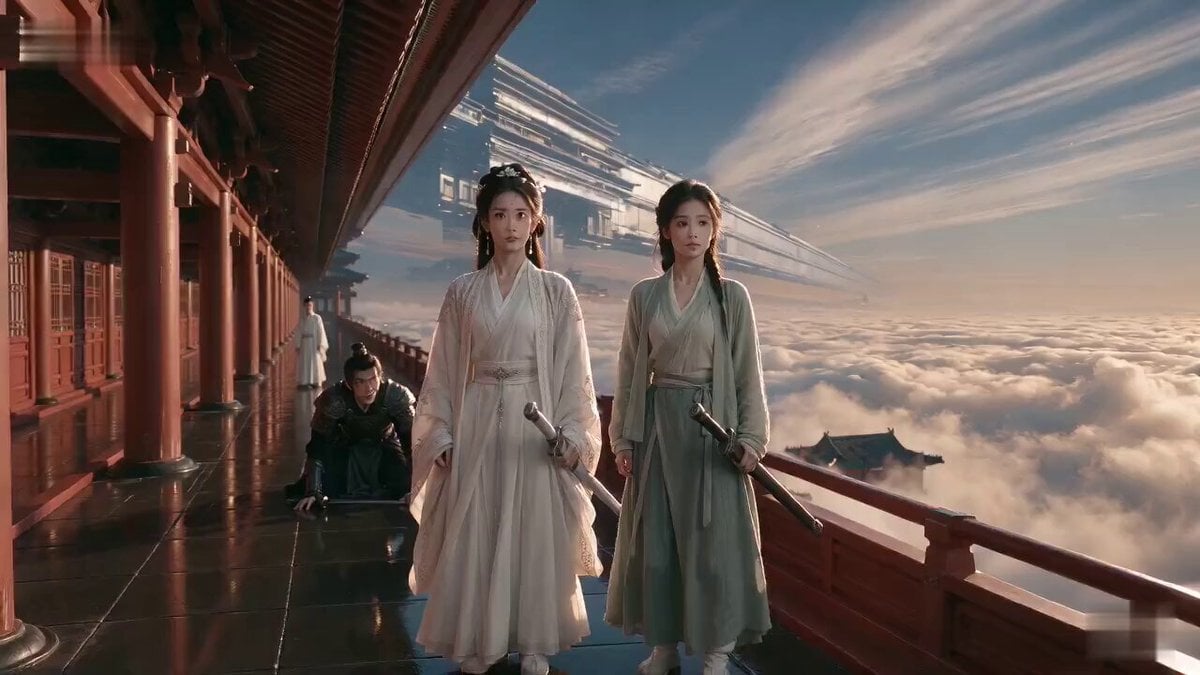
Wuxia Weakness and Home Drama

Vintage Korean Arcade MiniDV Vlog
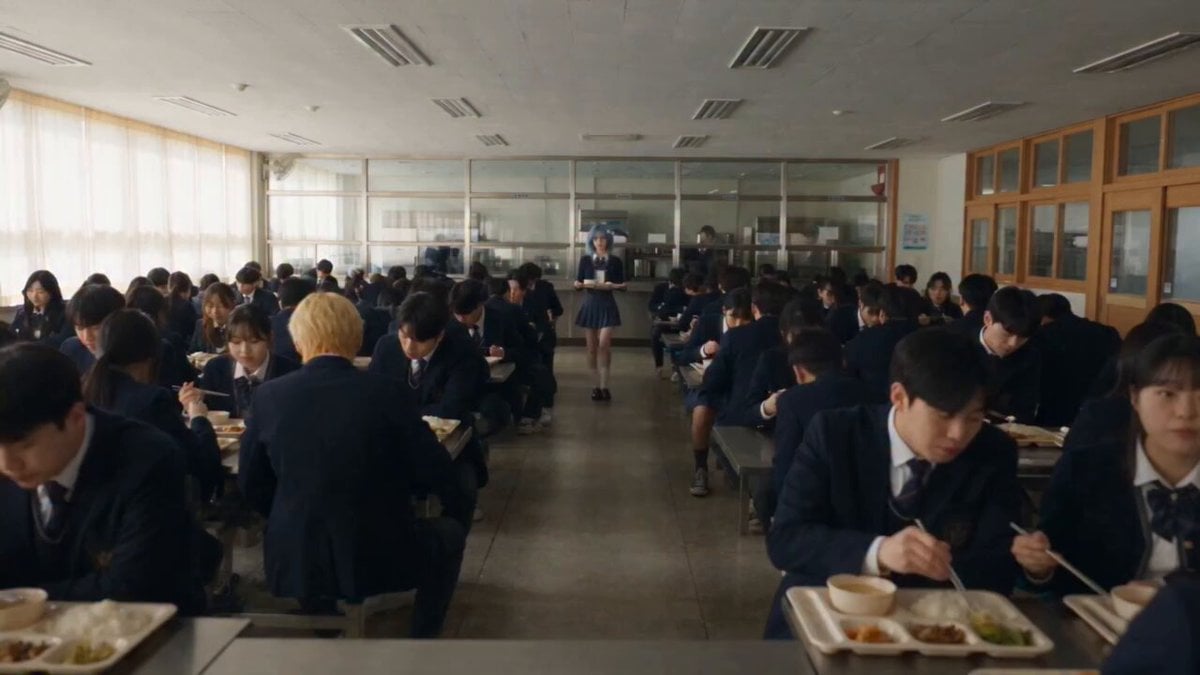
Anime School Cafeteria Encounter
Make it yours
Korean school revenge drama cinematic prompt works as-is. These are the safest ways to change it without losing the look.
Change one field
Copy a single group, rewrite it, and generate again so you can see what that field is doing.
Keep the frame, change the subject
Hold the composition and light of Korean school revenge drama cinematic prompt, then swap wardrobe, props or the person for a new take.
| If the result… | Why | Fix |
|---|---|---|
| The result drifts from the preview | Too many fields changed at once. | Reuse Korean school revenge drama cinematic prompt as-is first, then change one group — subject, light, or setting. |
| The model over-stylizes the scene | The prose prompt leaves finish and camera underspecified. | Add one camera or lighting sentence and stay on Seedance 2.0. |
More Seedance 2.0 templates
Other prompts made for Seedance 2.0.

Comical Martial Arts Punch Scene

Maglev Train Action Sequence

Martial Arts Fight Sequence

Wuxia Protection and Trust Script

Mercedes 190 SL Luxury Ad

Rainy Night Supernatural Reverse Comedy Video Script

Amazon Civilization Discovery

Futuristic South Asian City Transformation

Cozy Luxury Cafe Commercial

Cyber Ronin Nanotech Transformation Video
More video prompts
Fresh picks from across the catalog.
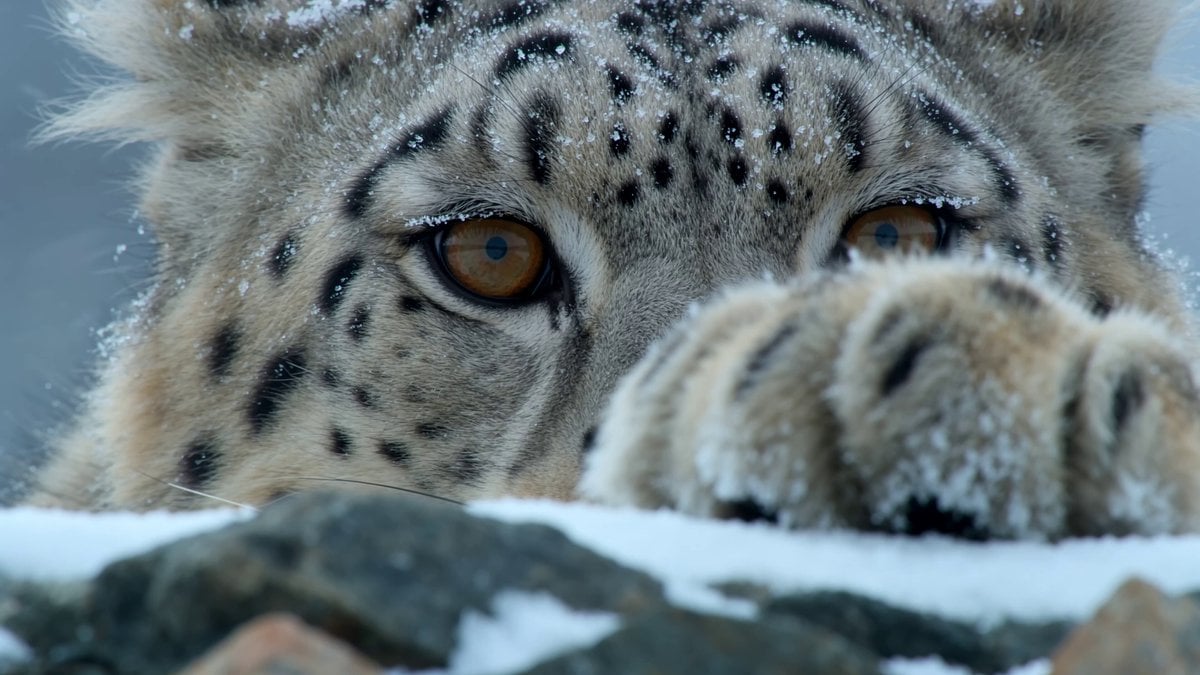
Snow Leopard Wildlife Documentary Scene
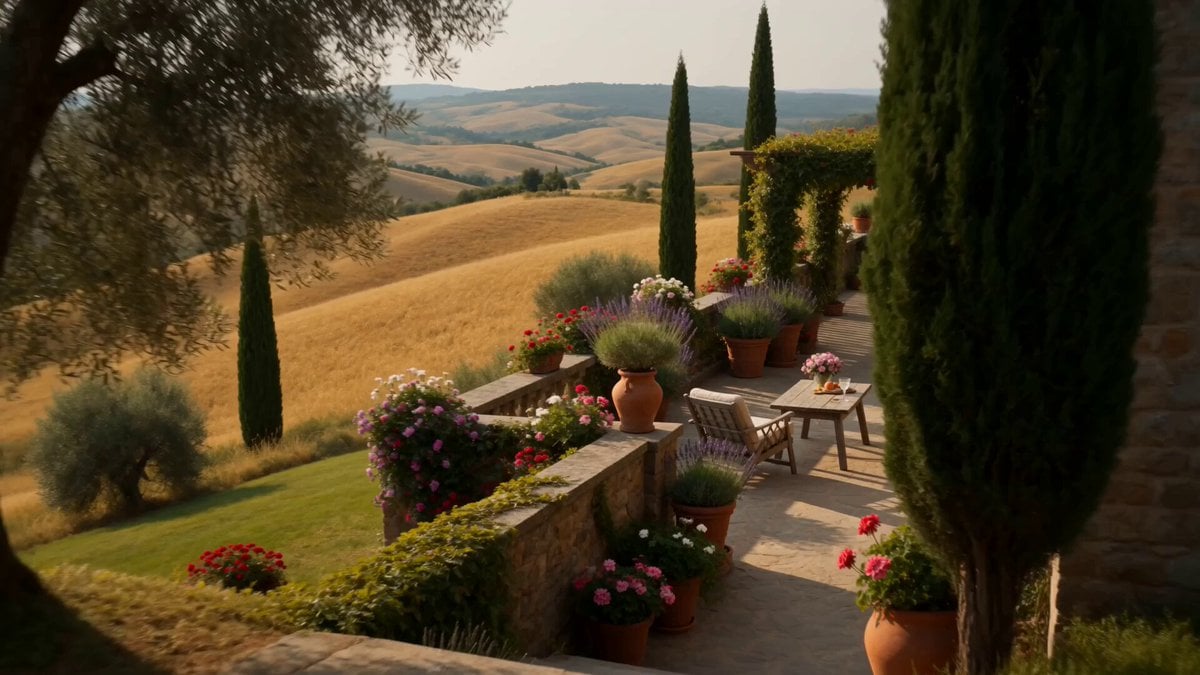
Tuscany Villa Vacation Cinematic

Space Scene on Fifth Avenue

Luxury Fashion Store Commercial Ad
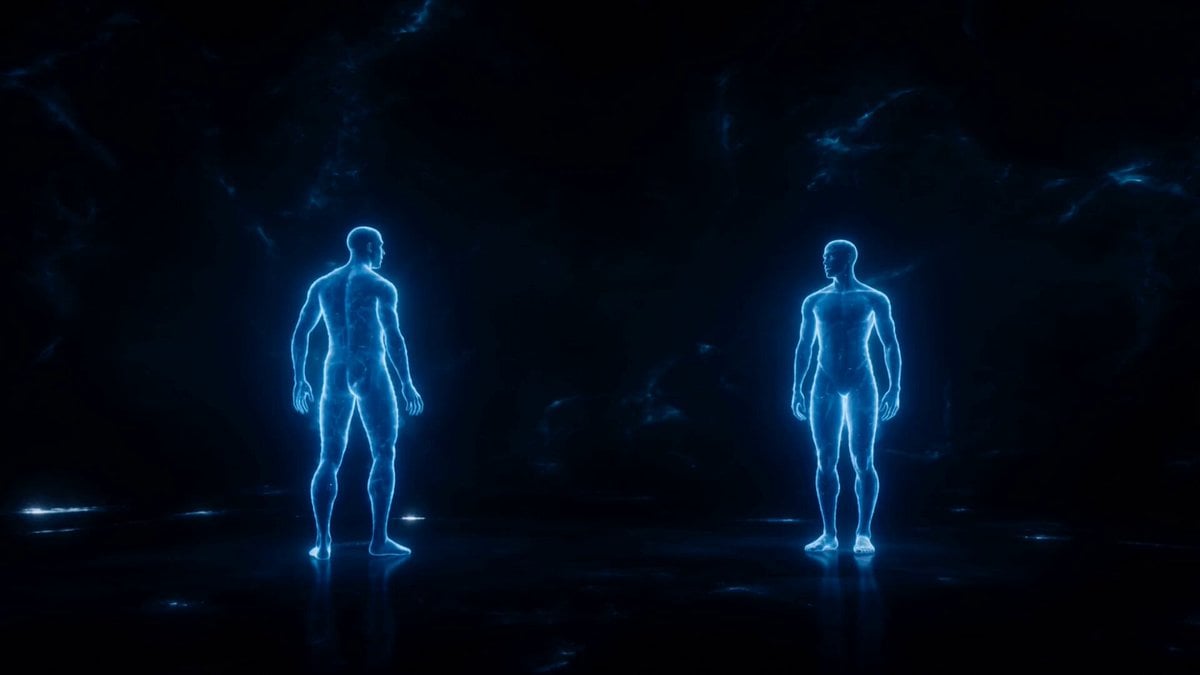
Synchronized Blue Echoes Dance
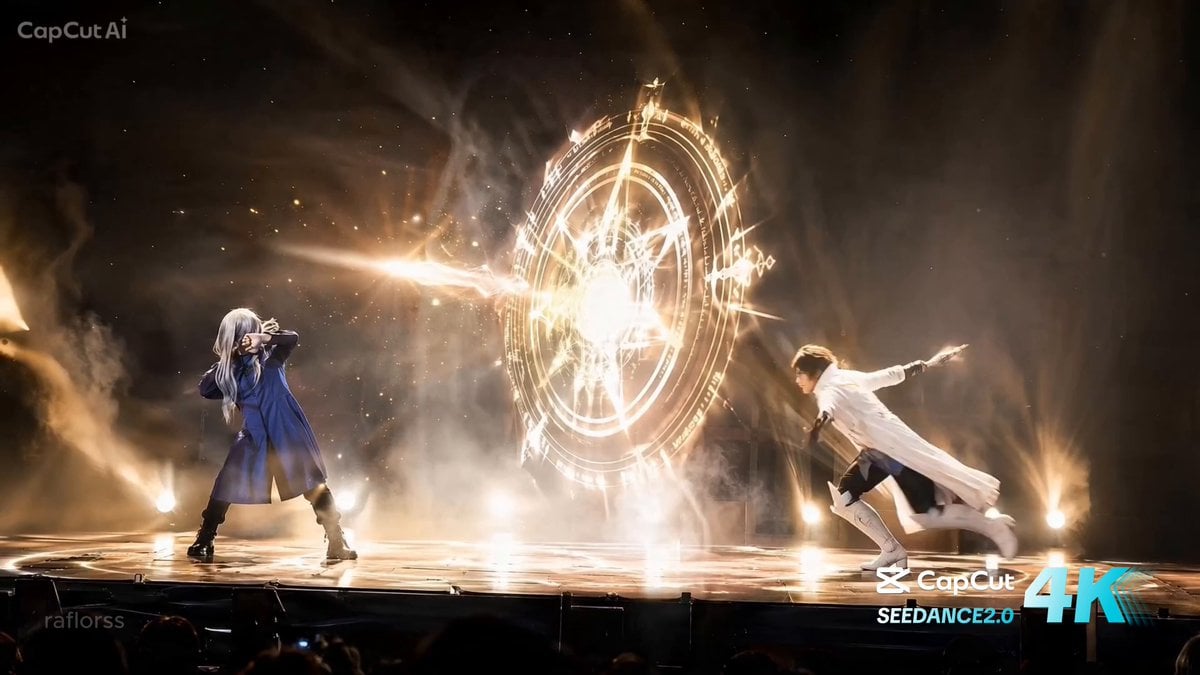
Live Action Anime Stage Play
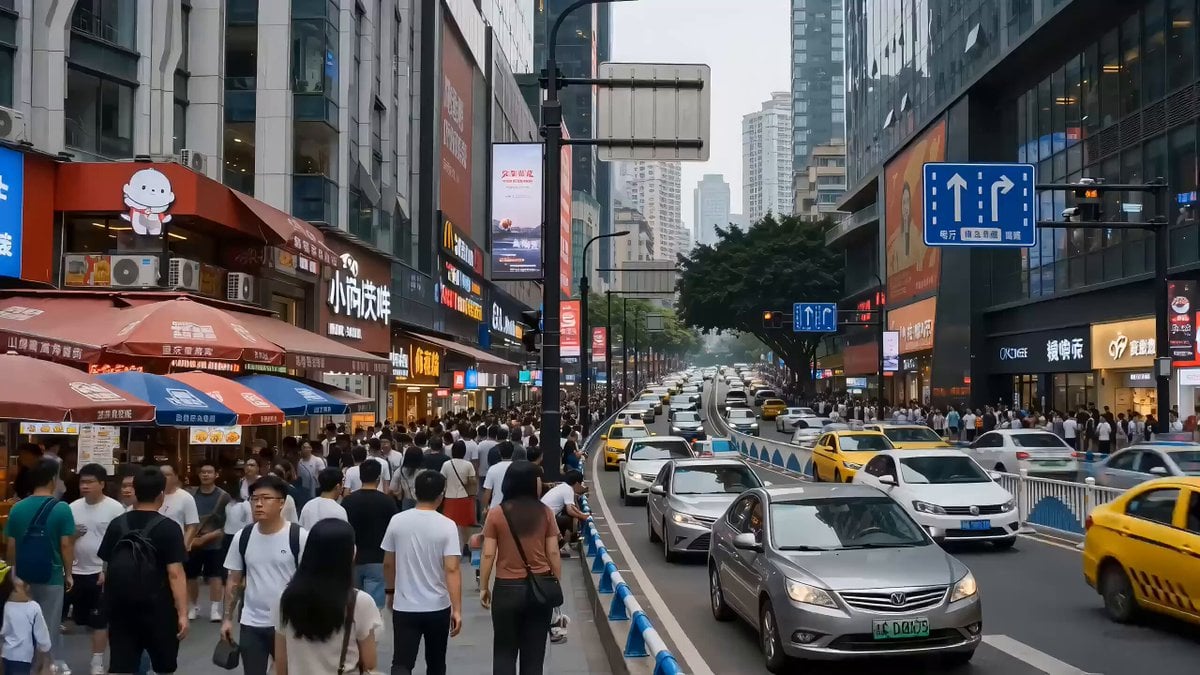
Seedance 2.0 Video Prompt: Godzilla-Sized Orange Cat in Chongqing
Cinematic Jet Ski Water Skiing Video
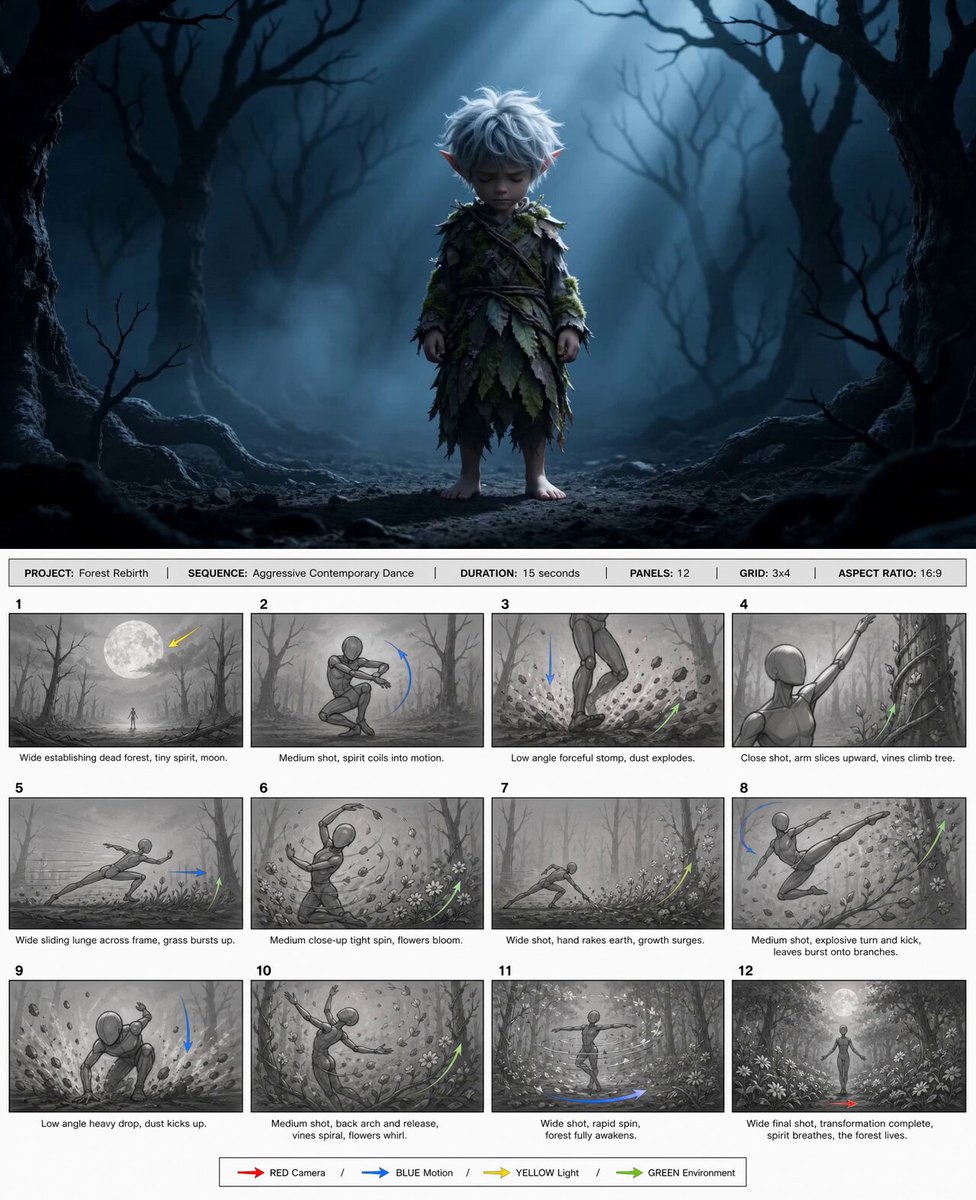
@happycapyai @aimikoda GPT Image 2 storyboard prom
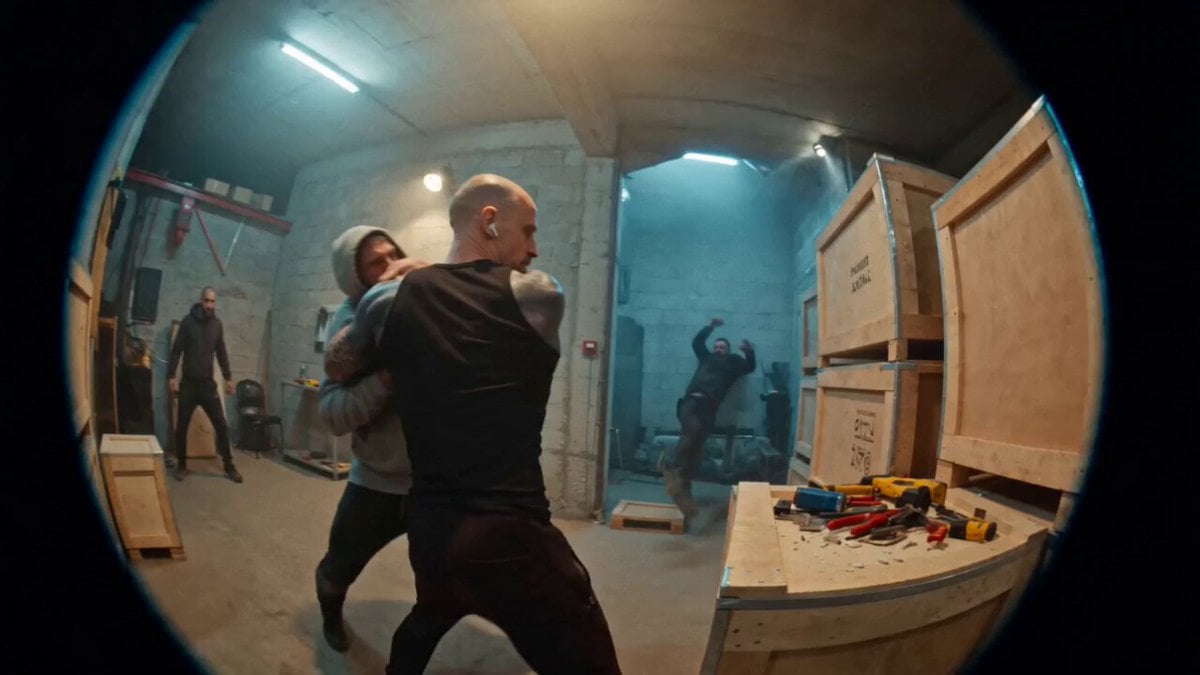
Urban Warehouse Street Fight Sequence
Browse template categories
Korean school revenge drama cinematic prompt questions
How do I use the Korean school revenge drama cinematic prompt template?
Add your photo if the template asks for one, edit the prompt if you like — the template's model and format are already selected — and press Generate. Your version opens in PicX Studio.
Can I customize the Korean school revenge drama cinematic prompt template?
Yes. You can change the subject, setting, lighting, mood, format, and available model controls before creating your video.
Is the Korean school revenge drama cinematic prompt template free?
Opening and editing this template is free. Generating uses credits, shown on the Generate button when you are signed in.
Which AI model should I use?
Start with Seedance 2.0, which is the model associated with this template. You can compare another compatible model for a different finish.
Looking for something else? Browse all templates.

Your photo, any look
Thousands of ready templates for every top image and video model, from one credit balance.