
Epic Cinematic Fantasy Realm
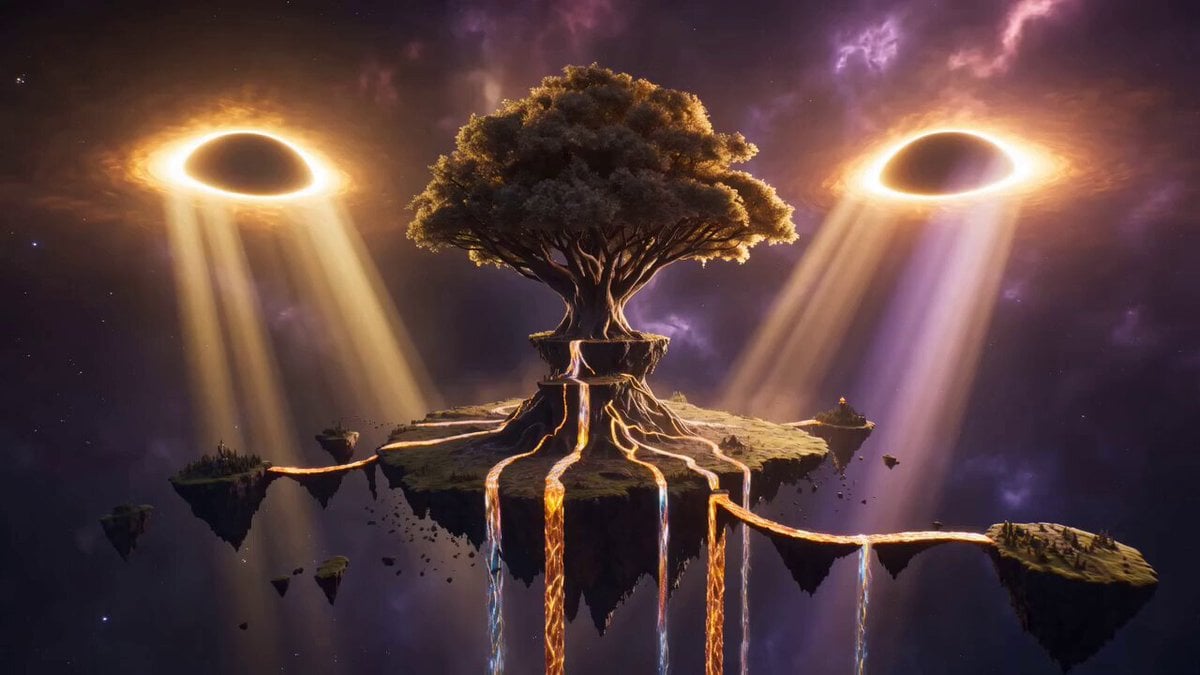
A highly detailed cinematic prompt for a 30-second fantasy sequence featuring a massive World-Tree, liquid starlight, and majestic sky-whales in a hyper-realistic 3D environment.
- Prompt included
- Model and format preset
- Free template
The prompt behind this video
Copy the exact prompt behind Epic Cinematic Fantasy Realm, or open it in the studio and make it yours.
Ultra-epic cinematic 3D CGI fantasy realm, pure original imagination, hyper-detailed photorealistic 3D render, Unreal Engine 5 + Octane quality, volumetric god rays, intricate crystalline geometry, living magic energy, 8K resolution, seamless continuous camera movement, 30 seconds. Sequence: 0-7 seconds: Colossal establishing shot of an impossible world suspended in the void. A single ancient World-Tree the size of a continent grows upside-down from a shattered floating continent, its roots forming living bridges of glowing amber crystal that stretch across the sky. Rivers of liquid starlight cascade upward into the heavens instead of falling. Slow majestic orbital camera movement as twin eclipsed suns cast dramatic dual-colored light (deep gold and electric violet). 7-15 seconds: Camera dives dramatically through the glowing roots into the heart of the World-Tree. Inside, vast hollow chambers filled with floating luminous orbs that contain entire miniature galaxies. Massive ethereal titans made of living stone and constellation patterns slowly awaken and walk along the inner walls. Energy storms of pure magic swirl in slow motion. Intense volumetric lighting and particle systems. 15-23 seconds: Camera explodes outward from the tree into open sky. A colossal sky-whale made of translucent crystal and nebula gas glides past, its body containing storms and lightning. Below, an entire civilization of spiraling crystal cities grows organically from the floating landmasses like living organisms. Giant rune-covered monoliths rise and rotate in the air, releasing waves of golden energy. Epic wide tracking shot with extreme depth and scale. 23-30 seconds: Final powerful pull-back into deep space revealing the entire original fantasy cosmos: the World-Tree at the center, surrounded by orbiting islands, sky-whales, and rivers of starlight forming a living mandala. The dual suns fully align, unleashing a massive wave of pure magical light that washes across the entire scene. Cinematic slow-motion ending on the glowing silhouette of the World-Tree against the cosmic void. Style: Pure 3D imagination only, no 2D, hyper-realistic materials, extreme scale contrast, dramatic lighting, rich atmospheric haze, intricate original designs never seen before, epic and awe-inspiring mood, seamless one-shot feeling.
How to use Epic Cinematic Fantasy Realm in 3 steps
- 1
Open
The prompt is already in the box next to the preview, with the template's model and format selected.
- 2…a portrait of your subject in softgolden-hour light, 85mm…
Personalize
Edit the subject and creative details for your destination.
- 3Generate
Generate
Press Generate — your video is created in PicX Studio, so you can compare it with the original and refine one variable at a time.
More like this
Templates with the same subject, style or setup. Open one to see its prompt.
Dragon Rescue — Volcanic Kingdom Collapse (Seedance)
Swordsman vs Shadow Monster — Bamboo Forest Battle
Stone Colossus Desert Riders — Golden Fire Reveal
Sea Serpent vs Crab Titan — Ocean Battle
Dragon Rider Cinematic Flight — Seedance 2.5
Oceanic Civilization Epic Sci-Fi Film
Forest Fantasy Girl Short Film
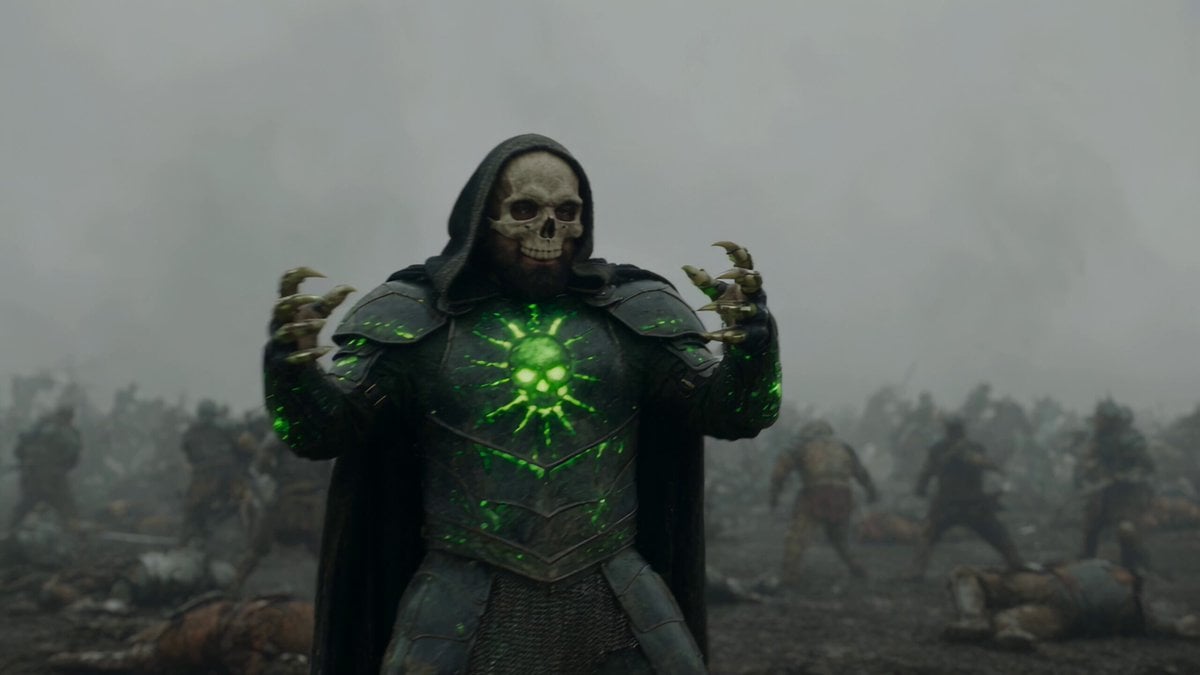
Necromancer Battlefield Orbit
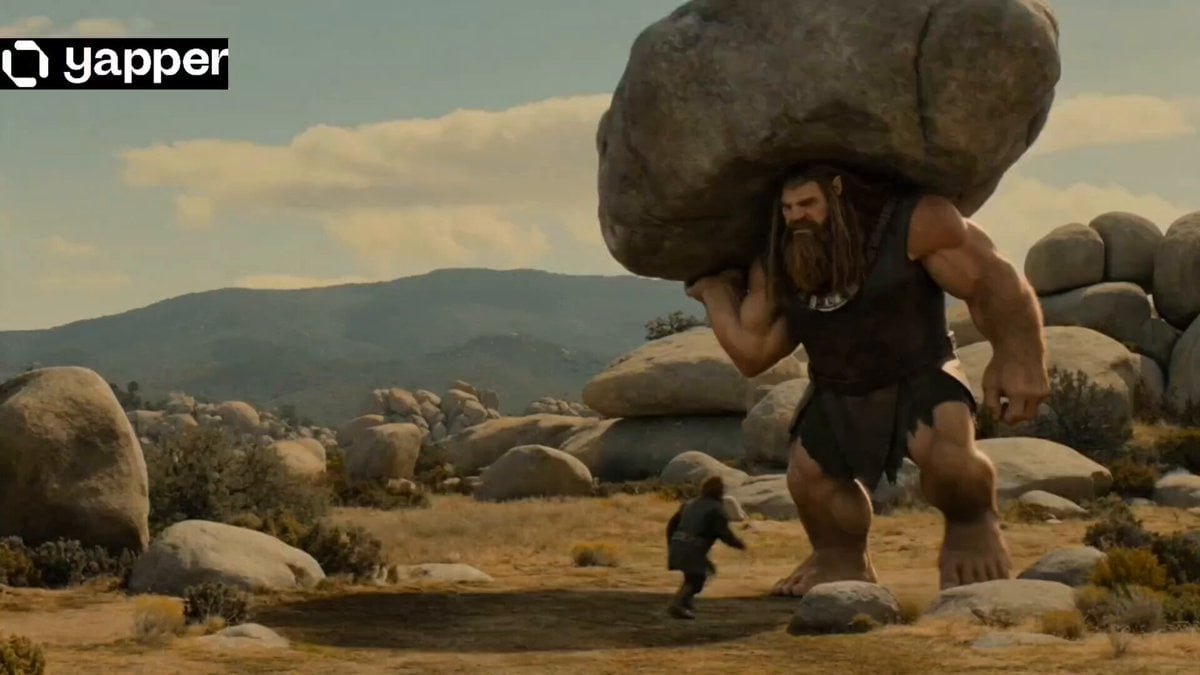
Epic Fantasy Giant Encounter

Epic Fantasy City Destruction Chase
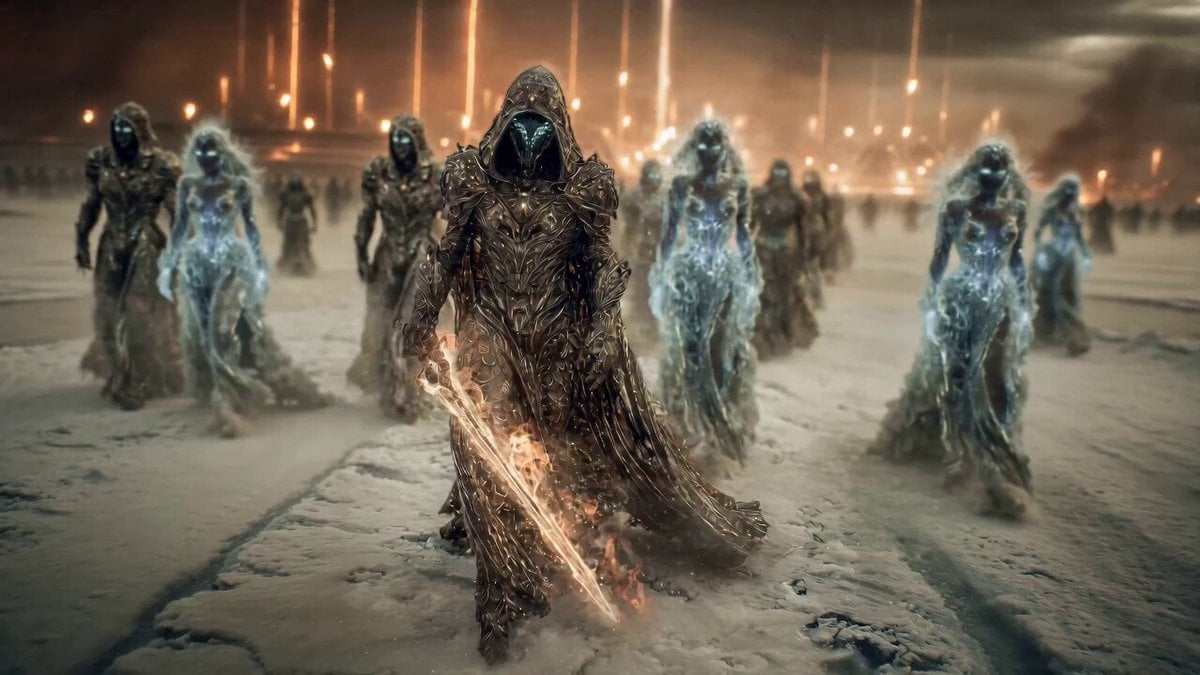
Epic Fantasy Battle Scene Prompt for Seedance 2.0
Epic Ink-Wash Fantasy Warrior Scene
Make it yours
Epic Cinematic Fantasy Realm works as-is. These are the safest ways to change it without losing the look.
Change one field
Copy a single group, rewrite it, and generate again so you can see what that field is doing.
Keep the frame, change the subject
Hold the composition and light of Epic Cinematic Fantasy Realm, then swap wardrobe, props or the person for a new take.
| If the result… | Why | Fix |
|---|---|---|
| The result drifts from the preview | Too many fields changed at once. | Reuse Epic Cinematic Fantasy Realm as-is first, then change one group — subject, light, or setting. |
| The model over-stylizes the scene | The prose prompt leaves finish and camera underspecified. | Add one camera or lighting sentence and stay on Seedance 2.0. |
More Seedance 2.0 templates
Other prompts made for Seedance 2.0.

Comical Martial Arts Punch Scene

Maglev Train Action Sequence

Martial Arts Fight Sequence

Wuxia Protection and Trust Script

Vintage Korean Arcade MiniDV Vlog

Mercedes 190 SL Luxury Ad

Rainy Night Supernatural Reverse Comedy Video Script

Amazon Civilization Discovery

Futuristic South Asian City Transformation

Cozy Luxury Cafe Commercial
More video prompts
Fresh picks from across the catalog.
Soccer to Baseball Transformation
Grok Imagine prompt for a sauna scene
Library of Forgotten Dreams
Arctic Glacier Collapse and Snowmobile Escape

Romero Britto style video prompt

Photorealistic Arena Boxing Fight
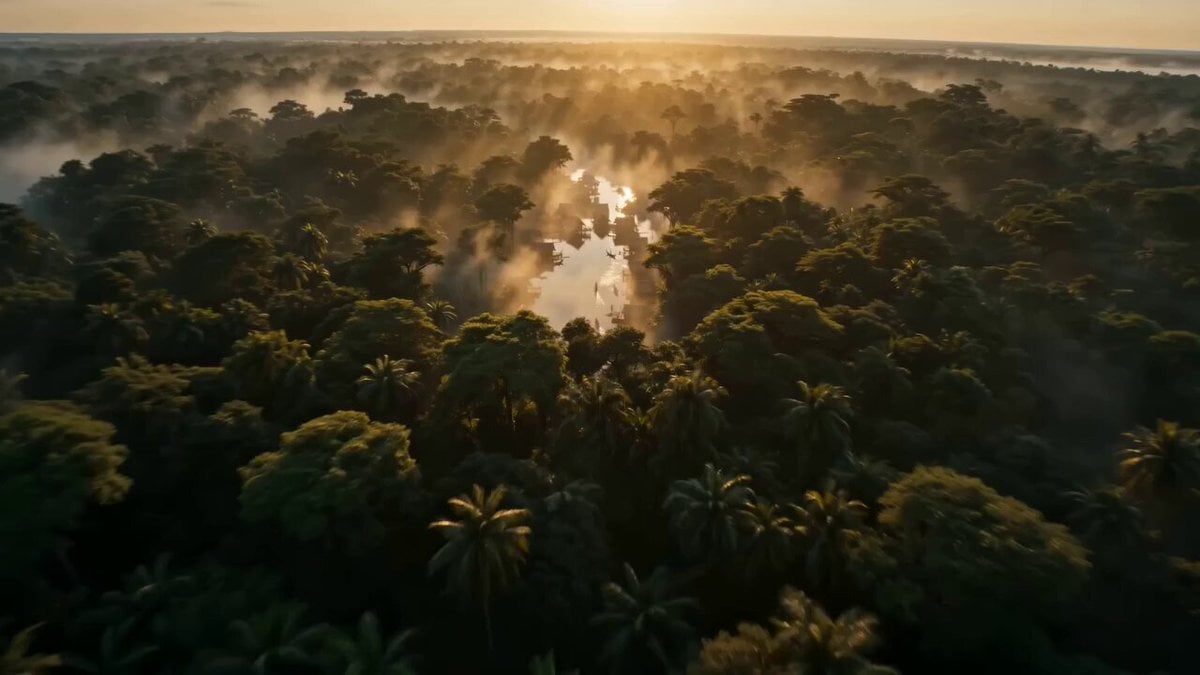
Ancient Kingdom FPV Drone Shot

Pirate Deck Action and Desert Transition
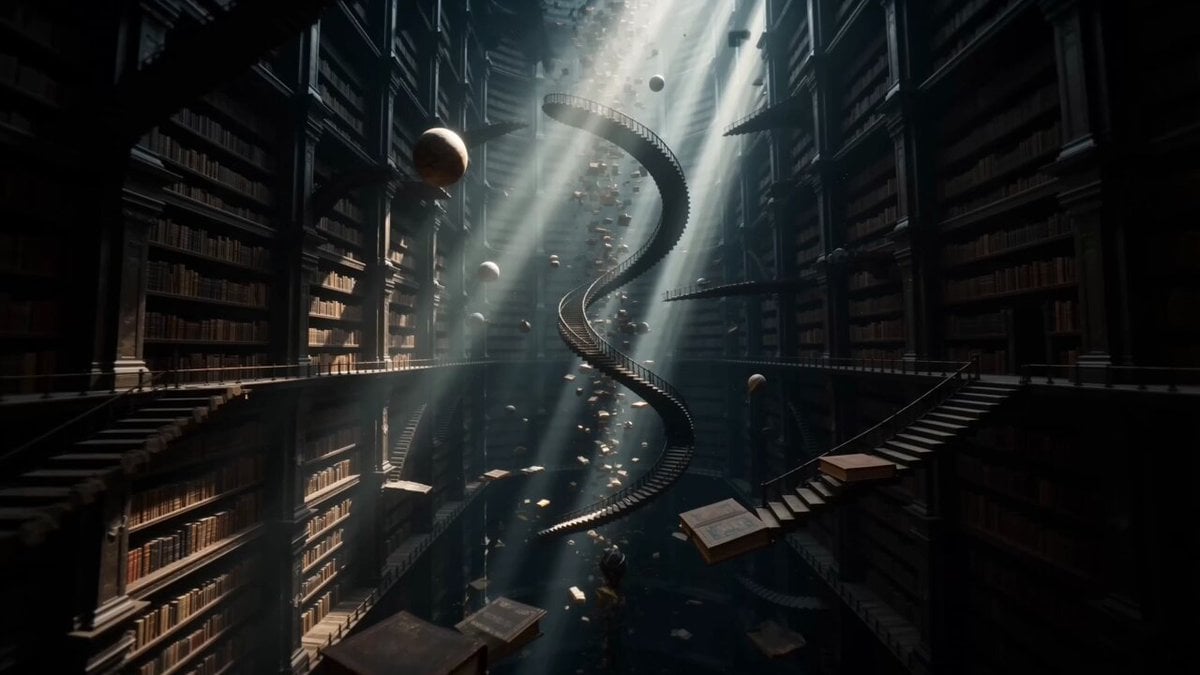
Surreal Infinite Ancient Library POV
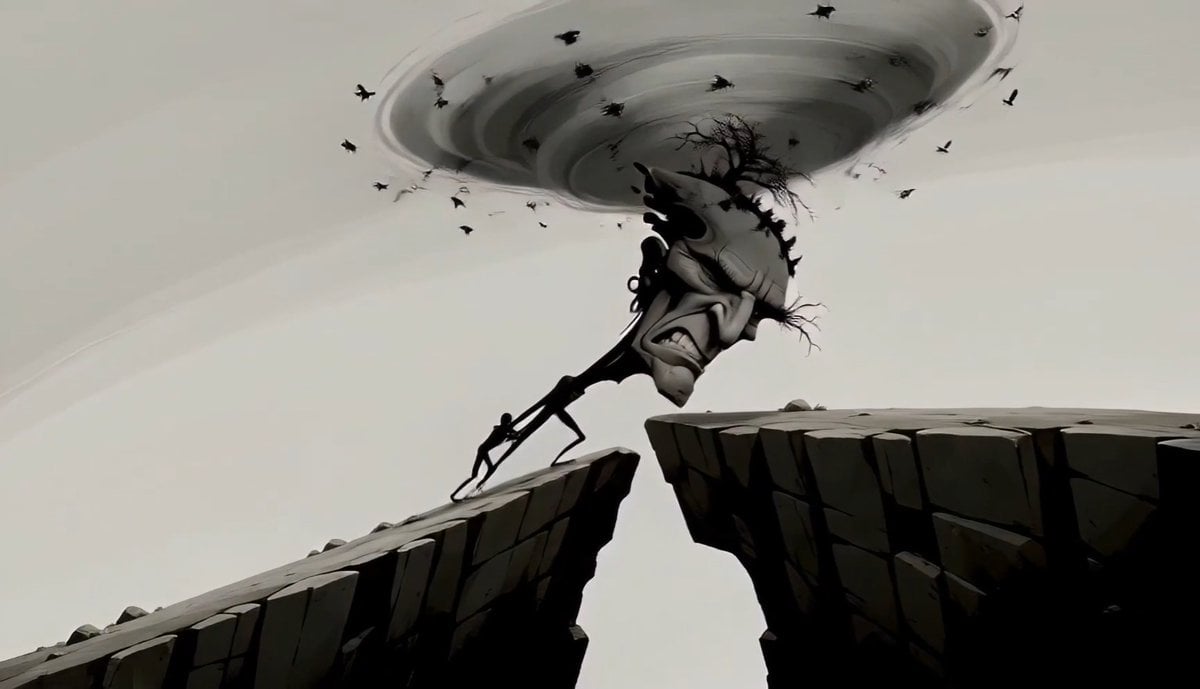
Surreal Tree Head Character Animation
Browse template categories
Epic Cinematic Fantasy Realm questions
How do I use the Epic Cinematic Fantasy Realm template?
Add your photo if the template asks for one, edit the prompt if you like — the template's model and format are already selected — and press Generate. Your version opens in PicX Studio.
Can I customize the Epic Cinematic Fantasy Realm template?
Yes. You can change the subject, setting, lighting, mood, format, and available model controls before creating your video.
Is the Epic Cinematic Fantasy Realm template free?
Opening and editing this template is free. Generating uses credits, shown on the Generate button when you are signed in.
Which AI model should I use?
Start with Seedance 2.0, which is the model associated with this template. You can compare another compatible model for a different finish.
Looking for something else? Browse all templates.

Your photo, any look
Thousands of ready templates for every top image and video model, from one credit balance.