How do I use the UFO and Orihime Transformation template?
Edit the prompt in the box under the preview — the template's model and format are already selected — and press Generate. Your version appears right on this page.
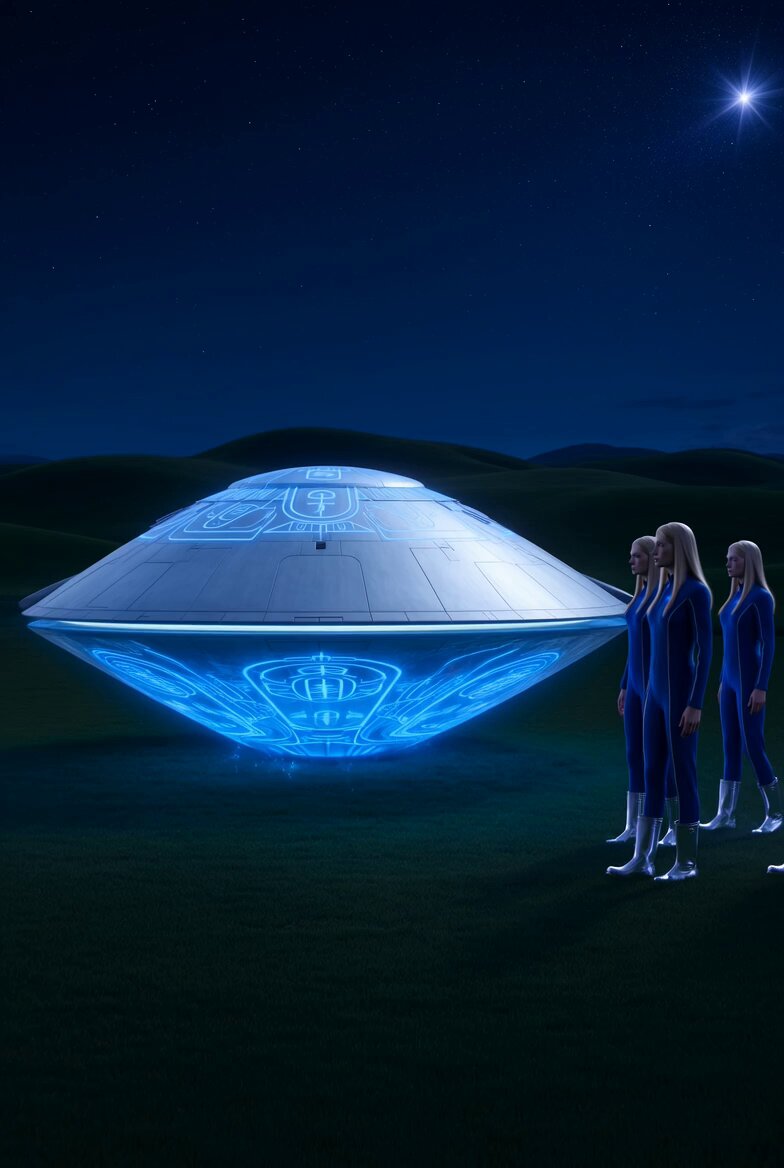
A complex narrative scene involving UFOs, a man in sunglasses, a hamster, and an alien transforming into the legendary Orihime.
@Image1 世界平和になりますよーに!と願ったら、大量のUFOがやってくる。サングラスの男性とハムスターが右端のエイリアンに「おめー!仲間呼んだのか!?」とびっくりすると、エイリアンが美人の織姫になって、「わたし、実はおりひめなの!」と言うシーン。サングラスの男性おハムスターは「えーー!」とビックリする。
@Image1 世界平和になりますよーに!と願ったら、大量のUFOがやってくる。サングラスの男性とハムスターが右端のエイリアンに「おめー!仲間呼んだのか!?」とびっくりすると、エイリアンが美人の織姫になって、「わたし、実はおりひめなの!」と言うシーン。サングラスの男性おハムスターは「えーー!」とビックリする。
Edit the prompt in the box under the preview — the template's model and format are already selected — and press Generate. Your version appears right on this page.
Yes. You can change the subject, setting, lighting, mood, format, and available model controls before creating your video.
Opening and editing this template is free. Generating uses credits, shown on the Generate button when you are signed in.
Start with Grok Imagine, which is the model associated with this template. You can compare another compatible model for a different finish.
Follow a topic to a crawlable collection of related PicX Studio templates.