
Luxury Travel Fashion Video
A multi-scene cinematic prompt for a luxury travel fashion video featuring a South Asian woman in various European settings like Paris and Santorini.
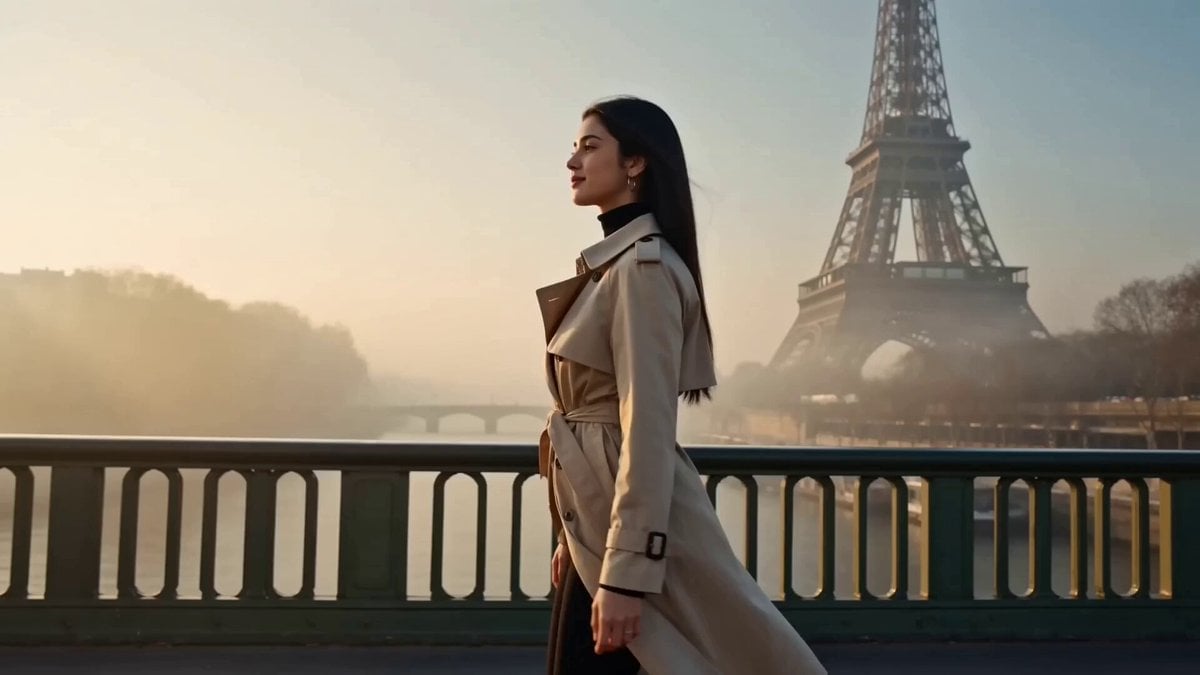
- Prompt included
- Model and format preset
- Premium template
The prompt behind this video
Copy the exact prompt behind Luxury Travel Fashion Video, or open it in the studio and make it yours.
Beautiful South Asian woman, K-beauty radiant skin, luxury travel fashion video in European settings: Scene 1: Wearing a tan trench coat (belted, modest) over black turtleneck, straight black trousers. Background: Eiffel Tower, Paris morning mist. Pose: walking on bridge, coat flowing, looking back at camera with soft smile. Scene 2: Outfit — forest green modest midi dress, structured, with gold belt. Background: Santorini white blue rooftop, ocean view. Pose: arms open wide, spinning slowly, laughing freely — pure joy. Scene 3: Wearing cream ribbed modest co-ord, oversized sunglasses, structured cream bag. Background: Monaco luxury yacht dock, blue sparkling water. Pose: walking on dock, confident strut, hair blowing in sea breeze. Scene 4: Outfit — dusty rose long modest cardigan over matching straight pants, minimal jewelry. Background: Italian cobblestone alley with flower pots and vines. Pose: leaning against old wall, one hand touching wall, dreamy look. Scene 5: Wearing deep teal modest silk blouse with ivory wide pants. Background: London glass building reflection, modern city. Pose: standing tall, looking up at buildings, powerful editorial stance. Cinematic 4K, European golden light, luxury travel aesthetic, smooth transitions, warm film grain, fashion editorial quality.
How to use Luxury Travel Fashion Video in 3 steps
- 1
Open
The prompt is already in the box next to the preview, with the template's model and format selected.
- 2…a portrait of your subject in softgolden-hour light, 85mm…
Personalize
Edit the subject and creative details for your destination.
- 3Generate
Generate
Press Generate — your video is created in PicX Studio, so you can compare it with the original and refine one variable at a time.
More like this
Templates with the same subject, style or setup. Open one to see its prompt.

Sneaker Product Commercial
Luxury Handbag Commercial — Hollywood VFX Ad

Luxury Lifestyle Day Vlog

Luxury Airport Travel Vlog

Handheld Tokyo Travel Vlog - Seedance 2.5
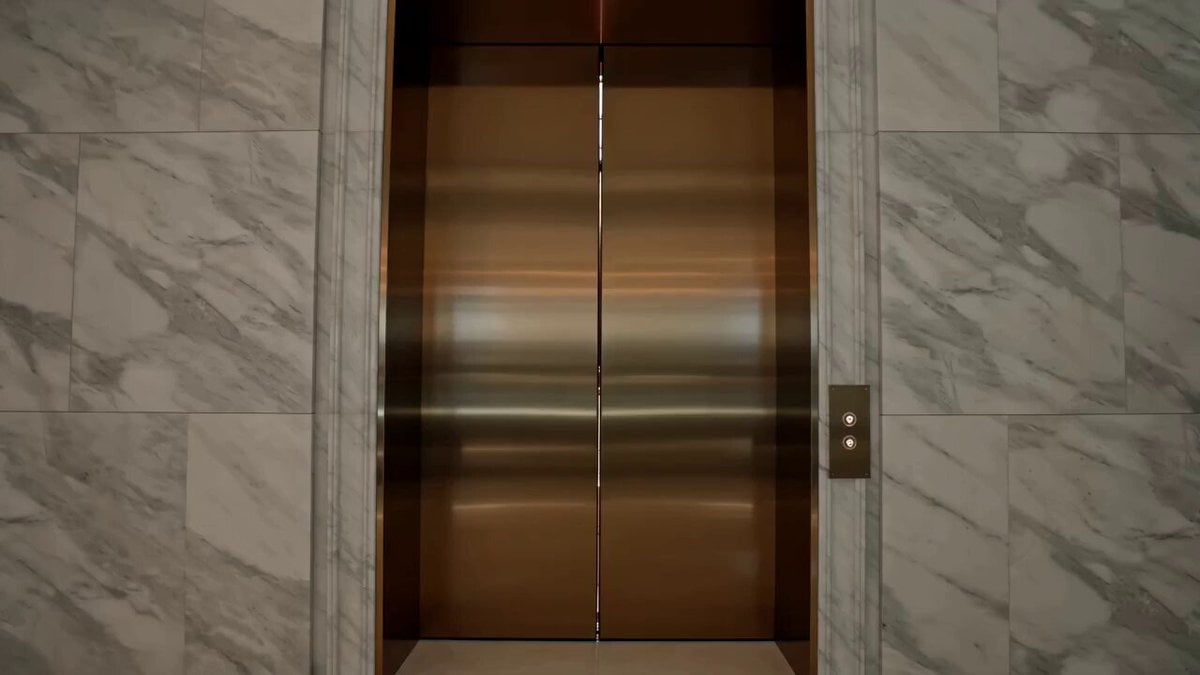
Luxury Fashion Elevator Commercial
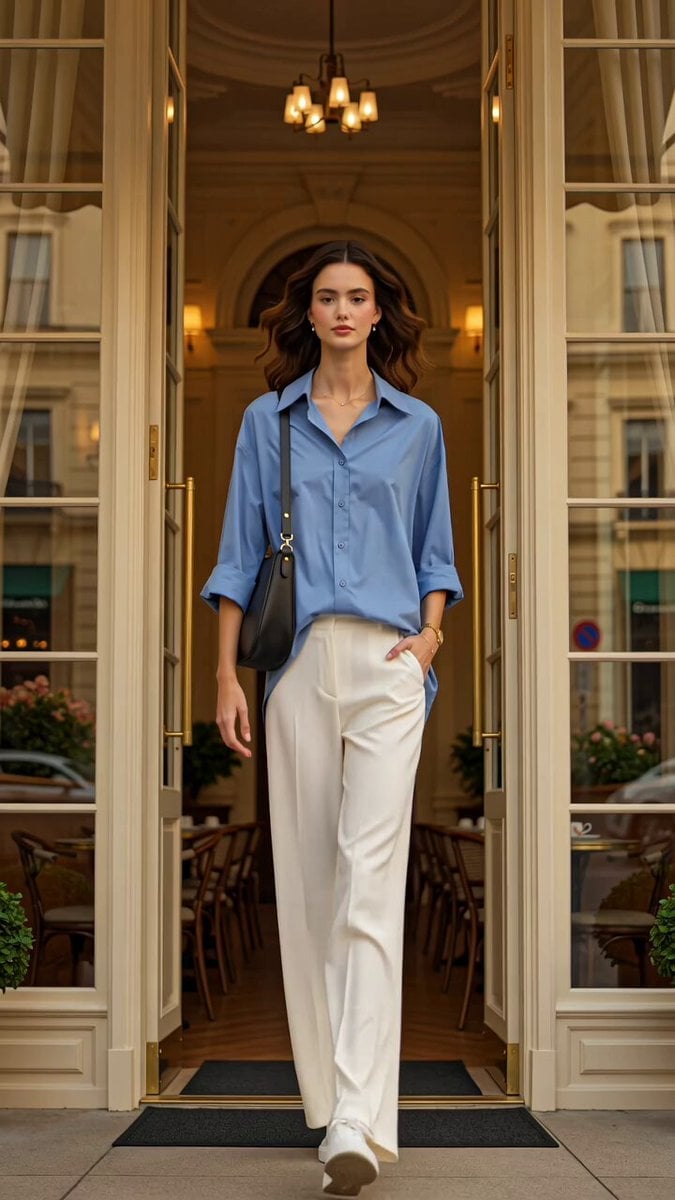
Luxury Fashion European Cafe Commercial

Cinematic Short Film Scene

Cinematic Portrait Study 3

Product UGC Commercial

Cinematic Portrait Study
Skincare Product Commercial
Make it yours
Luxury Travel Fashion Video works as-is. These are the safest ways to change it without losing the look.
Change one field
Copy a single group, rewrite it, and generate again so you can see what that field is doing.
Keep the frame, change the subject
Hold the composition and light of Luxury Travel Fashion Video, then swap wardrobe, props or the person for a new take.
| If the result… | Why | Fix |
|---|---|---|
| The result drifts from the preview | Too many fields changed at once. | Reuse Luxury Travel Fashion Video as-is first, then change one group — subject, light, or setting. |
| The model over-stylizes the scene | The prose prompt leaves finish and camera underspecified. | Add one camera or lighting sentence and stay on Seedance 2.0. |
More Seedance 2.0 templates
Other prompts made for Seedance 2.0.

Comical Martial Arts Punch Scene

Maglev Train Action Sequence

Martial Arts Fight Sequence

Wuxia Protection and Trust Script

Vintage Korean Arcade MiniDV Vlog

Mercedes 190 SL Luxury Ad

Rainy Night Supernatural Reverse Comedy Video Script

Amazon Civilization Discovery

Futuristic South Asian City Transformation

Cozy Luxury Cafe Commercial
More video prompts
Fresh picks from across the catalog.
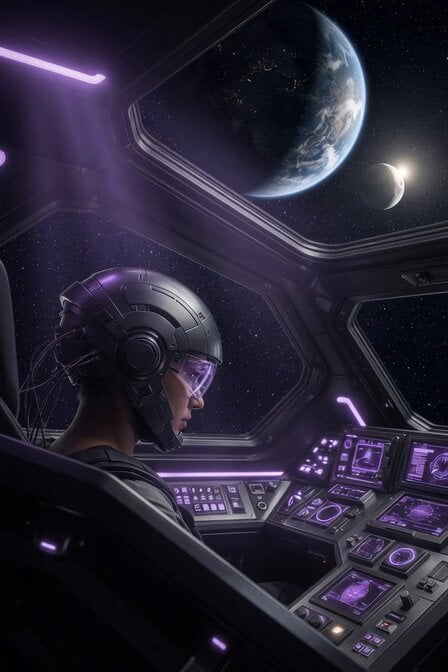
Futuristic Spacecraft Console Interaction

Chibi Angel Milestone Celebration
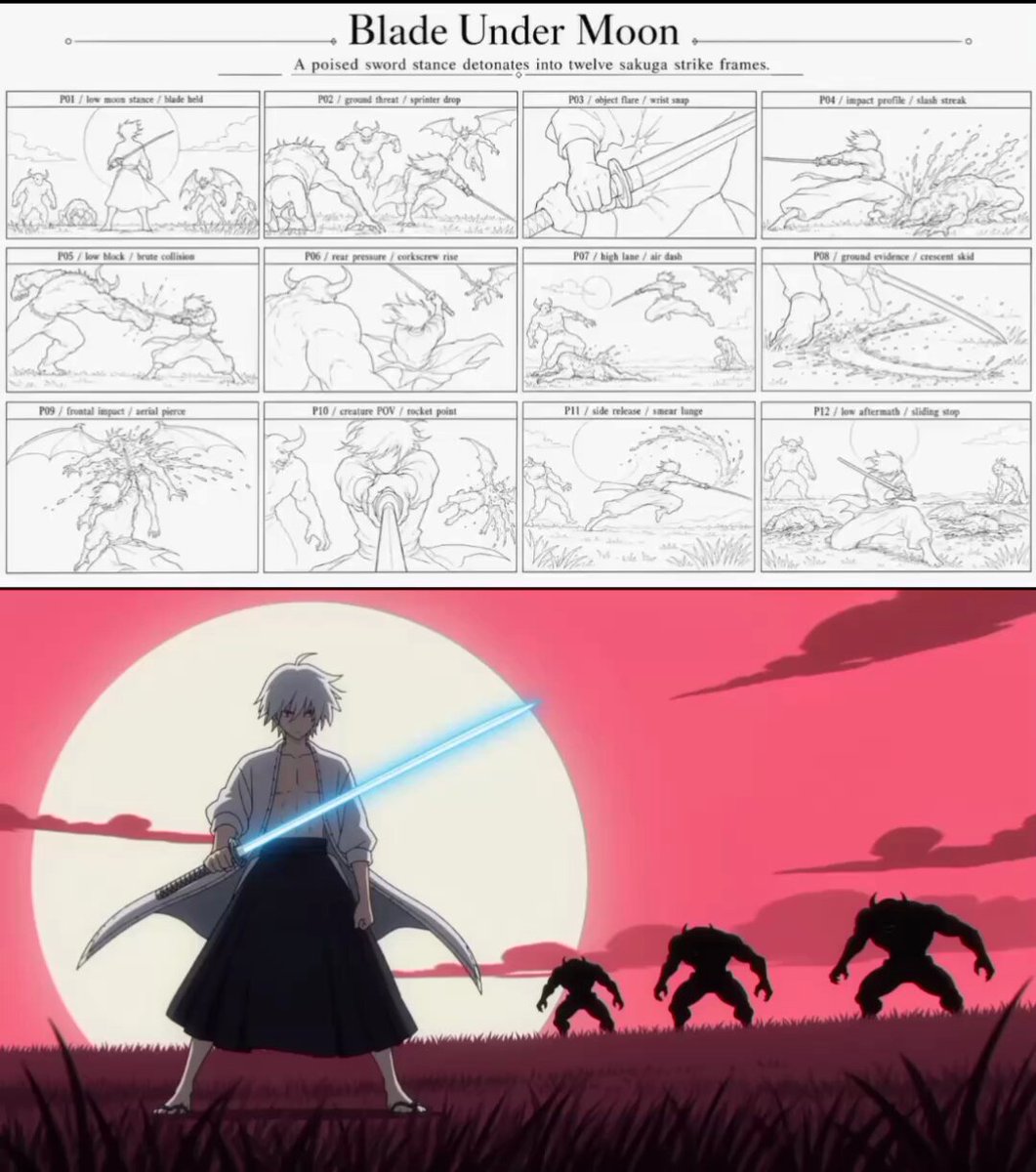
Sakuga Anime Action Storyboard
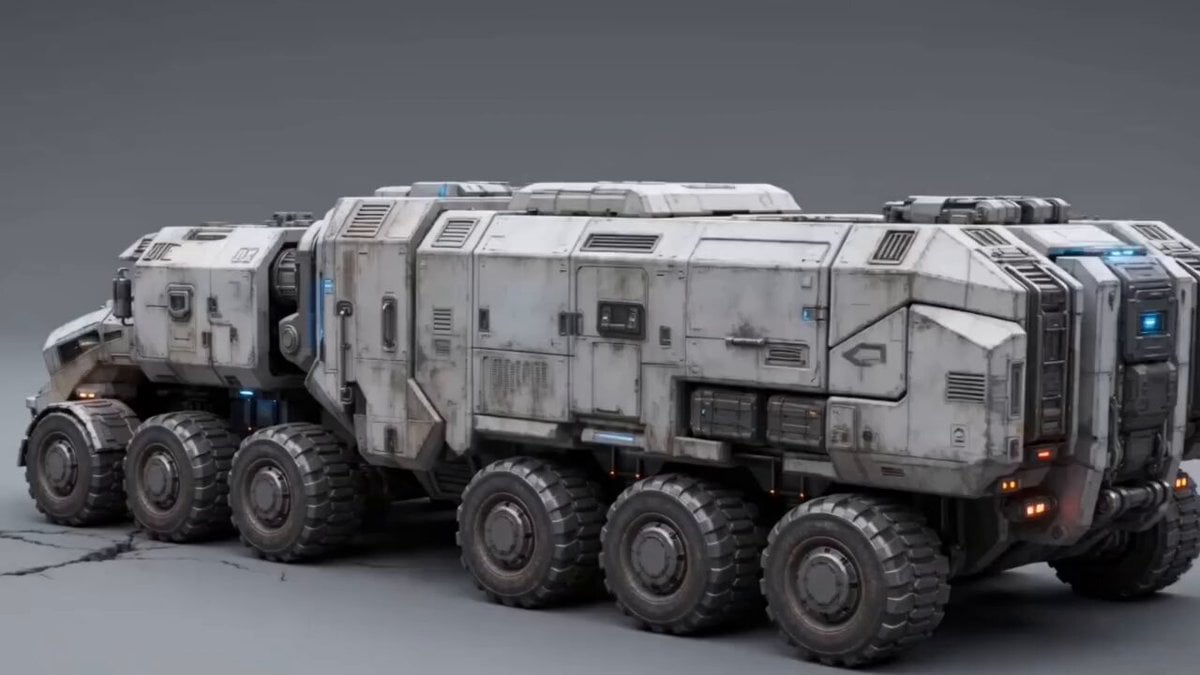
Futuristic Armored Siege Transport
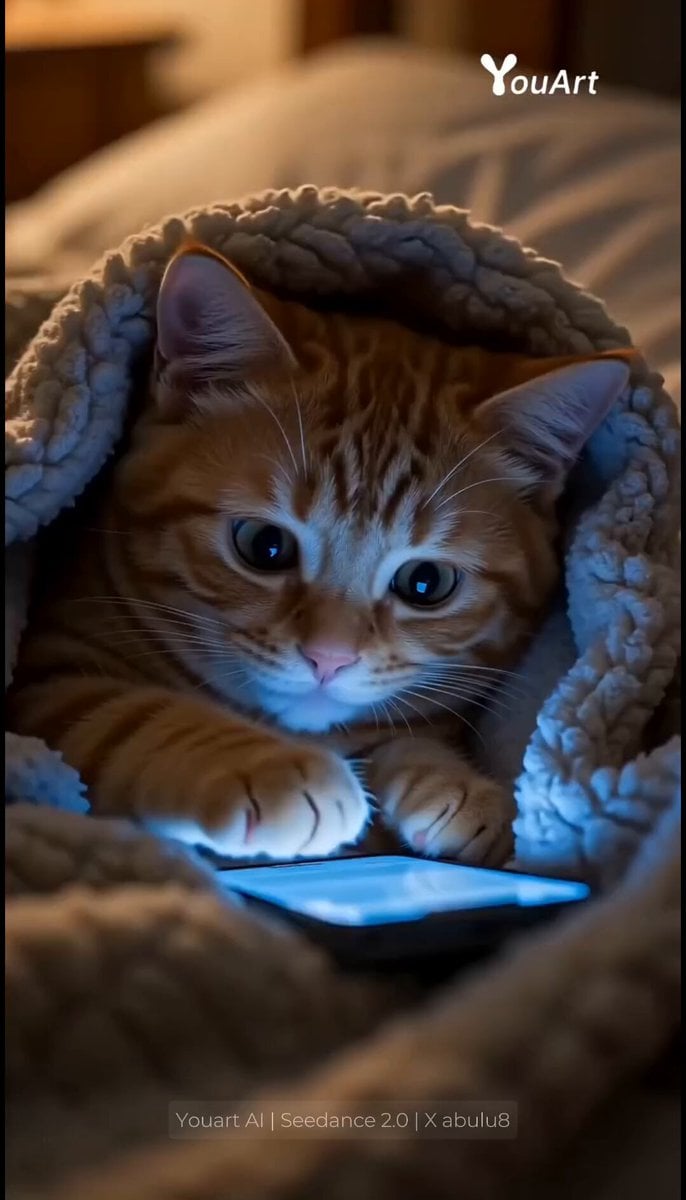
Sneaky Kitten Scrolling on Phone Under Covers
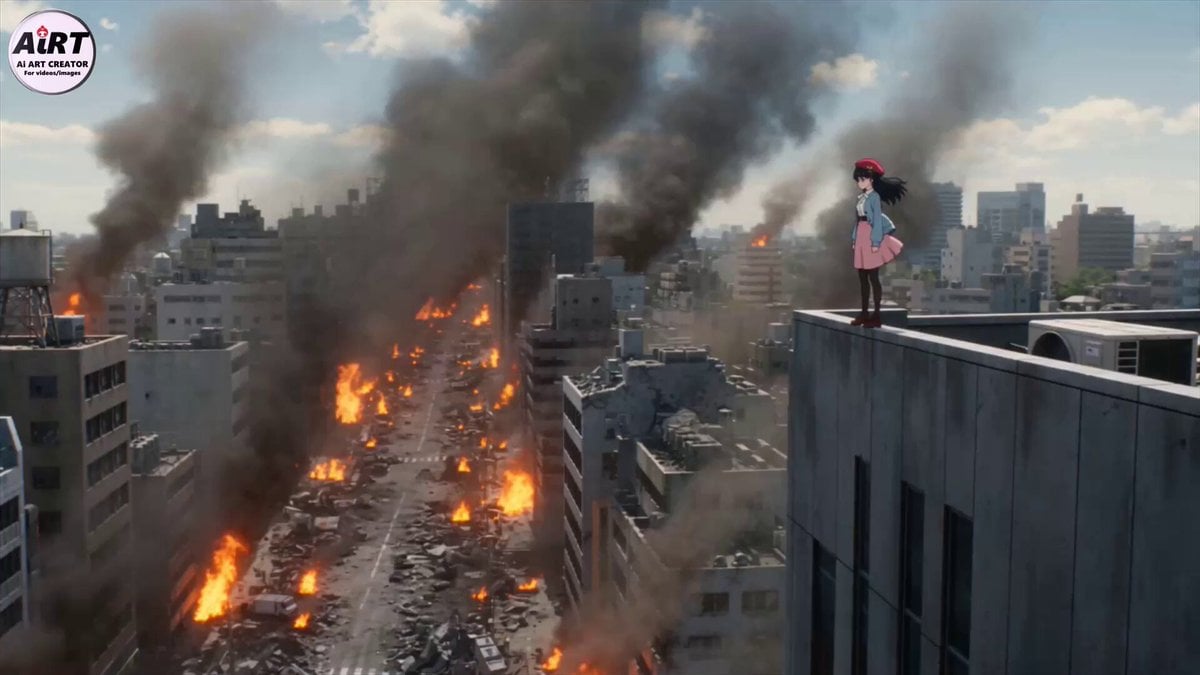
Cinematic Mecha Transformation Scene
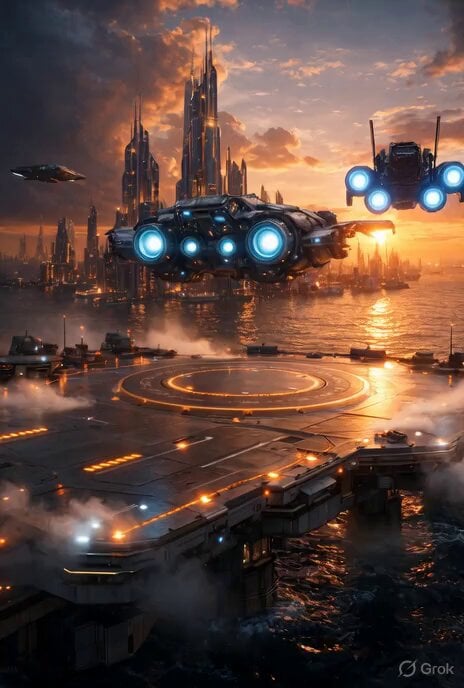
Grok Imagine prompt for cinematic VFX scene (Scene 2 - Landing)
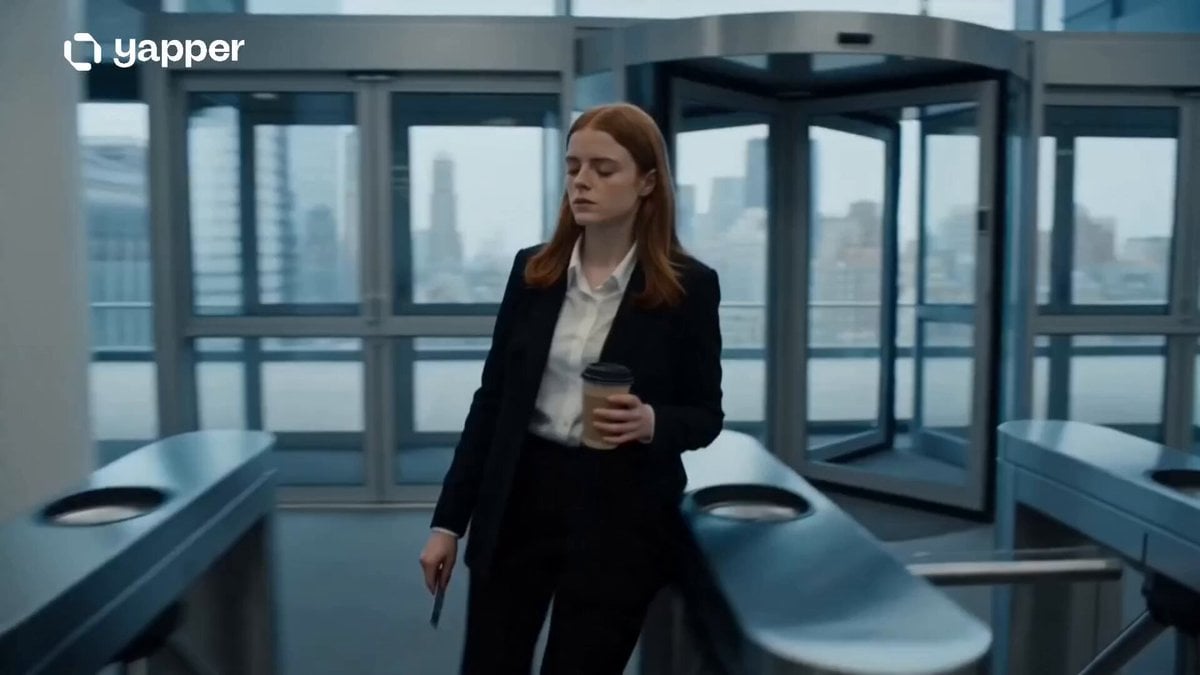
Corporate Office Glitch Simulation
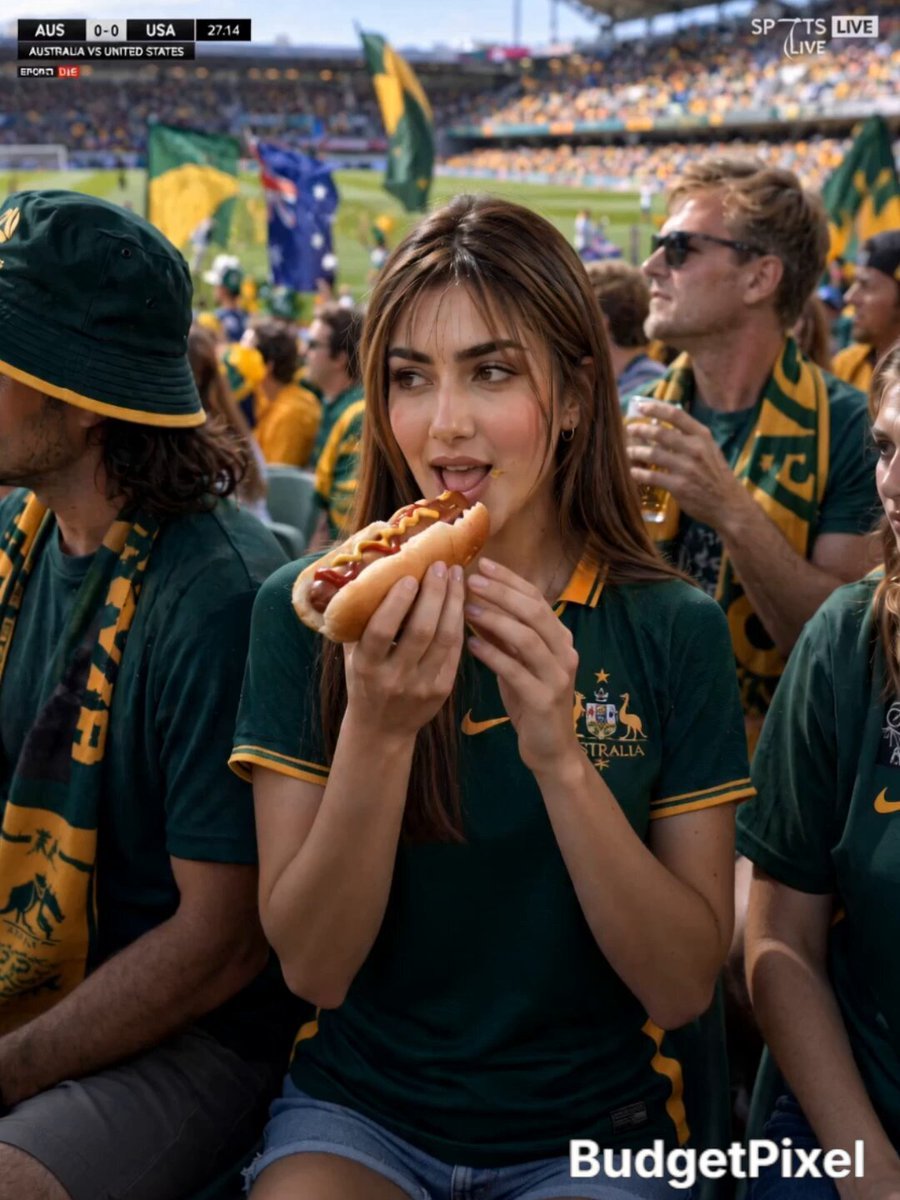
Australian Football Fan Eating Hot Dog
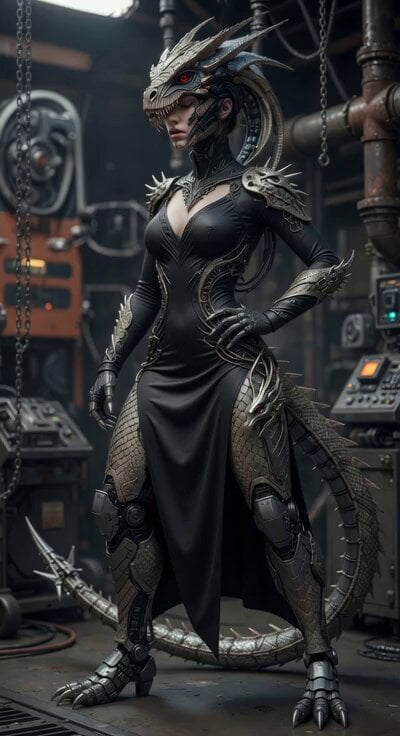
Cyber Dragon Female Warrior Video
Browse template categories
Luxury Travel Fashion Video questions
How do I use the Luxury Travel Fashion Video template?
Add your photo if the template asks for one, edit the prompt if you like — the template's model and format are already selected — and press Generate. Your version opens in PicX Studio.
Can I customize the Luxury Travel Fashion Video template?
Yes. You can change the subject, setting, lighting, mood, format, and available model controls before creating your video.
Is the Luxury Travel Fashion Video template free?
Opening and editing this template is free. Generating uses credits, shown on the Generate button when you are signed in.
Which AI model should I use?
Start with Seedance 2.0, which is the model associated with this template. You can compare another compatible model for a different finish.
Looking for something else? Browse all templates.

Your photo, any look
Thousands of ready templates for every top image and video model, from one credit balance.