How do I use the Seedance 2.0 Test: Butterfly Fairy Story template?
Edit the prompt in the box under the preview — the template's model and format are already selected — and press Generate. Your version appears right on this page.
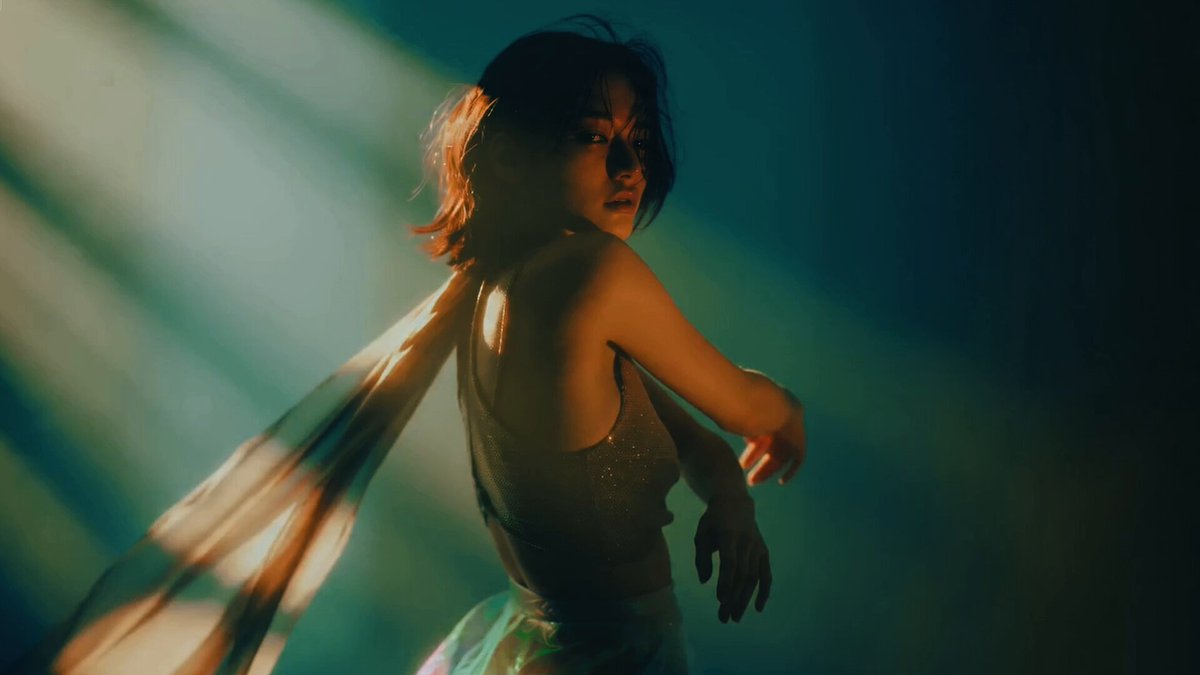
A user shares a simple prompt used to test Seedance 2.0's understanding of environment, character, and tone, resulting in a short narrative about a butterfly transforming into a fairy who is startled by an approaching…
一个神器的故事,蝴蝶从画面中飞出来,变成一个漂亮的蝴蝶仙子,环顾四周,忽然好像有人来了,蝴蝶仙子又回到墙上~~
一个神器的故事,蝴蝶从画面中飞出来,变成一个漂亮的蝴蝶仙子,环顾四周,忽然好像有人来了,蝴蝶仙子又回到墙上~~
Edit the prompt in the box under the preview — the template's model and format are already selected — and press Generate. Your version appears right on this page.
Yes. You can change the subject, setting, lighting, mood, format, and available model controls before creating your video.
Opening and editing this template is free. Generating uses credits, shown on the Generate button when you are signed in.
Start with Seedance 2.0, which is the model associated with this template. You can compare another compatible model for a different finish.
Follow a topic to a crawlable collection of related PicX Studio templates.