
Seedance 2.0 Detailed Combat Video Prompt: Maid Blade Dance
A highly detailed, structured prompt for generating a 15-second combat video titled 'Maid Blade Dance - Mei vs Coco' using Seedance 2.0.
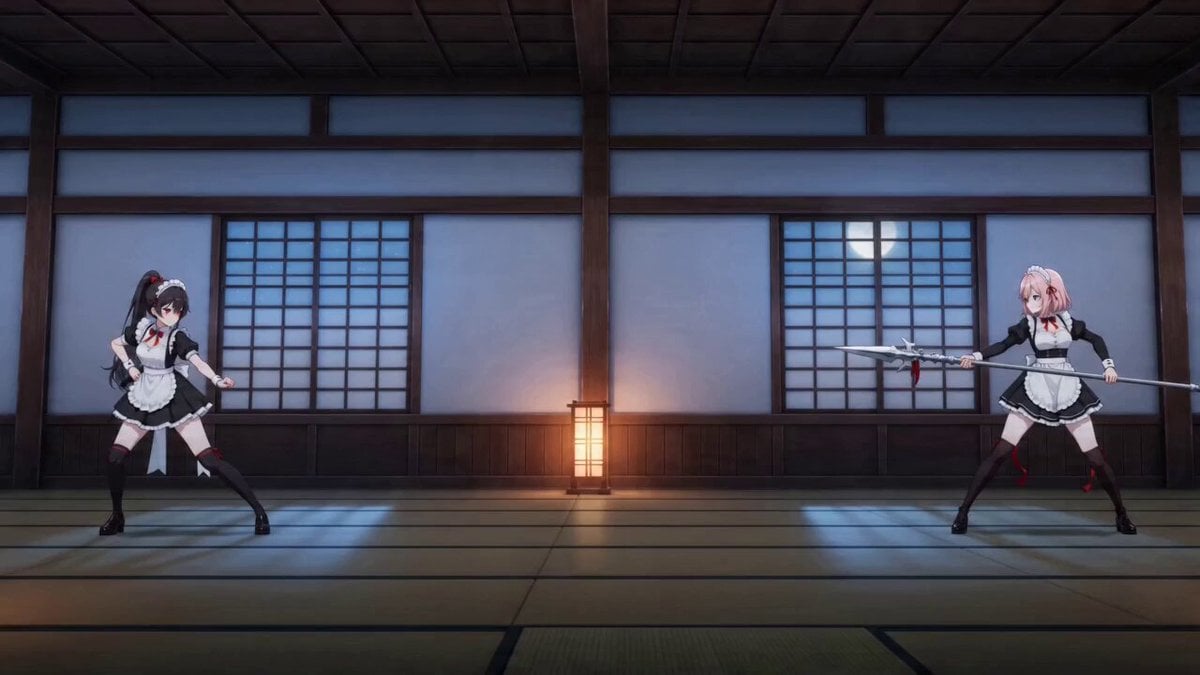
- Prompt included
- Model and format preset
- Premium template
The prompt behind this video
Copy the exact prompt behind Seedance 2.0 Detailed Combat Video Prompt: Maid Blade Dance, or open it in the studio and make it yours.
タイトル:「メイドブレードダンス - メイ vs ココ」 所要時間:「15秒」 入力: A: "<<<画像1>>>" B: "<<<画像2>>>" キャラクター: A: 名前:「霧島メイ」 武器:「迷いの刀(黒紫)」 B: 名前:「桜庭ココ」 武器:「リボン槍(銀色+赤リボン)」 ムーブメントコア: A: ["高速多段斬り"、"黒紫オーラ"、"多重ブラー残像"] B: [「槍による高速回転」、「白銀オーラ」、「リボン螺旋状」] 環境: 場所:「和風屋敷廊下(月夜・障子背景)」 照明:「月光青+障子オレンジ」 雰囲気:「黒と白の塵」 カメラ:「24mm〜70mm。高速追従+急停止。激突スロー時(0.3倍速)」 カット: - カット: 1 所要時間:「1.5秒」 アクション:「メイ(左)ココ(右)が10m離れて対峙。メイが刀を半分抜く」 カメラ:「ゆっくり水平パン(24mm)」 - カット: 2 所要時間:「1.5秒」 アクション:「メイが刀を完全に抜ける。黒紫のオーラ一瞬閃。メイがココに直線的に移動(残像あり)」 カメラ:「メイへ超高速ドリーイン(50mm)」 - カット: 3 所要時間:「2秒」 アクション:「ココが槍を軸に高速回転。メイの連続斬撃が槍に触れる。白青色の火花。リボンが遠心力で広がる」 カメラ:「ココ中心に回転(45mm)」 - カット: 4 所要時間:「1.5秒」 アクション:「メイが刀を胸の高さに構える。ココが槍を横に構える。対応の動きを測り合う」 カメラ:「ワクワク。横トラッキング(35mm)」 - カット: 5 所要時間:「2秒」 アクション: "メイが連続7回の斬撃。各斬撃が黒い光の軌跡。ココがリボンを薙ぎ払い迎撃。リボンが黒い軌跡を白くかき消す" カメラ:「メイへの高速追従パン(50mm)」 - カット: 6 所要時間:「1.5秒」 アクション:「メイが袈裟懸けで巨大な斬撃。黒紫のオーラが画面を半分横切り。ココが槍を斜めに見て見て」 カメラ:「斜めからメイの軌跡を辿る(50mm)」 - カット: 7 所要時間:「2秒」 アクション: 「ココが身体を回転させながら槍を構え変える。連続3回の高速突き。メイが刀で払い落とし」 カメラ:「ココへフラッシュドリーイン+回転(40mm)」 - カット: 8 所要時間:「2.5秒」 アクション:「刀と槍が正面から激突。火花が爆発的に飛び散る(黒紫×白青)。二人の髪が波打ち。ダスト放射状に拡散」 カメラ: 「固定。突出部を中心(70mm)」 効果: "スローモーション 0.3倍" - カット: 9 所要時間:「1.5秒」 アクション: 「メイとココがずっと数メートル後ろに吹き飛ぶ。膝をついて相手を見つめる」 カメラ:「二人から同時に後ろへ向い(35mm)」 - カット: 10 期間: "1秒" アクション: "メイが刀を振る。ココが槍を立て直す。次の開始姿勢へ" カメラ:「ゆっくり引き(24mm)」 ループ:「黒と白の塵が分かれて渦巻く。戦いは永遠に続く」 注: - "メイ:直線的・鋭い動き。ココ:曲線的・流動的な動き" - 「黒紫 vs 白青の火花が個性を表現」 - 「月光と障子が和風決闘の世界観を強調」
How to use Seedance 2.0 Detailed Combat Video Prompt: Maid Blade Dance in 3 steps
- 1
Open
The prompt is already in the box next to the preview, with the template's model and format selected.
- 2…a portrait of your subject in softgolden-hour light, 85mm…
Personalize
Edit the subject and creative details for your destination.
- 3Generate
Generate
Press Generate — your video is created in PicX Studio, so you can compare it with the original and refine one variable at a time.
More like this
Templates with the same subject, style or setup. Open one to see its prompt.
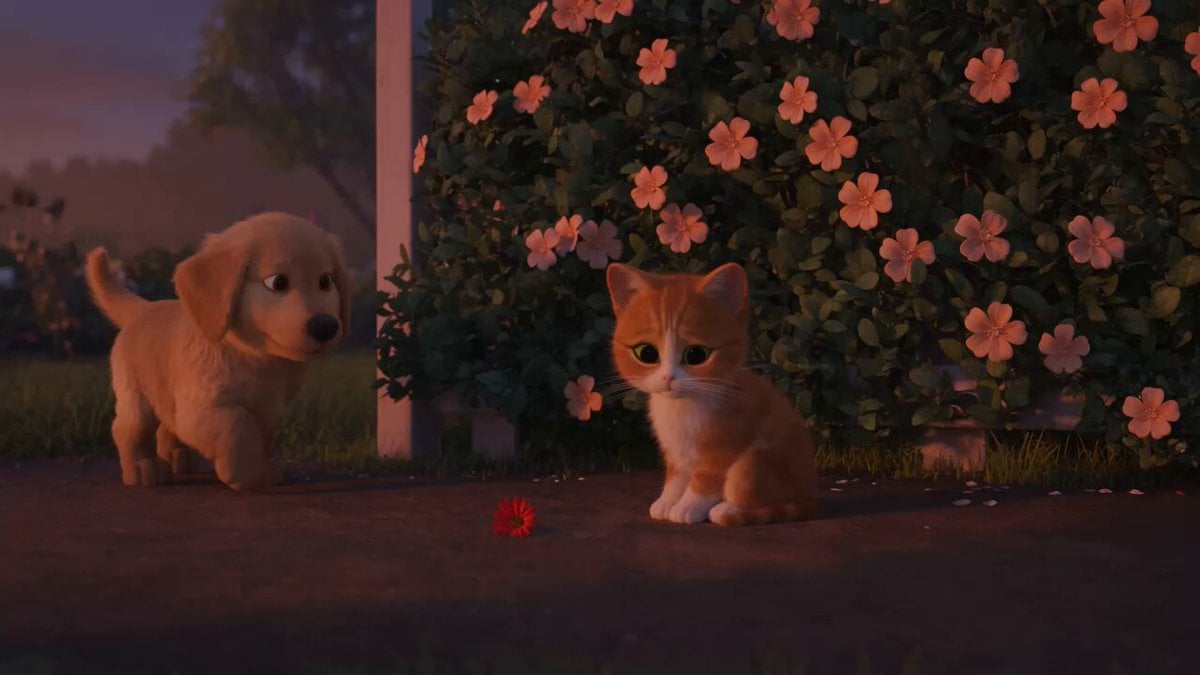
Wholesome Puppy and Kitten Story - Seedance 2.5

Mysterious Home Exploration Vlog - Seedance 2.5
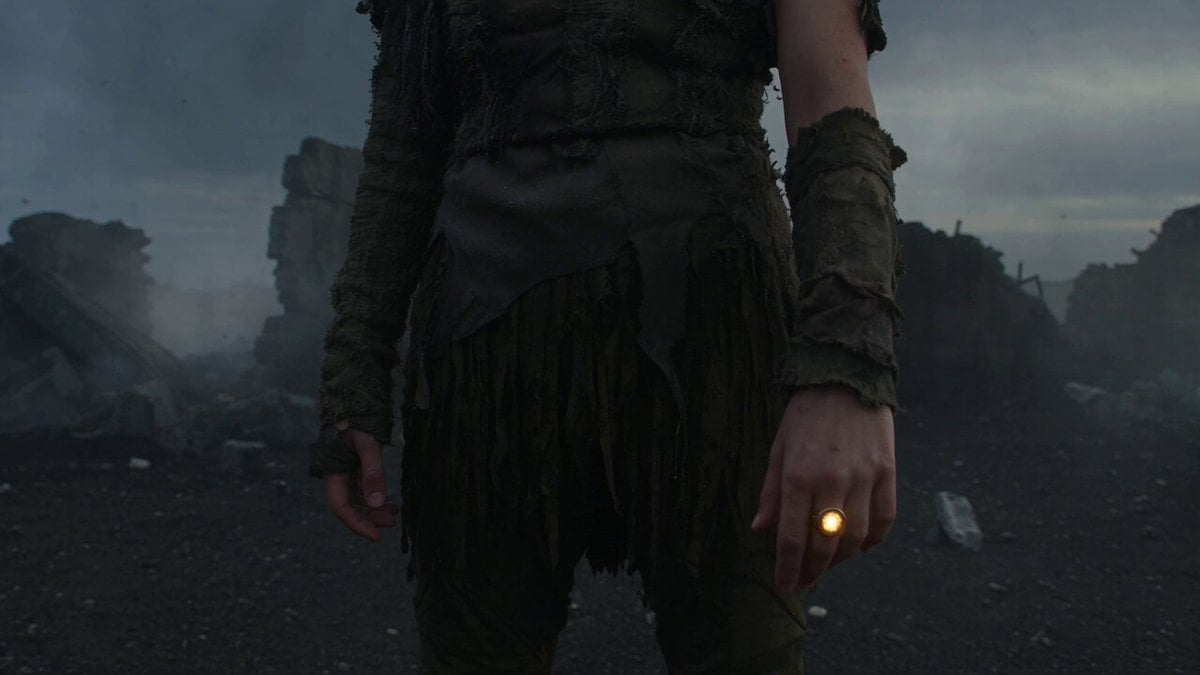
Dark Tokusatsu Transformation - Seedance 2.5

Cinematic Xinjiang Drone Landscapes - Seedance 2.5
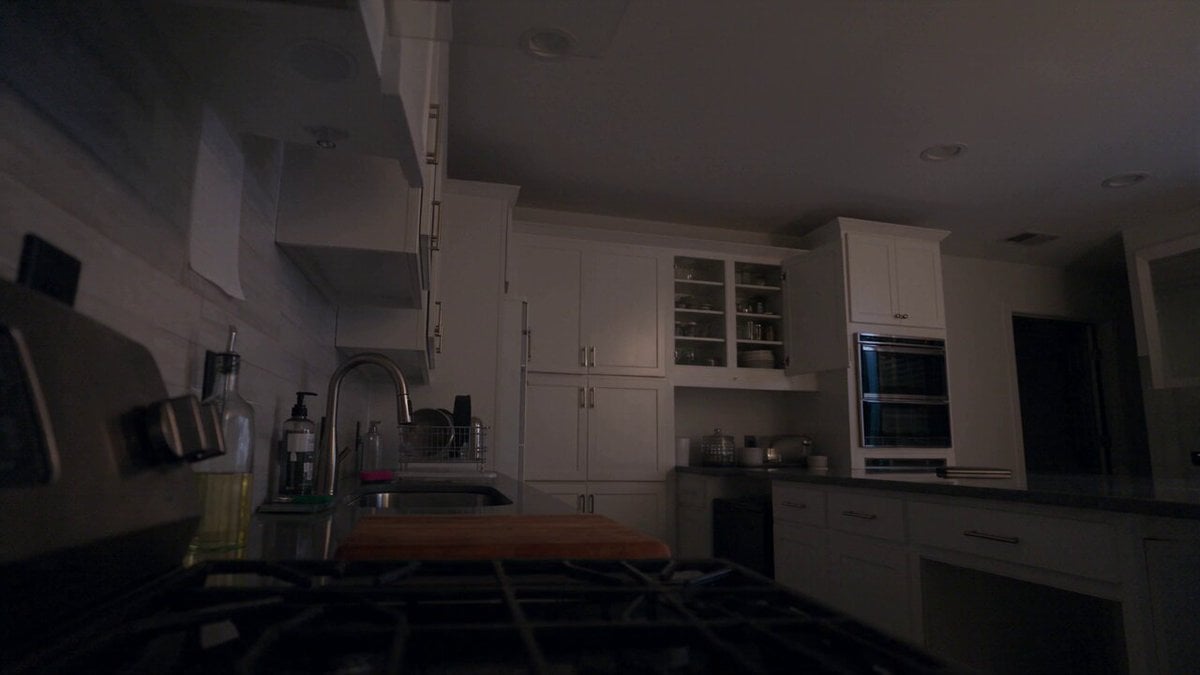
Late Night Kitchen Phone Recording - Seedance 2.5
3D Animated Cat and Old Man - Seedance
Realistic City Street Story Cinematic Video - Seedance
Seedance 2.0 First Test — Dynamic Motion Showcase
Dragon Rider Cinematic Flight — Seedance 2.5
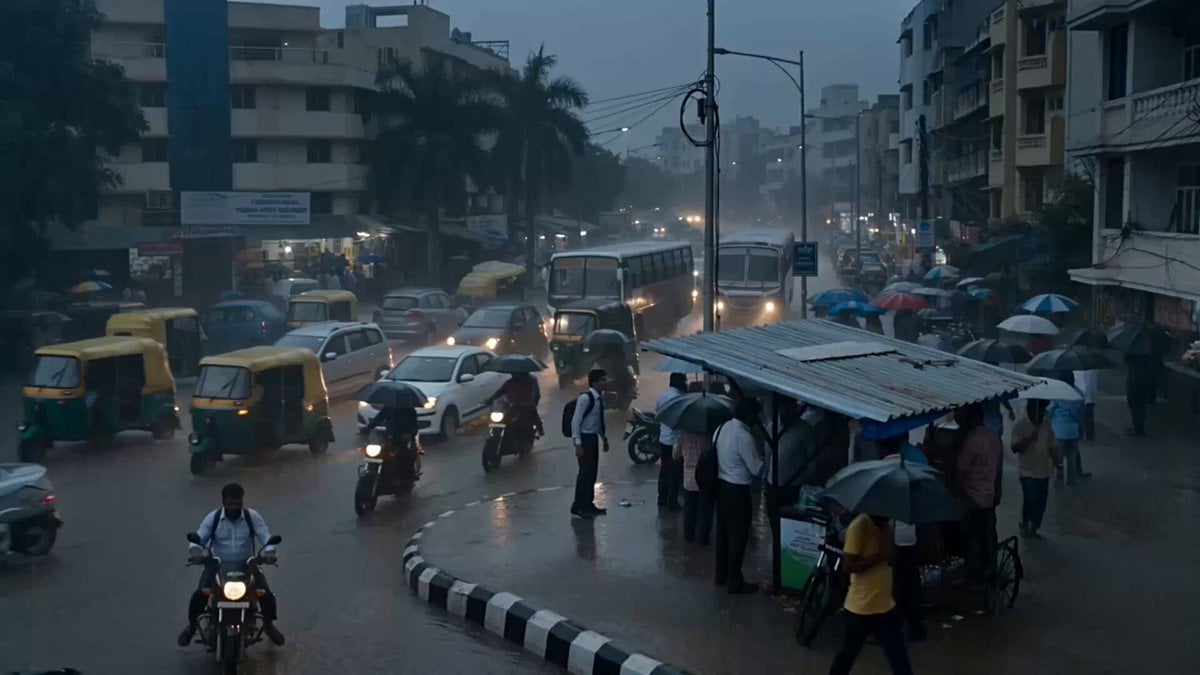
Seedance 2.5 - @Diplomeme - 446818
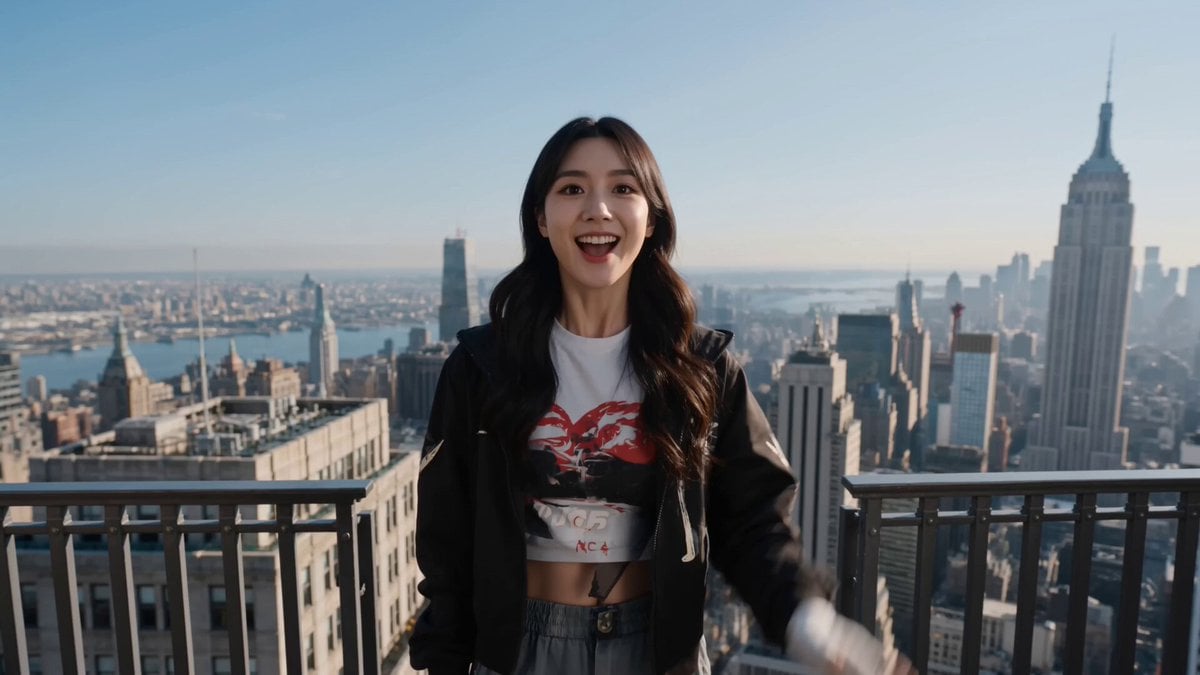
Seedance 2.5 - @AIwithkhan - 728160
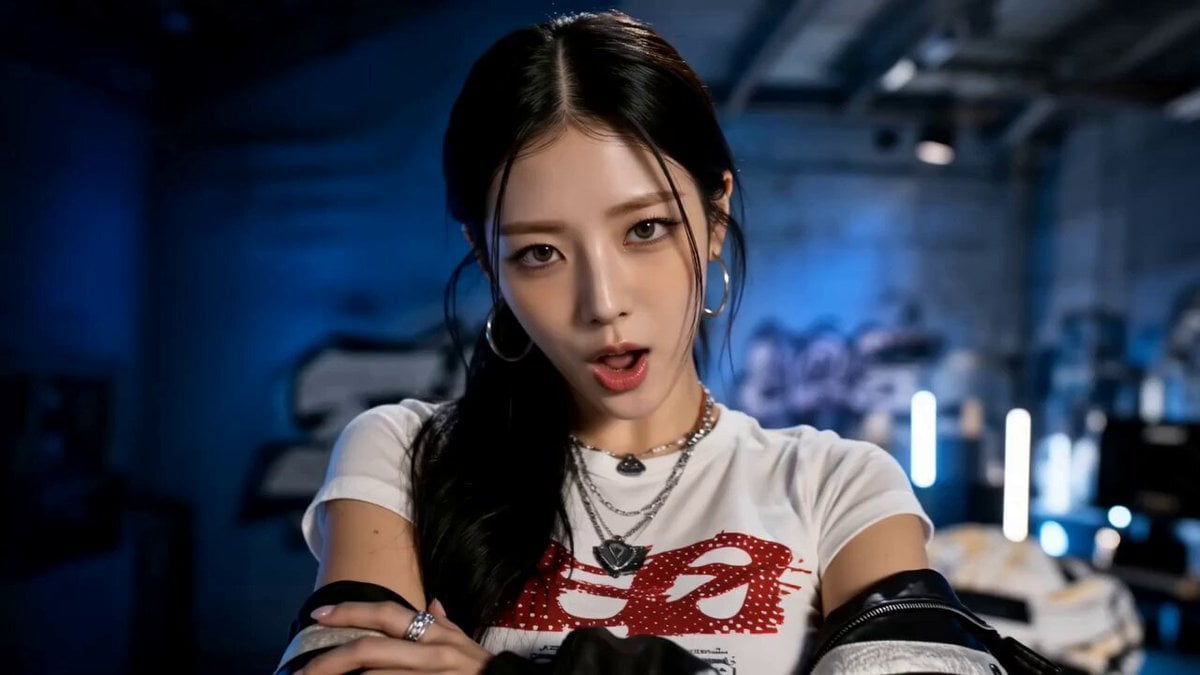
Seedance 2.5 - @AIwithkhan - 901550
Make it yours
Seedance 2.0 Detailed Combat Video Prompt: Maid Blade Dance works as-is. These are the safest ways to change it without losing the look.
Change one field
Copy a single group, rewrite it, and generate again so you can see what that field is doing.
Keep the frame, change the subject
Hold the composition and light of Seedance 2.0 Detailed Combat Video Prompt: Maid Blade Dance, then swap wardrobe, props or the person for a new take.
| If the result… | Why | Fix |
|---|---|---|
| The result drifts from the preview | Too many fields changed at once. | Reuse Seedance 2.0 Detailed Combat Video Prompt: Maid Blade Dance as-is first, then change one group — subject, light, or setting. |
| The model over-stylizes the scene | The prose prompt leaves finish and camera underspecified. | Add one camera or lighting sentence and stay on Seedance 2.0. |
More Seedance 2.0 templates
Other prompts made for Seedance 2.0.

Comical Martial Arts Punch Scene

Maglev Train Action Sequence

Martial Arts Fight Sequence

Wuxia Protection and Trust Script

Vintage Korean Arcade MiniDV Vlog

Mercedes 190 SL Luxury Ad

Rainy Night Supernatural Reverse Comedy Video Script

Amazon Civilization Discovery

Futuristic South Asian City Transformation

Cozy Luxury Cafe Commercial
More video prompts
Fresh picks from across the catalog.
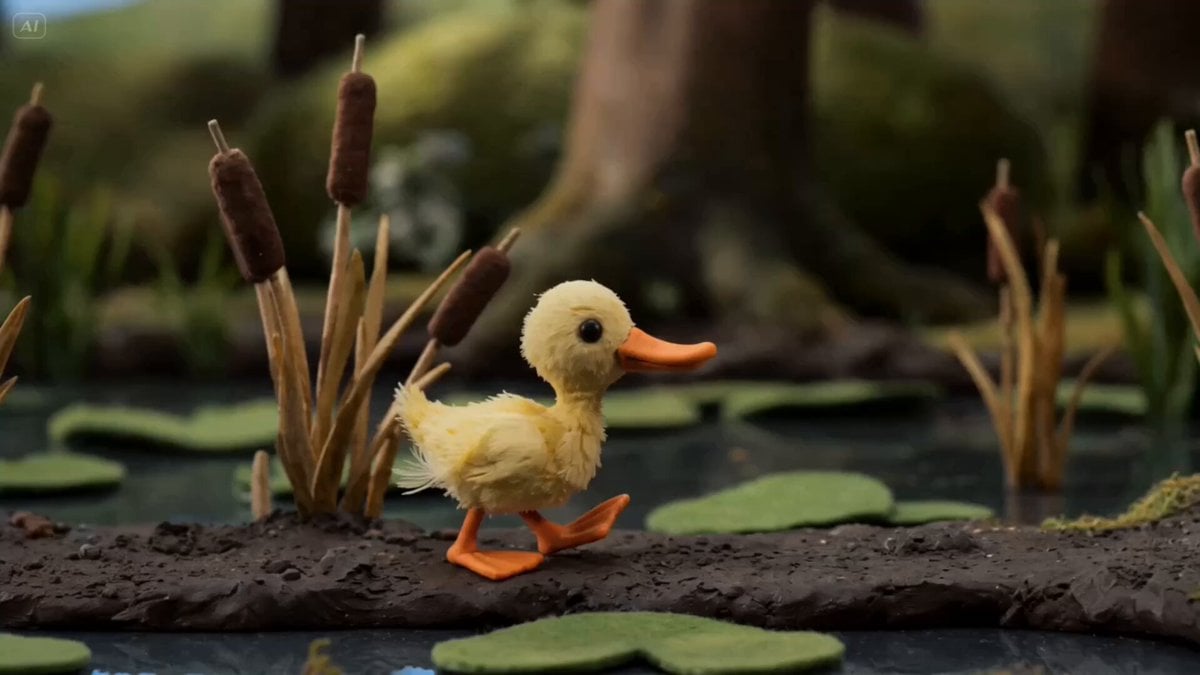
Claymation Evolution Sequence
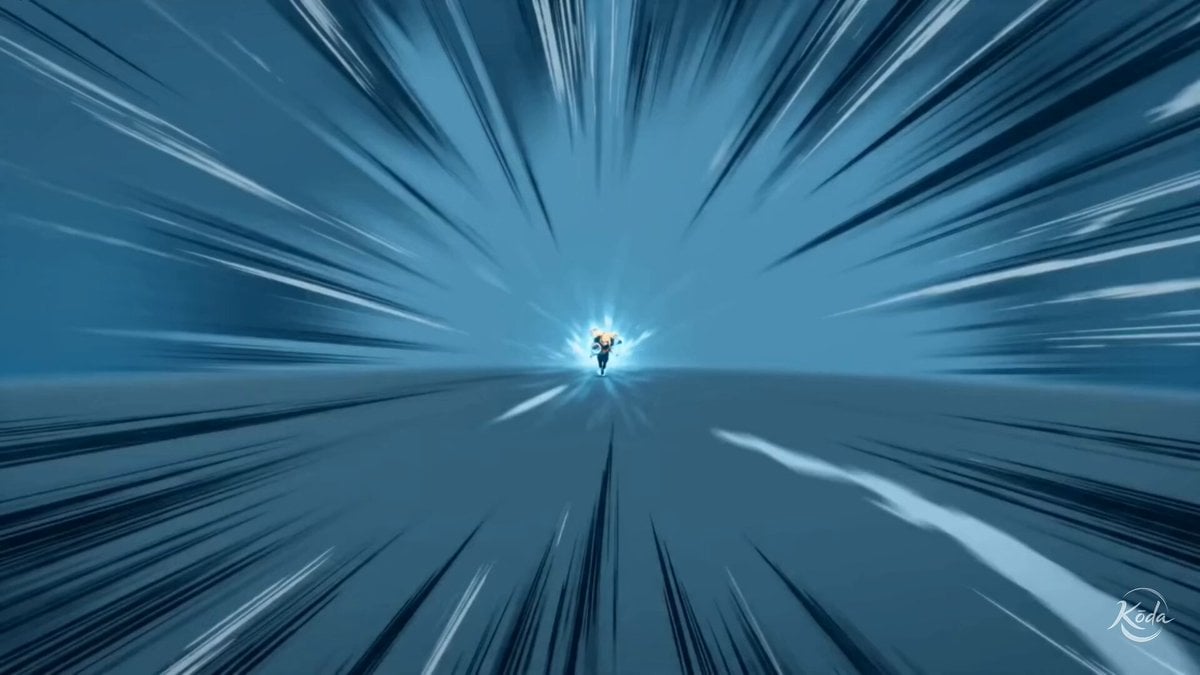
Supernatural Martial Arts Sakuga Duel
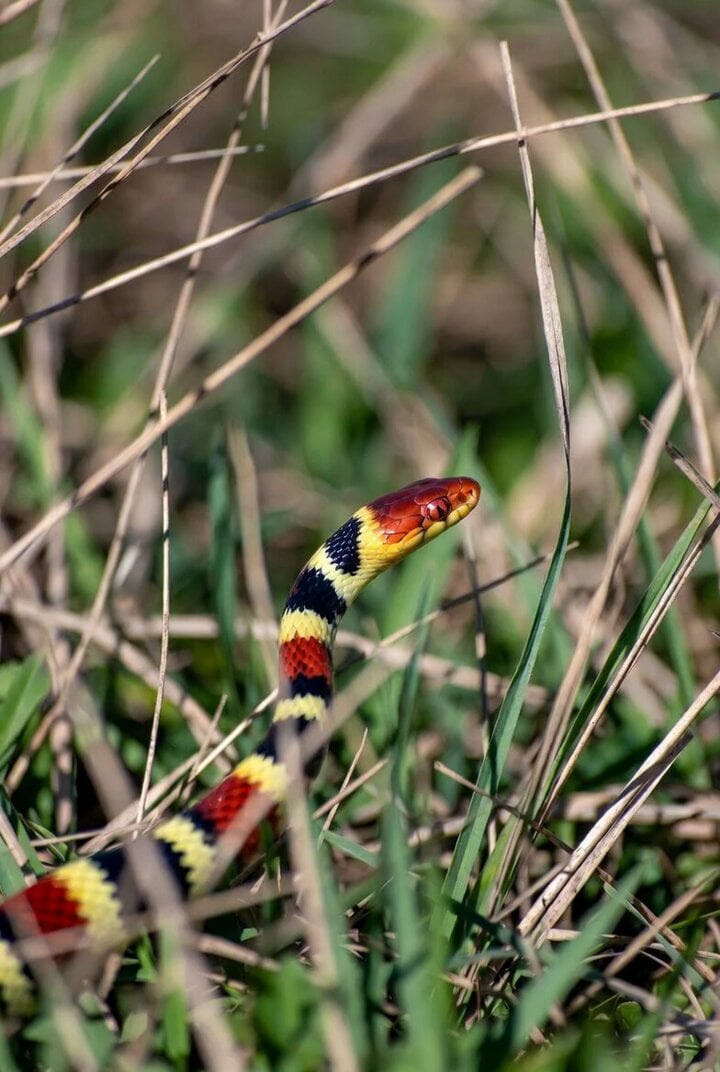
Garden Coral Snake Animation
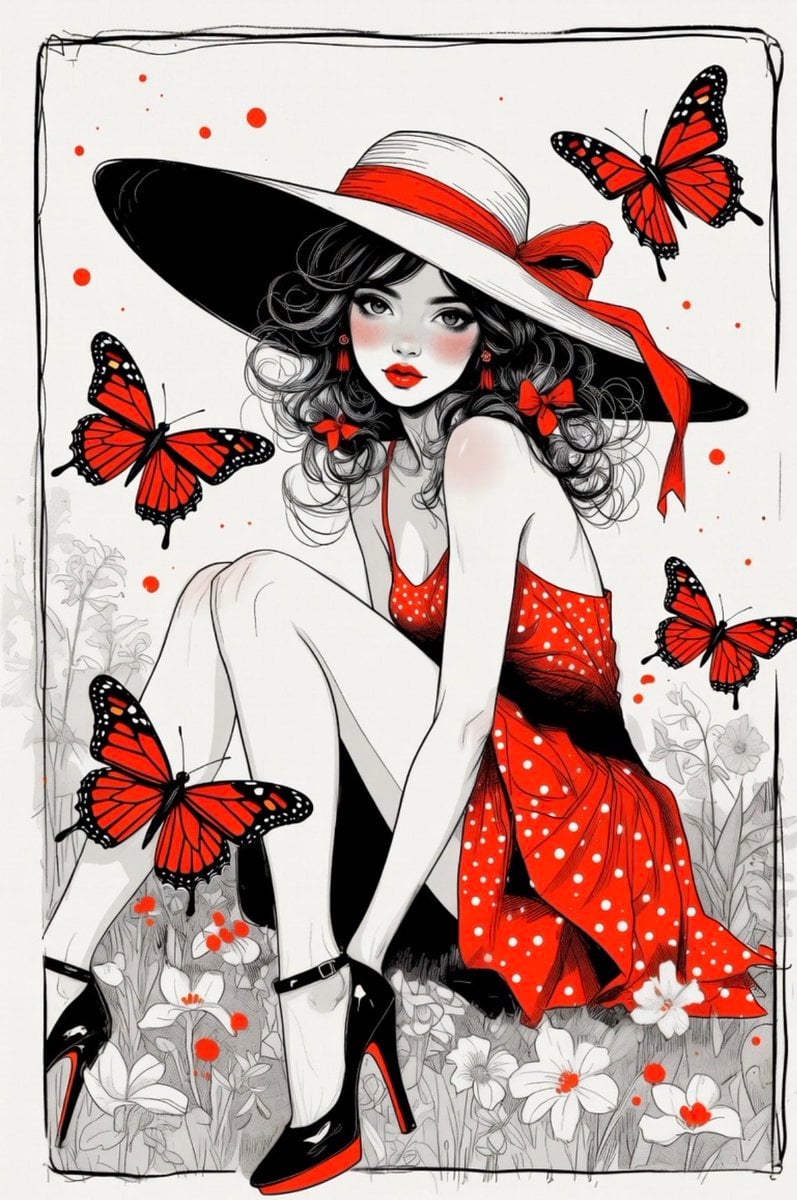
Comic-book Style Woman in Field Video Prompt
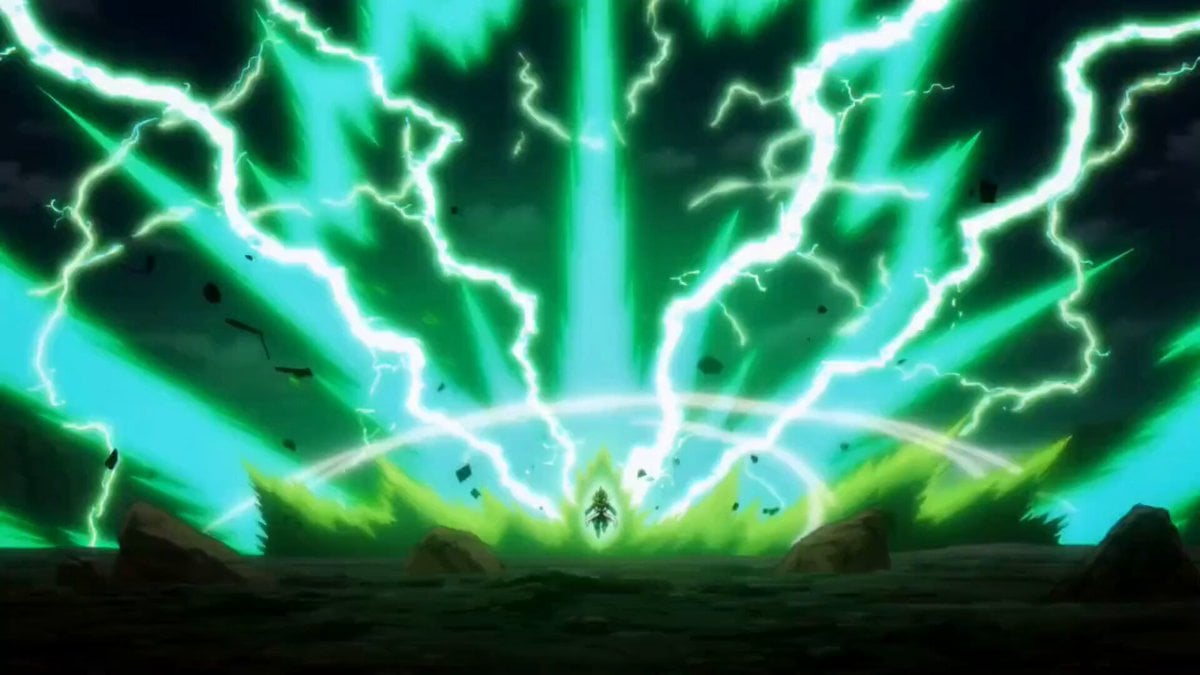
Vegeta Super Saiyan 100 vs Base Goku Prompt

Surreal Sports Broadcast Reaction
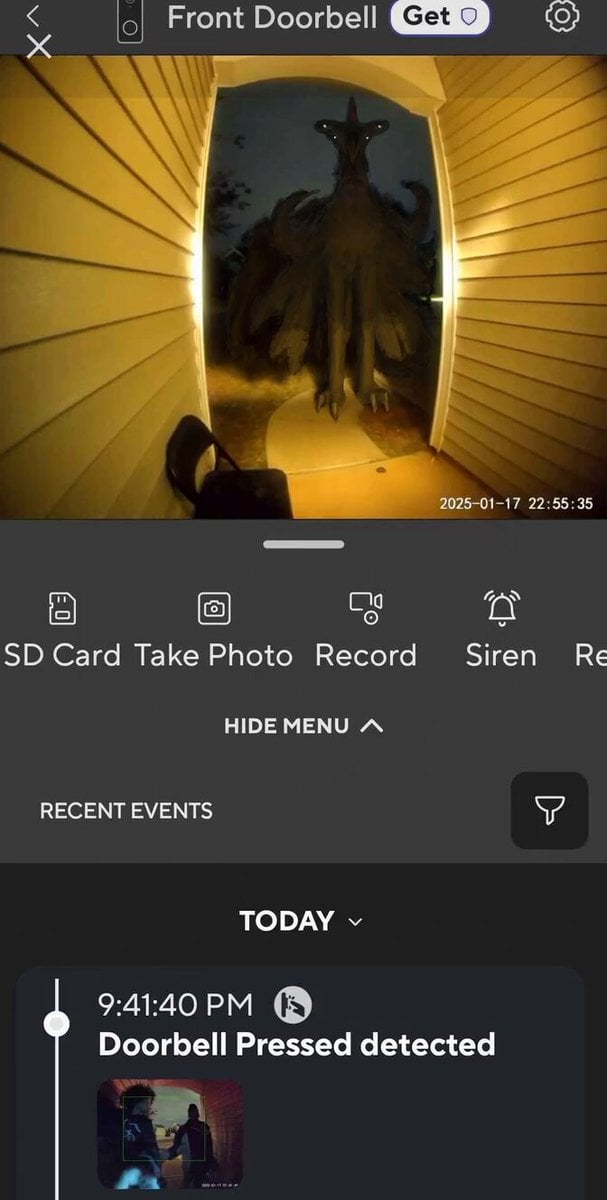
Chicken Alien Doorbell Ring
Kung Pao Chicken Plating Video Prompt
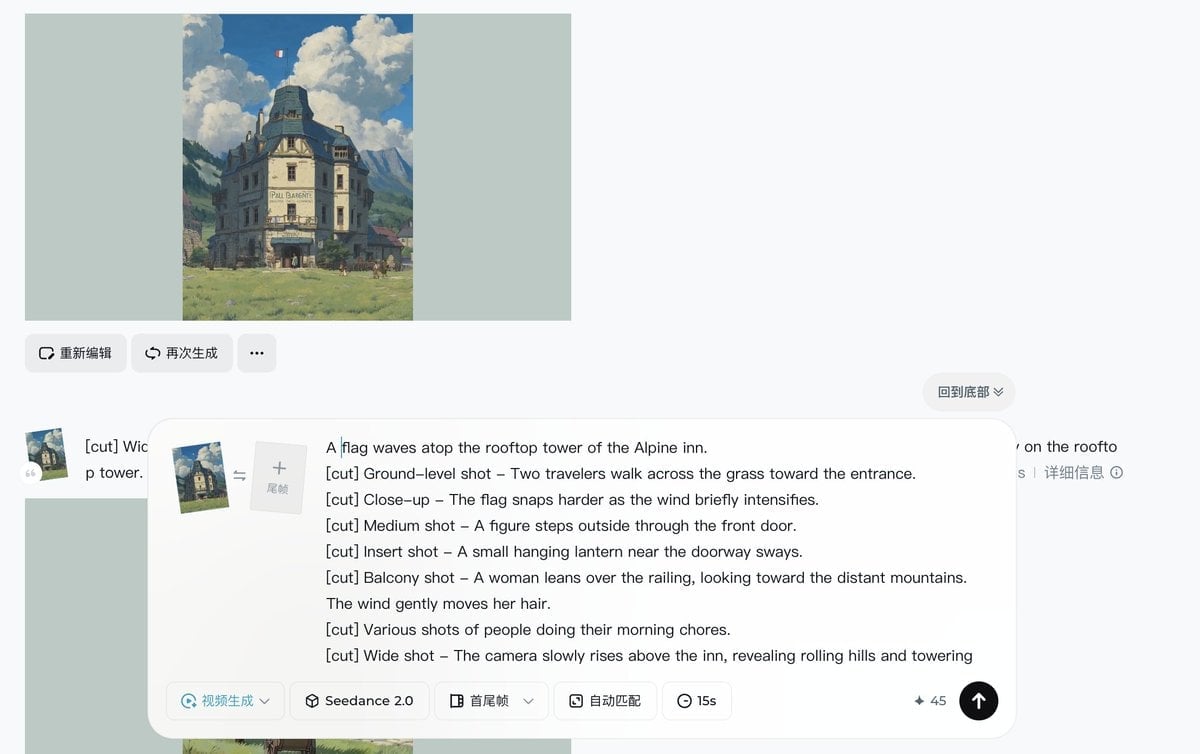
Ghibli-style Alpine inn scene
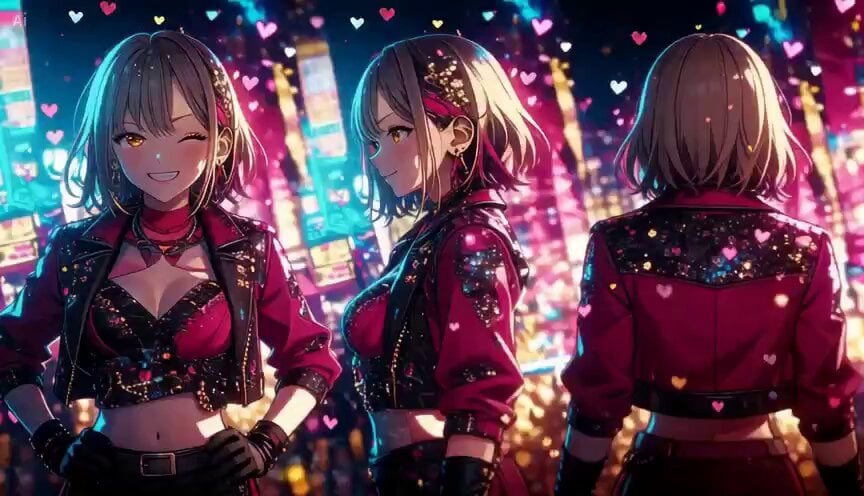
Samurai Sword Slash and Noto Ritual
Browse template categories
Seedance 2.0 Detailed Combat Video Prompt: Maid Blade Dance questions
How do I use the Seedance 2.0 Detailed Combat Video Prompt: Maid Blade Dance template?
Add your photo if the template asks for one, edit the prompt if you like — the template's model and format are already selected — and press Generate. Your version opens in PicX Studio.
Can I customize the Seedance 2.0 Detailed Combat Video Prompt: Maid Blade Dance template?
Yes. You can change the subject, setting, lighting, mood, format, and available model controls before creating your video.
Is the Seedance 2.0 Detailed Combat Video Prompt: Maid Blade Dance template free?
Opening and editing this template is free. Generating uses credits, shown on the Generate button when you are signed in.
Which AI model should I use?
Start with Seedance 2.0, which is the model associated with this template. You can compare another compatible model for a different finish.
Looking for something else? Browse all templates.

Your photo, any look
Thousands of ready templates for every top image and video model, from one credit balance.