How do I use the Comic to Video Explanation Prompt (Journey to the West) template?
Edit the prompt in the box under the preview — the template's model and format are already selected — and press Generate. Your version appears right on this page.
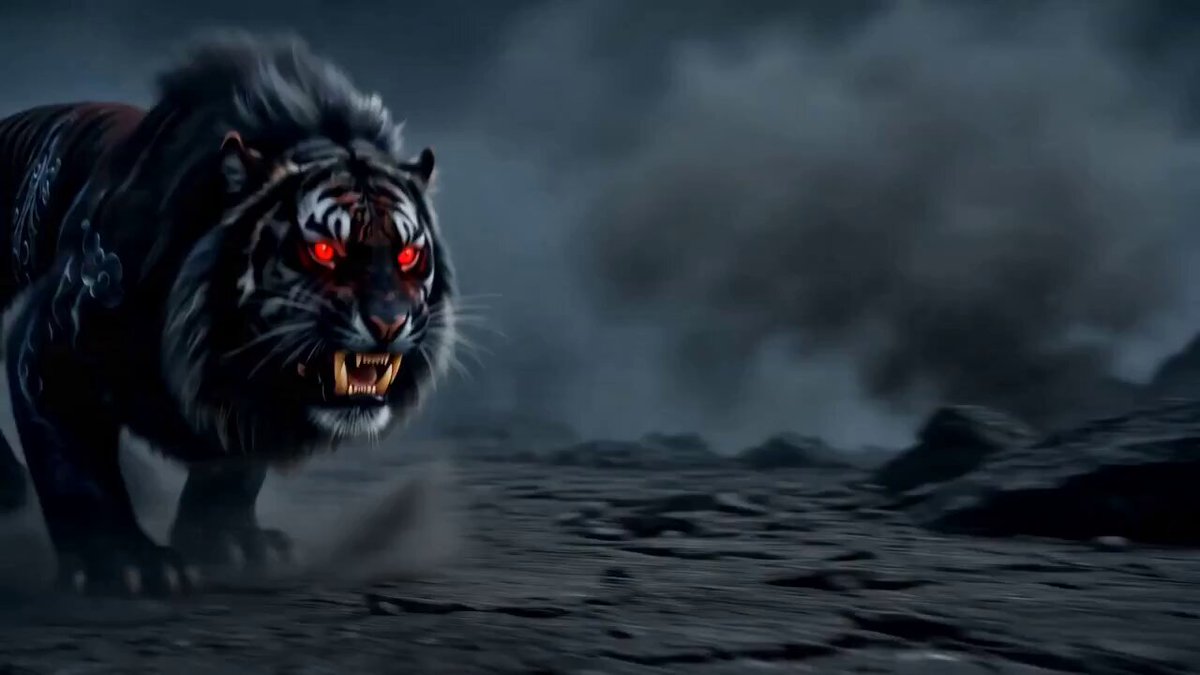
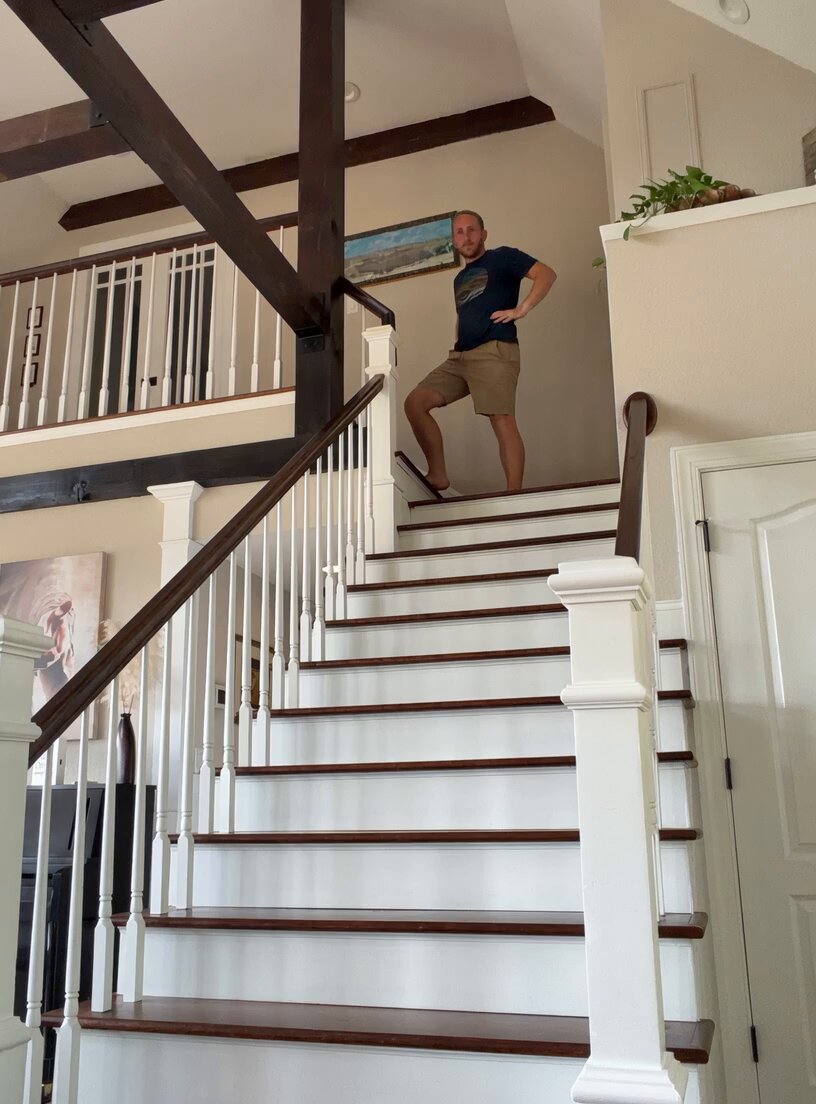
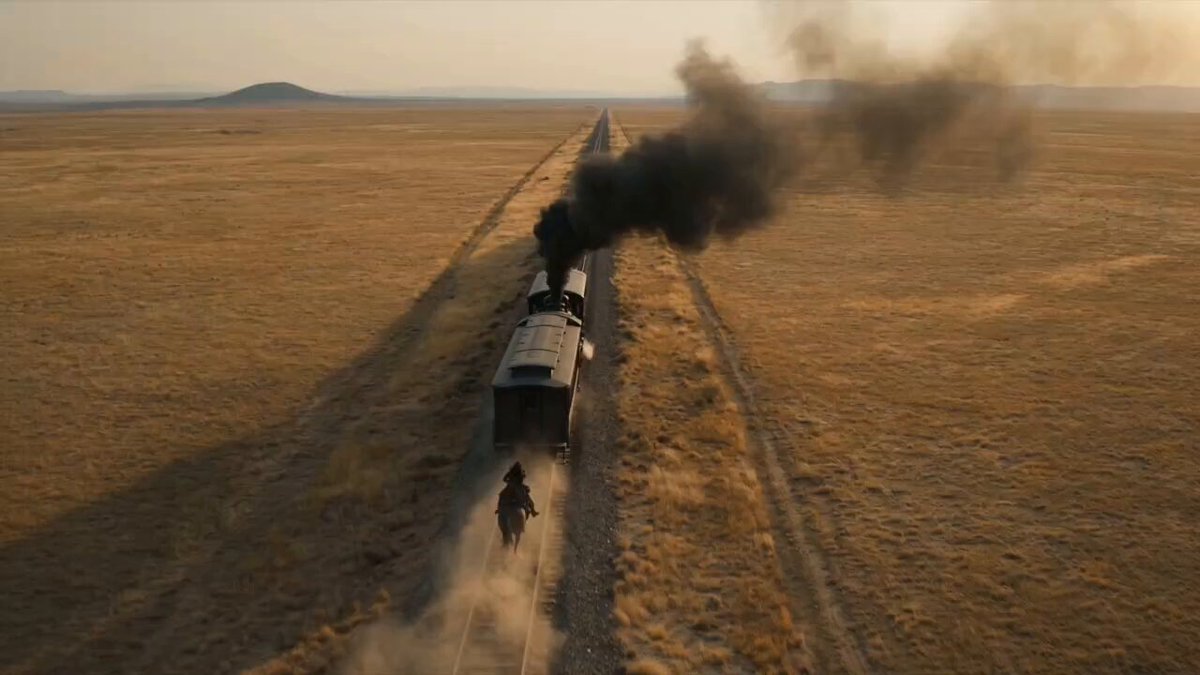
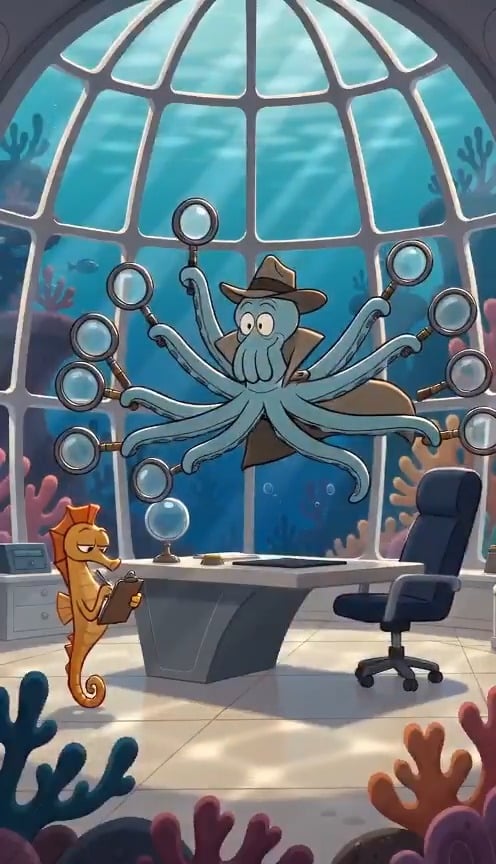
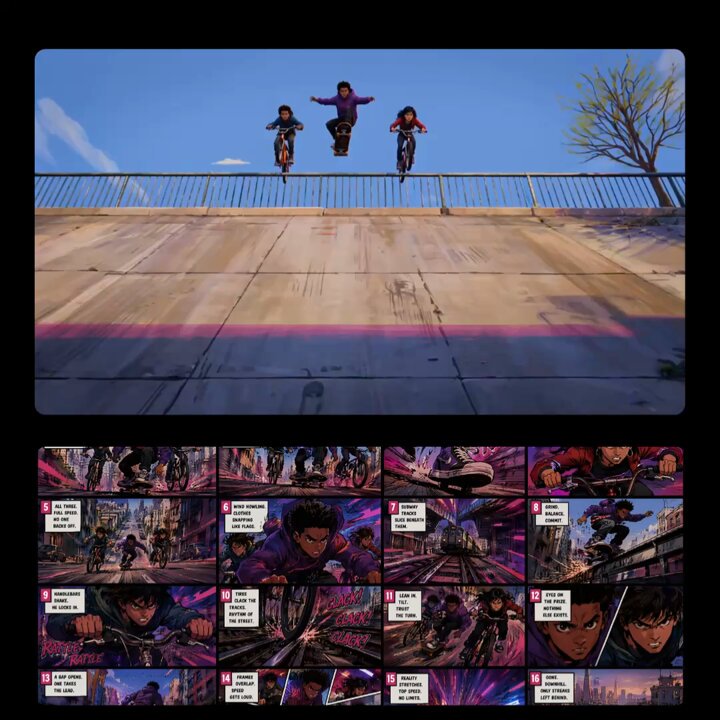
A prompt to convert a comic image into an explanatory video using a popular science style and voiceover, detailing the story of Sun Wukong borrowing the Banana Fan from Princess Iron Fan, her refusal due to the conflict…
用科普风格和音色,将图片1中的内容演绎出来,内容包括悟空为过火焰山,到翠云山向铁扇公主借芭蕉扇。 铁扇公主因红孩儿被悟空降伏拜观音为童子,母子分离,不肯借扇还欲报仇。悟空好言相劝无果,二人随即起了争执的小故事进行讲解。
用科普风格和音色,将图片1中的内容演绎出来,内容包括悟空为过火焰山,到翠云山向铁扇公主借芭蕉扇。 铁扇公主因红孩儿被悟空降伏拜观音为童子,母子分离,不肯借扇还欲报仇。悟空好言相劝无果,二人随即起了争执的小故事进行讲解。
Edit the prompt in the box under the preview — the template's model and format are already selected — and press Generate. Your version appears right on this page.
Yes. You can change the subject, setting, lighting, mood, format, and available model controls before creating your video.
Opening and editing this template is free. Generating uses credits, shown on the Generate button when you are signed in.
Start with Seedance 2.0, which is the model associated with this template. You can compare another compatible model for a different finish.
Follow a topic to a crawlable collection of related PicX Studio templates.