
Arctic Dark Comedy Animation
A 15-second dark comedy prompt involving a black bear cub, polar bears, and a Taoist cat in the Arctic, with a scripted transformation sequence and specific audio directions.
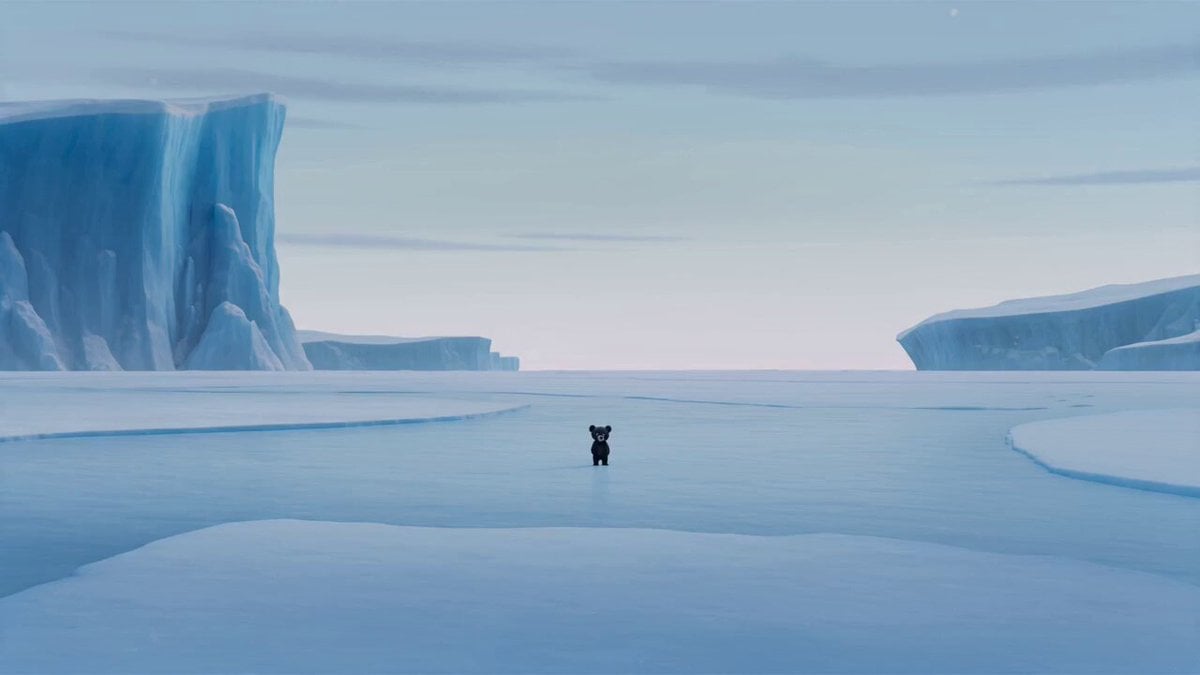
- Prompt included
- Model and format preset
- Premium template
The prompt behind this video
Copy the exact prompt behind Arctic Dark Comedy Animation, or open it in the studio and make it yours.
FORMAT: 15s / 150 BPM / MULTI-CUT / Seedance 2 / 3D dark comedy fantasy STYLE: Fast-paced cinematic cuts, exaggerated animation physics, dramatic lighting shifts, punchline-driven timing SUBJECTS: Small black bear cub (timid, vulnerable). Adult polar bears (bulky, mocking, arrogant). Black cat (long white eyebrows, beige Taoist robe, mystical but slightly incompetent). ENVIRONMENT: Snowy Arctic coastline → icy wind, pale sky → dark cave interior → magical transformation glow MOOD: Sad isolation → absurd hope → magical build-up → comedic failure → dark humor punchline COLOR LOGIC: Cold desaturated blues → shadowy cave → intense golden magic → muted aftermath CAMERA: Rapid cuts, dynamic angles, close-ups for emotion, wide shots for scale, punch-in reactions SCENE: 1. Wide shot. Frozen Arctic coast. Wind howling. Small black bear stands alone, dwarfed by environment. 2. Cut to group of adult polar bears circling him. One smirks: “Wrong color, kid.” Another laughs: “You lost or just ugly?” 3. Close-up. Black bear lowers his head, silent, eyes wet. Snow falls heavier. 4. Medium shot. He slowly walks away while the polar bears laugh behind him. One shouts: “Blend in or get out!” 5. Cut to cave interior. Dim, cold. Black bear curls into corner, quietly crying. 6. Sudden WHOOSH. Black cat drops from above into frame, robe fluttering. 7. Low angle on black cat. Calm voice: “Hey… don’t cry. I can grant you any wish.” 8. Close-up. Bear looks up, hopeful: “Really?” 9. Cat nods confidently: “Really. Go ahead.” 10. Bear kneels, hands together: “Please… make me a white polar bear.” 11. Dramatic close-up. Cat places paw on his head: “Your wish is my command.” 12. Explosion of golden light. Bear levitates, spinning mid-air. Magical energy pulses. 13. Transformation sequence. As he spins, his body changes—but stops halfway. He lands. Now still black… with a white V-shaped mark on his chest. 14. Silence. Bear looks down, confused, then furious: “This is NOT what I asked for!” 15. Cat scratches head awkwardly: “Uh… sorry. I’m still an intern.” Instantly turns into black smoke and vanishes. Final close-up. Bear looks at camera, screaming: “NO!!!!!!” SFX: Arctic wind and distant echoes, mocking laughter, soft crying, magical whoosh entrance, calm mystical tone, rising energy hum, bright transformation burst, abrupt silence, awkward pause, smoke poof, final echoing scream.
How to use Arctic Dark Comedy Animation in 3 steps
- 1
Open
The prompt is already in the box next to the preview, with the template's model and format selected.
- 2…a portrait of your subject in softgolden-hour light, 85mm…
Personalize
Edit the subject and creative details for your destination.
- 3Generate
Generate
Press Generate — your video is created in PicX Studio, so you can compare it with the original and refine one variable at a time.
More like this
Templates with the same subject, style or setup. Open one to see its prompt.
Dim Sum Chase — Shrimp Dumpling Monster

Dark Tokusatsu Transformation - Seedance 2.5
Viking in Modern America Comedy - Seedance 2.5
3D Glossy Fairy Animation - Seedance 2.5
Comedy Coke Bottle Prank Reel — Kling 3.0 O3 Pro
Silk Road Pomegranate Folk Animation
Multilingual Creative Typography Loop
Miniature 3D Animation Snowfield Comedy
Cartoon Donut Heist Bakery Chase
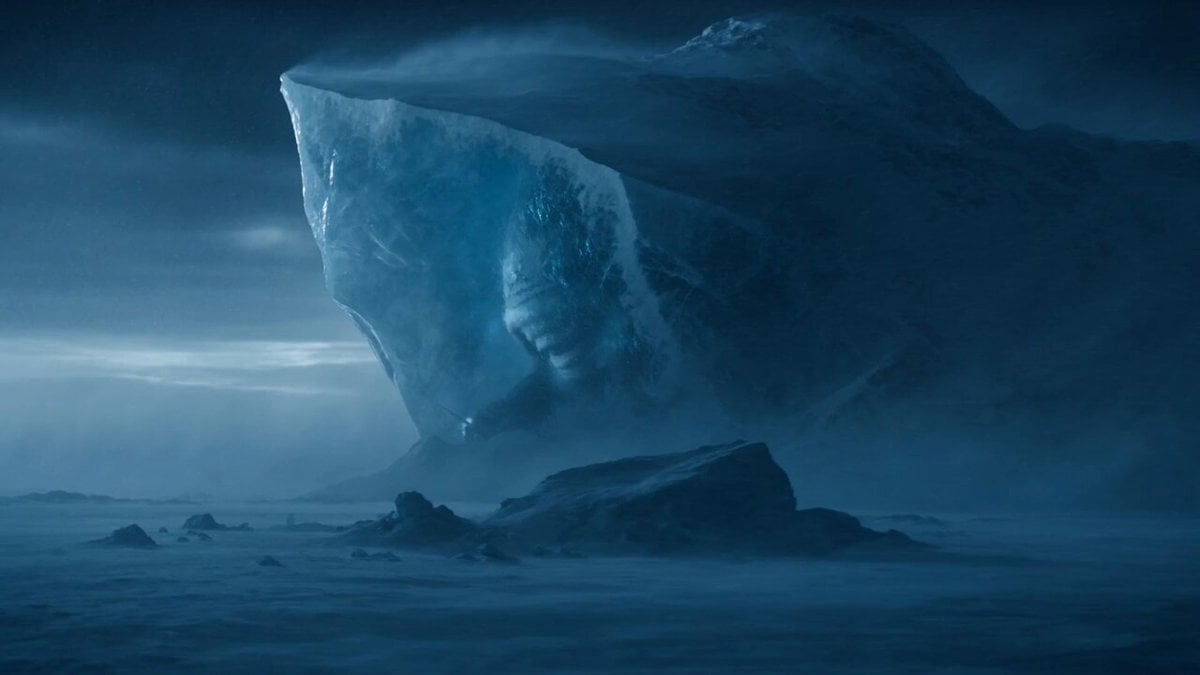
Arctic Titan Awakening Dark Fantasy Prompt

Walking Factory with Rebel on Hoverbike - Wasteland
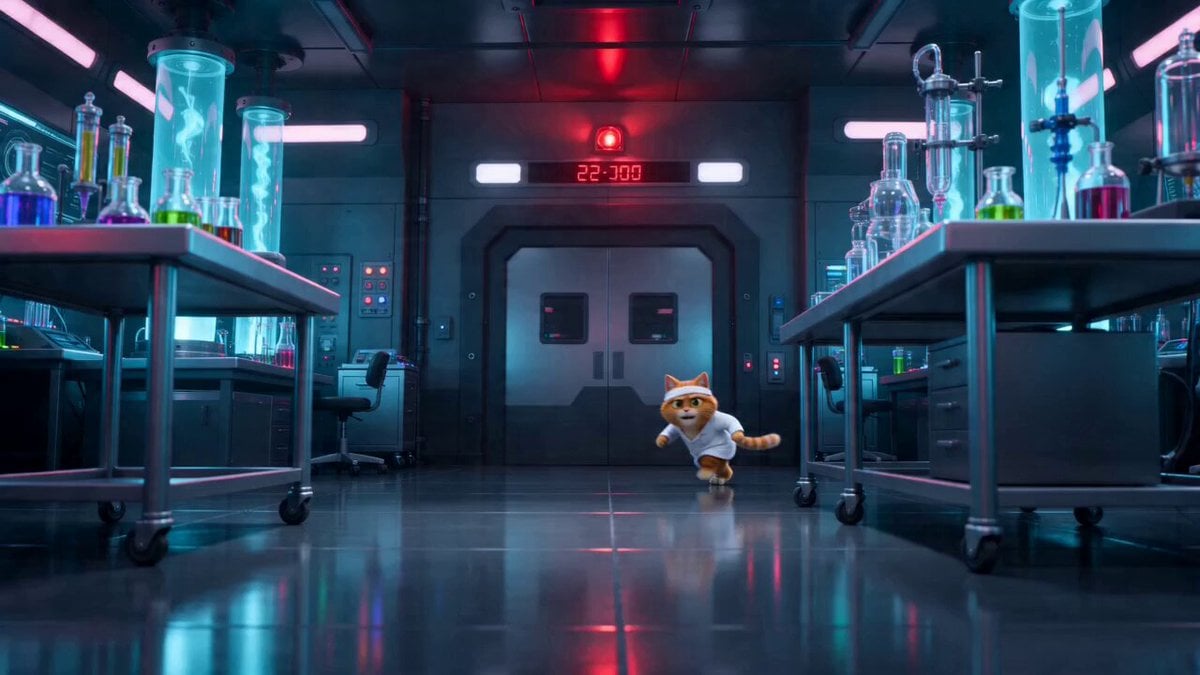
Sci-Fi Dark Comedy Chase Scene
Make it yours
Arctic Dark Comedy Animation works as-is. These are the safest ways to change it without losing the look.
Change one field
Copy a single group, rewrite it, and generate again so you can see what that field is doing.
Keep the frame, change the subject
Hold the composition and light of Arctic Dark Comedy Animation, then swap wardrobe, props or the person for a new take.
| If the result… | Why | Fix |
|---|---|---|
| The result drifts from the preview | Too many fields changed at once. | Reuse Arctic Dark Comedy Animation as-is first, then change one group — subject, light, or setting. |
| The model over-stylizes the scene | The prose prompt leaves finish and camera underspecified. | Add one camera or lighting sentence and stay on Seedance 2.0. |
More Seedance 2.0 templates
Other prompts made for Seedance 2.0.

Comical Martial Arts Punch Scene

Maglev Train Action Sequence

Martial Arts Fight Sequence

Wuxia Protection and Trust Script

Vintage Korean Arcade MiniDV Vlog

Mercedes 190 SL Luxury Ad

Rainy Night Supernatural Reverse Comedy Video Script

Amazon Civilization Discovery

Futuristic South Asian City Transformation

Cozy Luxury Cafe Commercial
More video prompts
Fresh picks from across the catalog.
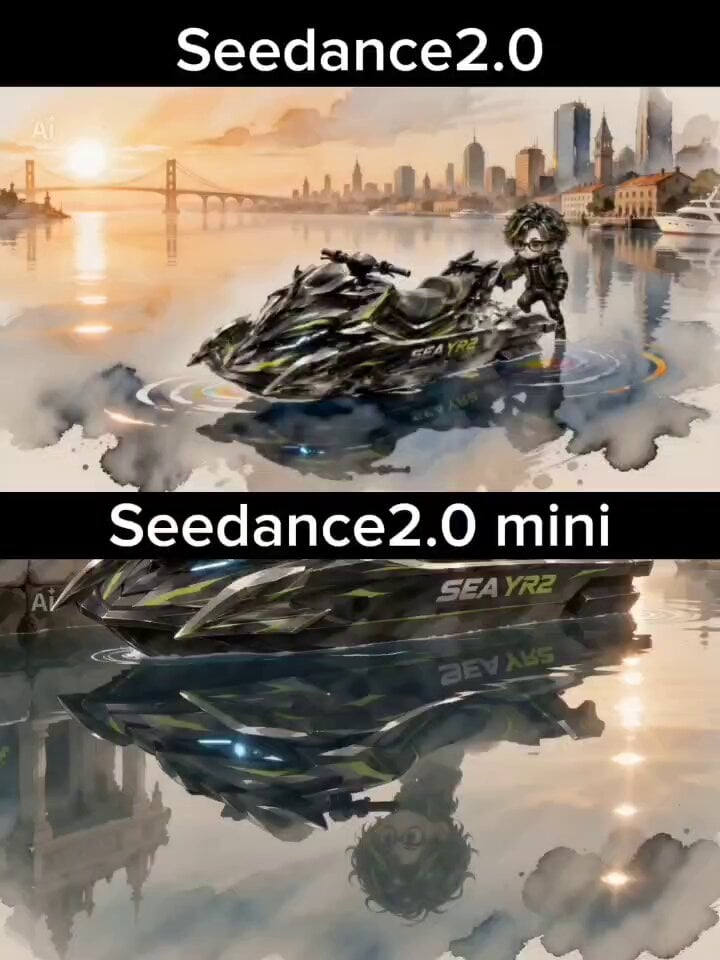
Watercolor and Ink Nautical City Video
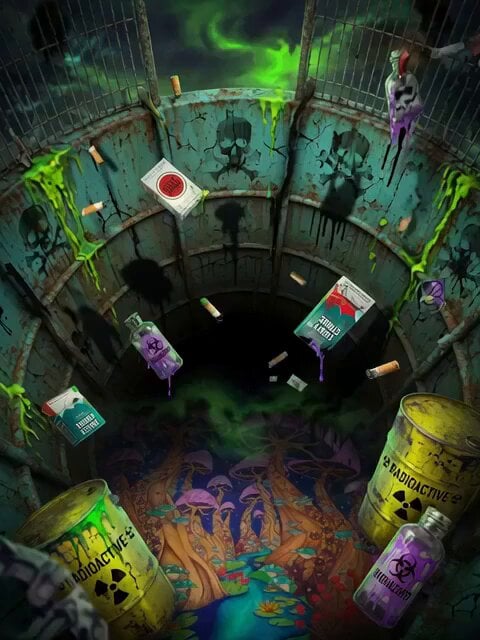
Dragon Wing Escape Sequence
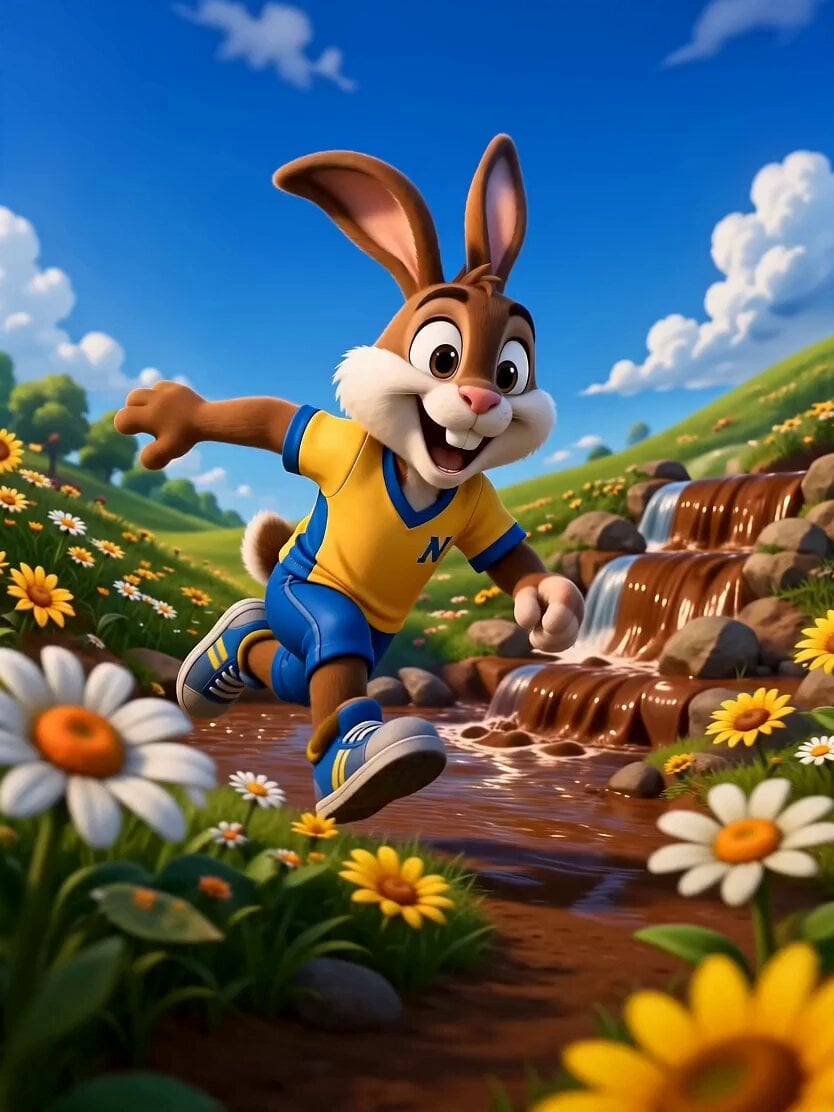
3D Animated Rabbit Commercial for Chocolate Milk
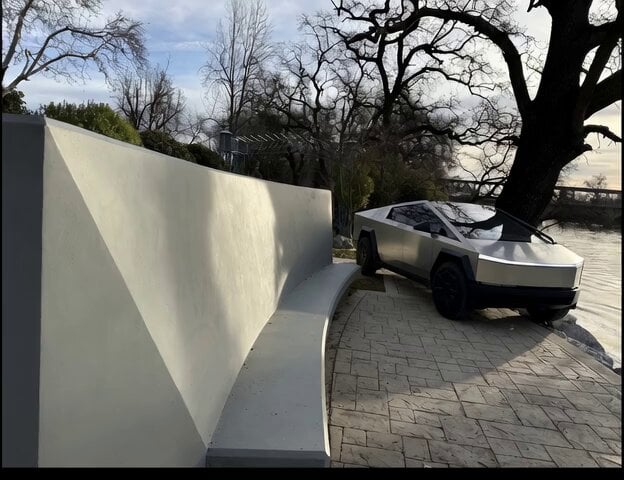
Cybertruck Driving Near Bench
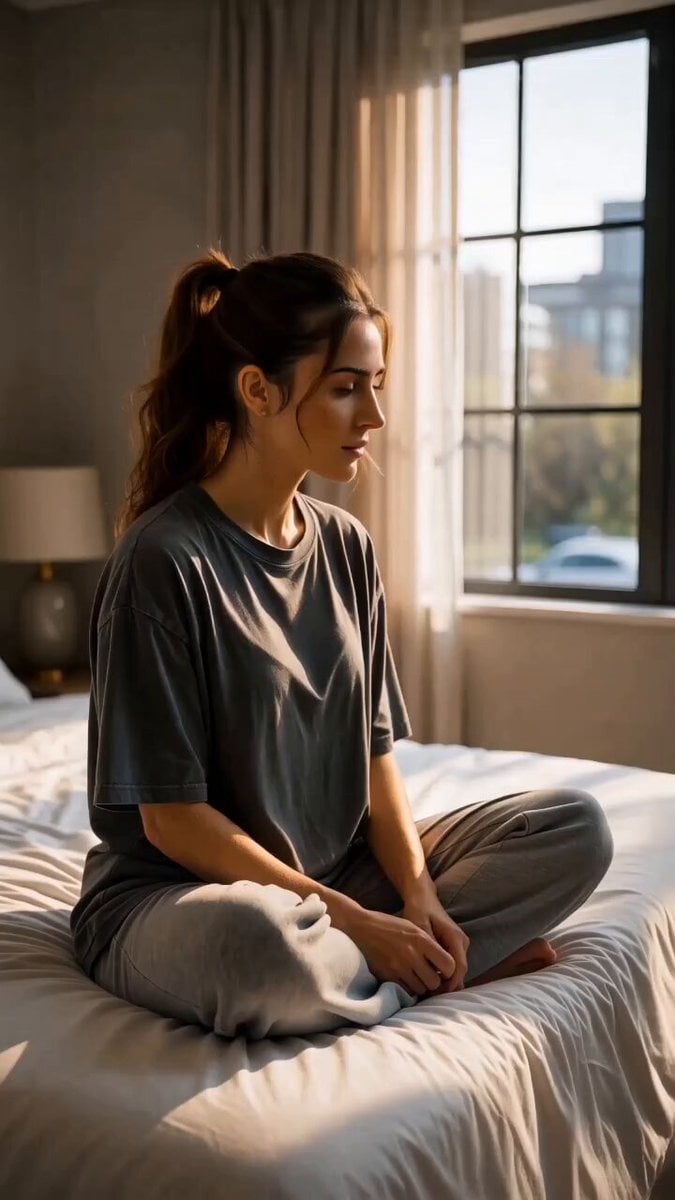
Cinematic Morning Gym Commercial Prompt
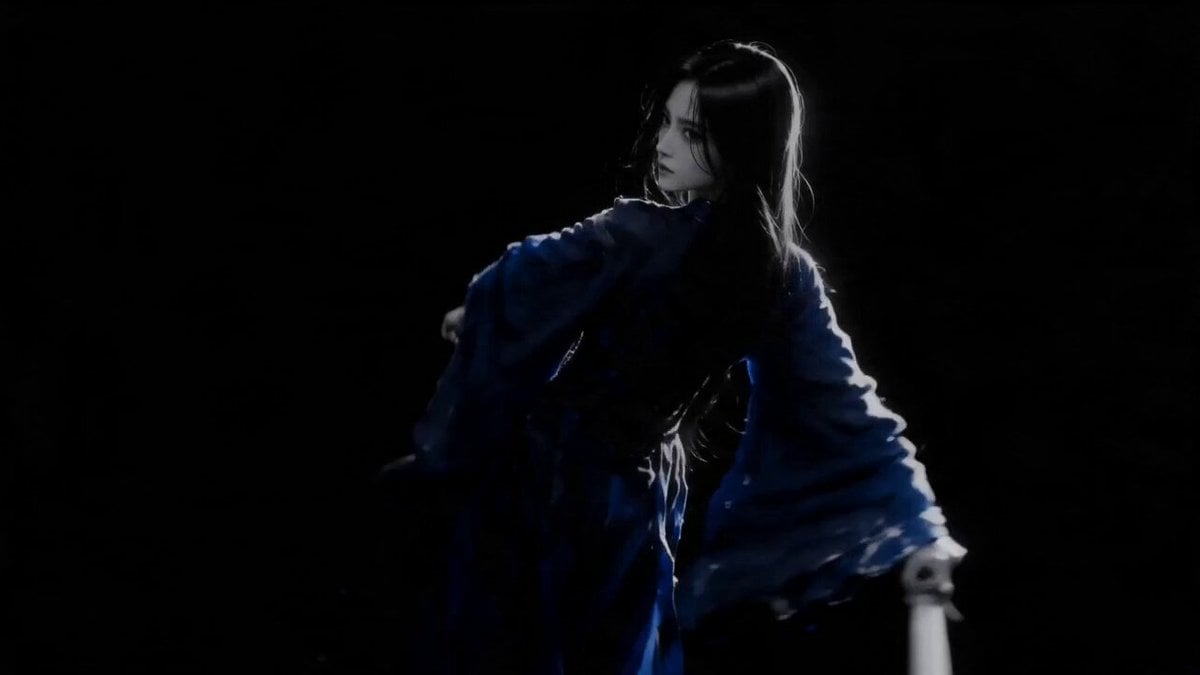
Sapphire Storm Inverted Sumi-e Short
Coward King — Seedance 2.0 Dark Fantasy

Ancient Costume Time-Travel Drama Trailer Generation
Korean Idol Childhood Photo Vlog
Cyberpunk Anime Trailer Test Prompt with Lip Sync
Browse template categories
Arctic Dark Comedy Animation questions
How do I use the Arctic Dark Comedy Animation template?
Add your photo if the template asks for one, edit the prompt if you like — the template's model and format are already selected — and press Generate. Your version opens in PicX Studio.
Can I customize the Arctic Dark Comedy Animation template?
Yes. You can change the subject, setting, lighting, mood, format, and available model controls before creating your video.
Is the Arctic Dark Comedy Animation template free?
Opening and editing this template is free. Generating uses credits, shown on the Generate button when you are signed in.
Which AI model should I use?
Start with Seedance 2.0, which is the model associated with this template. You can compare another compatible model for a different finish.
Looking for something else? Browse all templates.

Your photo, any look
Thousands of ready templates for every top image and video model, from one credit balance.