
Cinematic Fantasy POV Crowd Battle
A detailed video prompt for a realistic fantasy combat scene filmed from a handheld smartphone perspective in a crowd, featuring magical effects and a giant rival.
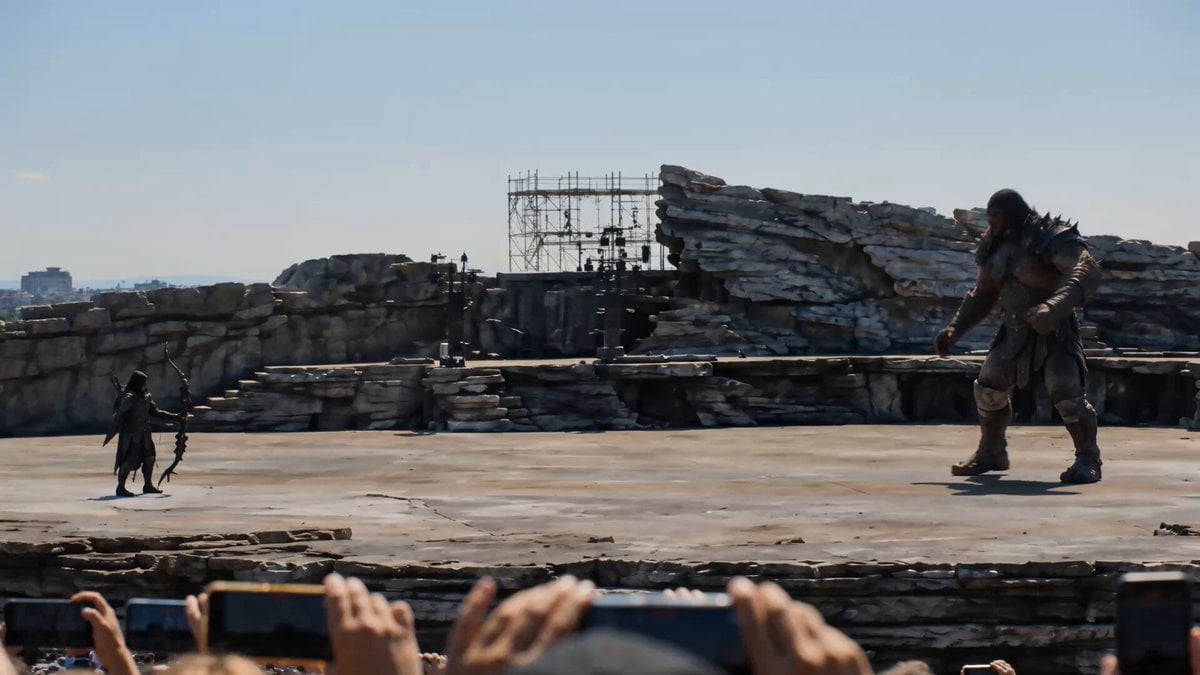
- Prompt included
- Model and format preset
- Free template
The prompt behind this video
Copy the exact prompt behind Cinematic Fantasy POV Crowd Battle, or open it in the studio and make it yours.
Style: photoreal live-action, filmed on a spectator's handheld smartphone from a huge daytime crowd at an open-air theater (matching @Image1) — raised phones in the foreground, distant city; bright sun-drenched daytime; realistic, weighty, effective fantasy combat with GRAND black-energy VFX; stylized magic, no blood, no gore. CAMERA: a FIXED camera position, NO zoom, NO push-in, NO dolly — only small pans and tilts to keep the fight in frame; stay wide, no face close-ups. @Image2 = the hero archer with his giant obsidian bow; he teleports in bursts of black dust-energy to deliberate flanking positions, aiming his arrows purposefully. @Image3 = the giant rival, about twice the hero's height, who actively FIGHTS BACK throughout — charging and hurling ripped-up stones. ONE continuous shot, no cuts, FIXED camera, minimal pan/tilt only: 0-4s: the giant rips a slab of stone from the ground and HURLS it at the archer; the archer teleports in black dust to dodge, lands at a flanking spot to the giant's LEFT and looses an arrow that opens a swirling BLACK HOLE right there beside the giant — a deliberate mark. 4-8s: the giant tears up another stone and throws again, then swings a heavy arm; the archer teleports to dodge and repositions to the giant's RIGHT, loosing another arrow that opens a second black hole deliberately beside him — a real back-and-forth exchange. 8-11s: the giant charges and swings hard; the archer teleports behind him and looses a big obsidian arrow that strikes the GIANT square in the chest and stays embedded there, glowing. 11-15s: the two flanking black holes ignite and PULL the giant from both sides at once; he is dragged apart into great streams of black dust shot through with swirling dark-blue energy and sucked into the vortexes; the holes collapse and vanish; the crowd erupts. Audio: roaring crowd; stone tearing and heavy thrown-rock impacts, teleport dust whooshes, taut bow draws and sharp arrow releases, vortex hums as black holes open, a heavy thunk as the arrow embeds, a building gravitational roar then a suck-and-collapse boom, scattering dust, crowd erupts on the final frame. Preserve: ONE continuous shot, no cuts; FIXED camera, pan/tilt only, NO zoom, stay wide, no face close-ups; the hero (@Image2) with obsidian bow, the giant (@Image3) ~2x height actively fighting back with stone throws; purposeful black-hole placement beside the giant; photoreal live-action; black dust-energy, obsidian arrows, swirling black holes, dark-blue energy within the black dust; distant huge stage, crowd and city from @Image1; foreground spectators with raised phones; stylized fantasy, no blood or gore; no on-screen text.
How to use Cinematic Fantasy POV Crowd Battle in 3 steps
- 1
Open
The prompt is already in the box next to the preview, with the template's model and format selected.
- 2…a portrait of your subject in softgolden-hour light, 85mm…
Personalize
Edit the subject and creative details for your destination.
- 3Generate
Generate
Press Generate — your video is created in PicX Studio, so you can compare it with the original and refine one variable at a time.
More like this
Templates with the same subject, style or setup. Open one to see its prompt.
Ice Queen — Frozen Battlefield Time Control (Seedance)
Swordsman vs Shadow Monster — Bamboo Forest Battle
First-Person POV Fantasy Demon Battle

Necromancer Battlefield Orbit
Sea Serpent vs Crab Titan — Ocean Battle
Magic City Fantasy Battle Animation

Dragon Rider Cinematic Flight — Seedance 2.5
Lonely Crowd One-Shot Through Seasons

Forest Fantasy Girl Short Film

DV Camcorder POV Gym Montage — Seedance 2.5
DV Camcorder POV Gym Montage — Seedance 2.5
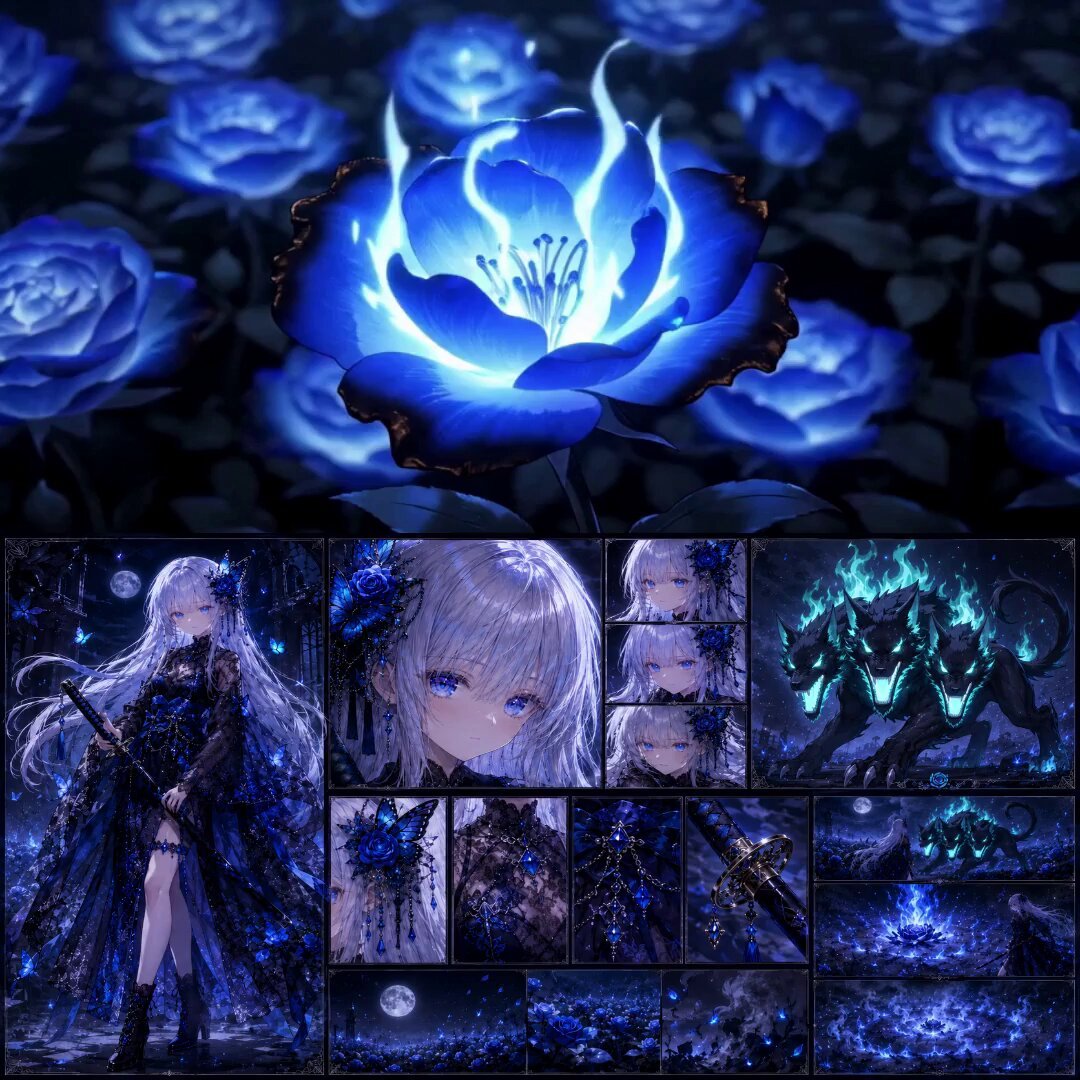
High-End Anime Dark Fantasy Cerberus Battle
Make it yours
Cinematic Fantasy POV Crowd Battle works as-is. These are the safest ways to change it without losing the look.
Change one field
Copy a single group, rewrite it, and generate again so you can see what that field is doing.
Keep the frame, change the subject
Hold the composition and light of Cinematic Fantasy POV Crowd Battle, then swap wardrobe, props or the person for a new take.
| If the result… | Why | Fix |
|---|---|---|
| The result drifts from the preview | Too many fields changed at once. | Reuse Cinematic Fantasy POV Crowd Battle as-is first, then change one group — subject, light, or setting. |
| The model over-stylizes the scene | The prose prompt leaves finish and camera underspecified. | Add one camera or lighting sentence and stay on Seedance 2.0. |
More Seedance 2.0 templates
Other prompts made for Seedance 2.0.

Comical Martial Arts Punch Scene

Maglev Train Action Sequence

Martial Arts Fight Sequence

Wuxia Protection and Trust Script

Vintage Korean Arcade MiniDV Vlog

Mercedes 190 SL Luxury Ad

Rainy Night Supernatural Reverse Comedy Video Script

Amazon Civilization Discovery

Futuristic South Asian City Transformation

Cozy Luxury Cafe Commercial
More video prompts
Fresh picks from across the catalog.

Graceful Hip-Hop Dance Loop

Girl and White Mountain Lion Action
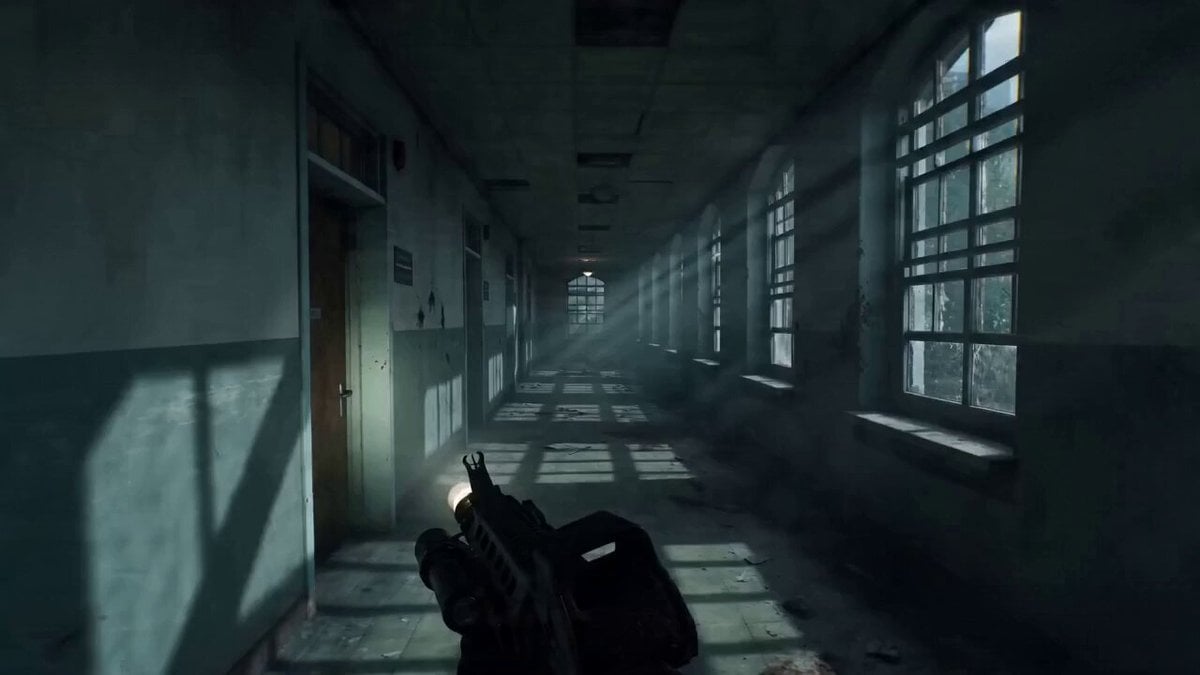
Ultra-realistic First-Person Zombie Survival Video Prompt for Seedance 2.0

Arctic Canyon Aurora FPV Dive

Naples Pizzeria Animation
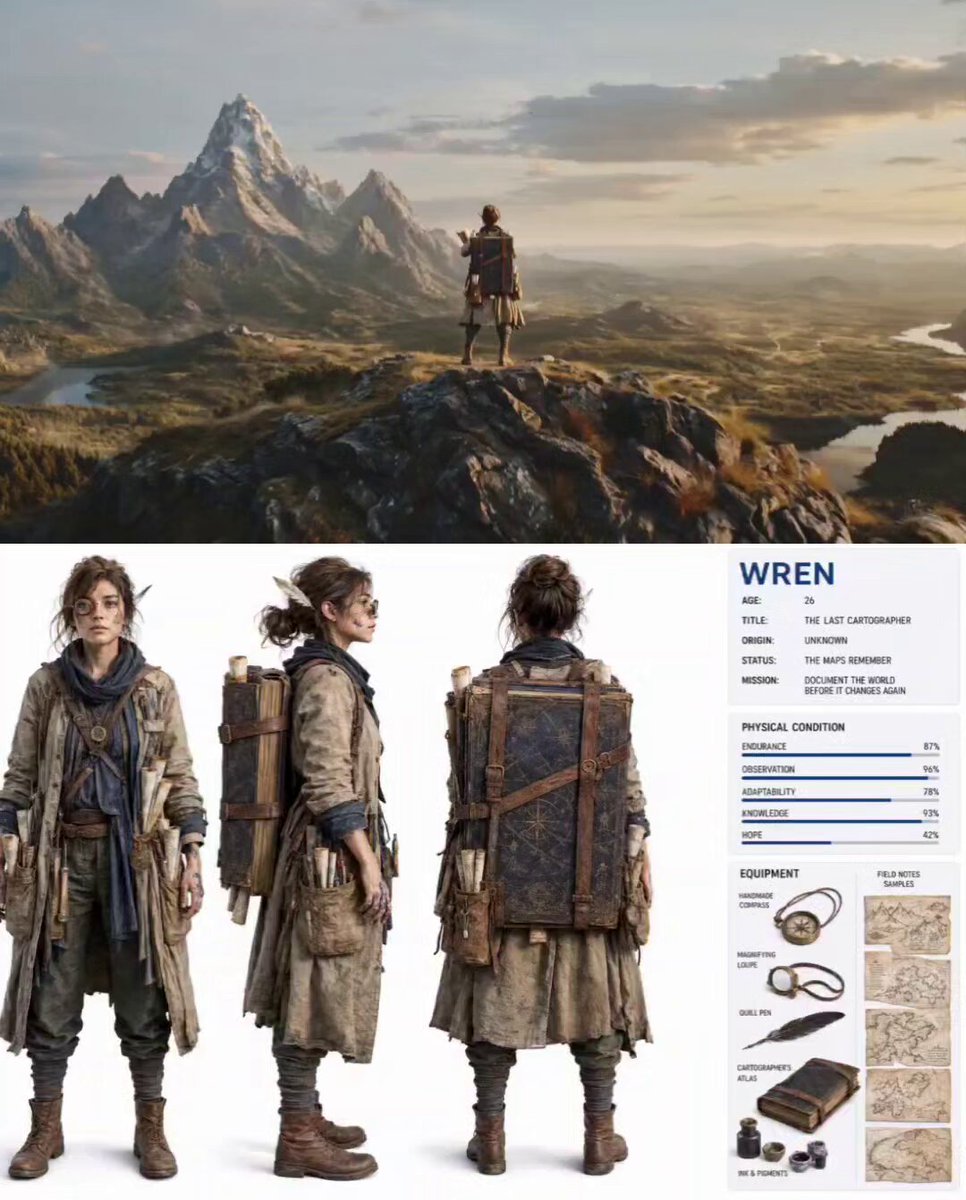
Nature Reclaiming Cities Cartographer Scene
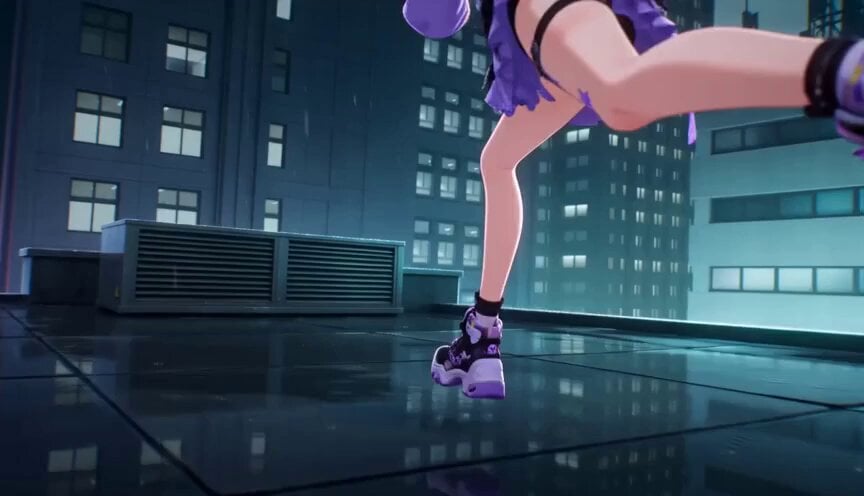
Futuristic City Parkour Animation
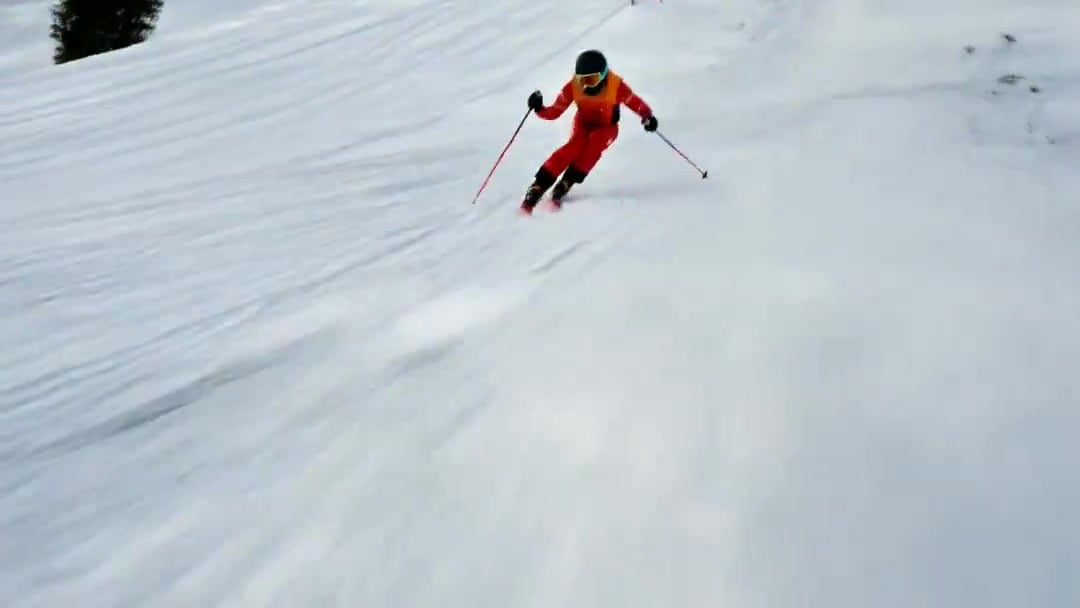
FPV Drone Skier Tracking — Kling 3.0 O3 Pro
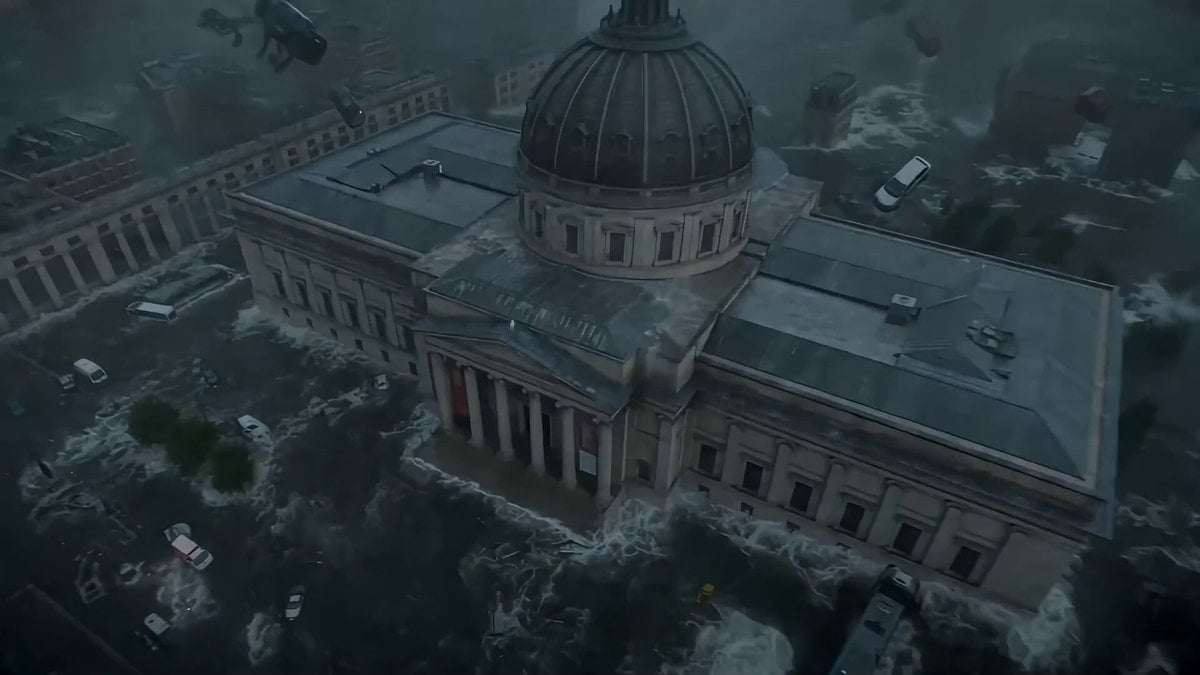
Seedance 2.0 Prompt: Cyberpunk Time Travel from Disaster to Ancient Market
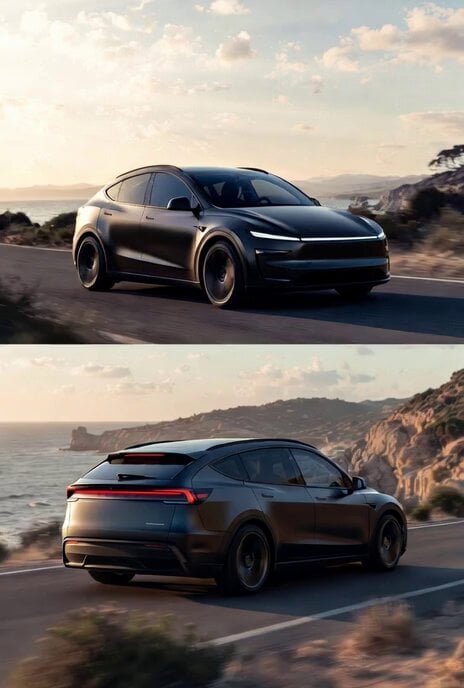
Photorealistic rendering of a Tesla Model Y as a classic European station wagon
Browse template categories
Cinematic Fantasy POV Crowd Battle questions
How do I use the Cinematic Fantasy POV Crowd Battle template?
Add your photo if the template asks for one, edit the prompt if you like — the template's model and format are already selected — and press Generate. Your version opens in PicX Studio.
Can I customize the Cinematic Fantasy POV Crowd Battle template?
Yes. You can change the subject, setting, lighting, mood, format, and available model controls before creating your video.
Is the Cinematic Fantasy POV Crowd Battle template free?
Opening and editing this template is free. Generating uses credits, shown on the Generate button when you are signed in.
Which AI model should I use?
Start with Seedance 2.0, which is the model associated with this template. You can compare another compatible model for a different finish.
Looking for something else? Browse all templates.

Your photo, any look
Thousands of ready templates for every top image and video model, from one credit balance.