
Bending Perspective Freeway Zoom
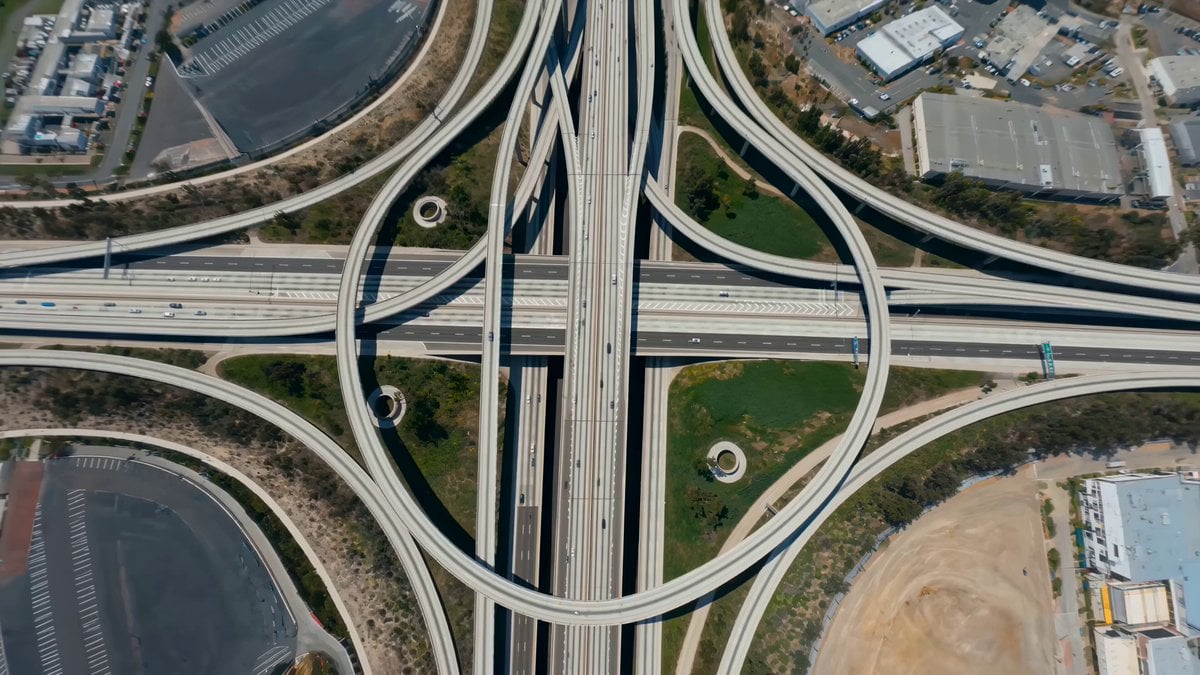
A 15-second continuous shot prompt featuring a rapid zoom down city freeways with a reality-bending orbital perspective.
- Prompt included
- Model and format preset
- Premium template
The prompt behind this video
Copy the exact prompt behind Bending Perspective Freeway Zoom, or open it in the studio and make it yours.
Rapid zoom down elevated freeways into a daylight cityscape with bending-perspective illusion (15 seconds, single continuous shot)Open high above an elevated freeway lattice: layered ramps stack like ribbons, traffic reduced to glints, and a bright downtown skyline glows ahead. The camera commits to a hard forward zoom, dropping onto the topmost deck and racing along lane dividers that stretch into clean white rails. The curving illusion is driven by smooth orbital banking: the camera subtly rotates around the freeway’s centerline, making the roadway feel like it’s wrapping around the lens.Snap into a brief top-down lock as the stacked interchanges twist beneath, then whip into a low diagonal skim that makes the guardrails flare outward with speed distortion. Slingshot under a massive overpass and let the shadows compress into a fast “tube”, then burst out and whip into a sweeping curve that makes the skyline arc across frame, as if the city is rotating into alignment.A construction crane line appears far ahead; sudden decision: the camera threads a narrow gap between two merging ramps, grazes under signage, then snaps back to center. Final push: the downtown towers warp into a gentle curve as the zoom peaks, and the camera spirals upward into a wide reveal of the freeway lattice flowing into the city like a giant braided stream.
How to use Bending Perspective Freeway Zoom in 3 steps
- 1
Open
The prompt is already in the box next to the preview, with the template's model and format selected.
- 2…a portrait of your subject in softgolden-hour light, 85mm…
Personalize
Edit the subject and creative details for your destination.
- 3Generate
Generate
Press Generate — your video is created in PicX Studio, so you can compare it with the original and refine one variable at a time.
More like this
Templates with the same subject, style or setup. Open one to see its prompt.
Poolside Pina Colada Perspective
First Person Perspective Hospital Birth
Immersive FPV Surreal Flying Perspective
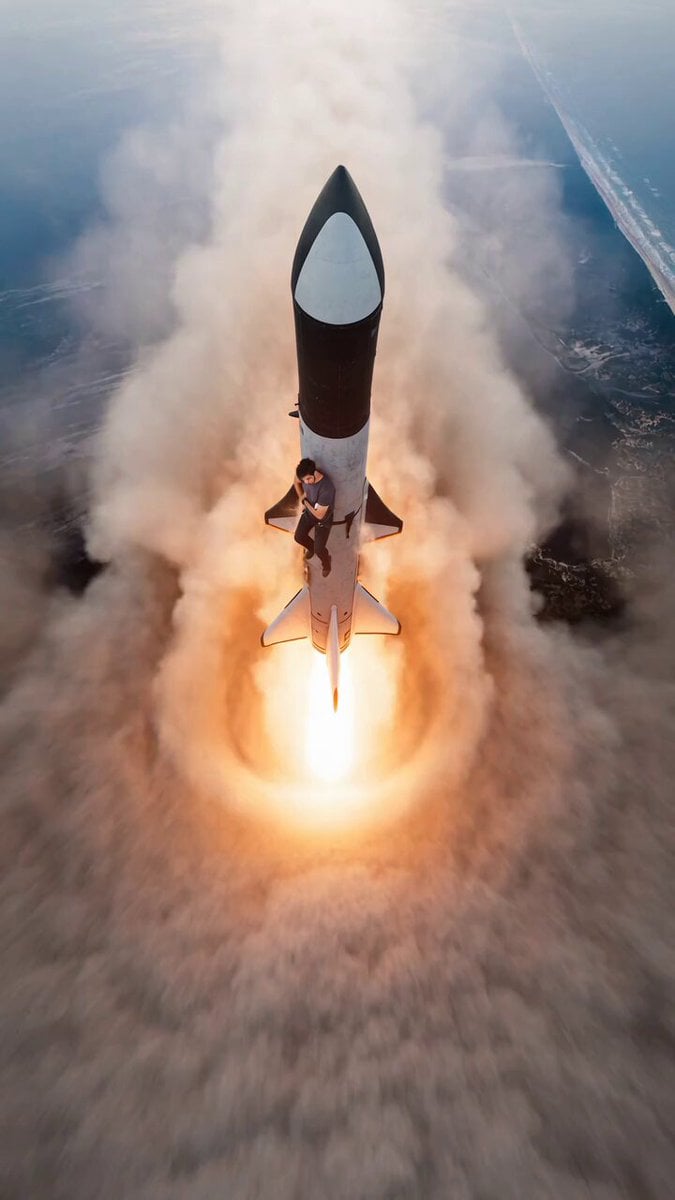
Starship Launch Video with Hanging Perspective
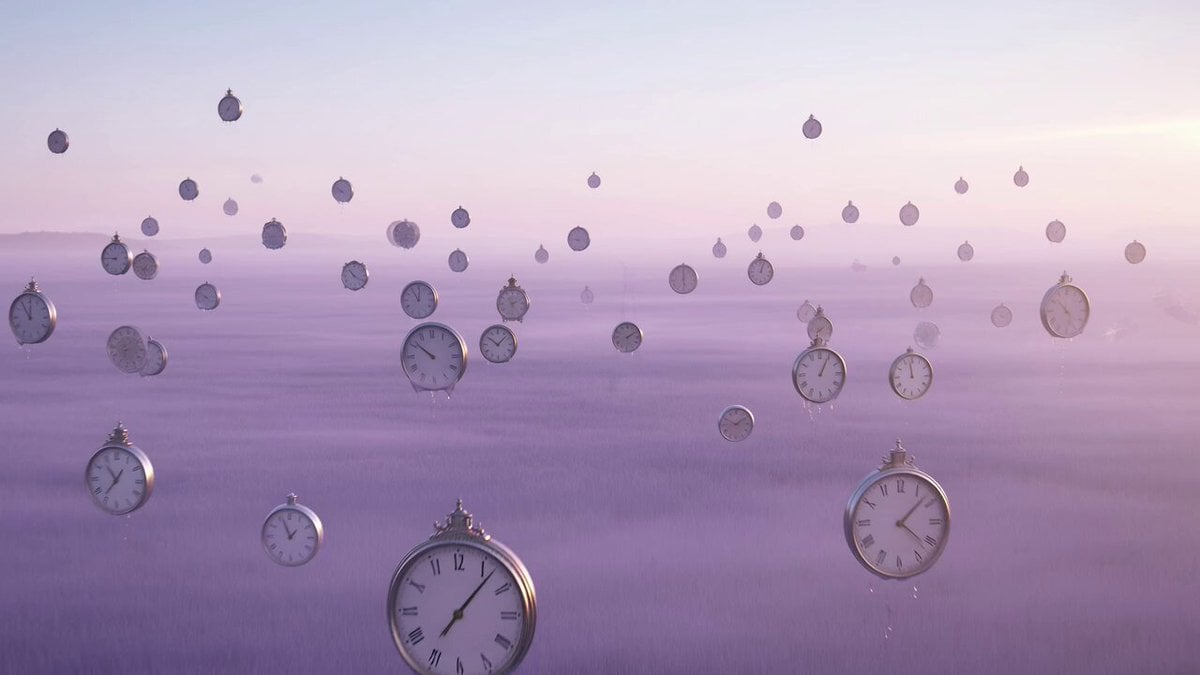
Surreal time-bending reverie video prompt
Storyboarding and Multi-Perspective Video Generation
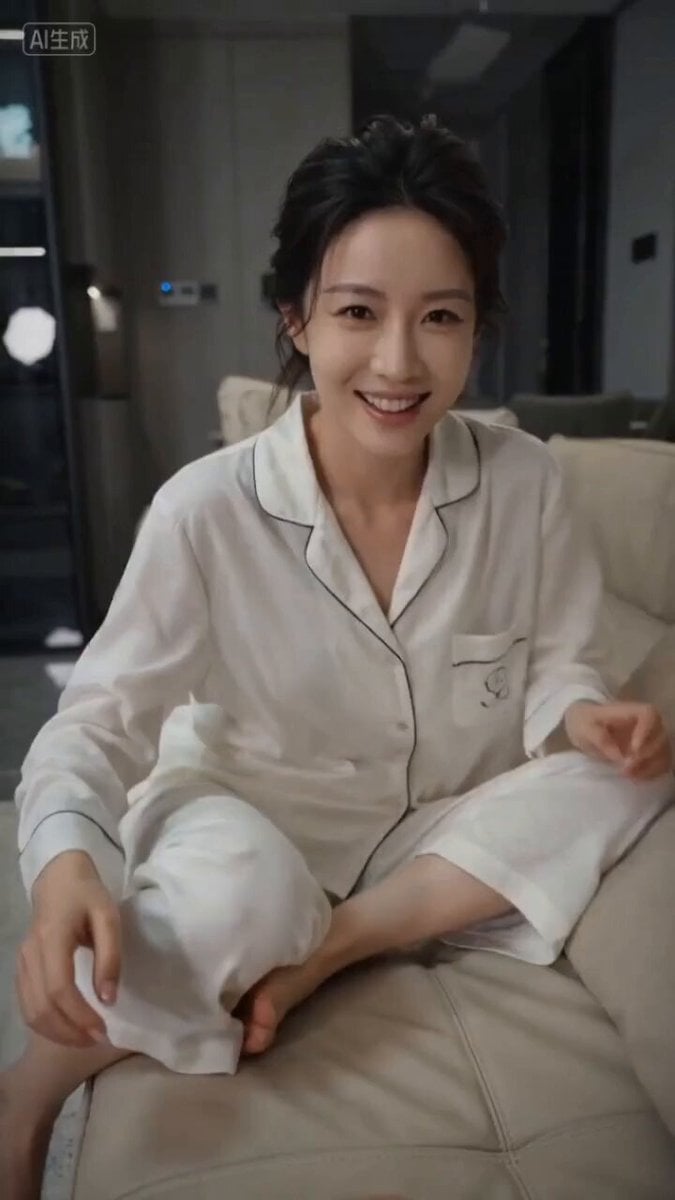
First-Person Perspective Couple Interaction Video Prompt
First-Person Perspective Photo Shoot Setup
Fairy and Puppy Macro Perspective Structured Prompt
Neruda Poetry Cinematic Dolly Zoom
Ancient Dragon Temple Warrior Zoom
Cinematic Underwater Office Zoom Out Prompt
Make it yours
Bending Perspective Freeway Zoom works as-is. These are the safest ways to change it without losing the look.
Change one field
Copy a single group, rewrite it, and generate again so you can see what that field is doing.
Keep the frame, change the subject
Hold the composition and light of Bending Perspective Freeway Zoom, then swap wardrobe, props or the person for a new take.
| If the result… | Why | Fix |
|---|---|---|
| The result drifts from the preview | Too many fields changed at once. | Reuse Bending Perspective Freeway Zoom as-is first, then change one group — subject, light, or setting. |
| The model over-stylizes the scene | The prose prompt leaves finish and camera underspecified. | Add one camera or lighting sentence and stay on Seedance 2.0. |
More Seedance 2.0 templates
Other prompts made for Seedance 2.0.

Comical Martial Arts Punch Scene

Maglev Train Action Sequence

Martial Arts Fight Sequence

Wuxia Protection and Trust Script

Vintage Korean Arcade MiniDV Vlog

Mercedes 190 SL Luxury Ad

Rainy Night Supernatural Reverse Comedy Video Script

Amazon Civilization Discovery

Futuristic South Asian City Transformation

Cozy Luxury Cafe Commercial
More video prompts
Fresh picks from across the catalog.
Handcrafted Paper City Short Film
Abstract Psychedelic Anime Animation
Samurai vs Fire Yokai Storyboard
Supermarket Grocery Shopping Vlog
Multi-Shot Anime Fight Choreography Prompt
Cinematic Skateboarding Transition
Epic Knight Battle Sequence

Cinematic Cat Chef Cooking Tutorial
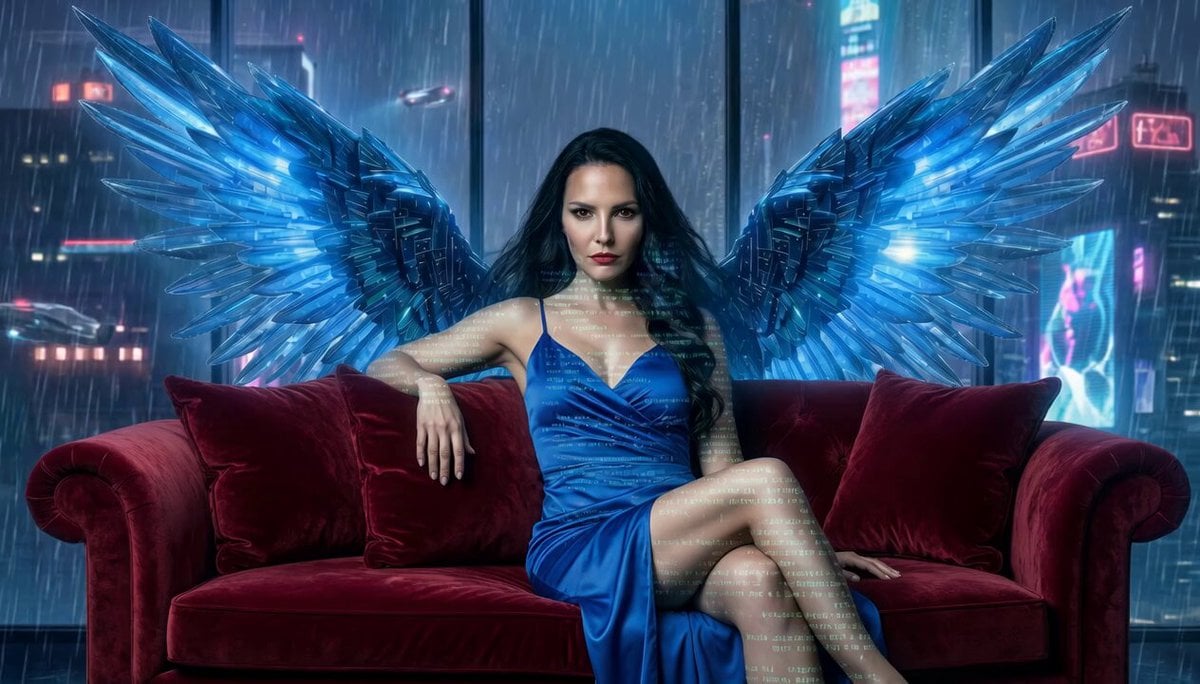
Shimmering Code Wing Disappearance
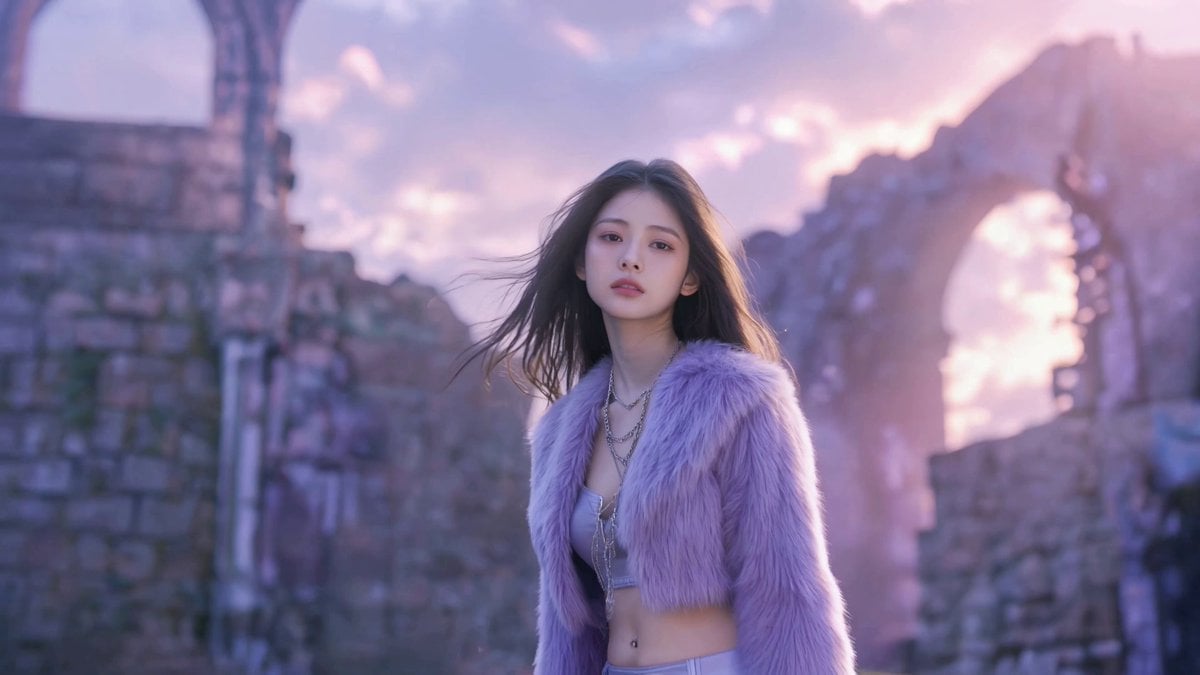
Cinematic Fantasy Dark Pop Music Video
Browse template categories
Bending Perspective Freeway Zoom questions
How do I use the Bending Perspective Freeway Zoom template?
Add your photo if the template asks for one, edit the prompt if you like — the template's model and format are already selected — and press Generate. Your version opens in PicX Studio.
Can I customize the Bending Perspective Freeway Zoom template?
Yes. You can change the subject, setting, lighting, mood, format, and available model controls before creating your video.
Is the Bending Perspective Freeway Zoom template free?
Opening and editing this template is free. Generating uses credits, shown on the Generate button when you are signed in.
Which AI model should I use?
Start with Seedance 2.0, which is the model associated with this template. You can compare another compatible model for a different finish.
Looking for something else? Browse all templates.

Your photo, any look
Thousands of ready templates for every top image and video model, from one credit balance.