How do I use the Tactical Getaway Chase template?
Edit the prompt in the box under the preview — the template's model and format are already selected — and press Generate. Your version appears right on this page.
A high-tension cinematic prompt for a tactical getaway scene from a rooftop parking lot at dusk.
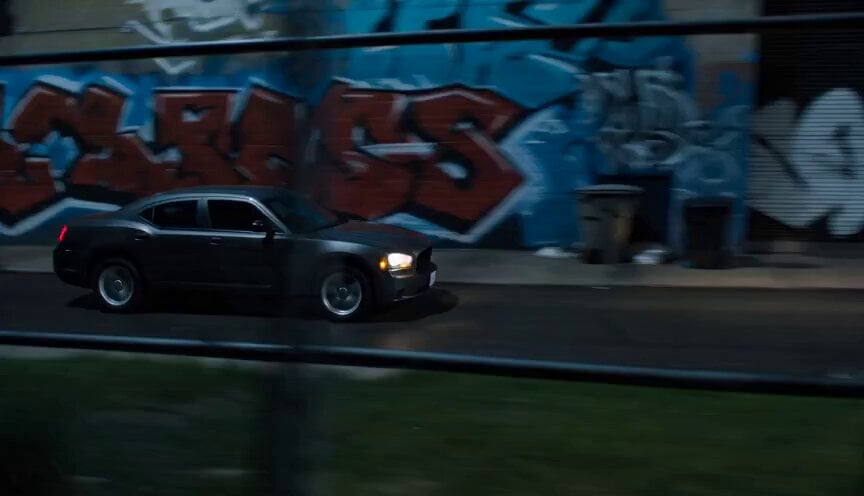
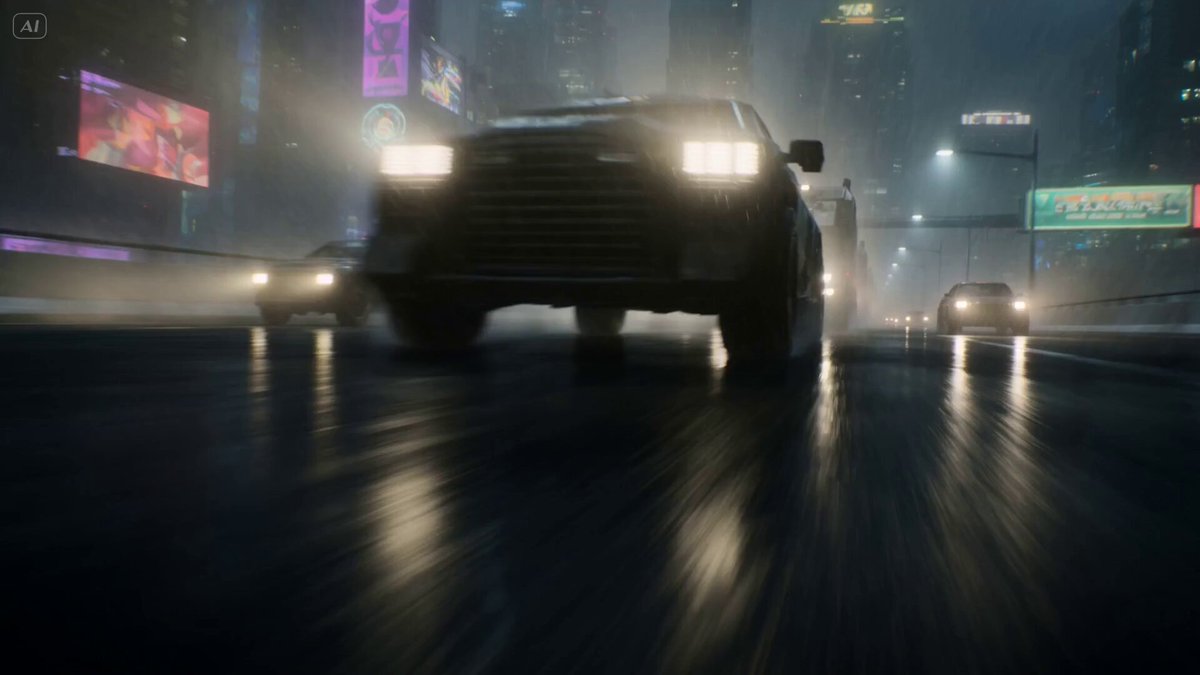
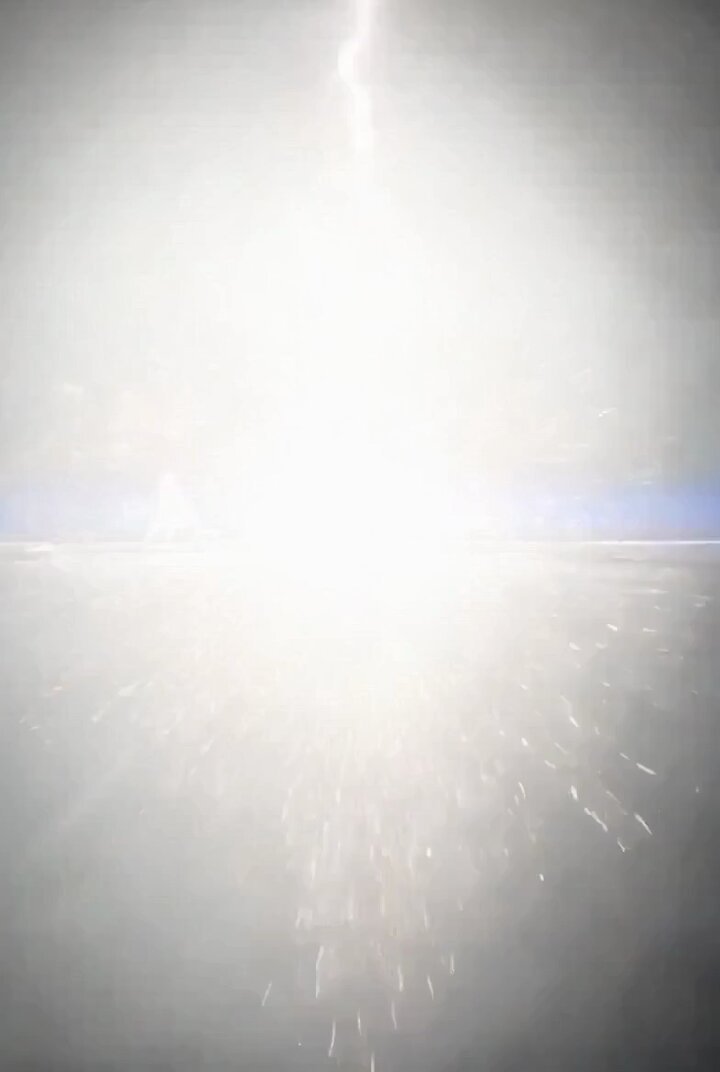
Cinematic wide shot, high-angle rooftop parking lot at dusk, concrete surfaces marked with tyre skid marks, distant city skyline glowing in the background, soft orange and blue twilight lighting. Heavy metal access doors burst open violently, swinging wide. A man in dark tactical gear sprints out at full speed, leaning forward with urgency, coat flapping behind him. He races straight toward a sleek black getaway sedan positioned 20 meters away; its engine is roaring, tires are already spinning and screeching on the tarmac, kicking up faint dust and smoke as the driver holds position ready to depart. Camera tracks smoothly alongside his movement, quick cuts between close-ups of his rushing feet, the screeching tires, and the car’s idling headlights. Tense, fast-paced atmosphere, realistic motion blur, 4K resolution, 24fps, film grain, dramatic thriller tone, no text or watermarks.
Cinematic wide shot, high-angle rooftop parking lot at dusk, concrete surfaces marked with tyre skid marks, distant city skyline glowing in the background, soft orange and blue twilight lighting. Heavy metal access doors burst open violently, swinging wide. A man in dark tactical gear sprints out at full speed, leaning forward with urgency, coat flapping behind him. He races straight toward a sleek black getaway sedan positioned 20 meters away; its engine is roaring, tires are already spinning and screeching on the tarmac, kicking up faint dust and smoke as the driver holds position ready to depart. Camera tracks smoothly alongside his movement, quick cuts between close-ups of his rushing feet, the screeching tires, and the car’s idling headlights. Tense, fast-paced atmosphere, realistic motion blur, 4K resolution, 24fps, film grain, dramatic thriller tone, no text or watermarks.
Edit the prompt in the box under the preview — the template's model and format are already selected — and press Generate. Your version appears right on this page.
Yes. You can change the subject, setting, lighting, mood, format, and available model controls before creating your video.
Opening and editing this template is free. Generating uses credits, shown on the Generate button when you are signed in.
Start with Seedance 2.0, which is the model associated with this template. You can compare another compatible model for a different finish.
Follow a topic to a crawlable collection of related PicX Studio templates.