How do I use the Cinematic Shibuya Sprint Sequence Prompt template?
Edit the prompt in the box under the preview — the template's model and format are already selected — and press Generate. Your version appears right on this page.
A detailed, continuous cinematic shot prompt for Seedance 2.0, describing a high-energy action sequence featuring a Japanese schoolgirl sprinting through the Shibuya crosswalk, incorporating specific audio cues, camera…
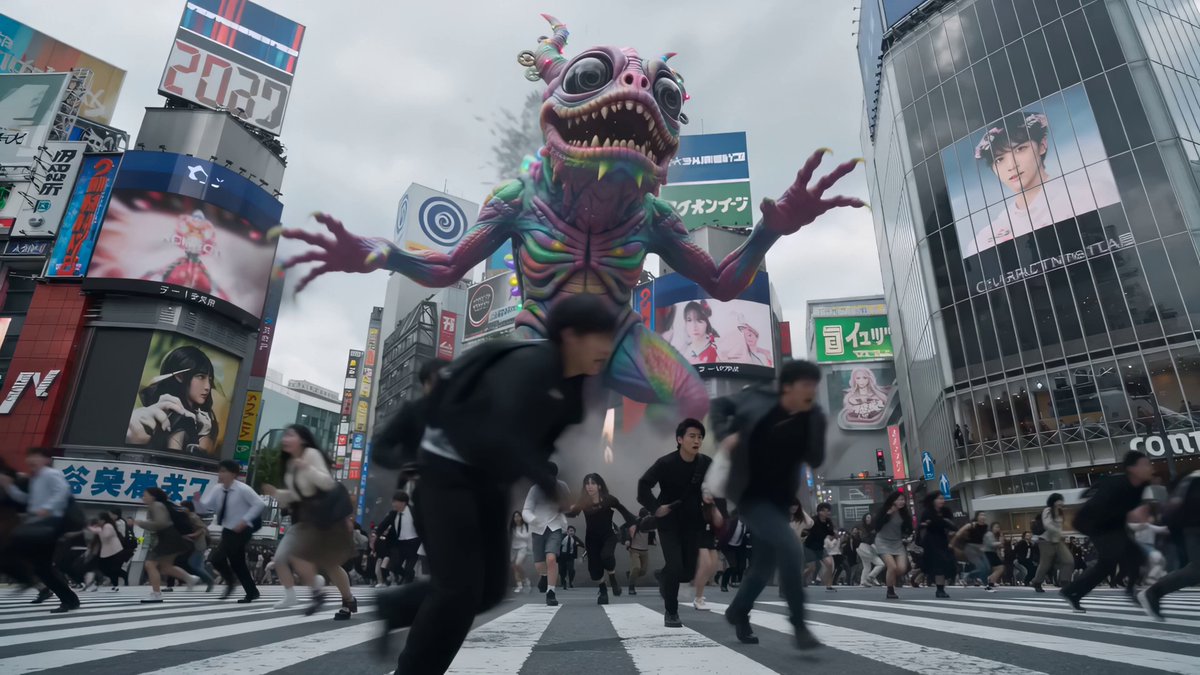
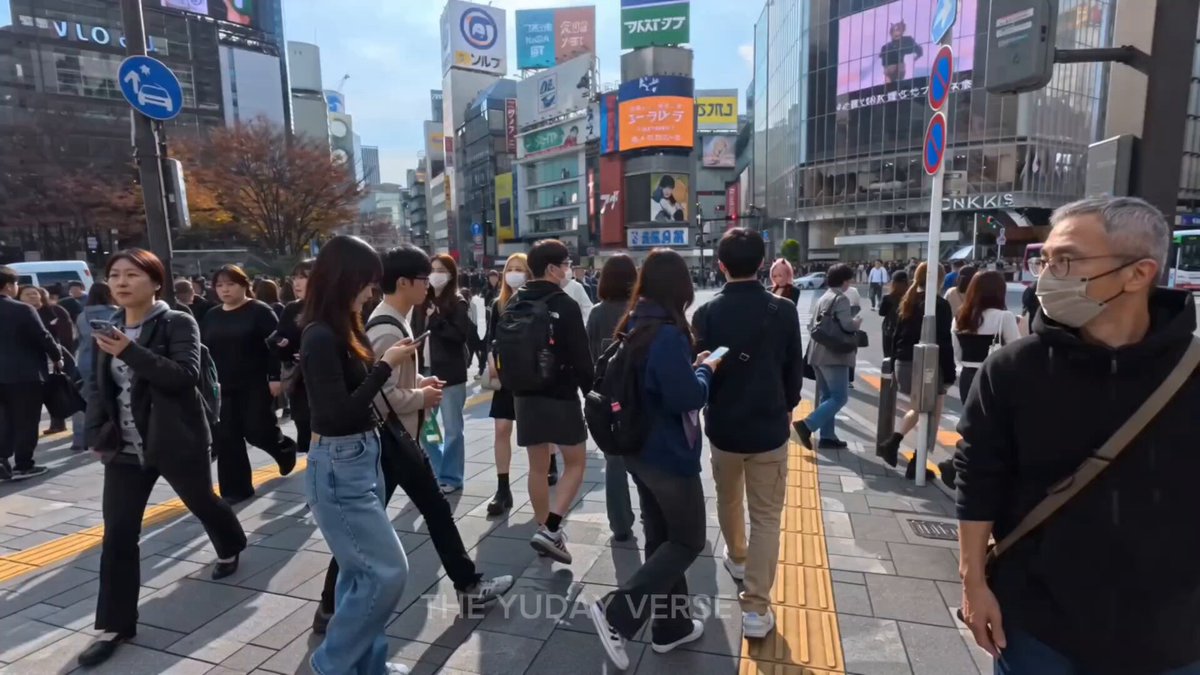
Single continuous cinematic shot. Audio begins with daytime Shibuya street noise mixed with 8-bit video game sounds and chaotic Japanese chatter. Background music: shamisen strings. The camera pushes low along the ground. A girl’s leather shoe slams into frame — heavy first step. A Japanese schoolgirl in JK uniform sprints into frame at extreme speed, then suddenly slows on the second beat. She side-rolls and runs along a Shibuya crosswalk, shoulder nearly brushing the lens, skirt sweeping across frame. Obstacle ahead. She suddenly accelerates, steps onto a low wall — explosive jump. The camera lifts into the air with her. City lights streak below. She lands steadily, stabilizes with one hand, immediately rolls forward. The camera rotates half a turn with the roll, then quickly corrects. She sprints again. Full speed. Charges toward a railing. No hesitation. She leaps. The camera follows into weightlessness. Wind roars. Shamisen music briefly cuts midair. She lands on a lower platform. Knees absorb impact. Lowest point. Next beat — she snaps her head up and resumes sprinting into the crowd.
Single continuous cinematic shot. Audio begins with daytime Shibuya street noise mixed with 8-bit video game sounds and chaotic Japanese chatter. Background music: shamisen strings. The camera pushes low along the ground. A girl’s leather shoe slams into frame — heavy first step. A Japanese schoolgirl in JK uniform sprints into frame at extreme speed, then suddenly slows on the second beat. She side-rolls and runs along a Shibuya crosswalk, shoulder nearly brushing the lens, skirt sweeping across frame. Obstacle ahead. She suddenly accelerates, steps onto a low wall — explosive jump. The camera lifts into the air with her. City lights streak below. She lands steadily, stabilizes with one hand, immediately rolls forward. The camera rotates half a turn with the roll, then quickly corrects. She sprints again. Full speed. Charges toward a railing. No hesitation. She leaps. The camera follows into weightlessness. Wind roars. Shamisen music briefly cuts midair. She lands on a lower platform. Knees absorb impact. Lowest point. Next beat — she snaps her head up and resumes sprinting into the crowd.
Edit the prompt in the box under the preview — the template's model and format are already selected — and press Generate. Your version appears right on this page.
Yes. You can change the subject, setting, lighting, mood, format, and available model controls before creating your video.
Opening and editing this template is free. Generating uses credits, shown on the Generate button when you are signed in.
Start with Seedance 2.0, which is the model associated with this template. You can compare another compatible model for a different finish.
Follow a topic to a crawlable collection of related PicX Studio templates.