
Cozy Rain Coffee Shop Scene
A detailed multi-scene cinematic prompt featuring a stylish girl in a cozy, rainy-day coffee shop with soft jazz vibes.
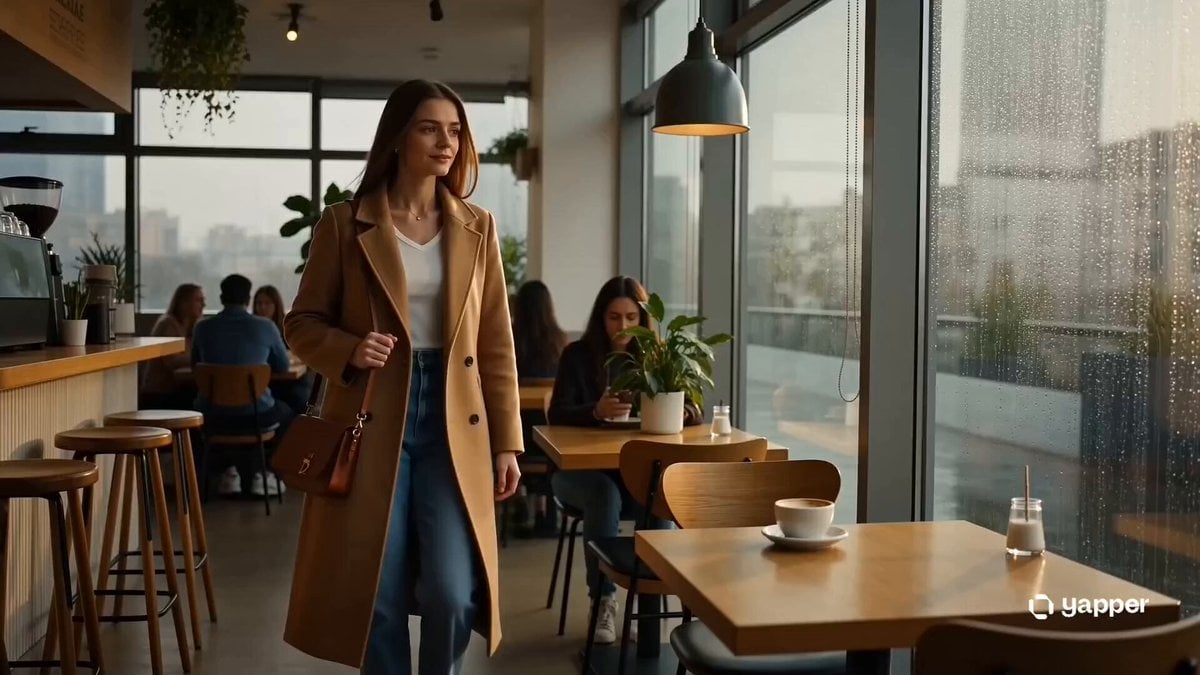
- Prompt included
- Model and format preset
- Free template
The prompt behind this video
Copy the exact prompt behind Cozy Rain Coffee Shop Scene, or open it in the studio and make it yours.
Style: Soft cinematic realism, cozy café atmosphere, warm natural window lighting, shallow depth of field, aesthetic minimalism, dreamy slow motion, intimate feminine elegance, ambient coffee shop soundscape with rain and soft jazz undertones. 0–3s — Quiet Entrance A stylish girl steps into a cozy coffee shop on a rainy morning. Soft diffused window light wraps gently around her face. Natural makeup, oversized sweater, subtle confidence. Background hum of conversation and espresso machine steam creates a warm atmosphere. 3–6s — Small Elegant Moments Close-up shots: fingers tucking hair behind ear, steam rising from a fresh cup of coffee, delicate jewelry catching soft light. Slow-motion glance toward rain-streaked windows. Gentle jazz blends with café ambience. 6–9s — Cinematic Details Aesthetic micro-cuts: coffee pouring into a ceramic cup, notebook pages turning slowly, spoon reflections warping light, eyelashes blinking in golden highlights. Subtle handheld camera movement for an intimate, lived-in feel. 9–12s — Calm Confidence She takes a slow sip of coffee and smiles faintly. Natural light brightens across the table. Background crowd remains softly blurred. Her calm presence contrasts the busy city outside the rain-covered glass. 12–15s — Dreamlike Ending Slow-motion exit: she stands, coat shifting gently as she leaves. Warm café lights glow behind her. Final lingering shot on the half-finished coffee cup as rain continues outside, fading into a peaceful cinematic close.
How to use Cozy Rain Coffee Shop Scene in 3 steps
- 1
Open
The prompt is already in the box next to the preview, with the template's model and format selected.
- 2…a portrait of your subject in softgolden-hour light, 85mm…
Personalize
Edit the subject and creative details for your destination.
- 3Generate
Generate
Press Generate — your video is created in PicX Studio, so you can compare it with the original and refine one variable at a time.
More like this
Templates with the same subject, style or setup. Open one to see its prompt.

Iced Coffee Dog Good-News Montage

Mediterranean Coffee Run Vlog - Seedance 2.5

Pixar Style Coffee Shop Kindness
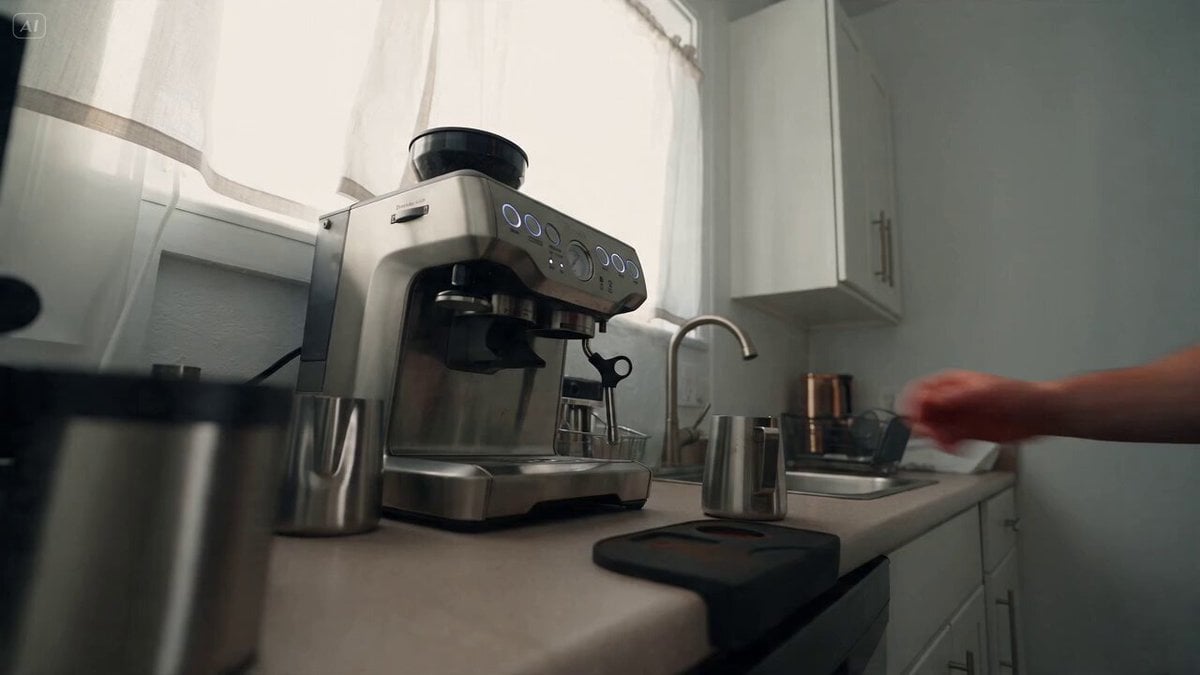
Cozy Coffee Preparation ASMR Vlog
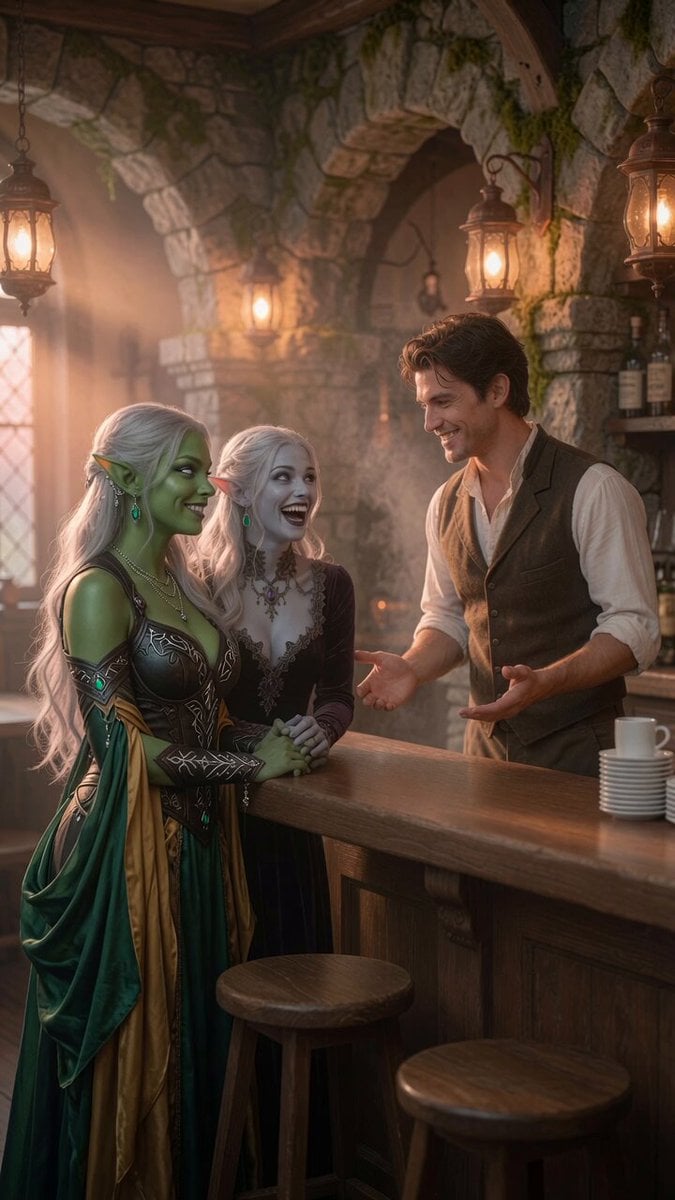
Coffee Shop Interaction Dialogue

Capsule Coffee Machine Tutorial
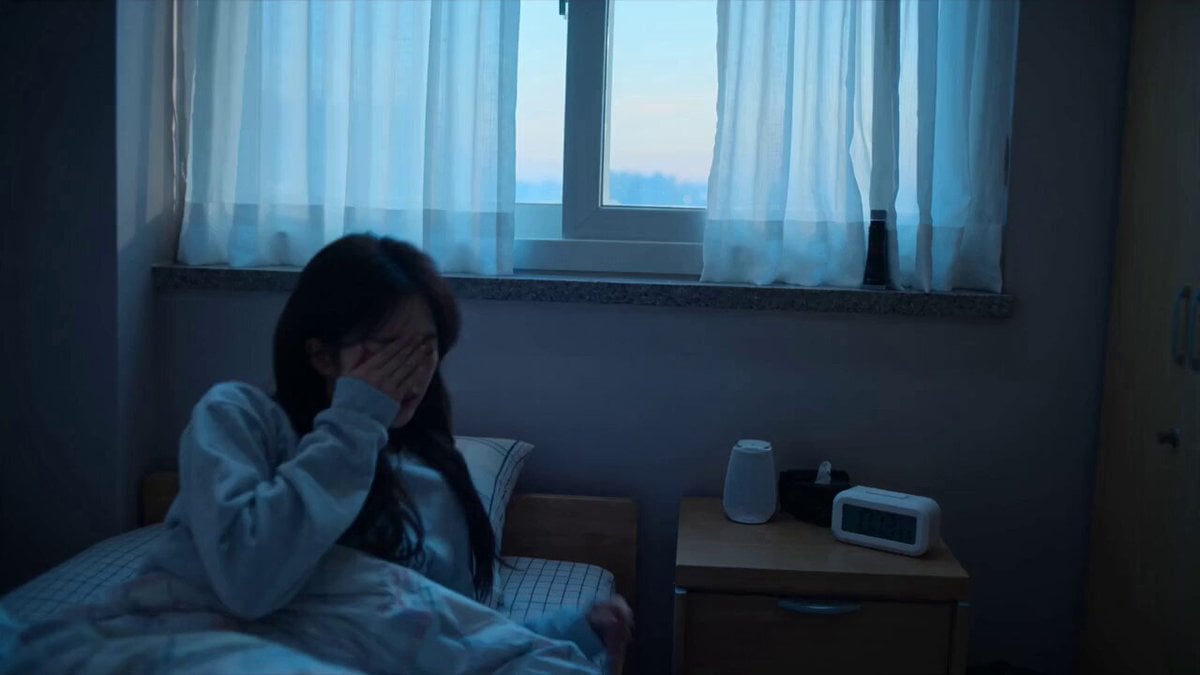
Early-2000s Trainee Flashback Film

Forest Fantasy Girl Short Film

Luxury Lifestyle Day Vlog

Japanese Pure Love Short Film

Italian Old-Town Time-Freeze Walk

Coffee Shop Cinematic Aerial Descent
Make it yours
Cozy Rain Coffee Shop Scene works as-is. These are the safest ways to change it without losing the look.
Change one field
Copy a single group, rewrite it, and generate again so you can see what that field is doing.
Keep the frame, change the subject
Hold the composition and light of Cozy Rain Coffee Shop Scene, then swap wardrobe, props or the person for a new take.
| If the result… | Why | Fix |
|---|---|---|
| The result drifts from the preview | Too many fields changed at once. | Reuse Cozy Rain Coffee Shop Scene as-is first, then change one group — subject, light, or setting. |
| The model over-stylizes the scene | The prose prompt leaves finish and camera underspecified. | Add one camera or lighting sentence and stay on Seedance 2.0. |
More Seedance 2.0 templates
Other prompts made for Seedance 2.0.

Comical Martial Arts Punch Scene

Maglev Train Action Sequence

Martial Arts Fight Sequence

Wuxia Protection and Trust Script

Vintage Korean Arcade MiniDV Vlog

Mercedes 190 SL Luxury Ad

Rainy Night Supernatural Reverse Comedy Video Script

Amazon Civilization Discovery

Futuristic South Asian City Transformation

Cozy Luxury Cafe Commercial
More video prompts
Fresh picks from across the catalog.
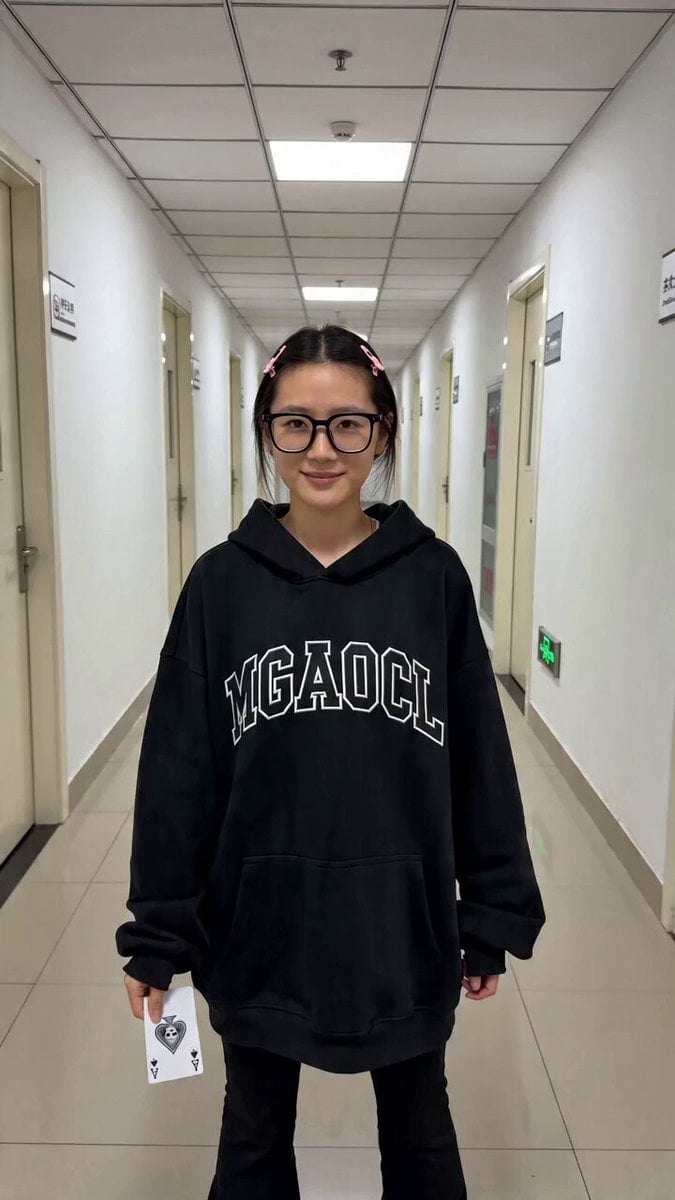
Contrast Transformation Video Prompt: Office Worker to Gothic Queen
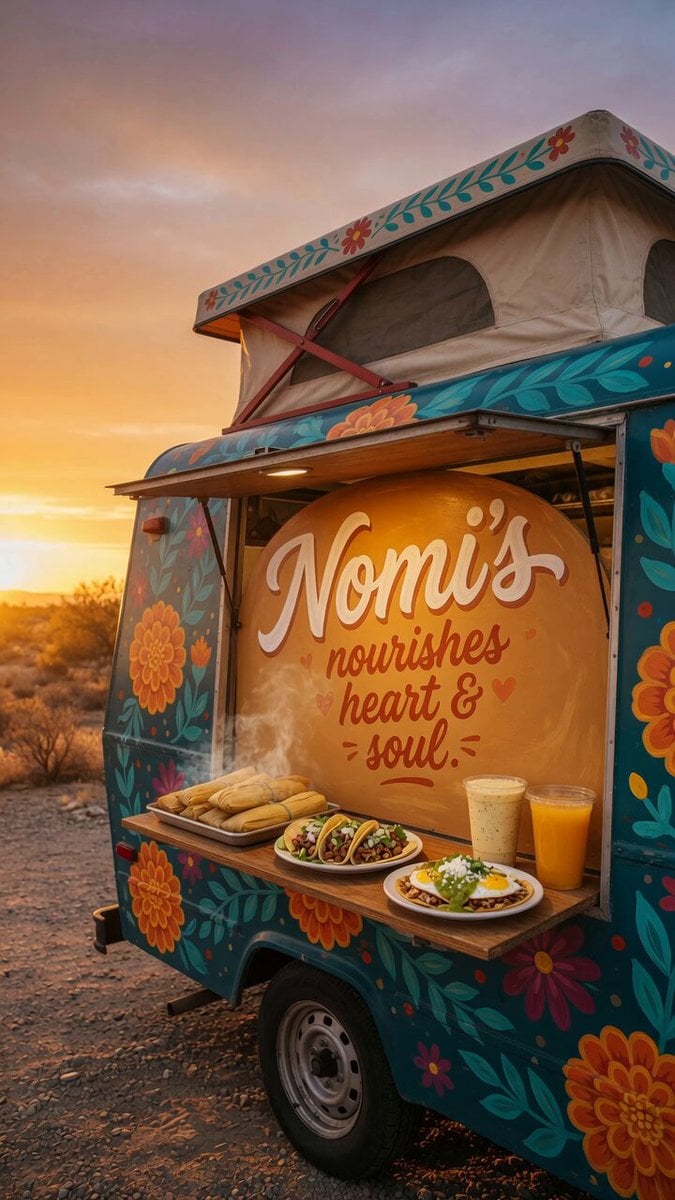
Custom Food Truck Animation
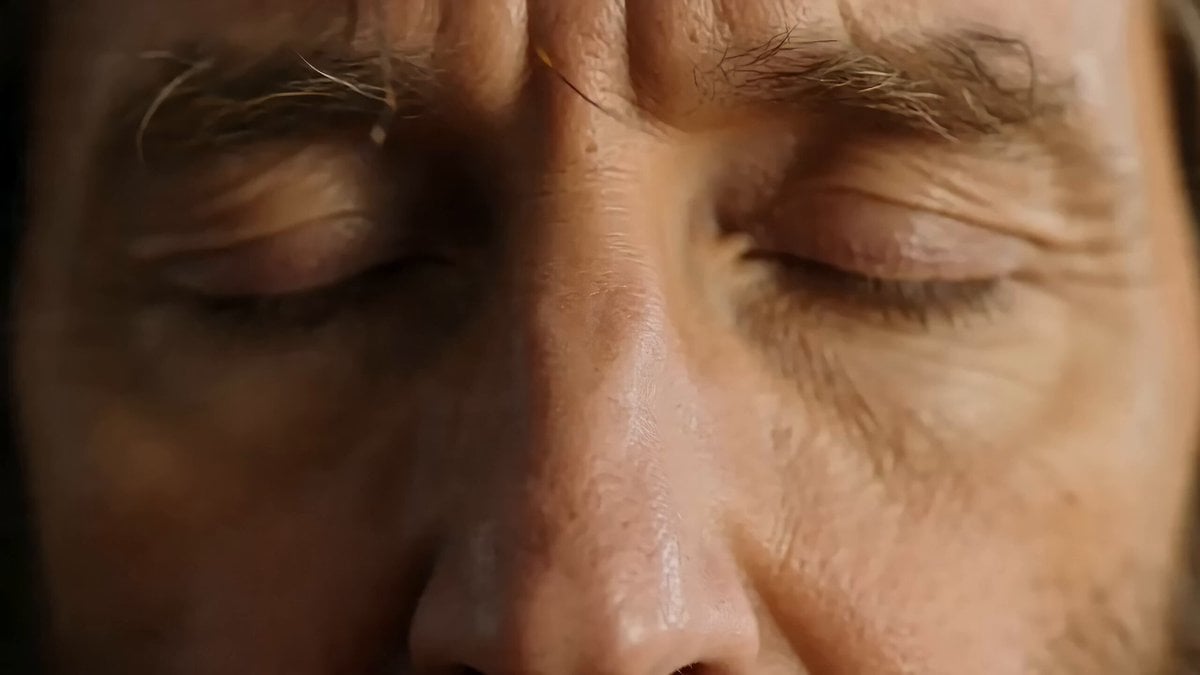
The Silent Retreat Uproar (Disaster Scene)

Sweet and Cool Rapid Outfit Change
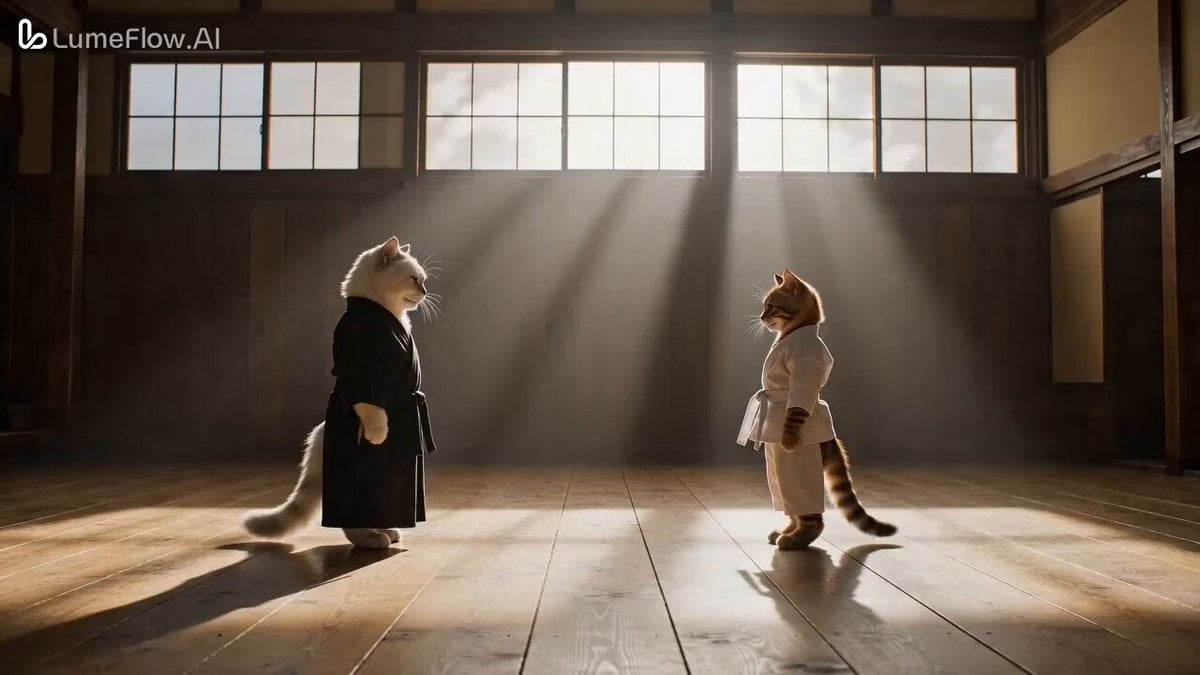
CatFu Dojo Fight Scene

Cinematic Title Animation Prompt: 'Slaying Immortals' (Zhan Xian)
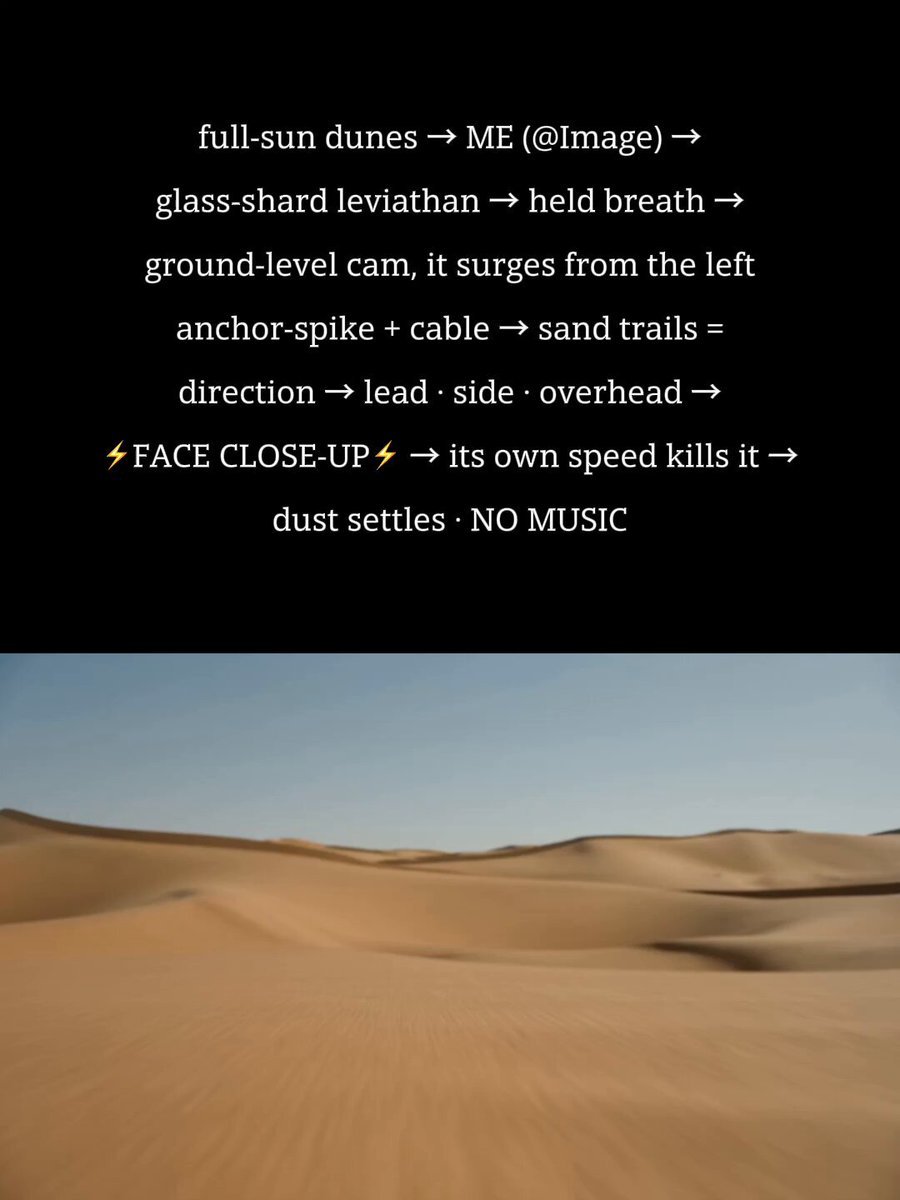
Desert Leviathan Encounter
Grok Imagine Video Prompt: Wow! Logo Apparition

The Leviathan's Throat: Underwater Megastructure Descent
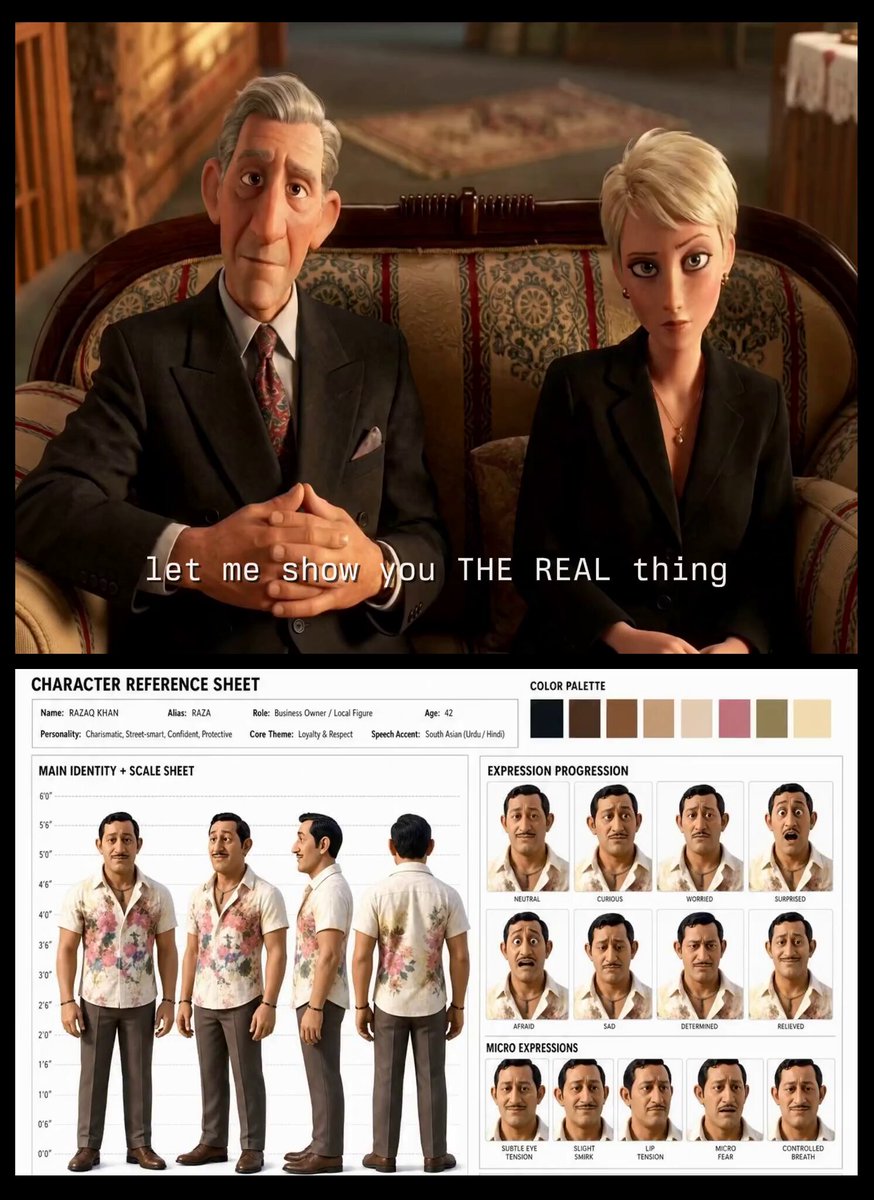
Turkish Carpet Seller Multi-Cut Video
Browse template categories
Cozy Rain Coffee Shop Scene questions
How do I use the Cozy Rain Coffee Shop Scene template?
Add your photo if the template asks for one, edit the prompt if you like — the template's model and format are already selected — and press Generate. Your version opens in PicX Studio.
Can I customize the Cozy Rain Coffee Shop Scene template?
Yes. You can change the subject, setting, lighting, mood, format, and available model controls before creating your video.
Is the Cozy Rain Coffee Shop Scene template free?
Opening and editing this template is free. Generating uses credits, shown on the Generate button when you are signed in.
Which AI model should I use?
Start with Seedance 2.0, which is the model associated with this template. You can compare another compatible model for a different finish.
Looking for something else? Browse all templates.

Your photo, any look
Thousands of ready templates for every top image and video model, from one credit balance.