
Woman vs War Robot
A high-intensity action sequence prompt featuring an athletic woman fighting a giant war robot in a dystopian city at sunset.
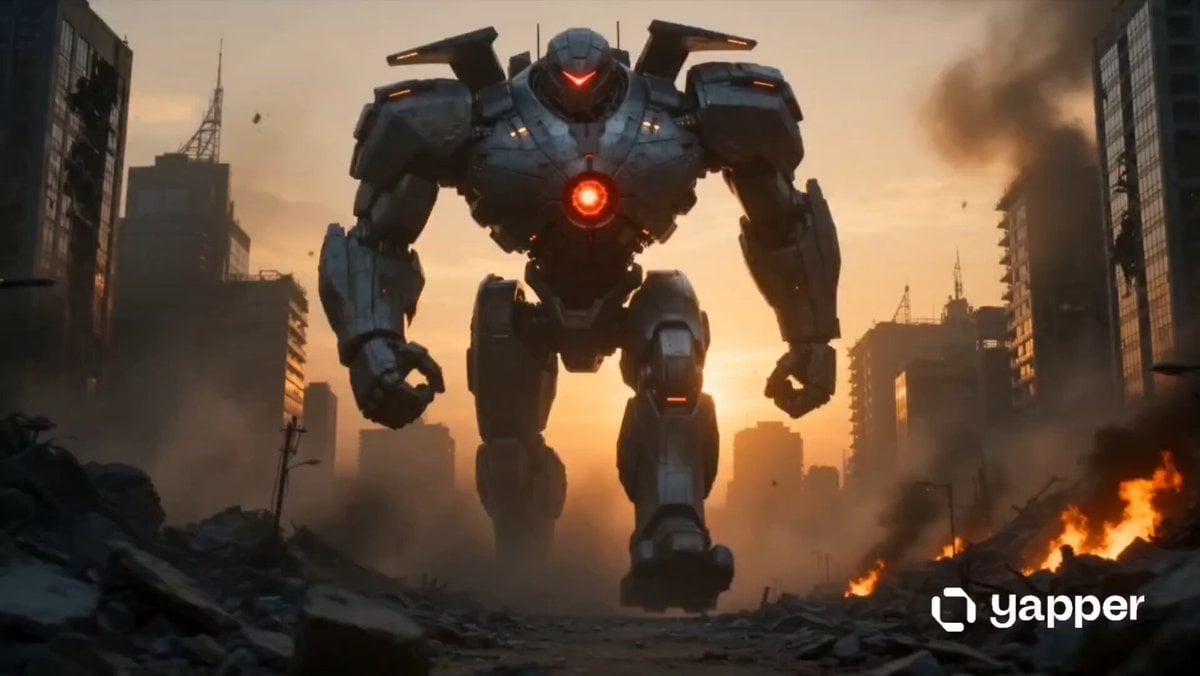
- Prompt included
- Model and format preset
- Free template
The prompt behind this video
Copy the exact prompt behind Woman vs War Robot, or open it in the studio and make it yours.
Ultra-realistic cinematic 10-second vertical (9:16) Seedance 2.0 action sequence with multiple fast-paced shots of a final battle between a powerful athletic woman and a giant futuristic war robot in a destroyed dystopian city at sunset; Shot 1 (0–3s) low-angle wide establishing shot of a ruined city with collapsing skyscrapers, fire, smoke, and dust as a massive towering robot steps forward shaking the ground, glowing red energy core pulsing, camera tilting up to reveal its full scale; Shot 2 (3–5s) cut to the heroine standing on rubble, wearing a slightly damaged tactical sci-fi armored suit, wind blowing, energy blades activating in her hands, close-up on her focused determined eyes with a slow orbit camera movement; Shot 3 (5–7s) the robot fires a massive energy blast, she dodges in slow motion through exploding debris and shockwaves, camera tracking her mid-air movement with cinematic motion blur and shake; Shot 4 (7–9s) intense close combat clash as she strikes the robot’s leg with a glowing energy slash causing sparks, molten metal and mechanical damage while the robot counters with a heavy mechanical arm swing, rapid whip-pan camera transitions; Shot 5 (9–10s) slow-motion hero shot of her landing on cracked ground surrounded by dust clouds as she looks up at the towering robot charging a massive energy attack above her, dramatic volumetric lighting, epic tension, ultra-detailed textures, realistic physics-based destruction, Hollywood blockbuster style, high contrast lighting, cinematic depth of field, 8K realism.
How to use Woman vs War Robot in 3 steps
- 1
Open
The prompt is already in the box next to the preview, with the template's model and format selected.
- 2…a portrait of your subject in softgolden-hour light, 85mm…
Personalize
Edit the subject and creative details for your destination.
- 3Generate
Generate
Press Generate — your video is created in PicX Studio, so you can compare it with the original and refine one variable at a time.
More like this
Templates with the same subject, style or setup. Open one to see its prompt.
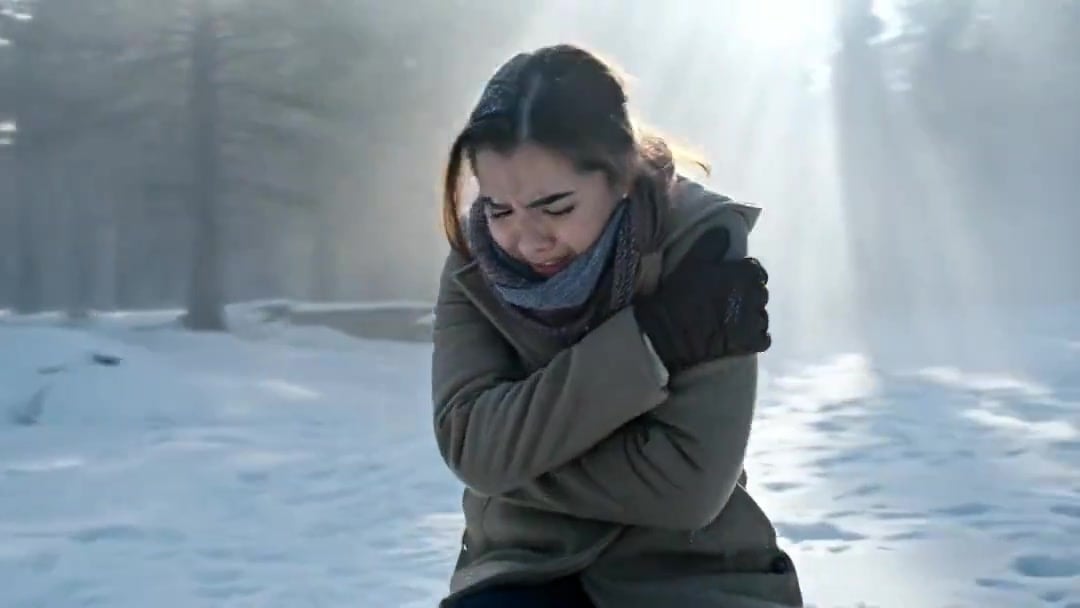
Arc Shot Frozen Woman Snow — Kling 3.0 v3 Pro
Arc Shot Frozen Woman Snow — Kling 3.0 v3 Pro

Japanese Pure Love Short Film
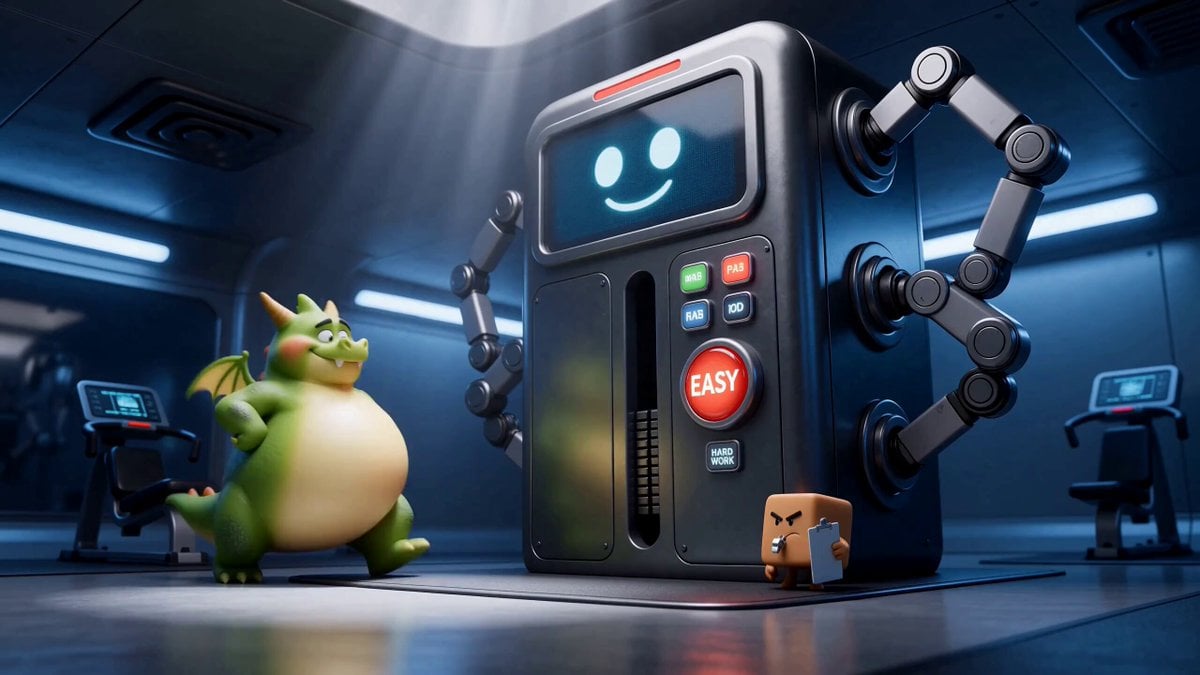
Green Dragon Training Short

Blonde Woman Driving Green 1960s Mustang Golden Hour
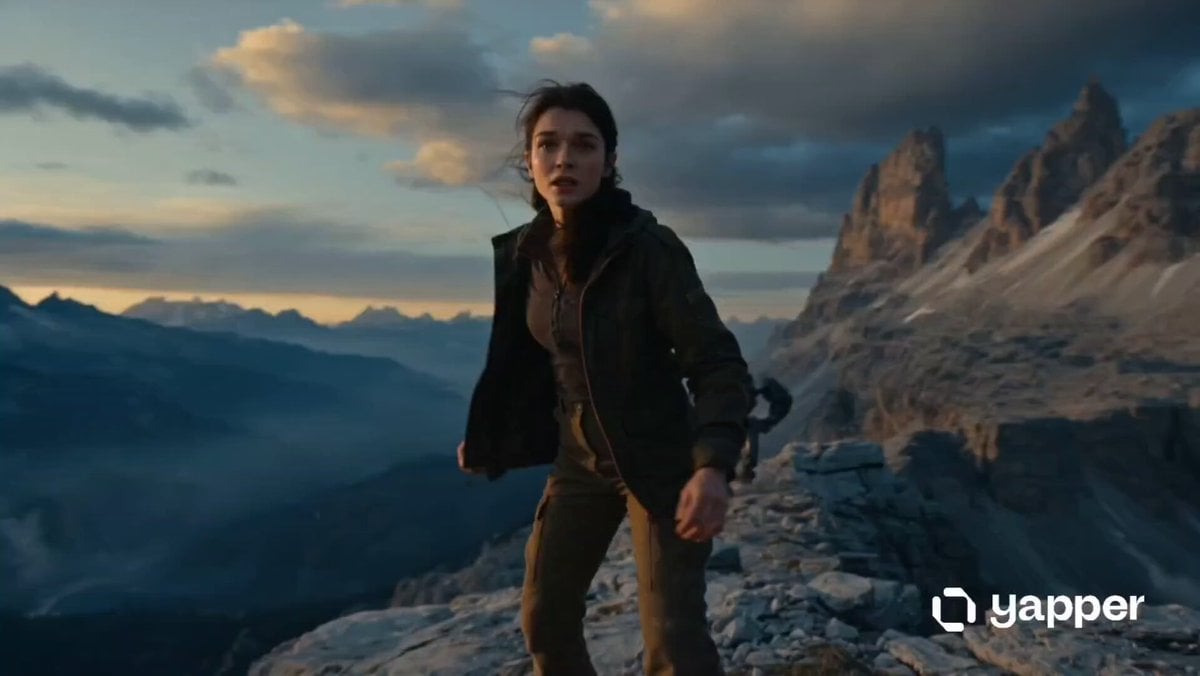
Woman vs Combat Robot Battle
Tesla Station Star Wars Robots
Warrior Woman Riding a Dragon Cinematic Video Prompt
Pearl Harbor Attack — Seedance 2.0 FPV

Crusader Battlefield War Sequence

Floating Woman Sunset Cloudscape
Desert Battle Wasteland Warriors Collision
Make it yours
Woman vs War Robot works as-is. These are the safest ways to change it without losing the look.
Change one field
Copy a single group, rewrite it, and generate again so you can see what that field is doing.
Keep the frame, change the subject
Hold the composition and light of Woman vs War Robot, then swap wardrobe, props or the person for a new take.
| If the result… | Why | Fix |
|---|---|---|
| The result drifts from the preview | Too many fields changed at once. | Reuse Woman vs War Robot as-is first, then change one group — subject, light, or setting. |
| The model over-stylizes the scene | The prose prompt leaves finish and camera underspecified. | Add one camera or lighting sentence and stay on Seedance 2.0. |
More Seedance 2.0 templates
Other prompts made for Seedance 2.0.

Comical Martial Arts Punch Scene

Maglev Train Action Sequence

Martial Arts Fight Sequence

Wuxia Protection and Trust Script

Vintage Korean Arcade MiniDV Vlog

Mercedes 190 SL Luxury Ad

Rainy Night Supernatural Reverse Comedy Video Script

Amazon Civilization Discovery

Futuristic South Asian City Transformation

Cozy Luxury Cafe Commercial
More video prompts
Fresh picks from across the catalog.
Martial Arts Warehouse Combat Sequence

Anime Girl Sand Illustration Wave Erasure
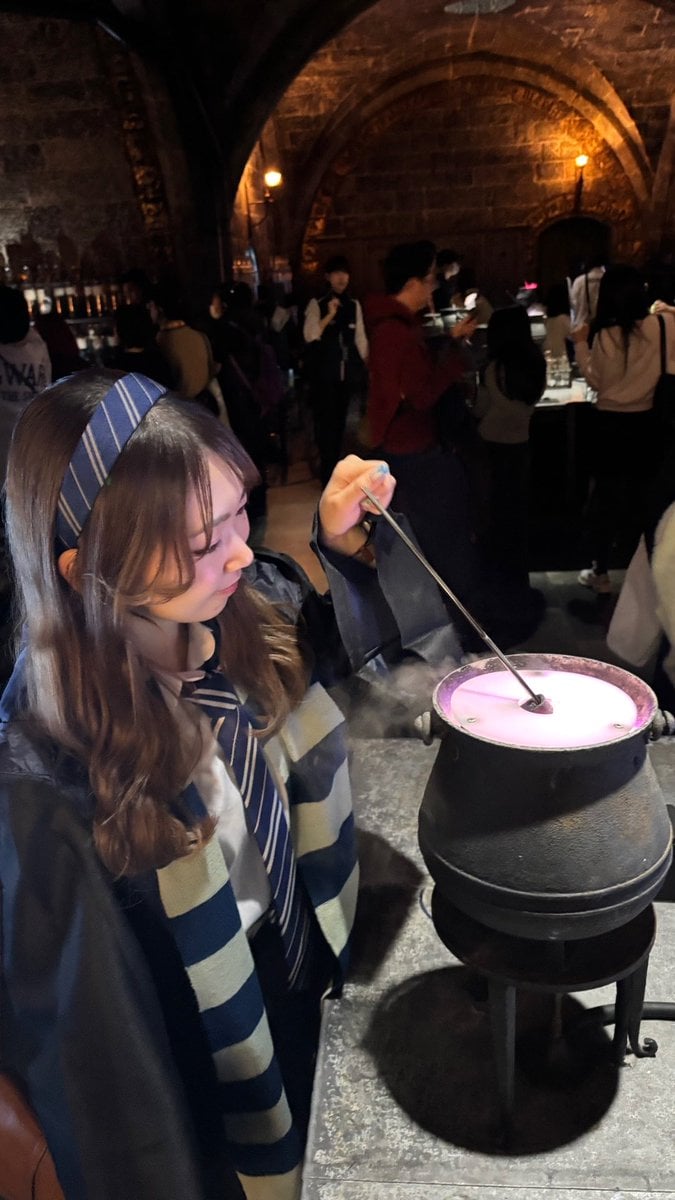
February Schedule Prompt
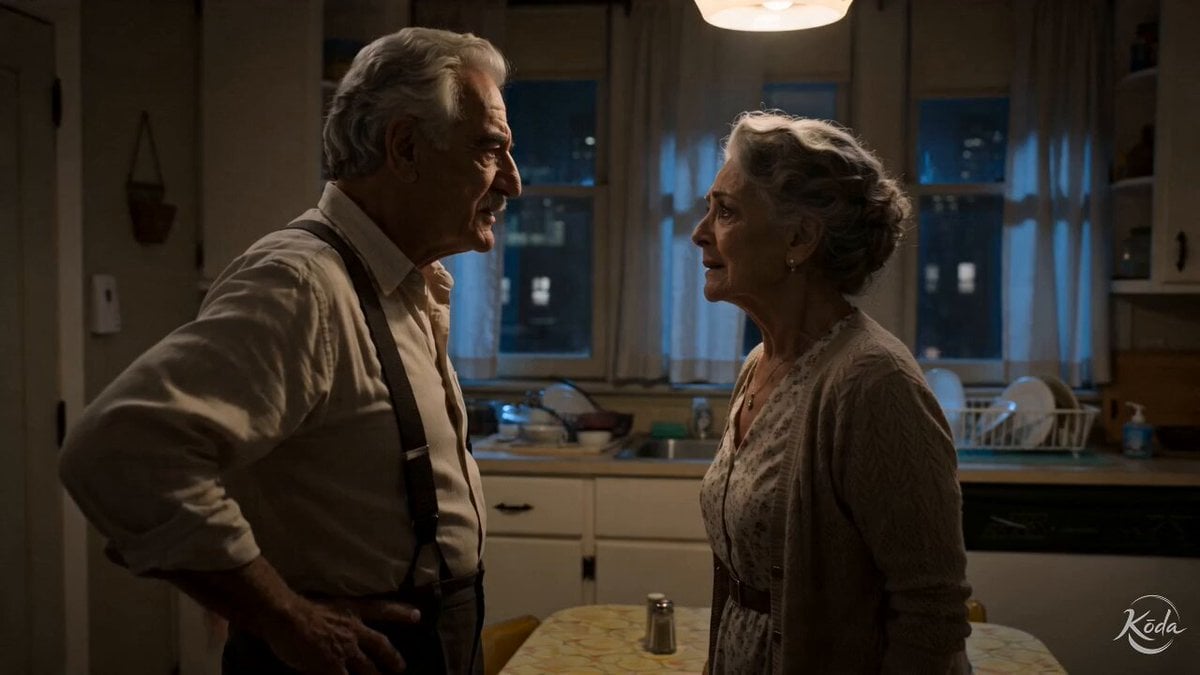
Cinematic Emotional Kitchen Confrontation

LEGO Time-Lapse Build Sequence
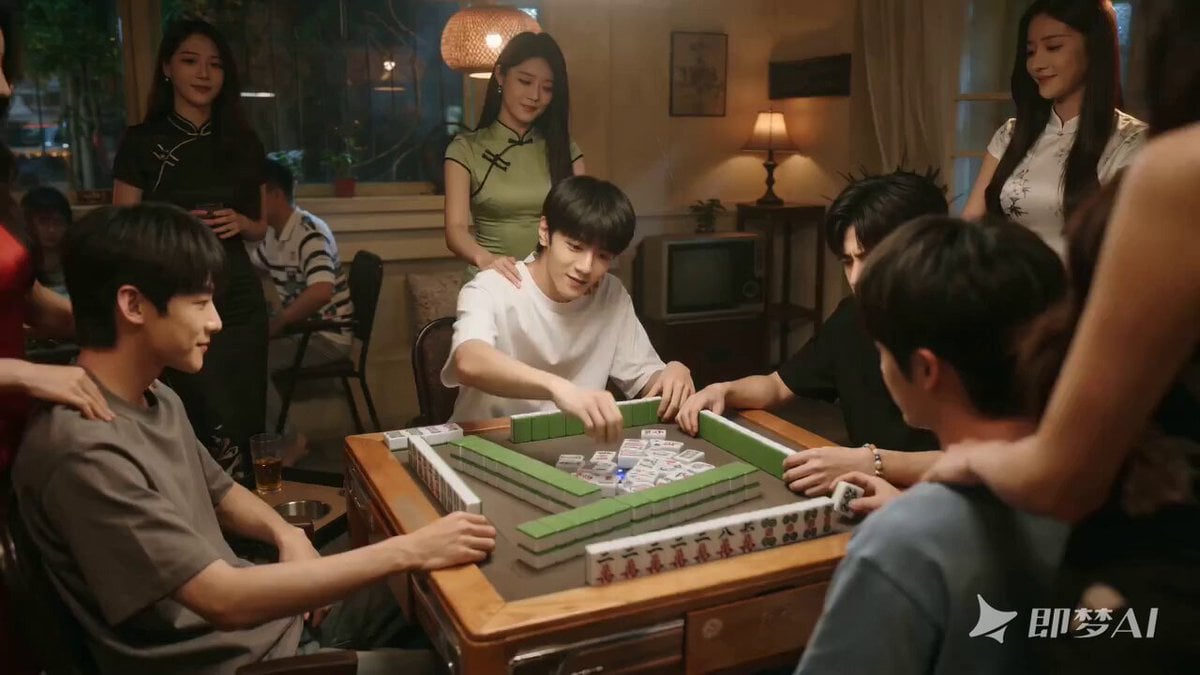
Seedance 2.0 Video Prompt: Mahjong Scene with Masseuses

Pigeon Nemesis Pixar Animation Storyboard

Rooftop Martial Arts Fight at Sunset
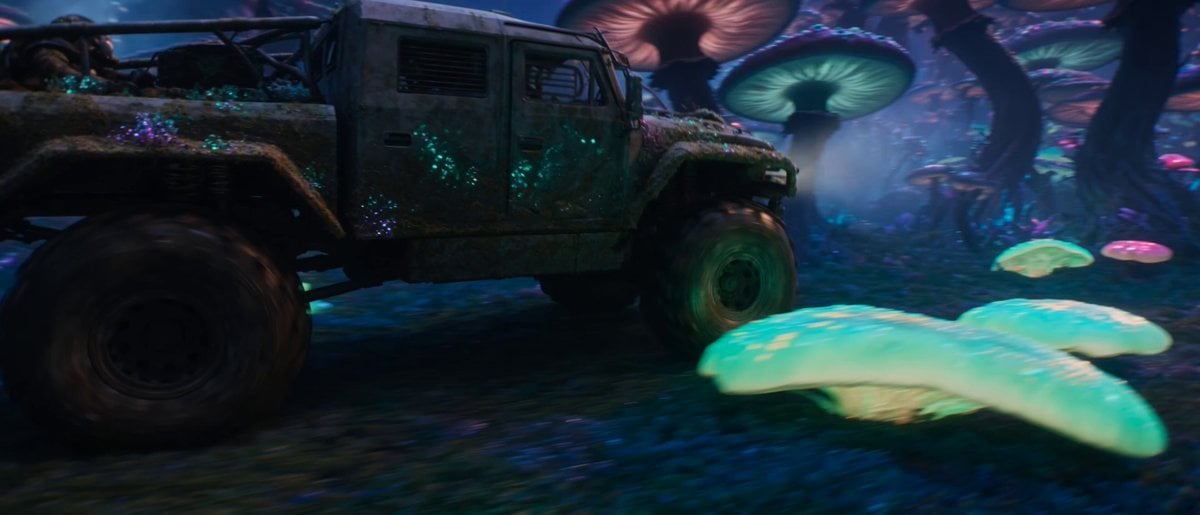
Sci-Fi Space Station Crash Scene

Honey Bee and Paper Airplane Video
Browse template categories
Woman vs War Robot questions
How do I use the Woman vs War Robot template?
Add your photo if the template asks for one, edit the prompt if you like — the template's model and format are already selected — and press Generate. Your version opens in PicX Studio.
Can I customize the Woman vs War Robot template?
Yes. You can change the subject, setting, lighting, mood, format, and available model controls before creating your video.
Is the Woman vs War Robot template free?
Opening and editing this template is free. Generating uses credits, shown on the Generate button when you are signed in.
Which AI model should I use?
Start with Seedance 2.0, which is the model associated with this template. You can compare another compatible model for a different finish.
Looking for something else? Browse all templates.

Your photo, any look
Thousands of ready templates for every top image and video model, from one credit balance.