
Tropical Beach Travel Vlog
A cinematic beach vlog prompt set in a bright Indonesian morning, featuring FPV drone shots and close-up travel aesthetics.
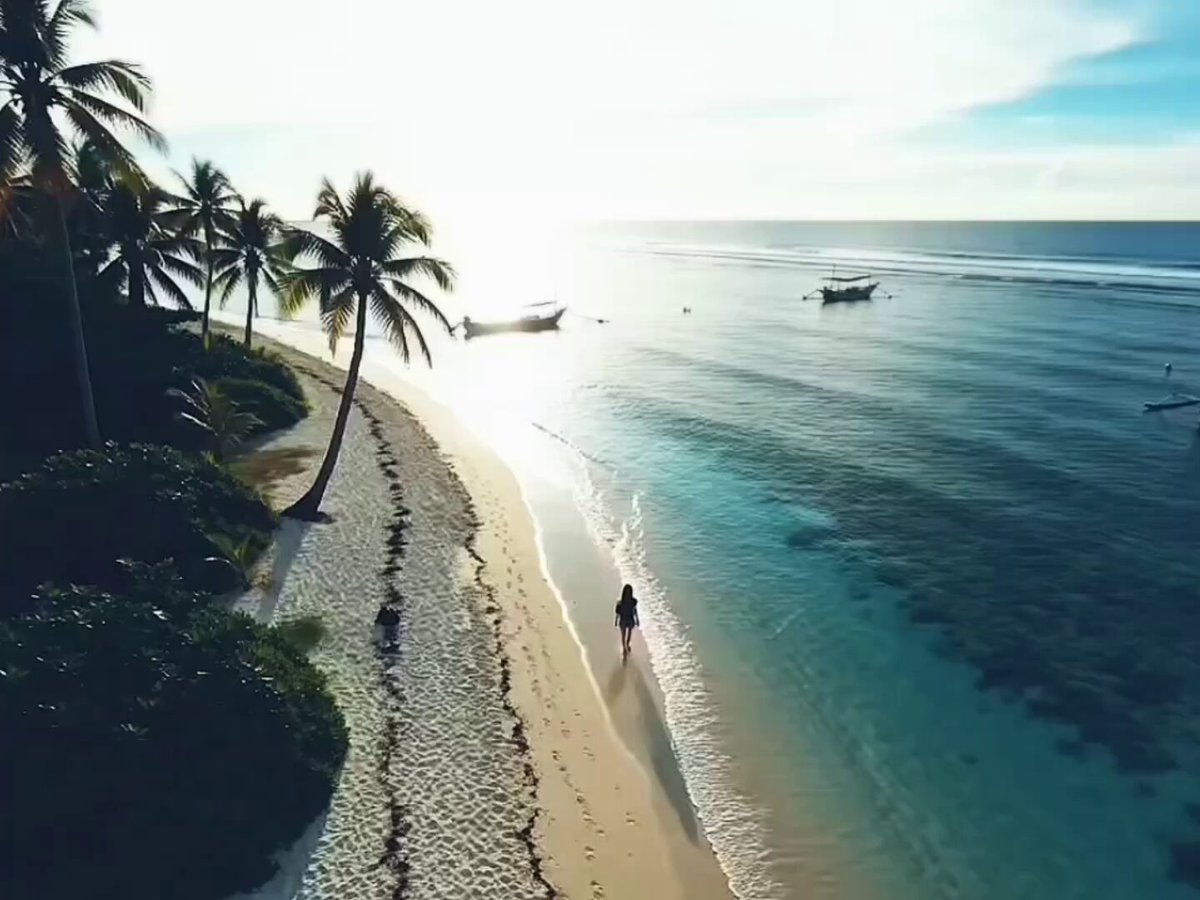
- Prompt included
- Model and format preset
- Premium template
The prompt behind this video
Copy the exact prompt behind Tropical Beach Travel Vlog, or open it in the studio and make it yours.
ARRIVAL AT THE BEACH\nDuration: 10 Seconds\nAspect Ratio: 4:3 Vertical\nStyle: NALDI style cinematic beach vlog, ultra photorealistic, movie realism, cinematic handheld camera movement, realistic lighting, bright tropical Indonesian morning atmosphere, natural skin texture, subtle lens flare, shallow depth of field, premium travel documentary aesthetics, smooth motion blur, dynamic vlog energy.\nCharacter Reference: Use @ image1 as the only character throughout the sequence. Preserve the exact face, hairstyle, identity, facial features, skin tone, and body proportions from @ image1.\nEnvironment: Beautiful tropical Indonesian beach at 08:00 AM, blue sky, soft clouds, sparkling sea reflections, white sand, distant fishing boats, palm trees swaying in the wind.\nScene 1 (0 to 2.5s): Wide FPV drone reveal approaching the beach shoreline from above while the woman walks barefoot along the sand looking toward the ocean. Bright sunlight reflects naturally across the water.\nScene 2 (2.5 to 5s): Low angle tracking shot following beside her feet as gentle waves wash onto the shore. Sand scatters naturally with every step.\nScene 3 (5 to 7.5s): Handheld close up vlog shot as she smiles toward the camera. A gentle sea breeze moves her hair naturally while the ocean fills the background.\nScene 4 (7.5 to 10s): Smooth 360 degree orbit around her as she opens her arms toward the sea. Finish with a soft cinematic lens flare transition.\nAudio: Relaxing tropical house music blended with soft ocean waves and morning breeze.
How to use Tropical Beach Travel Vlog in 3 steps
- 1
Open
The prompt is already in the box next to the preview, with the template's model and format selected.
- 2…a portrait of your subject in softgolden-hour light, 85mm…
Personalize
Edit the subject and creative details for your destination.
- 3Generate
Generate
Press Generate — your video is created in PicX Studio, so you can compare it with the original and refine one variable at a time.
More like this
Templates with the same subject, style or setup. Open one to see its prompt.

Handheld Tokyo Travel Vlog - Seedance 2.5

Luxury Airport Travel Vlog

Kenting Lifestyle Travel Vlog
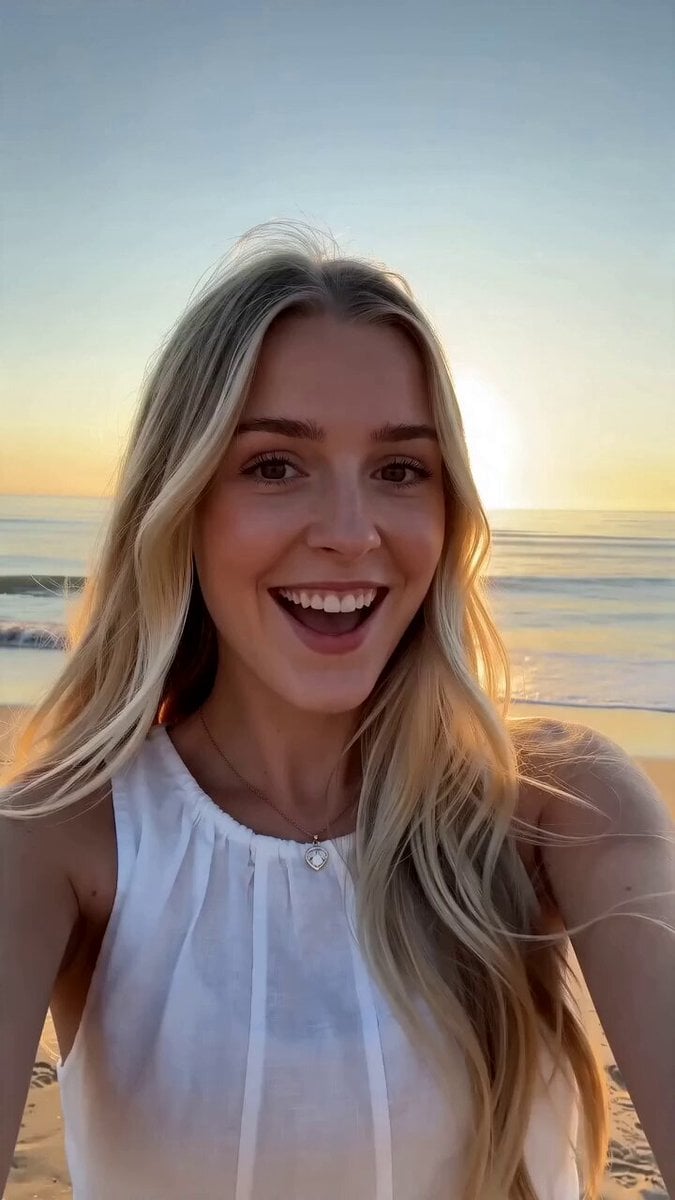
First-Person Beach Family Travel Vlog

Mediterranean Coffee Run Vlog - Seedance 2.5

Mysterious Home Exploration Vlog - Seedance 2.5

Realistic Morning Routine Lifestyle Vlog - Seedance 2.5

Nostalgic MiniDV Convenience Store Vlog - Seedance 2.5

Mediterranean Morning Coffee Run Vlog (Seedance 2.5)

Product UGC Commercial

Luxury Lifestyle Day Vlog

Kyoto Morning Selfie Vlog
Make it yours
Tropical Beach Travel Vlog works as-is. These are the safest ways to change it without losing the look.
Change one field
Copy a single group, rewrite it, and generate again so you can see what that field is doing.
Keep the frame, change the subject
Hold the composition and light of Tropical Beach Travel Vlog, then swap wardrobe, props or the person for a new take.
| If the result… | Why | Fix |
|---|---|---|
| The result drifts from the preview | Too many fields changed at once. | Reuse Tropical Beach Travel Vlog as-is first, then change one group — subject, light, or setting. |
| The model over-stylizes the scene | The prose prompt leaves finish and camera underspecified. | Add one camera or lighting sentence and stay on Seedance 2.0. |
More Seedance 2.0 templates
Other prompts made for Seedance 2.0.

Comical Martial Arts Punch Scene

Maglev Train Action Sequence

Martial Arts Fight Sequence

Wuxia Protection and Trust Script

Vintage Korean Arcade MiniDV Vlog

Mercedes 190 SL Luxury Ad

Rainy Night Supernatural Reverse Comedy Video Script

Amazon Civilization Discovery

Futuristic South Asian City Transformation

Cozy Luxury Cafe Commercial
More video prompts
Fresh picks from across the catalog.
Thai Style Comedy Twist Commercial
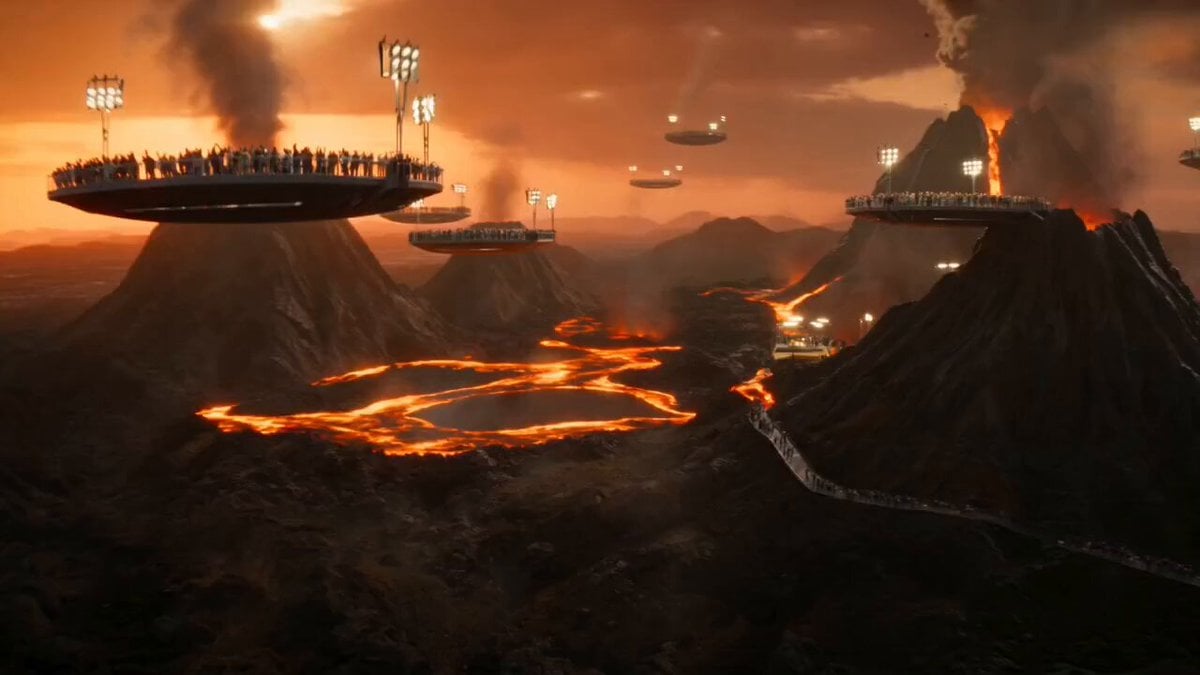
Volcanic Island Skateboard Championship

Celestial Creatures Knitting Constellations

Chaotic Morning Animated Short
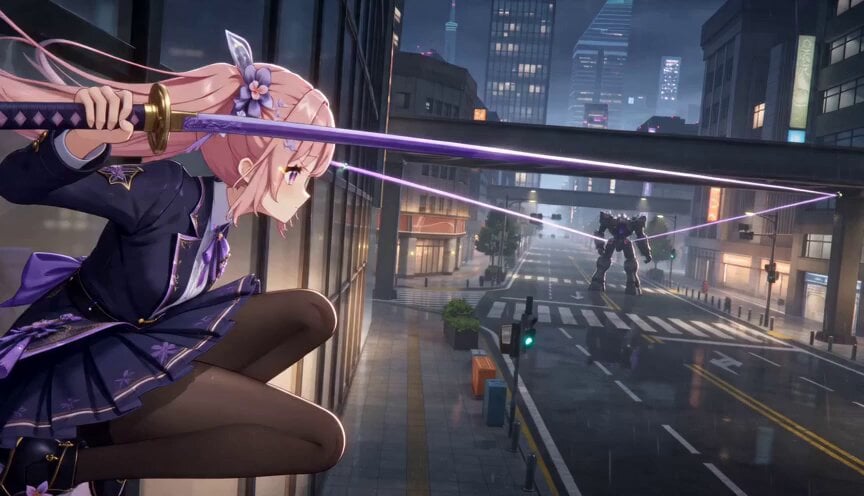
Cinematic 3D Anime Wire Action Sequence
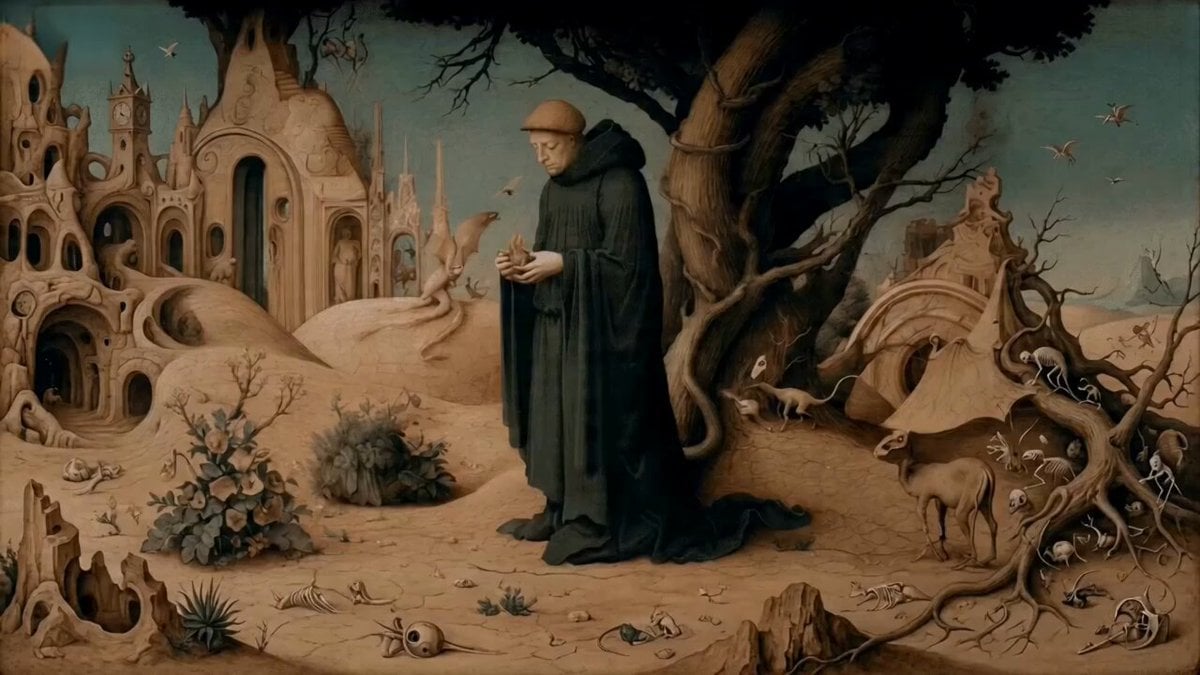
Monk Placing a Glowing Flame in Hieronymus Bosch Style
Multi-Phase Visual Prompt (Chinese/English)
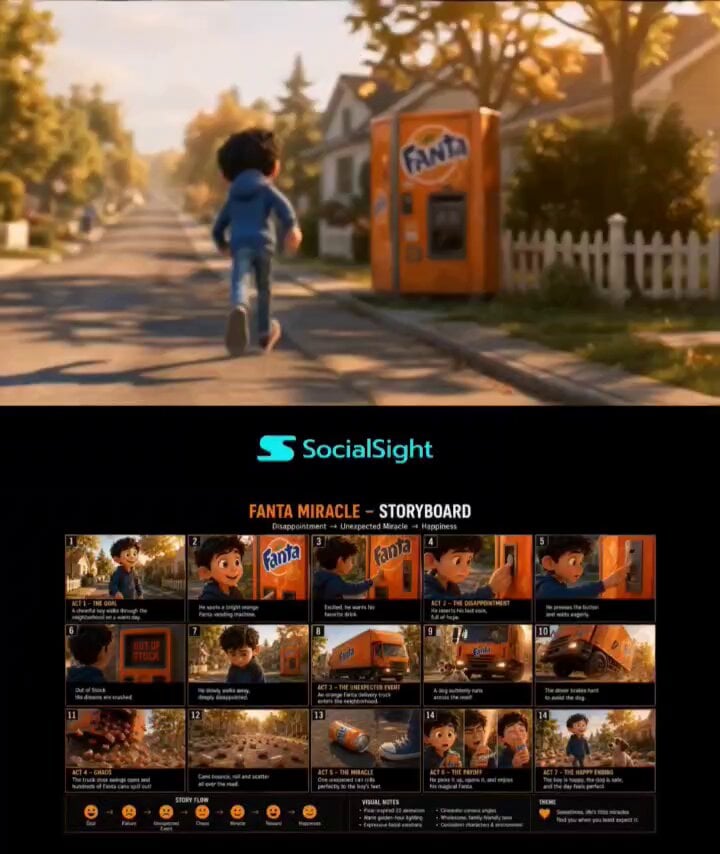
Pixar-Style Boy and Fanta Machine Story
High-End Fashion UGC Campaign
Character Consistent Video Generation
Browse template categories
Tropical Beach Travel Vlog questions
How do I use the Tropical Beach Travel Vlog template?
Add your photo if the template asks for one, edit the prompt if you like — the template's model and format are already selected — and press Generate. Your version opens in PicX Studio.
Can I customize the Tropical Beach Travel Vlog template?
Yes. You can change the subject, setting, lighting, mood, format, and available model controls before creating your video.
Is the Tropical Beach Travel Vlog template free?
Opening and editing this template is free. Generating uses credits, shown on the Generate button when you are signed in.
Which AI model should I use?
Start with Seedance 2.0, which is the model associated with this template. You can compare another compatible model for a different finish.
Looking for something else? Browse all templates.

Your photo, any look
Thousands of ready templates for every top image and video model, from one credit balance.