
Tabby Cat Scooter Japanese City
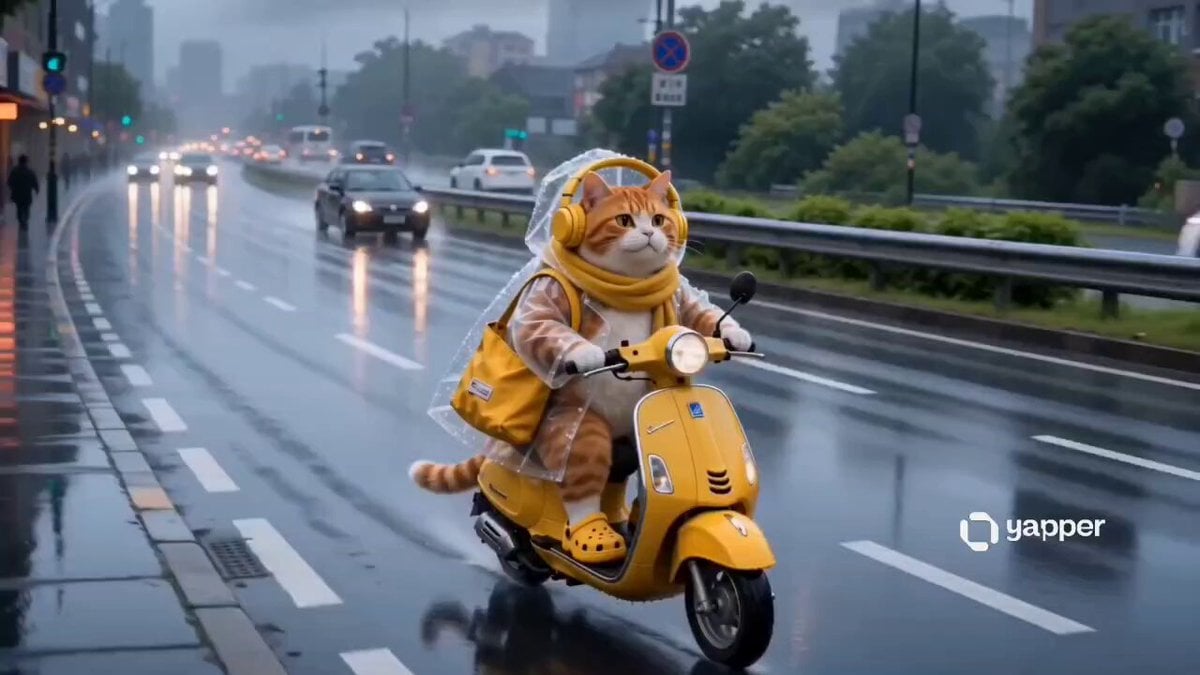
A cozy, Studio Ghibli-inspired narrative prompt featuring an orange tabby cat riding a scooter through a rainy Japanese city to shop for fish.
- Prompt included
- Model and format preset
- Premium template
The prompt behind this video
Copy the exact prompt behind Tabby Cat Scooter Japanese City, or open it in the studio and make it yours.
Cinematic cute orange tabby cat riding a yellow vintage scooter through a rainy Japanese city street, wearing transparent raincoat, yellow headphones and scarf, soft rainy atmosphere, wet reflective roads, cozy slice-of-life anime realism. The cat arrives at a busy fish market, parks scooter beside glowing lantern shops, carefully choosing fresh fish from smiling seafood vendors, close-up shots of fish and ice stalls, rain droplets falling everywhere. Then the cat stops at a small roadside corn vendor, picking fresh roasted corn and placing it into a yellow tote bag, cozy street food vibes, steam rising in cold rain. After that, the cat rides back home through rainy streets at dusk, warm apartment lights glowing. Inside a cozy kitchen, the cat takes a warm bath with bubbles and steam, fluffy fur drying scene, relaxing atmosphere. Then the cat starts frying fish in a pan with sizzling oil, cinematic cooking close-ups, golden crispy fish, cozy warm lighting, rainy window ambience in background. Final scene of the cat happily eating fried fish and roasted corn near the window while rain pours outside, ultra detailed, emotional cozy storytelling, Studio Ghibli inspired realism, smooth camera movement, shallow depth of field, cinematic lighting, highly detailed fur and rain physics, 4K movie quality.
How to use Tabby Cat Scooter Japanese City in 3 steps
- 1
Open
The prompt is already in the box next to the preview, with the template's model and format selected.
- 2…a portrait of your subject in softgolden-hour light, 85mm…
Personalize
Edit the subject and creative details for your destination.
- 3Generate
Generate
Press Generate — your video is created in PicX Studio, so you can compare it with the original and refine one variable at a time.
More like this
Templates with the same subject, style or setup. Open one to see its prompt.

3D Animated Cat and Old Man - Seedance

Realistic City Street Story Cinematic Video - Seedance

Luxury Lifestyle Day Vlog

Japanese Pure Love Short Film

NYC Wingsuit Hot Dog Landing

Luxury Airport Travel Vlog

Iced Coffee Dog Good-News Montage

Kyoto Morning Selfie Vlog

Italian Old-Town Time-Freeze Walk

Kenting Lifestyle Travel Vlog
Tabby Cat Yankees Fan
Cinematic Tabby Cat Explosion Meme
Make it yours
Tabby Cat Scooter Japanese City works as-is. These are the safest ways to change it without losing the look.
Change one field
Copy a single group, rewrite it, and generate again so you can see what that field is doing.
Keep the frame, change the subject
Hold the composition and light of Tabby Cat Scooter Japanese City, then swap wardrobe, props or the person for a new take.
| If the result… | Why | Fix |
|---|---|---|
| The result drifts from the preview | Too many fields changed at once. | Reuse Tabby Cat Scooter Japanese City as-is first, then change one group — subject, light, or setting. |
| The model over-stylizes the scene | The prose prompt leaves finish and camera underspecified. | Add one camera or lighting sentence and stay on Seedance 2.0. |
More Seedance 2.0 templates
Other prompts made for Seedance 2.0.

Comical Martial Arts Punch Scene

Maglev Train Action Sequence

Martial Arts Fight Sequence

Wuxia Protection and Trust Script

Vintage Korean Arcade MiniDV Vlog

Mercedes 190 SL Luxury Ad

Rainy Night Supernatural Reverse Comedy Video Script

Amazon Civilization Discovery

Futuristic South Asian City Transformation

Cozy Luxury Cafe Commercial
More video prompts
Fresh picks from across the catalog.
Heartwarming Kitchen Baking Scene
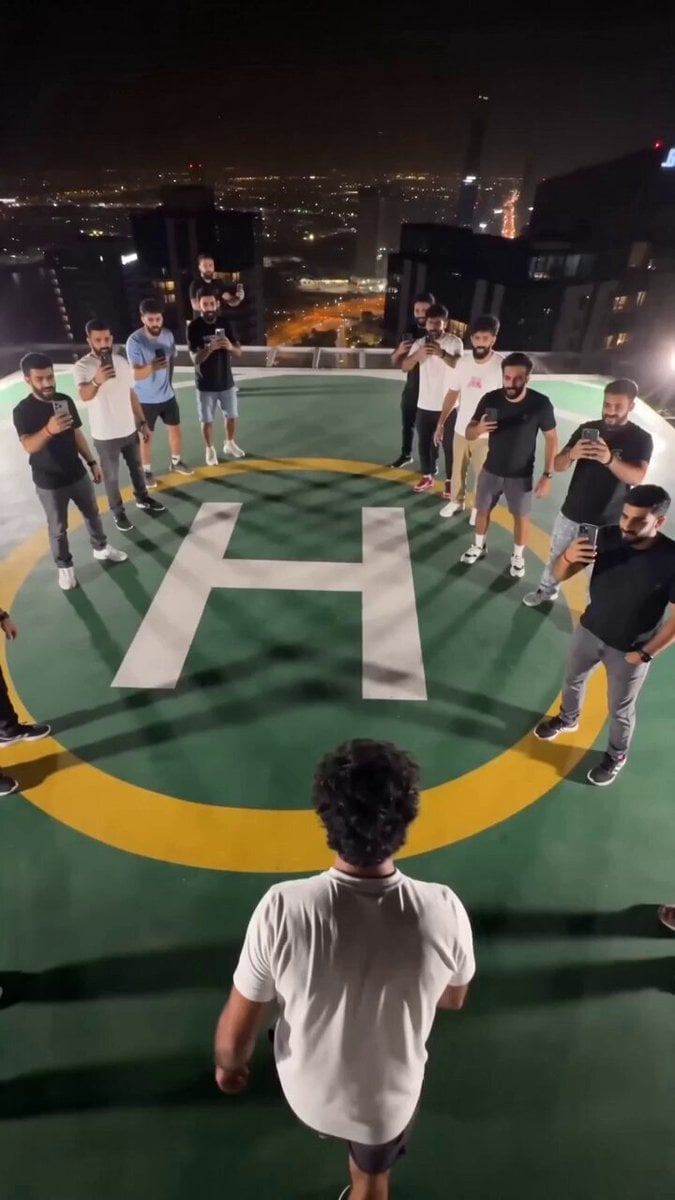
Extreme Rooftop Jump Viral Video
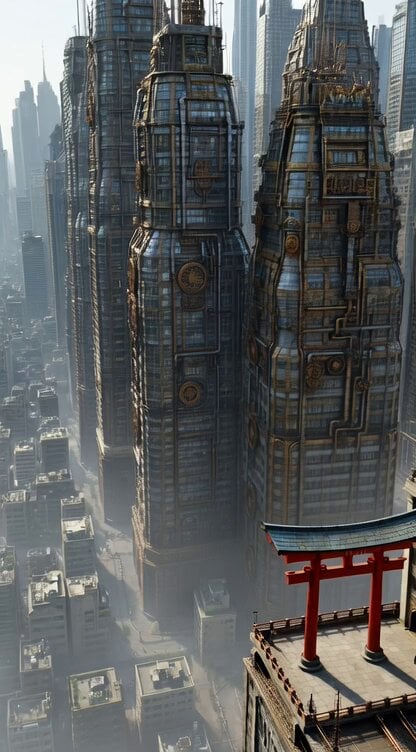
Steampunk Future City with Floating Buildings and a Small Torii Gate

AI Girlfriend Interactive Scene

Luxury Perfume Drone Shot Advertisement Prompt
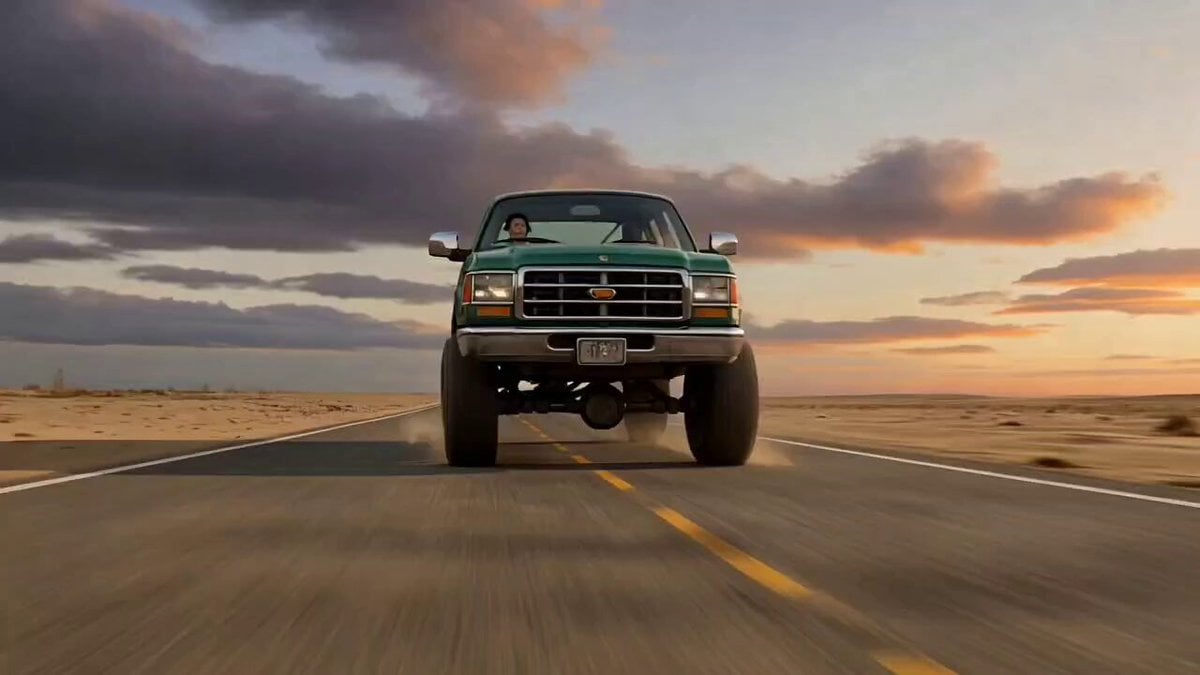
Ultra-Cinematic Transformation of a Pickup Truck into a Stone Mech Rhino

Water Walking Xianxia Fraud
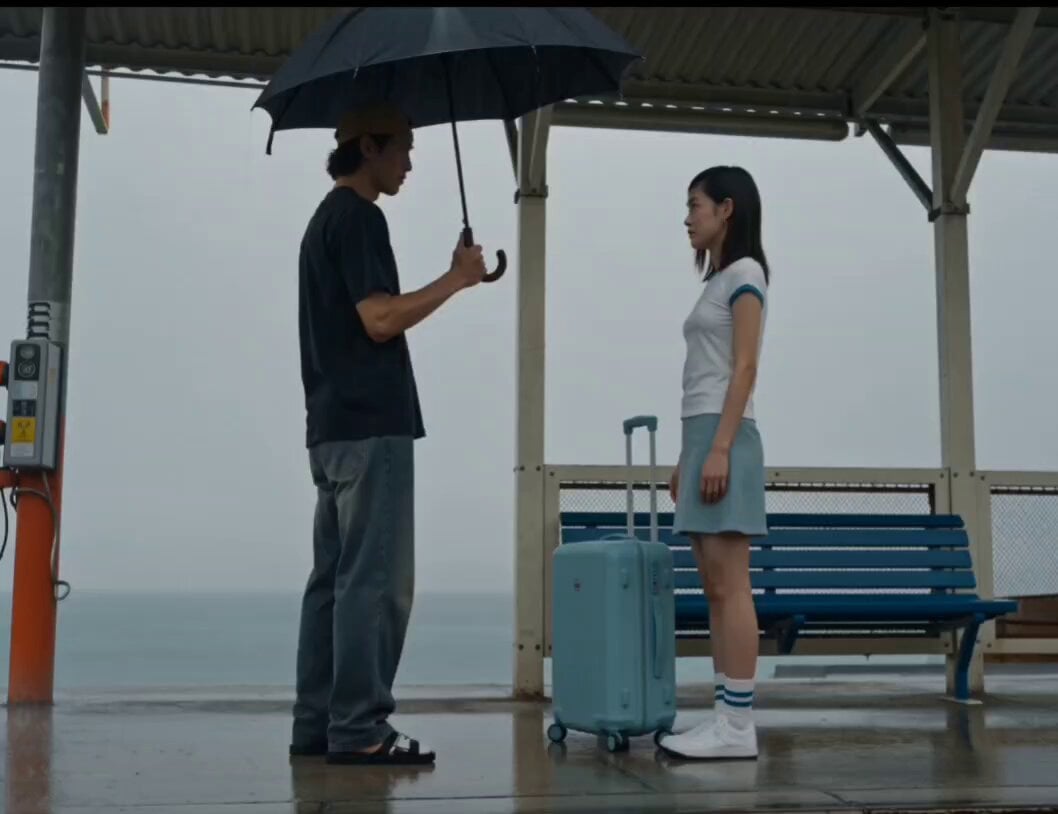
Rainy Seaside Station Goodbye Video Prompt
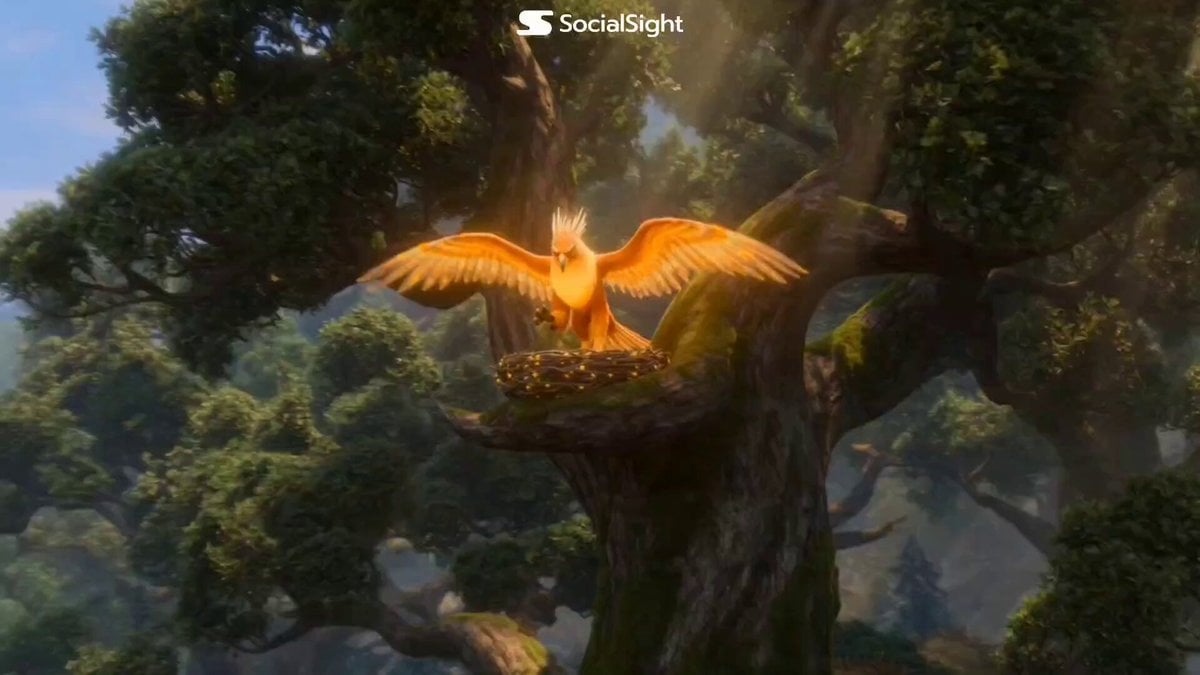
Fantasy Griffin Nesting and Goblin Selfie
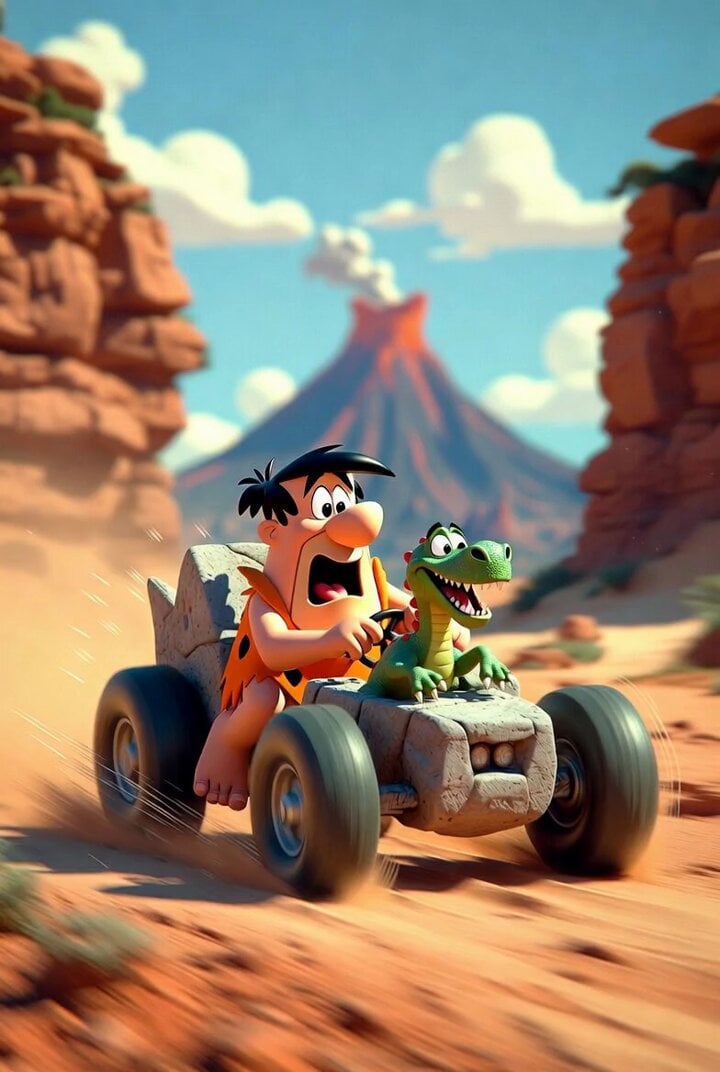
Flintstones style prehistoric car chase
Browse template categories
Tabby Cat Scooter Japanese City questions
How do I use the Tabby Cat Scooter Japanese City template?
Add your photo if the template asks for one, edit the prompt if you like — the template's model and format are already selected — and press Generate. Your version opens in PicX Studio.
Can I customize the Tabby Cat Scooter Japanese City template?
Yes. You can change the subject, setting, lighting, mood, format, and available model controls before creating your video.
Is the Tabby Cat Scooter Japanese City template free?
Opening and editing this template is free. Generating uses credits, shown on the Generate button when you are signed in.
Which AI model should I use?
Start with Seedance 2.0, which is the model associated with this template. You can compare another compatible model for a different finish.
Looking for something else? Browse all templates.

Your photo, any look
Thousands of ready templates for every top image and video model, from one credit balance.