
Candid Cat Cafe Documentary
A prompt for a raw, handheld documentary-style video set in a cat cafe, maintaining character consistency from a reference image.
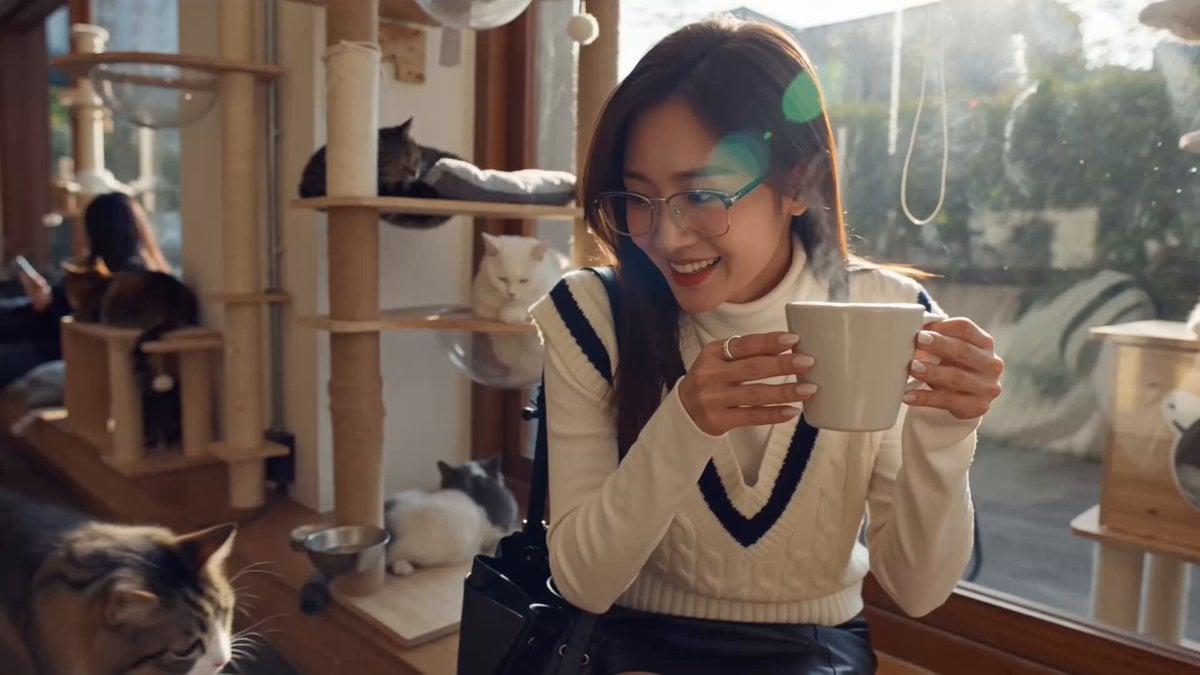
- Prompt included
- Model and format preset
- Premium template
The prompt behind this video
Copy the exact prompt behind Candid Cat Cafe Documentary, or open it in the studio and make it yours.
@ Image 1 is the reference — keep her exact face, glasses, hair, white cable-knit sweater vest with navy V-trim, black leather mini skirt, shoulder bag and thigh-high boots throughout. Style & Mood: raw handheld documentary mood film inside a cozy cat cafe, warm afternoon window light, alive candid energy, real film grain, feels like a friend filming her across the table. Narrative Summary: a young woman drinks coffee in a cat cafe, laughing as cats wander around her. Dynamic Description: shaky handheld camera sits across the small wooden table as she wraps both hands around a latte cup and takes a sip, foam touching her lip so she giggles and wipes it; a fluffy tabby cat jumps onto the bench beside her and she bursts out laughing, petting its head between sips; another cat paws at her sleeve and she leans back laughing, holding the cup high out of reach. Static Description: cozy cat cafe interior with wooden tables, cat trees and shelves, sleeping cats on cushions, big sunny window, plants and warm bokeh. Camera: constant organic handheld shake and micro-jitters, imperfect reframing, slight focus hunting between her face, the cup and the cats, whip to the cat when it jumps up — no tripod stability anywhere. Audio: NO MUSIC — only cafe ambience, cup clinks on saucer, her genuine laughter and giggles, cat purring and soft meows, quiet chatter in the background. Continuous take feel, consistent character, natural spontaneous motion, cinematic quality.
How to use Candid Cat Cafe Documentary in 3 steps
- 1Upload ImagePNG, JPG or paste
Add your photo
Upload the photo the template builds on. The prompt, model and format are already set.
- 2…a portrait of your subject in softgolden-hour light, 85mm…
Personalize
Edit the subject and creative details for your destination.
- 3Generate
Generate
Press Generate — your video is created in PicX Studio, so you can compare it with the original and refine one variable at a time.
More like this
Templates with the same subject, style or setup. Open one to see its prompt.

3D Animated Cat and Old Man - Seedance

Forgotten 1980s High School Documentary Seedance

Live-Action Firefighter Rescue Night Scene
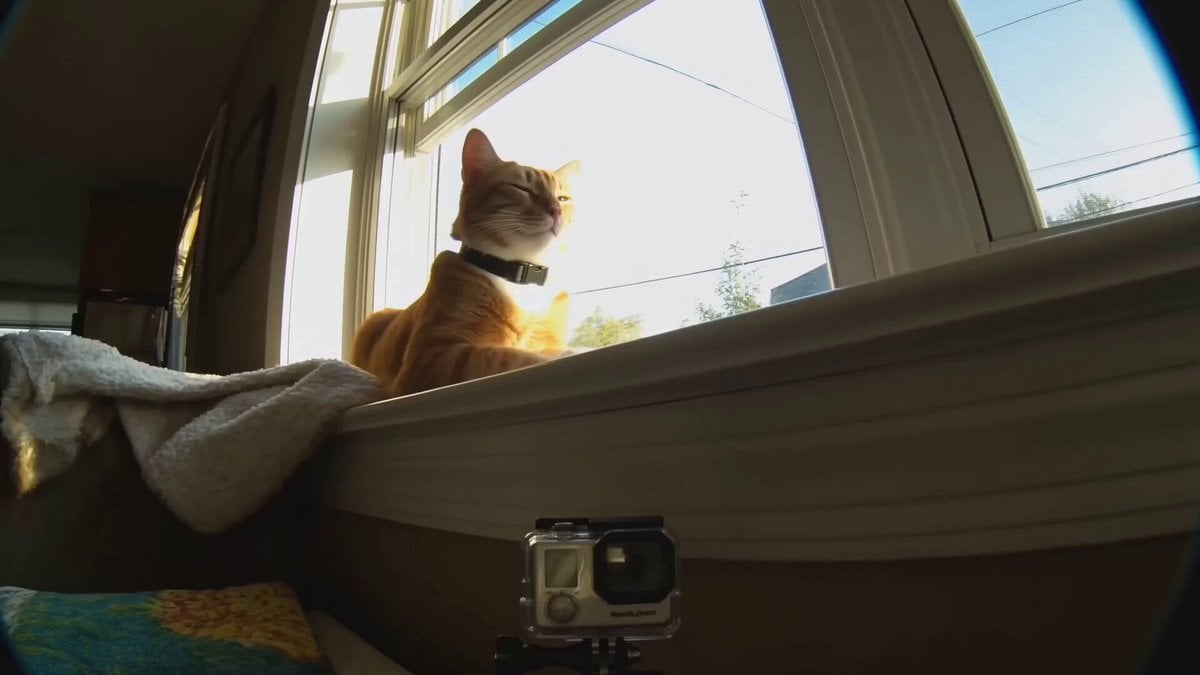
Realistic Cat POV Vlog Documentary

BBC Style Qilin Documentary

Stop-Motion Claymation Nutella Cafe
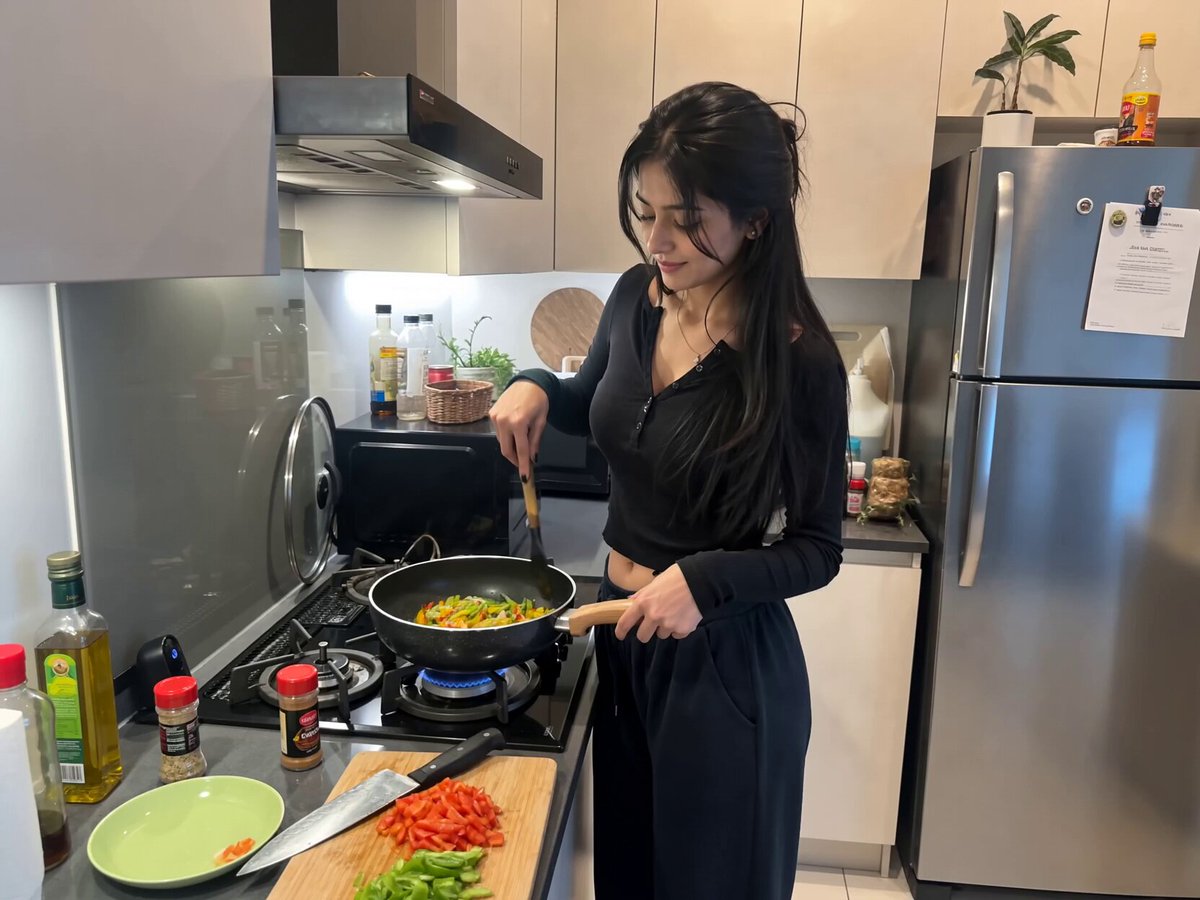
Candid Kitchen Cooking Vlog

2007 Heisei Gal Documentary Style

Candid Lakeside Photography Vlog
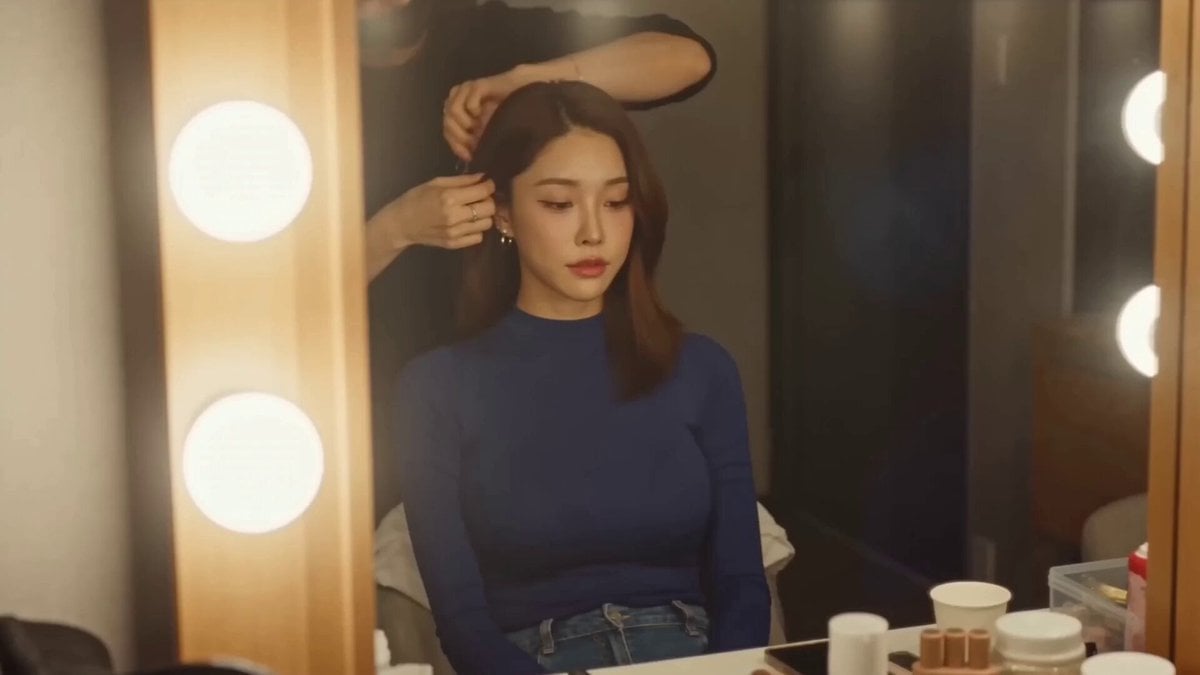
Korean Idol Vlogger Documentary Aesthetic
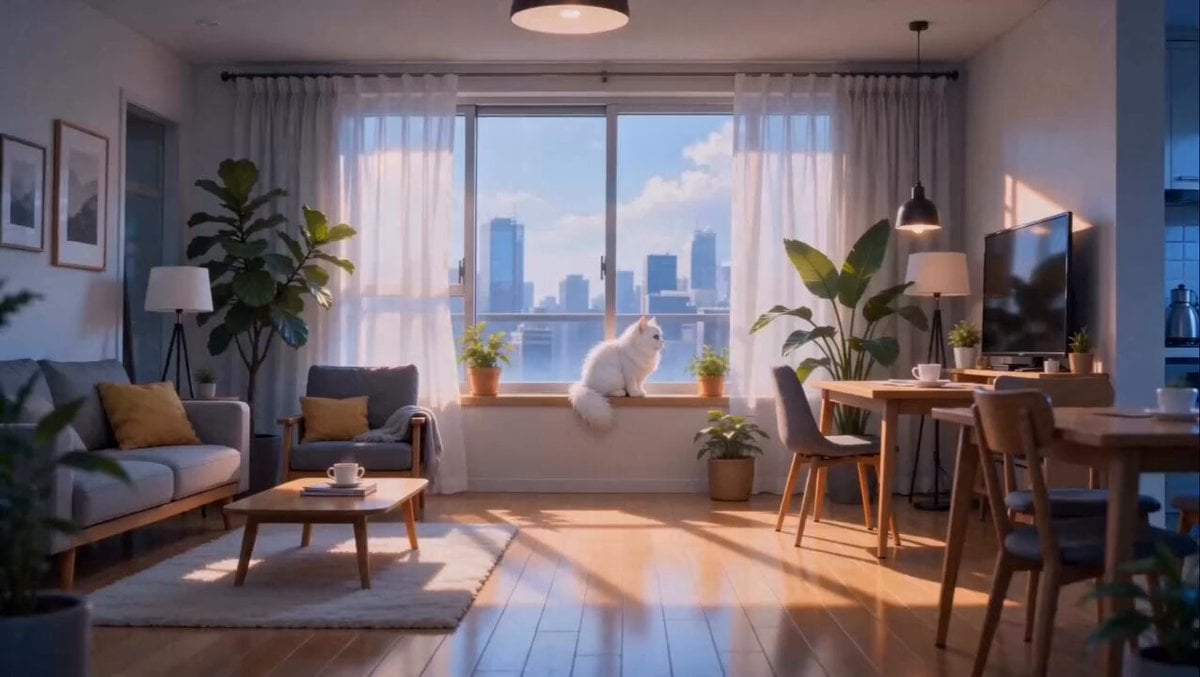
Anime Fluffy Cat Morning Routine
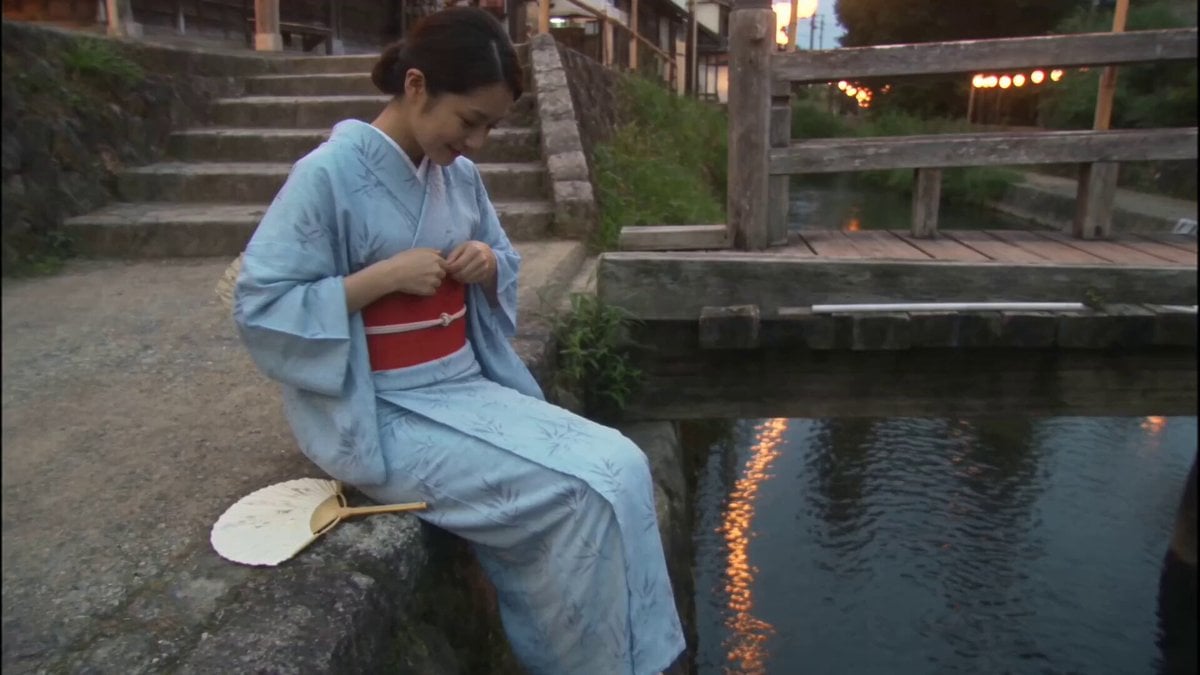
Japanese Summer Evening Candid
Make it yours
Candid Cat Cafe Documentary works as-is. These are the safest ways to change it without losing the look.
Change one field
Copy a single group, rewrite it, and generate again so you can see what that field is doing.
Keep the frame, change the subject
Hold the composition and light of Candid Cat Cafe Documentary, then swap wardrobe, props or the person for a new take.
| If the result… | Why | Fix |
|---|---|---|
| The result drifts from the preview | Too many fields changed at once. | Reuse Candid Cat Cafe Documentary as-is first, then change one group — subject, light, or setting. |
| The model over-stylizes the scene | The prose prompt leaves finish and camera underspecified. | Add one camera or lighting sentence and stay on Seedance 2.0. |
More Seedance 2.0 templates
Other prompts made for Seedance 2.0.

Comical Martial Arts Punch Scene

Maglev Train Action Sequence

Martial Arts Fight Sequence

Wuxia Protection and Trust Script

Vintage Korean Arcade MiniDV Vlog

Mercedes 190 SL Luxury Ad

Rainy Night Supernatural Reverse Comedy Video Script

Amazon Civilization Discovery

Futuristic South Asian City Transformation

Cozy Luxury Cafe Commercial
More video prompts
Fresh picks from across the catalog.
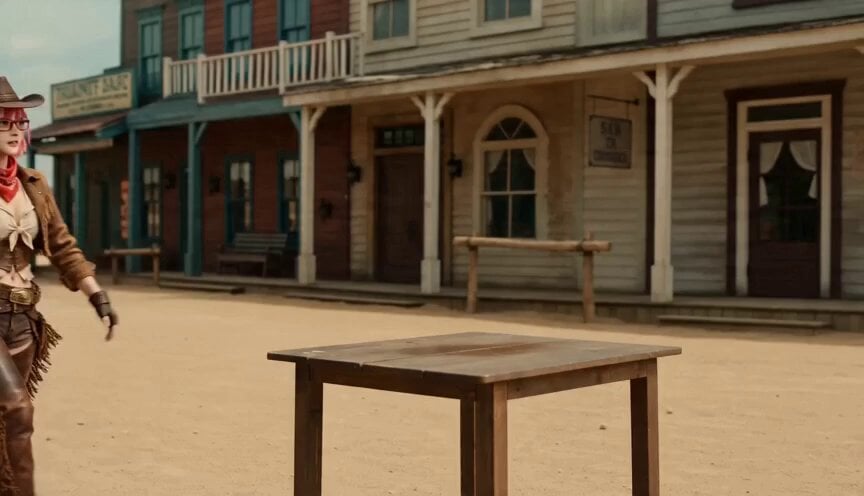
Western Narrative Multi-Cut Video Prompt

Cartoon character rhythmic movement
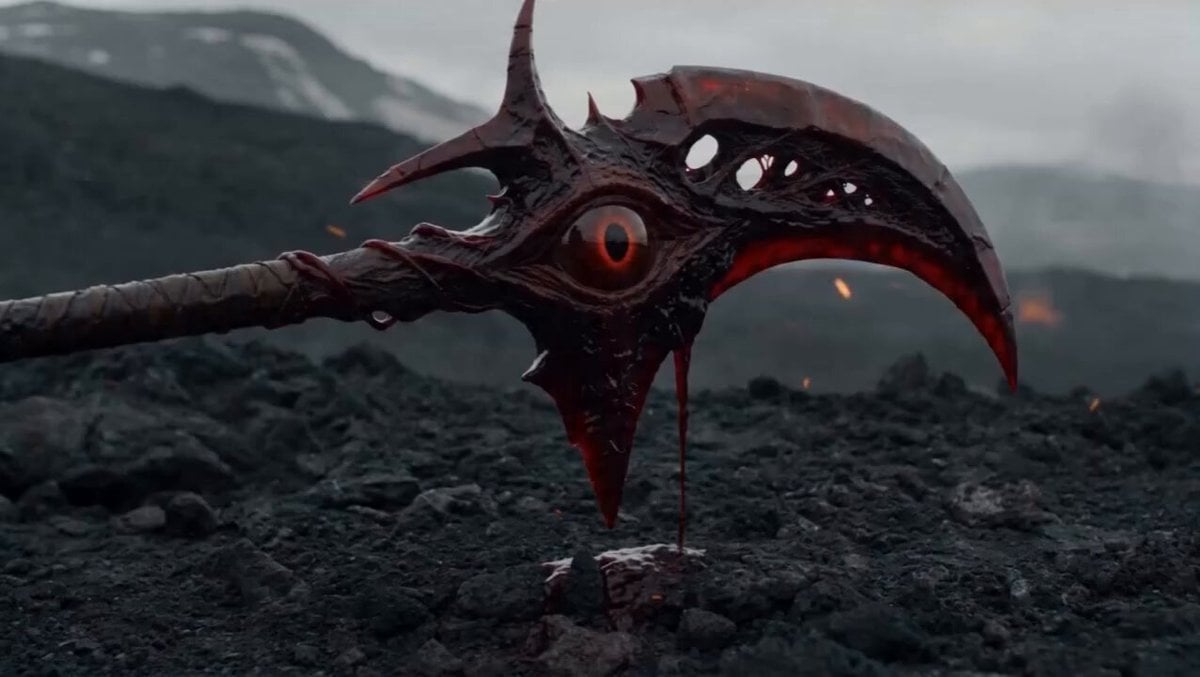
Cursed Scythe Demon Transformation
Toku-Style Sci-Fi Action Transformation Sequence
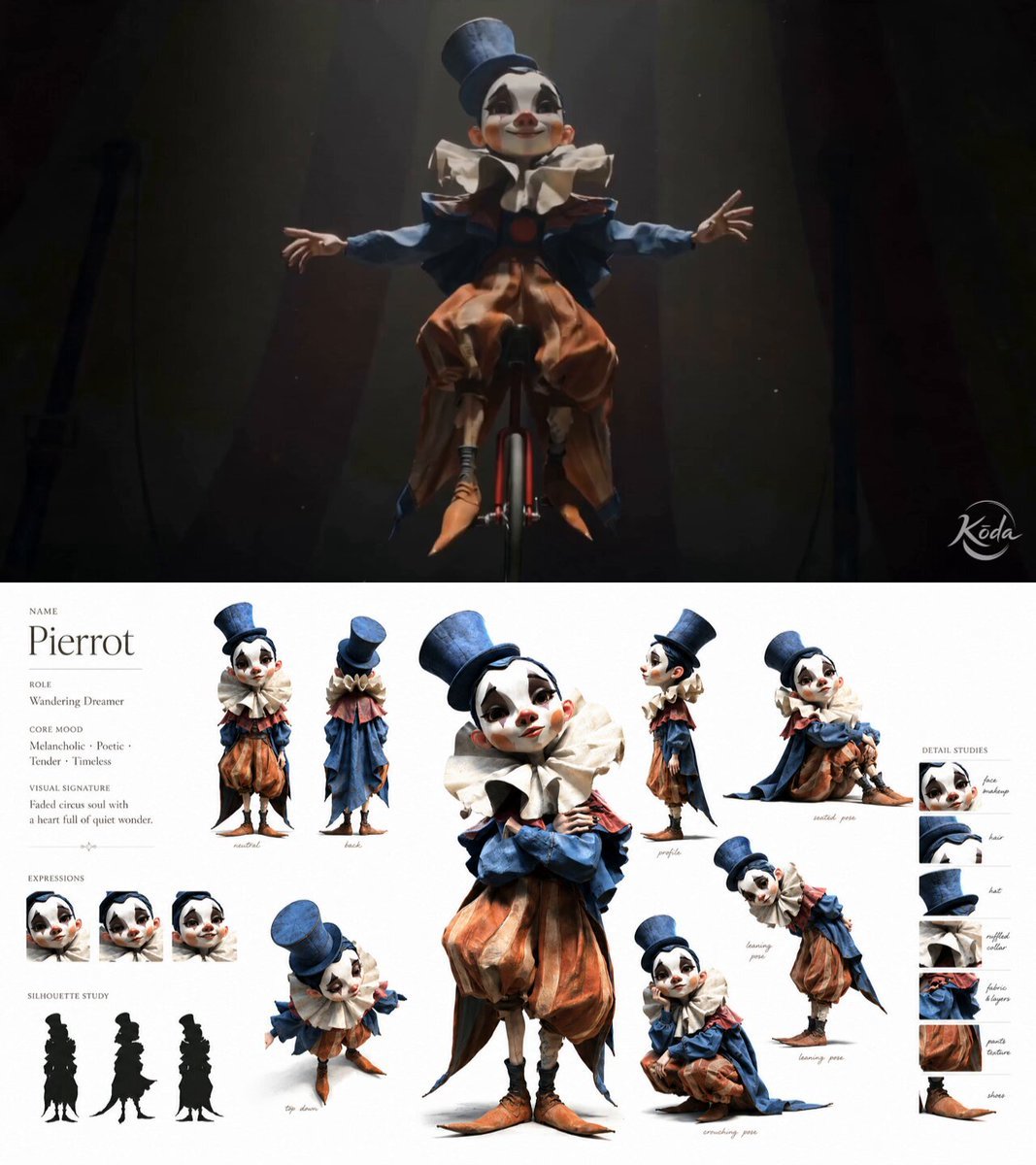
Melancholic Circus Performer Emotional Video

Anime Style Transformation with Retro 80s Aesthetic

Cyberpunk Neon Cage Freedom Story
Futuristic Neon Fashionista Dance

Seedance 2.0 Transform Prompt Framework

3D Cartoon Ramen Eating Animation
Browse template categories
Candid Cat Cafe Documentary questions
How do I use the Candid Cat Cafe Documentary template?
Add your photo if the template asks for one, edit the prompt if you like — the template's model and format are already selected — and press Generate. Your version opens in PicX Studio.
Can I customize the Candid Cat Cafe Documentary template?
Yes. You can change the subject, setting, lighting, mood, format, and available model controls before creating your video.
Is the Candid Cat Cafe Documentary template free?
Opening and editing this template is free. Generating uses credits, shown on the Generate button when you are signed in.
Which AI model should I use?
Start with Seedance 2.0, which is the model associated with this template. You can compare another compatible model for a different finish.
Looking for something else? Browse all templates.

Your photo, any look
Thousands of ready templates for every top image and video model, from one credit balance.