
King Kong Attack Video Prompt for Seedance 2.0
A detailed prompt for Seedance 2.0 to generate a cinematic video of King Kong attacking a bridge during a storm.
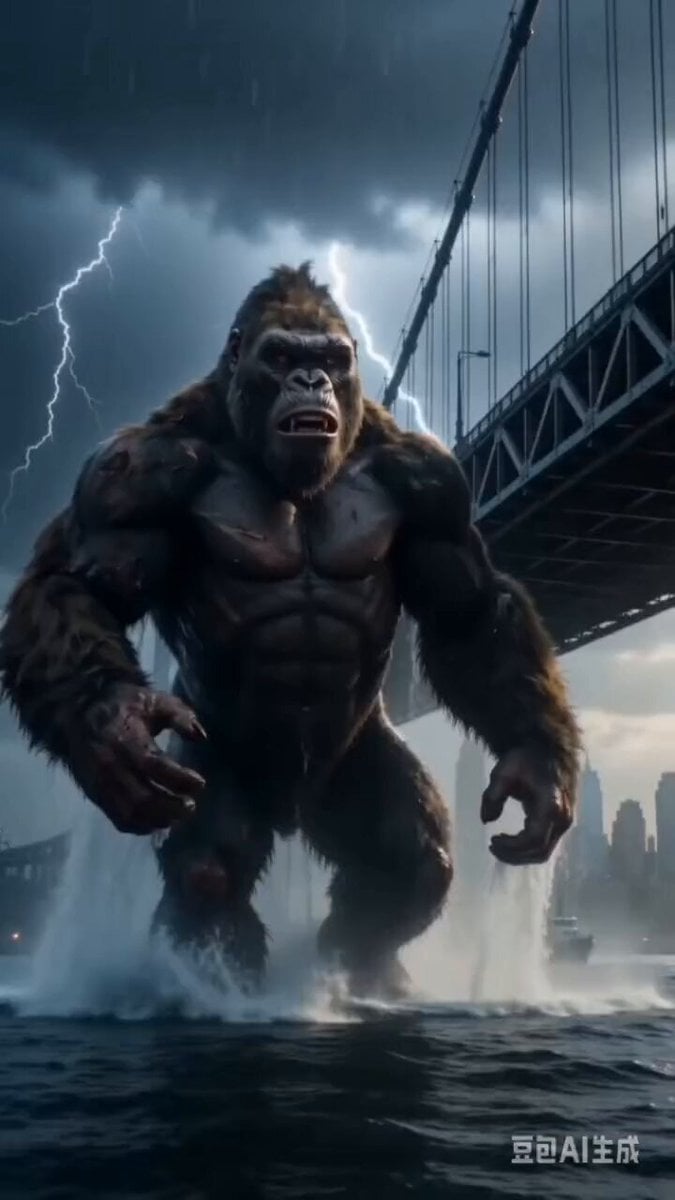
- Prompt included
- Model and format preset
- Premium template
The prompt behind this video
Copy the exact prompt behind King Kong Attack Video Prompt for Seedance 2.0, or open it in the studio and make it yours.
[主体]: @图片1 中的巨型大猩猩, 黑色银背毛发根根分明, 肌肉轮廓极度写实, 双眼充满愤怒, 展现出电影级的五官细节1. [动作]: 巨型动物@图片从深海中缓慢站起, 水流顺着强壮的肌肉缓慢滑落. 它愤怒地发出一声巨响, 双手用力捶打大桥的钢索, 钢缆断裂弹起, 它猛力撕裂桥面, 桥上的汽车被瞬间震飞, 整个动作连贯自然, 绝不僵硬. [场景]: 暴风雨中的海港大桥, 远景是模糊的现代都市高楼. 闪电划破天空, 侧光打在金刚的轮廓上, 形成强烈的光影反差, 极具压迫感. [运镜]: 低角度仰视全景开启, 随后画面伴随手持拍摄的晃动感快速推进, 最终画面甩镜对准坠入海中的桥体和激起的巨浪. [风格/画质]: 4K超高清, 锐度清晰, 细节丰富, 无模糊, 无重影, 电影大片风格. [约束]: 人体结构正常, 面部稳定不扭曲, 画面不闪烁, 绝对遵循 @图片1 的原始样貌.模型 2.0 Fast,原比例,时长 10s。
How to use King Kong Attack Video Prompt for Seedance 2.0 in 3 steps
- 1
Open
The prompt is already in the box next to the preview, with the template's model and format selected.
- 2…a portrait of your subject in softgolden-hour light, 85mm…
Personalize
Edit the subject and creative details for your destination.
- 3Generate
Generate
Press Generate — your video is created in PicX Studio, so you can compare it with the original and refine one variable at a time.
More like this
Templates with the same subject, style or setup. Open one to see its prompt.
Coward King — Seedance 2.0 Dark Fantasy
Viking in Modern America Comedy - Seedance 2.5
Pearl Harbor Attack — Seedance 2.0 FPV
Griffin Knight Mountain Kingdom — Seedance 2.0
Dragon Rescue — Volcanic Kingdom Collapse (Seedance)
Wholesome Puppy and Kitten Story - Seedance 2.5

Mysterious Home Exploration Vlog - Seedance 2.5
Dark Tokusatsu Transformation - Seedance 2.5

Cinematic Xinjiang Drone Landscapes - Seedance 2.5
Late Night Kitchen Phone Recording - Seedance 2.5
3D Animated Cat and Old Man - Seedance
Realistic City Street Story Cinematic Video - Seedance
Make it yours
King Kong Attack Video Prompt for Seedance 2.0 works as-is. These are the safest ways to change it without losing the look.
Change one field
Copy a single group, rewrite it, and generate again so you can see what that field is doing.
Keep the frame, change the subject
Hold the composition and light of King Kong Attack Video Prompt for Seedance 2.0, then swap wardrobe, props or the person for a new take.
| If the result… | Why | Fix |
|---|---|---|
| The result drifts from the preview | Too many fields changed at once. | Reuse King Kong Attack Video Prompt for Seedance 2.0 as-is first, then change one group — subject, light, or setting. |
| The model over-stylizes the scene | The prose prompt leaves finish and camera underspecified. | Add one camera or lighting sentence and stay on Seedance 2.0. |
More Seedance 2.0 templates
Other prompts made for Seedance 2.0.

Comical Martial Arts Punch Scene

Maglev Train Action Sequence

Martial Arts Fight Sequence

Wuxia Protection and Trust Script

Vintage Korean Arcade MiniDV Vlog

Mercedes 190 SL Luxury Ad

Rainy Night Supernatural Reverse Comedy Video Script

Amazon Civilization Discovery

Futuristic South Asian City Transformation

Cozy Luxury Cafe Commercial
More video prompts
Fresh picks from across the catalog.
Seedance 2.0 Beat-Synced Lifestyle Video Prompt
Training
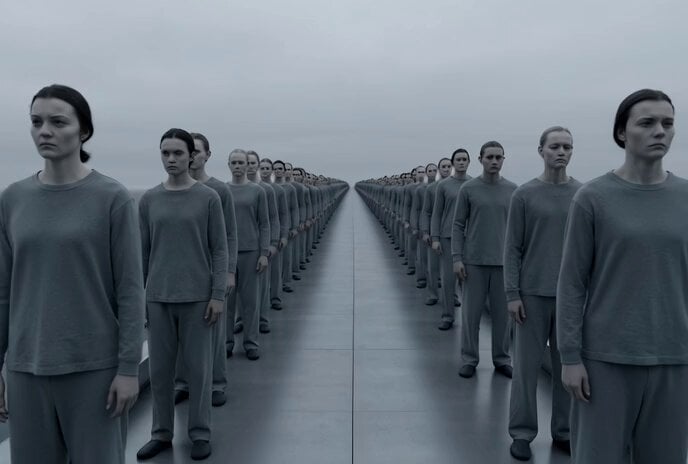
Dark Conveyor Belt Mystery
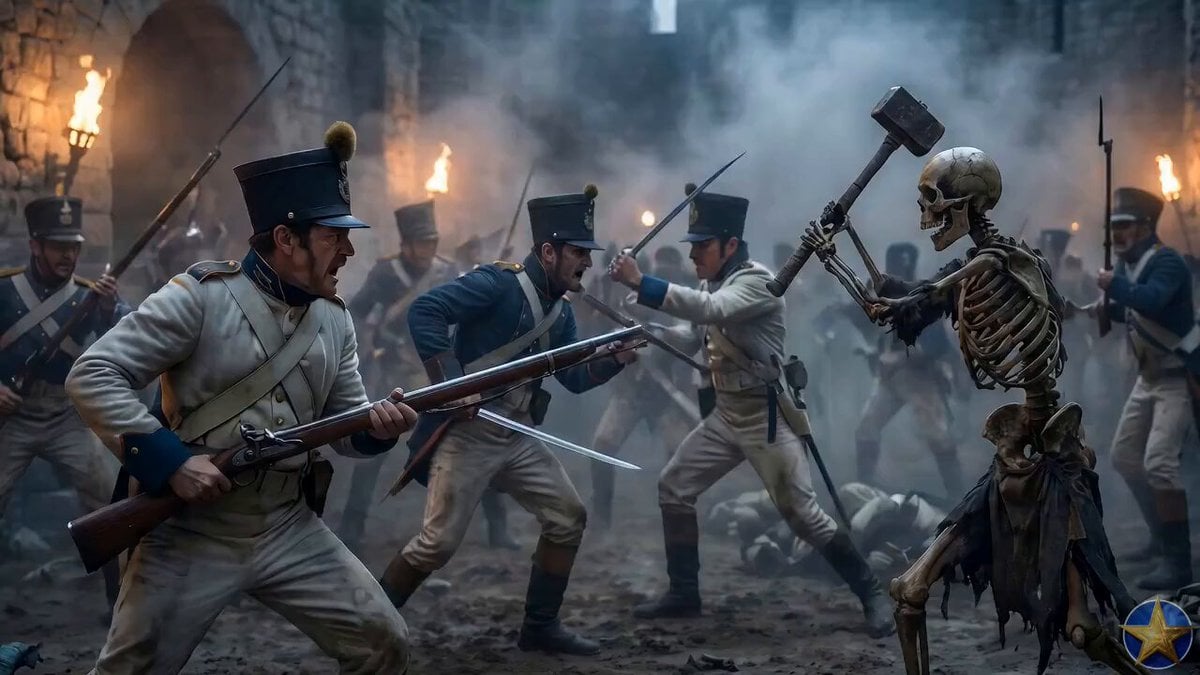
Austrian Soldier Castle Dracula Battle

Victorian Gothic Man on Sofa

Real-World Fantasy Ninja Battle Prompt
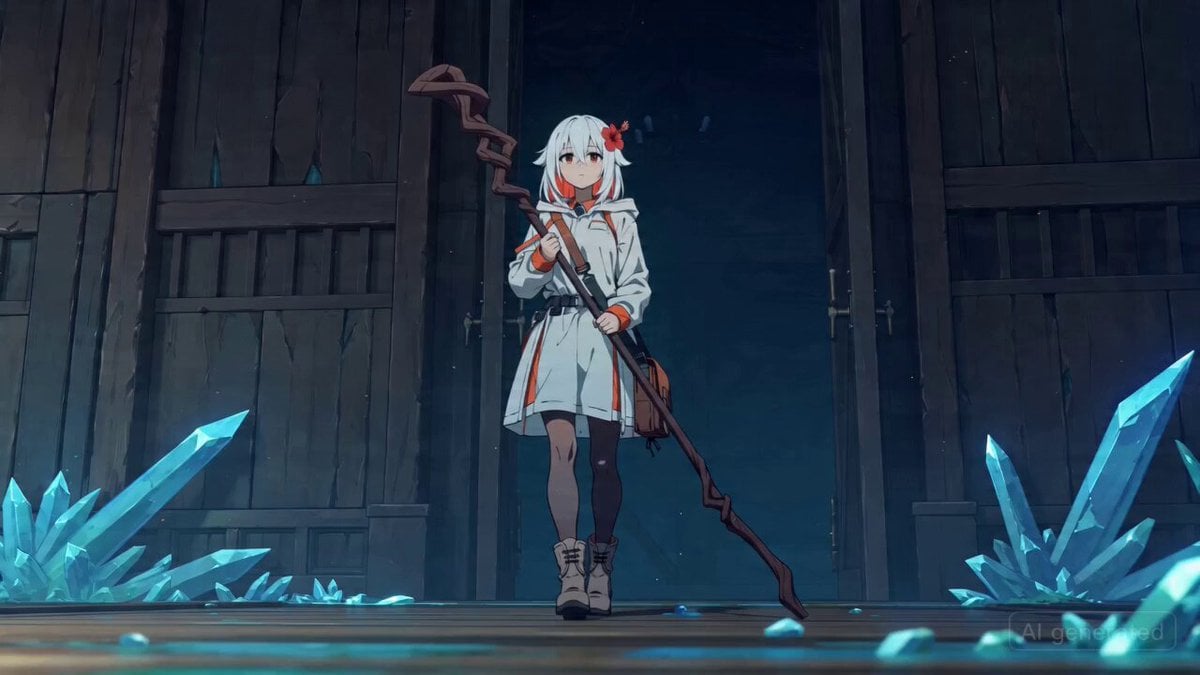
Soulslike 3D Action Game Boss Introduction
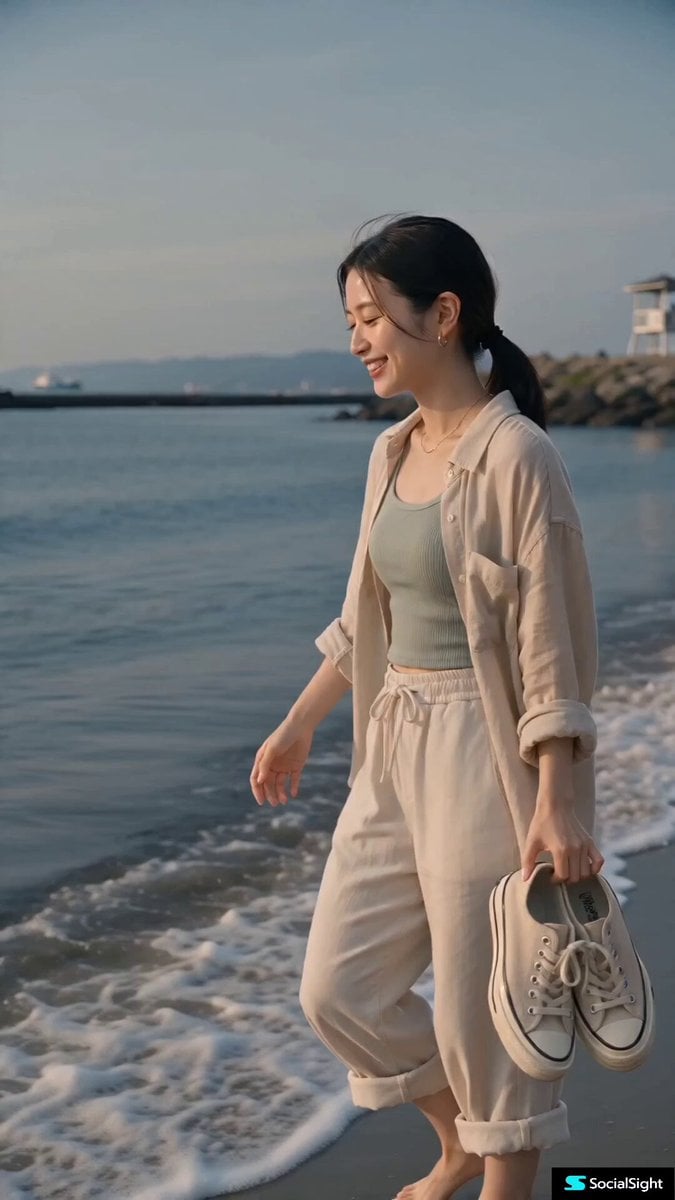
Contemporary Japanese Beach Vacation Vlog
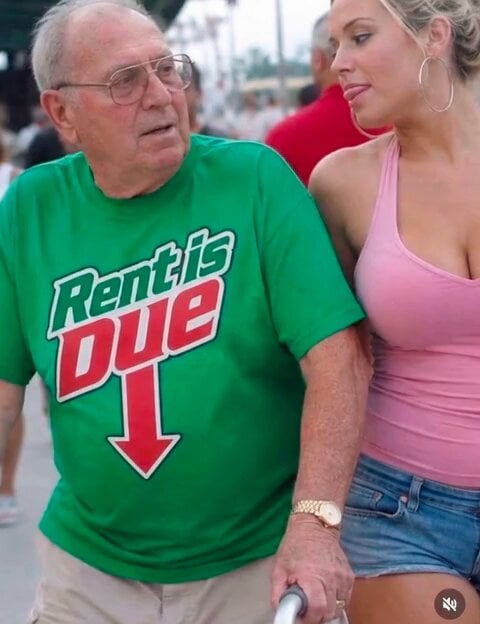
Satirical Sugar Daddy Video Transformation
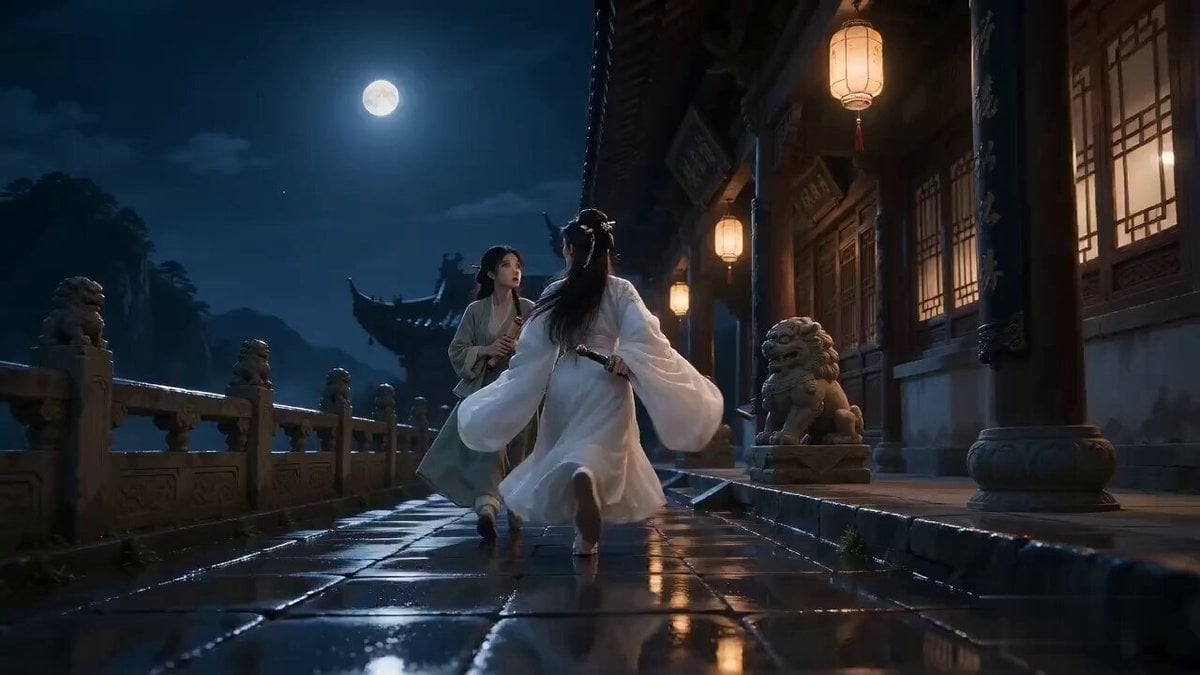
Seedance 2.0 Xianxia Mystery Library Video Prompt

Browse template categories
King Kong Attack Video Prompt for Seedance 2.0 questions
How do I use the King Kong Attack Video Prompt for Seedance 2.0 template?
Add your photo if the template asks for one, edit the prompt if you like — the template's model and format are already selected — and press Generate. Your version opens in PicX Studio.
Can I customize the King Kong Attack Video Prompt for Seedance 2.0 template?
Yes. You can change the subject, setting, lighting, mood, format, and available model controls before creating your video.
Is the King Kong Attack Video Prompt for Seedance 2.0 template free?
Opening and editing this template is free. Generating uses credits, shown on the Generate button when you are signed in.
Which AI model should I use?
Start with Seedance 2.0, which is the model associated with this template. You can compare another compatible model for a different finish.
Looking for something else? Browse all templates.

Your photo, any look
Thousands of ready templates for every top image and video model, from one credit balance.